Table of Contents
There are many cloud-based services that run powerful language models, but like anything in the cloud, two problems immediately arise: data collection and consistent access. Many people have always preferred experimenting with self-hosted LLMs, and the technology has advanced tremendously since it was first possible to run powerful and completely free models on consumer-grade graphics cards. Of course, what you can actually run will vary greatly depending on your computer's configuration, but the truth is there are plenty of options out there.
7. Model size and VRAM are not the only factors that matter
Memory bandwidth is a key factor
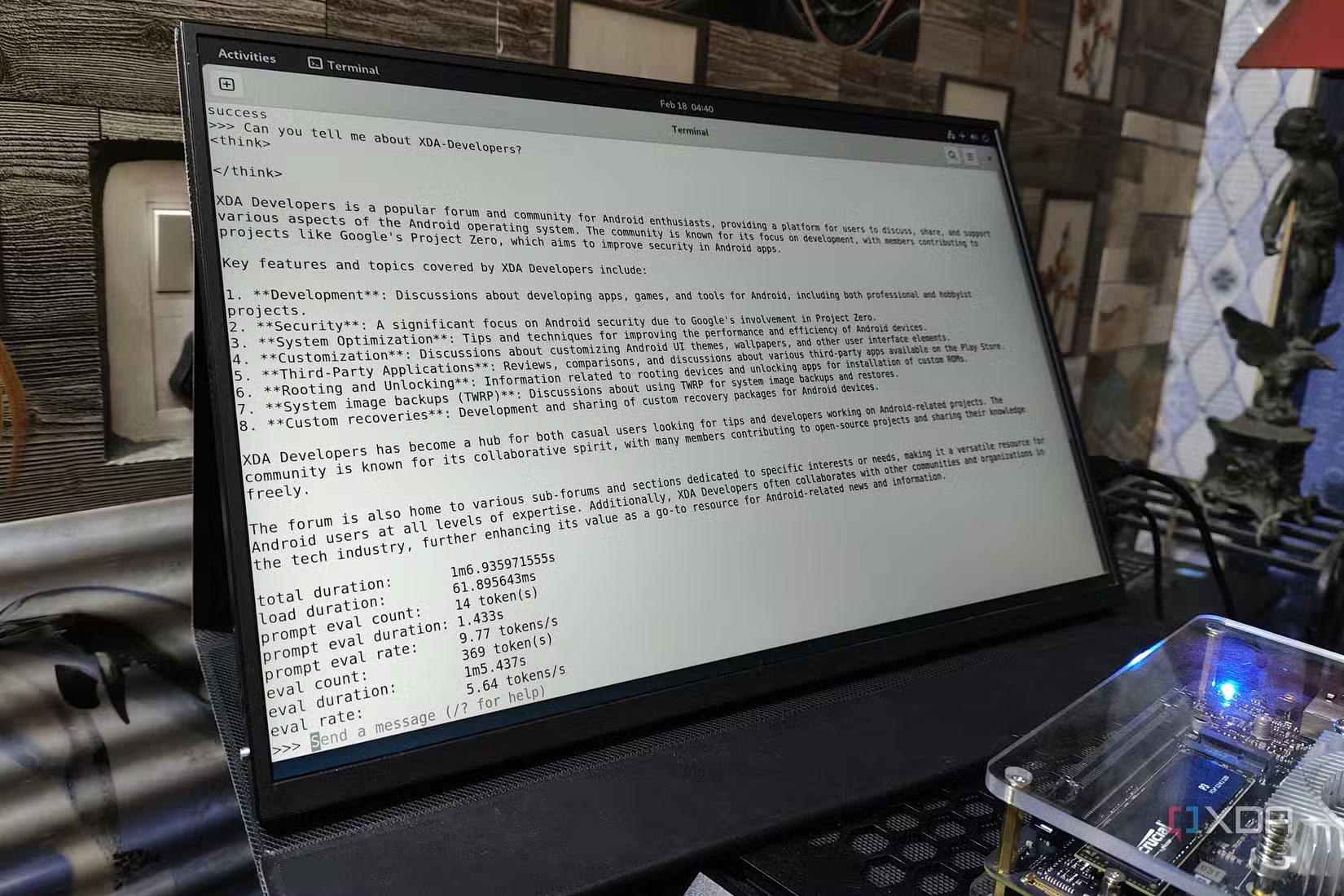
The first lesson you should learn early on is that model size isn't simply about how "smart" it is. There's another aspect to consider: the number of tokens generated per second. Memory bandwidth can play a big role here, and that's why the RTX 3090 remains one of the best consumer-grade GPUs for local inference despite the release of the 4090 and 5090, and that's thanks to its high memory bandwidth and lower cost compared to the newer RTX xx90 cards that have been released since then. Those graphics cards perform better than the RTX 3090 in many respects, but not to the extent you'd expect when comparing them specifically in the inference process. For reference, the 5090 can achieve two to three times the performance of the 3090 (even though it also has 32GB of VRAM), but the upgrade from the 4090 to the 3090 is only a minor improvement when it comes to major language models.
Additionally, there's another aspect to consider: the context window. Programming language models calculate their "position" using Rotary Positional Embeddings (RoPE) encoded in the transducers, and these act as a mathematical measure placed on the chain. Increasing the length of this measure (the context window) means more multiplications per forward pass and a larger key-value cache, and doubling the context length (e.g., from 8K tokens to 16K) can halve performance.
6. Quantuming is a close companion
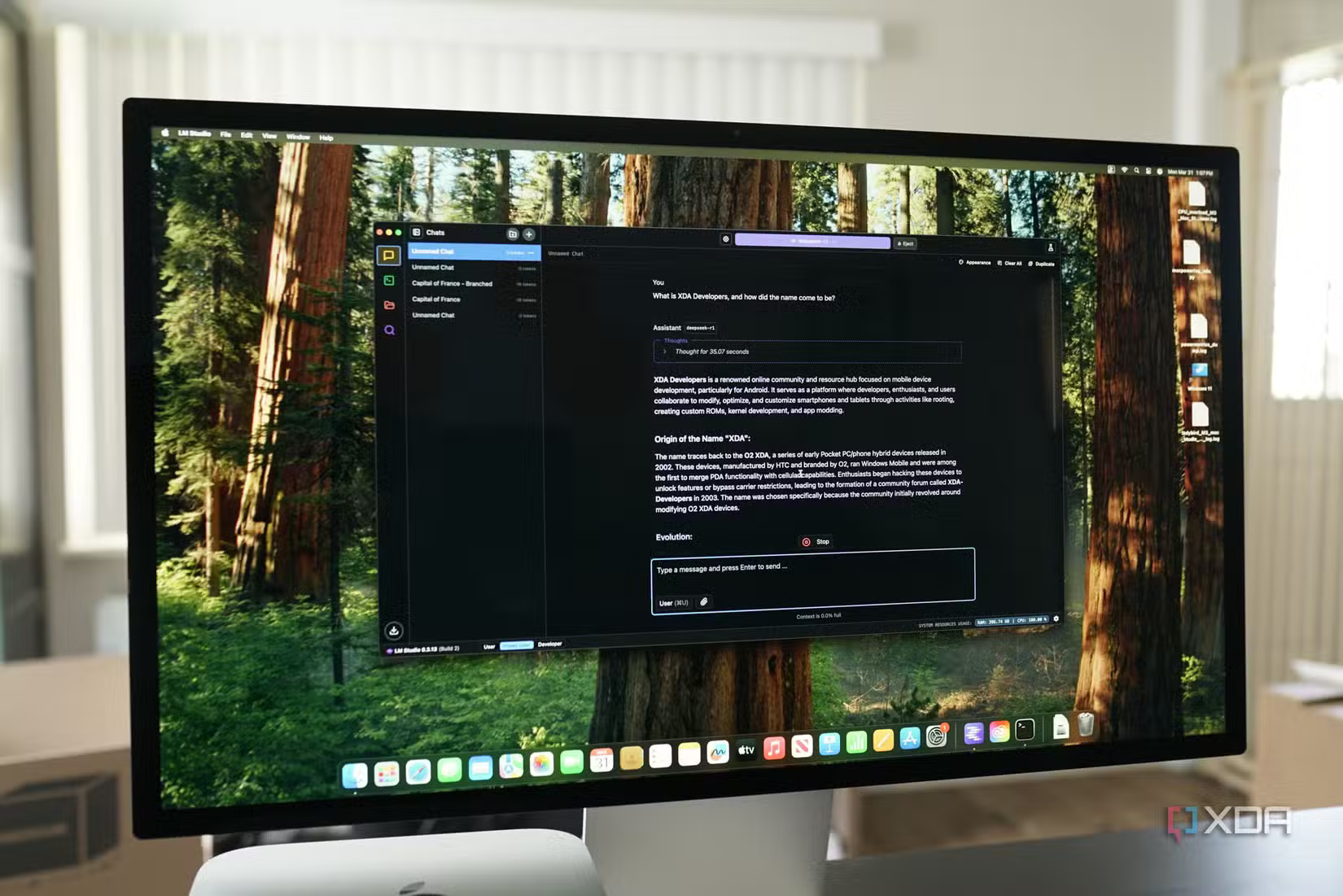
Quantization is one of the most important things to understand when it comes to self-hosted LLMs, as it dictates a great deal. Essentially, it compresses the 16-bit or 32-bit floating-point numbers that continuously make up the neural network into fewer bits, storing approximate values that are "good enough" for inference. In fact, 8-bit integer quantization (INT8) is quite common these days; it maps the range of each channel to 256 levels in runtime and can often run without retraining. In other words, consider the 671B parameterized version of DeepSeek's R1 model, specifically the 4-bit quantized version Q4_K_M. There's very little loss of quality compared to the full-size model without any quantization, but the memory usage reduction is a significant advantage.
However, aggressive quantization also has drawbacks, such as higher reproduction errors. This means that rare words or subtle arithmetic inferences can be flawed when all calculations are rounded. Even so, the exponential savings in VRAM and bandwidth often offset the occasional loss of precision, especially for more "basic" use cases, and the very small performance trade-off will allow you to run a larger model than before. Furthermore, it's almost certain that the smaller model will perform worse in all categories than the quantized version of the larger model.
5. Don't forget to factor in electricity costs
While self-hosted LLM might seem like a cost-effective way to achieve good local inference, many people forget about the electricity bills and other costs that can arise from deploying locally hosted LLM. An RTX 4090 has a TDP of 450W, and the average electricity price in the US is $0.16/kWh. That means you could end up paying over $50/month in electricity bills if you use it at maximum capacity. Frequent use throughout the day can quickly drive up costs and be more expensive than using Gemini's API or OpenAI to access significantly more powerful models.
4. You don't need to focus solely on Nvidia
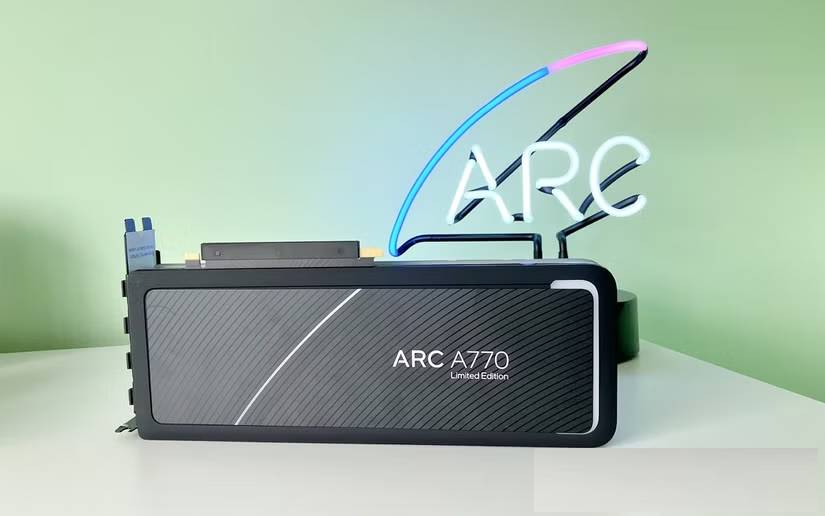
Nvidia isn't the only player in the self-hosted LLM field right now. As mentioned, you can use the AMD Radeon RX 7900 XTX for your self-hosted models, and many have also experimented with the Intel Arc A770 with 16GB of VRAM. AMD is officially supported in tools like Ollama, and although it requires a little more effort, you can also use Intel GPUs through Ollama's IPEX LLM fork.
Nvidia is certainly a good option, but if an Nvidia card isn't feasible, consider AMD and Intel, and research the performance of the machines you want to use to see if any cards suit your needs. You might be surprised.
3. Prompt creation techniques and efficient tool usage are excellent ways to maximize the performance of a small model
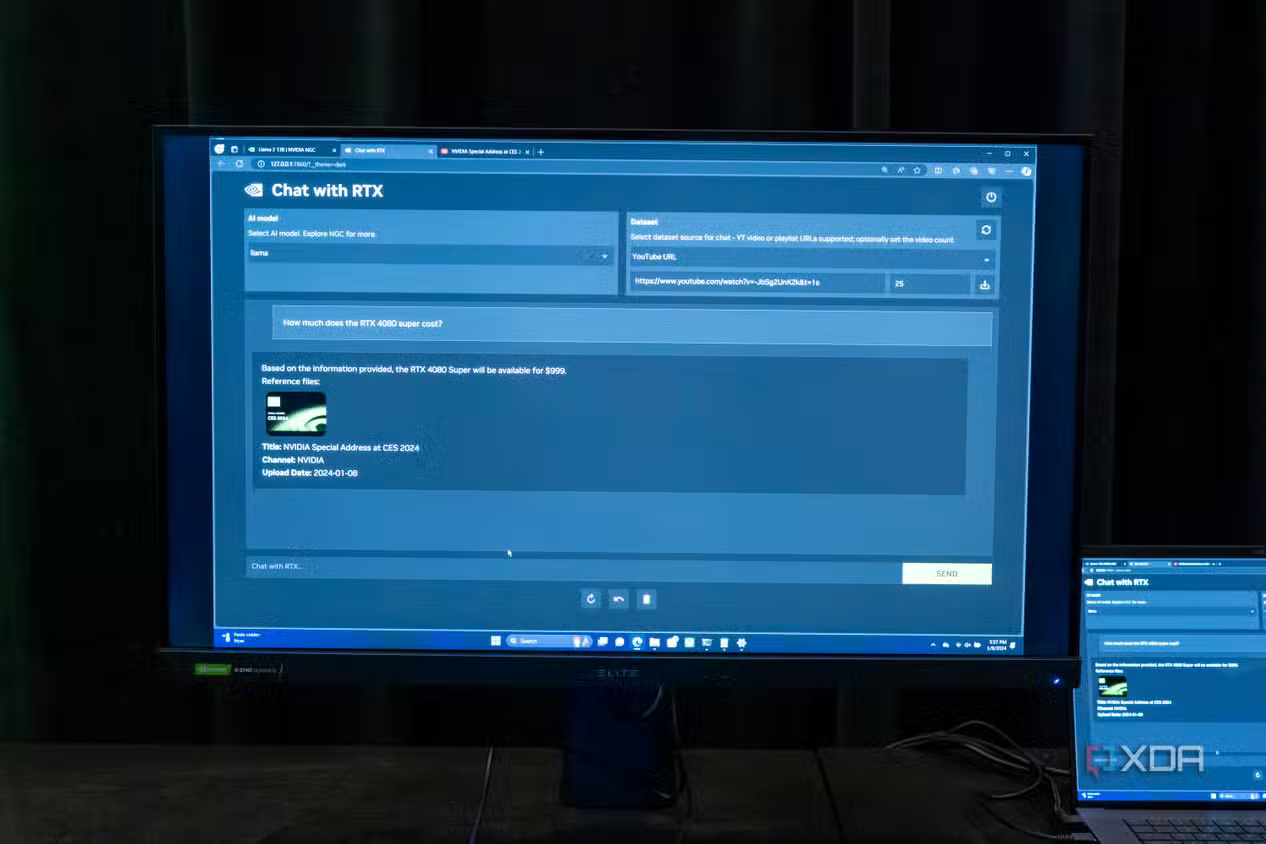
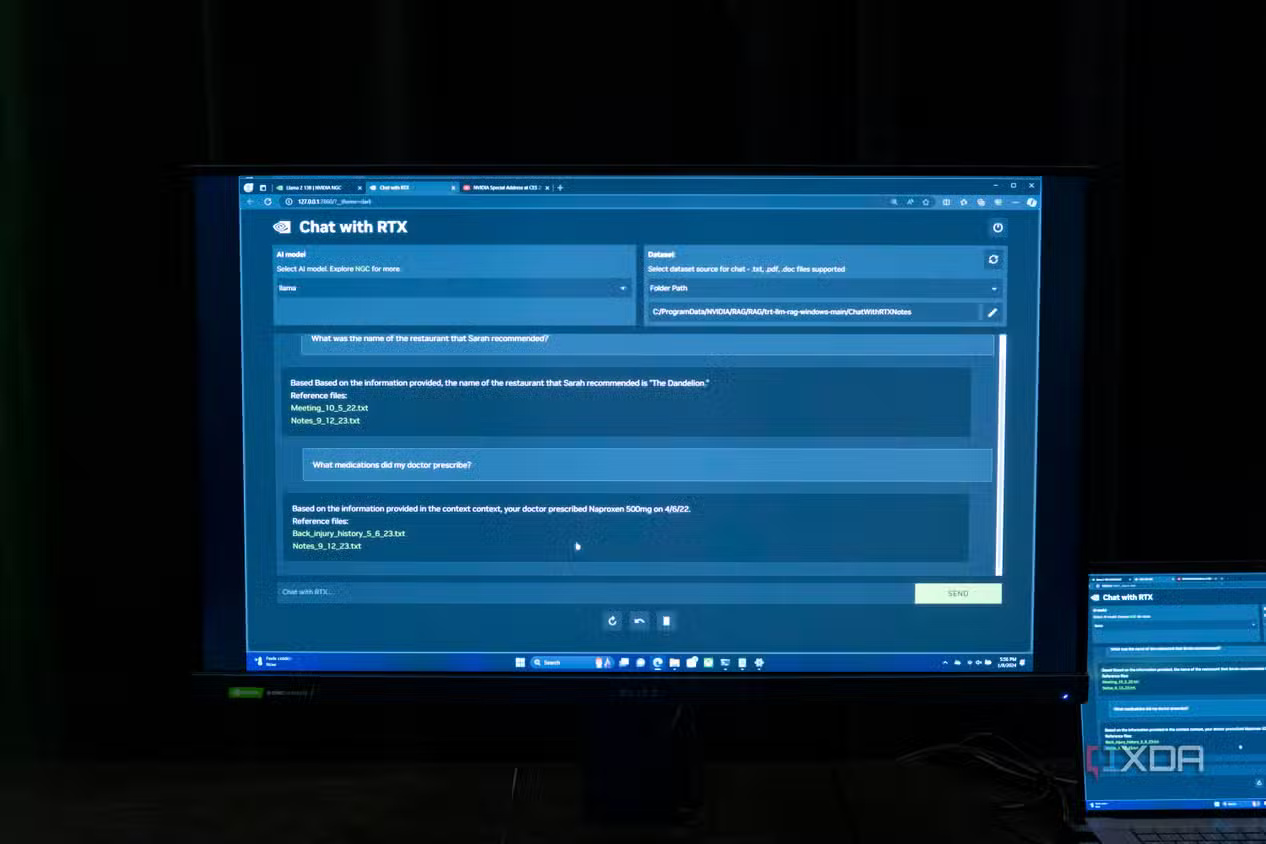
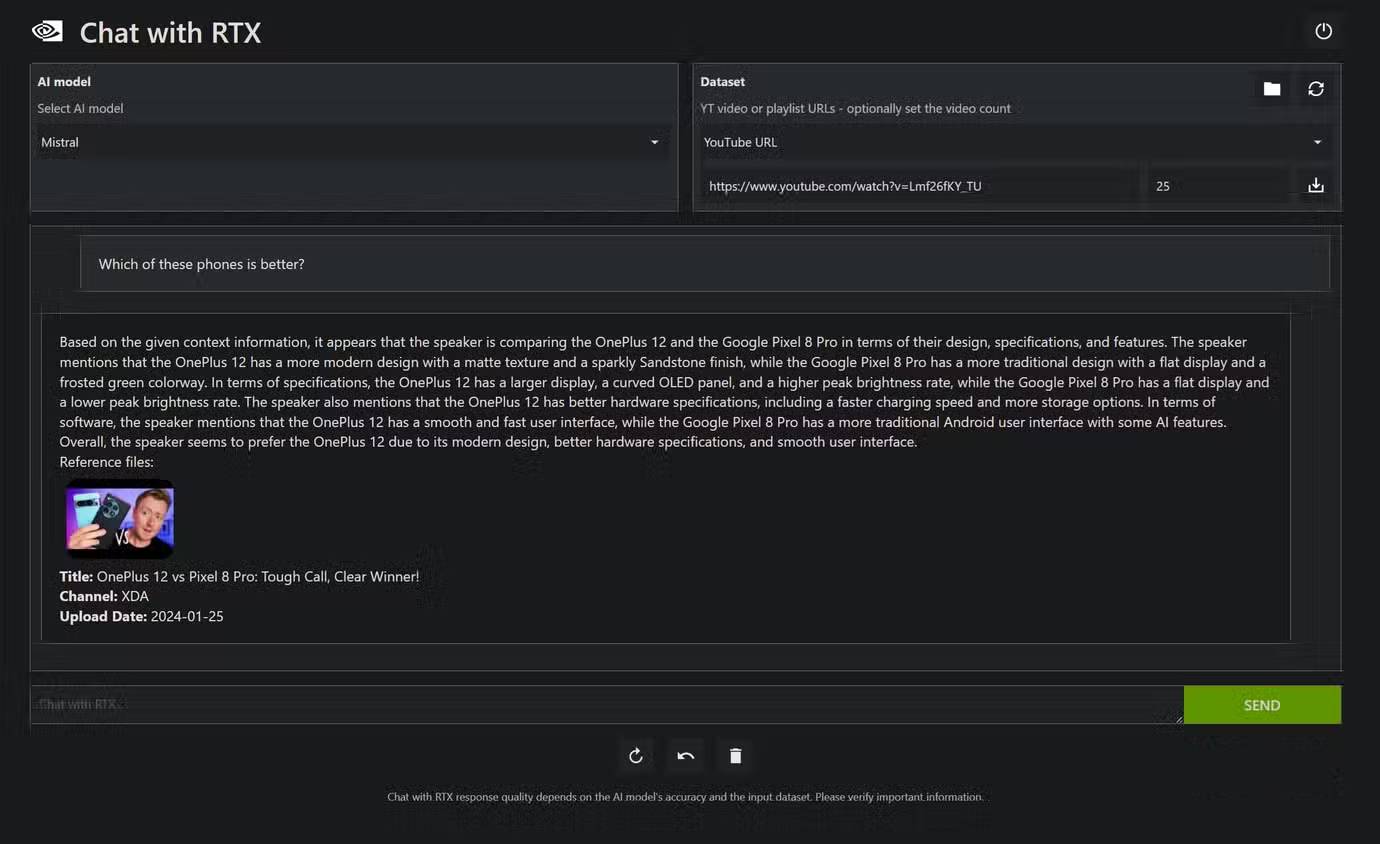
If you're using a smaller model and want better performance, don't just switch to another model hoping that adding a few billion more parameters will solve all your problems. Instead, there are a few pieces of advice, and the first is to rethink your prompts. A concise, direct, and comprehensive prompt will yield better results than a vague, unclear one. Just because you're familiar with Gemini, ChatGPT, or Claude, models that might work well with vague prompts, doesn't mean you can approach a significantly smaller model running on a home computer or server in the same way. If you get straight to the point, your models are likely to perform significantly better, so rethink your prompts if the answers you get aren't good enough.
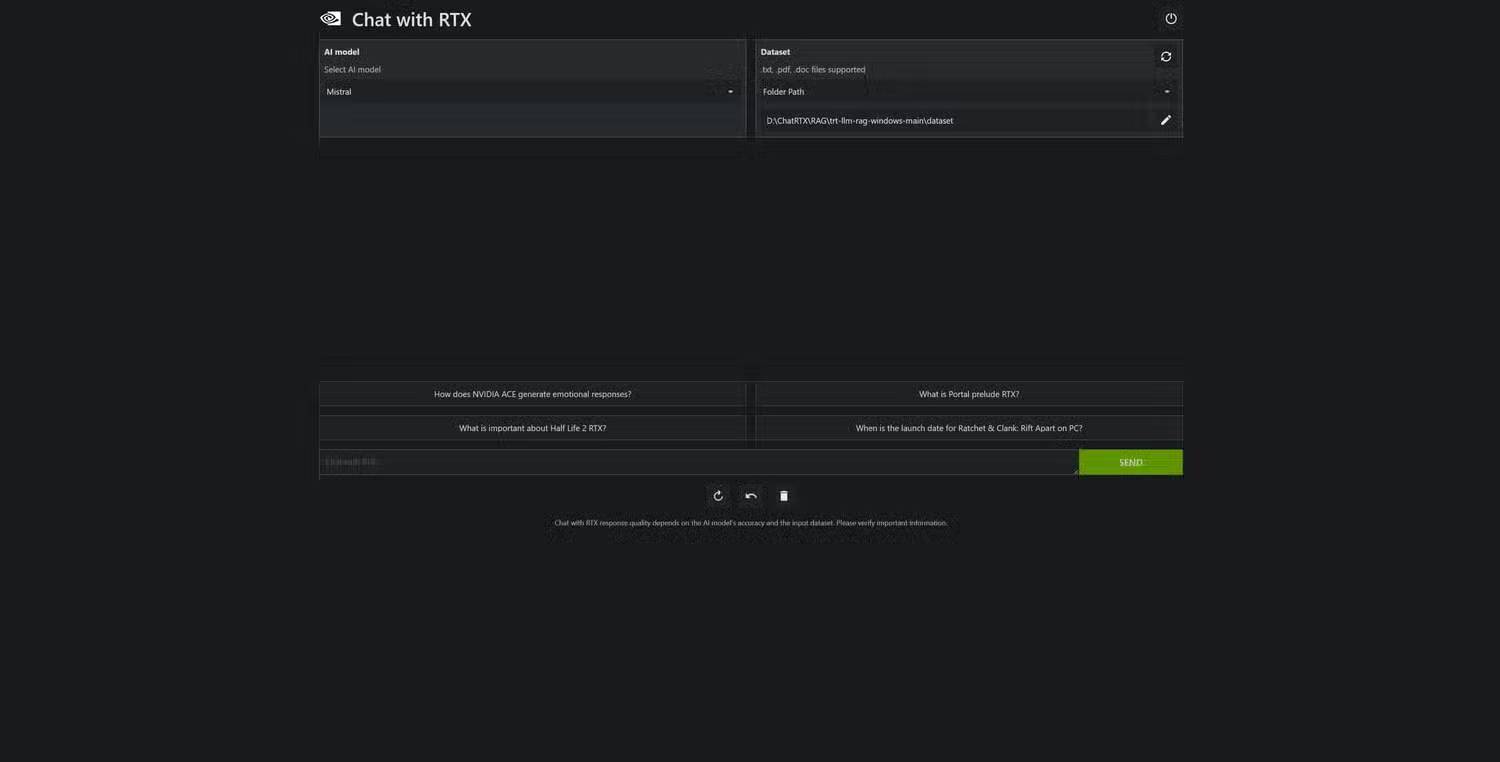
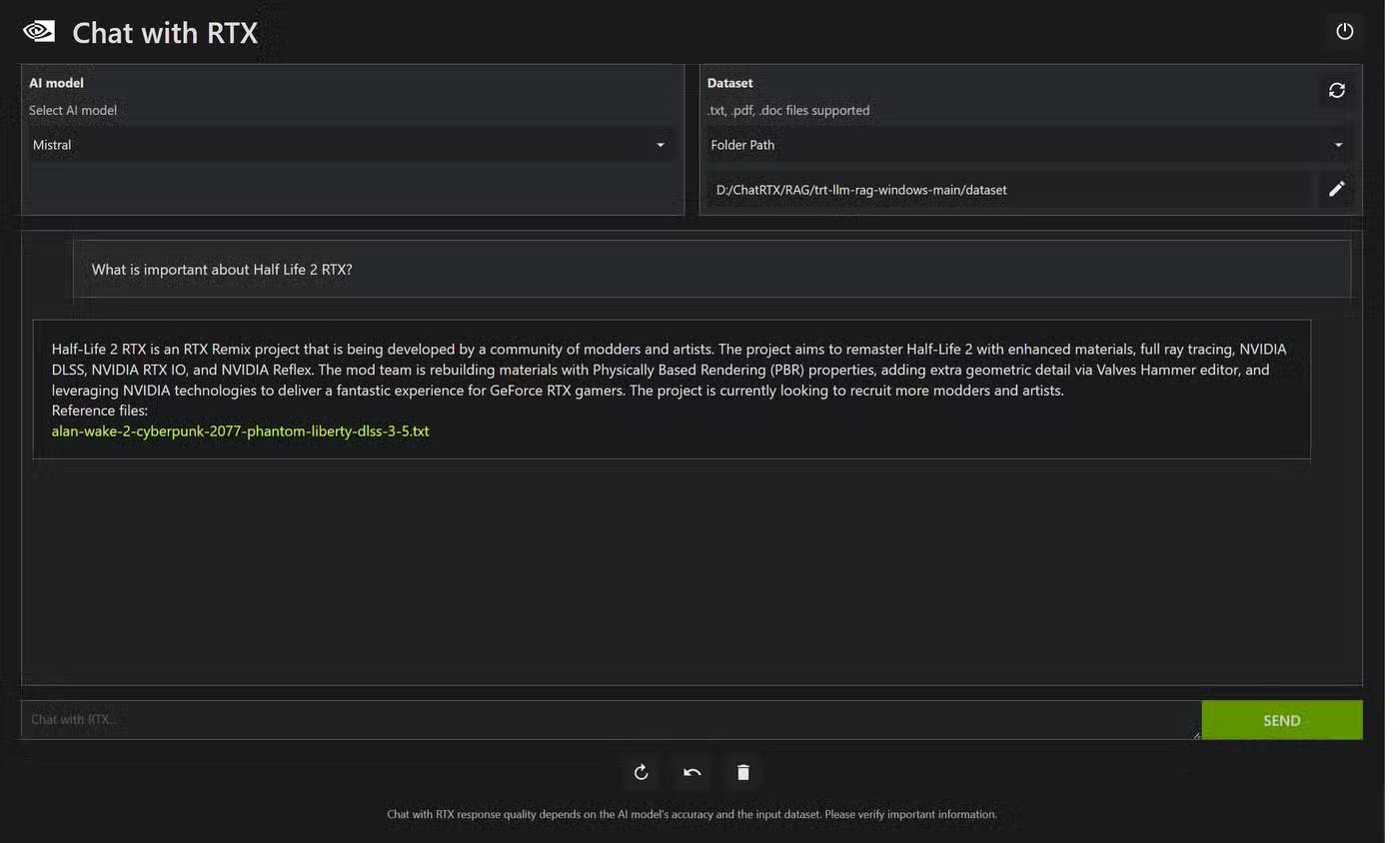
The next tip is to use Retrieval Augmented Generation, or RAG. This gives your model a dataset to rely on to arrive at answers, leading to higher accuracy without having to load the entire model context with every potentially relevant piece of information.
The final tip is to use tools. Tools in the LLM context are software utilities designed to make the model work and can be called upon as needed. There are many different types of tools you can use, and in many cases, it may not be necessary to "force" "intelligence" by simply using a larger model.
2. Mixture of Experts models allow the use of larger models with lower VRAM limits
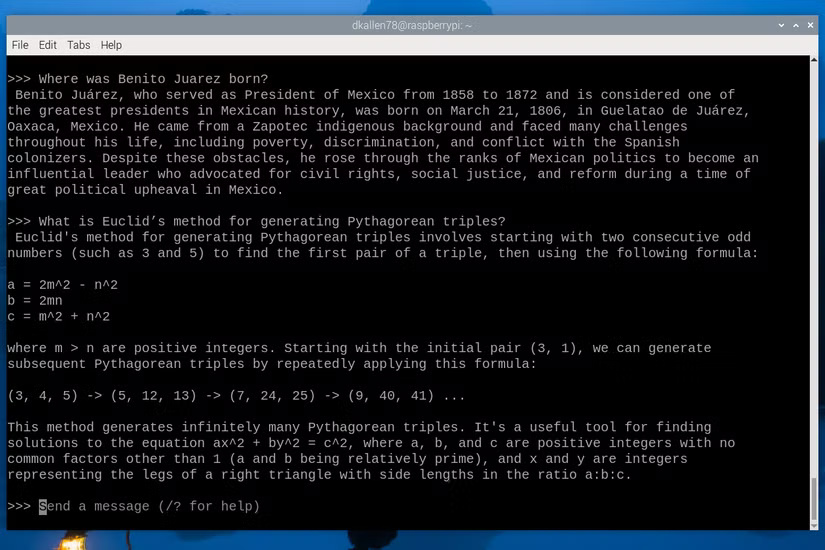
Mixture of Experts (MoE) language models are relatively new, but the concept in AI has been around for decades and has been used in deep learning contexts for research and computation. Essentially, these models partition a network of "experts" with a lightweight gateway that determines which expert handles which task. This doesn't mean its memory capacity is less than another model with the same quantization and number of parameters. However, it does mean you can adjust the model load so that less frequently accessed tensors are moved to system RAM, leaving space in the GPU's VRAM for tensors you want to access more often.
1. Let's start with simple things!
LM Studio is a great option to start with
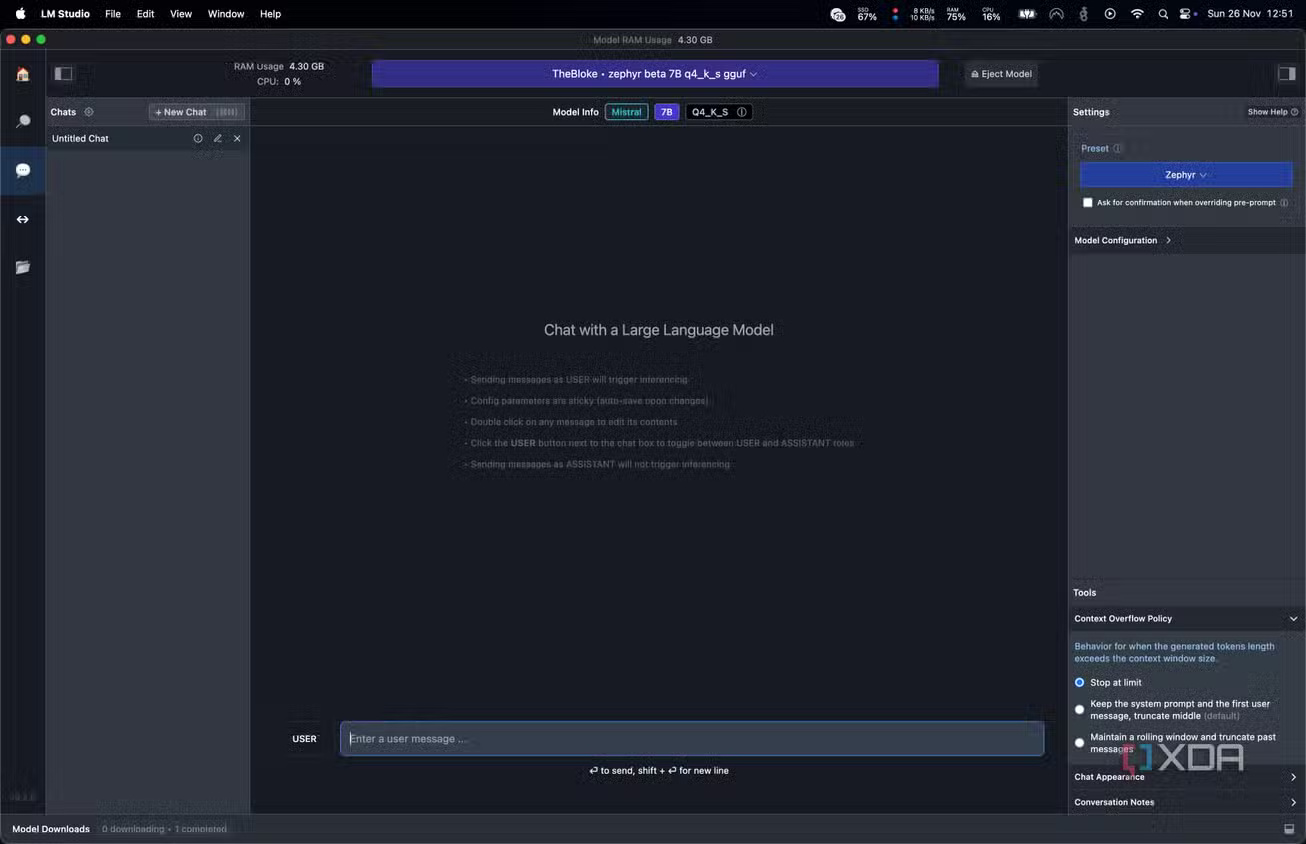
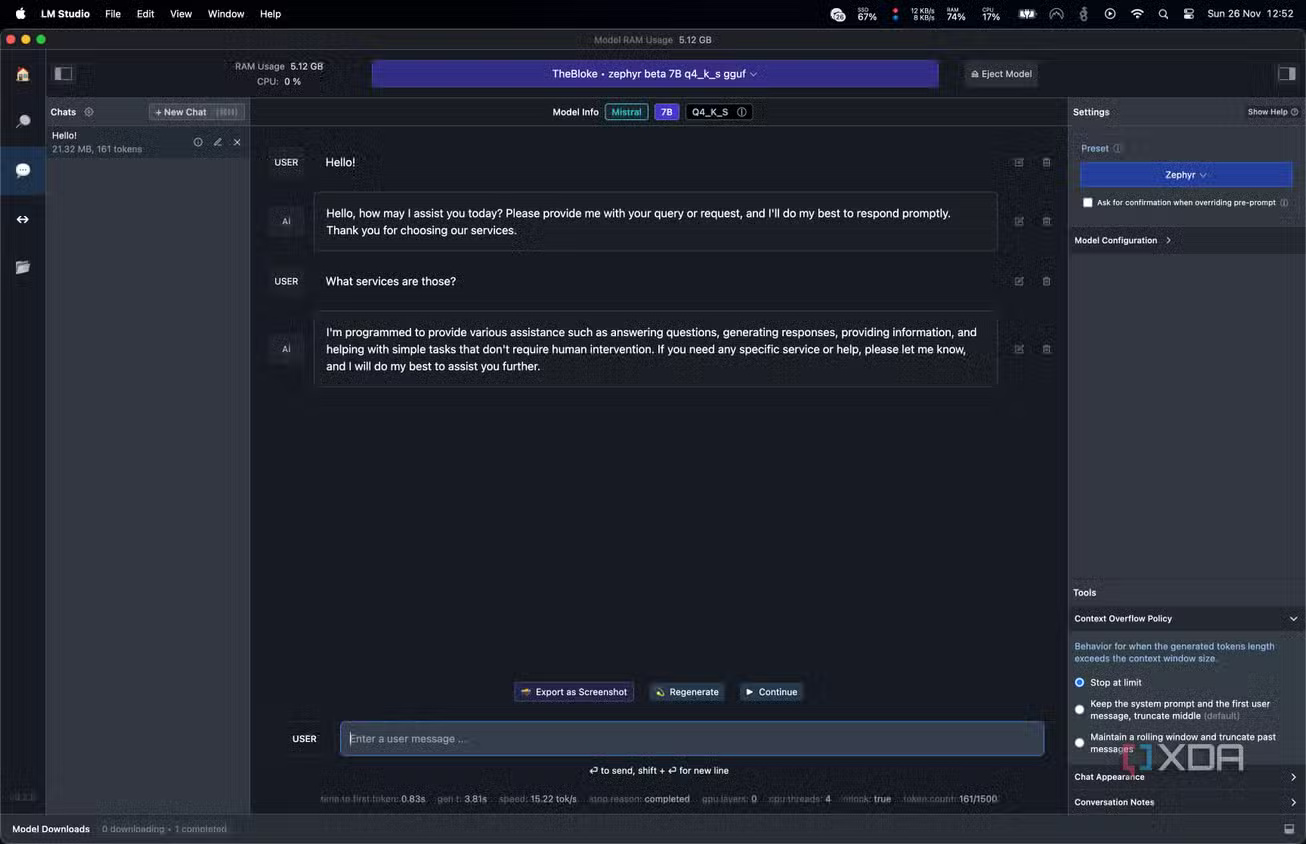
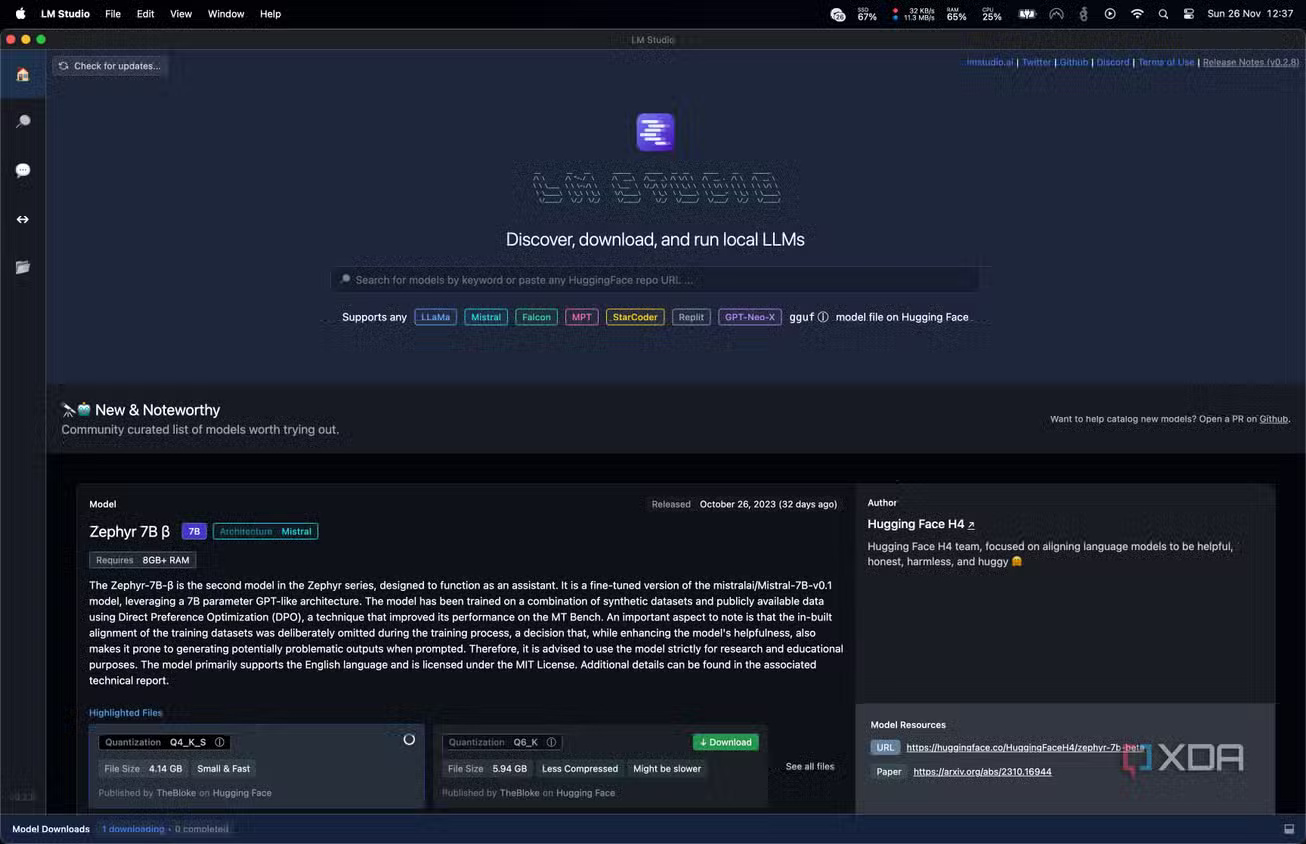
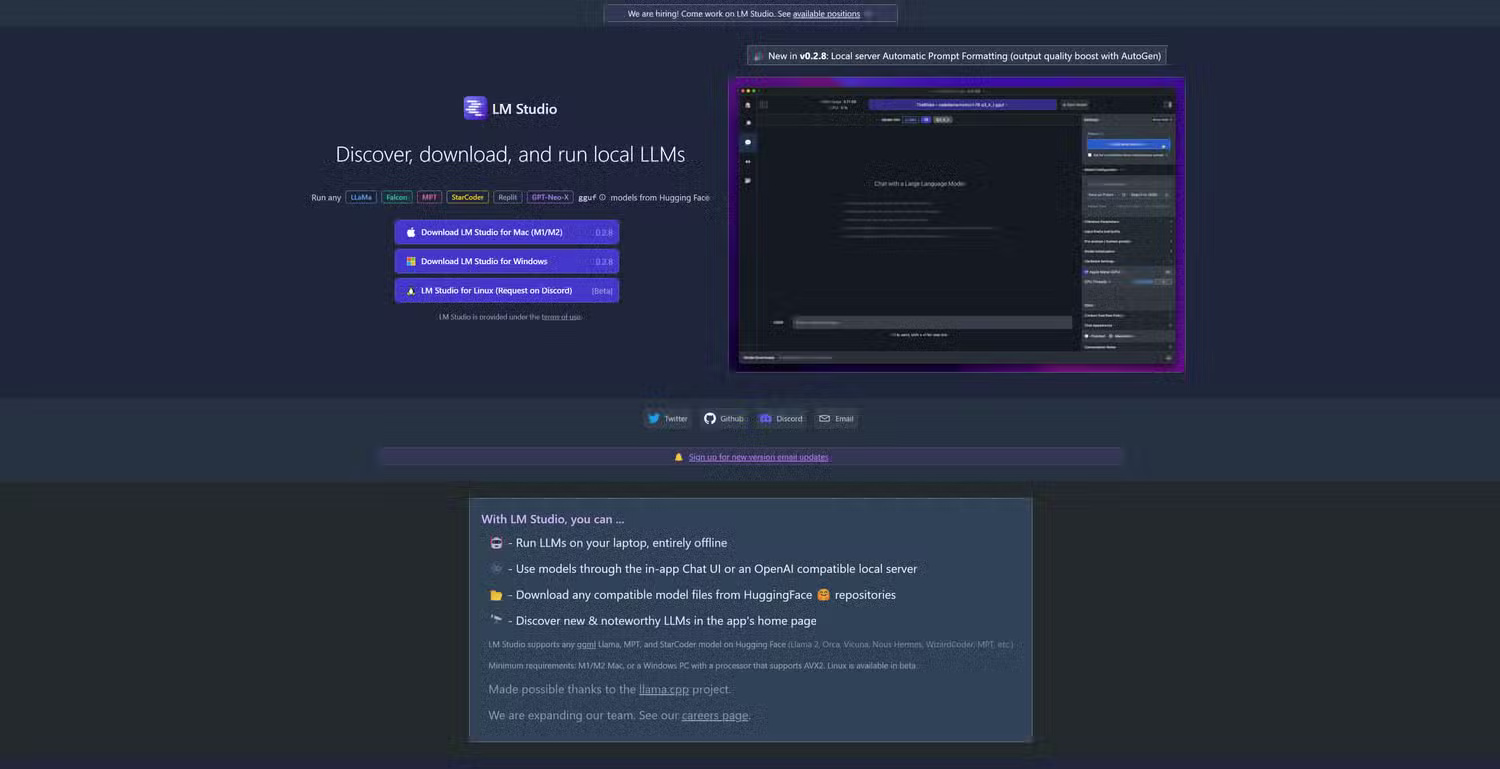
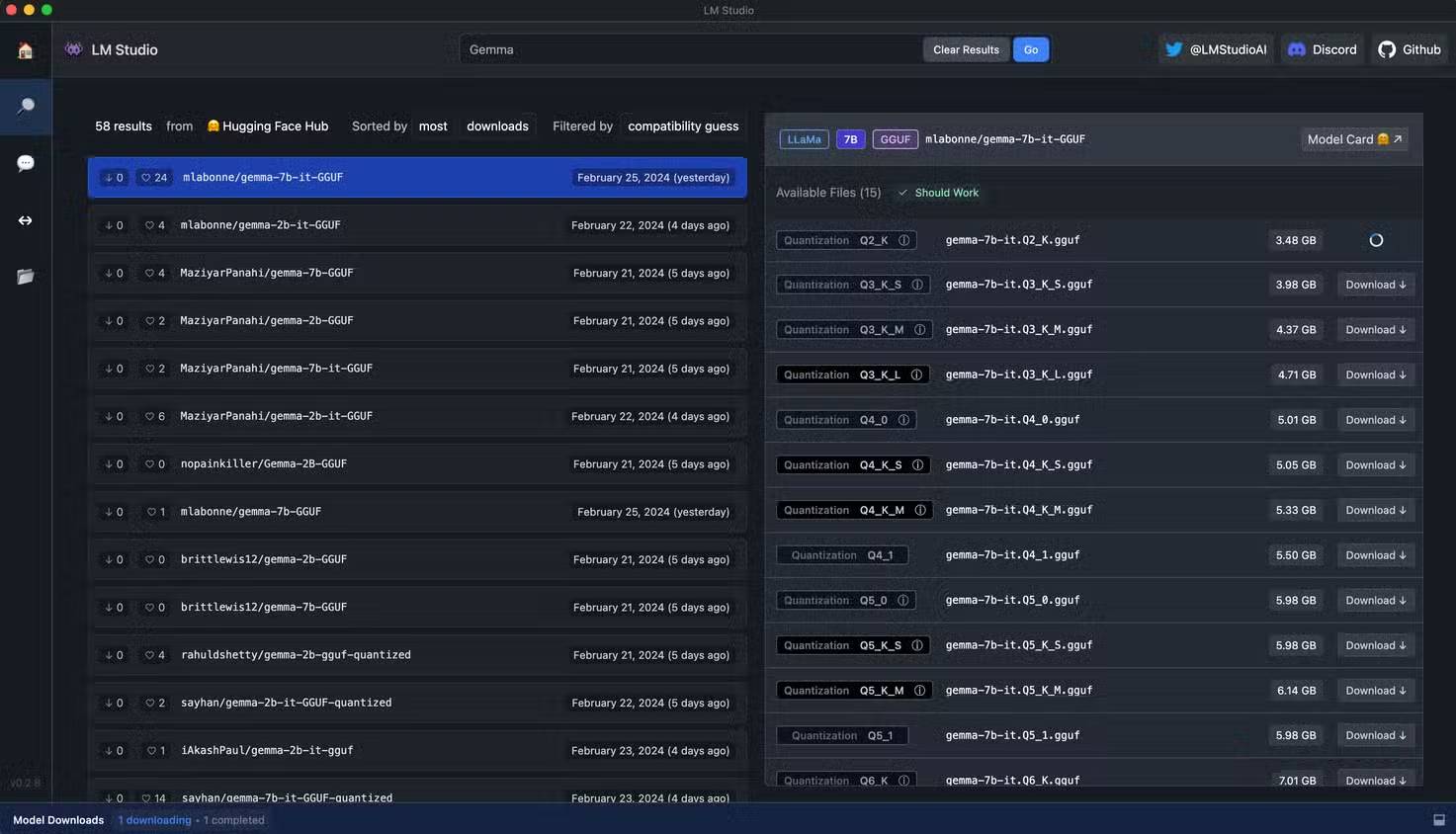
Thay vì phải tốn công thiết lập các công cụ phức tạp như Ollama và Open Web UI, điều có thể gây khó khăn cho người mới bắt đầu tự thiết lập máy chủ, hãy sử dụng giao diện đồ họa như LM Studio để bắt đầu. Nó cực kỳ đơn giản; chỉ cần sử dụng chức năng tìm kiếm tích hợp để tìm mô hình, tải xuống và chạy. Bạn không cần phải cấu hình gì cả. Nó đi kèm với tất cả các thư viện cần thiết để tận dụng tối đa phần cứng của bạn, và hoạt động trên Windows, Linux và macOS, vì vậy nó giúp bạn không phải mất công tìm hiểu chính xác những gì cần thiết để chạy LLM trên hệ thống của mình.
Thậm chí tốt hơn, đối với việc phát triển, LM Studio có thể host một máy chủ tương thích với OpenAI ở chế độ nền, vì vậy bạn có thể sử dụng nó để kiểm tra các ứng dụng hoặc công cụ của riêng mình hiểu API của OpenAI sau khi bạn trỏ chúng đến endpoint được host cục bộ của mình. Nó dễ sử dụng, hoàn toàn miễn phí và là một cách tuyệt vời để bắt đầu và làm quen với việc tự quản lý LLM trước khi triển khai một hệ thống LLM ở nơi khác. Tất cả các thiết lập chính mà bạn muốn chỉnh sửa, từ prompt hệ thống đến độ dài ngữ cảnh, đều có thể thay đổi được, vì vậy đây là một cách tuyệt vời để bắt đầu.
Related Articles
 How to Host Your Own Website on Raspberry Pi11 minutes read
 Simple and Fast Steps to Edit Host File on Windows 104 minutes read
 Facebook Host File, How to Edit the Host File on Facebook5 minutes read
 What Is a Computer Host File and How to Edit a Host File?3 minutes read
 How to Fix Task Host Window Error Preventing Windows Shutdown9 minutes read
 Protect Computer Network with Bastion Host (Fortress Server) in8 minutes read
Reader Comments 0
Sign in with email or Google to join the discussion.