Table of Contents
A local LLM runs its language model on your phone instead of sending every prompt to a cloud model. It can work without a network connection after the model files have been downloaded, making it useful for private drafts, travel, or quick tasks when internet access is unreliable.
The trade-off is capability. A model small enough for a phone usually has less knowledge, a shorter useful context, and weaker reasoning than a leading cloud service. It can also use several gigabytes of storage, memory, battery, and processing power. The five tasks below fit those constraints well.
1. Talk through an idea privately
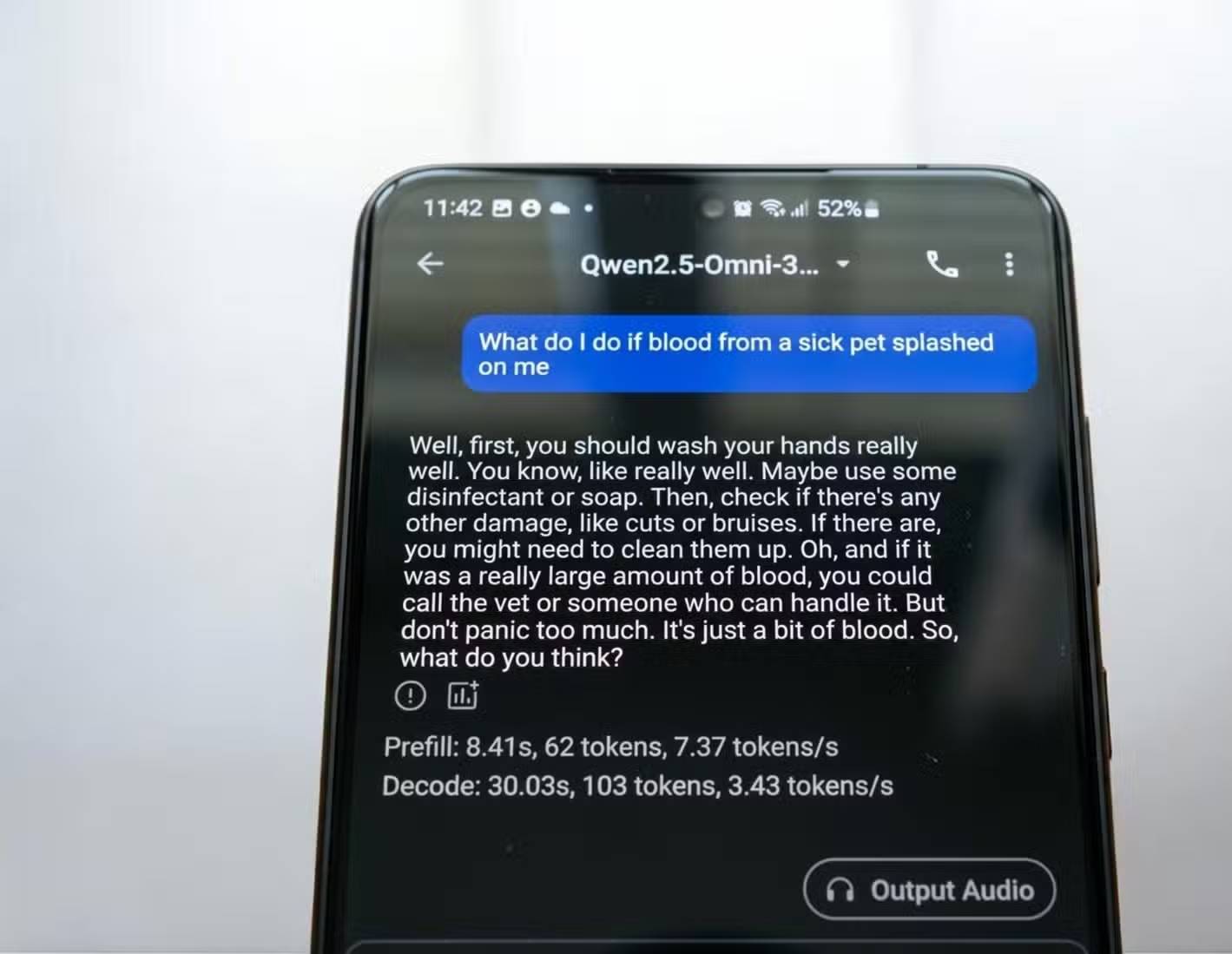
A local model can help turn an unfinished thought into questions, alternatives, or a simple decision table. This is useful for brainstorming a personal project, preparing for a conversation, or finding gaps in an argument before sharing it.
Try prompts such as:
- “Ask me five questions that would clarify this decision. Do not choose for me.”
- “List the assumptions in this idea and show which ones I should verify.”
- “Give me the strongest case for and against this plan using only the details below.”
Local processing improves control, but it is not an automatic privacy guarantee. The app may still use analytics, crash reporting, cloud backup, an online keyboard, or optional web features. Download the model, disable network access or use Airplane Mode for a test, review app permissions, and protect the phone with encryption and a strong screen lock.
2. Turn messy notes into a usable outline
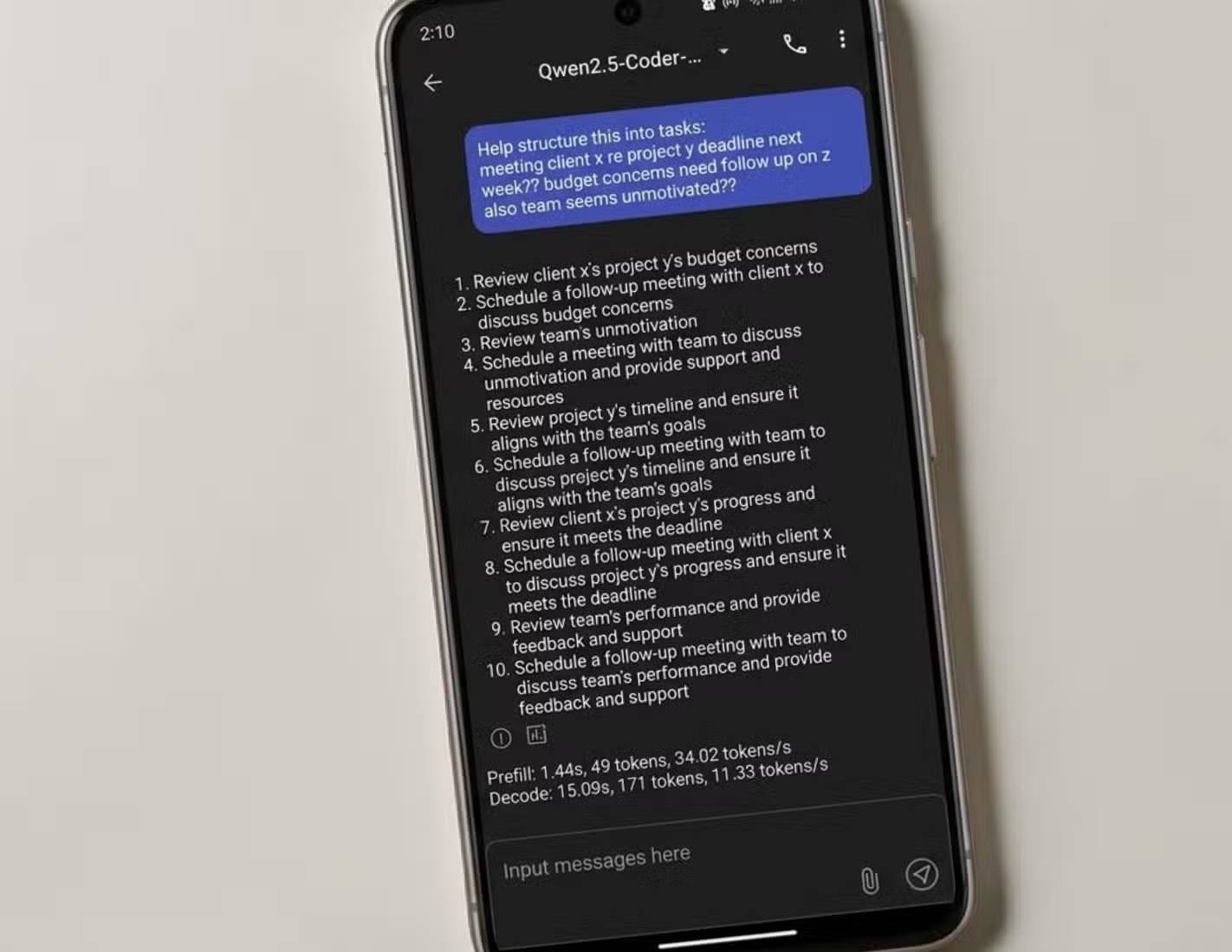
Short, untidy notes are a good match for a small model. Paste a voice transcription, bullet list, or rough journal entry and ask for structure without adding facts.
A precise prompt reduces unwanted invention:
Organize these notes into:
1. Main idea
2. Decisions already made
3. Open questions
4. Next actions

Keep names and numbers exactly as written. Mark unclear text as [unclear]. Do not add information.
Compare the result with the original before deleting anything. Local models can silently omit a line, merge two people, or “correct” a number. Keep the raw note as the source of truth and use the output as a draft.
3. Explain or review a short code snippet
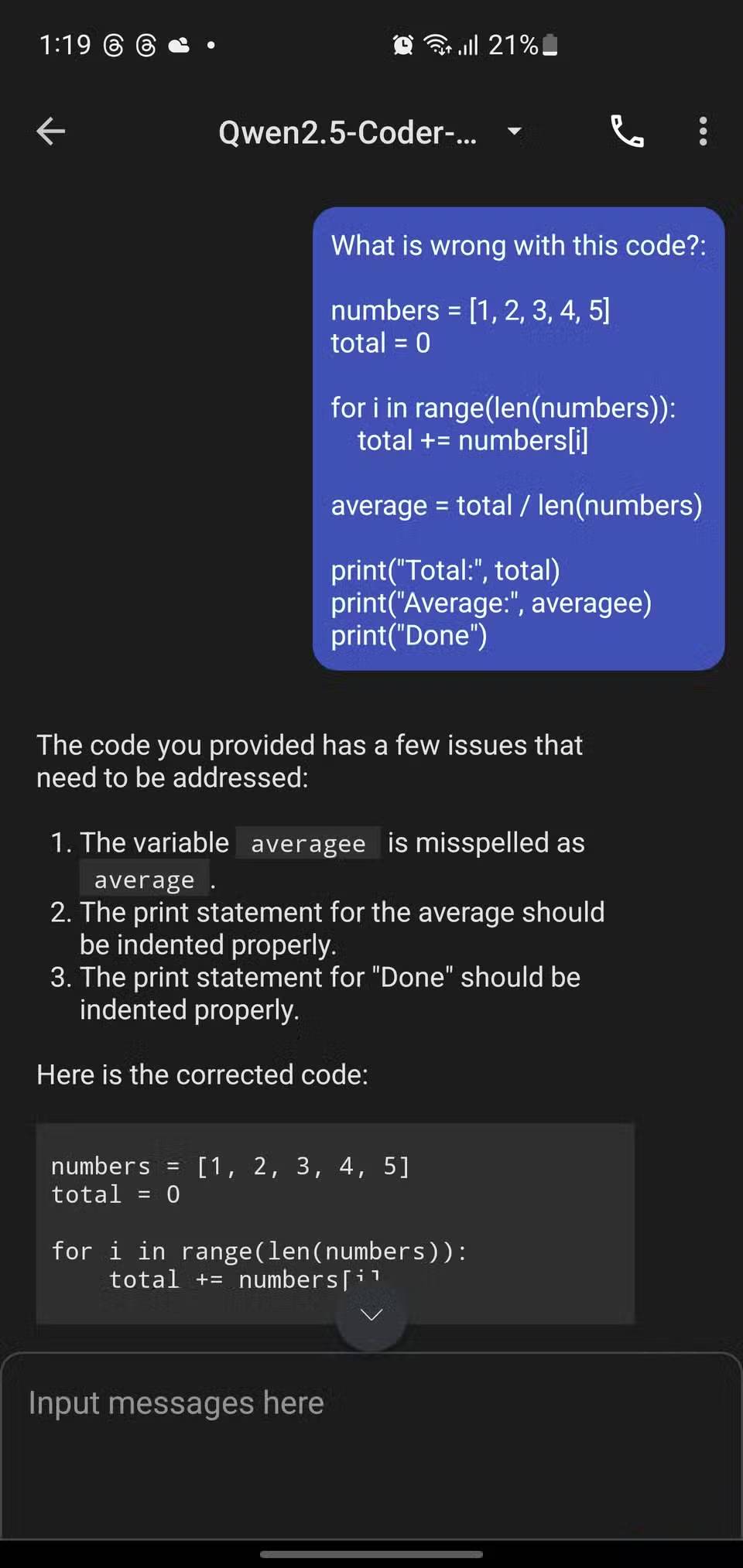
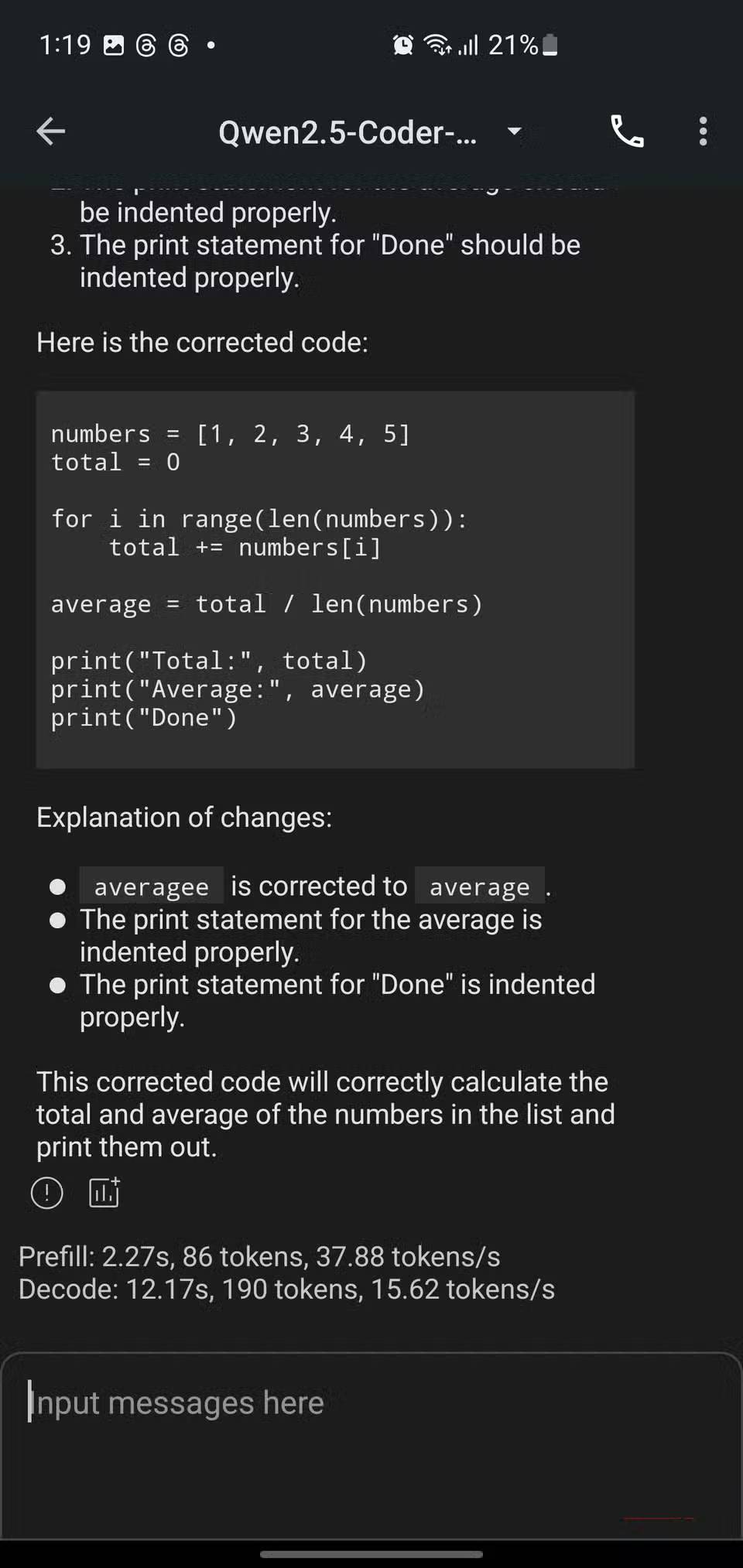
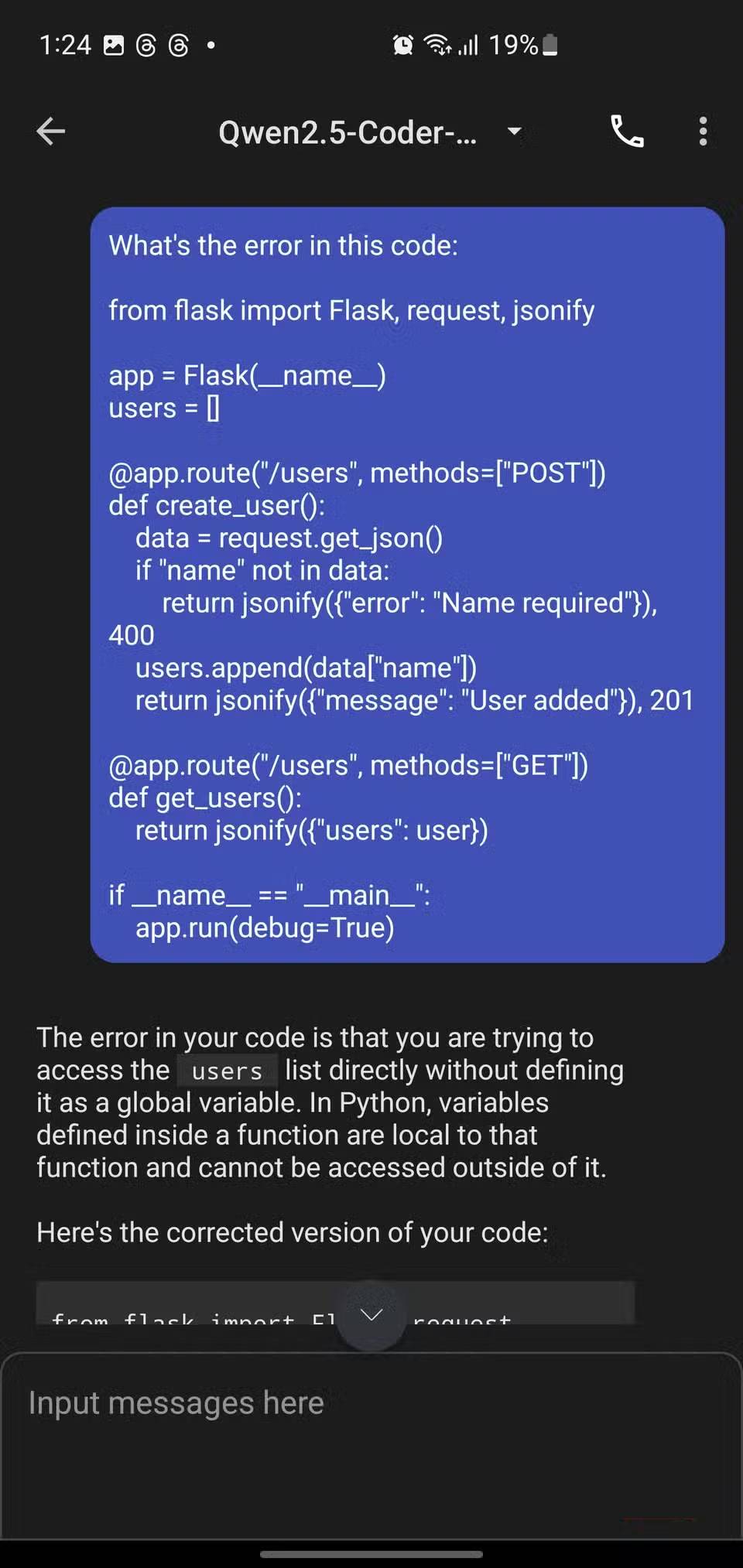
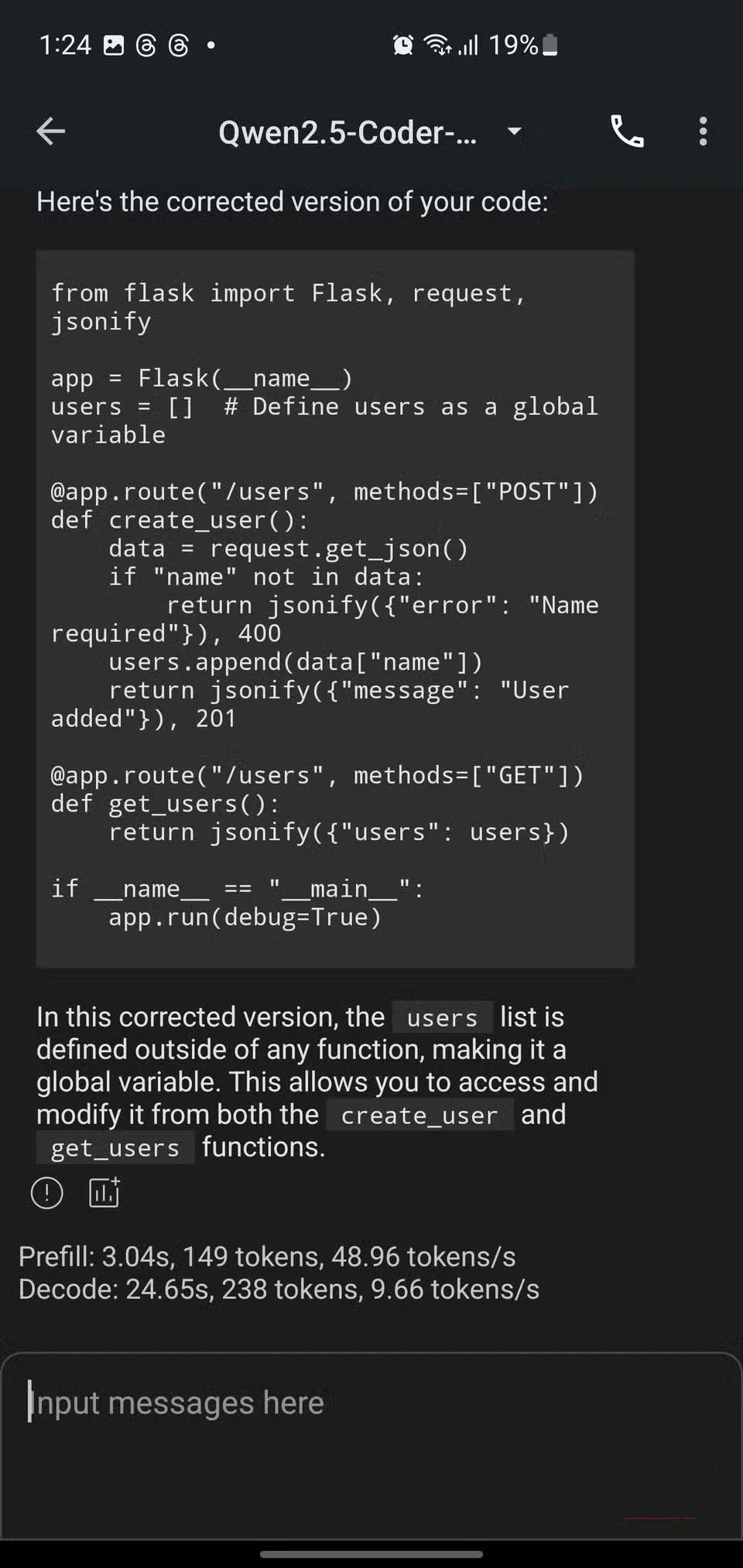
An on-device model can explain a function, trace a small example, suggest clearer names, or identify an obvious boundary-case bug when a laptop is not available. Include the language, expected behavior, sample input, actual output, and any constraints.
Useful requests include:
- “Explain this function line by line, then trace it with input 5.”
- “Find possible null, indexing, or integer-overflow errors. Do not rewrite the code yet.”
- “Create three small tests, including one boundary case.”
Do not treat the response as execution or a security review. The model cannot prove that code compiles, passes tests, preserves licenses, or is safe against an attacker. Run the code in the proper development environment, use a linter and tests, and never paste passwords, access tokens, signing keys, or production secrets—even into a local model.
4. Practice a language offline
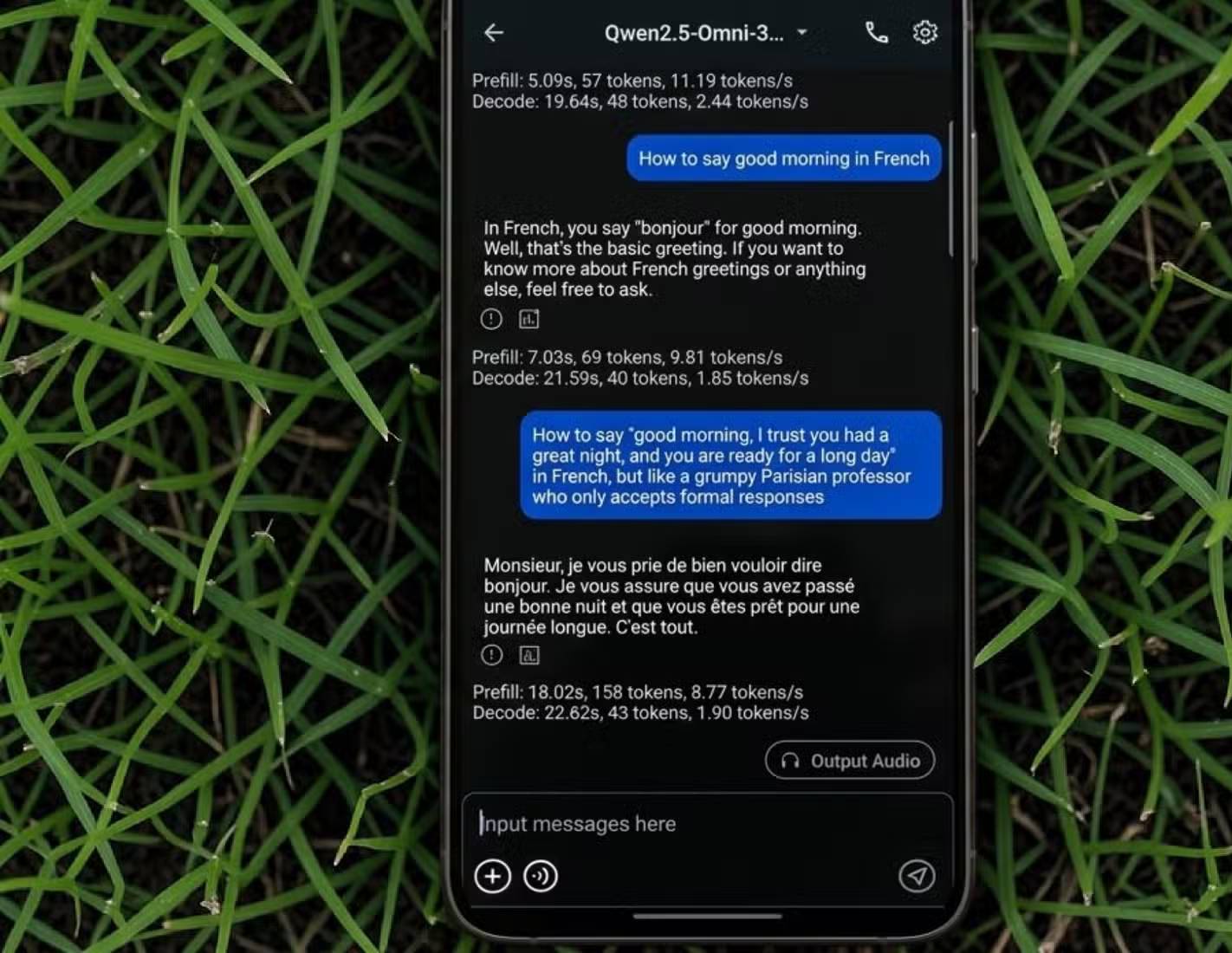
A compact LLM makes a patient practice partner for short dialogues, vocabulary recall, and rewriting. It works especially well when you define a level and a correction style:
Have a six-turn conversation with me in Spanish at A2 level about ordering breakfast.
After each reply:
- correct only important errors;
- give one natural alternative;
- explain in English only if I ask.
Ask the model to create a short quiz from words you provide or to compare two sentences and explain the difference. Be cautious with pronunciation and subtle idioms: a text model may give confident but unnatural advice. Verify important usage with a trusted dictionary, course, teacher, or native speaker.
5. Extract or summarize visible information
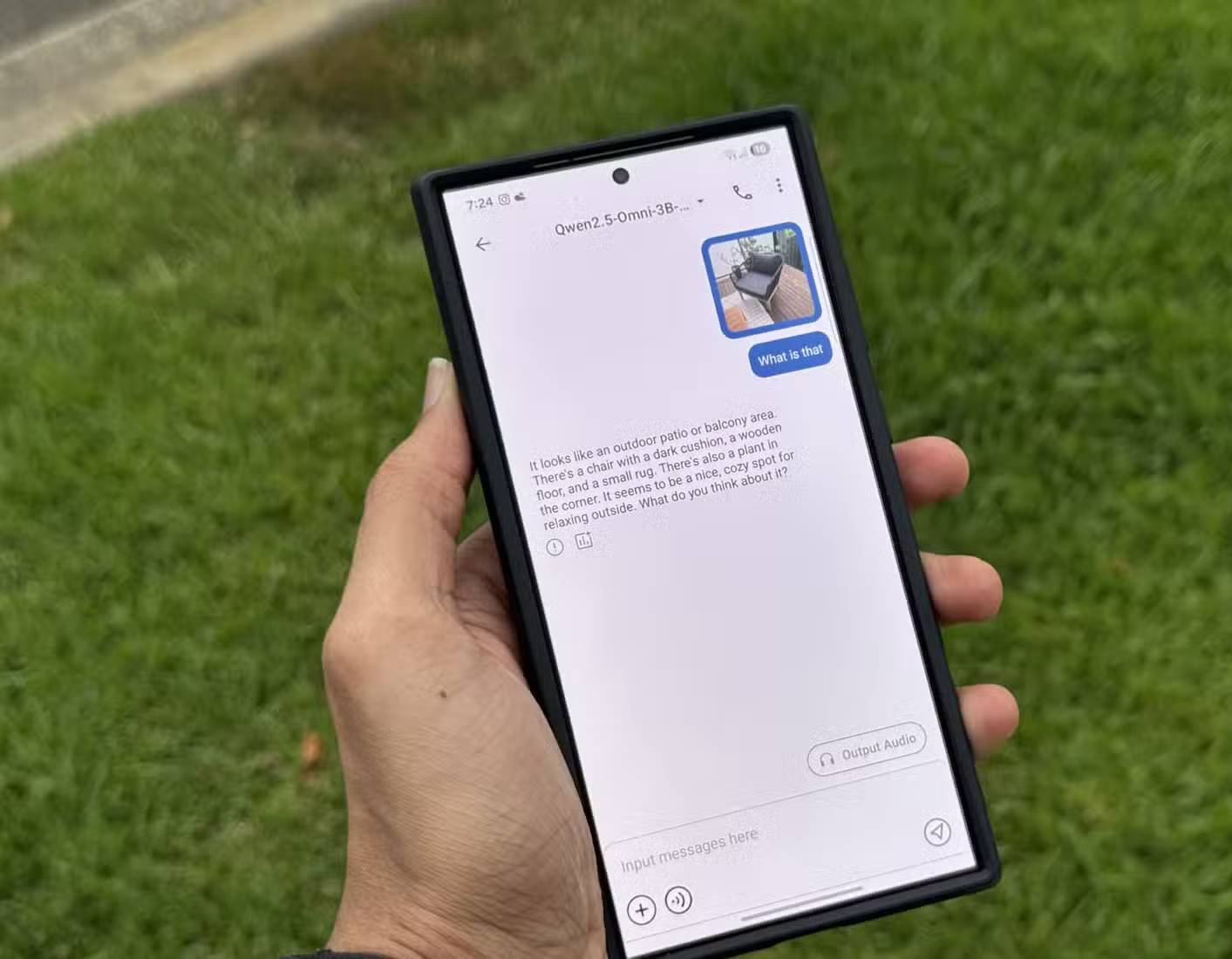
If the app and downloaded model support images, they can transcribe a clear whiteboard, convert a photographed list into bullets, summarize a slide, or describe the layout of a document. Crop the image, use good lighting, and ask the model to separate visible text from its interpretation.
A useful instruction is: “Transcribe the text first. Then summarize it. Put uncertain words in brackets and do not guess missing numbers.” Check the transcription against the photo before using it.
Do not use a small vision model to make medical, safety, or identity decisions. It should not determine whether food is allergen-free, whether a plant is edible, whether a medicine is correct, or whether equipment is safe. Read the official label and consult a qualified source for consequential decisions.
What to check before downloading a mobile model
- Device fit: model size, available storage, memory requirements, supported chip, and expected battery use.
- Context capacity: how much text the app can process reliably, not just the advertised maximum.
- Network behavior: whether inference stays offline and which features, analytics, or model downloads still connect to servers.
- File handling: where chats and attachments are stored, whether they are backed up, and how to delete them.
- Model source and license: who published the weights, what license applies, and whether the download can be verified.
After installation, download the model and test a normal prompt in Airplane Mode. If it fails, the app or selected feature is not fully local. Also watch device temperature during longer generations; stop if the phone becomes unusually hot.
When a cloud model is the better tool
Use a reputable cloud service when the task needs current web information, a very long context, stronger reasoning, team collaboration, or integrations that the phone app cannot provide—and when the data is appropriate for that service under its current privacy terms. A local model is strongest as a small offline assistant, not as a universal replacement.
The practical division is simple: use on-device AI for low-risk drafting, organization, and practice; use proper tools and verified sources for facts, code execution, medical or safety questions, and decisions where an error has real consequences.
Related Articles
 What Do You Know About Mobile Phones?3 minutes read
 Why Your Phone Charger Is Slowing Things Down: Key Reasons Explained7 minutes read
 4 Things to Do Before Taking the Phone for Warranty6 minutes read
 5 'Absolute' Things Should Not Be Done If You First Use an Android7 minutes read
 Things to Know About Windows Phone 85 minutes read
 6 Things About LG G6 Phone You May Not Know6 minutes read
Reader Comments 0
Sign in with email or Google to join the discussion.