Table of Contents
ChatGPT can now transform ordinary experiment images into interactive teaching simulations or visual content, making it easier for learners to access knowledge, similar to.
In this workflow, ChatGPT analyzes a reference image and helps write a detailed specification; Canva Code turns that specification into an interactive experience. The result is a teaching simulation, not evidence that a real experiment will behave exactly the same way.
Use a precise simulation brief
Analyze the attached experiment image. First list the apparatus, materials, sequence, and expected observation, and flag anything you cannot identify confidently. Then write a Canva Code prompt for an interactive classroom simulation. Include labeled controls, a Start/Reset flow, step-by-step visual changes, accessible text, and an explanation panel. Do not invent a chemical reaction or measurement. Ask me to confirm any uncertain scientific detail before generating the final prompt.
Verify the activity before students use it
- Check every label, material, reaction, measurement, and causal explanation against the lesson source.
- Make clear which actions are simulated and which safety procedures apply in a real lab.
- Test Start, Pause, Reset, keyboard navigation, screen-reader labels, mobile layout, and sound controls.
- Do not add background audio that distracts from instructions or cannot be muted.
- Review the published link's visibility and avoid including student names or personal data.
Canva documents how to create interactive designs with Canva Code, while OpenAI explains working with reference images in ChatGPT. Related TipsMake guides cover AI tools for students, AI website design tools, and Canva alternatives.
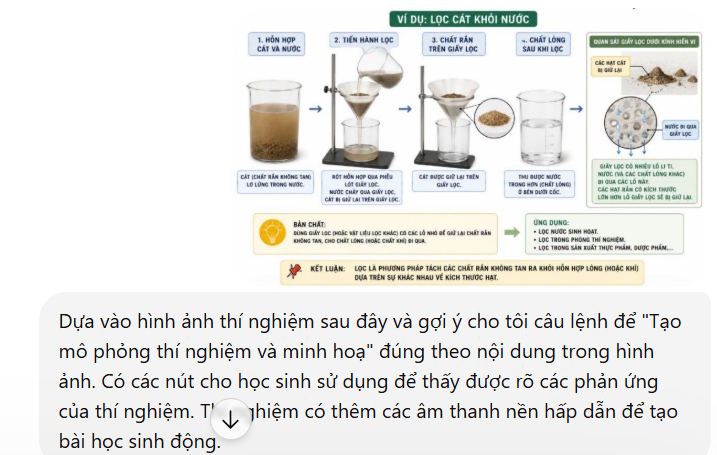
A visual experiment for separating sand from water
Create the interactive simulation step by step
Step 1:
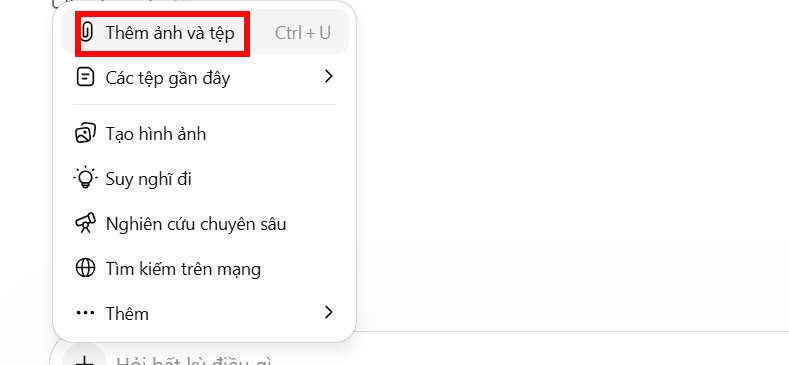
First, you need to have the experiment images from the subject you want to transform into interactive visual experiments. Next, we upload the images to ChatGPT.
Step 2:
After uploading the experiment images, teachers can enter the following command to turn them into interactive simulations.
Analyze the attached experiment image and draft a Canva Code prompt for an accurate interactive simulation. Include labeled controls, Start and Reset actions, step-by-step visual changes, optional muted audio, and an explanation panel. Flag uncertain scientific details instead of guessing.
Step 3:
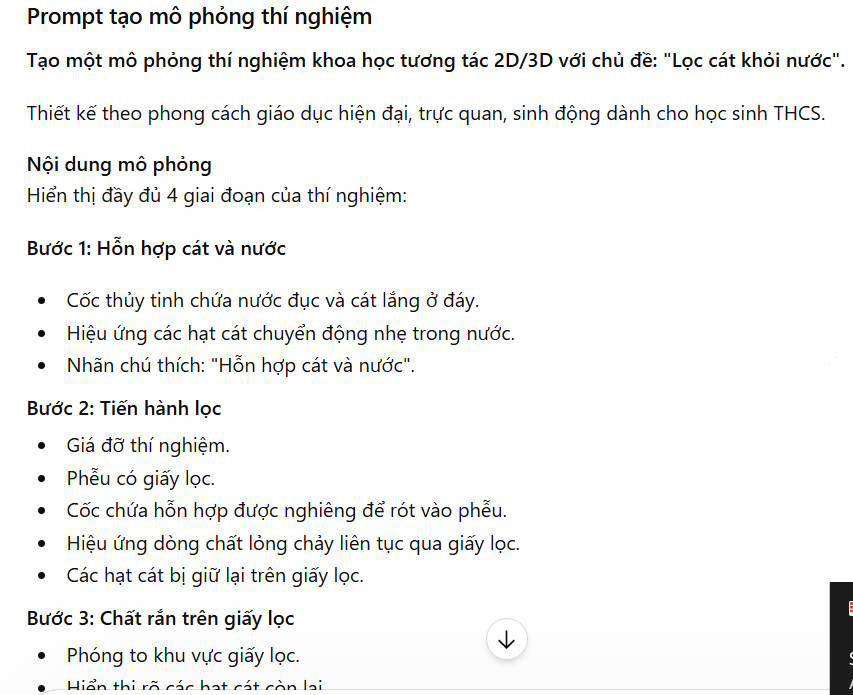
ChatGPT will then provide the draft simulation prompt to implement the interactive visual experiment for students and the interface. Please copy all of this content for use.
Step 4:
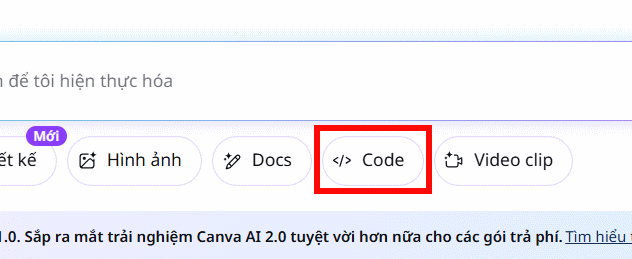
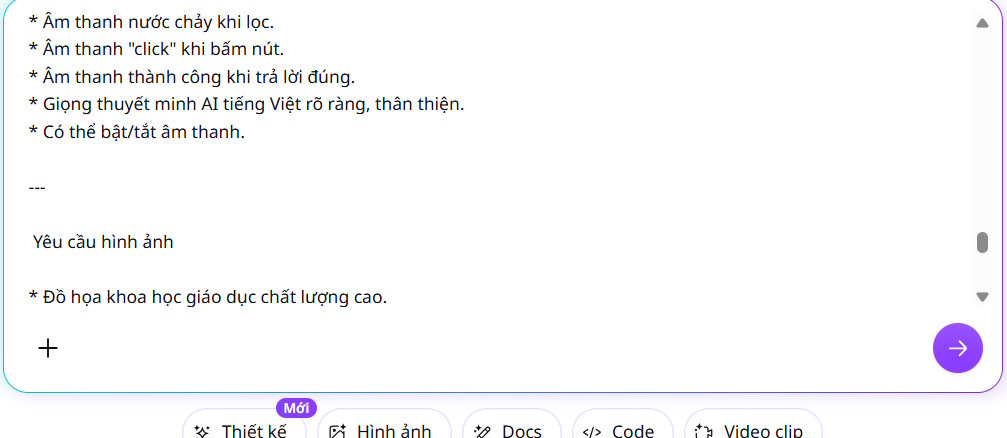
Access Canva and then click on Canva AI. Next, select Code to begin developing your content.
Now, paste the entire prompt from ChatGPT into Canva and submit the prompt to generate the interactive activity.
Step 5:
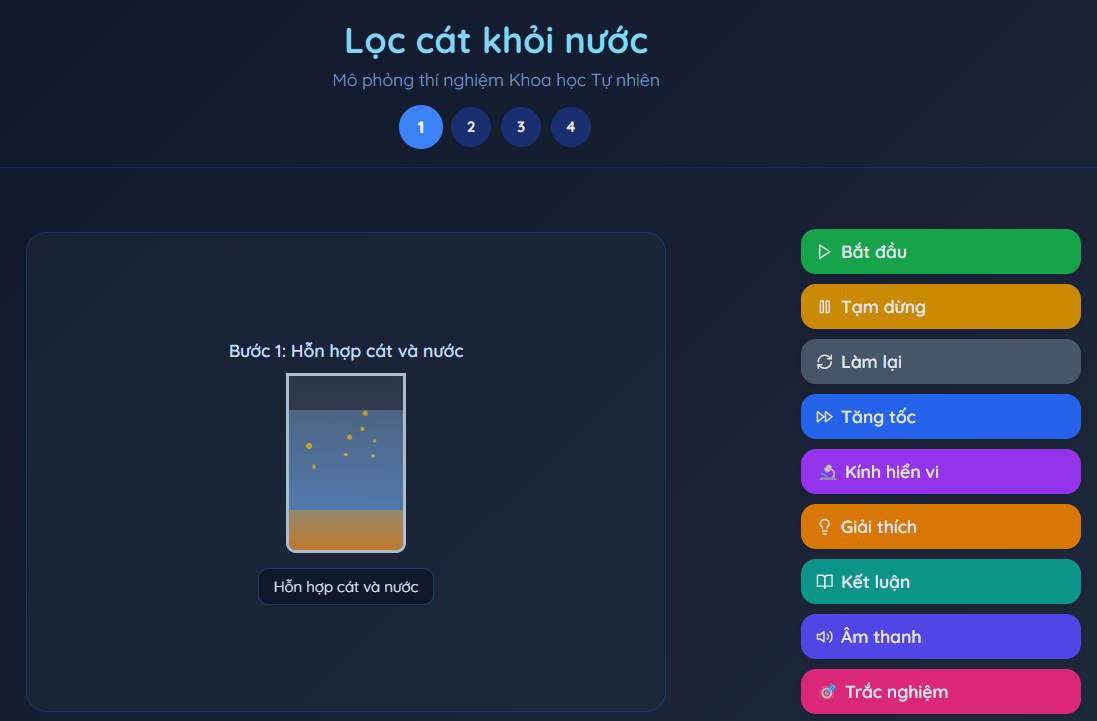
Wait a moment and you will see the results of the interactive experiment, in this case, the experiment of filtering sand from water. We can directly click on the model, or we can press Start to run the experiment automatically.
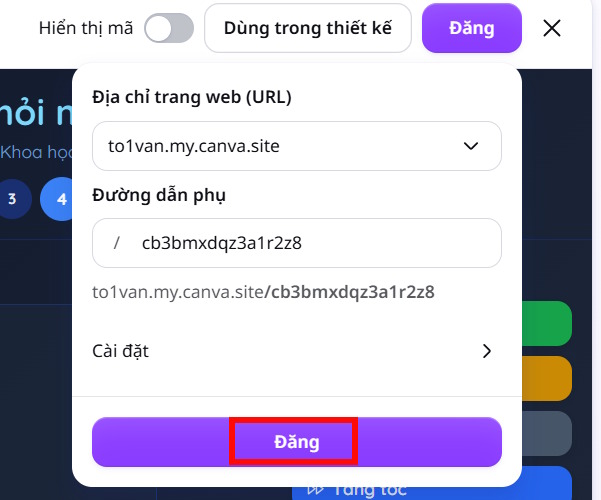
To export this experiment, click Publish, then create a link for the experiment to use whenever needed.
Related Articles
 How to Create a Visual Knowledge-Sharing Website in Canva AI3 minutes read
 Steps to Create an Infographic on Canva7 minutes read
 The Website Features Hundreds of Simulated Experiments for Teachers4 minutes read
 How Do I Create a 3D Simulation Experiment Using Gemini?4 minutes read
 4 New Canva Features You'll Love11 minutes read
 How to Fix Font Errors in Images Using Canva AI4 minutes read
Reader Comments 0
Sign in with email or Google to join the discussion.