Table of Contents
MNN Chat lets an Android phone download and run supported language and multimodal models on the device. After a model is downloaded, compatible tasks can run without sending each prompt to a cloud chatbot. The trade-off is that speed, context length, stability, and model quality are limited by the phone's memory, storage, processor, and thermal design.
The safest way to start is to install MNN Chat from an official source, download one small text model, test a short prompt, and increase model size only if the phone remains responsive.
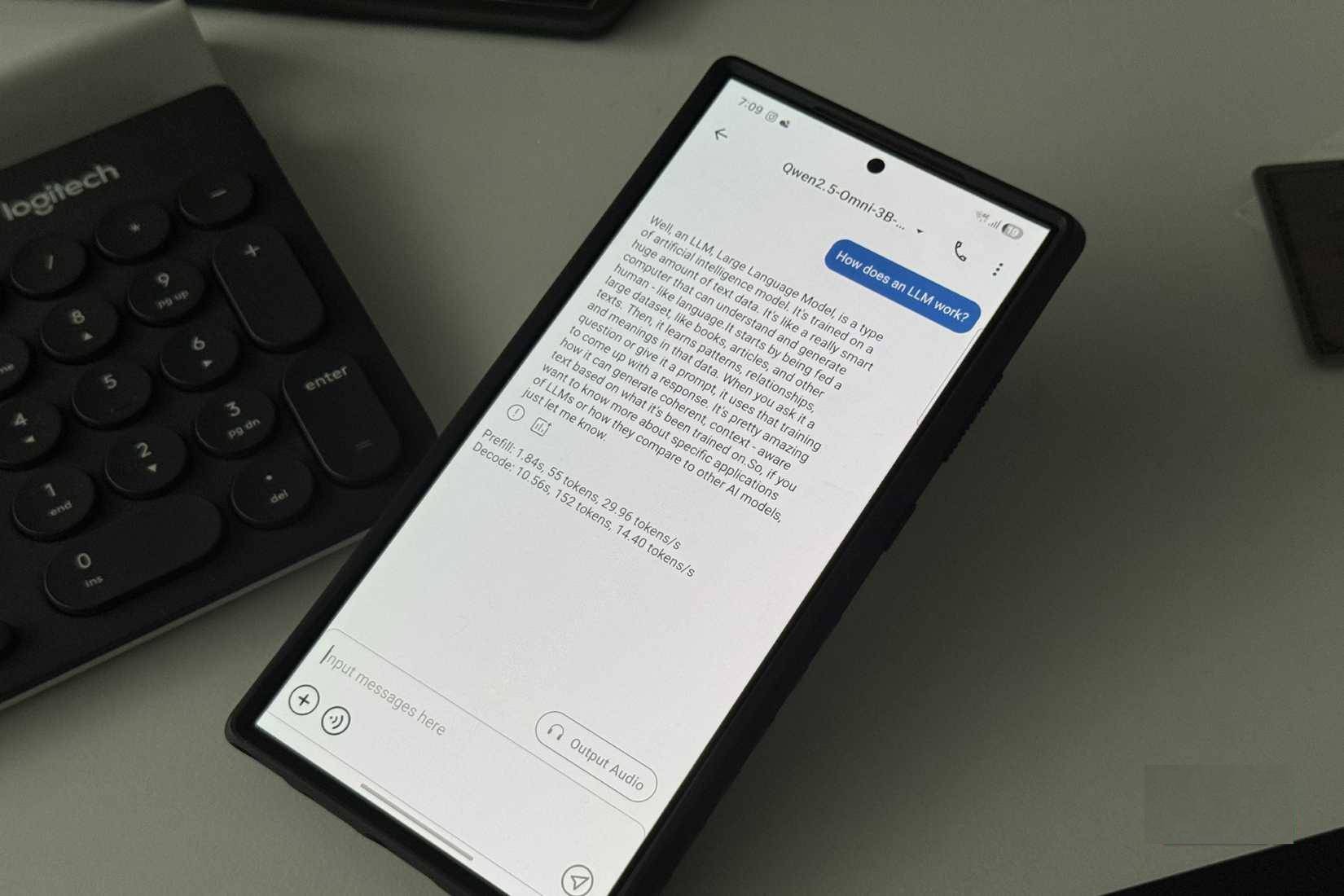
What MNN Chat does
MNN is an open-source inference engine maintained by Alibaba. Its MNN-LLM components are designed to deploy language models on mobile, desktop, and embedded hardware. The Android app adds model discovery, downloading, chat history, and interfaces for supported text and multimodal models. The current project and source code are available in the official MNN repository.
Running locally does not make a model more accurate. It changes where inference happens. Local operation can be useful for offline access, experimentation, and prompts you prefer not to send to a remote model provider. Cloud services still tend to offer larger models, more compute, and integrated web or account features. TipsMake's comparison of offline and online AI explains the broader trade-offs.
Before installing MNN Chat
- Free storage: models can occupy hundreds of megabytes or several gigabytes, plus temporary download and cache space.
- Available memory: a model must fit within the phone's practical memory budget alongside Android and other apps.
- Cooling and battery: sustained generation can warm the phone and drain the battery quickly.
- Official source: use the official Google Play listing or a release linked from the official repository. Avoid unrelated APK mirrors.
- Realistic expectations: a model that loads on one phone may be slow or unstable on another.
There is no single reliable minimum-RAM figure for every model. Parameter count matters, but quantization, context length, model architecture, and runtime overhead also affect memory use. The official project warns that lower-spec devices can experience slow inference, instability, or failure to run.
1. Install the app and inspect the model catalog
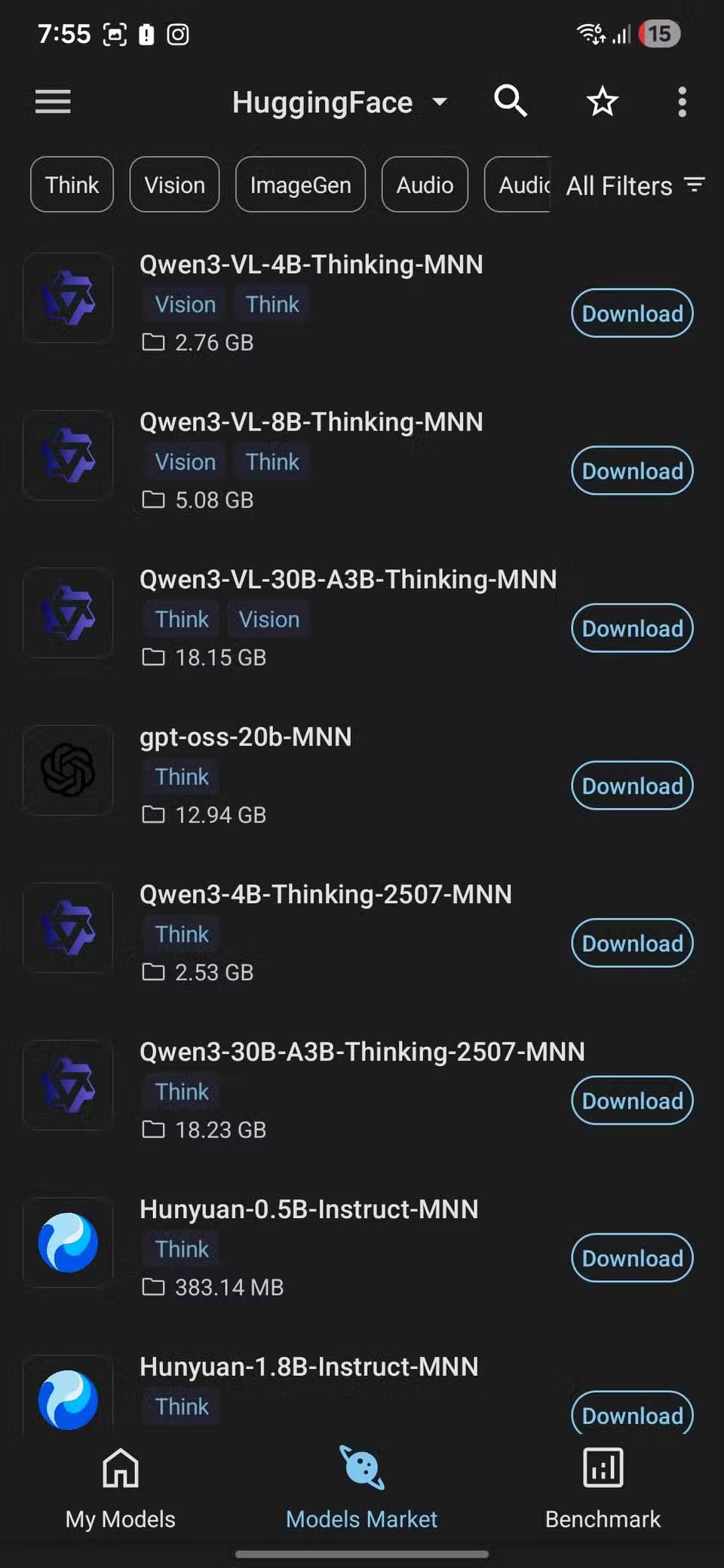
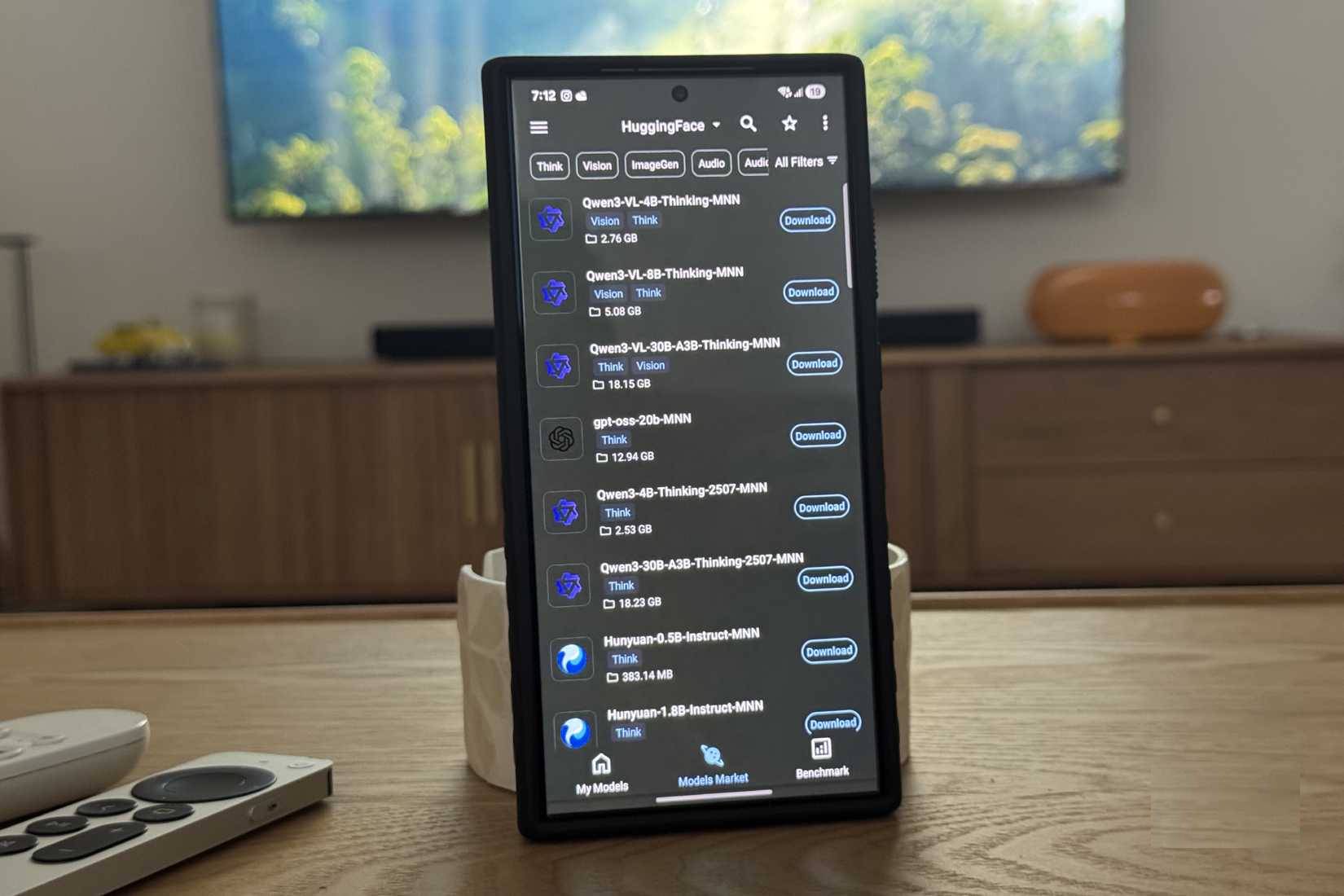
Install and open MNN Chat, then locate the model catalog or market in the app. Names and categories can change with app releases. Start with the text or chat category rather than downloading several multimodal models at once.
2. Choose a model the phone can handle
A suffix such as 1B, 3B, or 7B generally refers to the approximate number of model parameters in billions. A higher number often increases compute and memory requirements, but it does not guarantee a better result for every task. Two models with the same parameter count can have different memory footprints and capabilities.
For a first run:
- Choose one of the smaller supported text models.
- Check its displayed download size and keep additional storage free.
- Close memory-heavy games, camera tools, and other AI apps.
- Download the model over a stable Wi-Fi connection.
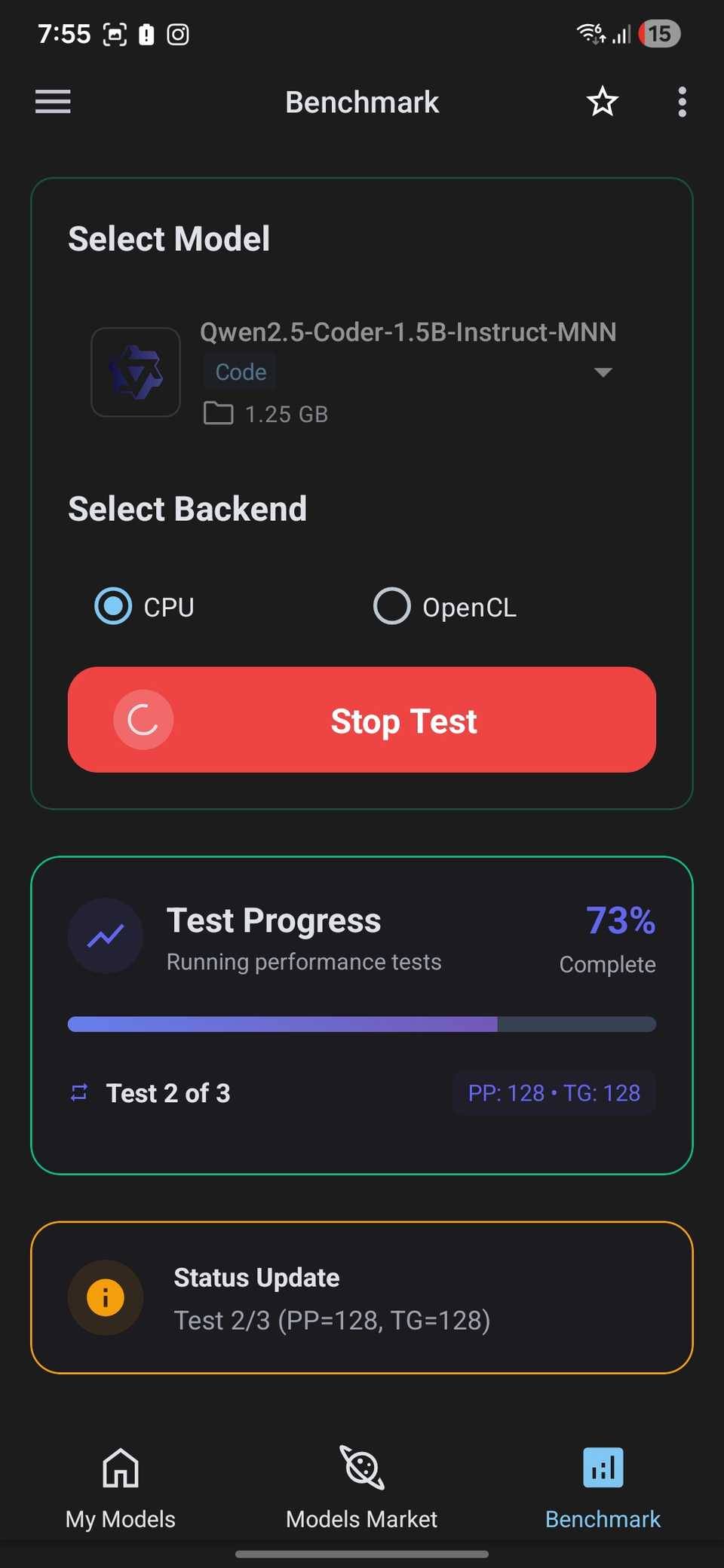
- If MNN Chat offers a device benchmark or speed test, use it as a comparison for that phone rather than a universal score.
Do not begin with the largest model the catalog shows. If the small model runs comfortably, move up one step and compare response quality, generation speed, heat, and battery use.
3. Start a local chat
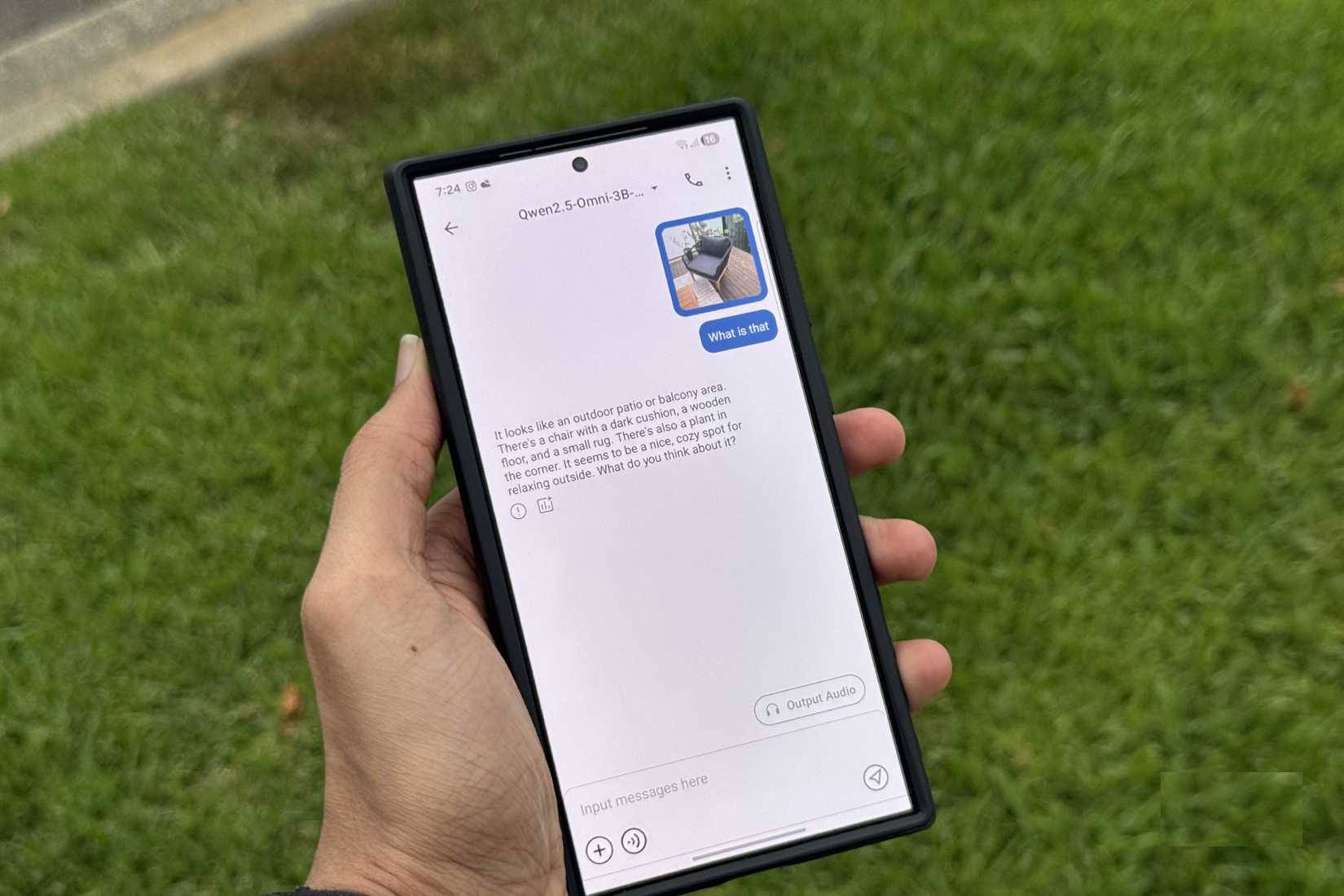
- Open My Models or the equivalent list of downloaded models.
- Select the model and wait for it to load.
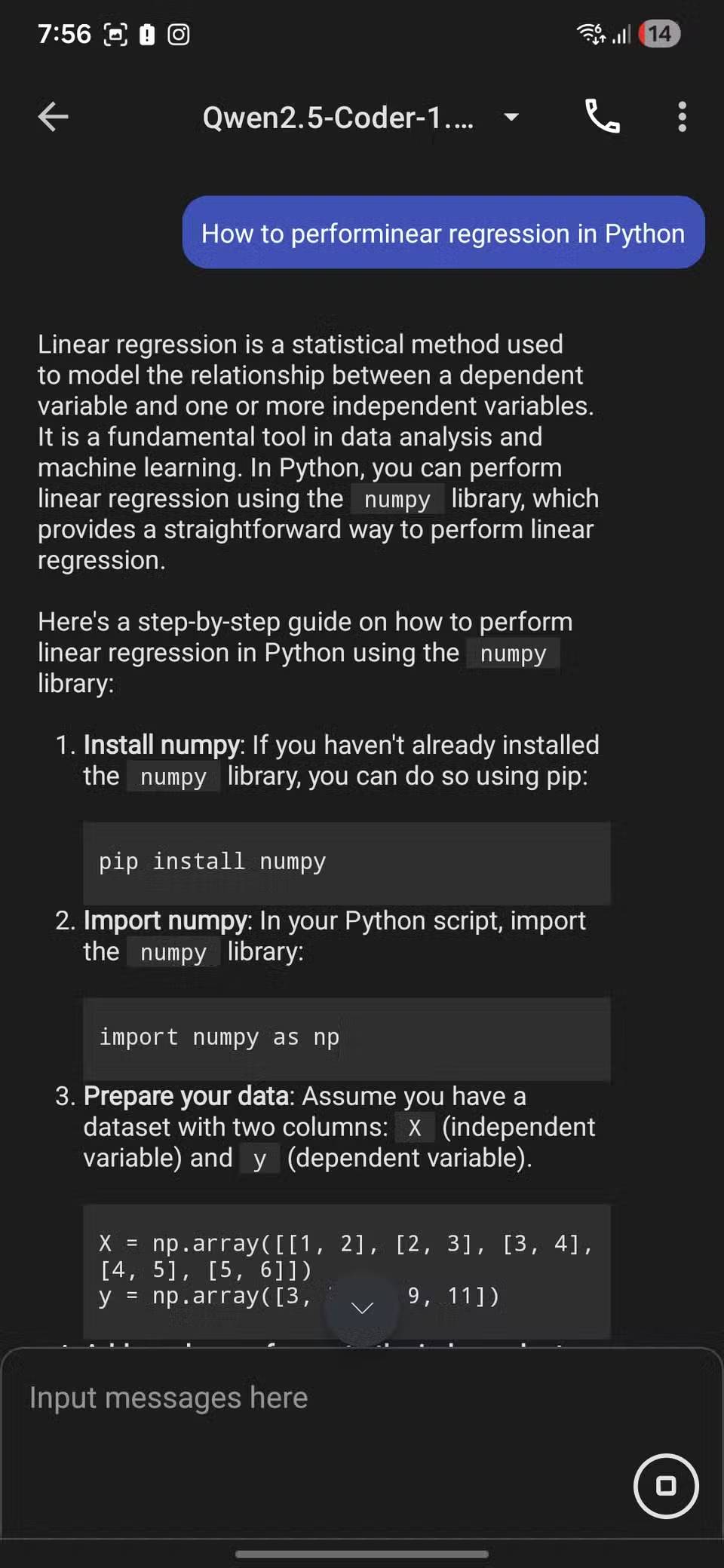
- Enter a short, concrete prompt to confirm that generation works.
- Test airplane mode after the model is loaded if you want to verify that the basic chat runs offline. Turn Wi-Fi back on for updates or additional downloads.
- Save or export important output separately; local chat history can be lost if app data is cleared or the app is removed.
A useful first test is a short summarization, rewrite, or brainstorming prompt with facts you can verify. Local models can hallucinate just like cloud models, so do not treat their answers as authoritative medical, legal, financial, or security advice.
Adjust context and output settings carefully
MNN Chat may expose a system prompt, maximum output tokens, context length, sampling controls, or performance options. The exact menu changes by version. The system prompt sets persistent behavior for a chat, while the maximum output setting limits how long a generated answer can become.
Increasing context or output limits can increase memory use, delay the first token, and make a session less stable. Change one setting at a time and return to the default if the app begins closing or the phone becomes uncomfortably hot.
Use multimodal and voice features only with compatible models
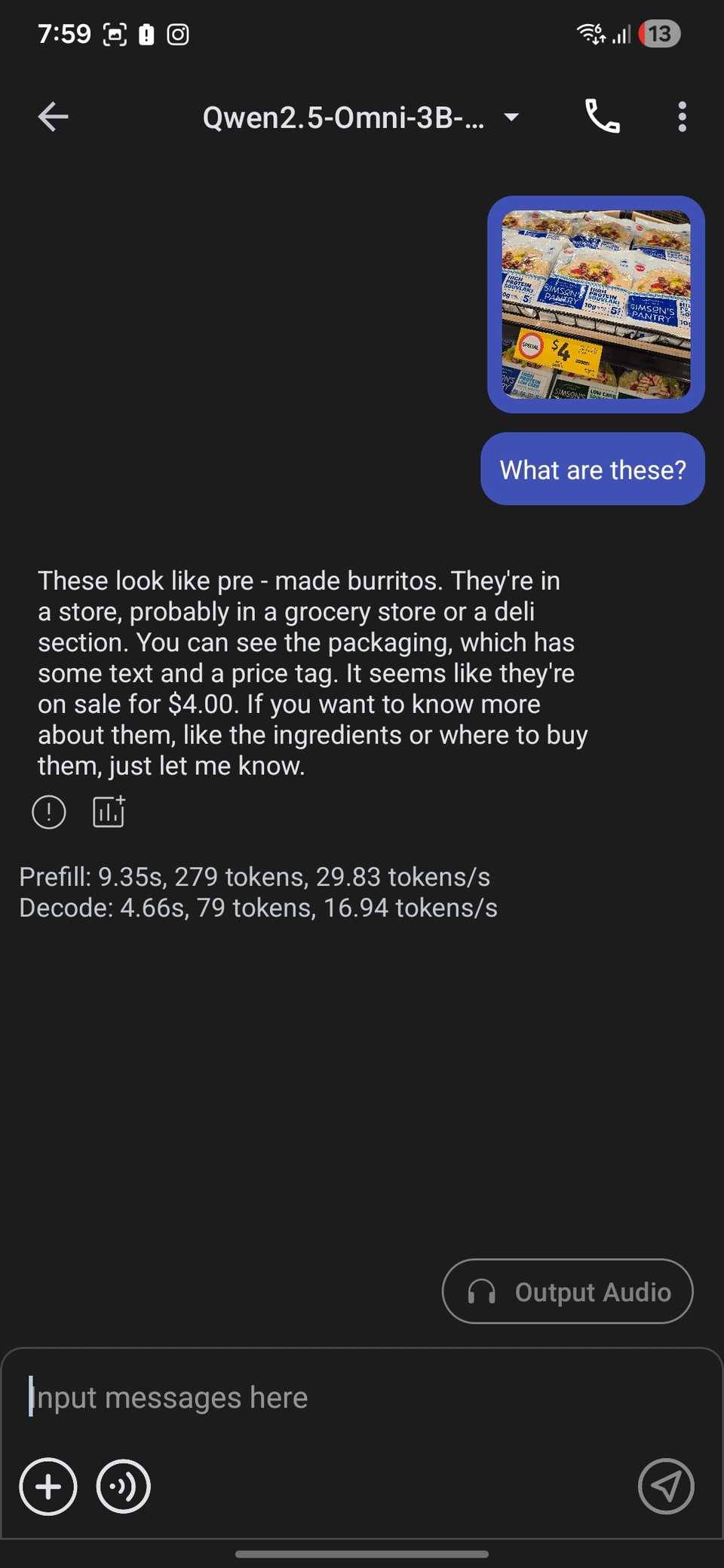
The MNN project supports multiple task types, including text-to-text, image-to-text, audio-to-text, and text-to-image for compatible model packages. A text-only model cannot accept an image simply because the app has an attachment button. Check the model's description before downloading it.
A local voice workflow may require separate speech-recognition, language, and text-to-speech components. That means more downloads, more storage, and more memory pressure than a text chat. Confirm that a basic text model is stable before assembling a voice workflow.
Privacy and security limits
On-device inference can keep prompt processing on the phone once the required model is present, but privacy still depends on the exact app build, Android permissions, model download source, backup settings, and any optional online features. Review permissions, keep the app updated from its official source, and do not assume that every imported model is trustworthy.
- Do not paste passwords, recovery codes, private keys, or unencrypted confidential records into any AI app.
- Download model files only from sources identified by the official project or a publisher you can verify.
- Keep enough storage free for Android to operate reliably.
- Protect the phone with a screen lock and device encryption.
Troubleshooting MNN Chat
| Symptom | Practical response |
|---|---|
| Model download fails | Check storage and network stability, then retry from the app's catalog. Avoid installing a random repackaged model. |
| Model will not load | Restart the app, close other large apps, and test a smaller supported model. The current package may exceed the phone's memory budget. |
| Generation is very slow | Use a smaller or more compressed supported model, shorten the context, and reduce the requested output length. |
| Phone becomes hot | Stop generation, remove an insulating case if appropriate, let the device cool, and avoid charging during a sustained test. |
| App closes or freezes | Return to default settings, try a smaller model, update the app, and check the official repository for known issues affecting that model or device. |
| Answers are weak or incorrect | Use a clearer prompt, try another model that fits the device, and verify factual claims independently. |
When MNN Chat is a good fit
MNN Chat is most useful when you want to experiment with supported open models, work without a continuous internet connection, or keep routine prompt processing on your Android device. It is less suitable when you need consistently fast answers from a large model, current web information, long-document analysis on limited hardware, or guaranteed compatibility across phones.
If a phone is too constrained, a local model on a computer may be easier to run and manage. TipsMake's overview of open-source AI applications includes desktop-oriented alternatives worth comparing.
Related Articles
 How to Install the Bing Chat AI Utility on Your Phone4 minutes read
 Chat with 5 Unique Chat Robots for Android8 minutes read
 Turn Off the Chat Bubble Feature to Help the Phone Run Out of Slow4 minutes read
 How to Create Viber Chat Groups on Windows2 minutes read
 How to Create WhatsApp Chat Shortcuts: Step-by-Step Guide2 minutes read
 How to Turn Off Notification Bubbles on Android3 minutes read
Reader Comments 0
Sign in with email or Google to join the discussion.