Table of Contents
Do not post information that can identify you, locate you, unlock an account, or reveal that you are vulnerable. A social-media audience is difficult to control: posts can be copied, screenshots survive deletion, private accounts can be compromised, and a trusted follower can forward content.
1. Government and identity numbers
Never post or send photos of a Social Security number, national ID, passport, driver’s license, tax number, health-insurance card, birth certificate, or immigration document. Even a partially covered document may reveal a full name, date of birth, signature, document number, barcode, or machine-readable zone.
If an authorized organization needs a document, use its verified secure portal or another channel it specifically provides. Redact every field that is not required, including barcodes and the background of the photo.
2. Home, school, and routine locations
A street address is only one clue. Exterior photos, house numbers, utility bills, delivery labels, school uniforms, landmarks, vehicle plates, running routes, and repeated check-ins can identify a home, school, or workplace. Remove precise location metadata and examine the entire frame before publishing.
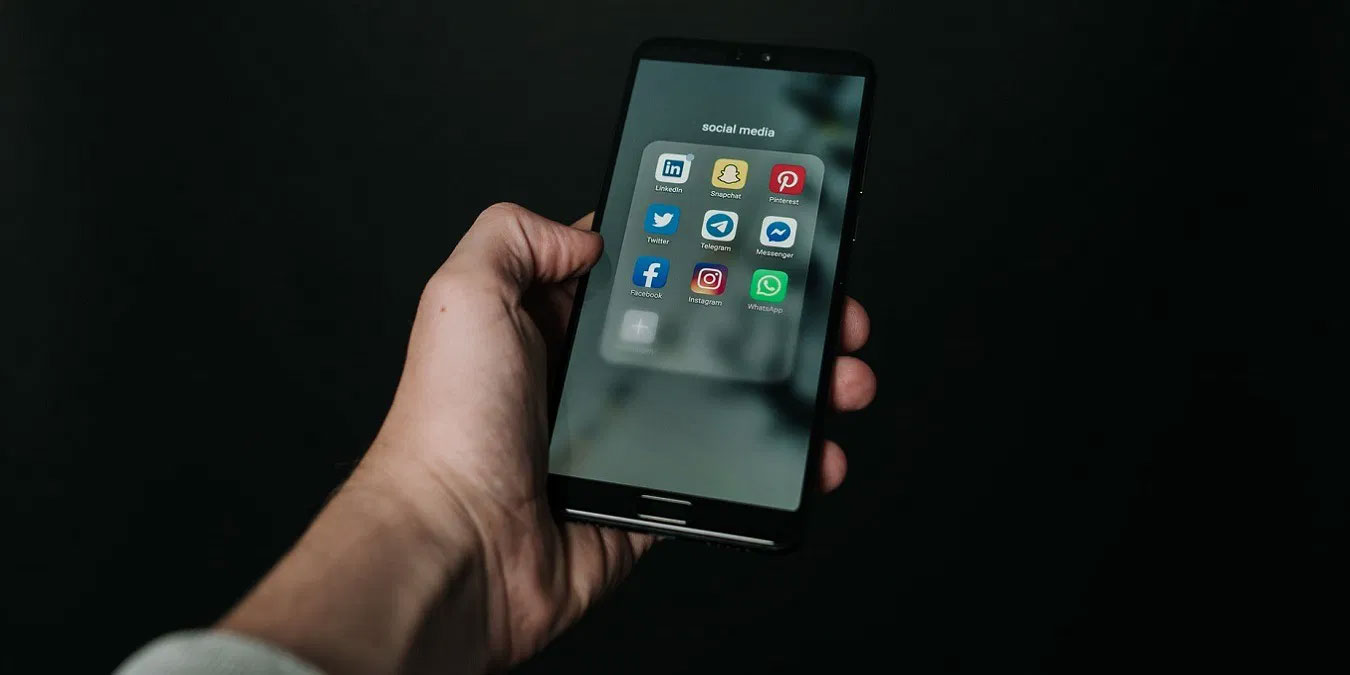
Use platform location controls and phone permissions to limit precise access. A private direct message is safer than a public post only when the recipient and account are trusted; encryption cannot prevent the recipient from saving or forwarding the address.
3. Travel plans and real-time activity
Announcing exact departure dates, an empty home, a child’s schedule, or a live venue can create physical-security risks. Share trip photos after leaving the location or returning home. Ask companions not to tag you in real time, and review automatic location stickers and shared albums.
4. Passwords and account-recovery secrets
Never send passwords, one-time codes, recovery codes, passkeys, password-reset links, or QR codes through a social-media message. Support staff should not ask for them. Avoid posting answers commonly used for security questions, such as a first school, mother’s maiden name, first car, or pet name.

Use a reputable password manager to generate a unique credential for every service. If a household or team must share access, use the manager’s designed sharing feature with individual accounts and revocable permissions. See TipsMake’s password-manager overview.
5. Financial information
Do not publish bank details, card numbers, payment-app recovery information, salary documents, investment-account screenshots, tax forms, or screenshots that show balances and transaction identifiers. Blur tools can sometimes be reversed or applied incompletely; crop sensitive material out before uploading and recheck the exported image.
6. Information about children
Children cannot fully assess or consent to a permanent online record. Avoid full names paired with birthdays, school names, uniforms, timetables, medical details, live locations, or images that could embarrass or endanger them later. Discuss boundaries with the other parent or guardian and, when age-appropriate, with the child.
Limit the audience, turn off face or location tagging, and ask relatives not to repost. Covering a face does not remove clues in a caption, uniform, background, or filename.
7. Work and confidential information
Office photos and “day at work” posts may expose customer data, access badges, internal dashboards, whiteboards, meeting links, unreleased products, source code, or building-security details. Follow employer policy and assume anything visible on a monitor or badge can be enlarged.
8. Medical, legal, and personal crisis details
Health and legal experiences can be important to discuss, but public posts may reveal information usable for discrimination, impersonation, targeted scams, or harassment. Share only deliberately, understand the audience, and remove identifiers belonging to other people.
Before posting: a 30-second check
- Does this identify a person, account, home, school, workplace, or current location?
- Could it help answer a recovery question or impersonate me?
- Does the image contain a barcode, document, reflection, badge, screen, or metadata?
- Do I have consent from every person shown or discussed?
- Would this still be safe if copied outside the selected audience?
- Can I delay the post, crop it, generalize it, or share it through a safer channel?
If sensitive information was posted
- Delete the post and any story, album, or cached draft you control.
- Ask people who reshared it to remove their copies, but assume screenshots may remain.
- Change exposed credentials and revoke active sessions immediately.
- Contact the issuing agency or financial institution if an identity document or payment detail was exposed.
- Review privacy, location, tagging, audience, and third-party-app settings.
- Watch for targeted phishing that refers to the leaked detail. TipsMake’s phishing-warning checklist can help identify follow-up attempts.
Privacy settings reduce exposure; they do not turn social media into a confidential vault. The safest post is one that contains no secret or high-risk information in the first place.
Related Articles
 8 Best AI Tools for Social Media Management9 minutes read
 How to Protect Your Kids on Social Media: Step-by-Step Guide12 minutes read
 5 Social Media Trends in 20146 minutes read
 7 Negative Impacts of Social Networks on Users9 minutes read
 Advertising Is Making People Use Social Media Less7 minutes read
 The Legality of Social Media Background Checks7 minutes read
Reader Comments 0
Sign in with email or Google to join the discussion.