Table of Contents
Use Shotcut for free timeline editing on Windows or Mac, iMovie for a straightforward Mac project, or PhotoStage for a personal photo slideshow. If you choose a trial or a browser-based editor, test one export first so you can check the watermark, resolution, and download options.
Choose a tool for the finished video you need
| Tool | Good for | What to check |
|---|---|---|
| Shotcut | Free open-source editing with separate tracks for clips and sound. | Use a short project first to learn the timeline and export panels. |
| iMovie | Simple Mac projects with titles, transitions, and music. | Check App Store compatibility with your version of macOS. |
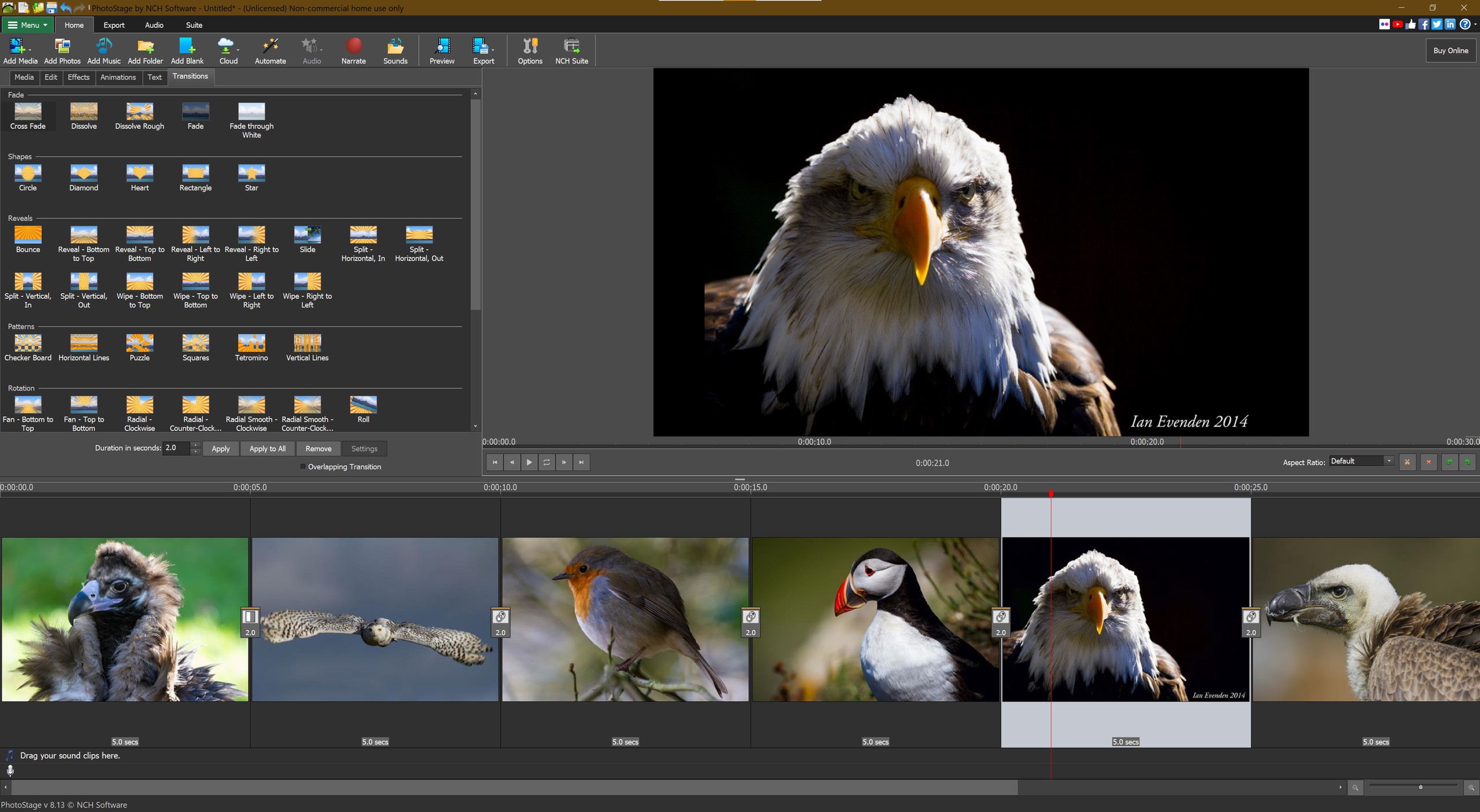
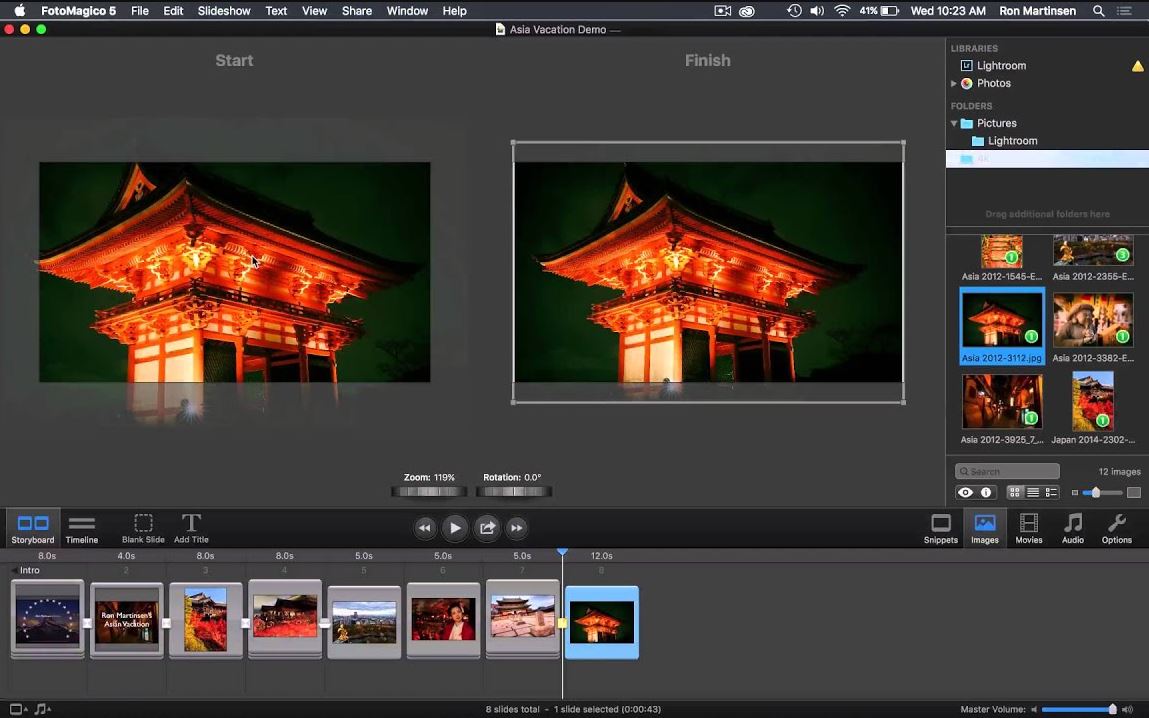
| PhotoStage | Photo slideshows with music or narration on Windows or Mac. | The free version is for noncommercial use. |
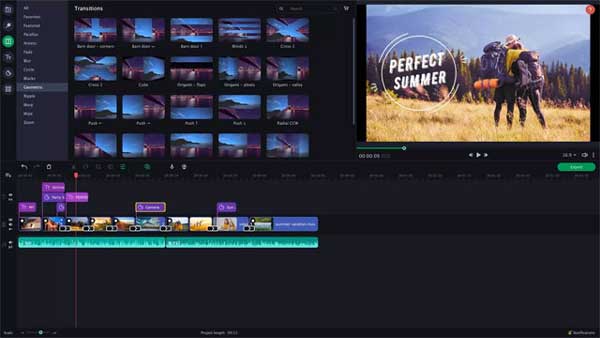
| Movavi Slideshow Maker | Template-based photo slideshows. | Check trial and license limits before relying on the exported video. |
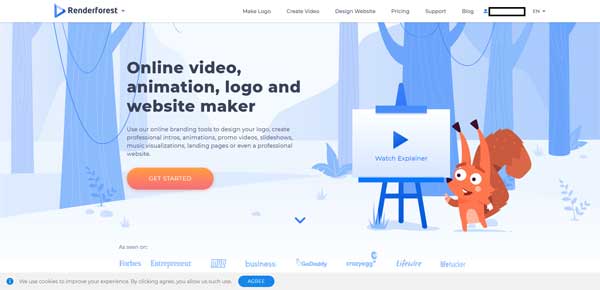
| Renderforest | Browser-based templates for a short video or presentation. | Check whether your plan permits the resolution, download, and branding you need. |
Make a short test video first
- Choose a landscape or vertical canvas based on where the video will be shown.
- Import a few photos or clips and lay them out on the timeline. Check that text stays readable and that narration can be heard over music.
- Export a short sample. MP4 with H.264 is a reasonable starting point for broad playback compatibility. Match frame rate to your footage or delivery requirements.
- Open the export outside the editor. Check for missing images, distorted crops, a watermark, and audio that falls out of sync.
The video export settings guide explains resolution, aspect ratio, frame rate, and bitrate. If your finished file is too large to send, see how to make a smaller copy.
Paid and older editors from the original list
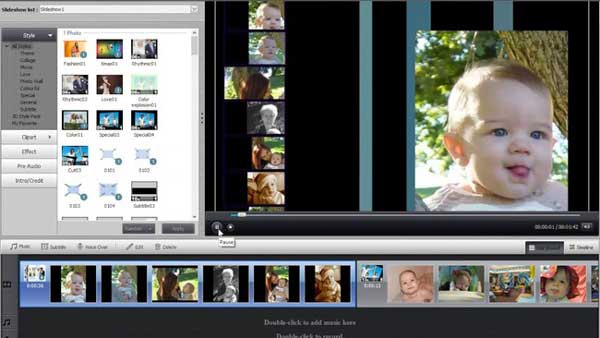
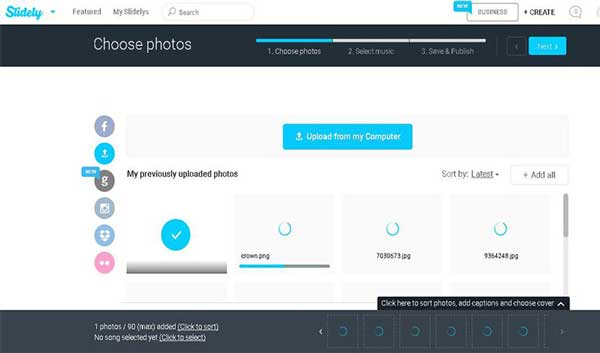
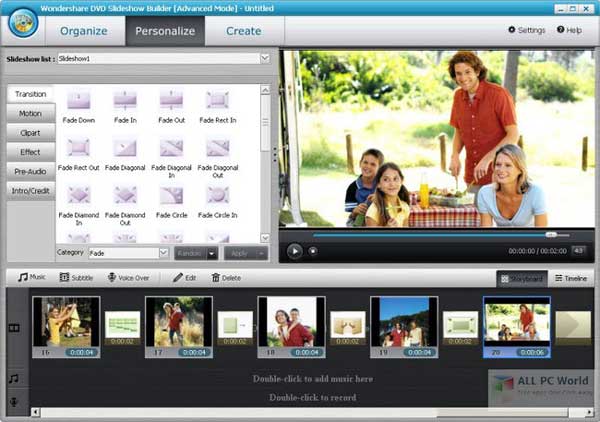
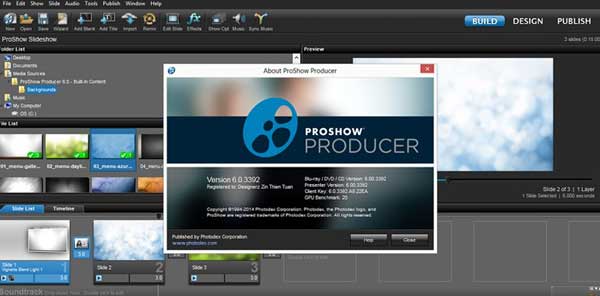
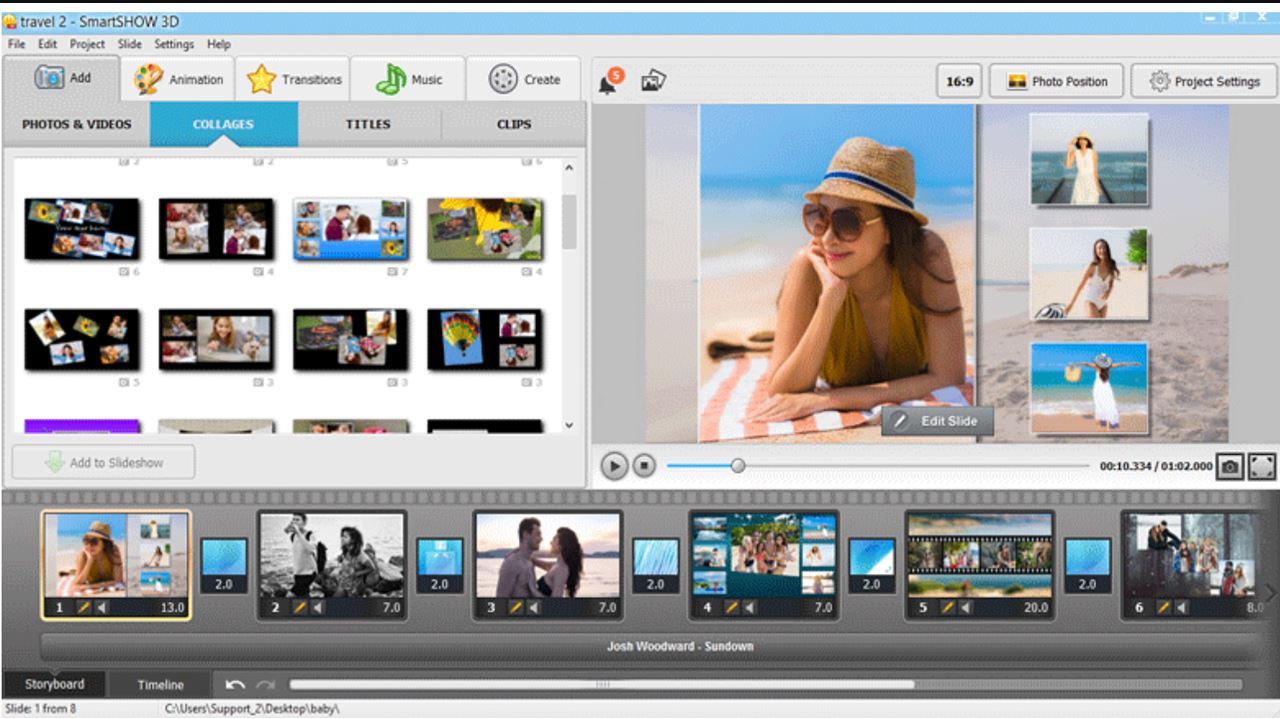
Adobe Premiere is a paid editor for more involved timeline, audio, and color work. If you came here looking up an older project, the images below identify several editors and services from the original roundup. Verify support and licensing with the vendor before choosing one for a new project. If you still have a working installation with important projects, keep the source media and export a playable copy before moving to a different editor.


Related Articles
 Top 5 best free VPN software for computers today
 Download the video making software, create Animiz animation for $ 149.5, free
 Top 3 most professional video making software
 Free video watching software on computers
 Top video cutting / joining software on computer for free
 Free video editing software on computers and phones
Reader Comments 0
Sign in with email or Google to join the discussion.