Table of Contents
A VPN or proxy can make a website see the intermediary's public IP address instead of the one from your normal connection. Your account, cookies, and browser can still identify you. If you want traffic from several apps covered, check what the VPN app routes. A browser proxy usually covers only traffic from the browser in which it is configured.
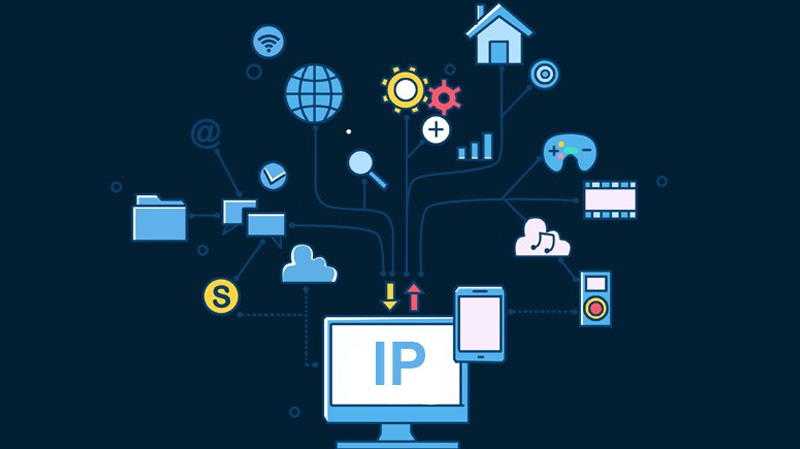
Choose based on the traffic you need to cover
| Option | What to check |
|---|---|
| Free VPN plan | Find the provider's official app and check speed or data limits, supported devices, available locations, and the logging policy. |
| Browser or app proxy | Check which app uses it and who operates it. A proxy does not inherently encrypt all of your traffic. |
| Public volunteer VPN | Review the service's logging policy and remember that individual relay servers can come and go. |
Hotspot Shield is one commercial provider to compare. Check the current free-plan restrictions in your region. VPN Gate is a volunteer relay project. Its connection logging policy describes the records it keeps, which matters if your goal is minimizing data retention.
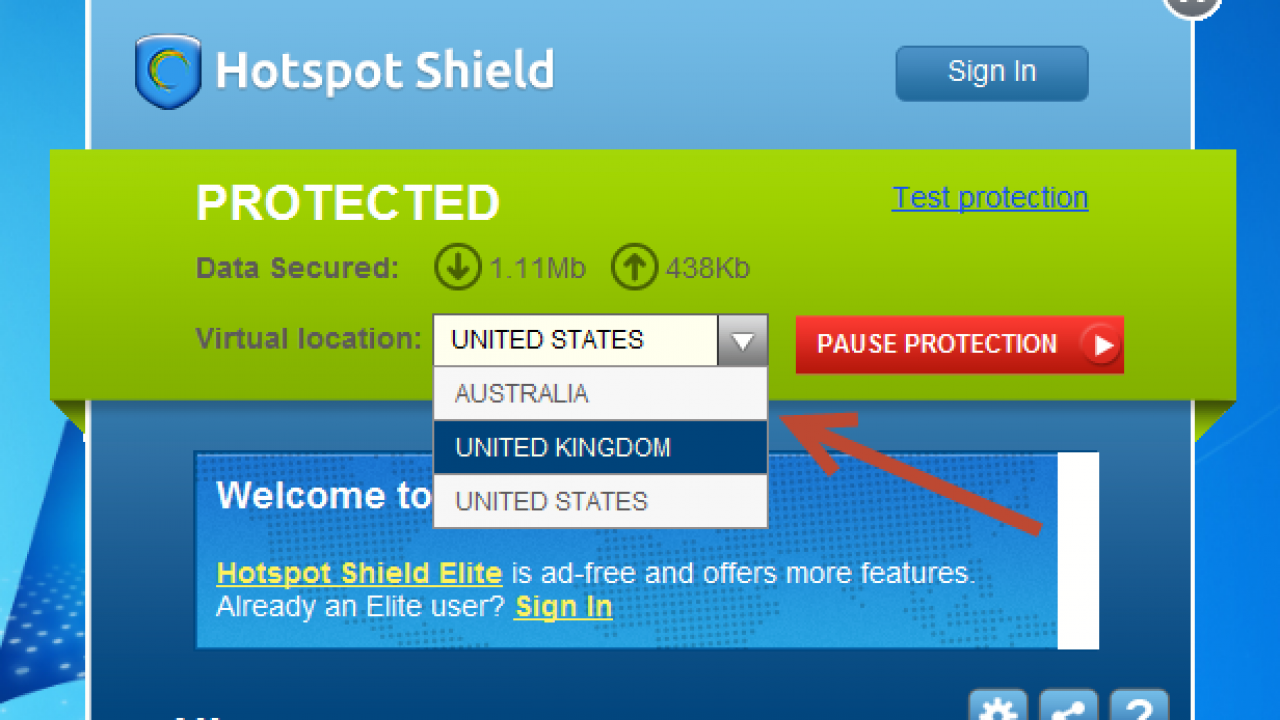
Check whether the public IP actually changed
- Check the public IP address that a website sees before connecting.
- Connect to the VPN or proxy and repeat the check in the same browser. If you have IPv4 and IPv6, check both when your IP tool displays them.
- If the address did not change, check whether the browser or app is excluded by split tunneling or has separate proxy settings. A changed address confirms the route for that check only.
Follow the guide to changing your public IP with a VPN or proxy for the setup workflow. Use HTTPS for sensitive sites and review the EFF's VPN privacy guide when comparing providers. A different IP does not guarantee access to a location-restricted service, which may also check account region or block known relays.
Recognize older IP-masking tools
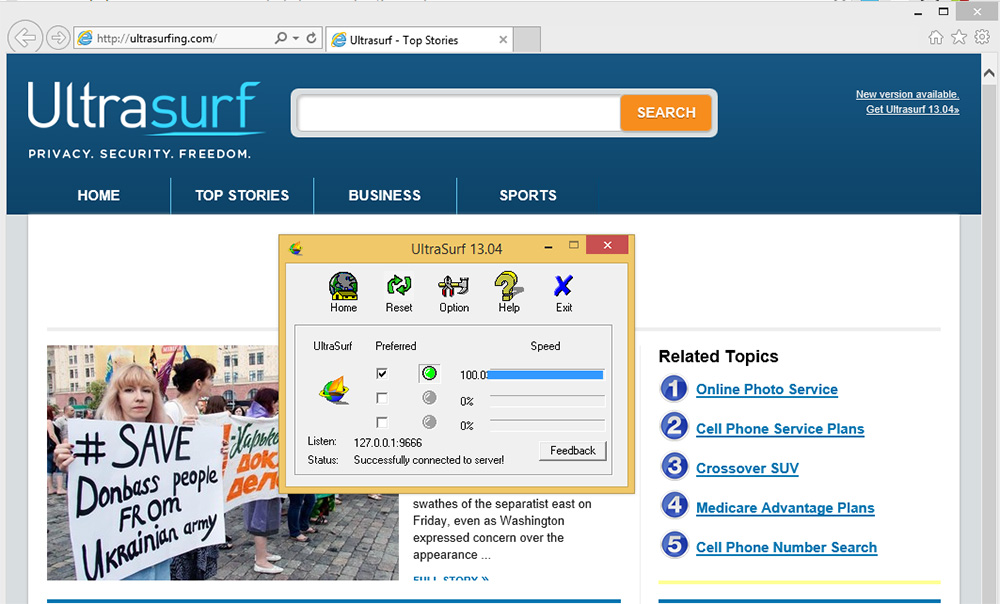
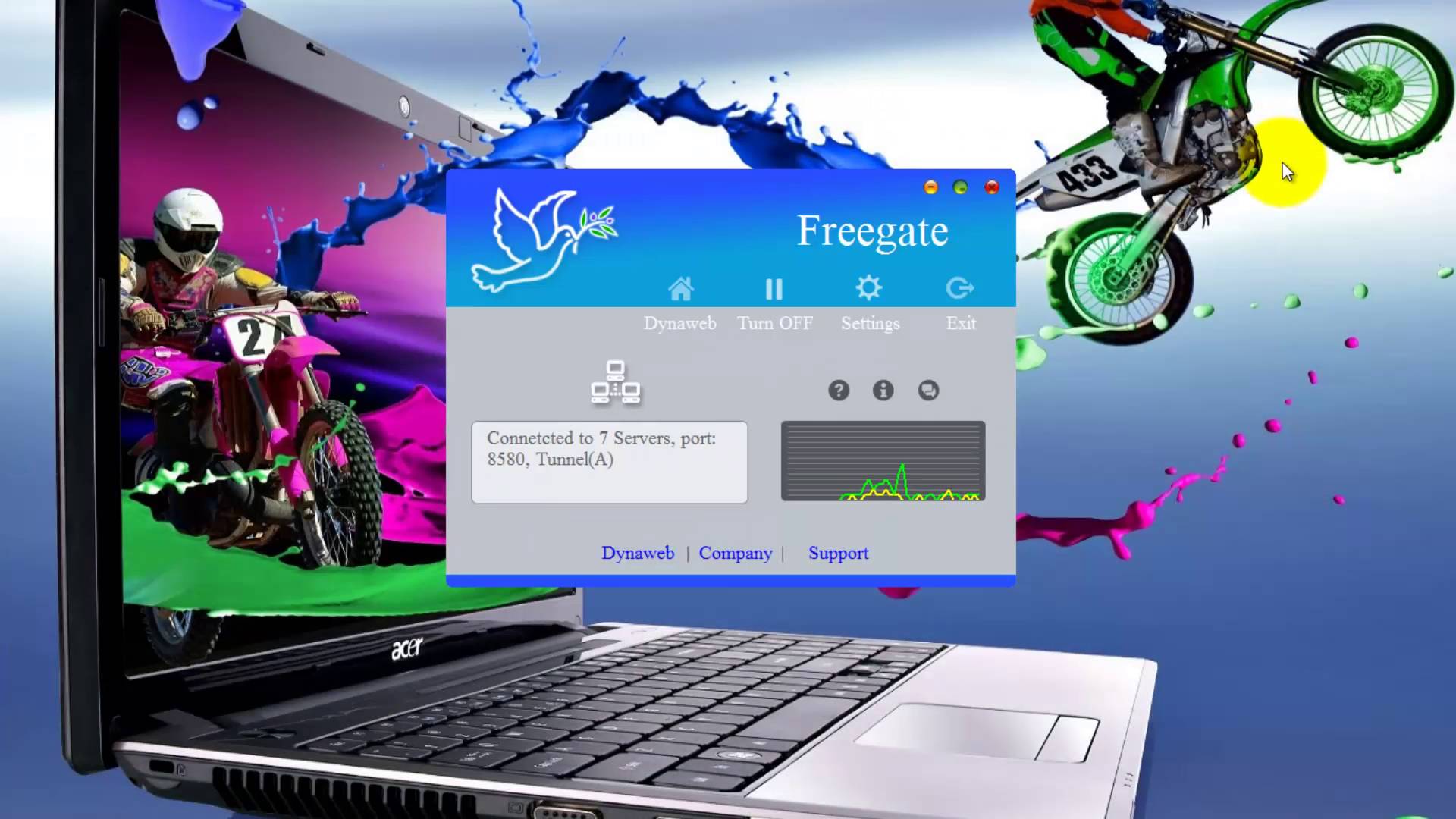
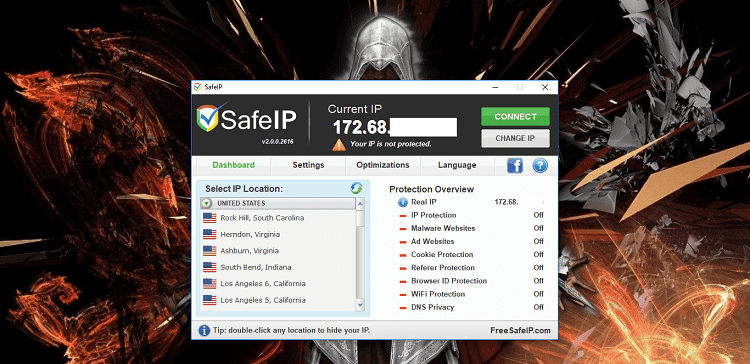
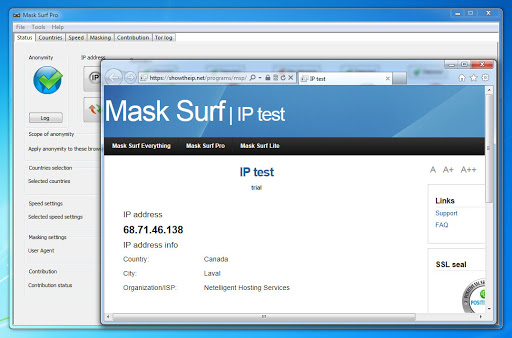
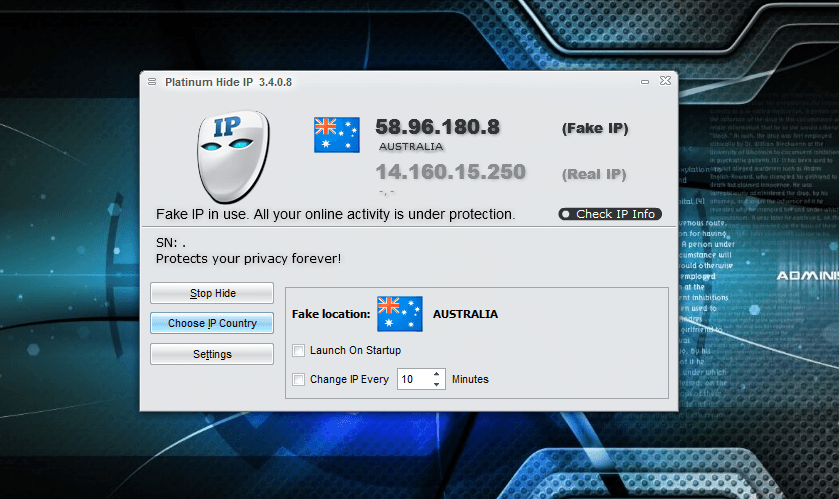
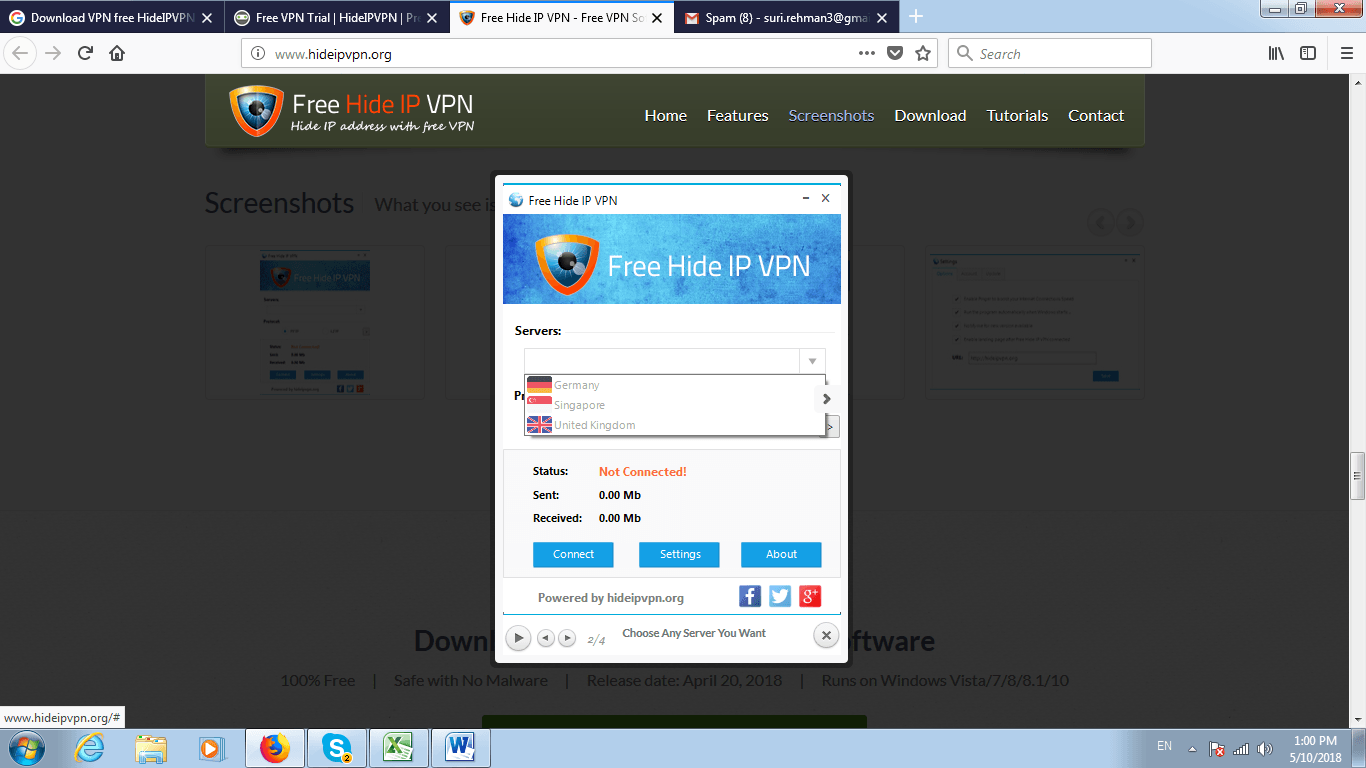
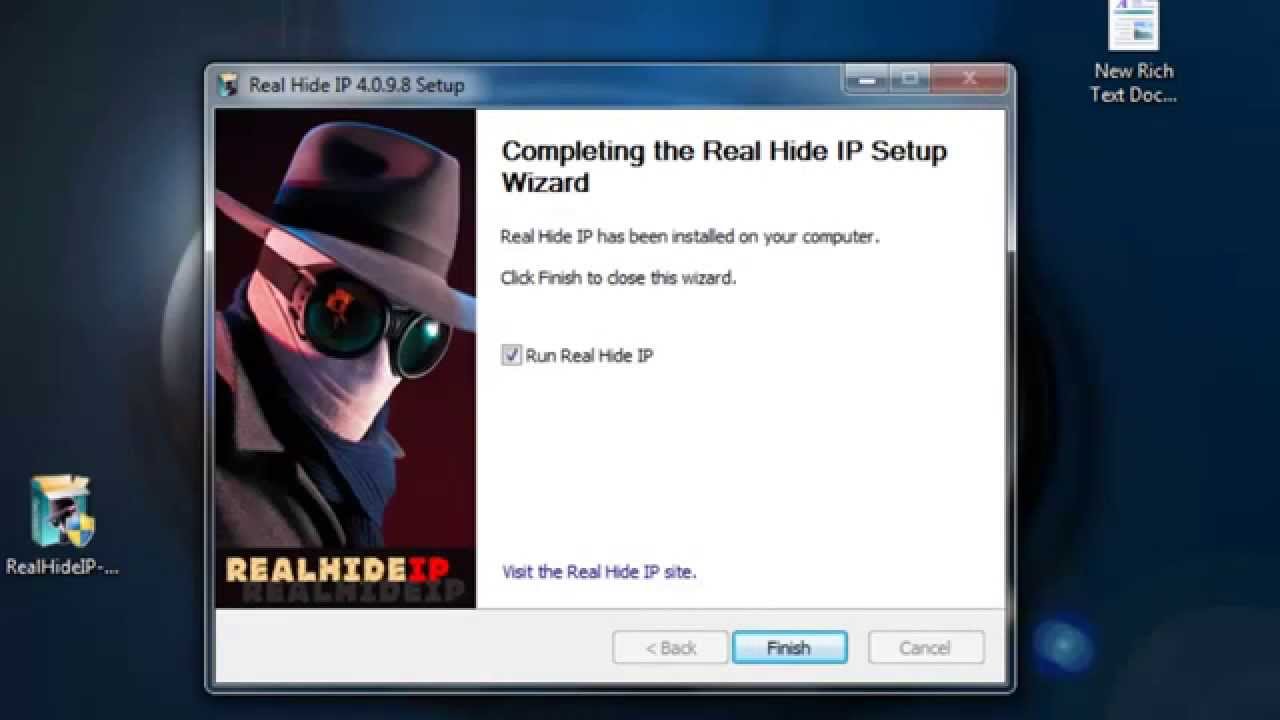
These reference images show older tools from the original list. For a new installation, use the developer's own site or your device's official app store, and confirm that the product still receives security updates. Avoid repackaged installers from old download pages.




Reader Comments 0
Sign in with email or Google to join the discussion.