Table of Contents
This updated guide explores Windows 11 is about to have a built - in text editor 'edit' with practical details, clear explanations, and useful takeaways. When it comes to word processing, Windows 11 already has Notepad or OneNote/Word (if you pay for Microsoft 365). But the reality is that these apps are getting bloated with a bunch of new features that many people do not even care about.
Edit is now available on GitHub for users to install themselves. Unlike a standalone editor, it runs in PowerShell or Command Prompt, supports file editing and content preview.
In a statement to Windows Latest , Microsoft confirmed plans to make "Edit" the default text editor, but only for the command line environment (Terminal). This does not mean that this new app will replace Notepad, but simply lets you quickly access it by typing the edit command in Terminal.
(Currently, to use "Edit", you have to manually download it from GitHub )
Hands - on Experience with Edit – a Text Editor (CLI - based) for Windows 11
The Windows Latest team tried to install and experience the latest version of Edit. The Winget command was used to download and install the CLI editor, the process was completed without any problems. The reason for choosing this method is because Winget modifies the file path directly and does not need to be added manually.
To get started, open a new Terminal window, type edit, and press Enter. This will take you to an editor interface that looks very familiar. But you can use both your mouse and keyboard to control it.
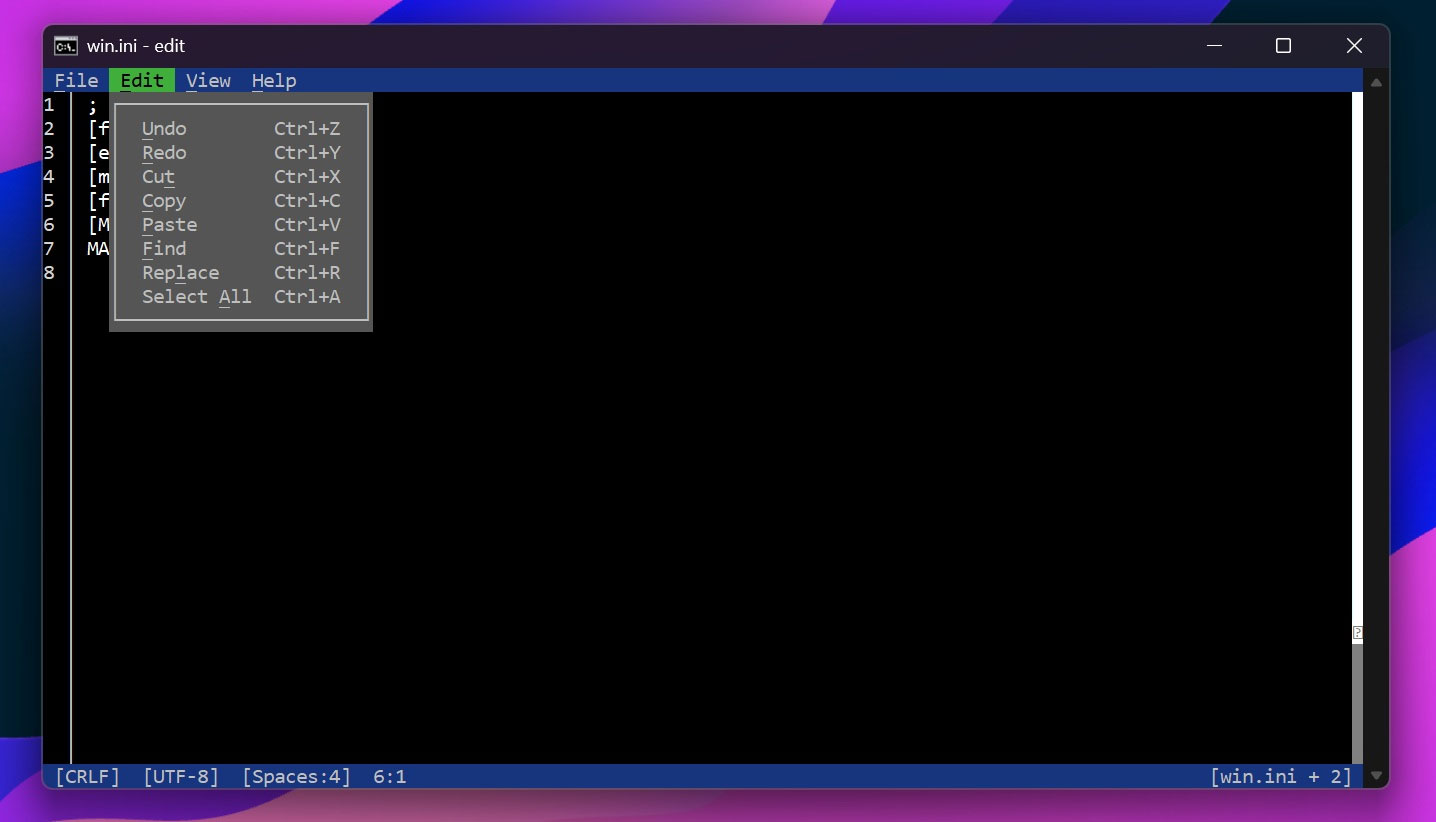
A file can be opened using the editor's Open option, or directly accessing the editing interface with the command edit [file_name].[extension] . A variety of system files such as .log and .ini … were opened and the editor had no problems.
The editor integrates all the essential text editing features, including Find and Replace – both of which are very useful for large files.
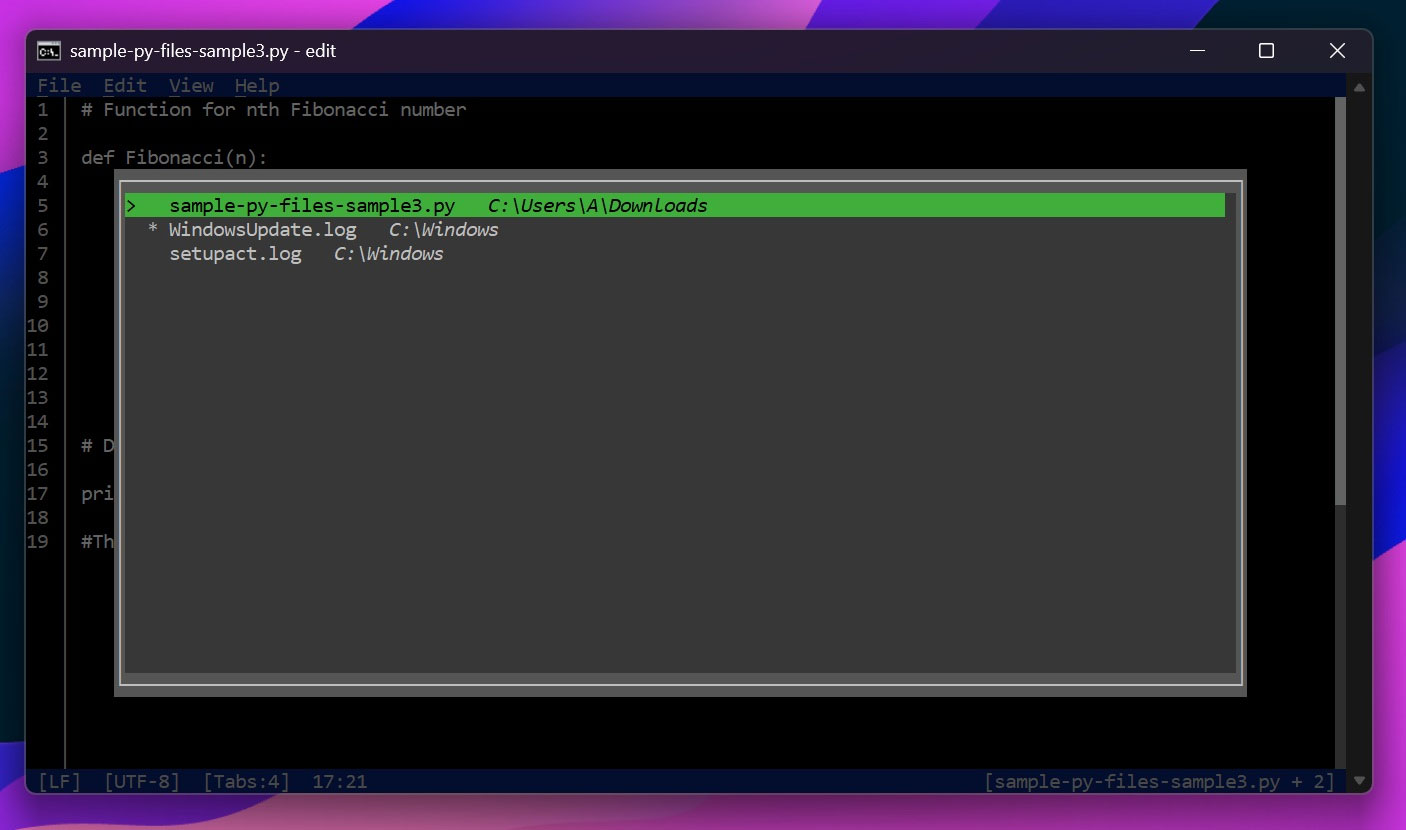
Likewise, you get a few extra features like the Document Picker, which lists all the files you have open in a particular session. This lets you instantly switch between files if needed. Note that it only remembers them for a single session, and when you close the editor, everything is lost. Think of it as an alternative to the tab feature you use in Notepad.
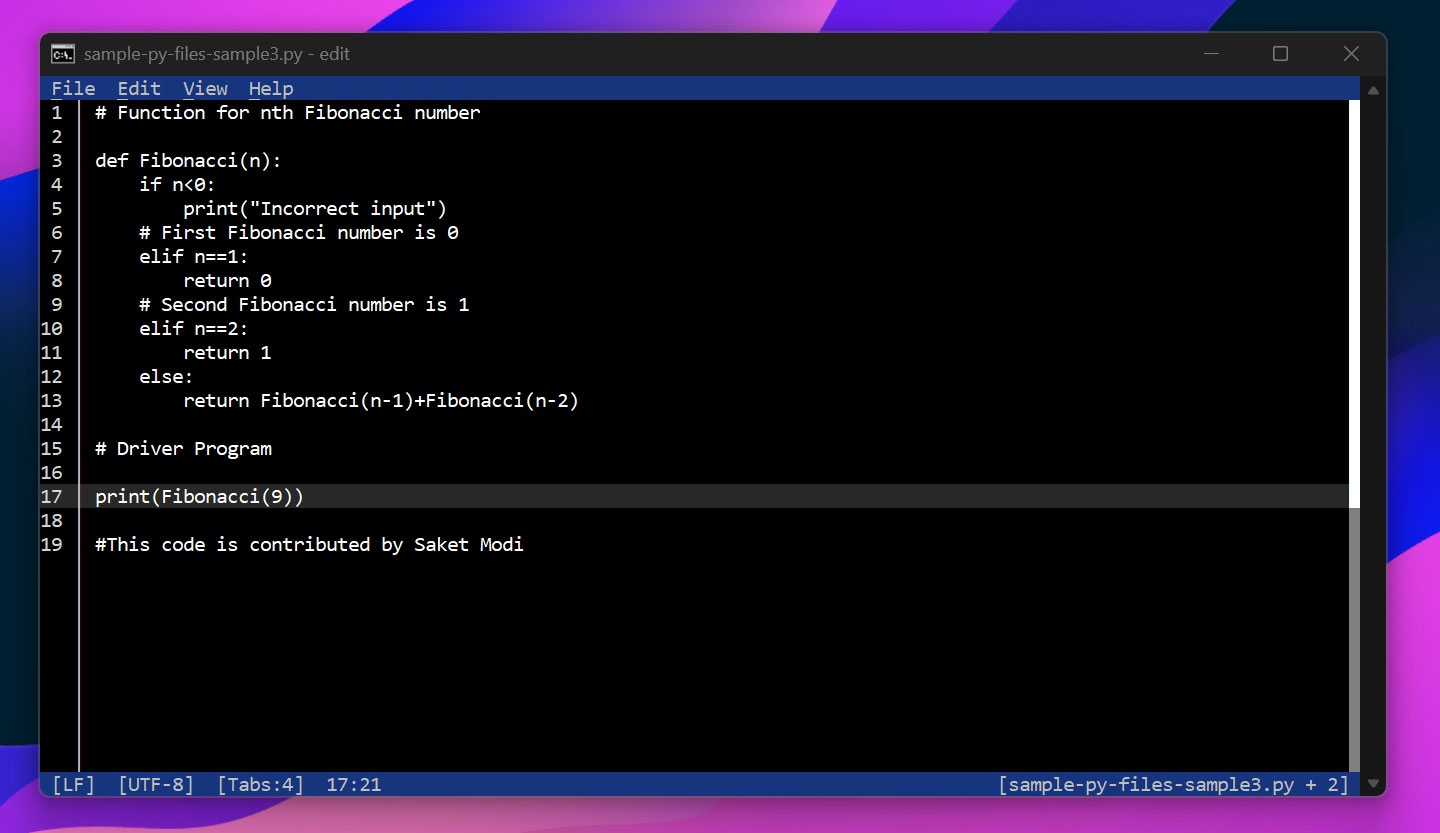
Other features include Word wrap (automatically wrap text on the screen) and open line (jump to a specific line in the file).
Edit is still in development, so there are still many tweaks needed before it officially reaches users.
FAQ
What is the main takeaway about Windows 11 Is About to Have a Built - in Text Editor 'edit'?
The key is to understand the core idea, compare the available options, and apply the practical guidance that matches your situation.
What should beginners know about Windows 11 Is About to Have a Built - in Text Editor 'edit'?
Start with the essential steps and terminology. Avoid changing advanced settings until you understand how they affect performance, privacy, cost, or compatibility.
How can I use this information in practice?
Follow the relevant section in order, test one change at a time, and confirm the result before moving to the next step or recommendation.
Related Articles
 How to Add Features to Vim Editor10 minutes read
 Edit Command in Windows: Tips and Examples3 minutes read
 Block Access to Registry Editor on Windows 10/8/79 minutes read
 How to Use Video Editor on Windows 109 minutes read
 How to Use AI Image Editor to Edit Photos with AI: Clear Instructions5 minutes read
 Instructions for Editing Photos on Icecream Photo Editor4 minutes read
Reader Comments 0
Sign in with email or Google to join the discussion.