Table of Contents
This updated guide explores YouTube app stops supporting many older iPhone models with practical details, clear explanations, and useful takeaways. Google is rolling out a new update to its YouTube app for iOS, and it is bad news for those still using older iPhones. Starting with version 20.22.1 (the latest release on the App Store), YouTube for iPhone now requires iOS 16 or later.
New hardware requirements make many iPhones incompatible with the latest version of YouTube, including:
- iPhone 6S/6S Plus
- iPhone 7/7 Plus
- iPhone SE first generation
- iPod touch 7th generation On iPad, this update removes support for iPad Air 2nd generation and iPad mini 4th generation.
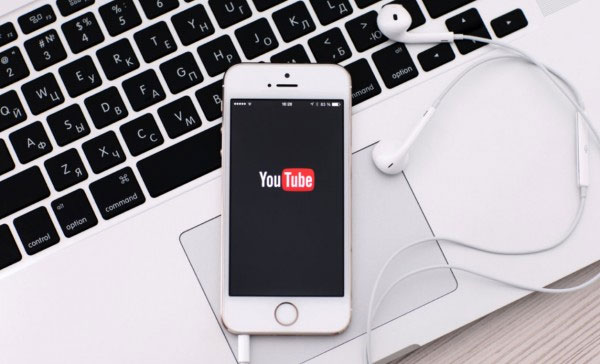
While you cannot install version 20.22.1 or later, older versions of YouTube will still work fine on lower-end iPhones. Still, users will:
- do not get new features or improvements
- The app will be completely discontinued in the future. The alternative is to use the web version, but the experience will be limited compared to the fully updated app.
Google isn't the only service dropping support for older Apple devices. WhatsApp recently dropped support for iPhones that cannot run iOS 15.1 or later.
This news will obviously be a huge disappointment for users of older iPhones, which have a respectable lifespan (as long as you're happy with the battery life). But remember, the iPhone 6S line was launched nearly a decade ago. 10 years of support is impressive, but it is clearly time to upgrade.
FAQ
What is the main takeaway about YouTube App Stops Supporting Many Older iPhone Models?
The key is to understand the core idea, compare the available options, and apply the practical guidance that matches your situation.
What should beginners know about YouTube App Stops Supporting Many Older iPhone Models?
Start with the essential steps and terminology. Avoid changing advanced settings until you understand how they affect performance, privacy, cost, or compatibility.
How can I use this information in practice?
Follow the relevant section in order, test one change at a time, and confirm the result before moving to the next step or recommendation.
Related Articles
 Samsung Stops Supporting Updates for 11 Smartphones3 minutes read
 Older iPhone Users Should Update to iOS 16.7.6 Immediately: What to Know18 minutes read
 Check iOS 17.1 Battery Life on iPhone XS, XR, 11 Models: Complete Overview6 minutes read
 Microsoft Still Supports Edge Chromium After the Death of Windows3 minutes read
 Fortnite Will Stop Supporting Windows 7 and Windows 84 minutes read
 Things to Know About When Google Stops Supporting Chromebooks: Key Facts7 minutes read
Reader Comments 0
Sign in with email or Google to join the discussion.