Table of Contents
PowerToys Command Palette has become a familiar tool for many people. It is free, supported by Microsoft, integrates many useful extensions and helps to tidy up the desktop.
Many people hate seeing application shortcuts cluttering up their desktops, so they delete them all and just pin their most-used applications to the Taskbar. The problem is that they still need to open other applications, folders, and files throughout the day. The Windows Start menu works well, but it's cumbersome. Every time they open a window, they have to move their cursor to the bottom of the screen, click the Windows icon, and start searching.
It was time to look for a better launcher and finally ditch the Start menu altogether. PowerToys Command Palette has become a go-to tool for many. It's free, supported by Microsoft, has a ton of useful extensions, and keeps your desktop clean. A quick shortcut opens instantly, finds what you need, and blends so naturally with Windows that it feels like a default feature. Now you have a clean desktop and quick access to everything you need.
Why do people prefer PowerToys Command Palette over other alternatives?
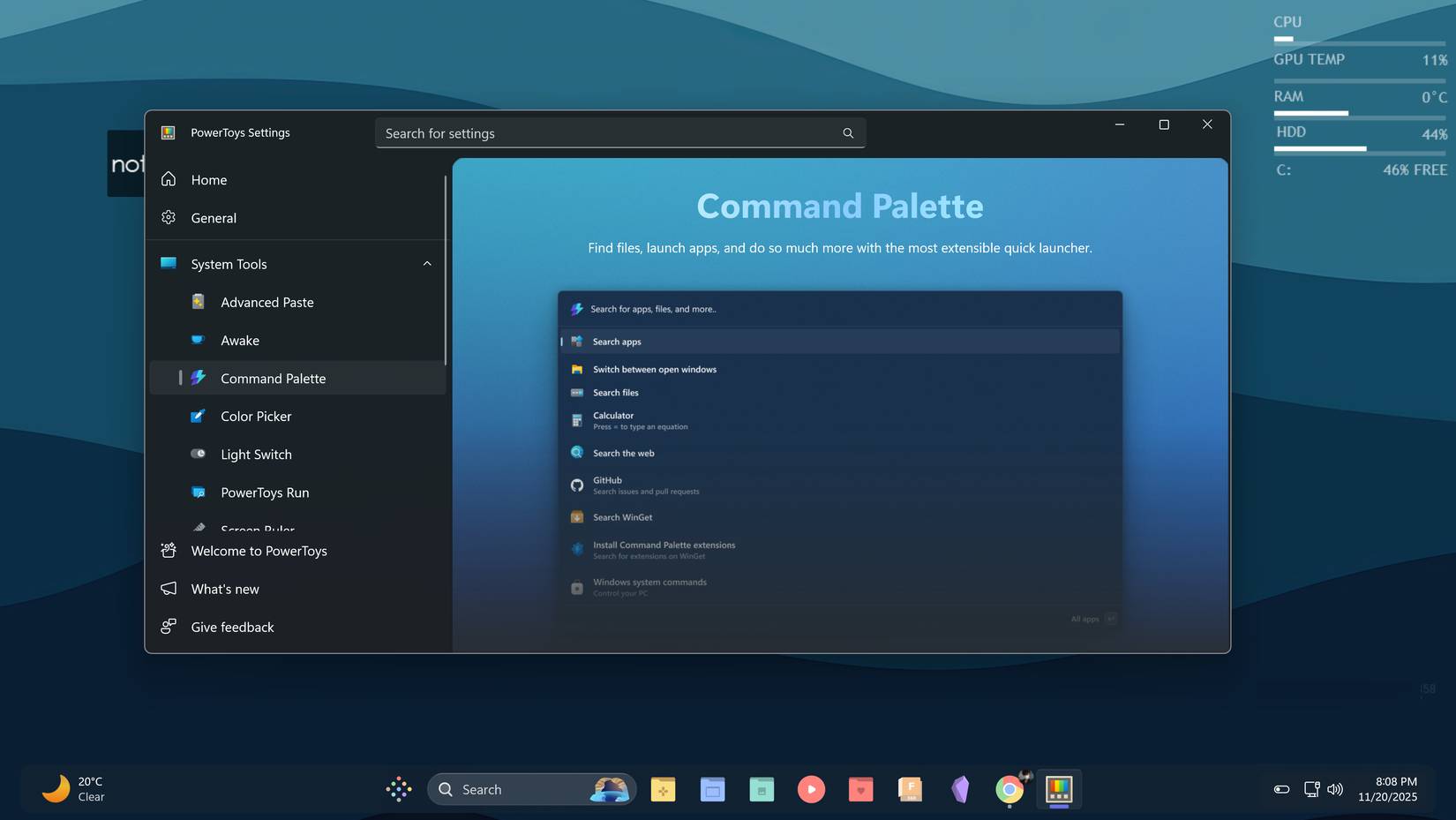
People have used launchers like Keypirinha, Everything, and Wox before. They are all powerful and highly configurable tools. But after setting up Windows and installing PowerToys, they realize that Command Palette offers exactly what they want.
PowerToys is one of the first utilities that should be installed on every Windows computer, which means Command Palette is automatically available on all devices. No separate installer required. No complicated setup required. Just open the PowerToys settings, find Command Palette in the list, and enable it.
Since Microsoft developed it, it is constantly updated, reliably supported, and integrates seamlessly with Windows. It feels like a native launcher because it works like a built-in feature. The reason people like Command Palette is simple. It is more than enough for those who don't want too much customization or dozens of extensions. They just want a launcher that works reliably and cleanly. PowerToys Command Palette fits the bill perfectly.
Things People Love About Command Palette
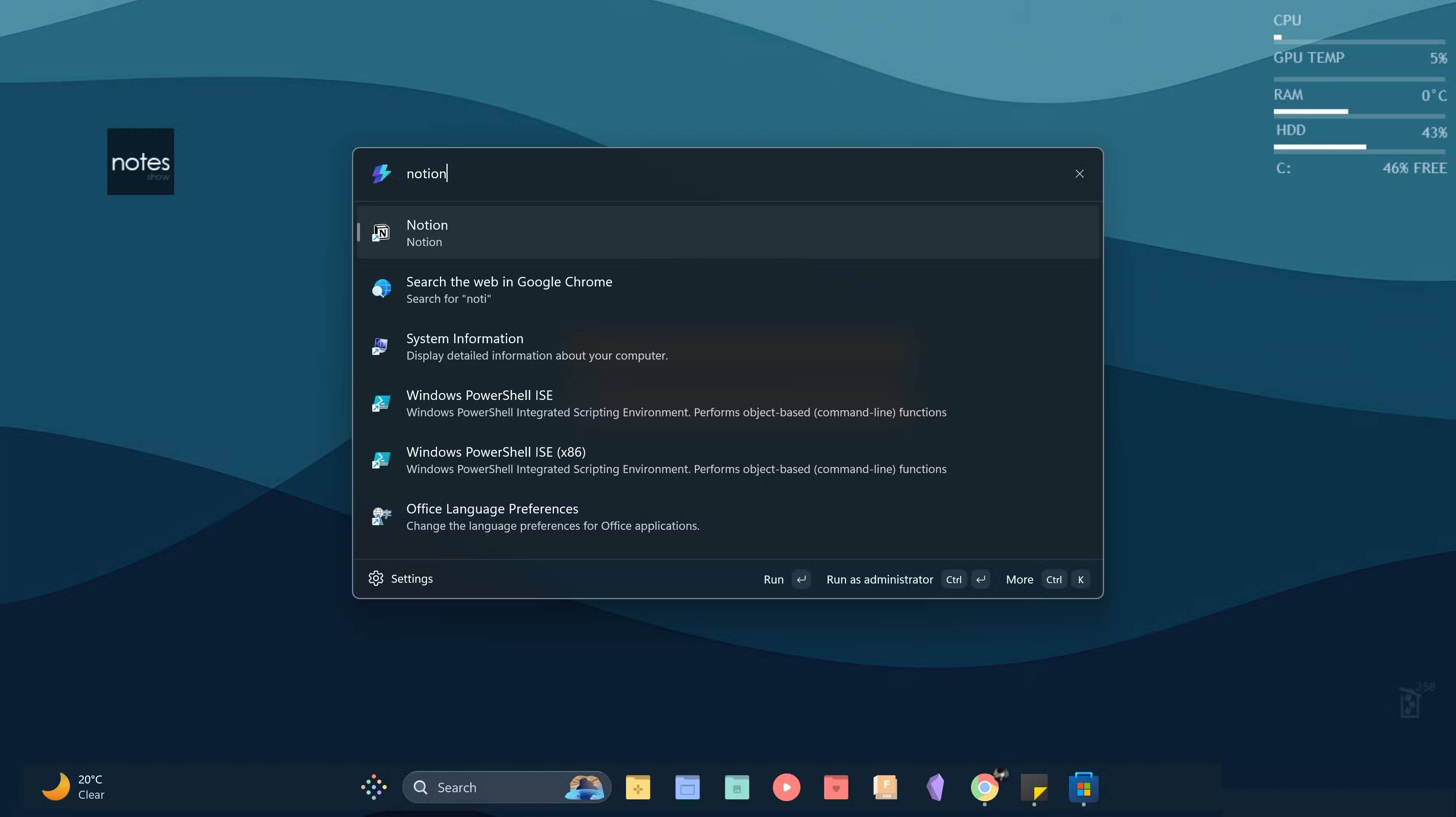
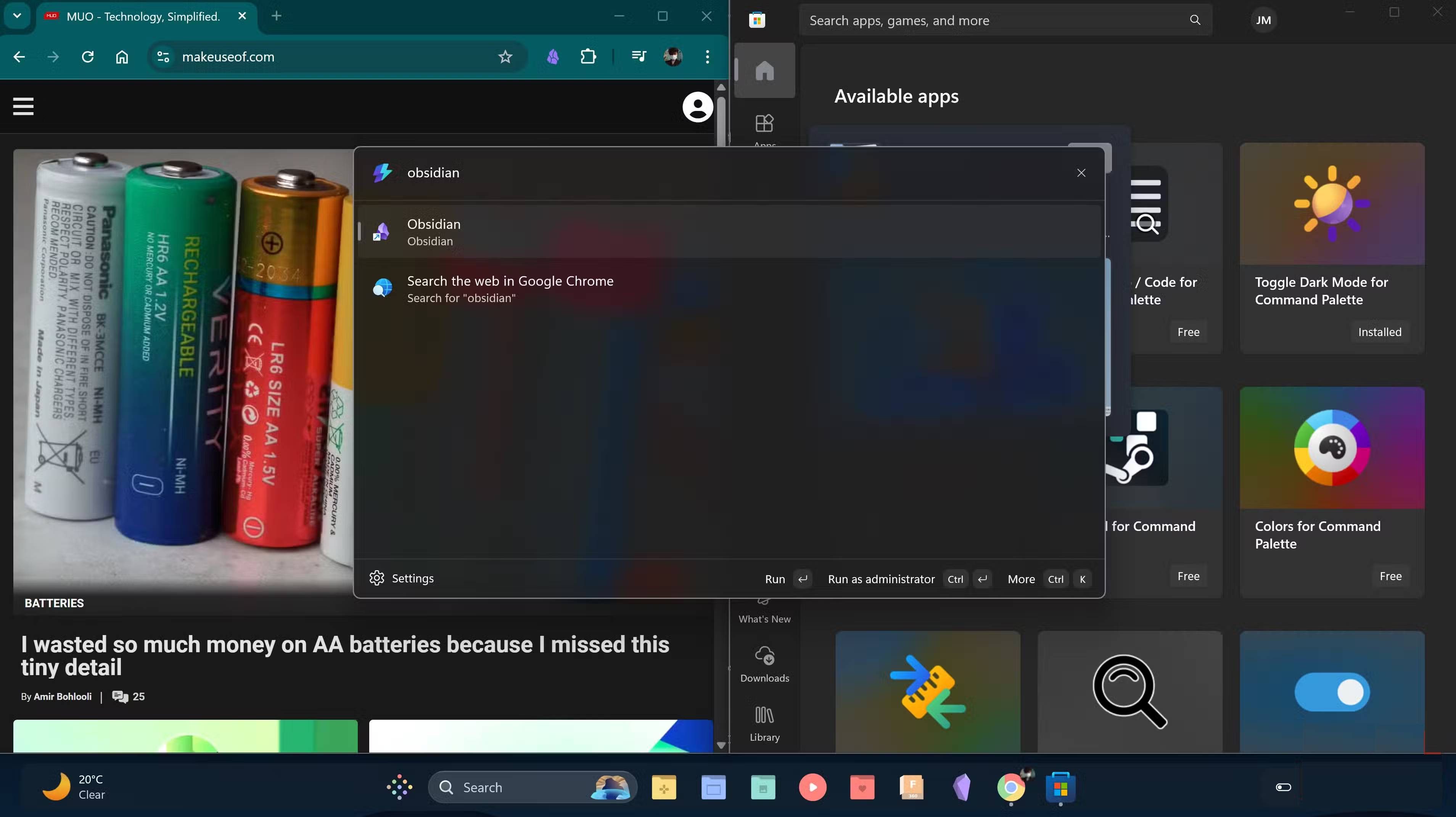
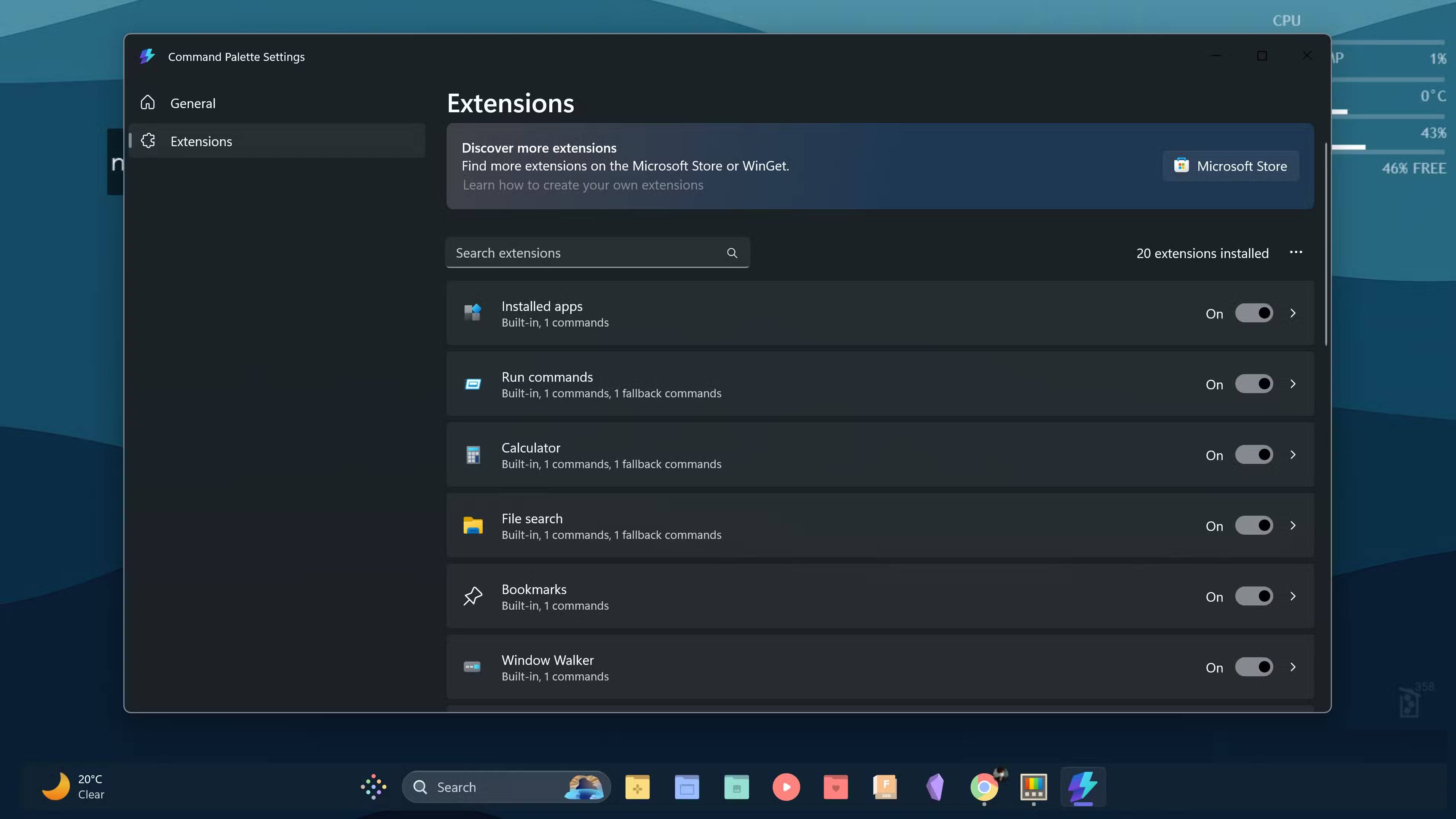
Windows' default search engine drives users crazy. You type in what you're looking for and half the time it shows web results instead of apps or folders on your computer. While web search is one of those features that many people always turn off on new Windows computers, it seems to always be on after every update. So instead of messing with the system, use the Command Palette. You type in your app or file, it finds it instantly, and just hit Enter . No surprises. No Bing results when you just want to launch Notepad.
You can collapse the Taskbar and put two search bars on the desktop when you set up Windows, so adding another launcher is unnecessary. Command Palette solves that problem neatly by using the default keyboard combination, Windows + Alt + Space . Just tap 3 fingers near the bottom of the keyboard, and it pops up instantly. No mouse required, no extra clutter.
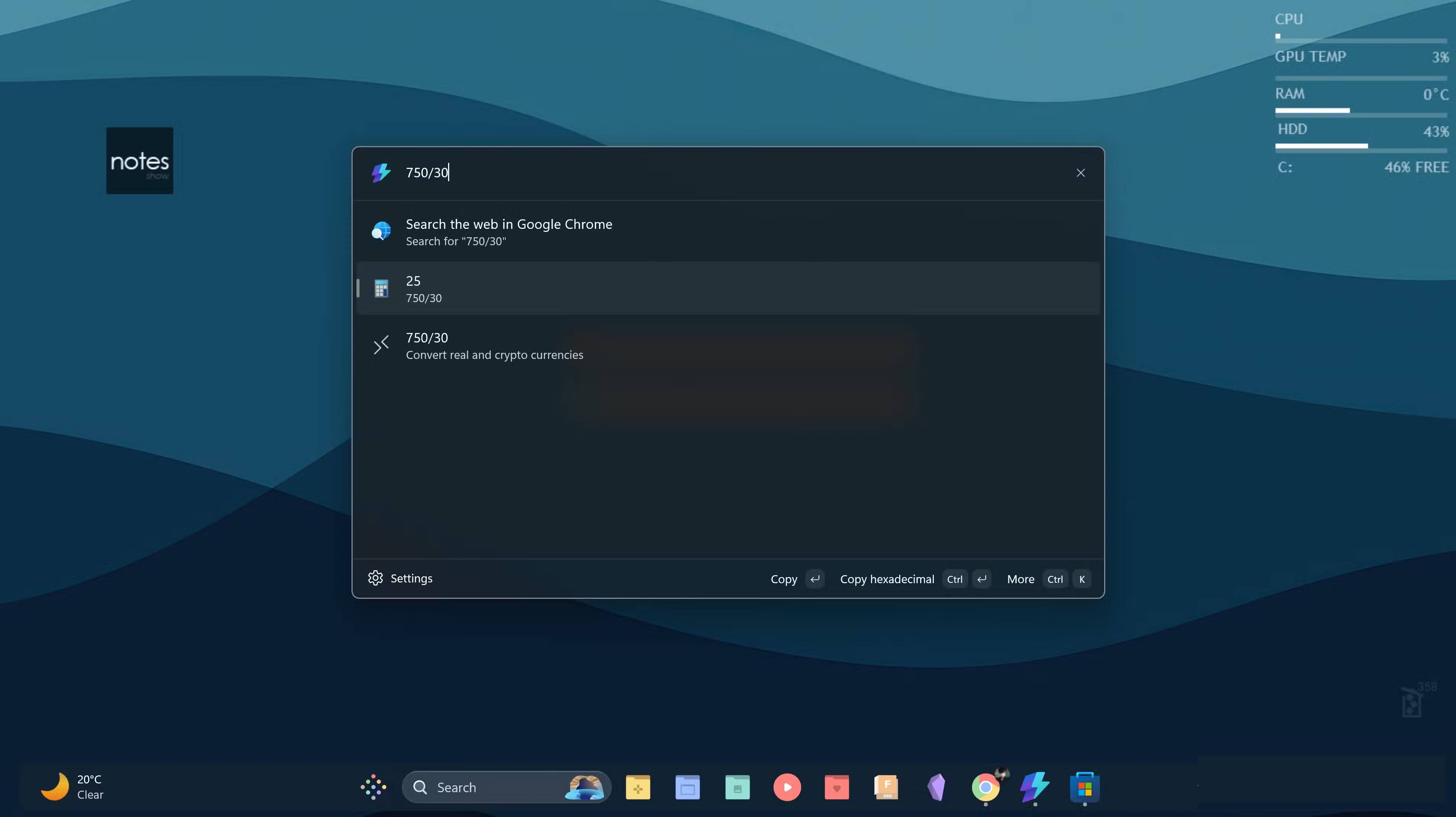
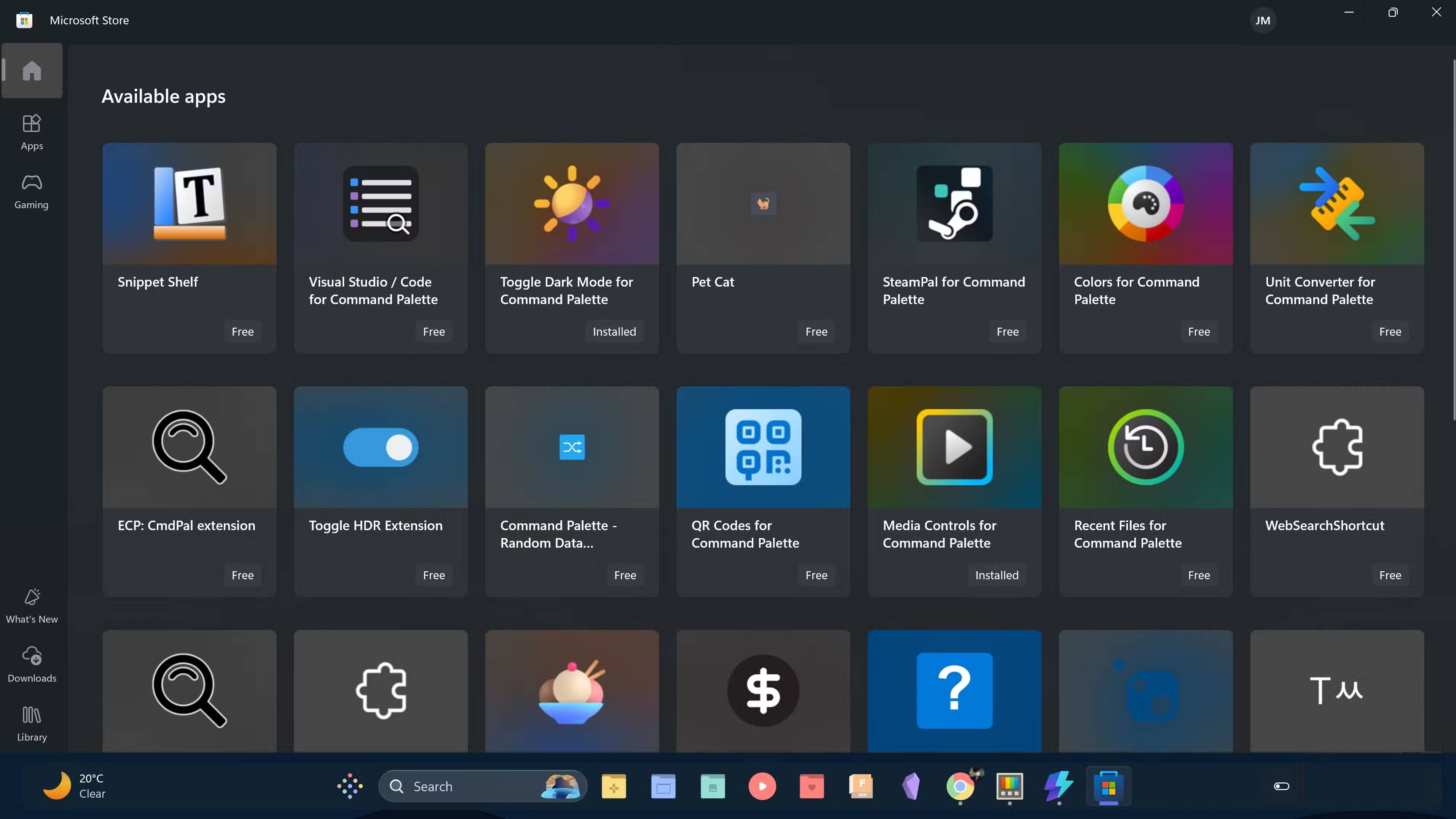
Pre-installed extensions make the experience even better. File search, web search, calculator, and WinGet app discovery are the most used. In addition to the built-in features, many people have also added a few extensions from the Microsoft Store. Currency Converter is available for those times when You should convert between different currencies. Browser Bookmark Search helps find saved links, and Unit Converter handles measurements quickly. Installation is simple. No reboots are required, and there are no conflicts with other software. Everything fits naturally into Windows.
The visual design is the final touch that makes it a pleasure to use. The Command Palette looks clean and modern without being too flashy. The interface fits the Windows 11 style so well that it feels like a native app, something Microsoft should have built into the OS from the start.
Why do some people dislike the Command Palette?
Cannot be configured like other launchers
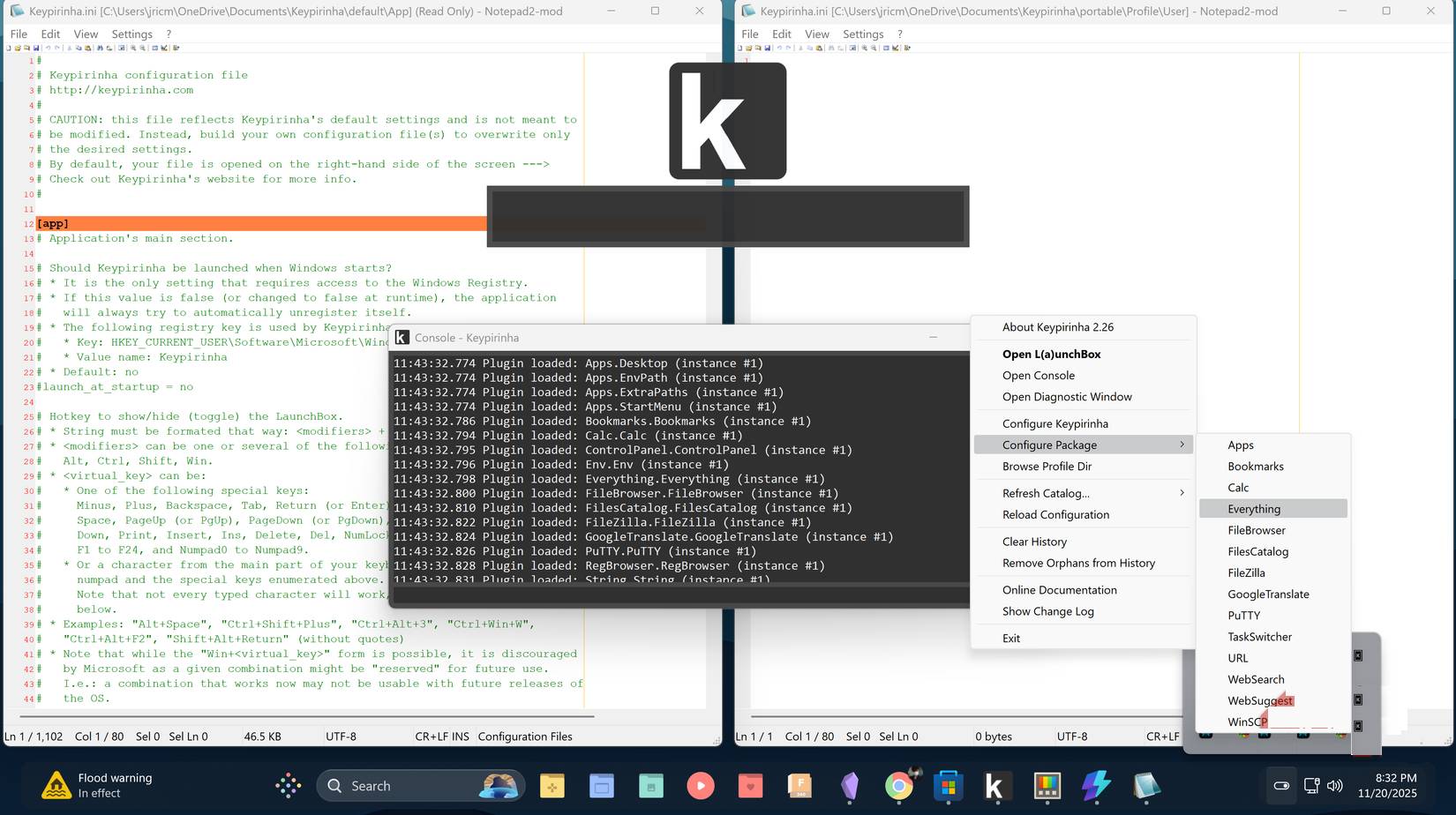
Command Palette doesn't have the same level of customization as other third-party launchers. If you want to customize everything about how the launcher works, build extensive custom profiles, or create dozens of shortcuts and personal workflows, other launchers offer significantly more flexibility. They can be customized and extended in ways that Command Palette doesn't.
Maybe you're running complex automated workflows or need a launcher tailored to a very specific process. If that's the case, Command Palette probably won't be the right fit. You might want to check out alternatives like Keypirinha, which is just as fast but offers deep customization options.
For some people, Command Palette meets all their needs. Most of their most used apps are pinned to the Taskbar, and they only use the launcher occasionally. It's important to have something that integrates seamlessly with the system, works right out of the box, is always reliable, and simplifies things without adding anything extra.
FAQ
Why Did So Many People Stop Using the Windows Start Menu After Finding The?
In practical terms, powerToys Command Palette has become a familiar tool for many people. It is free, supported by Microsoft, integrates many useful extensions and helps to tidy up the desktop.
What factors are most important?
The article highlights that the Windows Start menu works well, but it's cumbersome.
What is the main takeaway?
The main takeaway is that while web search is one of those features that many people always turn off on new Windows computers, it seems to always be on after every update.
Related Articles
 How to Use Powertoys Run as a Start Menu Replacement: Step-by-Step Guide6 minutes read
 Trick to Run Commands on Start Menu and Taskbar on Windows 103 minutes read
 3 Ways to Fix Start Menu on Windows 10 Stopped Working5 minutes read
 Invite to Admire Start Menu on Windows 10 Completely New with Modern Design and More Elegant3 minutes read
 Create a Shortcut for the Run Command4 minutes read
 Windows 11 Is Hiding a Second Start Menu: Why Should You Use It?8 minutes read
Reader Comments 0
Sign in with email or Google to join the discussion.