Table of Contents
PowerToys are great multi-tools, but sometimes you need the right one to get the job done.
PowerToys is one of the best software that Microsoft has ever created. It is a great all-in-one software package that offers features that save users many time and effort every day. In fact, there are so many features of PowerToys that Microsoft should have included by default in Windows 11.
That said, while PowerToys is a good all-in-one tool, its individual modules can sometimes be inferior to other third-party options. PowerToys is a great all-in-one tool, but sometimes you need the right one to get the job done.
Fluent Search outperforms PowerToys Run
Instant results, smarter indexing, and endless customization
PowerToys Run is a solid Spotlight alternative on Windows, so much so that it replaced the Start menu and many people will never go back. However, it can still feel restrictive at times and the user interface isn't exactly great.
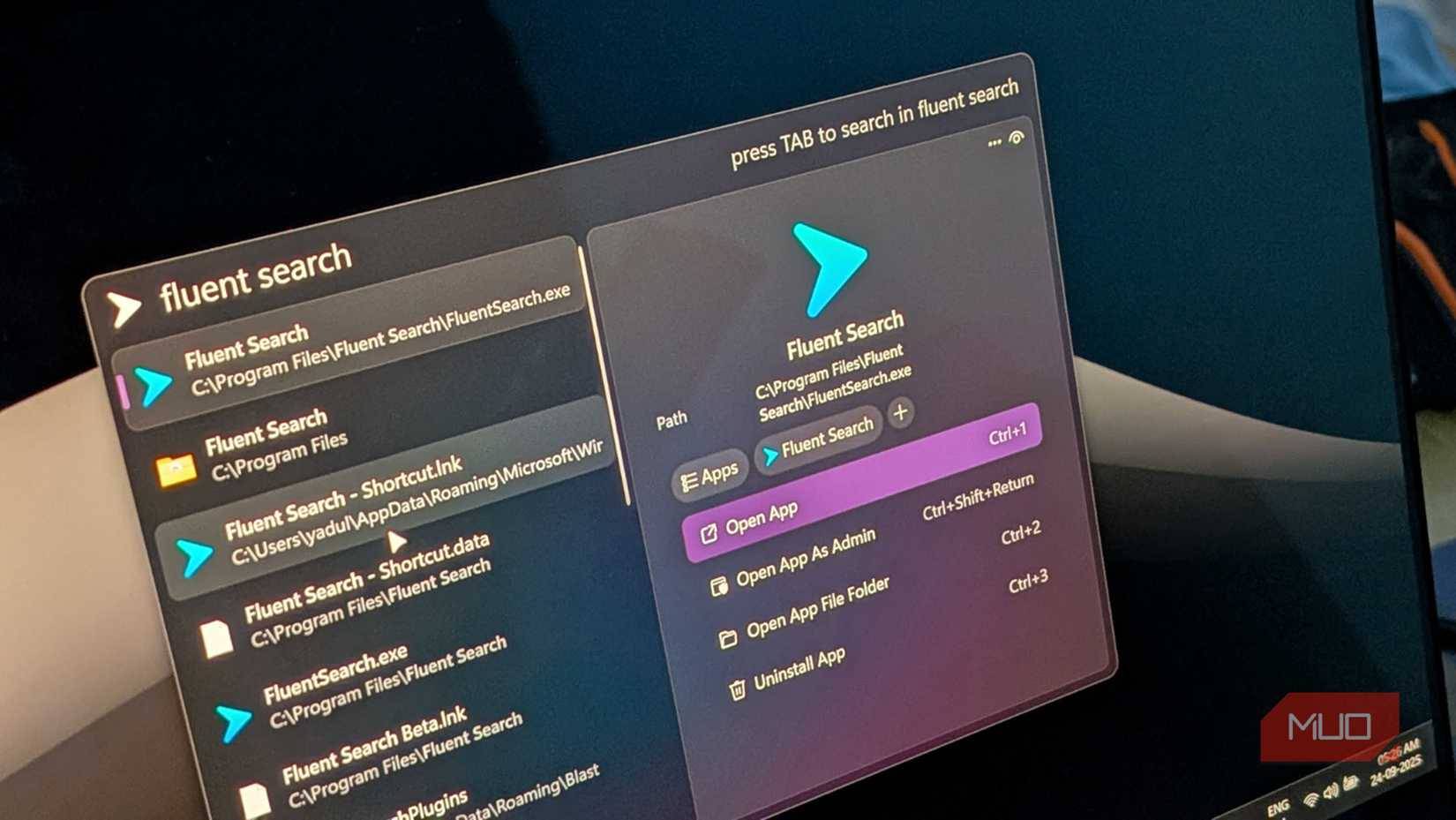
Fluent Search is a small app that lets you search your PC instantly. It adds a few features that weren't available in PowerToys, including an indexer and Screen Search. Fluent Search is much faster than the built-in Windows Search Indexer, which is a battery hog and not very good at finding files. Screen Search, on the other hand, lets you search for clickable items and text anywhere on the screen.
In addition to basic file search functionality, Fluent Search can also search
- The application is working
- Browser tabs on Chrome, Edge, Firefox, and more
- In-app content like buttons, hyperlinks, and tabs
- System settings
- Search the web
- Text translation, etc.
Once you get used to it, you can navigate almost the entire Windows interface using just the keyboard. This is perfect for those times when you're busy and don't want to take your hands off the keyboard.
Bulk Rename Utility replaces PowerRename
Looks classic, but works like magic
Before PowerToys, renaming multiple files at once was a hassle. Microsoft's tool gives you search and replace, regular expressions, and a preview window. These features are much better than Windows Explorer's basic renaming options, and figuring out how to batch rename files with PowerRename is pretty easy.
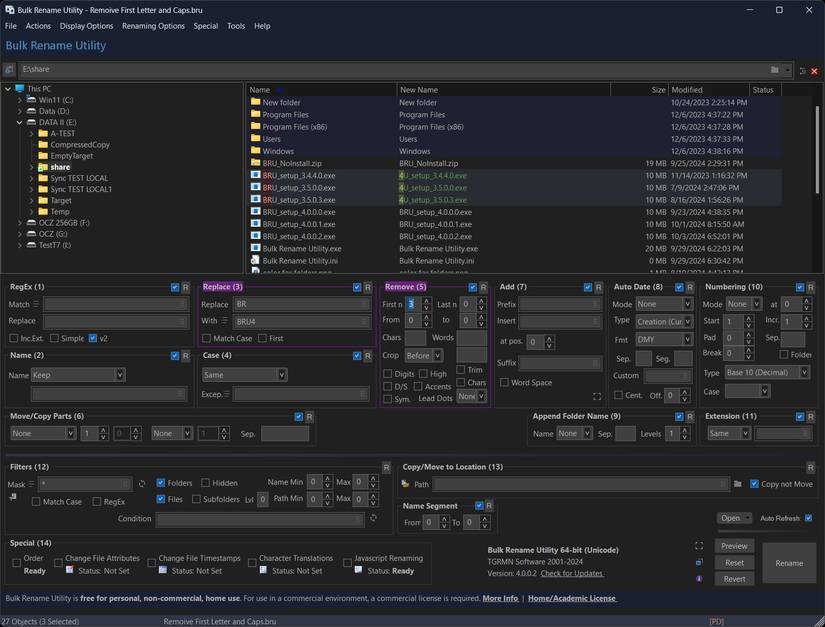
For example, PowerRename can't change file types, remove or add numbers and symbols, incorporate parent folder names into file names, paste text from the clipboard into file names, or save renaming formats as favorites. That last feature is a real lifesaver, as you won't have to recreate renaming rules every time you rename photos from a shoot.
As you might expect, Bulk Rename Utility offers all of these features and more. The preview feature is also more powerful, allowing you to see exactly how your files will be renamed before making any changes. PowerRename is a Windows shell script with a user interface that makes it more accessible, while Bulk Rename Utility is a comprehensive tool for handling batch file renaming like a pro.
AquaSnap and FancyWM replace FancyZones
More control, more layout options, and fewer restrictions
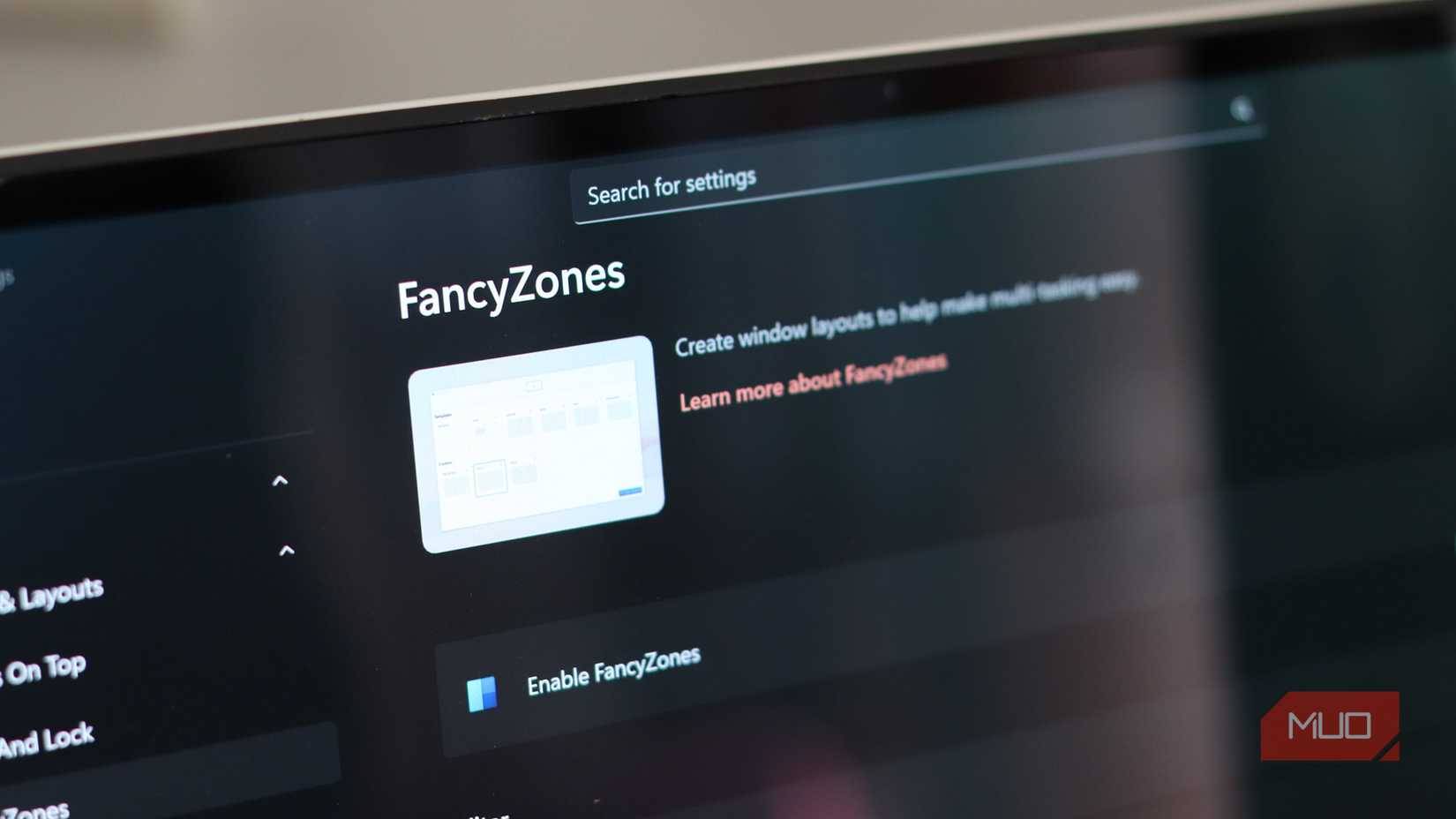
FancyZones is arguably one of the more useful features of PowerToys. If you have trouble managing multiple open windows, this feature can be a huge help. You can quickly create basic window layouts and manage how different windows behave using FancyZones. These are useful features if you've never used a window manager before, but they're inferior to dedicated window managers like AquaSnap or FancyWM.
AquaSnap is similar to FancyZones in functionality, but has a smoother and more intuitive "magnetic" window alignment process. Even though you have predefined zones in FancyZones, AquaSnap can reshape the windows as you adjust each tiled window.
FancyWM is a dynamic tiled window manager for Windows that lets you create dynamic tiled layouts using your mouse or keyboard. You can also move window focus using your keyboard, and even swap or resize windows without touching the mouse. It takes a little getting used to, and you might not like the complexity at first, but as you continue using FancyWM, you'll get used to it. It's a much more powerful alternative to FancyZones if you're having trouble keeping track of all your open windows.
FAQ
What should you know about Windows apps that can beat powertoys?
In practical terms, powerToys are great multi-tools, but sometimes you need the right one to get the job done.
Why does Windows apps that can beat powertoys matter?
The article highlights that in fact, there are so many features of PowerToys that Microsoft should have included by default in Windows 11 .
What is the main takeaway?
The main takeaway is that fluent Search outperforms PowerToys Run Instant results, smarter indexing, and endless customization PowerToys Run is a solid Spotlight alternative on Windows, so much so that it replaced the Start menu and many people.
Related Articles
 Powetoys: How to Use Powertoys on Windows 105 minutes read
 Powertoys Toolkit Will Have a New Look and Feel Suitable for3 minutes read
 8 PowerToys Features Microsoft Should Include by Default in Windows 117 minutes read
 Microsoft Revived Powertoys, a Popular Customization Tool on3 minutes read
 Powertoys Is Now Available in Windows 11 Microsoft Store3 minutes read
 11 Useful Windows Apps That Don't Come Pre - Installed7 minutes read
Reader Comments 0
Sign in with email or Google to join the discussion.