Table of Contents
For some people, there are three Microsoft apps they can't live without: Power Automate, PC Manager, and PowerToys.
For some people, there are three Microsoft apps they can't live without: Power Automate, PC Manager, and PowerToys. Each of these tools solves a different problem and adds real value to their daily workflow.
3. Microsoft Power Automate
Let your PC handle the boring tasks for you!
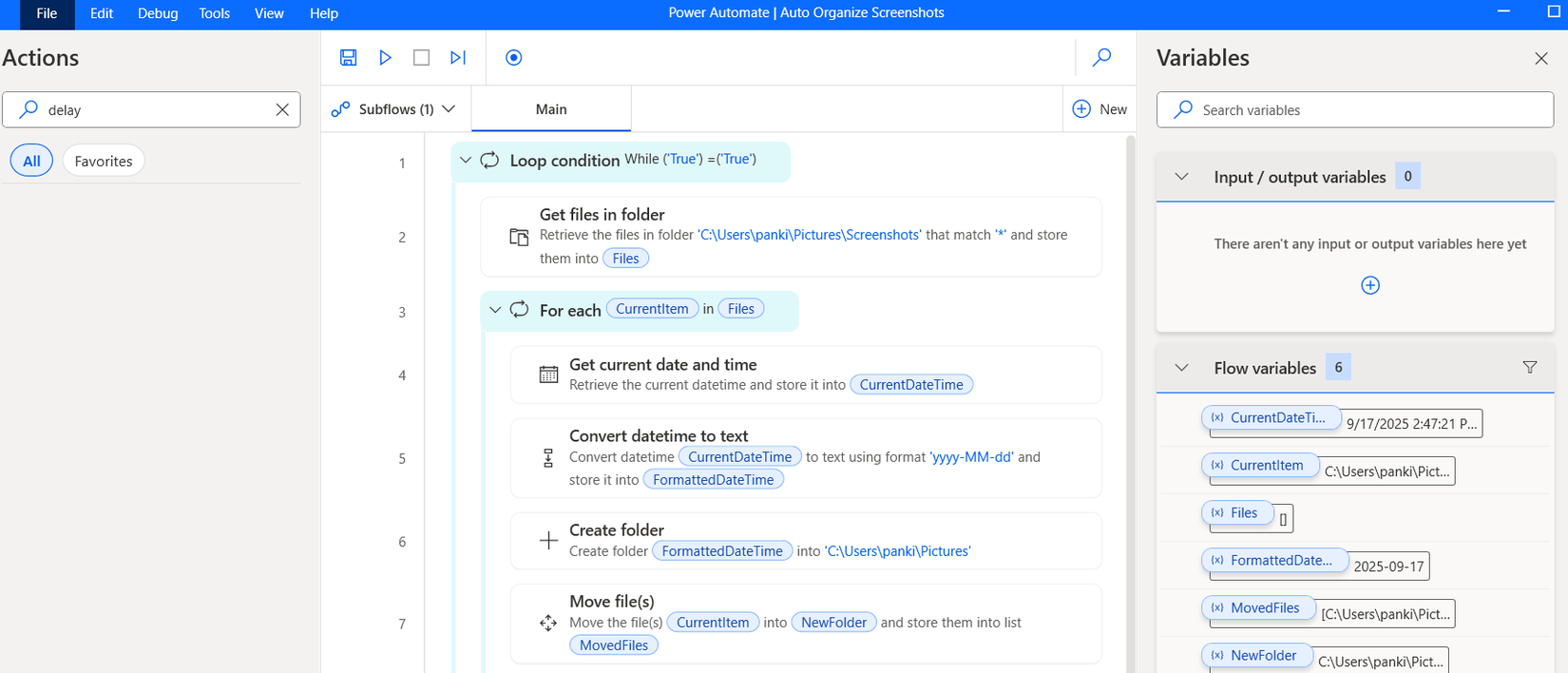
If you've ever felt tired of doing repetitive tasks, Microsoft Power Automate could be your new best friend. It's like a personal assistant that runs silently in the background, taking care of all the mundane tasks that take up your time. It might take a little while to get used to how Power Automate works at first, but it's worth it.
It uses an intuitive interface that lets you drag and drop actions to create flows for anything. You can set up flows to automatically save email attachments to OneDrive, notify your team when a file is updated, or even generate reports with a single click. These flows run automatically and save you hours each week.
2. PC Manager
One application to manage all PC maintenance activities
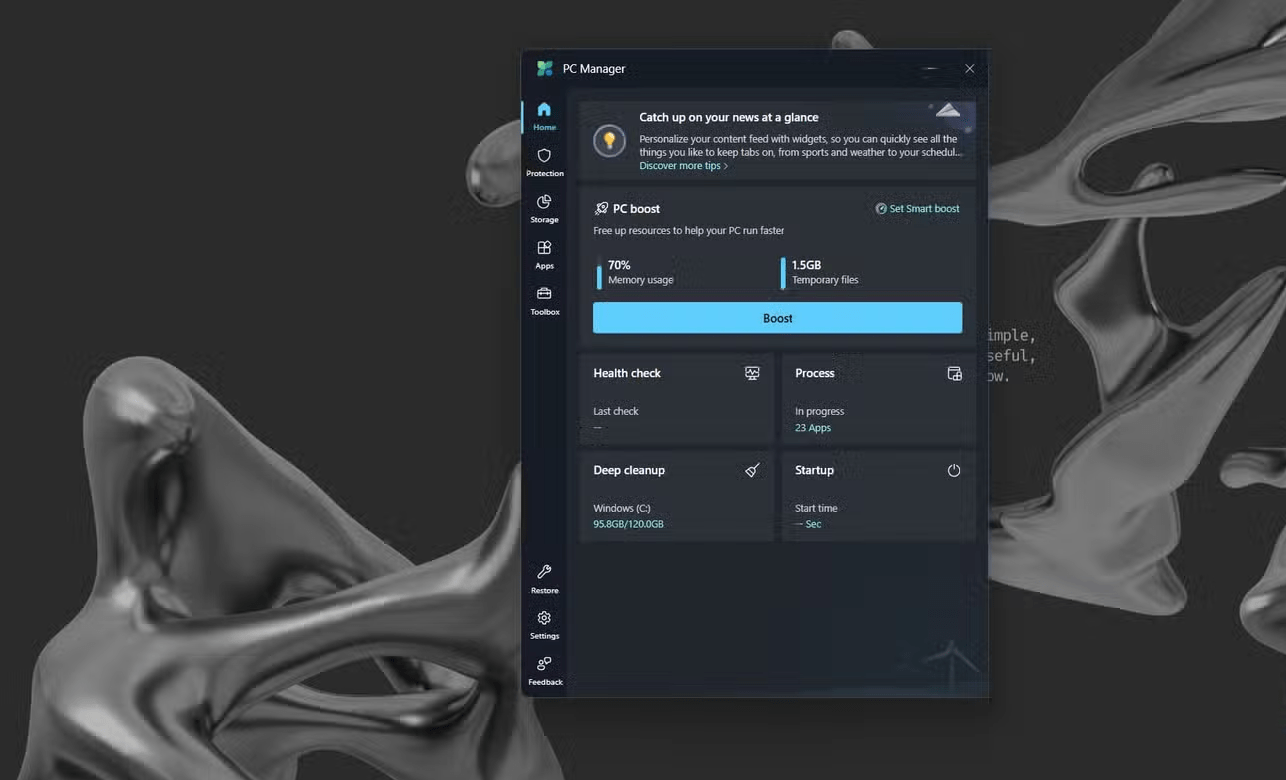
While Windows already provides all the necessary maintenance options, they are scattered all over the place. Microsoft PC Manager brings all the system cleaning features, performance monitoring, and essential security settings into one place. It is easily the best maintenance tool you can use for your PC.
Note : PC Manager is available in most regions, except some European countries. If you don't see the app in the Microsoft Store or the Get Button is missing, go to Settings > Time & language > Language & region And temporarily change Country or region To United States . Then, restart your PC and try again.
You can use this lightweight app to delete large or duplicate files that are silently taking up storage space, review all running processes, and even identify apps that are slowing down your startup. With everything in one place, you don't have to switch between Task Manager, Settings, and Control Panel.
For added convenience, you can enable the PC Manager toolbar, which always appears on top of your applications. It displays real-time network speeds and provides quick shortcuts to tools like Screenshot , Notepad, and the Search Menu.
1. PowerToys
Unlock hidden Windows features you'll actually use
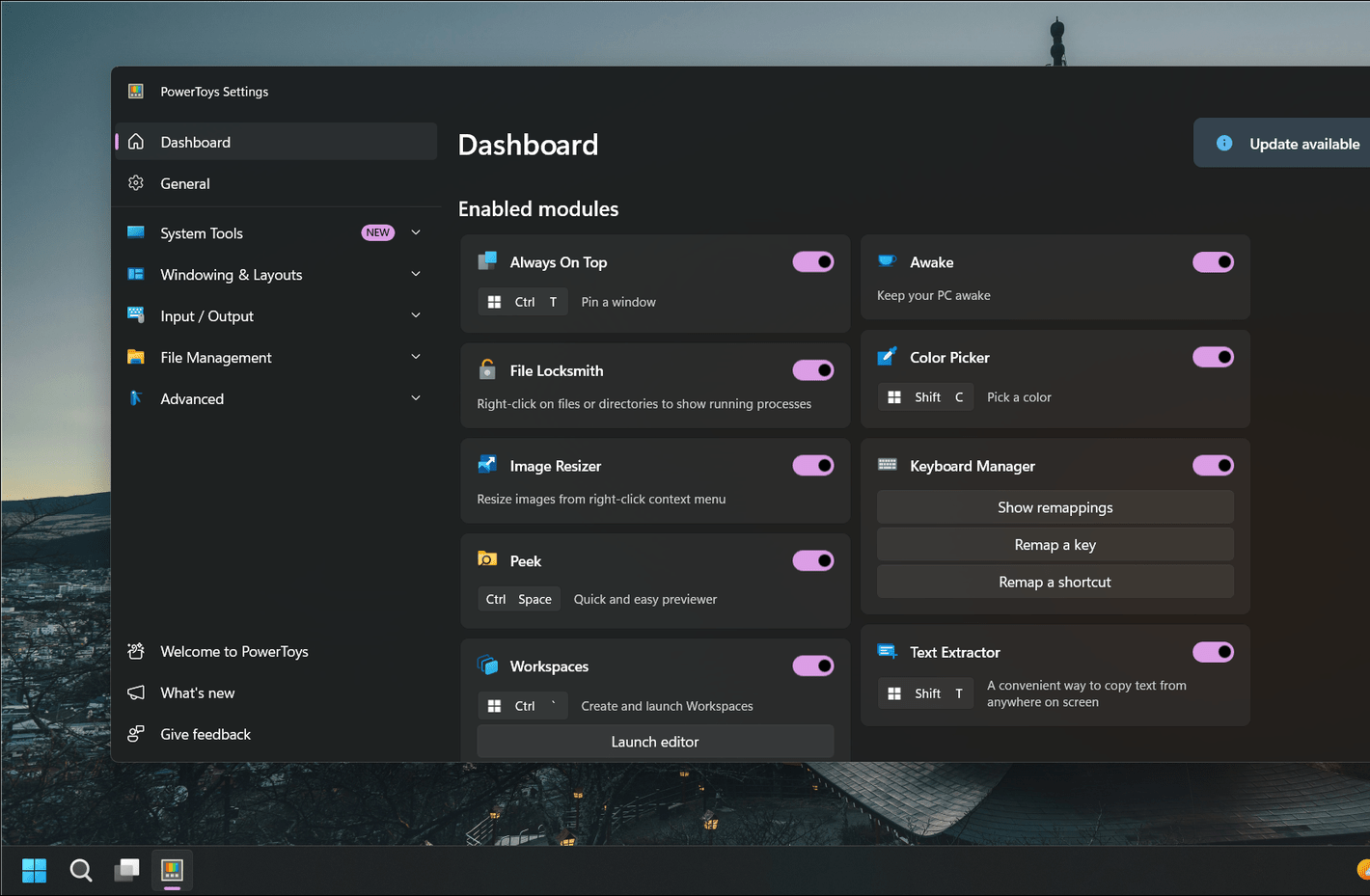
Microsoft PowerToys is one of those apps that makes you wonder why it isn't built into Windows by default. It's a collection of small but powerful utilities designed to make everyday tasks a little faster, smarter, and more fun.
One of my favorite features is FancyZones, which lets you create custom window layouts for multitasking. You can snap windows to your own grid instead of relying on Windows' default snapping feature. PowerToys also includes a launcher called PowerToys Run , which you can use as an alternative to the Start menu. You can launch apps, find files, or even perform quick calculations in seconds. Another great feature is Keyboard Manager , which lets you remap keys or create custom shortcuts exactly how you want.
FAQ
What should you know about the options in this guide?
In practical terms, for some people, there are three Microsoft apps they can't live without: Power Automate, PC Manager, and PowerToys.
Which option is the best choice?
The best choice depends on your priorities, compatibility, budget, and the specific features discussed in the comparison.
What should you compare before deciding?
Compare core features, limitations, ease of use, compatibility, and long-term value before making a decision.
Related Articles
 Microsoft's Top 10+ Best Rated Mobile Apps of 20194 minutes read
 Microsoft Confirms Launch of Exclusive Office Apps for Windows 113 minutes read
 8 Free Microsoft Store Apps That Make Windows Better: Practical Guide6 minutes read
 Fix Microsoft Store Not Downloading Apps and Games: Key Facts17 minutes read
 Microsoft Office Is Now Microsoft 365. Here's How You Could5 minutes read
 The Best Microsoft Applications for iPhone10 minutes read
Reader Comments 0
Sign in with email or Google to join the discussion.