Table of Contents
This guide organizes the entries in "9 Apps That Instantly Fix Everything You Hate About Windows 11" and explains what each option, idea, or example offers. It also highlights practical details that matter when comparing the choices.
9. EarTrumpet
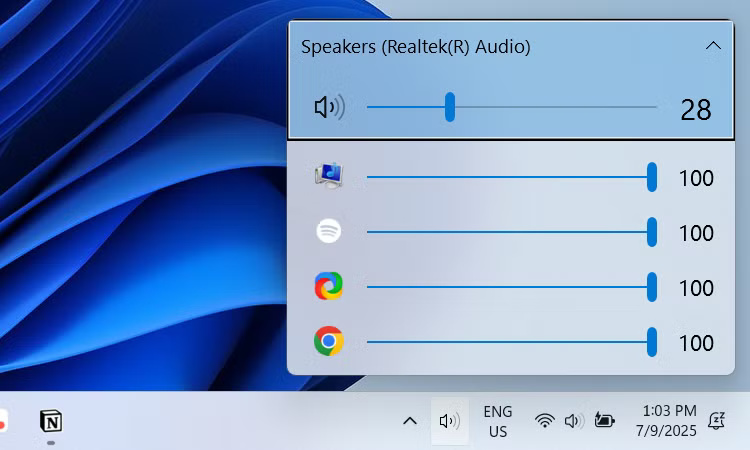
Many people dislike Windows' built-in volume mixer because it takes a few clicks to access, and it's hard to keep it open (it closes when you click somewhere else). EarTrumpet lets you place a speaker icon in your system tray so you can access volume controls for various applications with a single click.
8. Everything
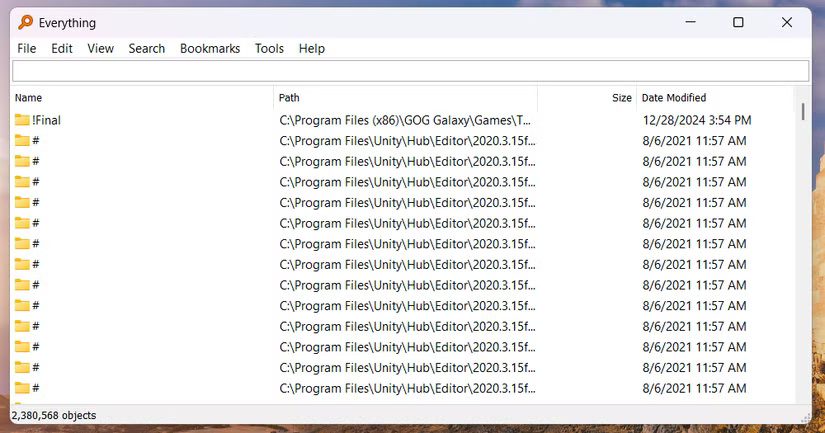
Windows has a search function that lets you find what you need without having to navigate through multiple menus, which is great. But why is it so slow and resource-hungry? To fix this, install Everything, a blazing-fast file and folder search utility that offers a significant speed boost over the stock Windows Search.
7. Auto Dark Mode
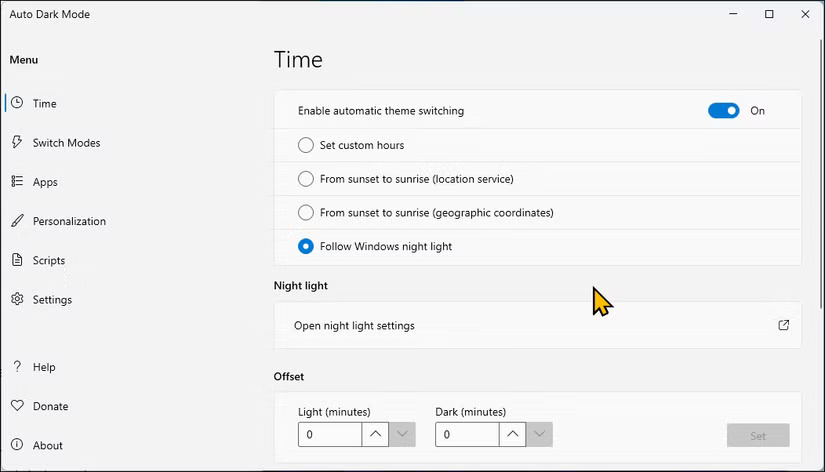
Many people like to switch between dark and light modes at certain times of the day. Dark mode is especially useful in low-light conditions at night, and light mode works better during the day. Since Windows doesn't have an automatic interface switching feature, Auto Dark Mode is the perfect app to fix this.
6. ShareX
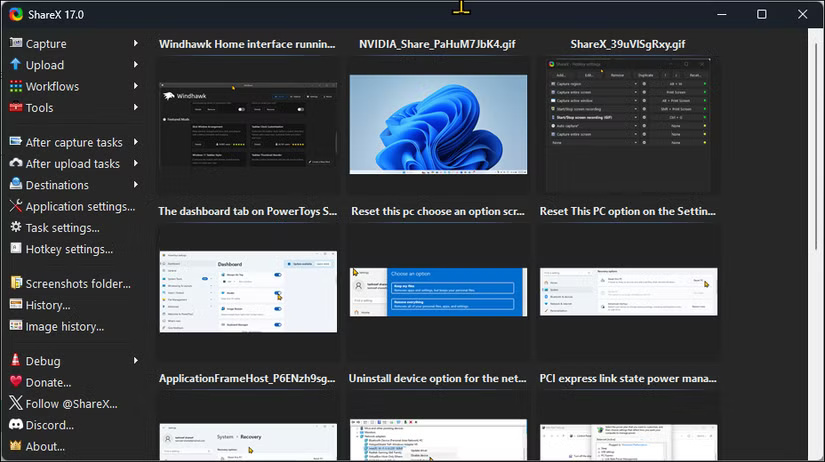
ShareX is an advanced screen capture, recording and sharing tool for Windows. As someone who regularly takes screenshots and records screen videos, ShareX is much more interesting than the built-in Snipping Tool.
5. Revo Uninstaller
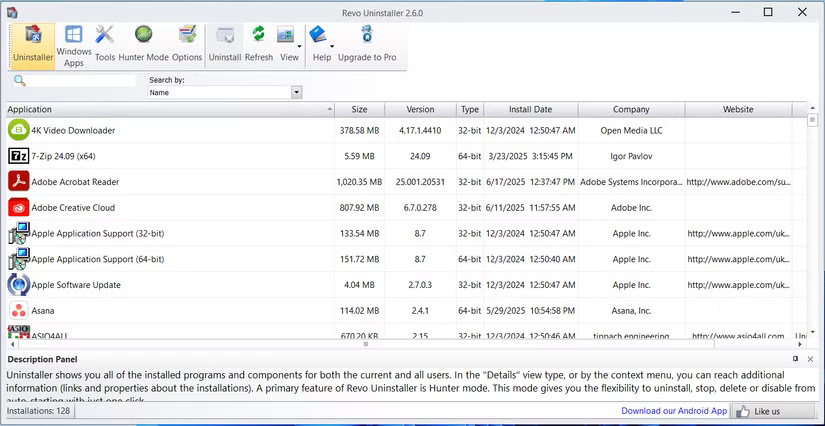
When you uninstall a program, it can sometimes leave behind leftovers, such as files, folders, and registry entries. These unwanted items can waste valuable disk space, slow down your system, cause errors, and even create security/privacy vulnerabilities. Revo Uninstaller not only removes unwanted programs, but also scans and cleans up any leftovers.
4. AutoHotkey
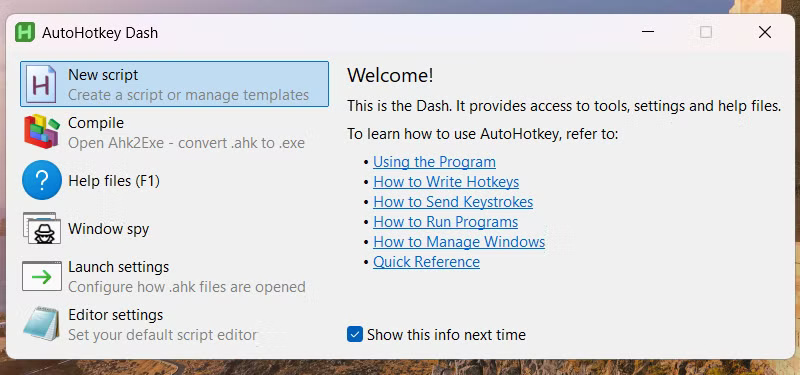
You can use AutoHotkey to get around Windows' limitations on user-created shortcuts and automation. AutoHotkey allows you to create many useful scripts, such as opening all your productivity apps at once, automatically correcting common spelling errors, or inserting an email signature.
3. PowerToys
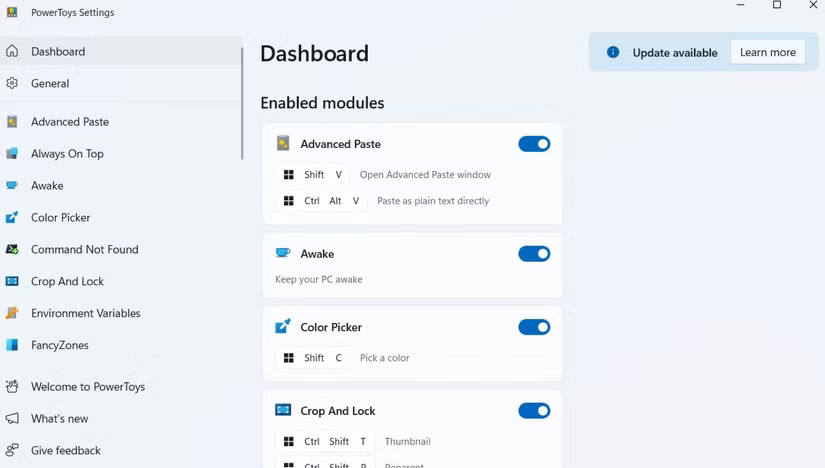
PowerToys offers several utilities to enhance your productivity and customize Windows. For example, Windows snaps are pretty basic, but PowerToys takes it to the next level with FancyZones. This feature lets you create custom window layouts that go beyond what a simple snap can do.
2. Rainmeter
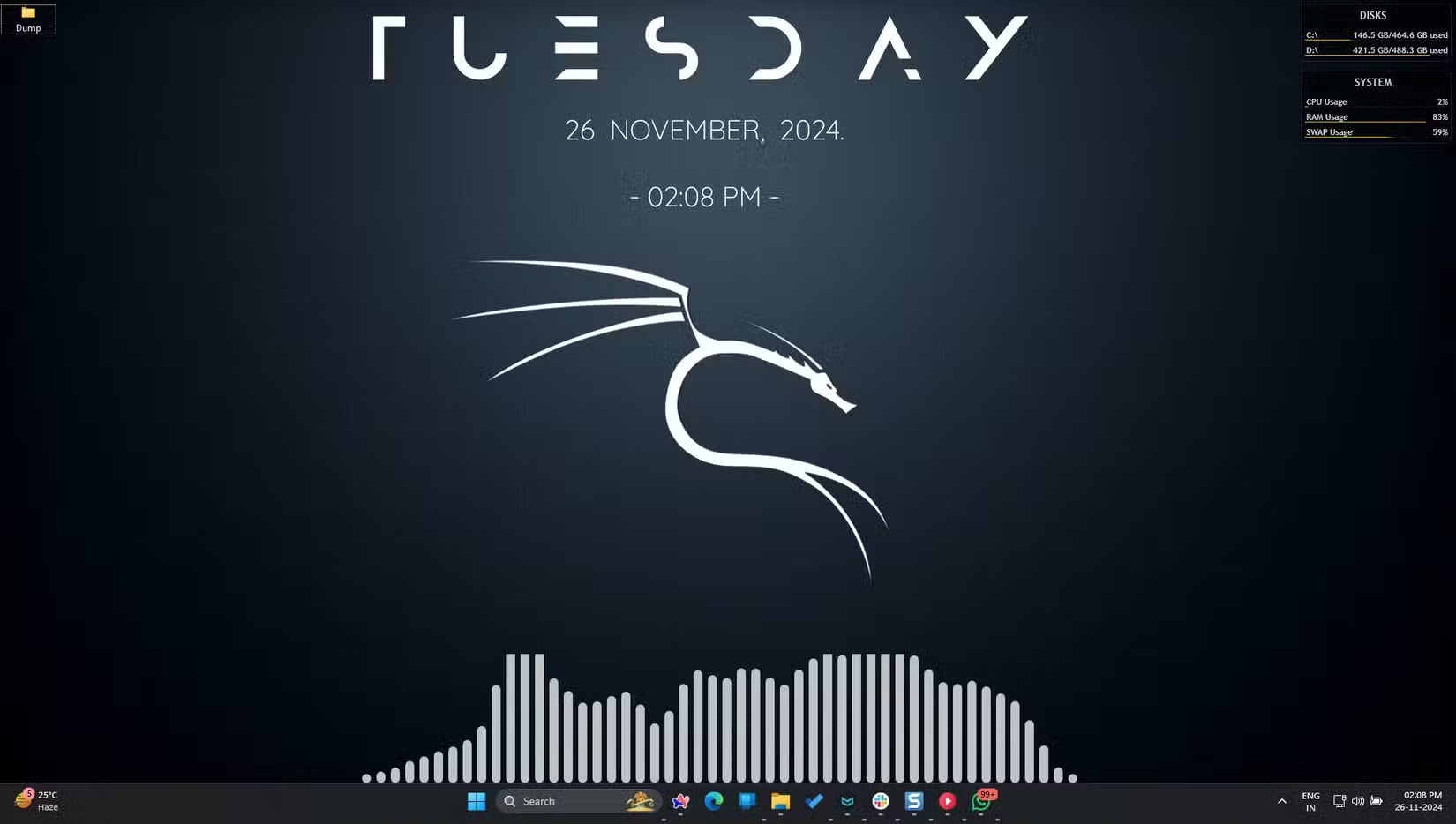
A static desktop is uninteresting, which is why many people use Rainmeter to fill it with widgets, skins, and custom displays. With thousands of options, it ensures your desktop never looks boring. Beyond aesthetics, Rainmeter's tools also help boost productivity with system monitors and quick access shortcuts to apps, files, and folders.
1. NanaZip
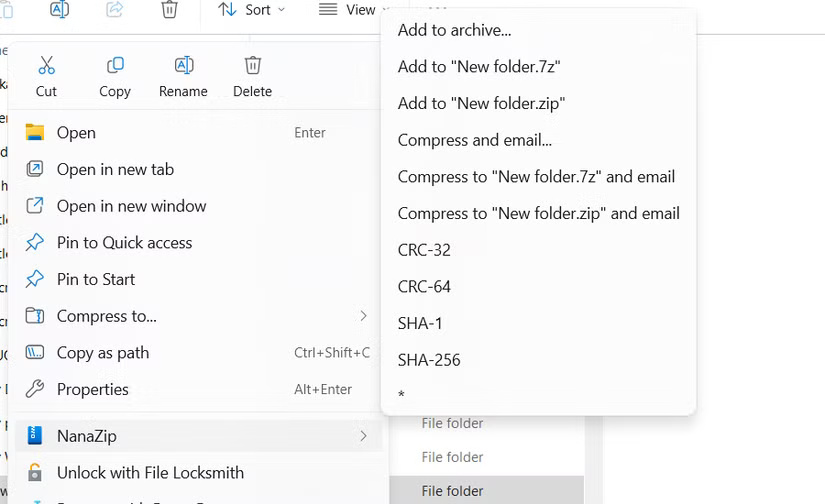
Windows has a built-in file compression feature, but it is limited, outdated, and slow in some cases. That's why it's a good idea to replace it with NanaZip, a modern file archiver that integrates seamlessly with the context menu. It offers better performance and supports more archive formats, and it doesn't display ads or require registration (it's free and open source).
FAQ
What should you know about 9. EarTrumpet?
Many people dislike Windows' built-in volume mixer because it takes a few clicks to access, and it's hard to keep it open (it closes when you click somewhere else). EarTrumpet lets you place a speaker icon in your system tray so you can access volume controls for various applications with a single click.
What should you know about 8. Everything?
Windows has a search function that lets you find what you need without having to navigate through multiple menus, which is great. But why is it so slow and resource-hungry? To fix this, install Everything, a blazing-fast file and folder search utility that offers a significant speed boost over the stock Windows Search.
What should you know about 7. Auto Dark Mode?
Many people like to switch between dark and light modes at certain times of the day. Dark mode is especially useful in low-light conditions at night, and light mode works better during the day. Since Windows doesn't have an automatic interface switching feature, Auto Dark Mode is the perfect app to fix this.
What should you know about 6. ShareX?
ShareX is an advanced screen capture, recording and sharing tool for Windows. As someone who regularly takes screenshots and records screen videos, ShareX is much more interesting than the built-in Snipping Tool.
Related Articles
 These Are the Reasons Why You Can't Enjoy Your Boss4 minutes read
 How to Restart Windows 11 Immediately3 minutes read
 Why Do You Always Bathe Every Day and Still Hate3 minutes read
 How to Instantly Launch Apps with Wox on Windows9 minutes read
 Why Do People Hate Windows 11: Explained6 minutes read
 11 Useful Windows Apps That Don't Come Pre - Installed7 minutes read
Reader Comments 0
Sign in with email or Google to join the discussion.