Table of Contents
Samsung phones have always felt powerful yet strangely bland. The screens are great and the performance is fast, but you can't shake the feeling that they haven't lived up to their potential.
Samsung phones have always felt powerful but strangely bland. The screen is great and the performance is fast, but there's still a feeling that it's not living up to its potential. The built-in settings allow for wallpaper, theme, and a few basic options, but there's nothing to personalize the experience.
That changed when some people discovered Good Lock in the Galaxy Store. Within minutes, you realize you can finally customize the look and feel of your phone to your liking.
Hidden apps in Samsung store
Where true Samsung customization begins
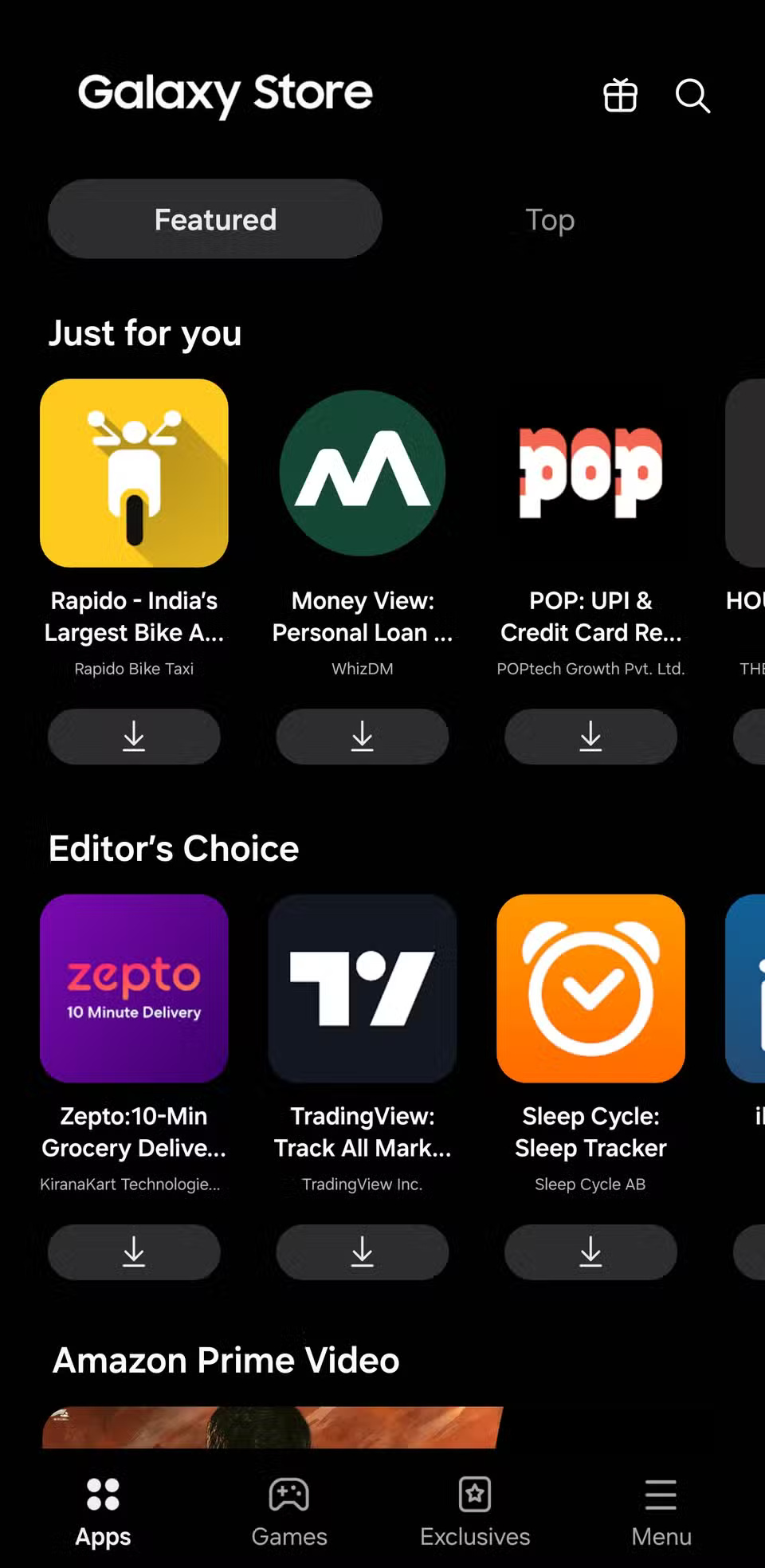
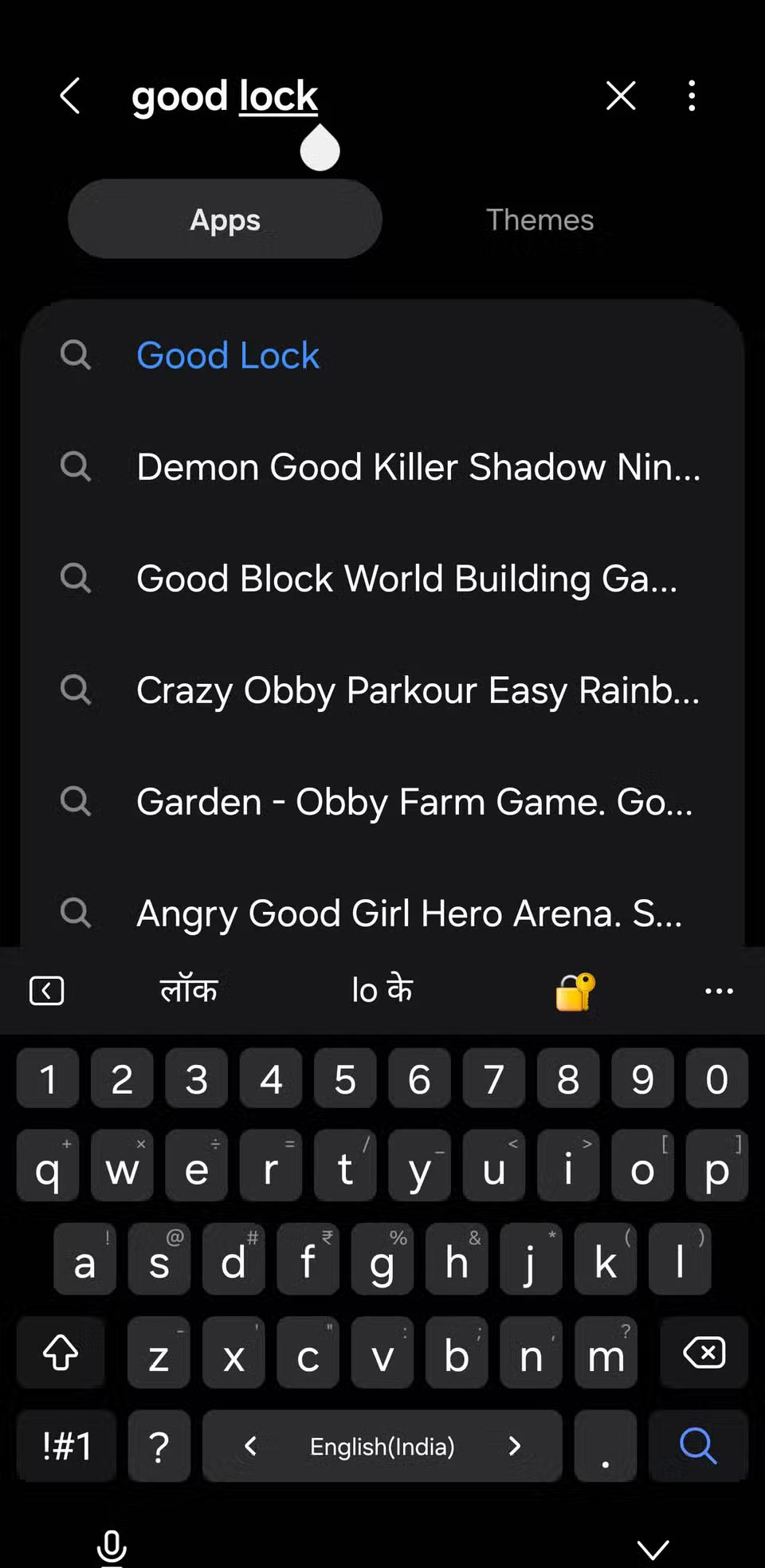
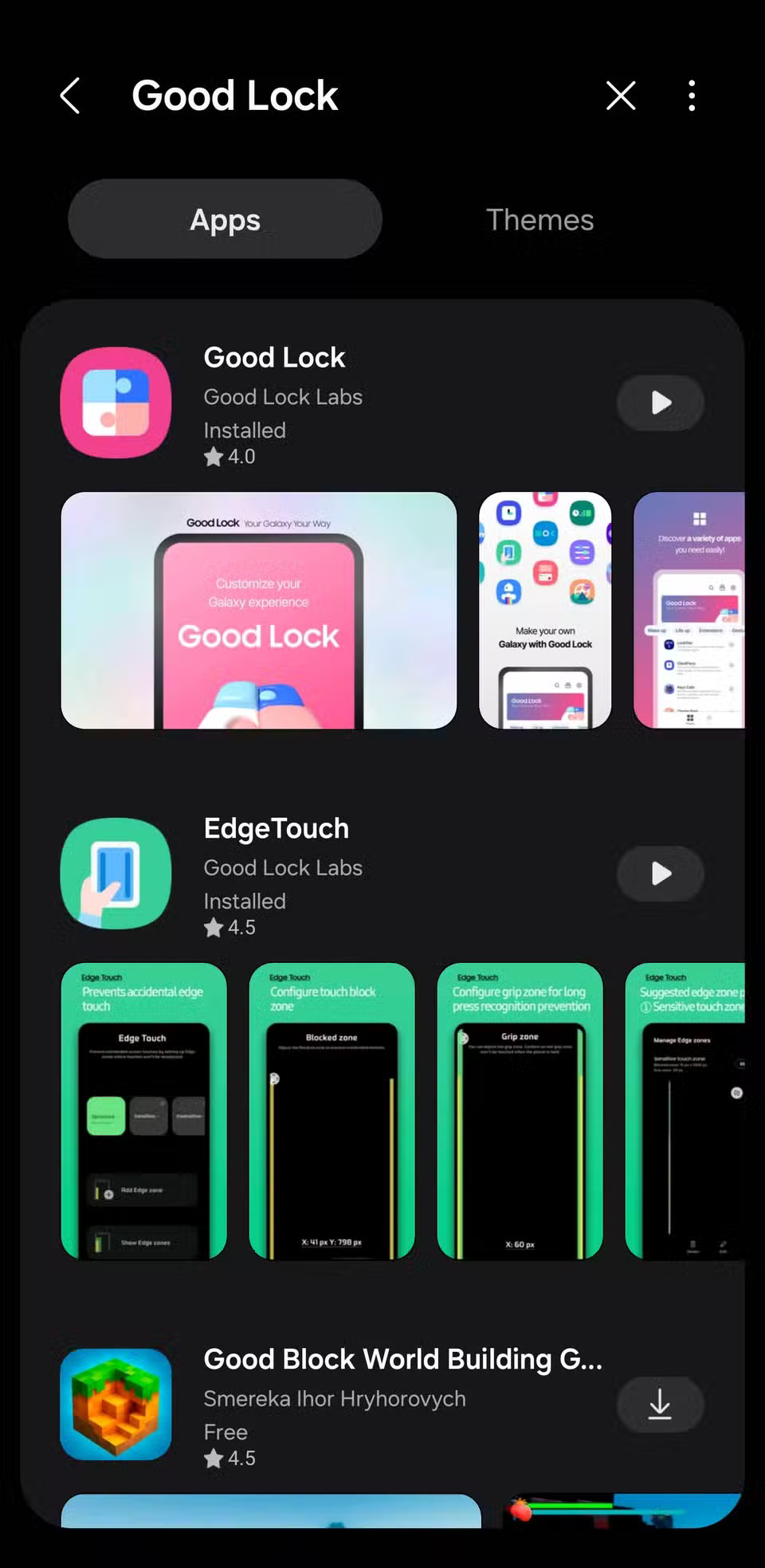
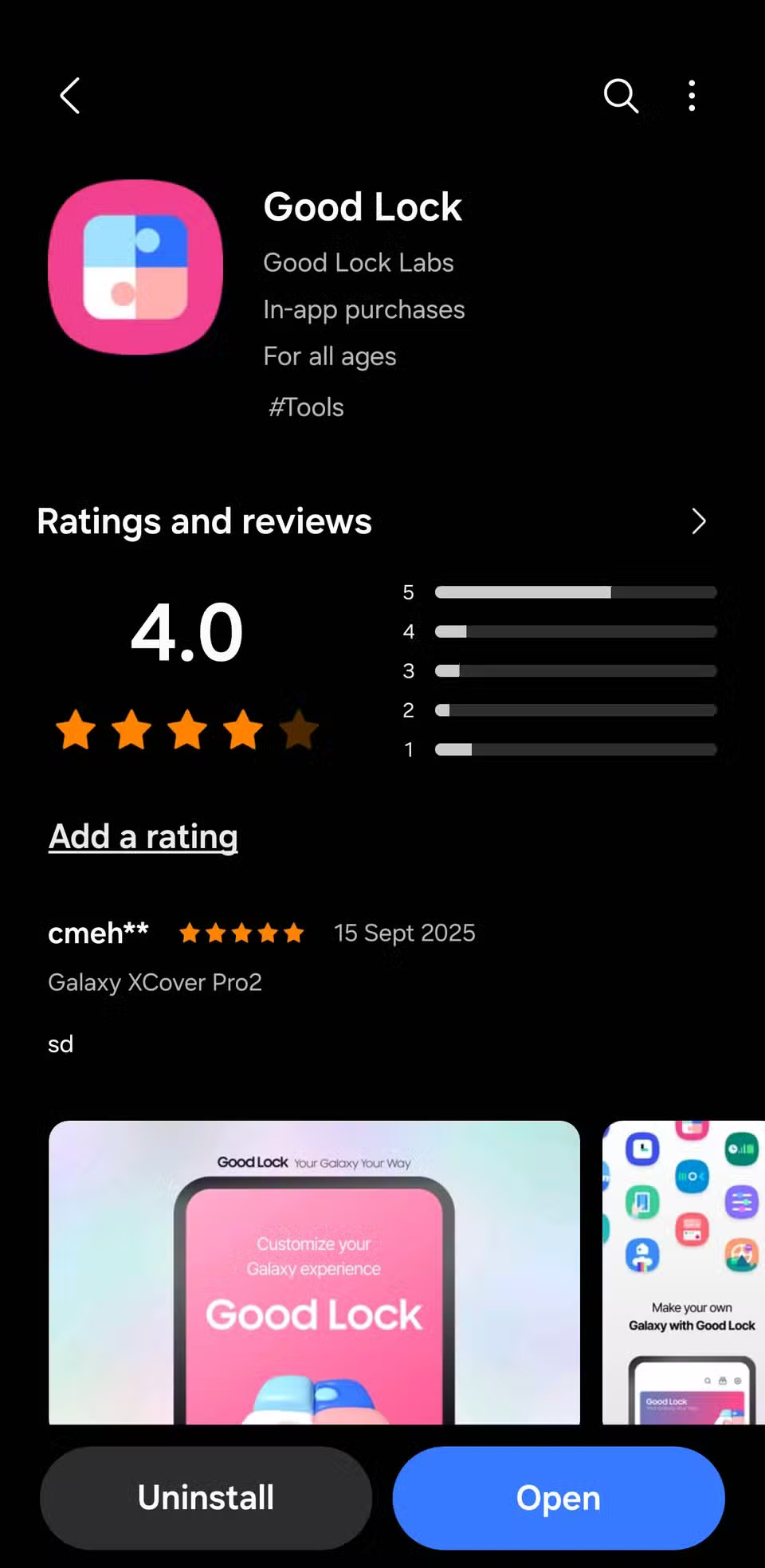
Good Lock is Samsung's official customization suite, available in the Galaxy Store. It's easy to miss if you've never browsed the Samsung store, but it completely changes what you can do with your phone. When you first install it, you'll be amazed at how many unique tools it offers. Each app customizes a different part of your phone, including the home screen, navigation bar, lock screen, notifications, and even animations.
Since this is an official Samsung app, you don't have to worry about compatibility or security. Download the modules you want, enable them, and in minutes you can customize your phone in ways you never thought possible.
Customize your Samsung phone your way
DIY home screen layout
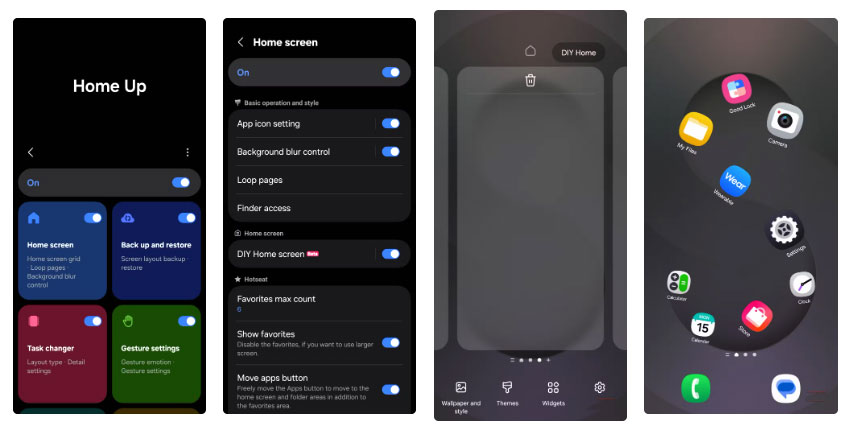
The Home Up module unlocks the DIY Home option, giving you complete freedom to design your home screen. You can zoom in on certain apps, rotate widgets, and even stack them on top of each other to create a layout that perfectly matches your wallpaper. Placing your most-used apps close to your thumb makes one-handed use much easier. You can also add stickers and custom text to match your current wallpaper theme.
Gesture animations to suit your style

In the same module, you'll find gesture animation customization. Instead of being stuck with the default swipe gestures, you can choose between Classic , Elegance , Dynamic , and Sweet , each with a different look and feel. Advanced customization lets you adjust the speed and style of each gesture, from opening an app to returning to the home screen. The phone feels noticeably smoother every time you swipe up after unlocking.
Better multitasking and navigation
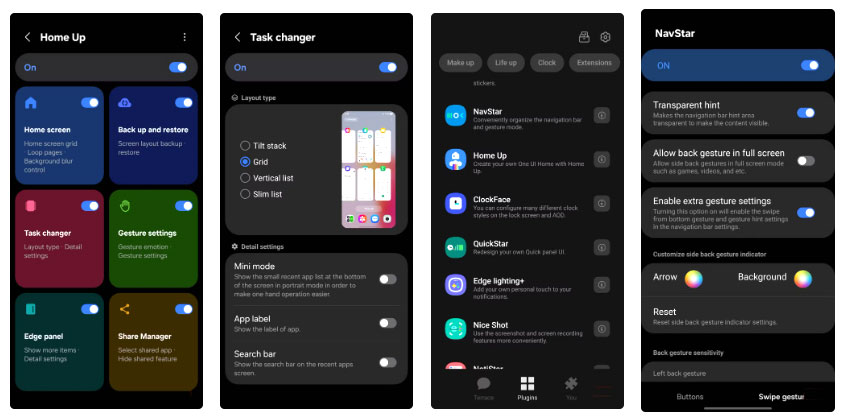
Task Changer Offers multiple layouts for the recent apps menu. Switch to grid view to see multiple apps at once, making switching between tasks much faster when comparing product pages or switching between chat apps in a group travel planner. NavStar Lets you resize and recolor the gesture bar to match your wallpaper, and even customize the navigation buttons with icons from your library.
Faster settings and cleaner notifications

QuickStar Lets you resize the toggle grid and hide the ones you never use, making your panel look cleaner. Move Wi-Fi and flashlight to the top row so you can quickly turn them on and off even when you're in a hurry. You can also move the clock to a new location and hide some system icons to keep your status bar clean.
Recover deleted notifications and manage screenshots
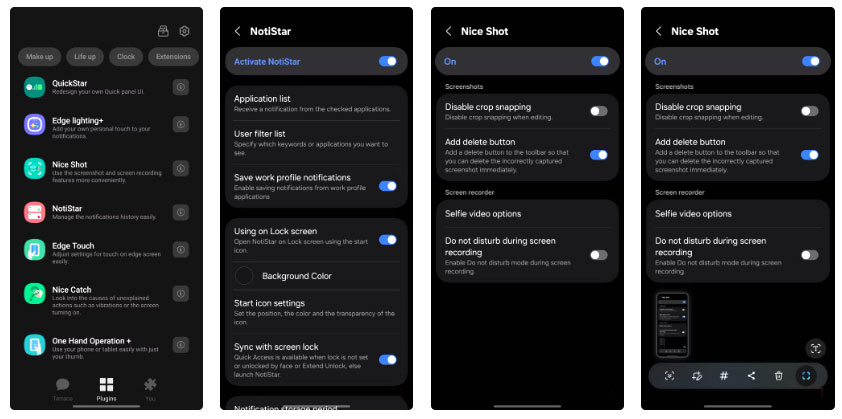
One of the most popular modules is NotiStar , which saves a search history of all notifications that come to your phone. This feature has helped many people recover important messages that their friends sent and then unsent. Nice Shot Adds a delete button to each screenshot, so you no longer have to open your photo gallery just to delete the photos you took by mistake.
Custom clock and lock screen widgets
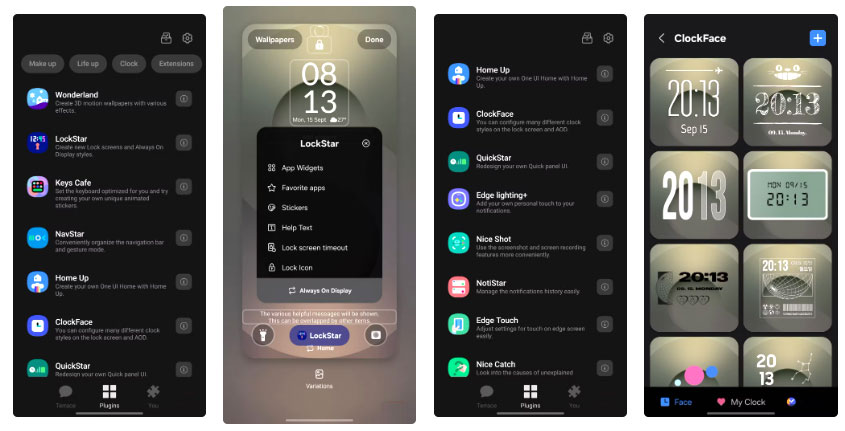
LockStar And ClockFace Have turned the lock screen into a really cool dashboard. Add a large weather widget for a quick look at the forecast, a step counter to track your daily progress, and a rotating photo gallery widget with your favorite photos. LockStar Also lets you add health stats and stickers to give your lock screen some personality.
ClockFace Goes one step further by letting you create a custom animated clock. Tweak the colors for the hours, minutes, and colons to match your wallpaper. And if you want to change the layout, just long-press on the lock screen to open LockStar's editor and move items around on the fly.
These changes may seem small, but together they make your phone faster, cleaner, and more enjoyable to use. Now your phone is truly yours, and Good Lock should be the first app you install on any Samsung phone you own.
FAQ
Why Do So Many People Never Use a Samsung Phone Without Good Lock: Explained?
In practical terms, samsung phones have always felt powerful yet strangely bland. The screens are great and the performance is fast, but you can't shake the feeling that they haven't lived up to their potential.
What factors are most important?
The article highlights that hidden apps in Samsung store Where true Samsung customization begins Good Lock is Samsung's official customization suite, available in the Galaxy Store.
What is the main takeaway?
The main takeaway is that now your phone is truly yours, and Good Lock should be the first app you install on any Samsung phone you own.
Related Articles
 Tips to Make the Buttons on Your Samsung Phone Much More Useful8 minutes read
 Good Lock 2020 Already Exists, Supports Android 10 and One Ui 2.04 minutes read
 How to Lock the Samsung Phone Screen Without Using the Power Key6 minutes read
 How to Locate a Samsung Phone When Lost6 minutes read
 How to Lock a Lost Phone: Clear Instructions9 minutes read
 6 Samsung-exclusive Apps That Make You Think You Made the Right5 minutes read
Reader Comments 0
Sign in with email or Google to join the discussion.