Table of Contents
From exclusive Phone Link features and deeper app integration to seamless syncing, Galaxy users enjoy a level of connectivity that makes Samsung phones and Windows PCs a perfect match.
Just like Mac and iPhone users enjoy a tightly integrated ecosystem where their devices communicate easily, Windows You can also experience the same magic by pairing their PC with an Android phone. But the problem here is that not all Android phones are compatible with Windows.
Over the years, Samsung and Microsoft have built a strong partnership that brings Galaxy phones and Windows PCs closer than ever before. From exclusive Phone Link features and deeper app integration to seamless syncing, Galaxy users enjoy a level of connectivity that makes Samsung phones and Windows PCs the perfect match.
Galaxy phones offer the best Phone Link experience
Use your phone without touching it
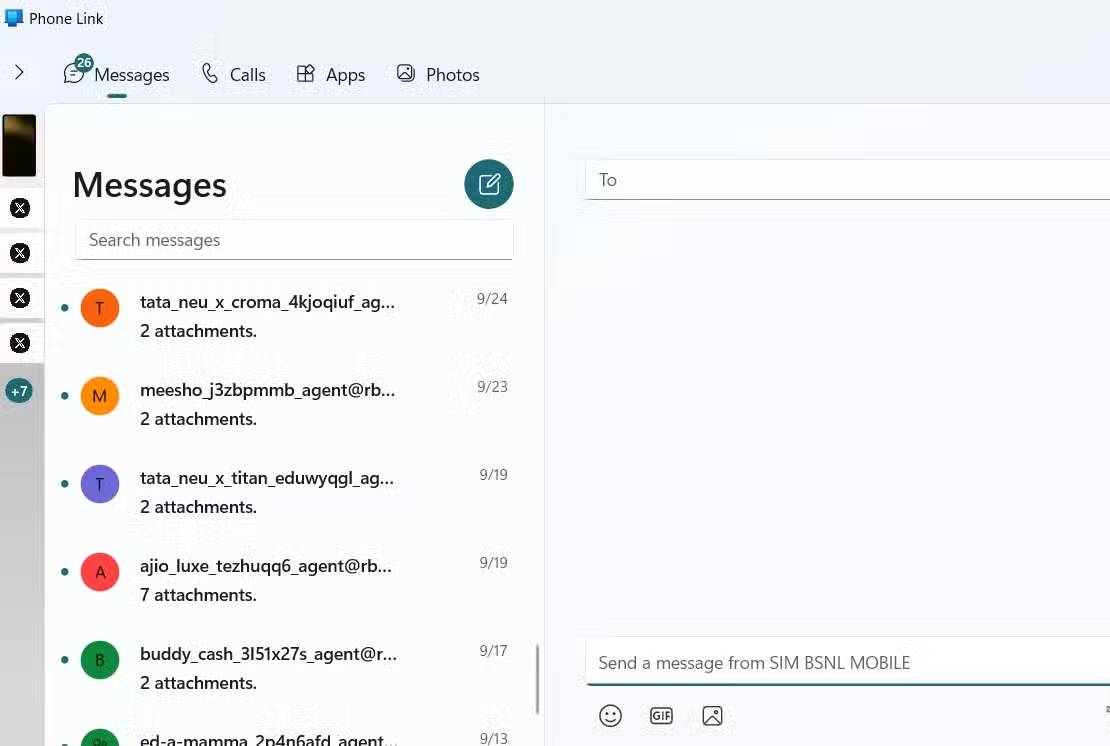
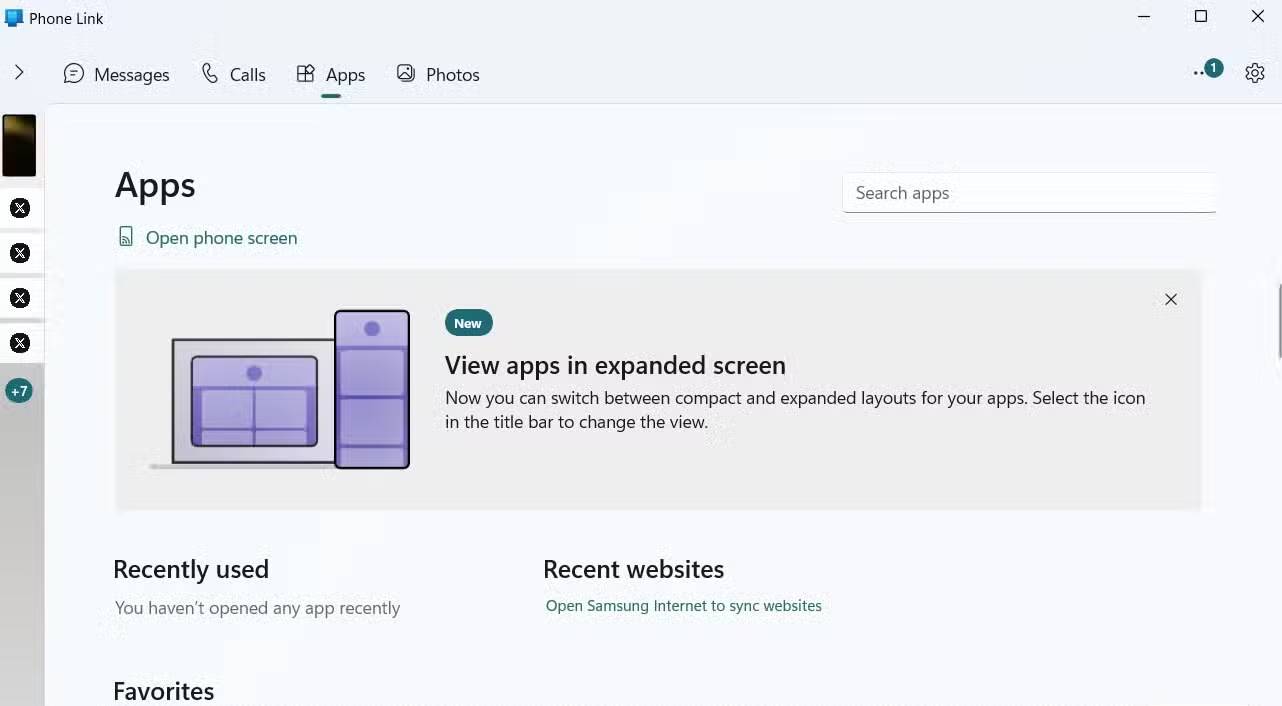
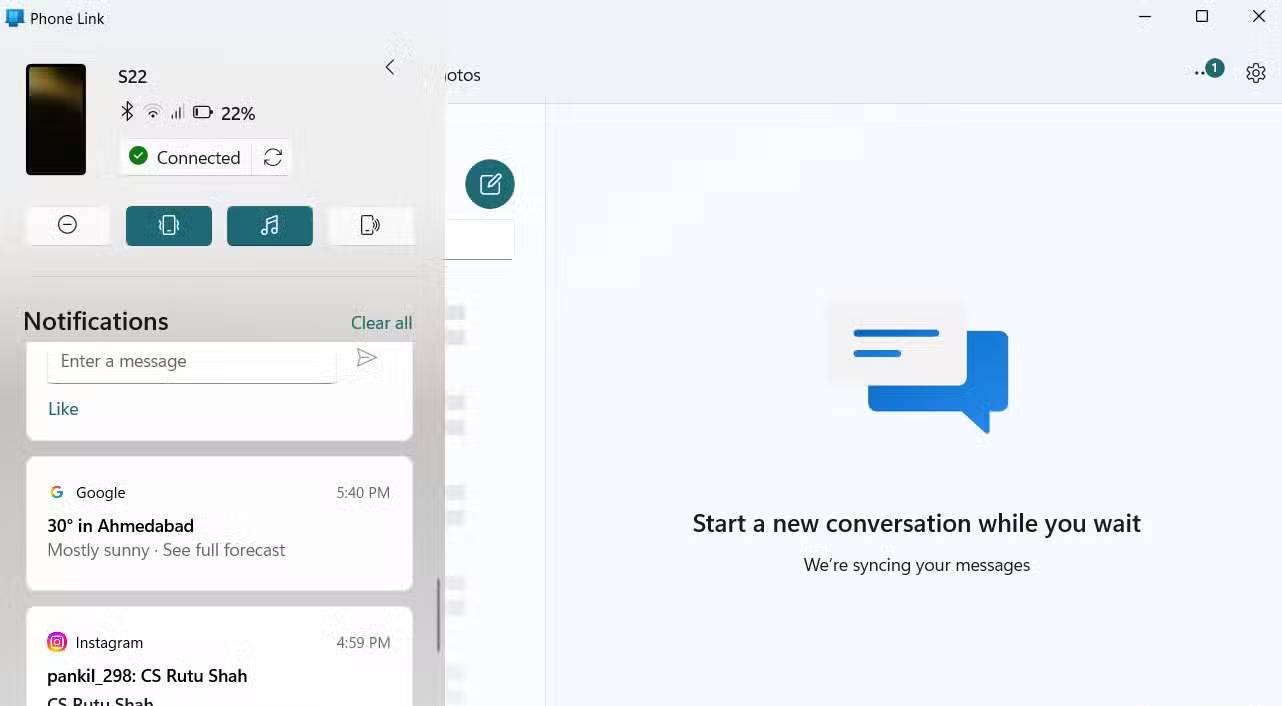
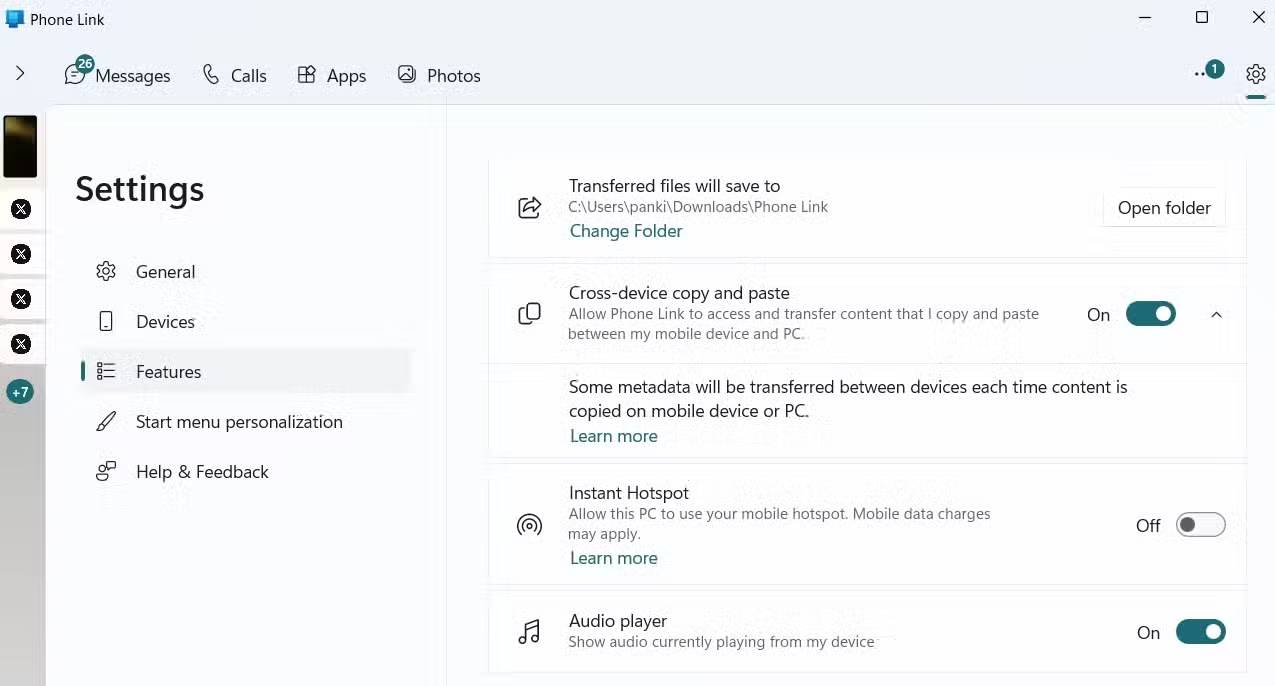
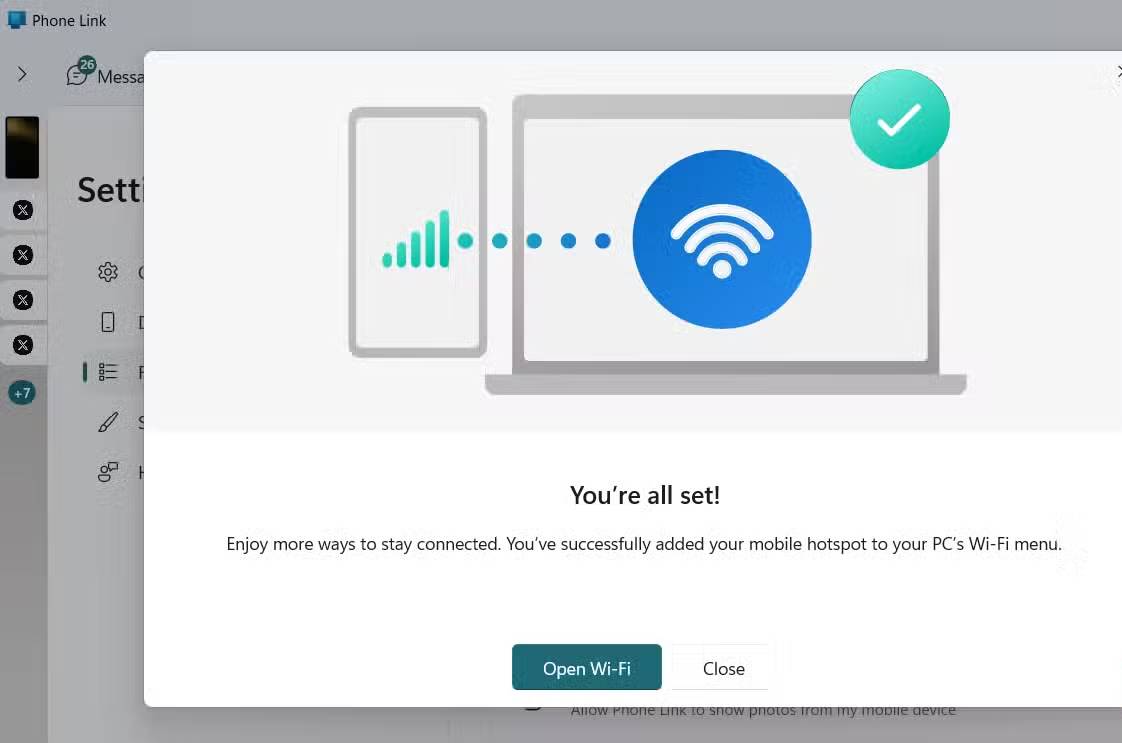
Phone Link is one of the best Microsoft apps for anyone who spends many time on their computer. Both Android and iPhone You can use the app to sync notifications, make and answer calls, and check text messages without having to pick up their phone. However, Samsung Galaxy users get a few extra benefits as well.
First, Galaxy phones are the only devices that can use Phone Link's clipboard syncing feature. Anything you copy on your Galaxy can be pasted directly on your PC, and vice versa. It's a seamless way to move text, links, and more between devices without having to switch back and forth between multiple apps.
Samsung also has its own version of Phone Link
Get to know Samsung Flow
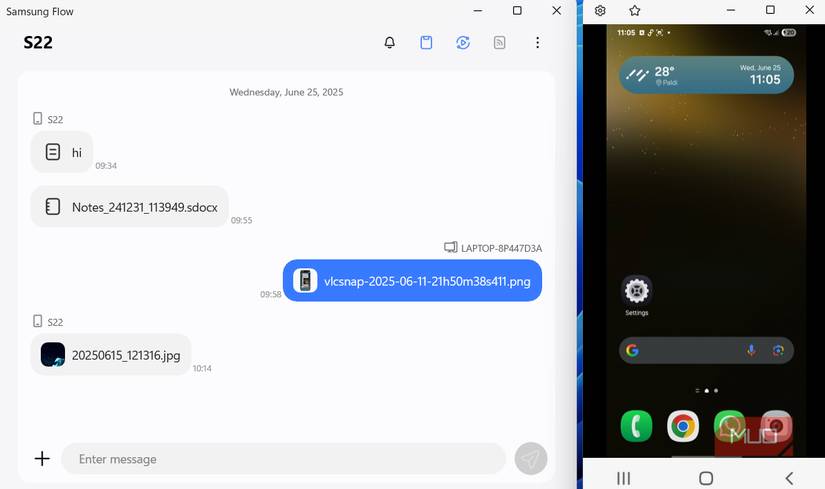
While Microsoft's Phone Link is a great way to connect your phone and PC, Samsung also offers its own version called Samsung Flow. Flow offers many of the same benefits as Phone Link, but is designed specifically for Galaxy devices.
With Samsung Flow, you can get notifications from your phone, mirror your phone screen to your PC, and sync your clipboard. The app's file and text transfer features work through a chat-like interface, making moving content between devices natural and intuitive.
Microsoft and Samsung apps work seamlessly together
The apps really work well together
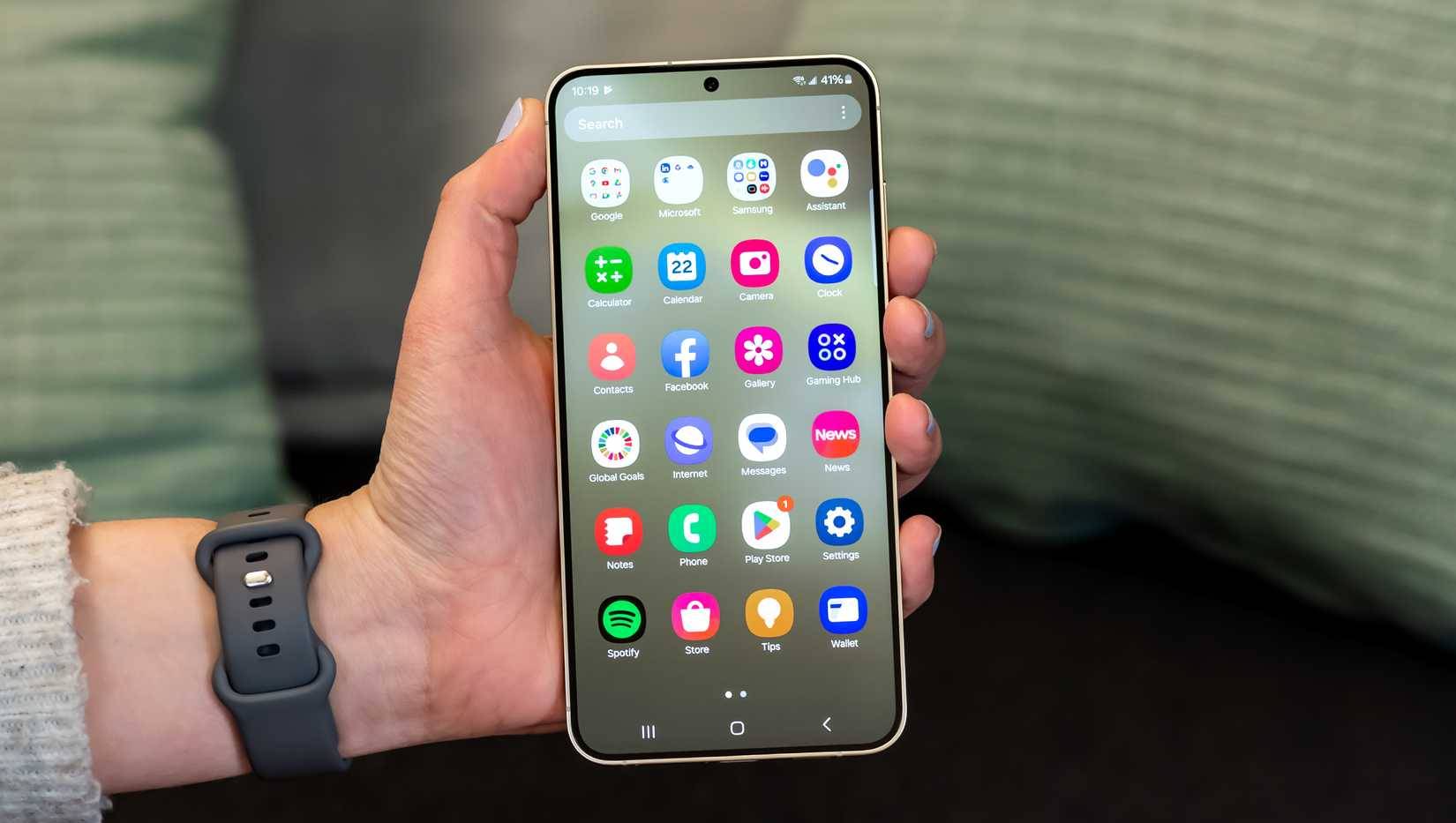
Another big advantage of pairing your Galaxy phone with a Windows PC is that Samsung and Microsoft apps work together very easily. Take the Samsung Gallery app, for example. It has Microsoft OneDrive built in, allowing you to back up all your photos and videos from your phone and access them directly from File Explorer on your PC. Similarly, the Samsung Files app lets you access your OneDrive files and even manage them without switching apps.
Samsung Notes is another productivity hit. Any notes you take on your Galaxy phone can sync directly to Microsoft OneNote. Likewise, the Samsung Reminder app can sync with Microsoft To-Do.
It would be even better if you own a Samsung laptop
When your laptop and phone are almost like close brothers
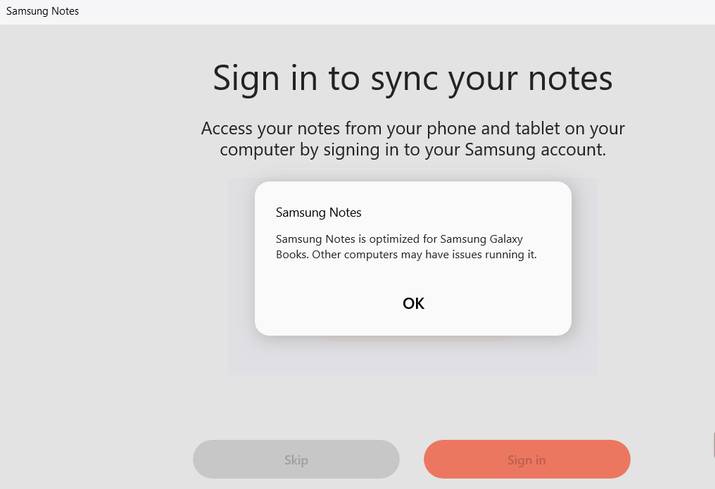
All of the features we've mentioned so far work on any Windows laptop, but owning a Samsung laptop unlocks a few extra perks that enhance the Galaxy-Windows experience. For example, while Samsung offers a number of apps in the Microsoft Store, most of them just work well with the Galaxy Book.
If you own one of the newer Samsung laptops like the Galaxy Book 4, you can replace Copilot on your Samsung phone with Bixby or Gemini to take full advantage of the Intelligent Connectivity features Microsoft has introduced. These tools make it easier than ever to work seamlessly across multiple devices. You can read or summarize text messages from your Samsung Galaxy phone directly on your PC, create and send messages without touching your phone, or even turn your phone camera into a high-quality PC webcam for Microsoft Teams.
FAQ
What should you know about Windows computers and samsung phones are the perfect match?
In practical terms, from exclusive Phone Link features and deeper app integration to seamless syncing, Galaxy users enjoy a level of connectivity that makes Samsung phones and Windows PCs a perfect match.
Why does Windows computers and samsung phones are the perfect match matter?
The article highlights that from exclusive Phone Link features and deeper app integration to seamless syncing, Galaxy users enjoy a level of connectivity that makes Samsung phones and Windows PCs the perfect match.
What is the main takeaway?
The main takeaway is that Microsoft and Samsung apps work seamlessly together The apps really work well together Another big advantage of pairing your Galaxy phone with a Windows PC is that Samsung and Microsoft apps work together very easily.
Related Articles
 Samsung Features That Make People Wonder Why Other Phones Exist9 minutes read
 How to Download Perfect World VNG for Phones and PCs4 minutes read
 Windows 10 Supports Dragging Files from Samsung Phones to4 minutes read
 6 Simple Tips to Help Your Samsung Phone Last for Years7 minutes read
 50% of Samsung Phones Are Manufactured in Vietnam5 minutes read
 Instructions for Checking Genuine Samsung Phones6 minutes read
Reader Comments 0
Sign in with email or Google to join the discussion.