Table of Contents
Truly Galaxy-exclusive apps give Samsung phones a real edge. These Galaxy Store exclusive apps let you take your device even further.
Truly Galaxy-exclusive apps give Samsung phones a real edge. These Galaxy Store exclusives let you take your device even further. AI-powered photo editors, advanced customization tools, and system-boosting utilities are just a few examples of the apps that give Galaxy phones a uniquely powerful feel.
6. Galaxy Enhance-X
Make your photos look like movies with just one tap
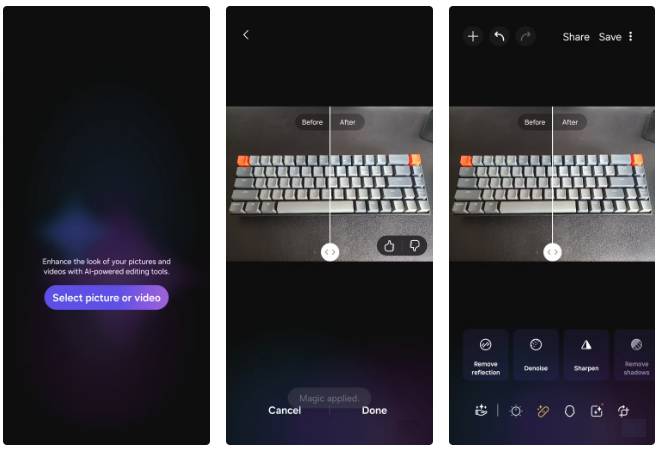
Every phone comes with basic photo editing tools, but making your photos really pop often requires time and patience. Adjusting brightness, sharpening details, or enhancing texture across dozens of photos can be tedious—and that's where Galaxy Enhance-X comes in.
The magic lies in the AI-powered enhancements. It can brighten dark corners, sharpen details without making photos look over-processed, and enhance texture so even a simple landscape or a cup of coffee looks cinematic.
5. Expert RAW
Take photos manually like a pro
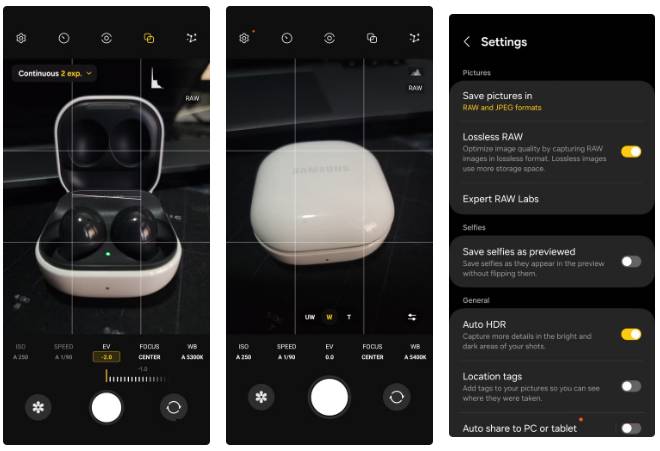
Expert RAW gives you complete manual control. You can adjust ISO, shutter speed, focus, and white balance to get exactly the shot you want. And because you shoot in RAW, your photos retain all the uncompressed data from your camera sensor, which is great if you want maximum flexibility in post-processing.
4. Good Guardians
The Ultimate Toolkit for Phone Health
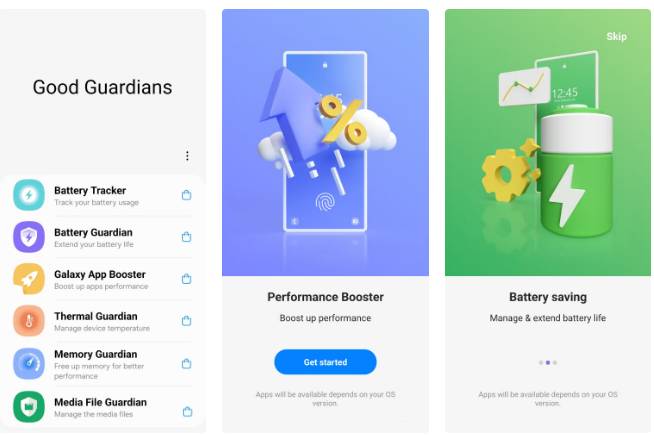
Samsung's Good Guardians keeps your phone running smoothly. The app offers six different modules, each designed to optimize a specific aspect of your device's performance.
Battery Tracker and Battery Guardian help extend battery life and prevent unnecessary drain. Galaxy App Booster optimizes your apps so they launch quickly and run more efficiently. Thermal Guardian keeps your phone from overheating, while Memory Guardian clears unused processes to free up RAM. Finally, Media File Guardian helps you reclaim storage space by identifying and deleting hidden or unnecessary media files.
3. Samsung Members
Check and maintain your Galaxy devices easily
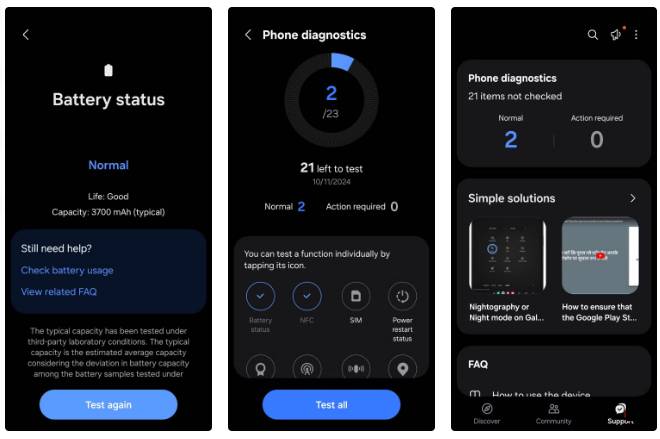
No matter how expensive your phone is, you're bound to run into issues with some of its features at some point. In those cases, the Samsung Members app can help take the guesswork out of it. It lets you test nearly every hardware and software component of your phone to quickly find out what's working and what's not.
2. Themes
Make your phone your own
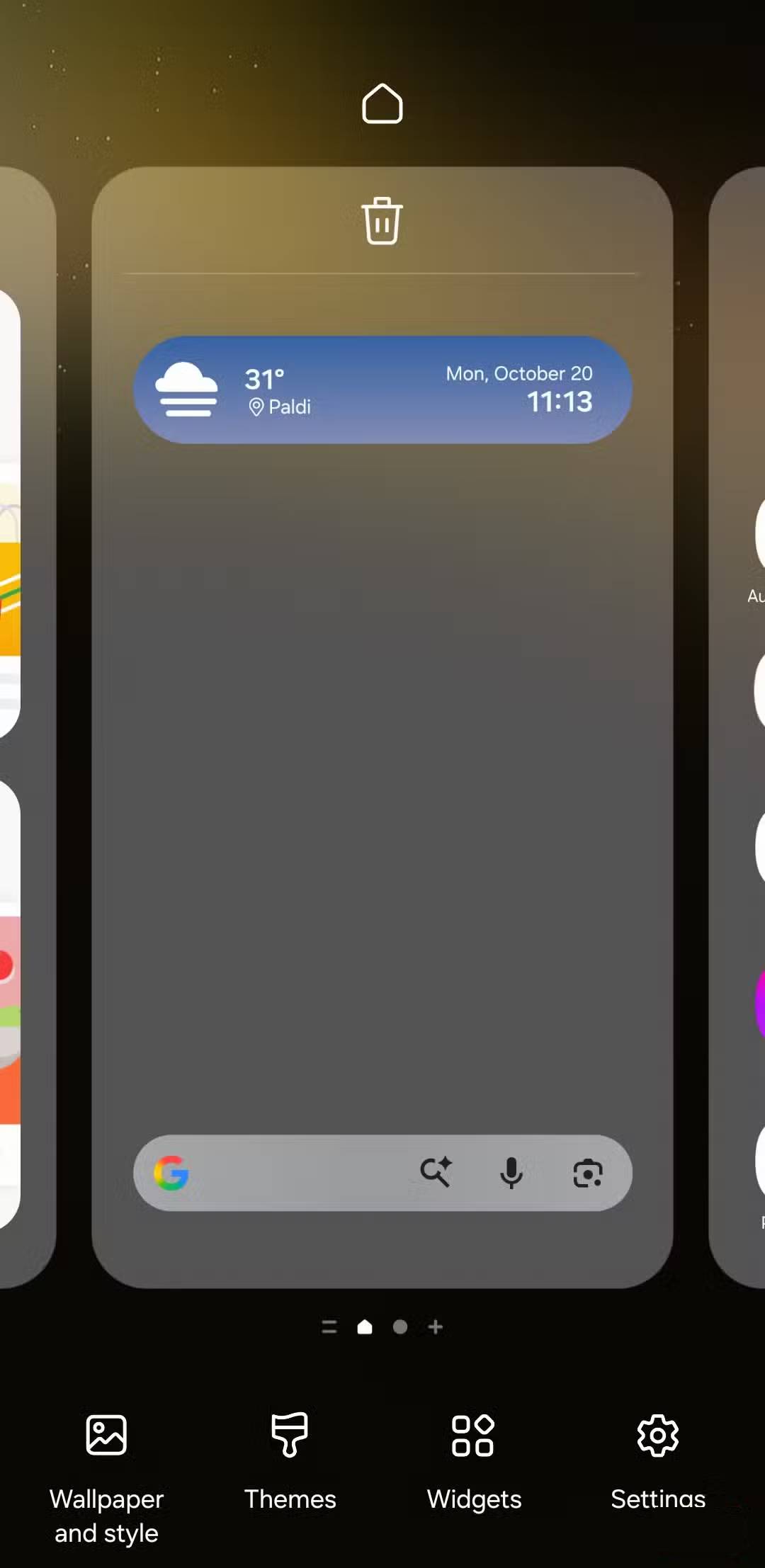
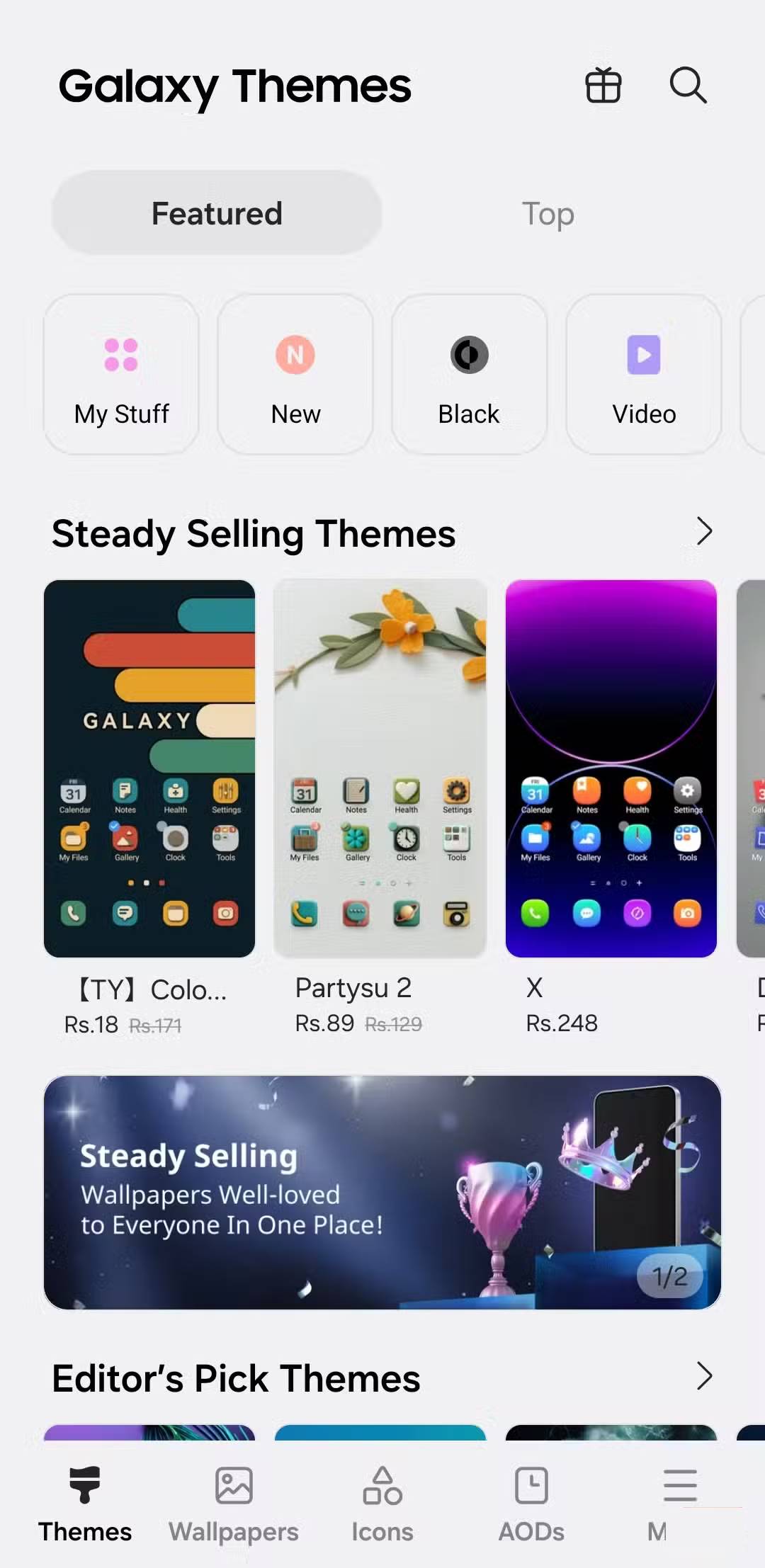
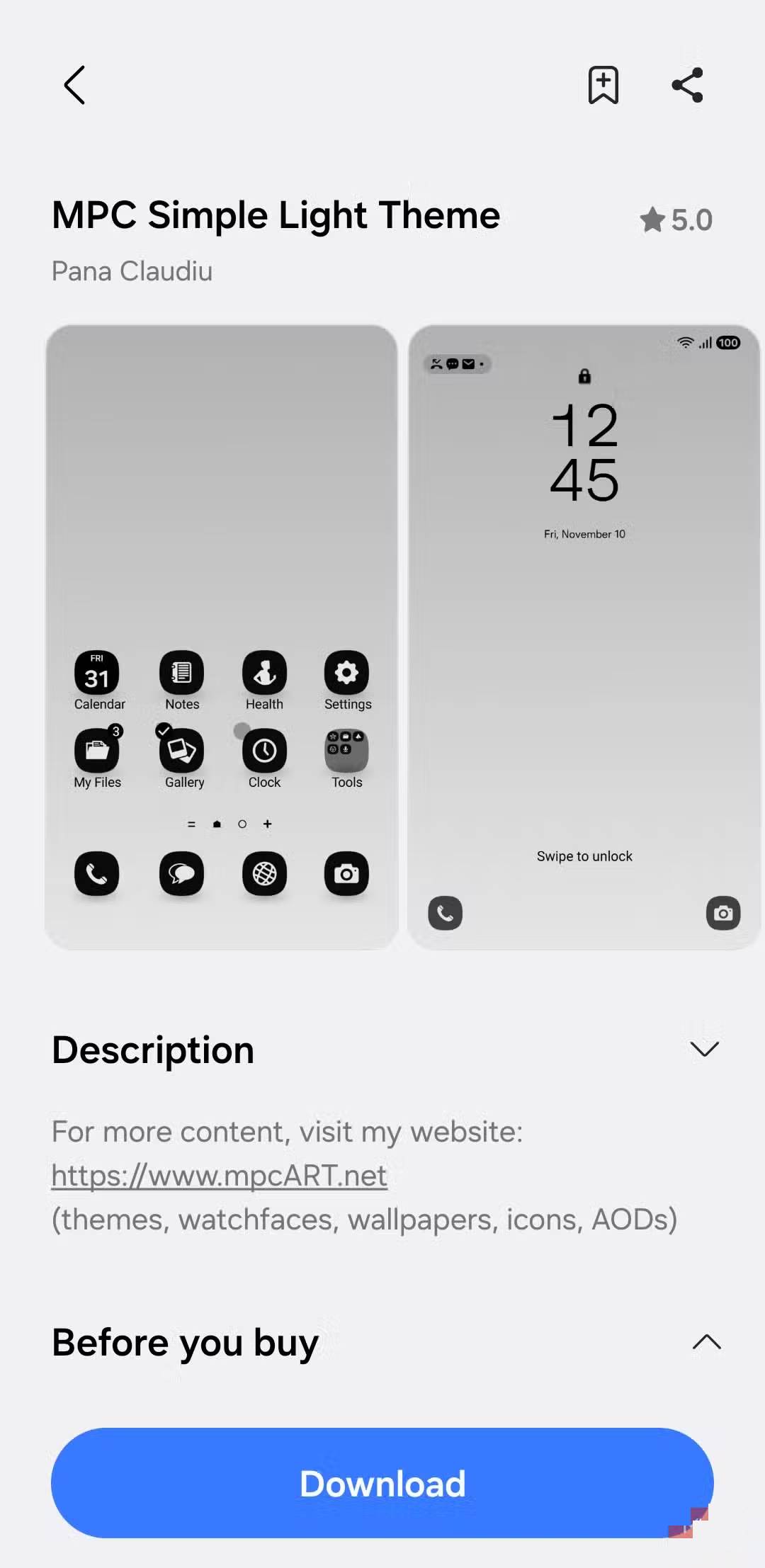
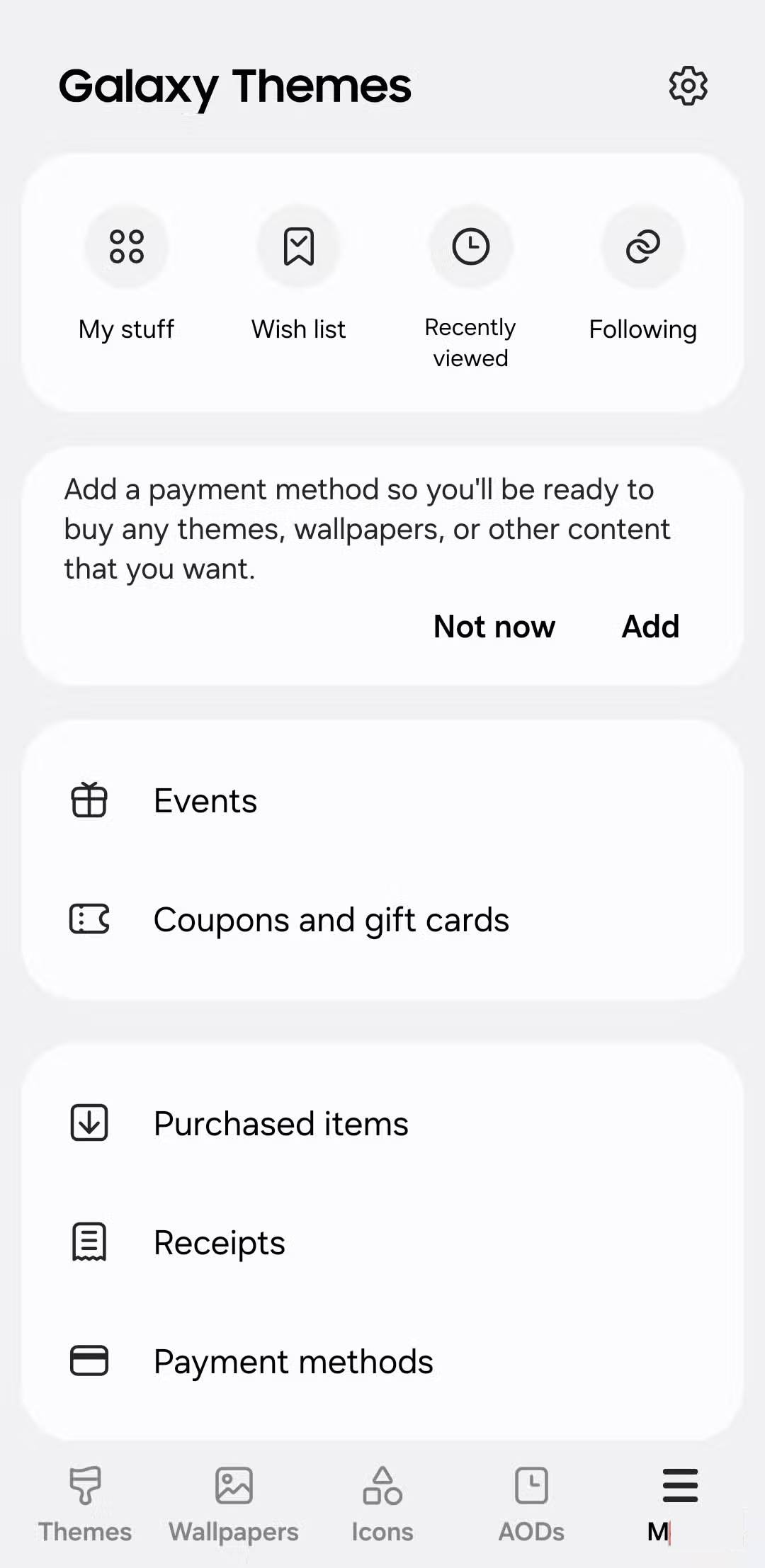
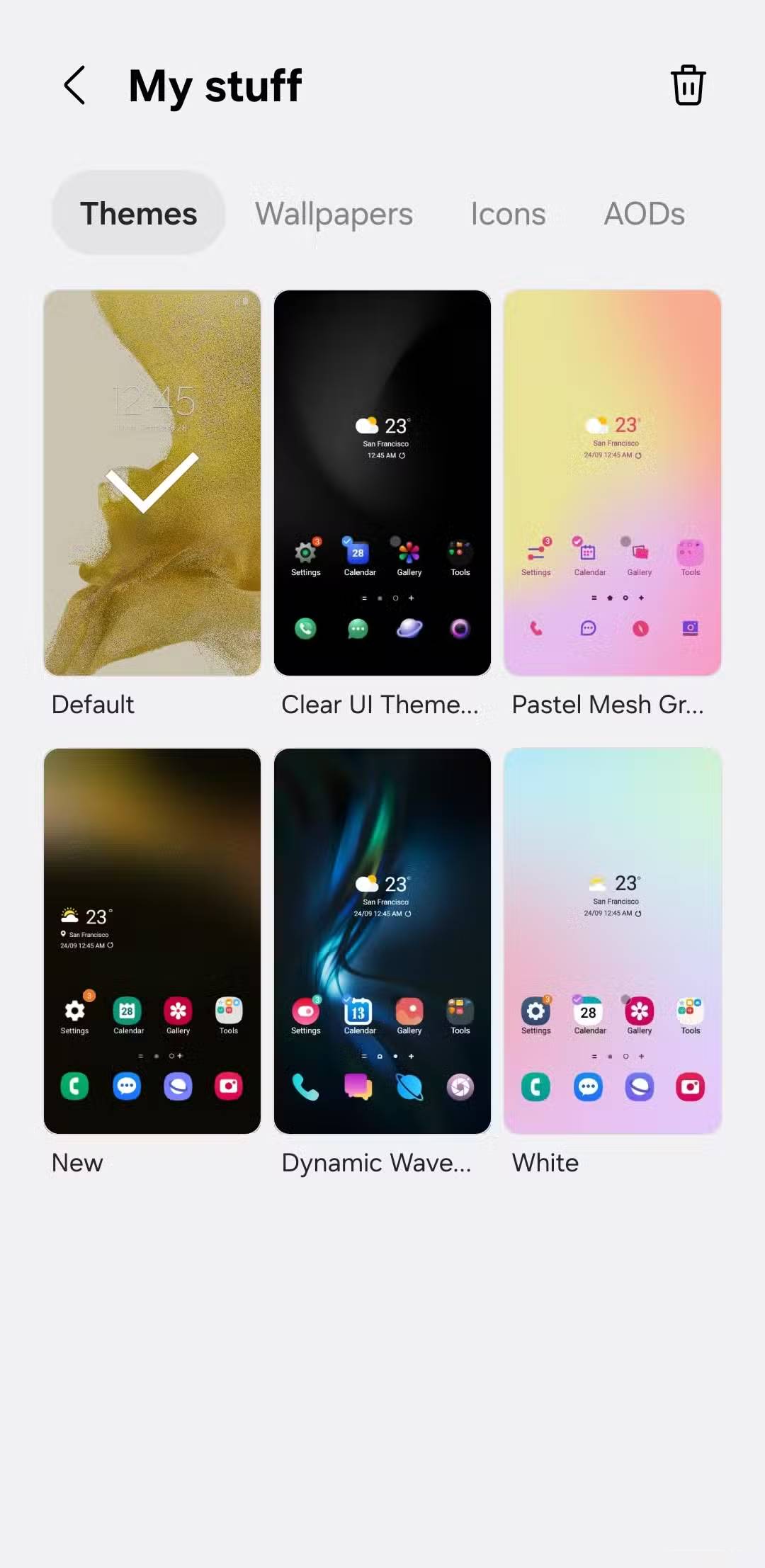
Every phone has some level of customization, but Samsung Galaxy devices are among the few that truly let you personalize your experience. The Galaxy Store is filled with themes that let you change the entire look of your device in seconds. With just a tap, you can change everything from the wallpaper and icons to the fonts and accent colors.
1. Good Lock
From gestures to animations, control it all
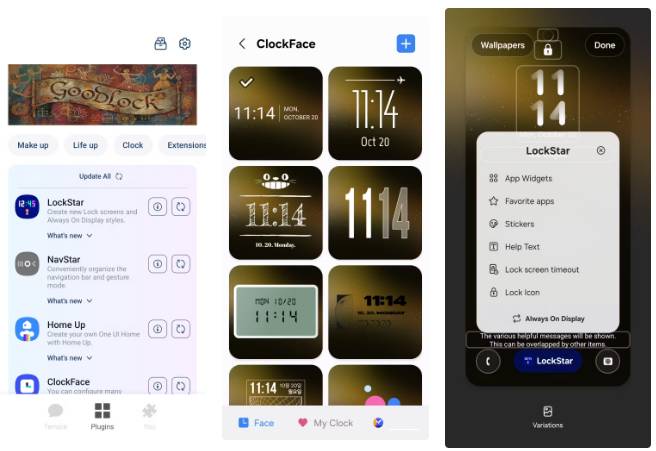
If there's one app you can't live without on a Samsung phone, it's Good Lock. It's a powerful collection of modules that lets you tweak almost every corner of your phone's interface. Unlike themes that focus on changing the look and feel, Good Lock puts you in control of your Galaxy experience. You can hide app labels, change the layout of your recents screen, customize keyboard effects, and tweak every little visual detail until everything is perfectly tailored to your taste.
But Good Lock is more than just a pretty interface. It also comes with a bunch of modules that intelligently extend its functionality.
FAQ
What should you know about the options in this guide?
In practical terms, truly Galaxy-exclusive apps give Samsung phones a real edge. These Galaxy Store exclusive apps let you take your device even further.
Which option is the best choice?
The best choice depends on your priorities, compatibility, budget, and the specific features discussed in the comparison.
What should you compare before deciding?
Compare core features, limitations, ease of use, compatibility, and long-term value before making a decision.
Related Articles
 6 Pixel-Exclusive Features You Can Transfer to Any Android Phone7 minutes read
 5 Exclusive Pixel Features That Can Be Used on Older and Cheaper Phones6 minutes read
 Google Is About to Launch Pixel 3 in October, the XL Version Will Have Rabbit Ears5 minutes read
 This Is Why You Should Buy Pixel 2 Instead of iPhone X7 minutes read
 Why Do So Many People Decide to Switch to Samsung After Years of7 minutes read
 4 Google Pixel Tricks That Changed the Way People Use Their Phones7 minutes read
Reader Comments 0
Sign in with email or Google to join the discussion.