Table of Contents
A keyboard macro is a saved sequence of keystrokes, mouse actions, delays, or commands that runs from one trigger. It is useful when a task repeats in the same order, such as inserting a standard reply or opening a group of work apps. A macro is not the same as a shortcut or remapped key, and it should never store passwords or perform actions you have not reviewed.
What a keyboard macro does
A simple macro has three parts: a trigger, an ordered action list, and optional timing. For example, pressing an unused function key might type a support template, move the cursor to a placeholder, and stop so you can add customer-specific details.
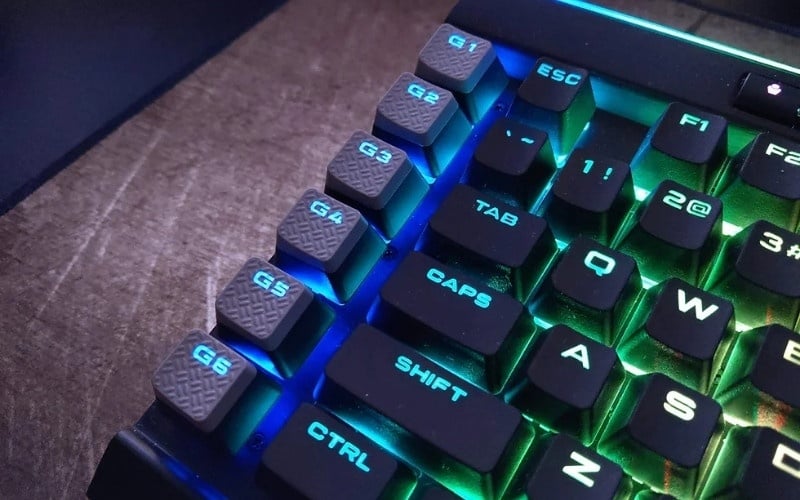
The recorder in a keyboard utility can capture key presses and mouse clicks. More advanced tools can launch programs, test conditions, work with text, or restrict the macro to one application. Delays matter: if the next action runs before a window opens or a field receives focus, the sequence may type into the wrong place.
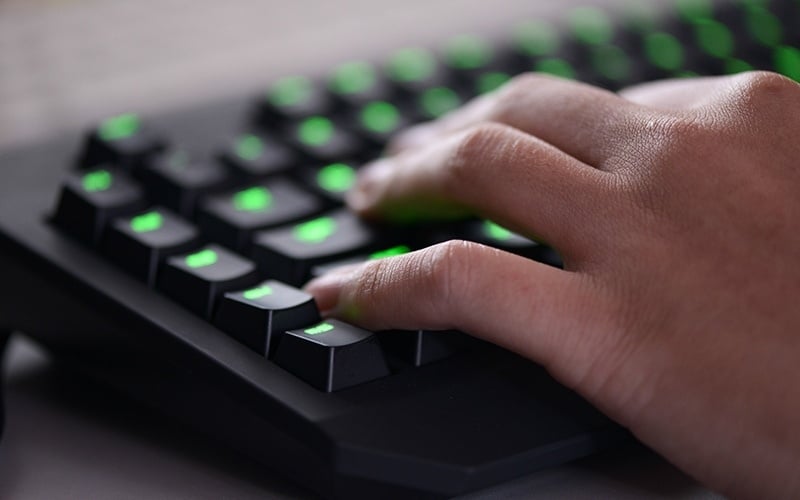
Hardware and software macros
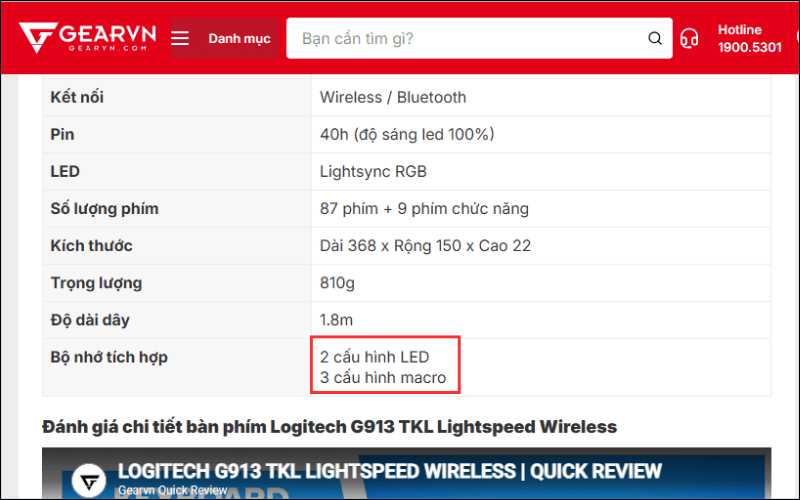
- Onboard or hardware profile: compatible instructions are stored on the device. They may work on another computer without the full configuration app, but onboard modes often support fewer action types.
- Software macro: the device utility or automation app must be running. This usually enables richer actions, per-app profiles, editing, and debugging.
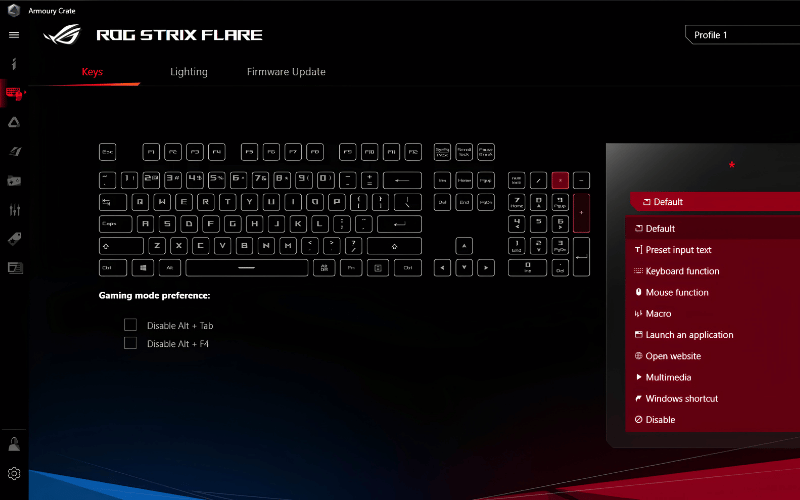
Do not assume every feature transfers to onboard memory. Manufacturers document which repeat modes, text actions, and delays their firmware can store.
Macro, shortcut, hotkey, or remapping?
| Control | What it does | Example |
|---|---|---|
| Shortcut or hotkey | Invokes one existing command | Ctrl + C copies the selection |
| Key remapping | Makes one key act as another key or shortcut | Use Caps Lock as Ctrl |
| Macro | Runs an ordered sequence, optionally with delays or repetition | Open an app, wait, then start a standard workflow |
| Text expansion | Replaces a short abbreviation with stored text | Expand “addr” into a mailing address |
Use the simplest option that solves the problem. Remapping is easier to maintain than a multi-step macro, and an application's built-in shortcut is generally more reliable than replaying mouse coordinates. For Windows alternatives, compare the keyboard remapping tools in this guide.
Good uses for keyboard macros
- Insert a non-sensitive email template, address, or standard code comment.
- Launch a known set of apps or files at the start of a task.
- Apply a repeated editing sequence in software without its own batch command.
- Navigate a predictable internal form while stopping before submission.
- Create an accessibility aid for a difficult multi-key chord.
- Switch a peripheral to an application-specific profile.
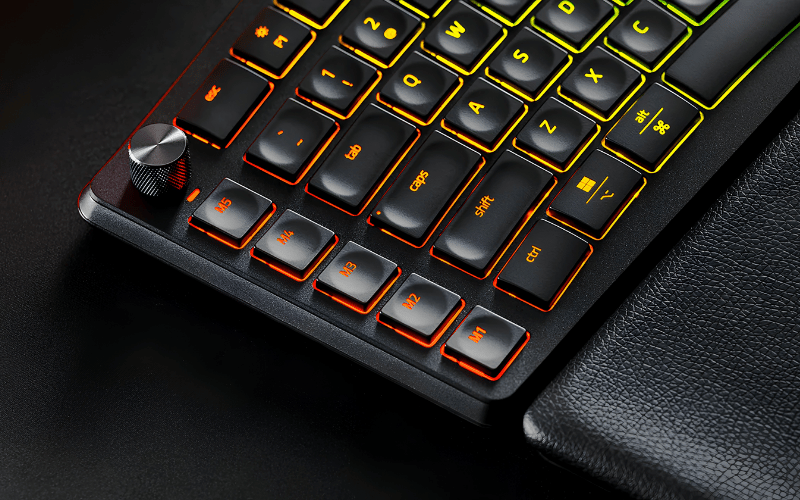
A macro is a poor choice when the target moves, data changes, a confirmation is important, or the application already has a reliable command. Mouse-coordinate recordings are especially fragile because screen resolution, window position, zoom, and pop-ups can all change the target.
Benefits, limitations, and security risks
A well-designed macro saves time and reduces inconsistent input. It can also make a repetitive process easier for someone who finds certain key combinations uncomfortable.
The same automation can cause damage quickly if focus is wrong or repetition is unlimited. Use these safeguards:
- Never store passwords, one-time codes, private keys, recovery phrases, or payment information in a macro.
- Do not automate Send, Delete, Purchase, or Confirm unless the workflow has a deliberate human checkpoint.
- Prefer keyboard navigation and application commands over absolute mouse coordinates.
- Give every macro a clear name and record its trigger in a short reference list.
- Use per-app profiles so a work macro cannot run in a game or password field.
- Add a safe stop method for repeated macros.
- Back up configurations only if the export does not contain sensitive text or paths.
How to create a basic macro with keyboard software
1. Confirm device support
Open the manufacturer's official product page or support utility and look for Assignments, Key bindings, Macro, or Profiles. Confirm that the software supports your operating system and exact device revision.
2. Record the smallest useful sequence
- Create a new profile for the target application.
- Create and clearly name the macro.
- Select no repeat for the first test.
- Start recording, perform only the required keys, then stop.
- Remove accidental actions and inspect every delay.
- Assign the macro to a key you do not use for essential commands.
- Save the profile.
Logitech G HUB, Razer Synapse, Corsair iCUE, and other utilities use different menu names. Follow the documentation for the installed version. For example, Razer's current Synapse instructions separate creating a macro from assigning it to a device key.
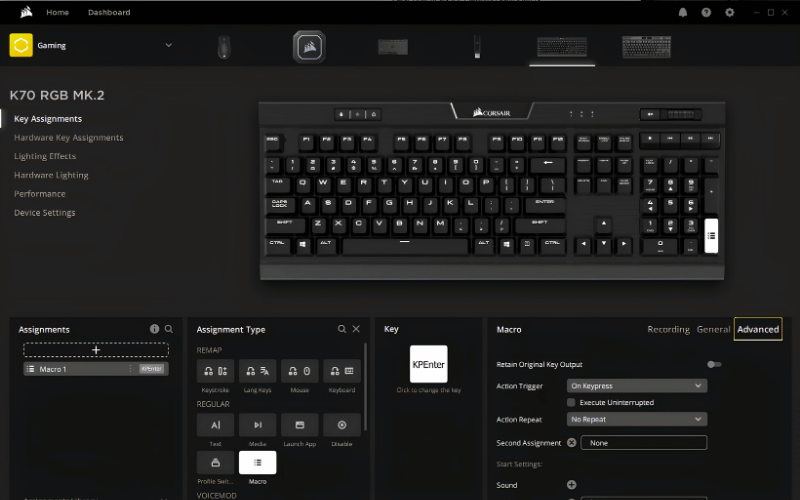
3. Test safely
Test text output in a blank local document, not in email, chat, a production console, or a live form. Run the macro once, verify order and timing, then test it in the intended application with harmless sample data. Move focus to another field deliberately to see how it fails.
Keep early macros to a few actions. If a sequence needs extensive timing, branching, or error recovery, use an application-native automation system or a script with explicit checks instead of a blind recorder.
Using AutoHotkey on Windows
AutoHotkey is a Windows scripting tool for hotkeys, hotstrings, remapping, launching programs, and more advanced automation. It is not required when your device software already handles the task, but it offers precise, readable control when a recorded macro is too limited.
Download it only from the official AutoHotkey site and follow the documentation for the installed major version. Version 1 and version 2 scripts use different syntax, so copying an old example may fail.
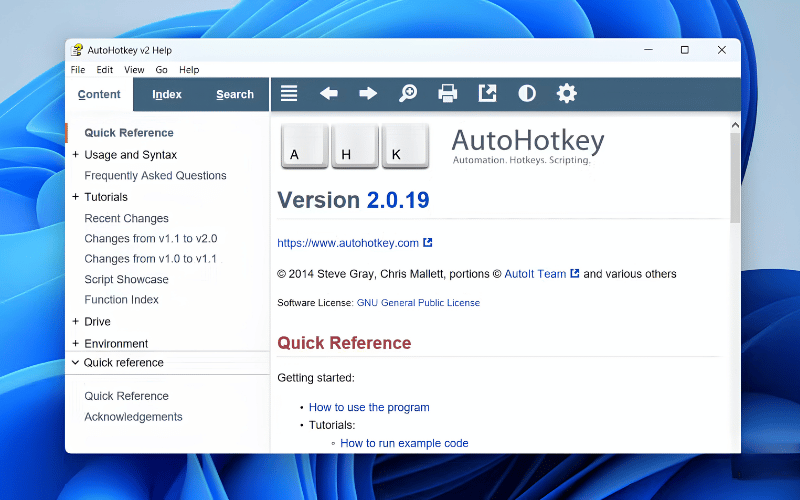
Treat an unknown script like an unknown program. Read it before running it: automation can type commands, launch executables, modify files, or send data. Avoid precompiled scripts from untrusted sources because the original instructions are harder to inspect. Our roundup of Windows productivity tools includes additional context for AutoHotkey.
Are keyboard macros allowed in games?
There is no universal rule. A game's terms, anti-cheat policy, competitive mode, tournament rules, and the exact behavior of the macro all matter. A one-to-one remap or accessibility accommodation may be permitted while a single trigger that controls recoil, repeats inputs, or executes a timed combat combination may be prohibited.
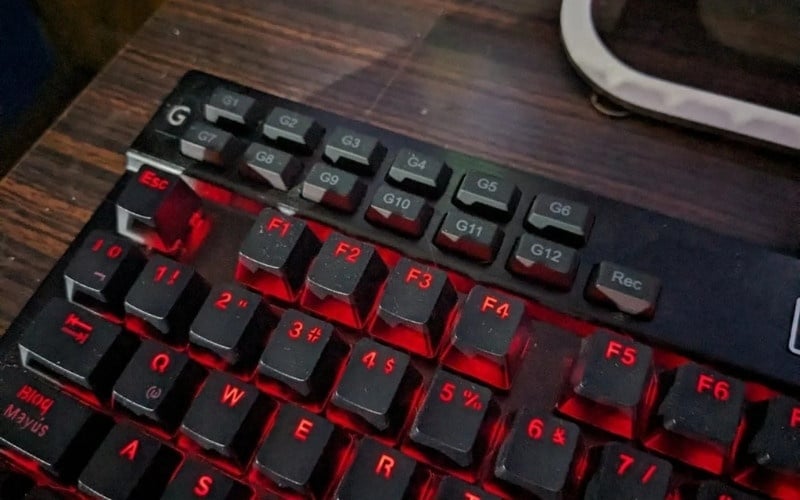
Before using one:
- Read the current game and tournament rules from official sources.
- Do not assume manufacturer software makes a macro permitted.
- Avoid unattended play, rapid-fire loops, recoil control, multi-action combat sequences, and anything designed to bypass an input limit.
- Ask the publisher's support team if an accessibility need is not addressed by the published policy.
- If the rule is unclear, keep the macro disabled in competitive play.
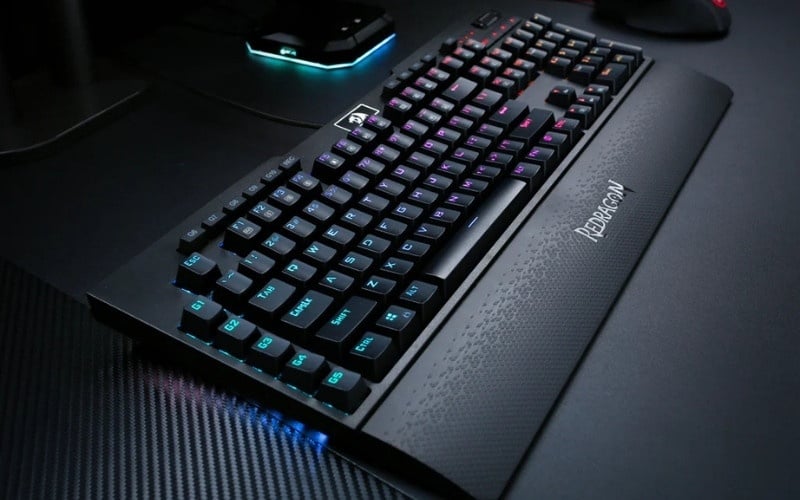
Choosing a keyboard for macro use
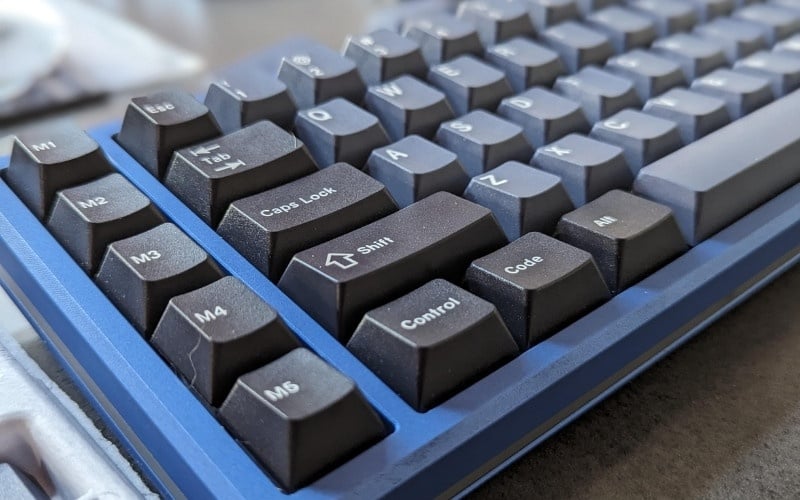
Do not buy solely by the number of dedicated macro keys. Check:
- software support for your operating system;
- per-application profiles and automatic profile switching;
- onboard-memory capabilities and documented limitations;
- editable delays, repeat modes, and a reliable stop control;
- profile export and backup;
- whether any key can be reassigned or only designated keys;
- the vendor's update history and support documentation.
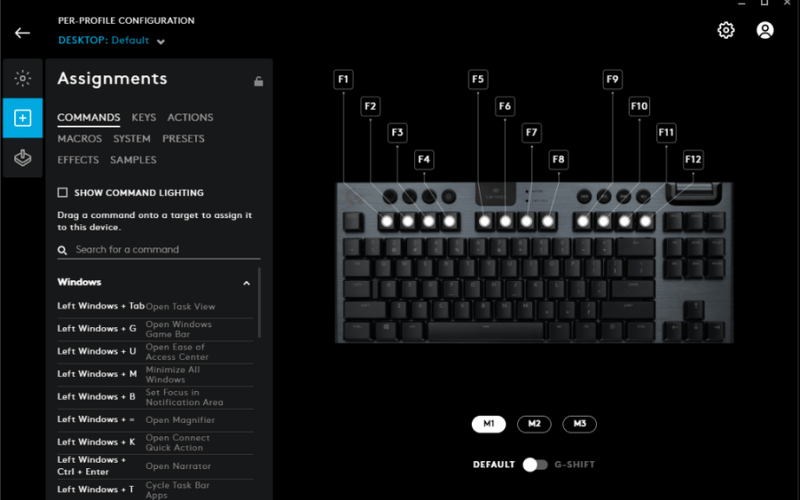
For most beginners, one short, no-repeat macro in a per-app profile is the right first project. It is easy to inspect, easy to stop, and easy to replace with a built-in shortcut if the application later adds one.
Related Articles
 How to Automate Google Sheets with Macros7 minutes read
 How to Create Macros in Word 2007: Microsoft Word 20073 minutes read
 How to Delete Macros in Excel, Quickly Disable Macros3 minutes read
 Instructions on How to Create and Use Macros in Excel Create Macros, Save6 minutes read
 4 Simple and Quick Ways to Lock Your Windows Laptop Keyboard6 minutes read
 The Easiest Way to Use Macros in Excel8 minutes read
Reader Comments 0
Sign in with email or Google to join the discussion.