Table of Contents
Typing games can help children recognize keys and repeat finger movements without making practice feel like a worksheet. They work best after a short guided lesson: games reward quick reactions, but a child still needs to learn which finger should press each key.
Before a child starts
- Use a physical keyboard that matches the game's displayed layout.
- Choose single letters for beginners and words or sentences for experienced learners.
- Keep sessions to 10–15 minutes and stop when accuracy drops.
- Review account requirements, ads, and privacy settings before use.
- Disable an input method only if it changes the letters the game expects; remember to turn it back on afterward.
1. Typingtop Falling Blocks
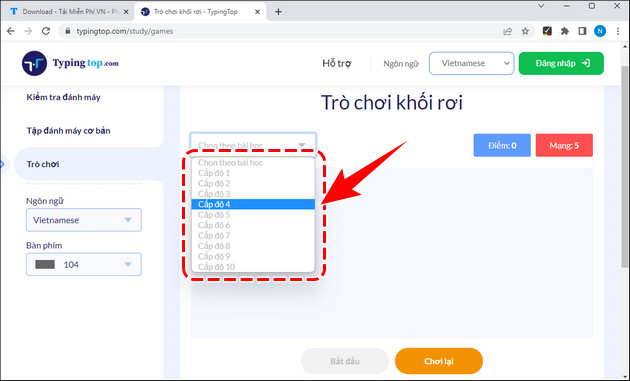
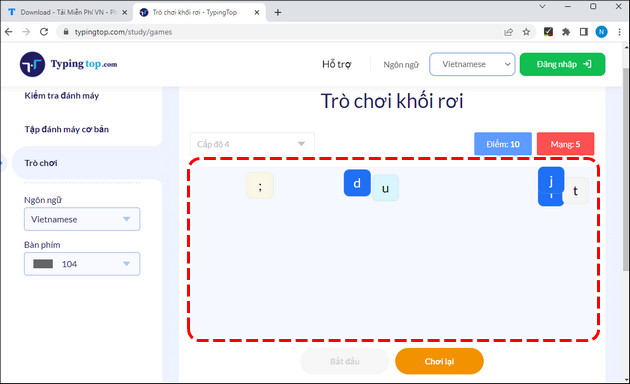
In Falling Blocks, letters or words descend from the top of the screen. Type each prompt before it reaches the bottom. Begin at the lowest level and require the assigned finger even if another finger feels faster.
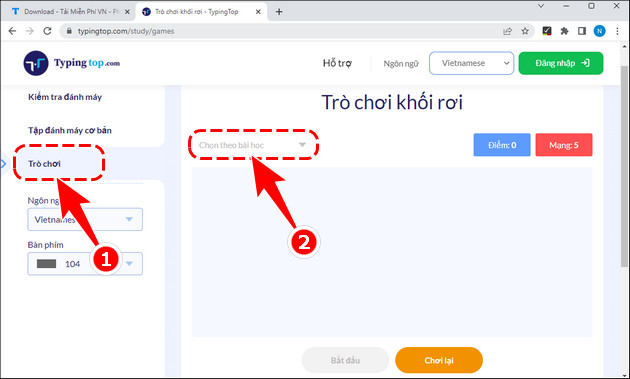
Choose a lesson or key group that matches what the child has already learned.
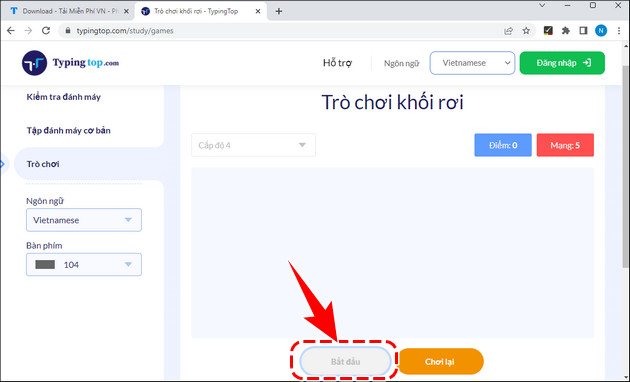
Press Start when the hands are on the home row.
A wrong key may cost a life. Encourage the child to slow down rather than guessing.
2. Dance Mat Typing
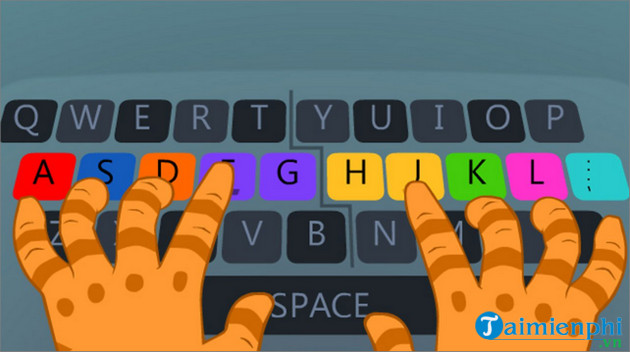
Dance Mat Typing introduces key rows through colorful characters and stages. It starts with home-row positions and later adds upper- and lower-row letters, Shift, and punctuation. Availability may vary because the original game is old; avoid unofficial clones that ask for unnecessary downloads.
3. Keyboarding Zoo
Keyboarding Zoo is an ABCya activity for younger children who are learning uppercase and lowercase letters. It focuses on finding keys rather than full touch-typing technique, so an adult should remind the learner which hand to use.
4. Type Toss
Type Toss is one of Typing.com's browser games. It adds time pressure to letter or word recognition and is better used after the relevant keys have been introduced in lessons.
5. Type-a-Balloon
Type-a-Balloon asks the player to type the character on each rising balloon. The simple visual target suits beginners, while harder settings can provide faster practice.

6. Keyboard Ninja
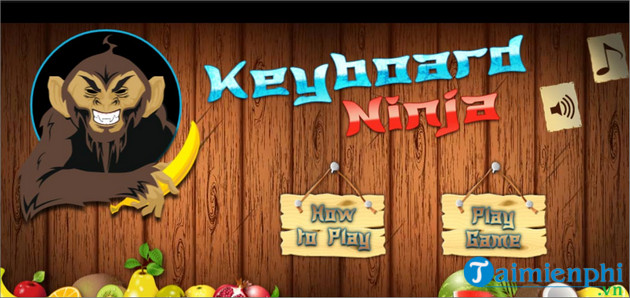
Keyboard Ninja turns correct keystrokes into fruit-cutting actions while bombs penalize careless input. Select a key group and difficulty the child can handle accurately.
7. Nitro Type
Nitro Type uses typed text to power a car race. It is most useful for children who already know the keyboard and need repeated word and sentence practice. Teachers can use classroom controls to manage access and review progress.
8. Typing.com practice games
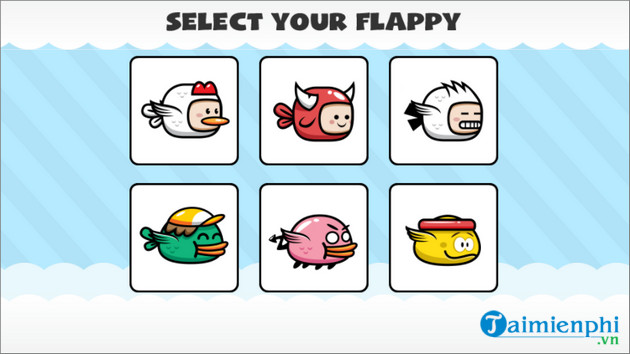
Typing.com maintains a collection of browser games alongside structured lessons. This makes it easy to pair a five-minute lesson with a short reward game using the same learner profile.
9. TypeRacer
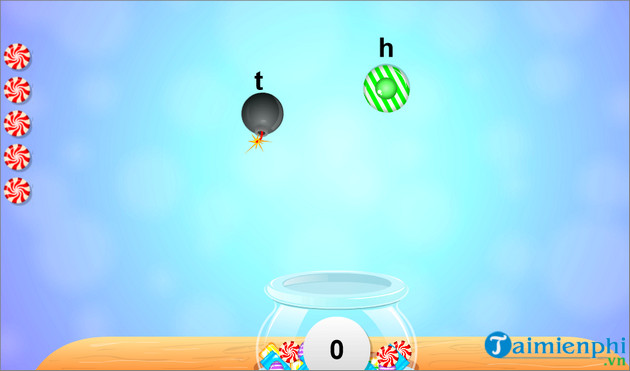
TypeRacer provides competitive paragraph races. It suits older children and teenagers who can already touch type. Competition can encourage rushing, so compare accuracy over several races instead of focusing only on placement.
10. TypeTastic
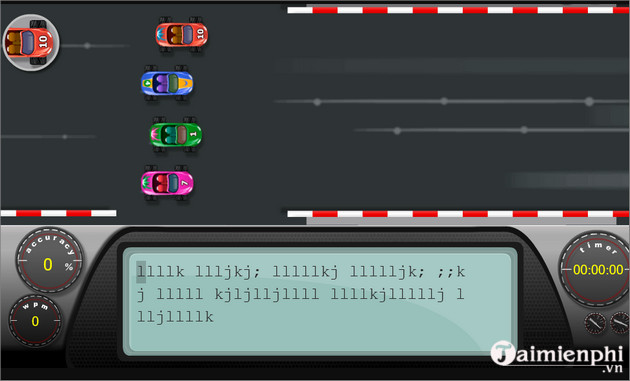
TypeTastic offers hundreds of activities organized by age and skill. Early units develop keyboard awareness and motor skills; later units cover touch typing, punctuation, fluency, and timed tests.
Games from older versions of this list
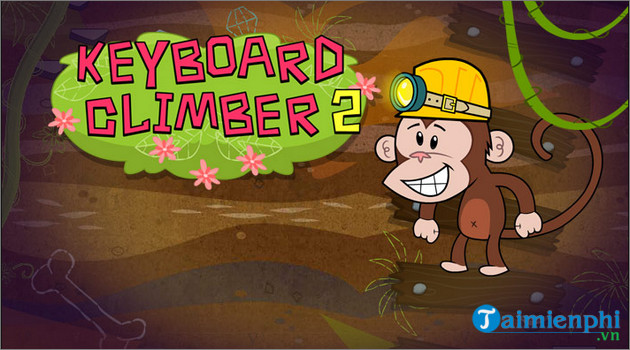
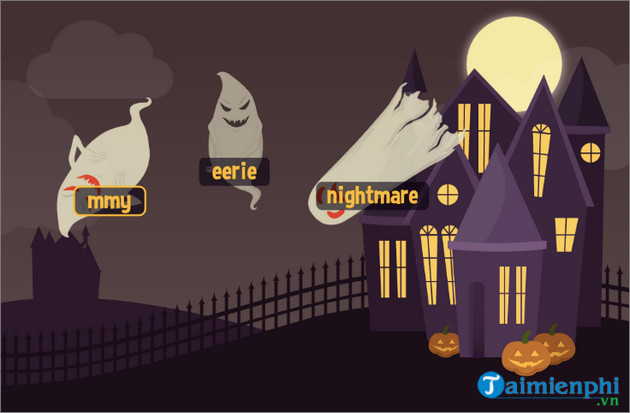
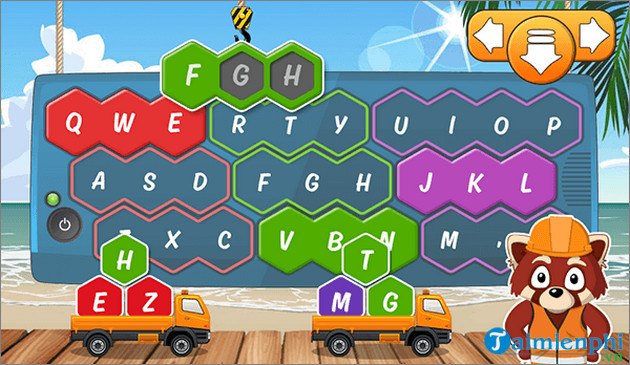
Keyboard Climber 2, The Typing of the Ghosts, Flappy Typing, Keyboard Candy, and several sites labeled simply “Typing Race” have circulated in legacy lists. Some may be unavailable, renamed, or hosted only on game-aggregation sites. Check the publisher and privacy policy before use, and never install a browser extension or executable merely to play an old web game.
A balanced weekly routine
- Two days: 10 minutes of guided home-row or key-group lessons.
- One day: repeat weak keys for 5 minutes, then play a matching game for 5 minutes.
- One day: type real words or a short paragraph.
- One day: take a short test and record accuracy as well as WPM.
Parents and teachers can compare more options in TipsMake's guide to typing games and courses for children. For technique, use the home-row touch-typing guide, then measure progress with online typing tests. An offline PC can also use Tux Typing.
Accuracy is the real game objective
A high score earned with random fingers does not establish touch typing. Watch whether the learner keeps both hands on the home row, uses the assigned fingers, and looks at the screen. Once those habits are stable, speed will become a meaningful goal.
Related Articles
 TOP Game Websites That Teach Children to Type on the Computer5 minutes read
 Typing with 10 Fingers, Practice Typing with 10 Fingers6 minutes read
 Top-Rated Typing Practice Games for Children6 minutes read
 Practice Typing 10 Fingers, Typing Fast with Mario Teaches Typing6 minutes read
 How to Practicing Fast and Efficient 10-Finger Typing for Beginners7 minutes read
 minutes read
Reader Comments 0
Sign in with email or Google to join the discussion.