Table of Contents
The best typing game for a child depends on age, reading level, keyboard layout, and whether an adult needs to track progress. The seven options below range from colorful letter-finding activities to structured touch-typing courses and competitive races. Start with accuracy and correct finger placement; speed can come later.

What parents and teachers should check
- Physical keyboard support: touch typing is difficult to learn on a touchscreen alone.
- Age-appropriate text: a young learner may need single letters and short words before full sentences.
- Keyboard layout and language: on-screen prompts should match the child's real keyboard.
- Accounts and privacy: review what data is collected before creating a child profile.
- Progress controls: accuracy, weak keys, and lesson history are more useful than a leaderboard alone.
1. Typingtop
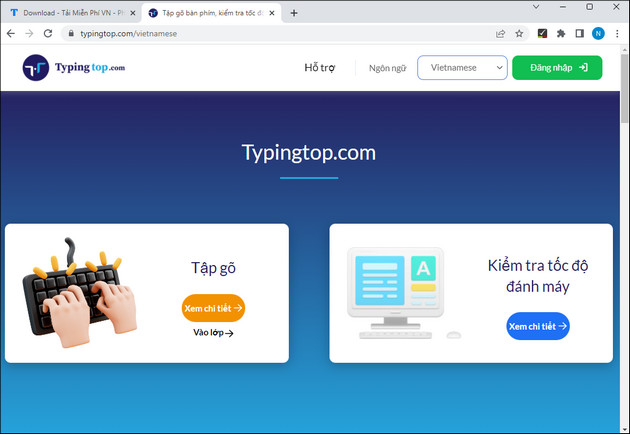
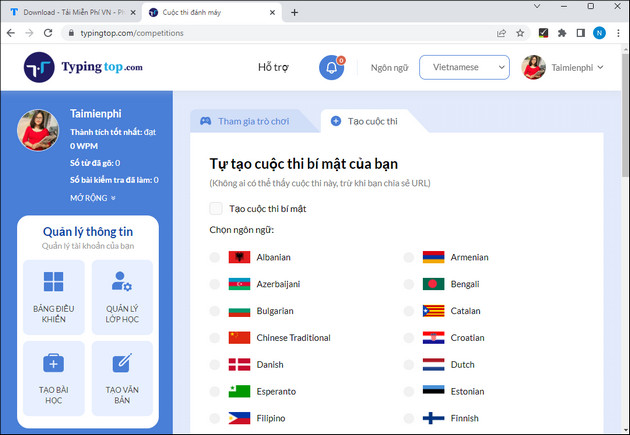
Typingtop combines lessons, typing tests, games, goals, and saved progress in a browser. Children can begin with basic letter drills and move toward words and timed exercises. An account is optional for a quick test but useful for saving practice history.
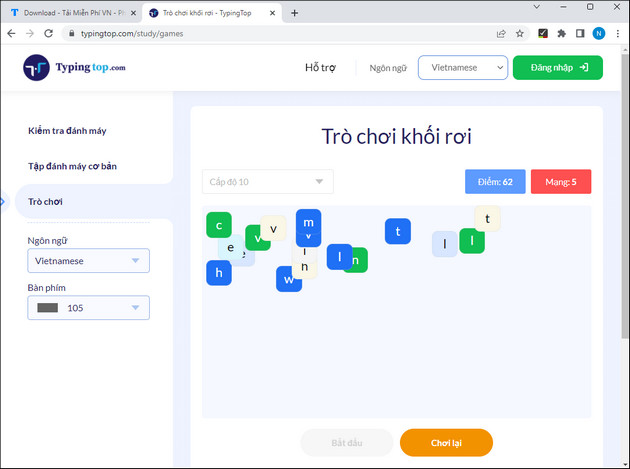
The falling-block game asks the player to type the character shown before it reaches the bottom. Choose an easy level first and require the correct finger, even if another finger would be faster.
Competition modes can add motivation for older children. Use them after the learner understands the home row so that speed does not replace proper technique.
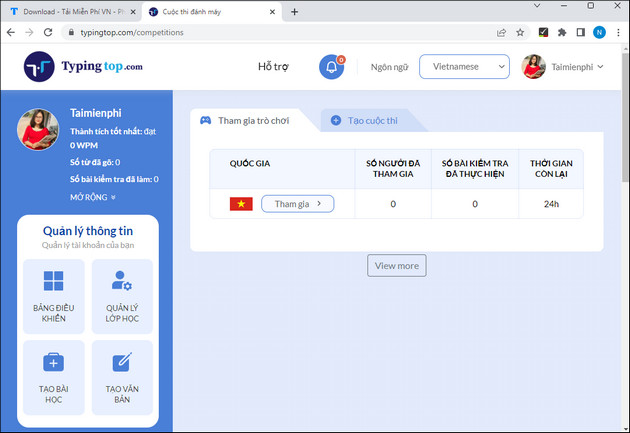
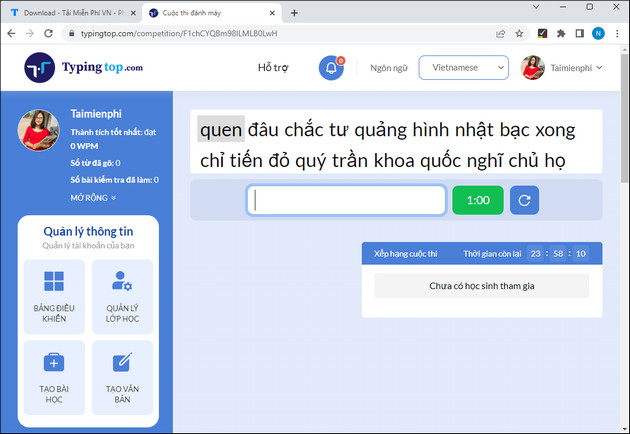
Teachers can also create activities and monitor assigned practice. Test the current classroom tools with a sample student account before rolling them out to a class.
2. TypingClub and Jungle Junior
TypingClub offers guided courses with videos, games, and virtual hand prompts. Jungle Junior is aimed at younger learners, while Typing Jungle provides a longer progression from individual keys to numbers and punctuation.
3. Typing.com games
Typing.com provides free typing games alongside structured lessons and tests. The game difficulty adapts to practice level, making it useful after a child has learned the key groups introduced in lessons.
4. Nitro Type
Nitro Type turns accurate typing into a car race. It is best used as reinforcement for learners who already know basic finger placement. Teachers can manage student access and progress through the service's classroom tools.
5. TypeTastic
TypeTastic divides keyboarding into units. Early games help children locate keys, later units introduce all fingers, and advanced activities add words, sentences, punctuation, and speed practice.

6. Tux Typing
Tux Typing is an open-source desktop game with falling-word and space-themed activities. It can work well for an offline computer, but available installers may come from third-party distributors. Review TipsMake's Tux Typing guide, verify the download source, and scan the package before installation.
7. RapidTyping
RapidTyping is a free Windows tutor rather than a pure arcade game. Its colorful lessons, moving finger guide, and progress charts make it useful when a child needs a more systematic offline course.
Older typing programs in legacy lists
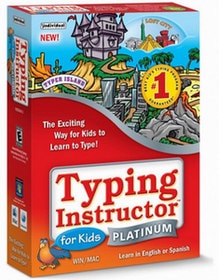
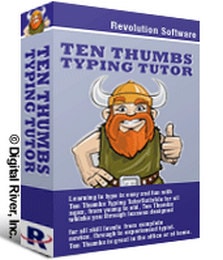
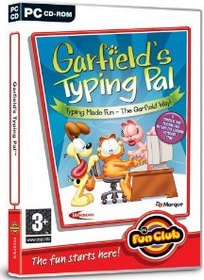
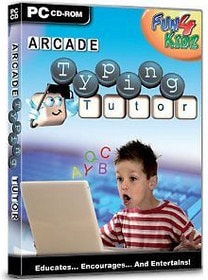
Typing Instructor for Kids Platinum, Ten Thumbs Typing Tutor, Garfield's Typing Pal, All the Right Type, Type to Learn, and Arcade Typing Tutor appeared in earlier versions of this list. Some may still be sold or used by schools, but availability, operating-system support, licensing, and account requirements have changed. Do not download an old installer merely because it appears in a historical screenshot. Confirm that the publisher still supports your operating system and provides the download directly.
A simple weekly plan for children
- Days 1–2: complete 10 minutes of guided key lessons.
- Day 3: repeat weak keys and aim for fewer mistakes.
- Day 4: play a typing game for 10–15 minutes.
- Day 5: take a short test and record accuracy as well as WPM.
Keep sessions short and stop if the child becomes tense or starts guessing. TipsMake's touch-typing guide explains home-row finger placement, while these online typing tests help measure progress. For an offline course, follow the RapidTyping installation guide.
Related Articles
 minutes read
 TOP Game Websites That Teach Children to Type on the Computer5 minutes read
 Practice Typing 10 Fingers, Typing Fast with Mario Teaches Typing6 minutes read
 Top 10 Typing Practice Games for Children11 minutes read
 Tux Typing - Free Typing Practice Tool for Kids: Main Insights6 minutes read
 5 Best Best Typing Practice Software for Kids3 minutes read
Reader Comments 0
Sign in with email or Google to join the discussion.