Table of Contents
If TikTok shows Find similar when you pause a video, you can use it to search for items that resemble something in the frame. Crop the selection to the object you want, then compare the resulting videos or product listings. A visual match is a starting point, not proof of the exact brand or model.
Pause on a clear view of the item
- Open the video in the TikTok app.
- Pause when the product is visible with little motion blur or obstruction.
- Tap Find similar if the option appears.
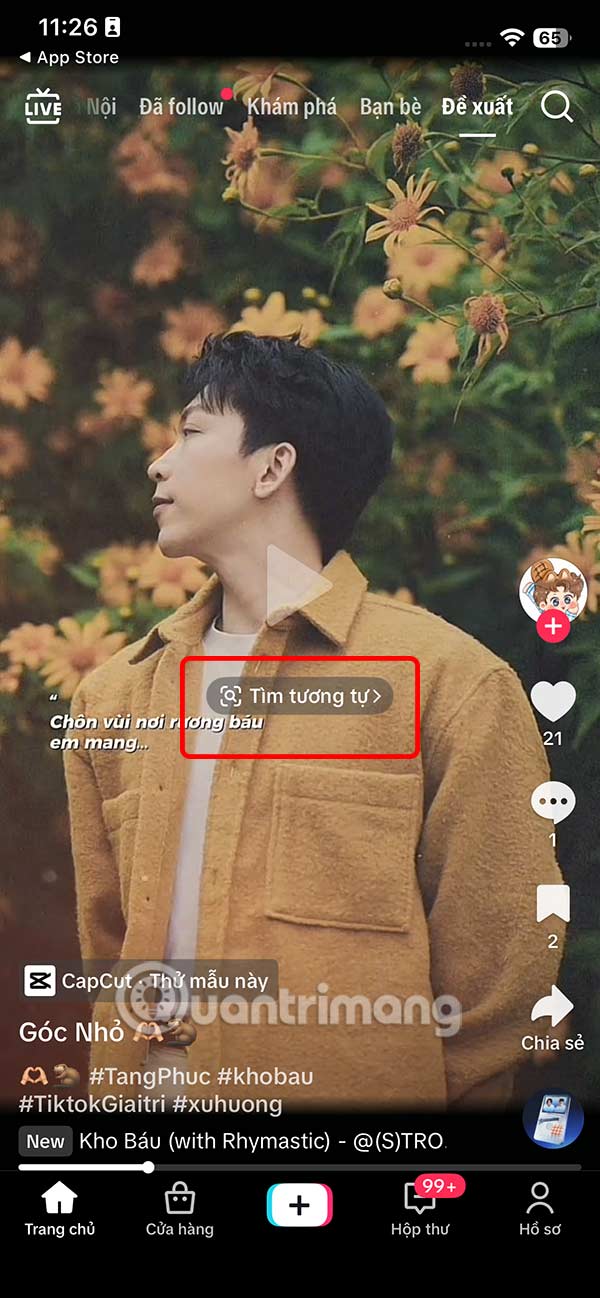
The control is not available on every account, video or app version. If you do not see it, check for an app update and use the alternatives below rather than assuming your phone is faulty.
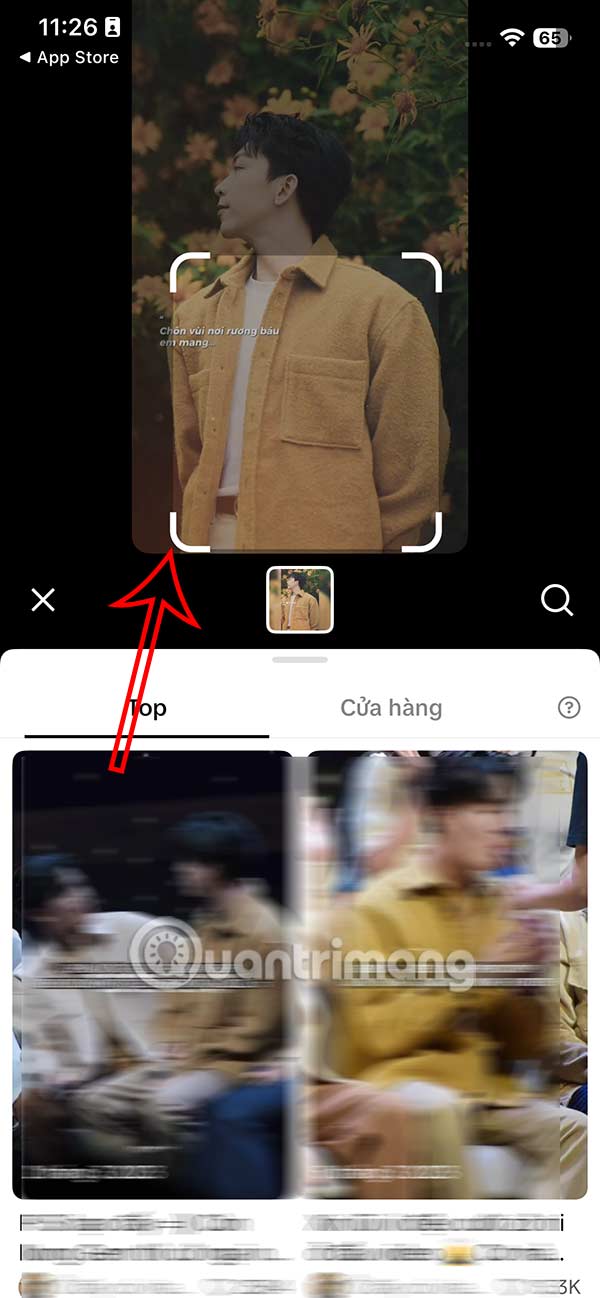
Adjust the search area
Move or resize the selection around the item. For clothing, include distinctive details such as a pattern, fastening or logo while excluding unrelated objects. If the first result is poor, try another frame or a tighter crop.
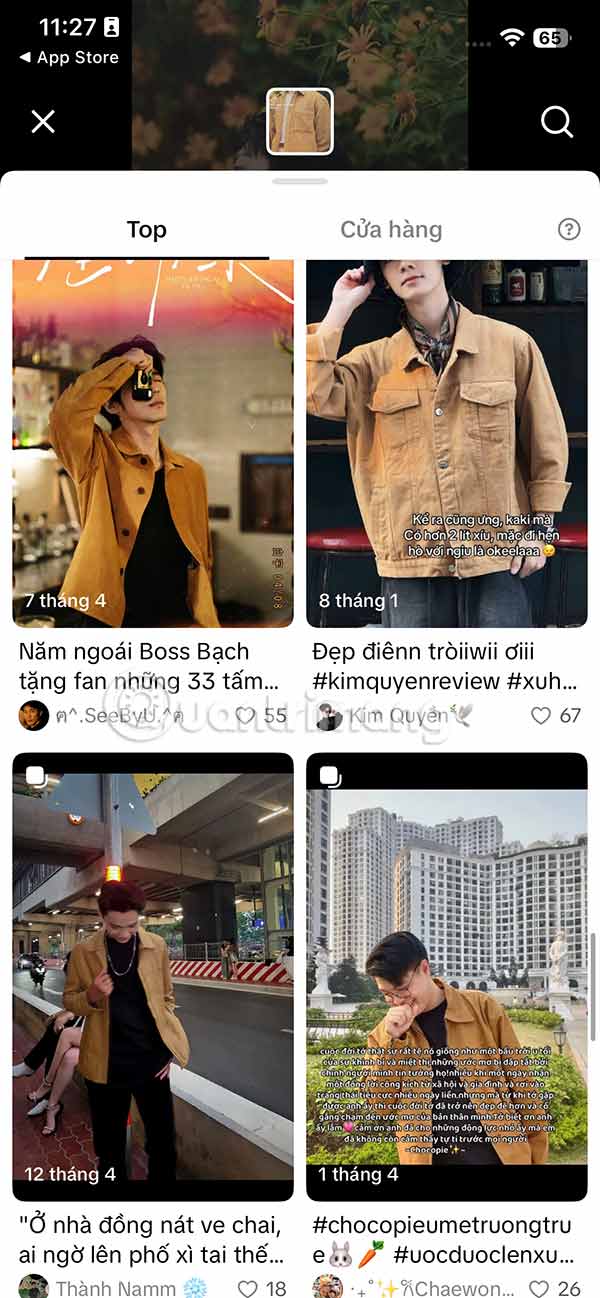
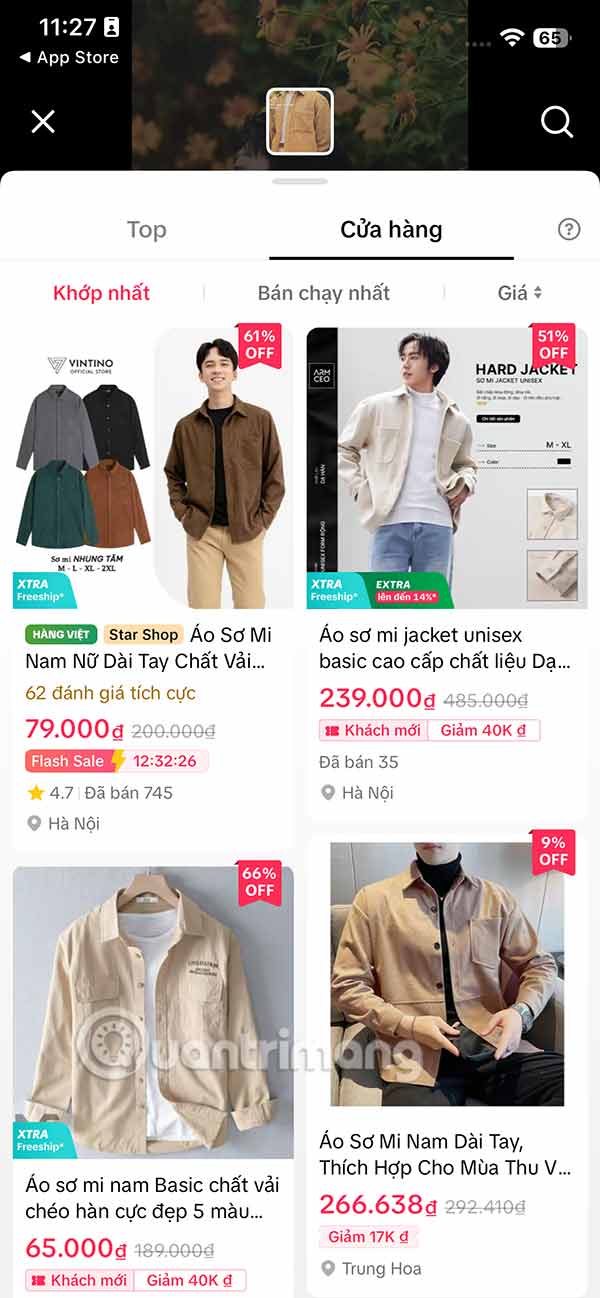
Results may include similar videos and, where shopping features are available, stores or product listings. Labels such as Top or Shop can vary. Open the listing to read its details rather than judging it only from the thumbnail.
Check whether the result is actually the same product
- Identity: compare brand, model, material, size and color.
- Details: inspect seams, connectors, logos or other distinctive features.
- Seller: check reviews, return terms and what is included.
- Price: compare the final cost, including delivery, rather than only the advertised starting price.

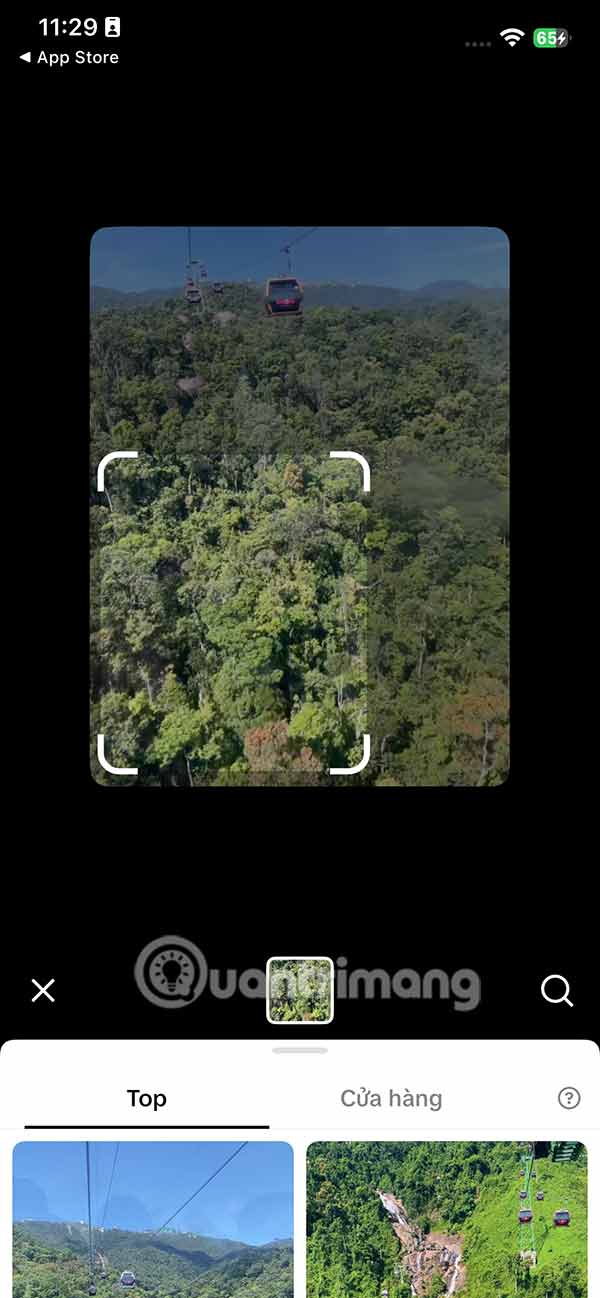
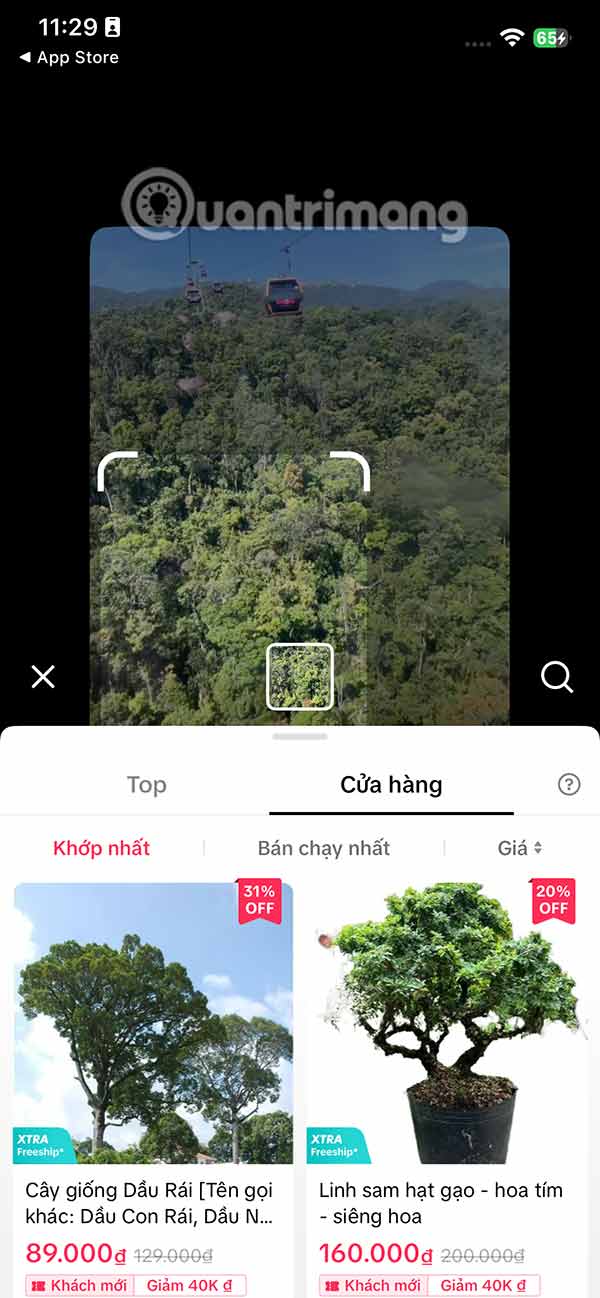
Lookalike items can differ substantially in construction or function. Visual search cannot authenticate a product, establish that a seller is trustworthy, or reliably identify every object in a scene. Do not use a match to decide whether a plant or other item is safe to eat or handle.
If Find similar is unavailable
Check the creator’s caption and any attached product link first. You can also search TikTok using descriptive words such as the item type, color and a visible brand.
For a broader image search, take a screenshot without private information and use Google Lens or another reverse-image search method. On iPhone, see using Google Lens with a saved image. These searches can suggest possibilities, but the same product checks still apply.





Reader Comments 0
Sign in with email or Google to join the discussion.