Table of Contents
School Party Craft is a block-style life simulator from Candy Room Games & RabbitCo. Players explore a city, build and furnish houses, customize characters, drive vehicles, and try activities such as swimming and paintball.
It is available on Android and iOS. Download through the publisher’s store listings and check compatibility on your own device rather than relying on a generic “works on weak phones” claim.
What the game offers
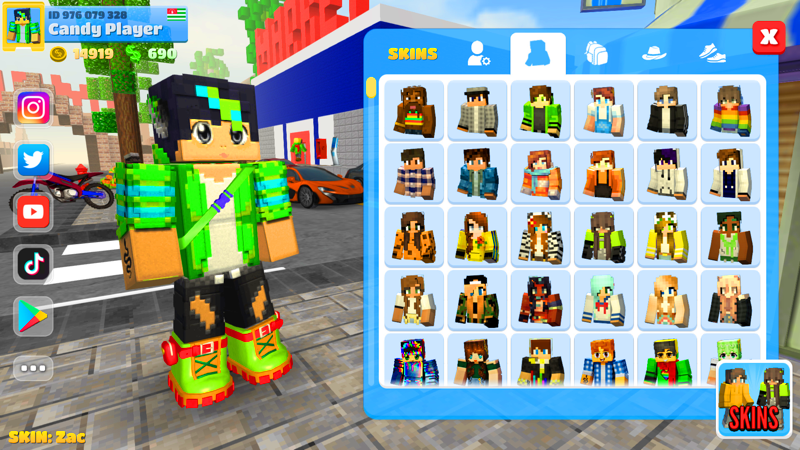
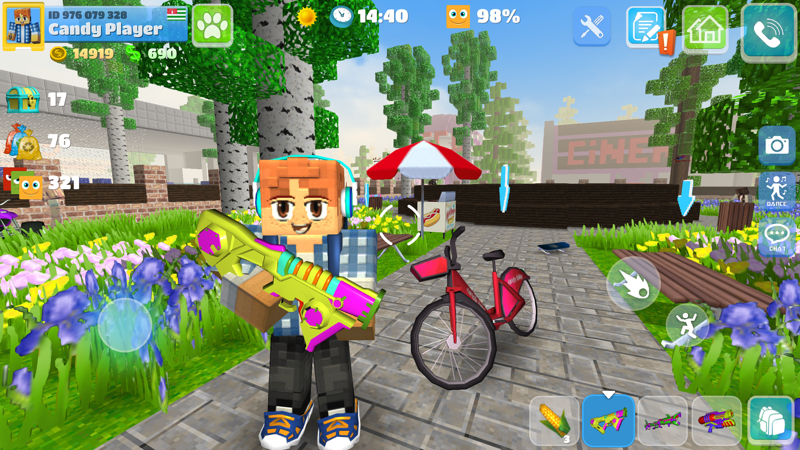
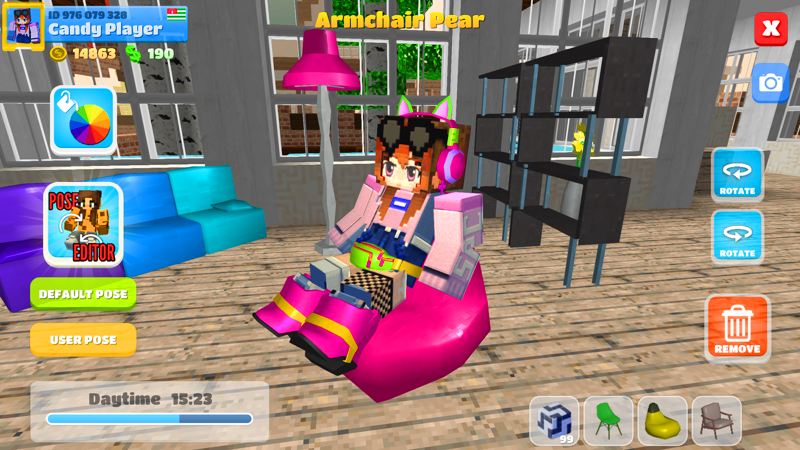
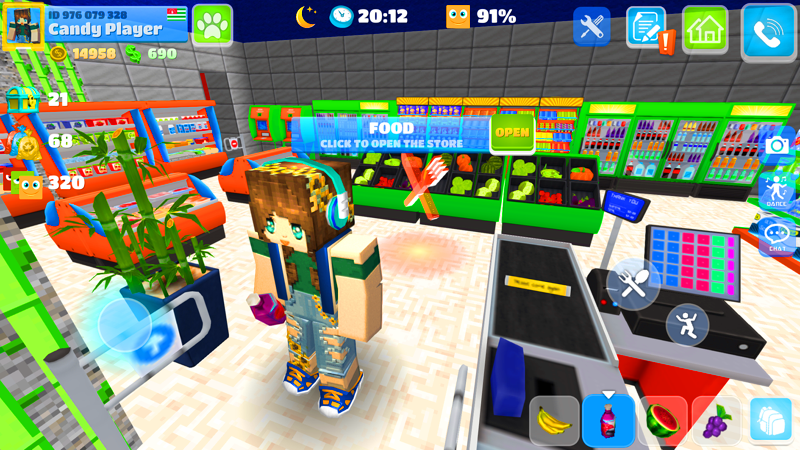
The game combines city exploration with construction and decoration. Its listings describe vehicles, shops, leisure locations, mini-games, and first- or third-person camera options. You can adjust the available controls to suit how you play.
The description also refers to meeting and communicating with characters in the city. That alone does not establish that each character is another real player or that the game supports a particular multiplayer mode.
Check compatibility before installing
| Platform | Compatibility information | What to check |
|---|---|---|
| Android | Use Google Play’s compatibility check for your device. | The publisher advertises optimization for devices with as little as 1 GB RAM; this is not a guarantee of smooth performance. |
| iPhone/iPad | The App Store listing requires iOS or iPadOS 12 or later. | Confirm your model, current OS, and available storage in the listing before downloading. |
Leave room for installation and updates beyond the displayed download size. File size and performance can change between versions; an exact 300 MB free-space rule or universal 2 GB RAM requirement should not be assumed.
Official download and first launch
- Open the Google Play listing or App Store listing, checking the publisher and app name.
- Review compatibility, the age rating, advertising disclosures, and any purchase information shown for your region.
- Choose Install or Get and wait for installation to finish.
- Open the game and follow its current introduction and control settings.
The Android listing contains ads. Free installation should not be interpreted as a guarantee that every feature or future offer is free.
If installation fails
- Read the exact error. Device incompatibility, unavailable regions, network problems, and insufficient storage need different fixes.
- Check storage in your device settings. Back up important files before removing anything; see ways to free Android storage.
- Check the connection, restart the device, and retry the official store download.
- If Google Play still reports insufficient space, use its current support instructions. TipsMake’s storage-error guide provides further context.
Avoid clearing the game’s data as an installation shortcut if you already have progress you want to keep.
Choose downloads carefully
Official stores help identify the legitimate app and provide updates, but they do not justify an “absolutely safe” or “virus-free forever” promise. Avoid unofficial modified APKs, review permissions, and use parental controls where appropriate for a younger player.
Related Articles
 6 Best Free Websites to Find Craft Ideas
 How to create Naruto in Infinite Craft, a character in the Naruto universe
 A Simple Guide to Making Your Own Beer at Home
 How to craft chains in Minecraft 1.20
 How to craft a Bag in Minecraft 1.20 is extremely simple
 Things to know about SMAS school management software
Reader Comments 0
Sign in with email or Google to join the discussion.