Table of Contents
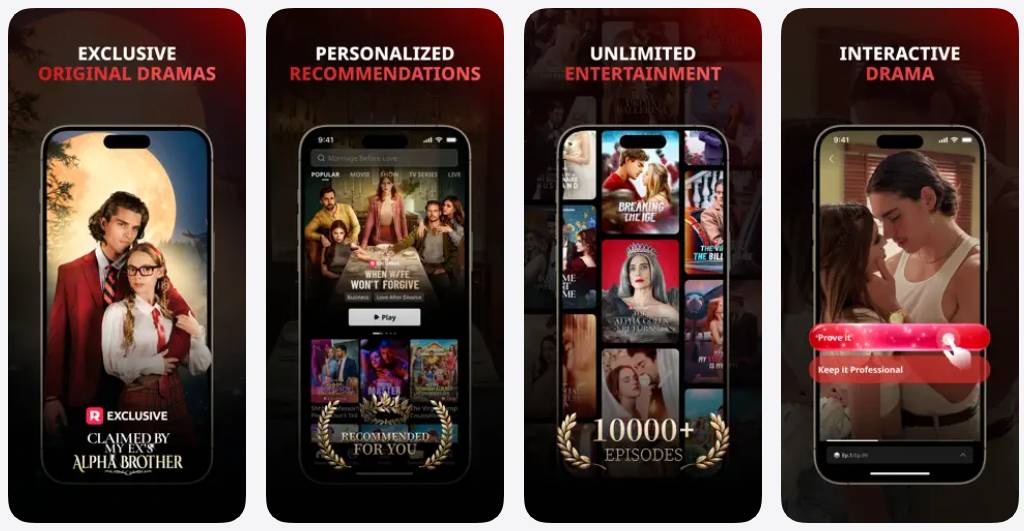
ReelShort is a streaming service for short, vertical drama episodes designed for phone viewing. Its series use quick scenes and frequent cliffhangers, with genres such as romance, revenge, and supernatural drama. A short episode does not mean a complete story takes only a minute: a series can continue across many episodes.
The app is associated with Crazy Maple Studio. Its appeal is convenient, episodic entertainment, but downloading it for free does not make every episode free to watch.
What watching a series is like
Viewers choose a series and follow its episodes in order. The portrait format fits a phone screen, and episodes are typically brief. Stories often center on hidden identities, dramatic relationship conflicts, or reversals of fortune.
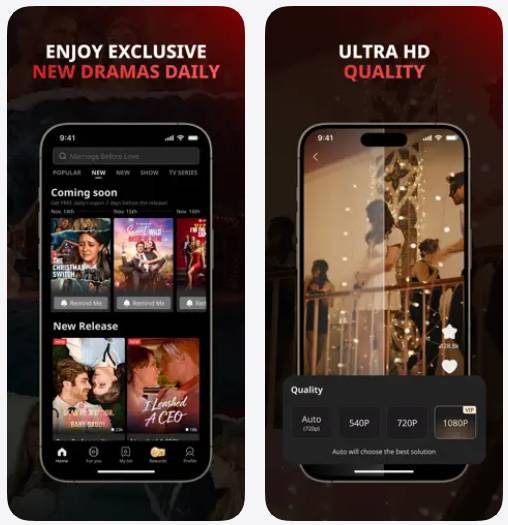
Use the current catalog to check availability, language, subtitles, and any content rating. Promotional descriptions of “Hollywood quality” or constant new releases are marketing claims, rather than a reason to assume every show will suit your preferences.
Free viewing, coins, and subscriptions
ReelShort’s own explanation describes a mixture of free content and premium episodes. Depending on the title and offer, later episodes may require coins, rewards earned through ads or activities, or a subscription.
- Coins: virtual currency used to unlock eligible episodes. Check the cost of the next episodes and how much a coin package costs in real money.
- Rewards: ads or in-app tasks may provide unlocks or bonuses, subject to the offer’s limits and conditions.
- Subscriptions: recurring plans provide the benefits stated on the purchase screen. Do not assume every plan has identical coverage or removes all ads.
Before paying, check the billing interval, renewal price, included content, and cancellation deadline. A weekly price can add up quickly over a month. Prices and offers vary by region and platform, so the amount shown at checkout is more useful than an old article’s price.
How to cancel a recurring plan
Cancel with the provider that billed you. Deleting the app does not cancel a subscription, and cancellation does not automatically refund past charges.
- Apple billing: open Settings > your name > Subscriptions, select ReelShort, and choose Cancel Subscription if available. Follow Apple’s current instructions. TipsMake also illustrates managing an iPhone app trial.
- Google Play billing: open Google Play’s subscriptions using the account that purchased the plan, select ReelShort, and cancel following the prompts. See Google’s subscription guidance.
- Other billing: check the receipt to identify the provider and use that provider’s account or support process.
Confirm the subscription’s displayed renewal or expiry status after cancellation. If paid access is missing, retain the receipt and contact official support rather than buying the same plan again immediately.
Related Articles
 6 best tools for short-form video editing
 Top 10 best video viewing software 2020
 5 AI Tools That Turn Long Videos into Shorts
 11 best Android movie watching apps, high quality, many features
 3 AI-powered video transcript creation tools to save hours of viewing
 7 Best Free Video Viewing Software For PC 2024
Reader Comments 0
Sign in with email or Google to join the discussion.