Table of Contents
When you have mobile coverage, use your phone’s hotspot or USB tethering to connect a laptop without joining a shared wireless network. Confirm your plan allows tethering and check your data allowance. If public Wi-Fi is your only option, verify the network name and use encrypted connections.
1. Share your phone’s connection over Wi-Fi
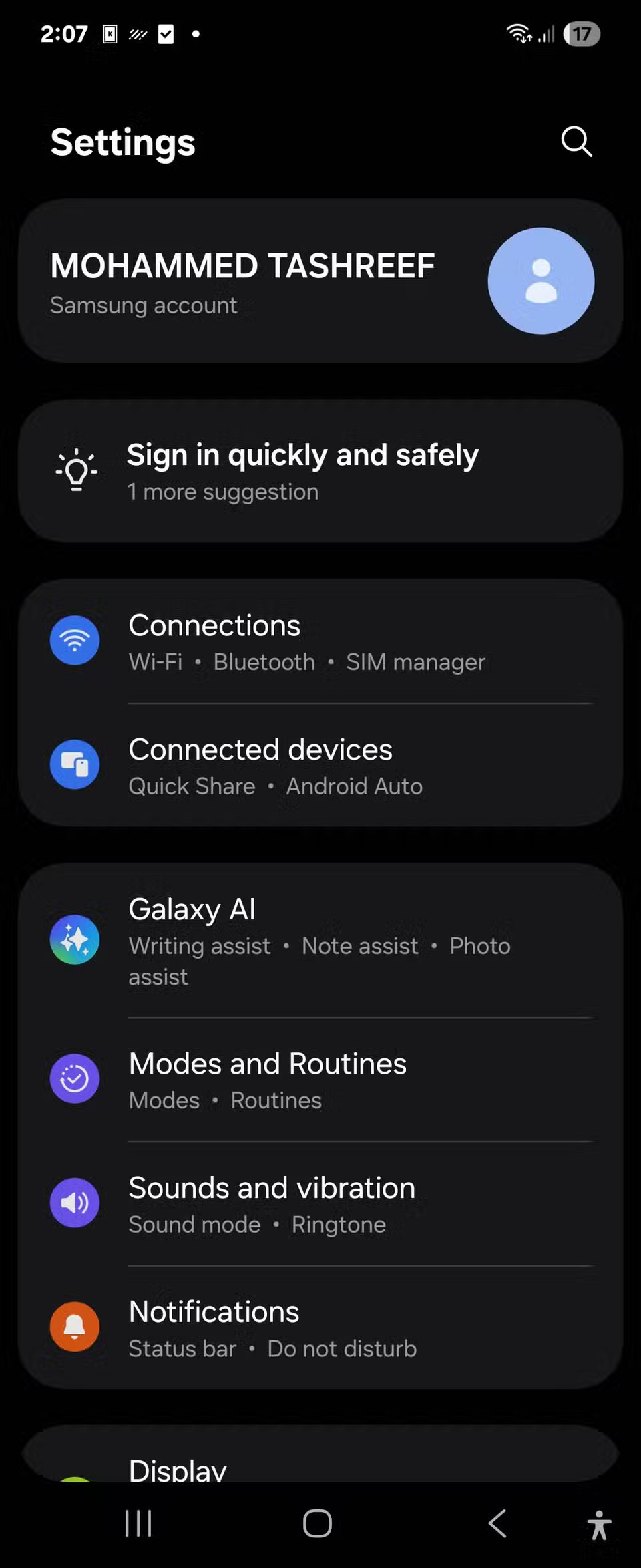
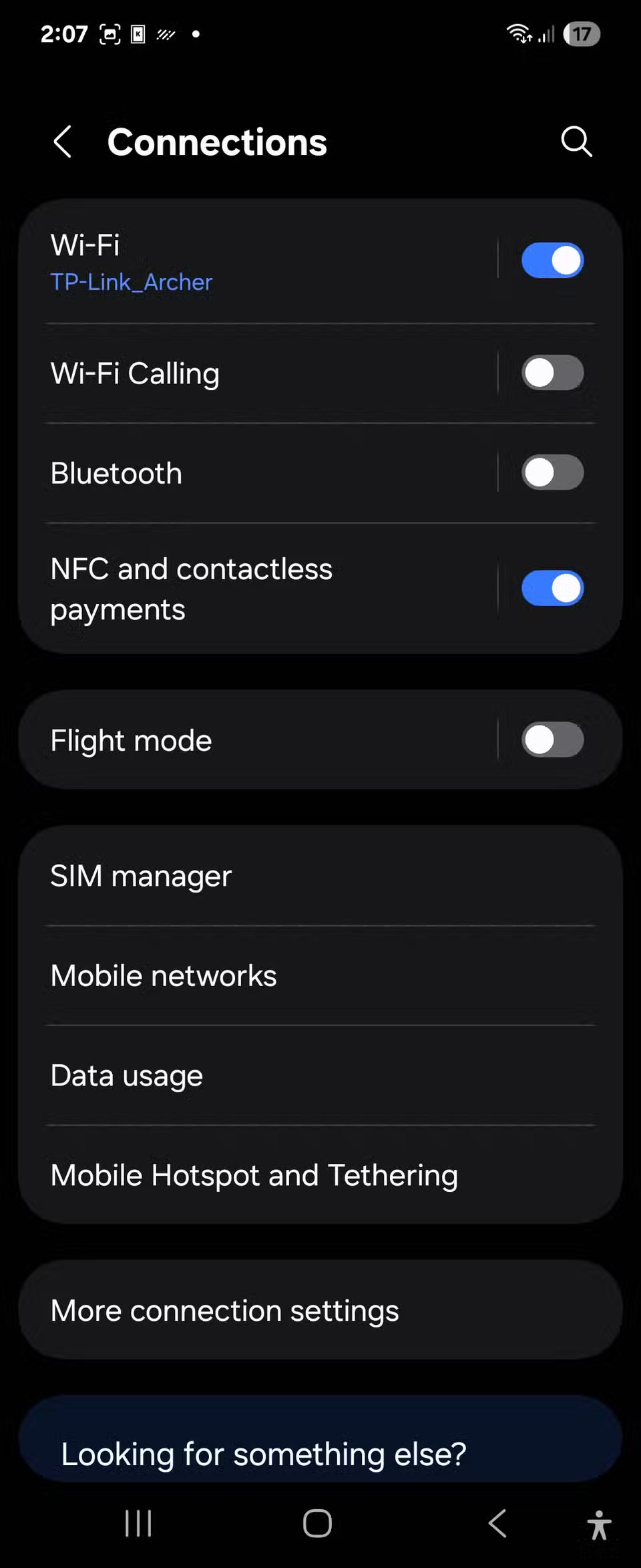
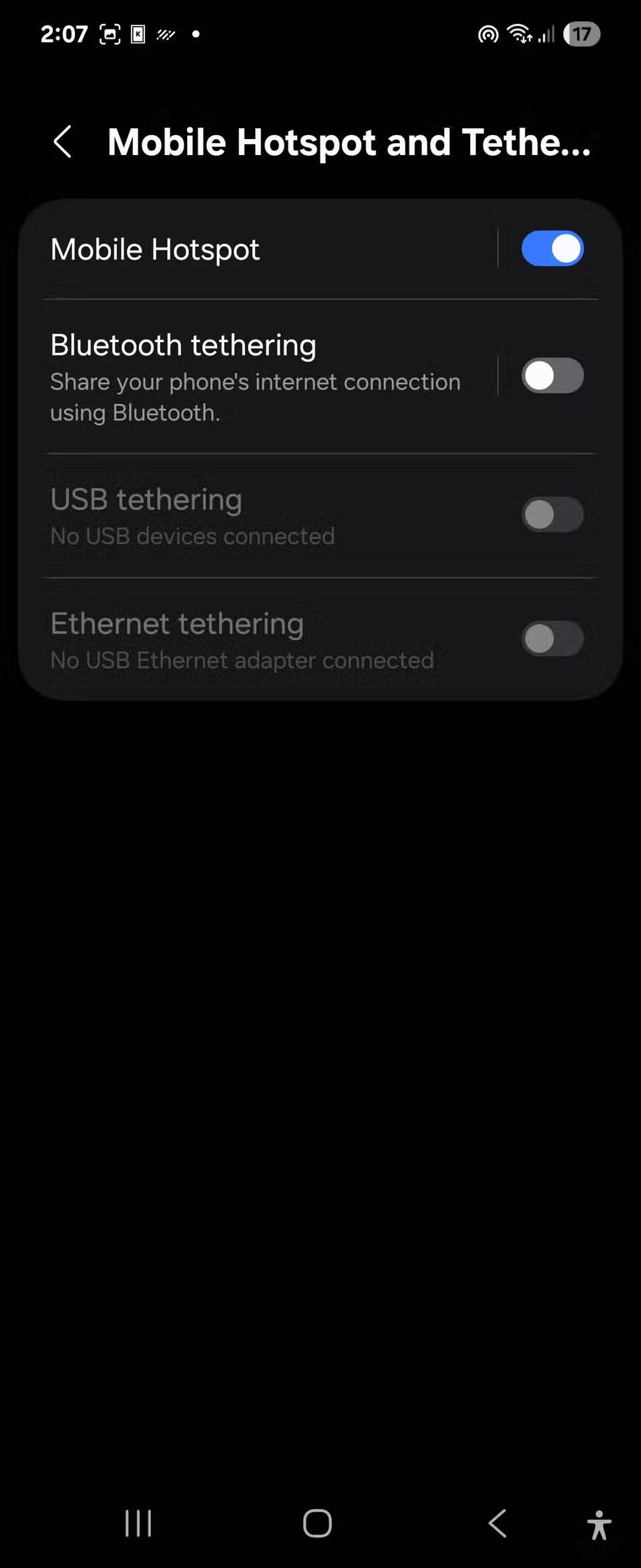
On Android, search Settings for Hotspot or Tethering. On iPhone, look for Personal Hotspot. Set a password, connect your laptop to the phone’s network and turn the hotspot off when finished. If you’re on a limited plan, pause large updates and backups.
2. Use USB tethering for one laptop
Connect your phone with a USB data cable and enable USB tethering if supported. A charge-only cable will not work. Android and iPhone have different computer compatibility and setup requirements, so check the instructions for your phone and operating system.
3. Choose a mobile hotspot or travel router for frequent trips
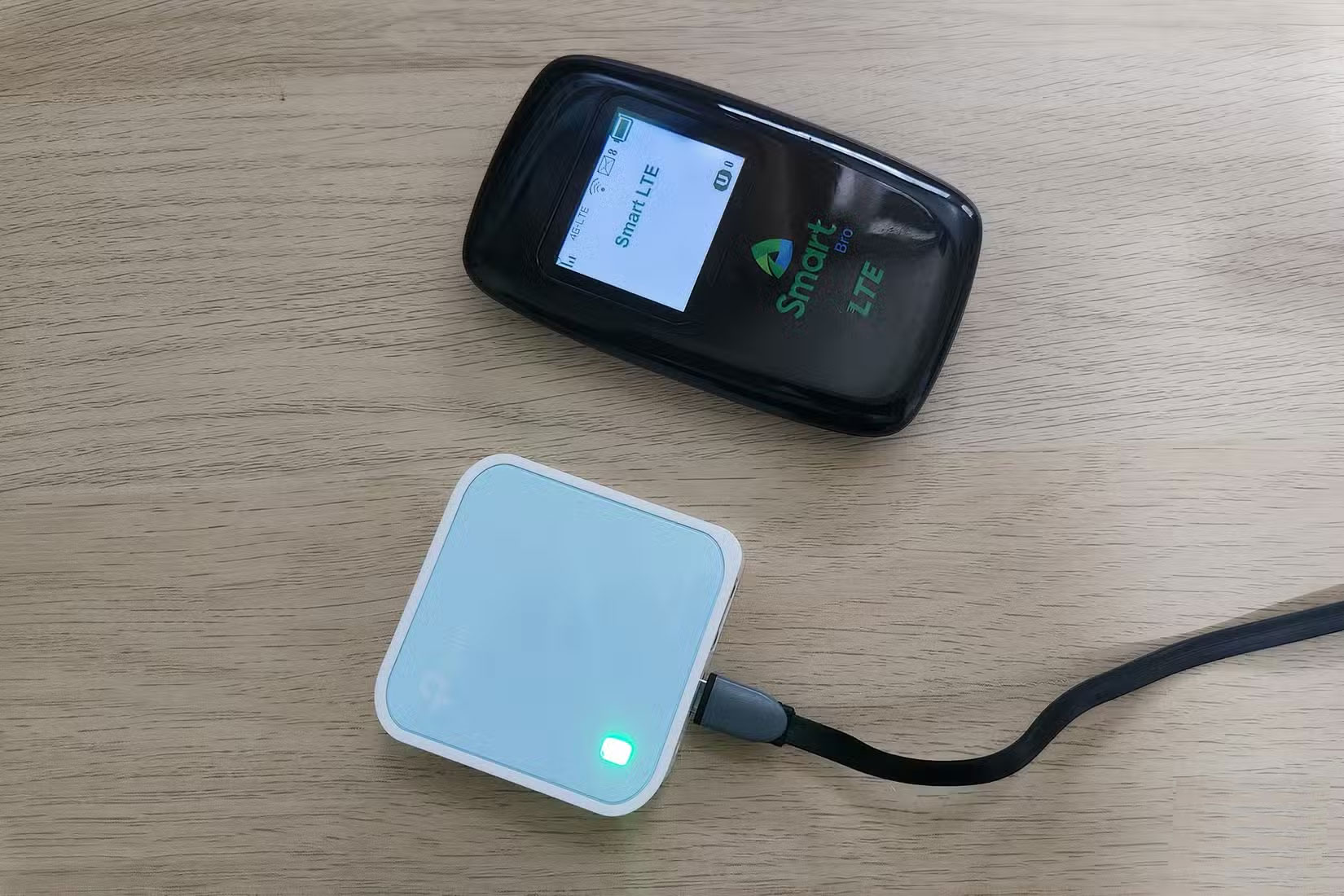
A cellular hotspot connects through its own SIM or mobile plan. A travel router often shares an existing connection, such as hotel Wi-Fi, with your devices. Check the upstream connection, supported security settings, firmware updates and any hotel portal rules before relying on it.
4. Treat shared Ethernet like a shared network
Hotel or coworking Ethernet can be useful when Wi-Fi is unstable. Other devices may still share the network, so keep file sharing off, use the public network profile if offered, and verify websites before sharing information.
5. Use public Wi-Fi with a few checks
Ask staff for the official network name. Disable auto-join and avoid sign-in pages asking for unrelated credentials. HTTPS encrypts the connection to the website, but it does not tell you that a lookalike domain is legitimate. See the FTC’s public Wi-Fi guidance and the public Wi-Fi safety checklist.
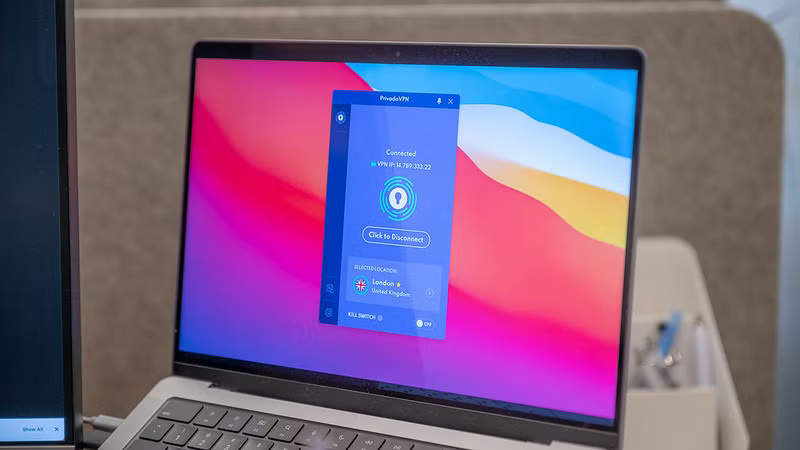
6. Use a VPN when the situation calls for one
A trusted work VPN may be required to reach company services. A personal VPN adds an encrypted tunnel to the provider for traffic that uses it. It cannot verify a lookalike hotspot or stop you from entering credentials into a fake site. Read what a VPN protects before choosing one.





Reader Comments 0
Sign in with email or Google to join the discussion.