Table of Contents
This practical guide explains how to display clock on Windows 11 screen. Follow the steps in order, review the requirements first, and use the troubleshooting notes when a setting or option does not work as expected.
How to show clock on Windows 11 screen
Step 1:
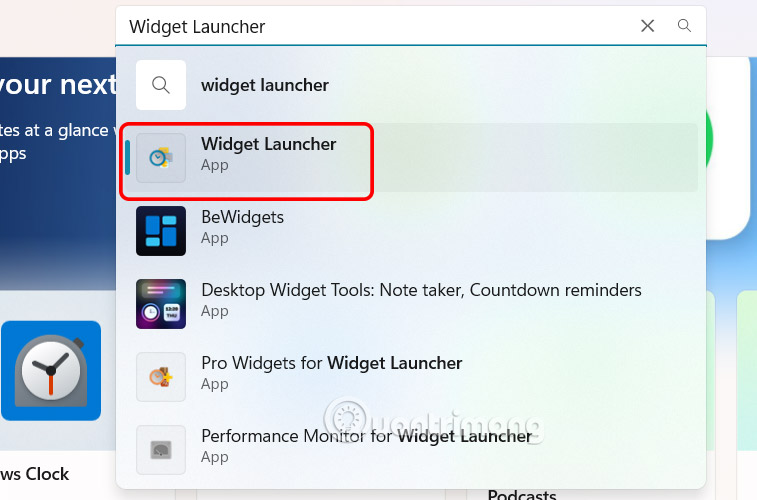
You access Microsoft Store on your computer, then search for the Widget Launcher application and install it on your computer as usual.
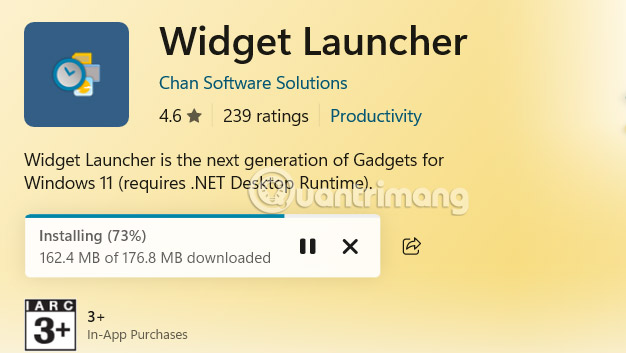
After the installation of Widget Launcher on your computer is complete, select the application to add the widget on your computer.
Step 2:
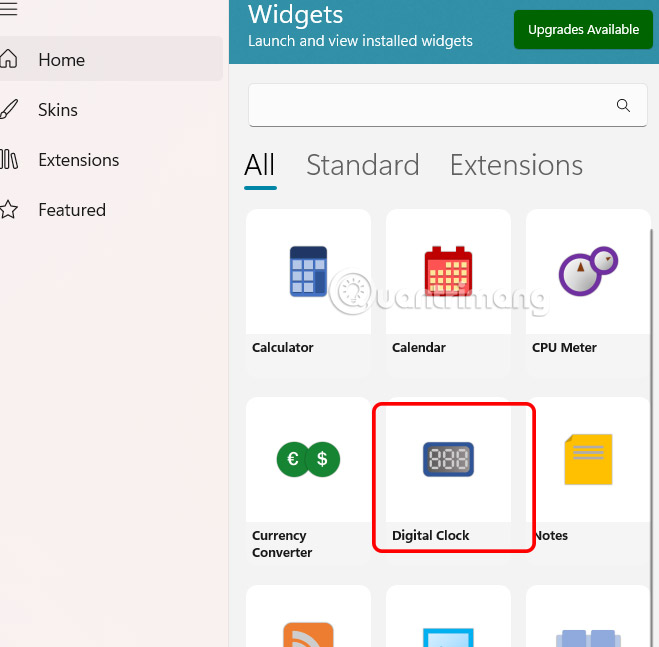
Open the Widget Launcher application interface on your computer. Then you will see all the widgets in the Widget Launcher application. select the Digital Clock widget .
Step 3:
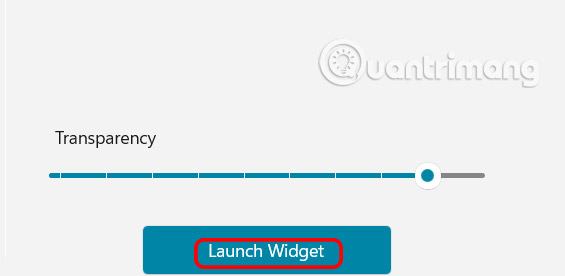
On the right side, select the interface, color, transparency of the clock that will be displayed on the computer screen.
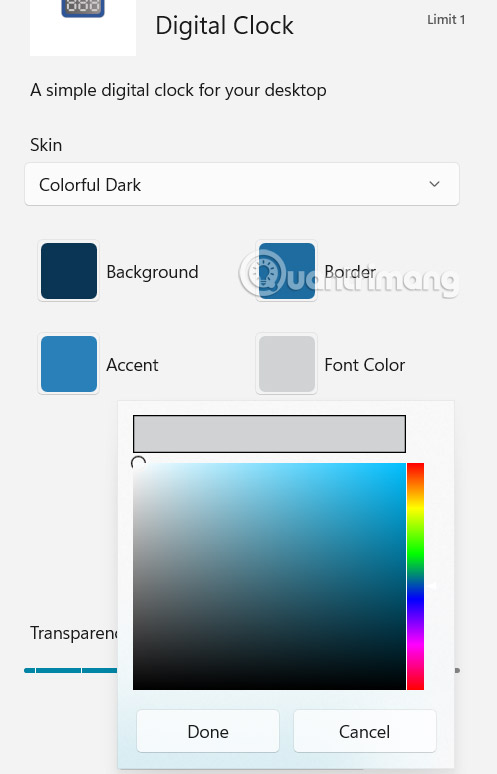
Once you have finished designing, click Launch Widget to install the clock widget on your Windows 11 computer.
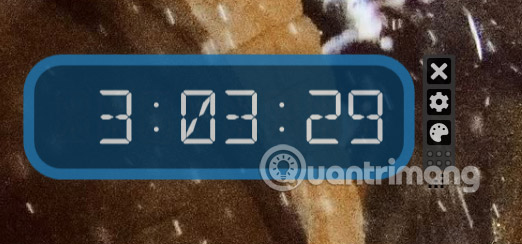
As a result you will see the clock displayed on your computer screen as below.
Step 3:
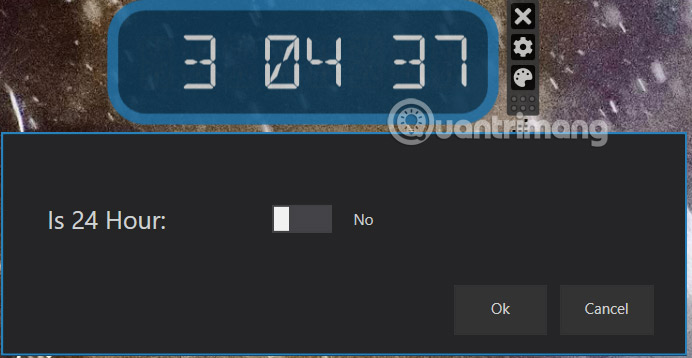
When you right-select the clock, there will be an icon to adjust the clock display interface, adjust to 24-hour mode if desired.
Step 4:
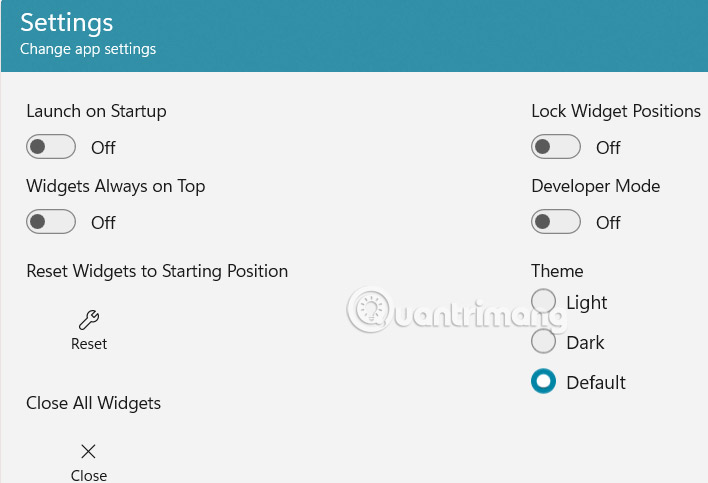
Return to the Widget Launcher application interface, click Settings to change some settings for the application.
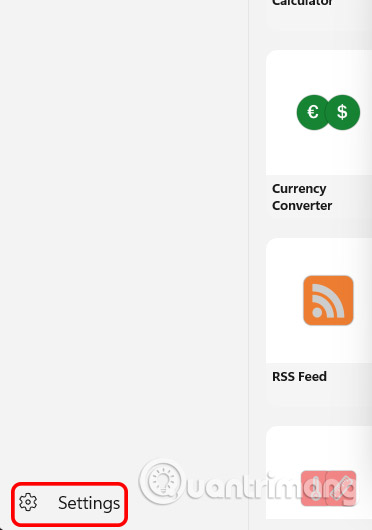
Here you enable or disable some settings for the application as you like.
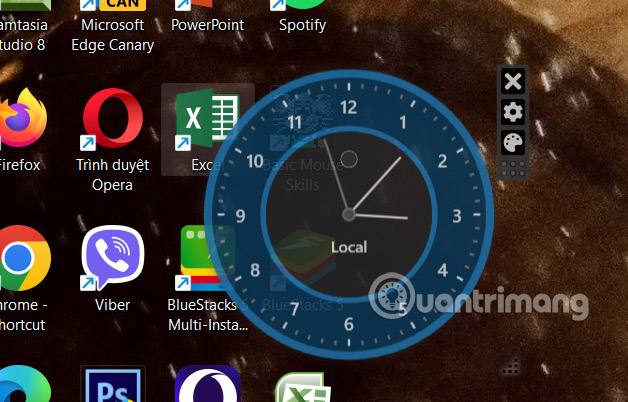
In addition, the application also supports you with analog clock with World Clock as shown below.
FAQ
How to show clock on Windows 11 screen?
You access Microsoft Store on your computer, then search for the Widget Launcher application and install it on your computer as usual.
What does this guide cover?
This guide explains display clock on Windows 11 screen, including the main steps, important details, and practical considerations.
Who is this guide for?
It is designed for readers who want a clear, practical overview and a reliable process they can follow without unnecessary complexity.
Related Articles
 How to Bring the Calendar and Clock to the Windows 10 Desktop Screen3 minutes read
 How to Create a Clock Waiting Screen on Windows 104 minutes read
 How to Show the Clock on the Taskbar in Windows 103 minutes read
 Instructions to Display the Clock in Notification Center Windows 113 minutes read
 Sense Desktop: the Best Clock for Windows 10 Desktop3 minutes read
 This Windows 11 Mod Lets You Have Tons of Useful Information4 minutes read
Reader Comments 0
Sign in with email or Google to join the discussion.