Table of Contents
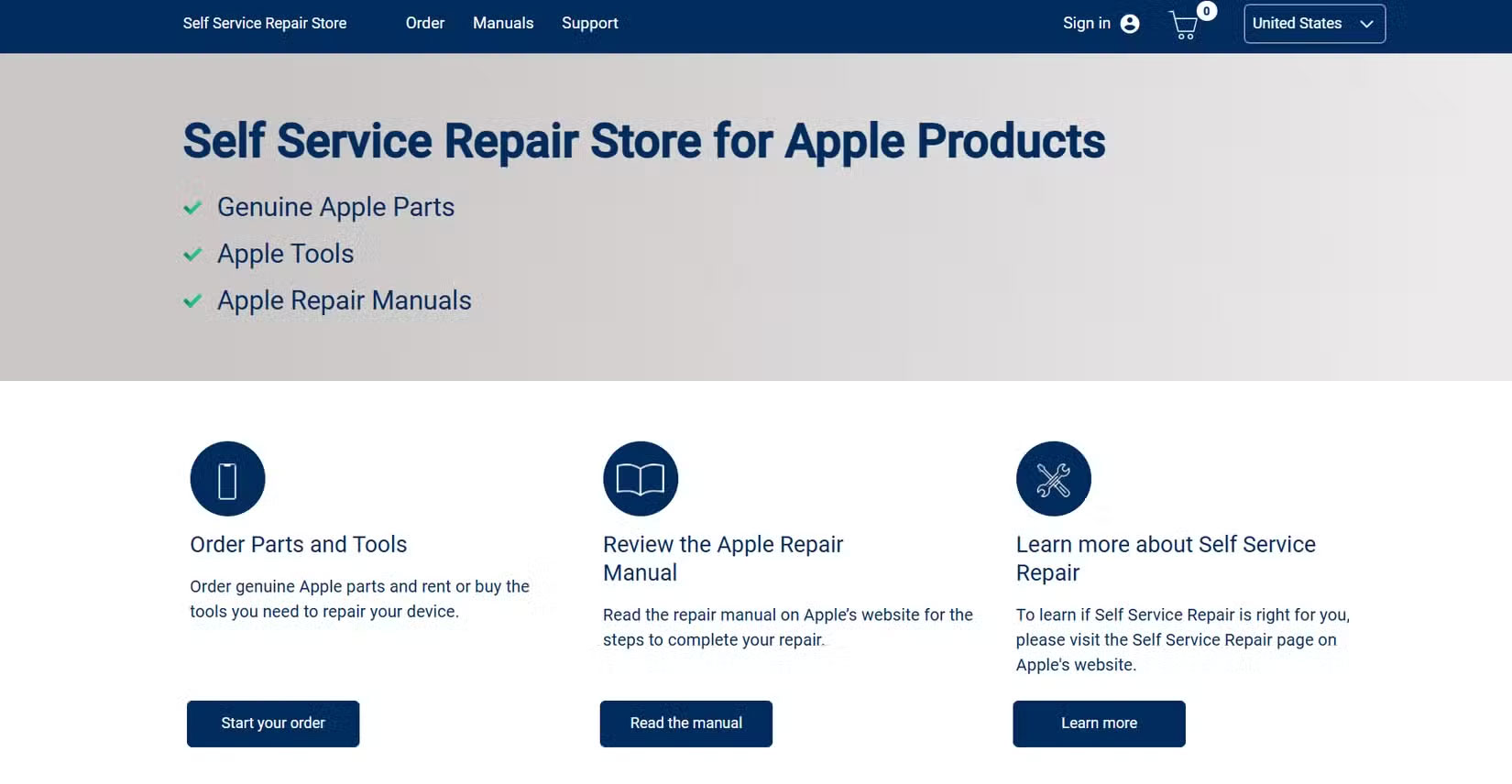
Apple’s Self Service Repair program offers genuine parts, tools, and repair manuals for select iPads. The parts you can order depend on your exact model and country. Check the repair manual and parts catalog before buying anything or opening the device.
Which iPads can you repair through Apple’s program?
Apple’s initial iPad rollout covered the iPad Air (M2 and later), iPad Pro (M4), iPad mini (A17 Pro), and iPad (A16). The rollout included displays, batteries, cameras, and charging ports, but Apple does not offer every repair for every model. The manual for the 11-inch iPad Air (M2), for example, lists a display replacement procedure, while the iPad (A16) manual also lists procedures for the battery, cameras, and USB-C connector.
What to check before ordering parts
- Identify the exact model. If the iPad turns on, open Settings > General > About and check the model name and number. Use Apple’s iPad support page to match the model number if you’re unsure which generation you own.
- Read the troubleshooting section and repair procedure. A charging problem alone doesn’t tell you which component is faulty. Check the model-specific troubleshooting steps before ordering a battery or port.
- Compare the total cost. Add the part, any required tools or rental kit, and shipping. Compare that amount with an Apple repair estimate or a quote from a repair shop. Check any warranty or AppleCare coverage before paying for an out-of-warranty repair.
When to choose professional repair
Apple designed the program for people with experience repairing electronics. Read the manual’s battery and broken-glass safety sections first. If the repair requires equipment you don’t have or a procedure you aren’t comfortable performing, ask a repair provider for a quote. Back up your iPad before repair if it still works.






Reader Comments 0
Sign in with email or Google to join the discussion.