Table of Contents
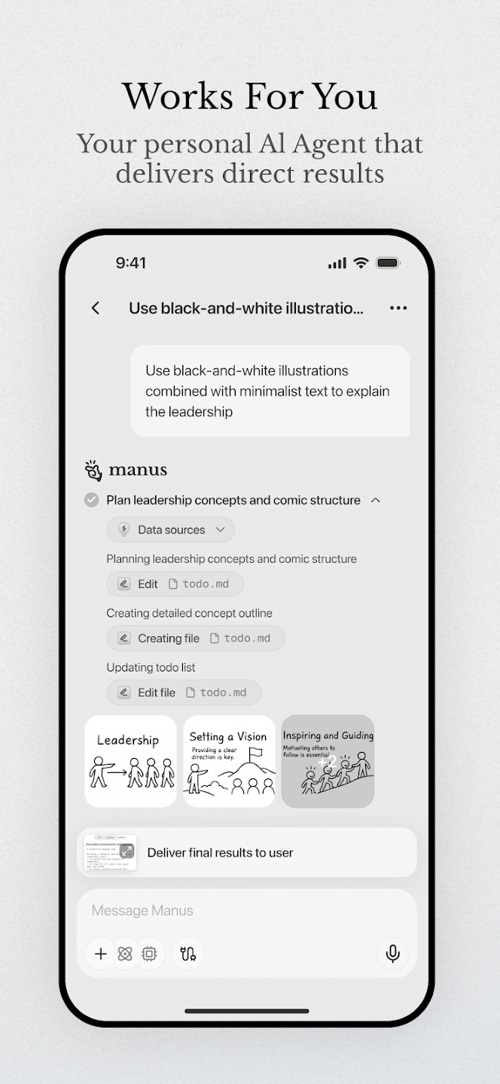
Manus is an AI agent that can carry out multistep tasks, such as researching a topic, building a presentation, or creating a website. You describe the outcome and supply relevant material; the agent uses tools to work toward a deliverable that you then review.
It can reduce manual drafting and setup, but it does not replace your judgment or guarantee a correct result. Task duration, available features, and credit usage depend on the request and your plan.
What Manus can help produce
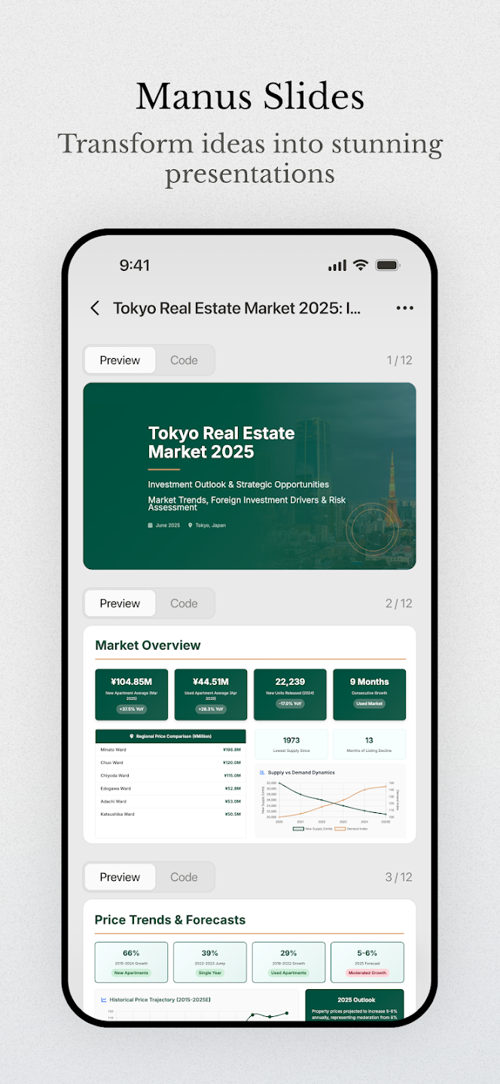
- Research: collect and organize information into a report. Verify important claims against the cited sources.
- Presentations: turn a brief or source document into slides. Review the narrative, figures, citations, and exported layout.
- Websites: build a site from a description and supplied assets. Check content, forms, access controls, and mobile layout before publishing.
- Data work: organize files, analyze supplied data, and produce charts or explanations. Check calculations and assumptions against the original data.
- Visual content: create or assemble design material when supported by the tools available in the task.
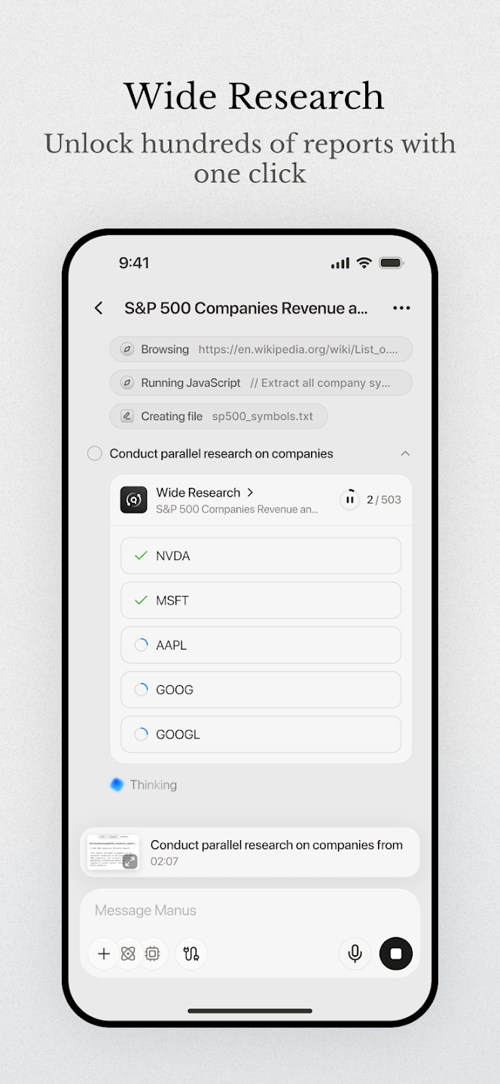
Cloud-based tasks can continue after you leave the interface, but may pause when they need input, access, or approval. Check task status rather than assuming that every request will finish unattended.
Download Manus from official sources
Use the official Manus download page to find its desktop and mobile applications. Follow the appropriate store or platform link, check the publisher and requirements, then install and sign in. You can also use the web service.
Review the current plan and credit allowance before starting a large job. Do not assume that all features are free or that a complex task has a fixed price. Check the service's current privacy and data terms before uploading work or customer material.
Start with a small, clearly defined task
- Describe the deliverable. State its purpose, audience, format, and limits. “Create a five-slide onboarding outline from this approved handbook” is easier to evaluate than “Make a great presentation.”
- Supply the source material. Include the files and verified facts the result must use. Identify which document is current if versions differ.
- Set boundaries. Specify whether external research is allowed, which information must remain unchanged, and which actions need your review before completion.
- Inspect the plan and progress. Clarify misunderstandings early. If the task pauses, read what it needs before granting access or continuing.
- Review the deliverable. Check both the content and the actual exported file or working website.
Create a six-slide presentation for new customers using the attached product guide. Include an overview, setup steps, two common problems, and support contacts. Use only verified facts from the guide and flag missing information. Show an outline before designing. Do not invent performance statistics or publish the result.
For a visual task based on documents, see the guide to creating infographics with Manus. For more precise task briefs, use the structure of a clear AI prompt.
Check results and control access
Review source links, quoted text, calculations, and any claims before sharing a report. For slides, inspect every page after export. For websites, test links, forms, navigation, and permission settings using realistic sample inputs.
Connect only the accounts necessary for the task and understand what the connection permits. Keep passwords, API keys, and unnecessary personal information out of task descriptions. Review any proposed message, purchase, or publication before it is carried out.
If the result is incomplete, identify the specific issue and request a targeted change rather than repeatedly restarting the entire job. Keep a copy of source files and accepted outputs so you can reproduce or revise the work independently.
Related Articles
 Guide to Creating Infographics on Manus4 minutes read
 How to Play Pokémon GO on a Computer6 minutes read
 How to Play Pokémon GO on a Smartphone6 minutes read
 26 Types of Poké Balls Explained: Part 25 minutes read
 How to Earn and Use Stardust in Pokémon GO5 minutes read
 Pokémon GO Eggs: Incubation and Hatching Guide4 minutes read
Reader Comments 0
Sign in with email or Google to join the discussion.