Table of Contents
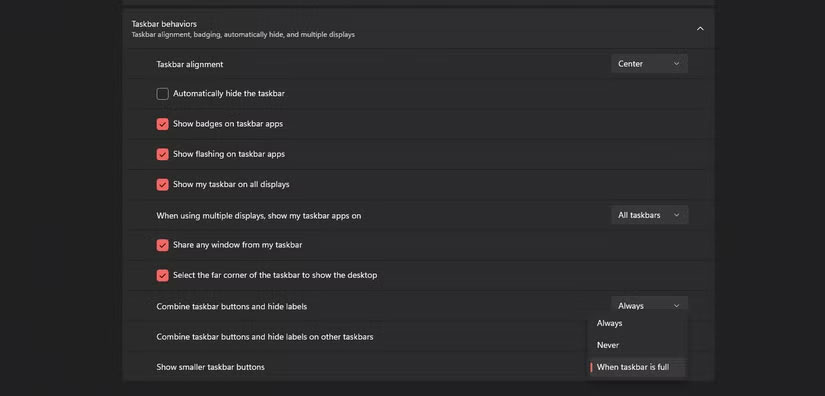
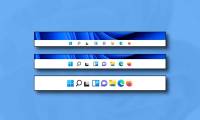
Right-click the taskbar and open Taskbar settings > Taskbar behaviors. If you see Show smaller taskbar buttons, choose whether to use them always, never, or when the taskbar is full. The setting and its label vary by Windows build.
Choose a size that works with your apps
- When taskbar is full: Keep normal buttons until the taskbar needs extra space.
- Always: Keep the compact buttons the same size as you open and close apps.
- Never: Keep larger targets if you find smaller icons hard to read or select.
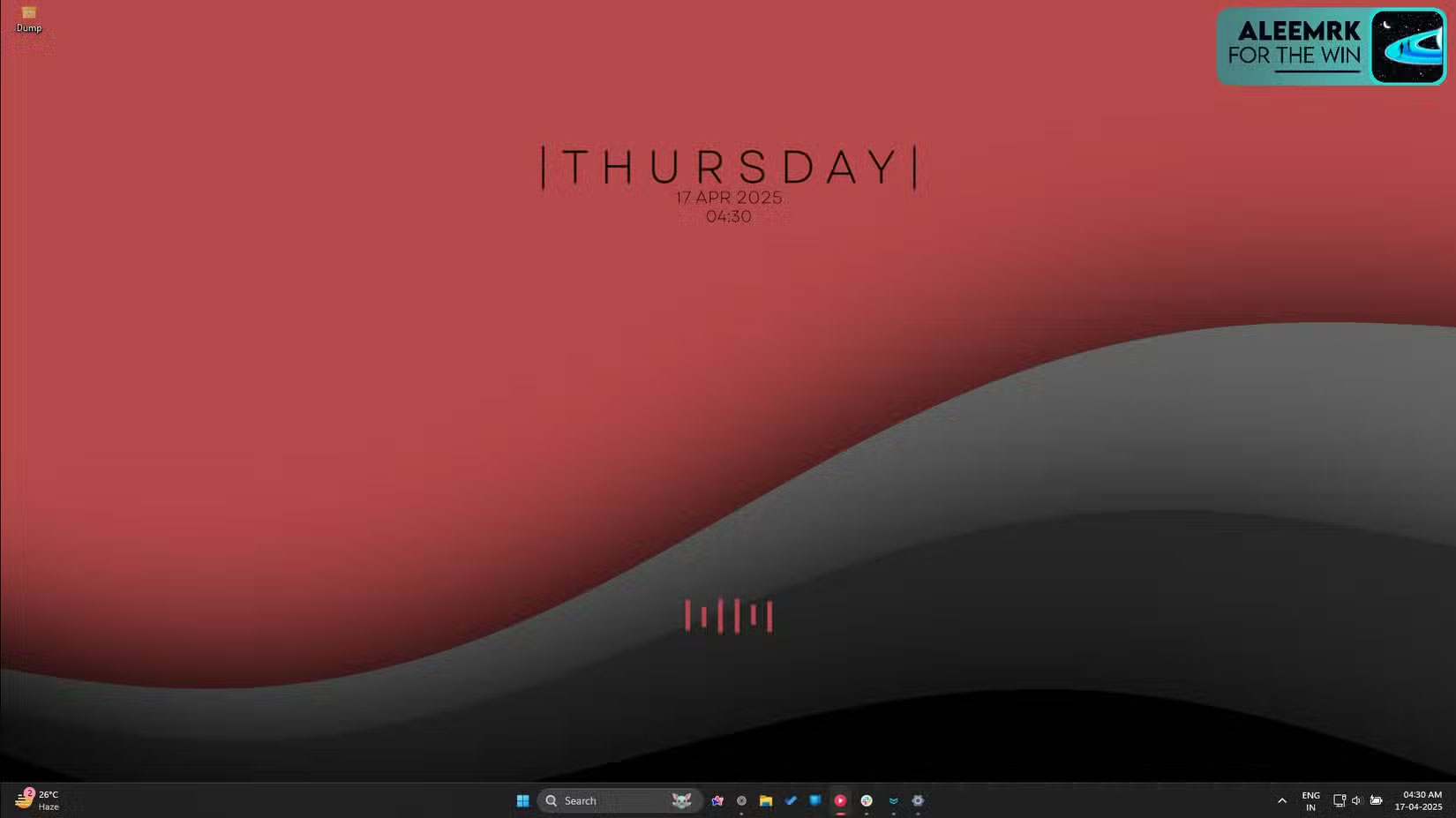
Some newer builds also offer a separate Taskbar size control that reduces the bar’s height. Check which control you have before comparing your screen with an older screenshot.
What to do if the setting is missing
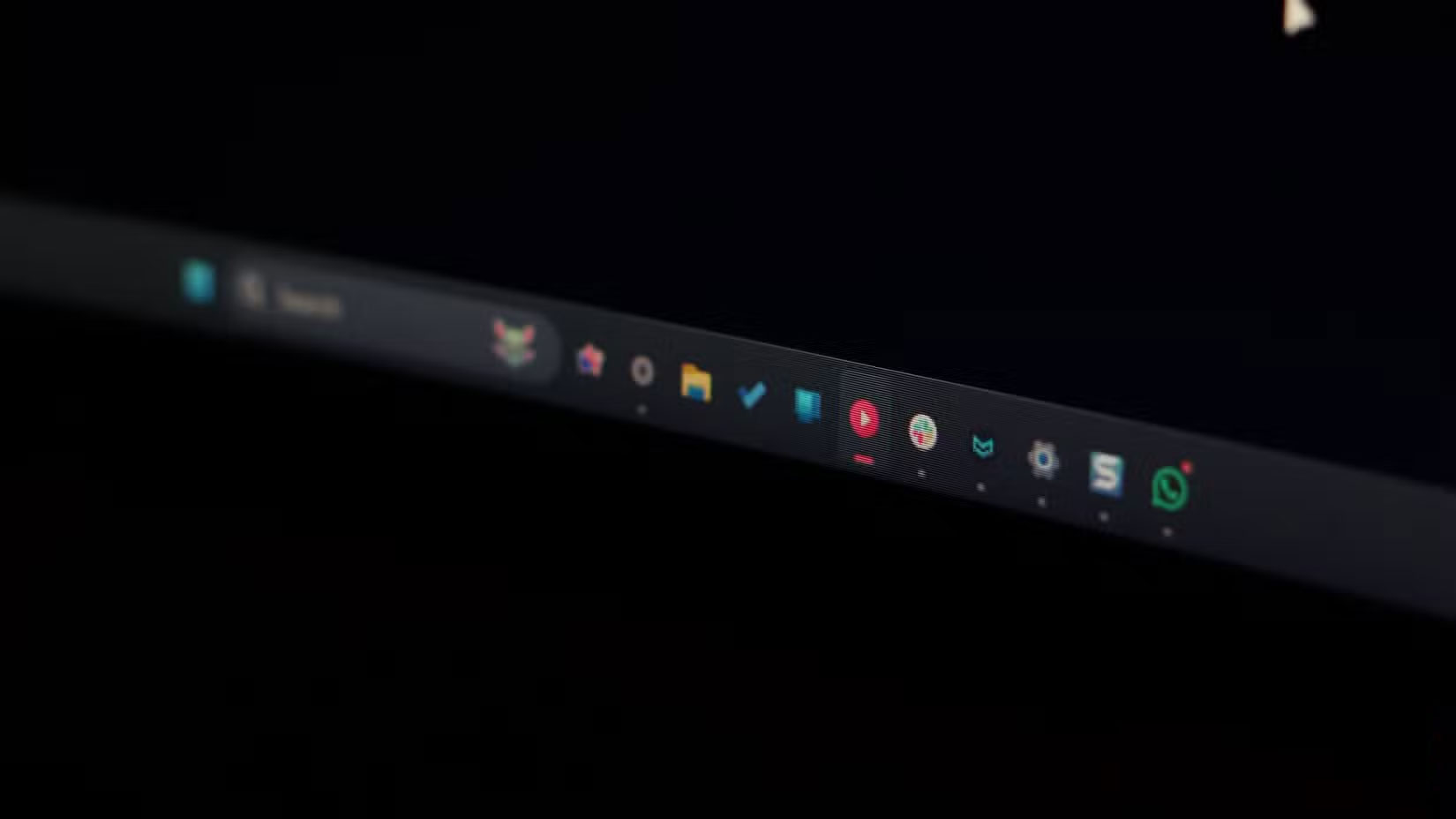
Check for Windows updates and consult Microsoft’s taskbar guidance. Feature availability varies by version and rollout. If you want more room immediately, unpin apps you rarely open or review button grouping. On a multi-monitor setup, you can also choose which displays show each app’s taskbar button.

Reader Comments 0
Sign in with email or Google to join the discussion.