Table of Contents
This guide provides a clear, practical overview of "Instagram Reel Video Gif Comment Guide". It organizes the most useful details, explains important considerations, and highlights the steps or choices that matter most.
How to comment gif on Instagram Reel video
Step 1:
On the Instagram interface, select the Reels icon to access the video. On the Instagram Reel video you want to comment on, select the comment icon as usual.
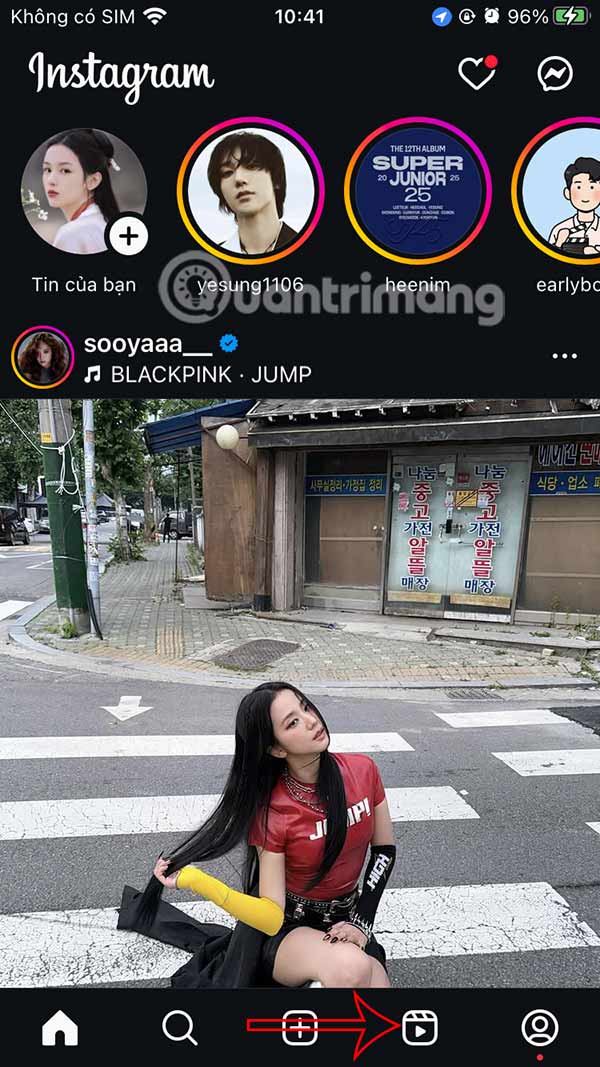

Step 2:
In the comment interface, select the sticker icon in the messaging box. Display the animated image library for videos on Instagram Reels for you to search.


Step 3:
Here you will enter the animated image keyword you want to use to find the animation you want on Instagram Reels. If you like any animated image, select that gif to comment.
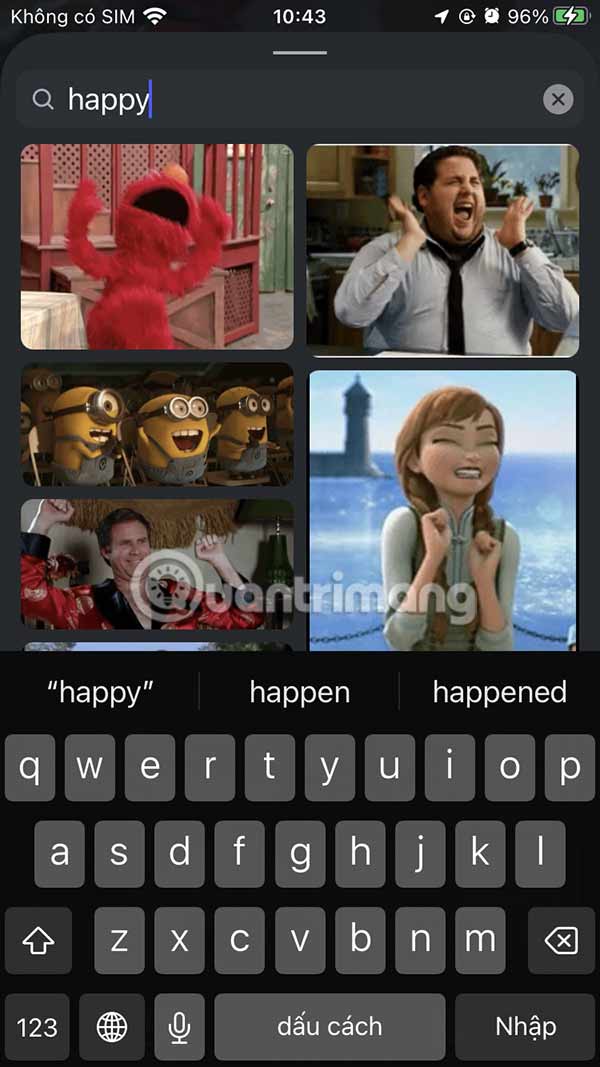

Step 4:
Then we will see the animation displayed in the interface as shown below. Long press on the animation and you will see some options for animation in Instagram Reels video comments as shown below.


FAQ
How to comment gif on Instagram Reel video?
On the Instagram interface, select the Reels icon to access the video. On the Instagram Reel video you want to comment on, select the comment icon as usual.
What does this guide cover?
This guide explains Instagram reel video gif comment guide, including the main steps, important details, and practical considerations.
Who is this guide for?
It is designed for readers who want a clear, practical overview and a reliable process they can follow without unnecessary complexity.
Related Articles
 How to Comment with a Gif on Instagram3 minutes read
 Guide to Filming Christmas Videos on Instagram4 minutes read
 Instagram Explained10 minutes read
 How to Extract Audio from Video on Smartphone6 minutes read
 Instagram Adds a New Comment Management Feature3 minutes read
 Comment Video Timeline: How to Comment with Timelines on Youtube4 minutes read
Reader Comments 0
Sign in with email or Google to join the discussion.