Table of Contents
This guide organizes the entries in "7 Plex Apps Everyone Should Try Once" and explains what each option, idea, or example offers. It also highlights practical details that matter when comparing the choices.
7. Amazon Alexa
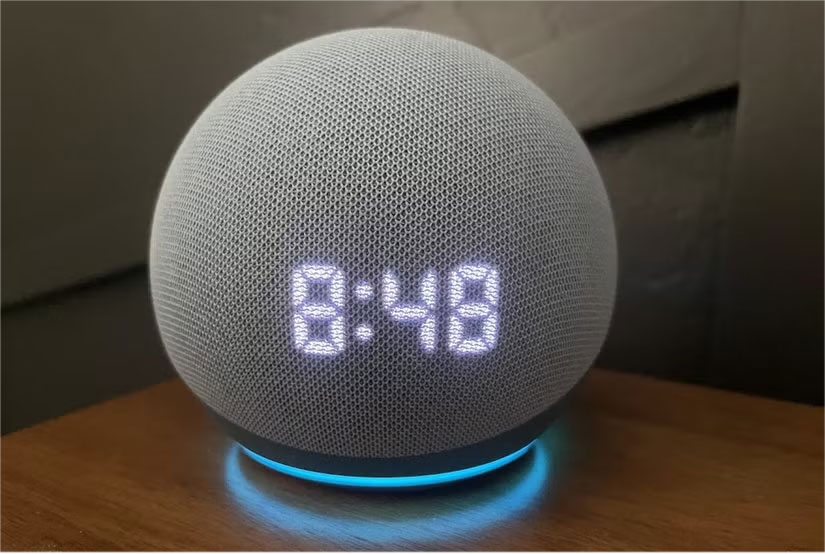
While Amazon Alexa has all the basic voice commands you need to navigate Plex, you can add commands using Alexa Skills and make them specific. For example, if you can't decide what to watch, there's an Alex Skill that will suggest content after you say "Alexa, suggest something to watch."
- Get Amazon Alexa for Android | iOS (Free)
6. Plex Dash
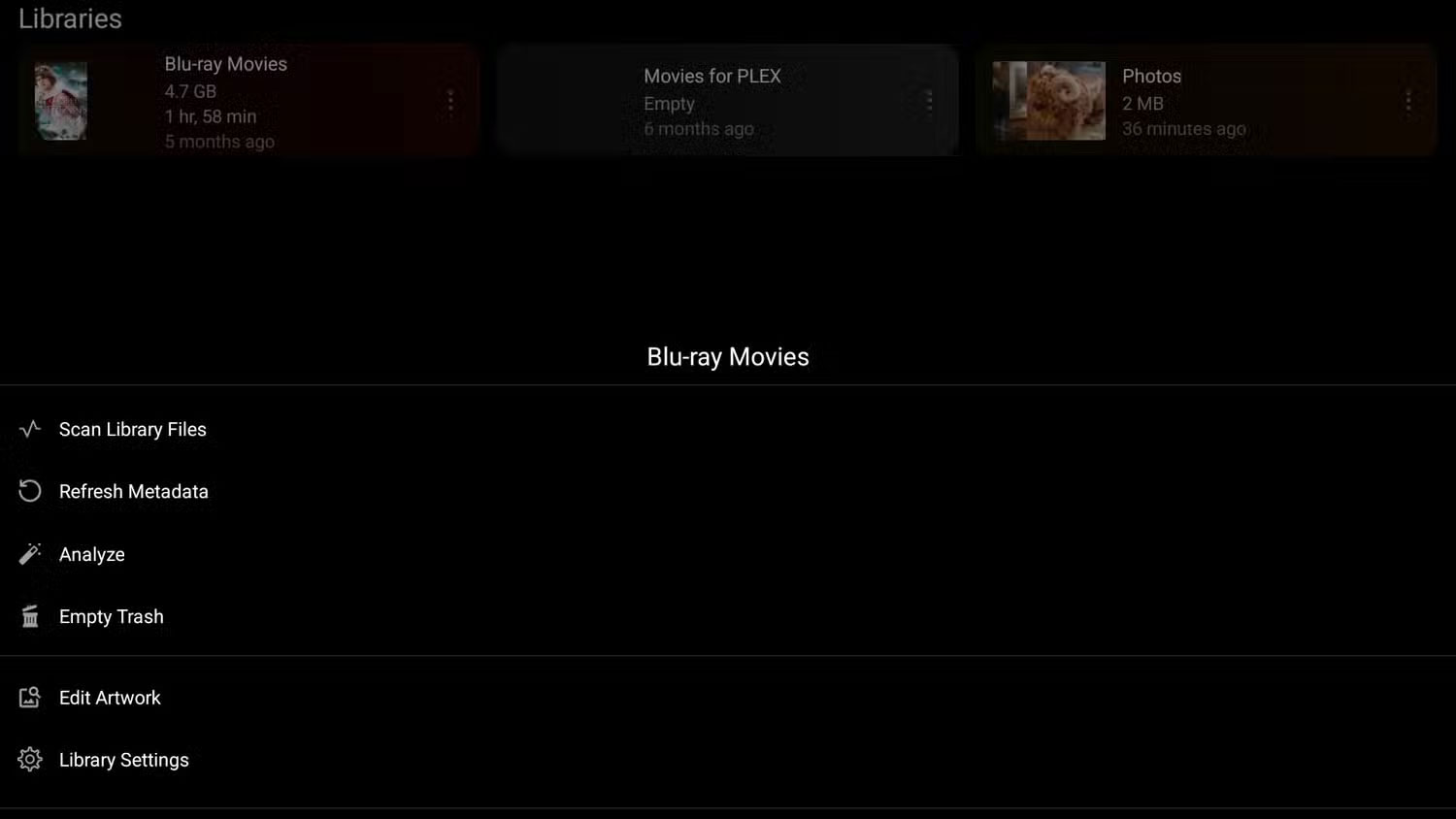
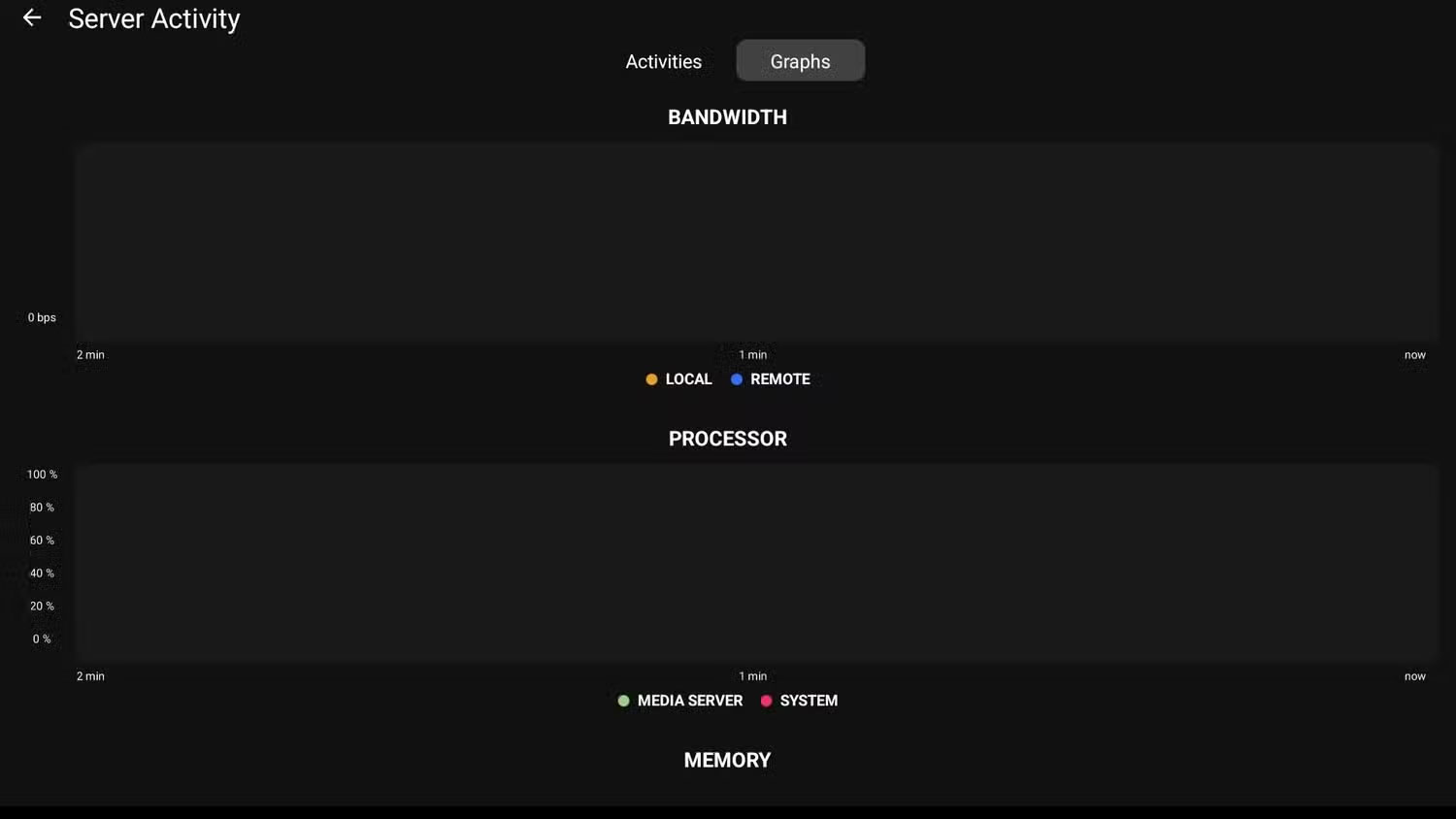
Plex Dash is also a useful tool for troubleshooting and making changes to your server on the fly. Not only can you refresh your library from the app, but you can also view your server logs if your server is having issues.
- Get Plex Dash for Android | iOS (Free; premium plans available)
5. Plexamp
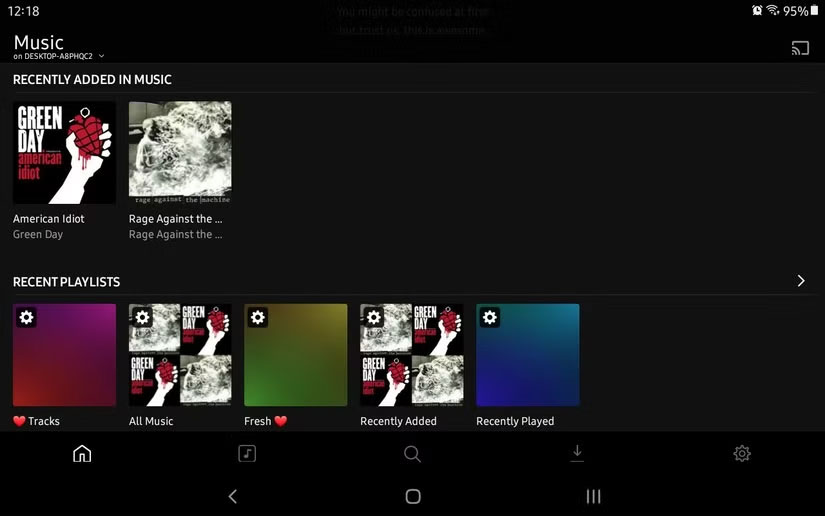
Plexamp is the smoothest music player I've ever used - even easier than VLC.
First, they appreciate the user interface, which looks like a miniature Plex app, similar to Plex Dash and Plex Photos. Second, Plexamp is incredibly lightweight, especially on PC, where it's just a tiny sidebar you can drag around. Finally, they particularly like its Mood playlist, which Plexamp creates and curates on its own, then lets you choose music based on your mood.
- Download Plexamp for Android | iOS | Windows | MacOS | Linux | Raspberry Pi (Free)
4. Plex Photos
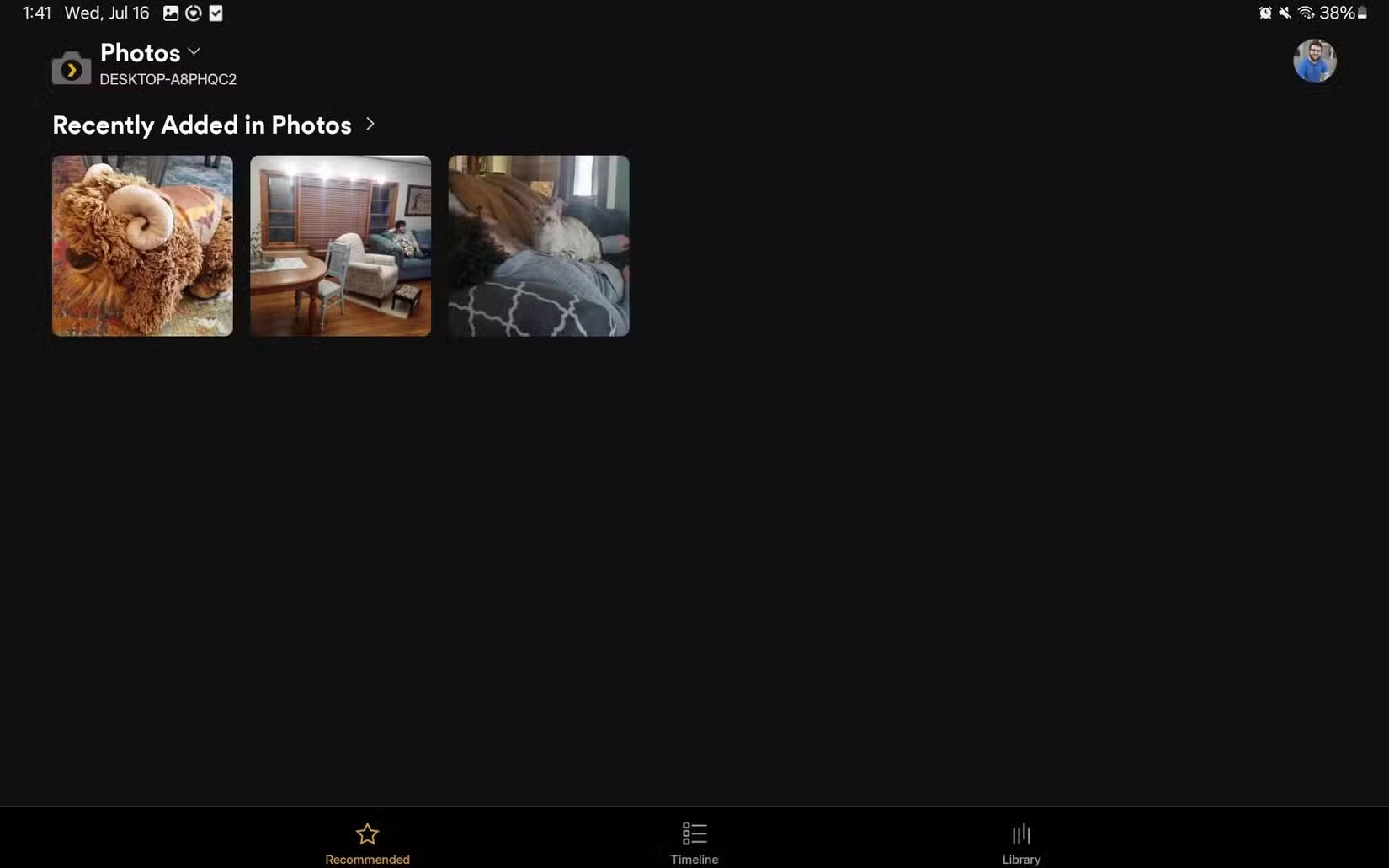
Right now, Plex Photos doesn't have many features—it just accesses photos and videos. However, if you have your photo library organized, it will show up in the app when you switch to Library View. You'll then see all your photos, organized into folders and albums. But my favorite feature is Timeline View, which sorts photos by upload date, making it easier to find photos from a year ago.
- Download Plex Photos for Android | iOS (Free)
3. Plex App
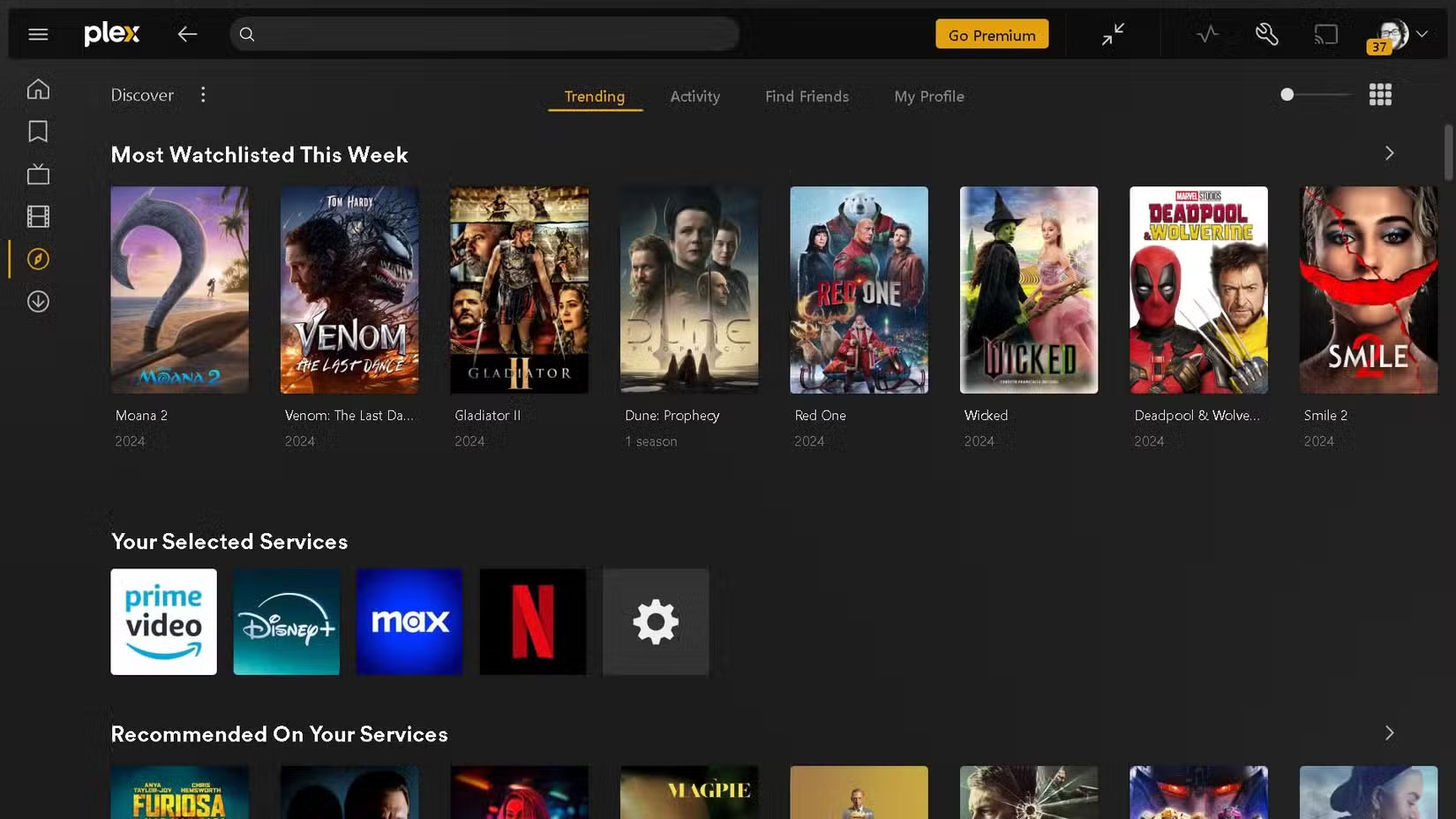
If you're someone who primarily watches Plex from a browser, using the Plex app will be significantly better. Many people use Google Chrome, and for some reason that browser really degrades the quality when watching Netflix or HBO Max, but the Plex app solves that problem.
- Download Plex (Free)
2. WebTools-NG
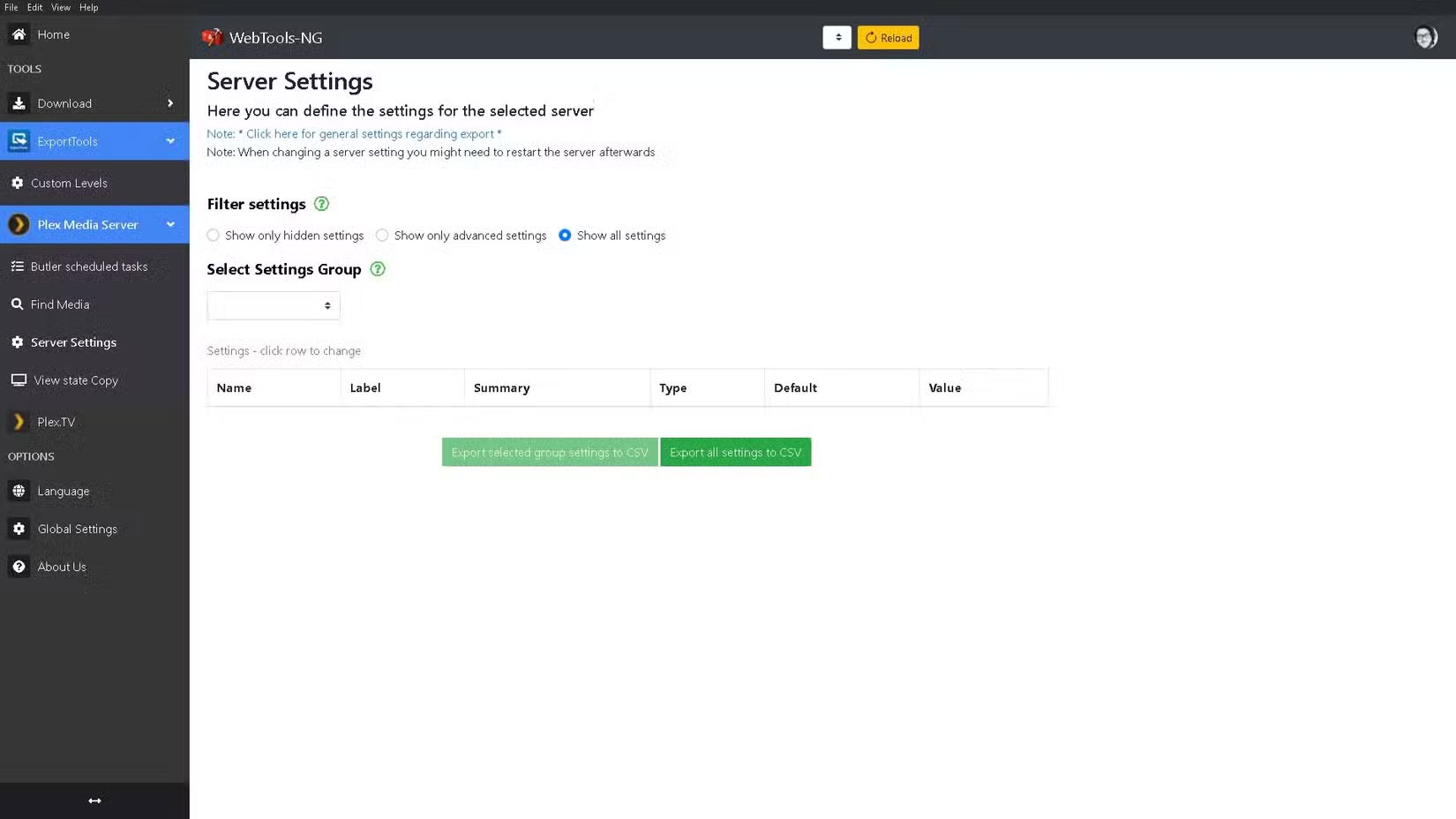
WebTools-NG is a diverse set of features, from Plex server setup to plugins; in fact, plugin loading is where the app shines. Once installed, you'll be able to check out and install plugins for Plex via the unofficial app store (UAS) — at least the ones that still work.
- Download WebTools-NG for Windows | MacOS | Linux (Free)
1. FileBot
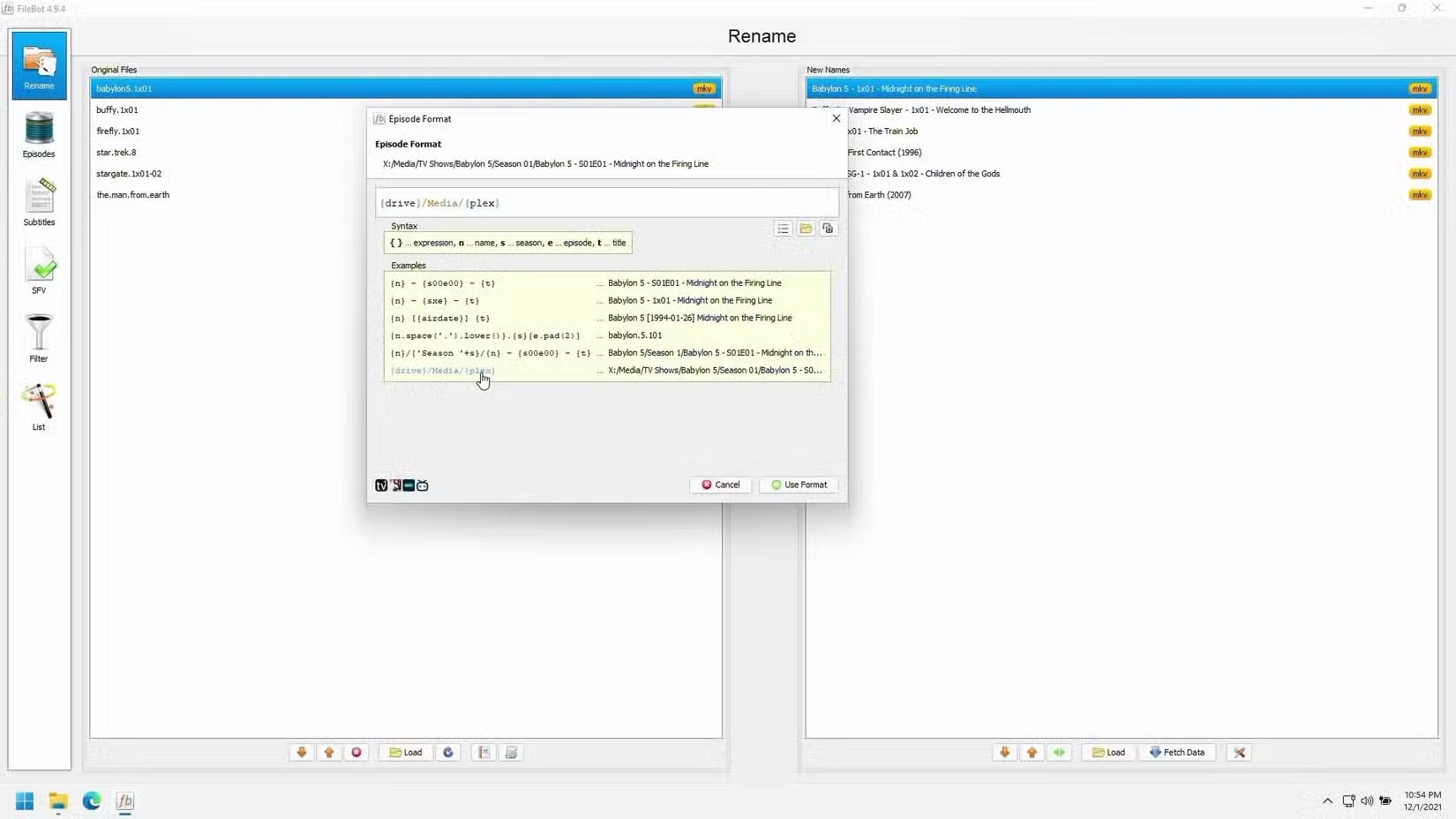
Let's say your library has grown to a significant size, but you're still not the best at managing it. You could do it yourself, but FileBolt is much faster and even includes proper file renaming, including episode titles. While there are plenty of other tools for organizing your Plex library, FileBolt is the one that most people trust.
- Download FileBot (Free Trial; Lifetime License & Subscription Available)
With plugins slowly being phased out, expect apps to start playing a central role in Plex customization. With just these apps, you can organize your Plex library, troubleshoot issues, install plugins, and even keep a close eye on server usage.
FAQ
What should you know about 7. Amazon Alexa?
While Amazon Alexa has all the basic voice commands you need to navigate Plex, you can add commands using Alexa Skills and make them specific. For example, if you can't decide what to watch, there's an Alex Skill that will suggest content after you say "Alexa, suggest something to watch."
What should you know about 6. Plex Dash?
Plex Dash is also a useful tool for troubleshooting and making changes to your server on the fly. Not only can you refresh your library from the app, but you can also view your server logs if your server is having issues.
What should you know about 5. Plexamp?
Plexamp is the smoothest music player I've ever used - even easier than VLC.
What should you know about 4. Plex Photos?
Right now, Plex Photos doesn't have many features—it just accesses photos and videos. However, if you have your photo library organized, it will show up in the app when you switch to Library View. You'll then see all your photos, organized into folders and albums. But my favorite feature is Timeline View, which sorts photos by.
Related Articles
 5 Plex Add-Ons You Should Install ASAP: Practical Guide5 minutes read
 Link Download Plex 1.27.1.1571-2fface663 minutes read
 How to Install Plex on Windows 10 and Watch Movies Anywhere8 minutes read
 7 Hidden Plex Settings You Should Use9 minutes read
 How to Create a Plex Server on Raspberry Pi 45 minutes read
 8 Plex Plugins You Need to Have: Complete Guide6 minutes read
Reader Comments 0
Sign in with email or Google to join the discussion.