Table of Contents
NotebookLM and ChatGPT overlap, but they work well together when each has a defined role. Use NotebookLM to interrogate a bounded collection of sources and trace answers back to those materials. Use ChatGPT to plan, challenge, rewrite, create deliverables, or research beyond that collection. Always carry the citations—not just the summary—between tools.
A practical division of labor
| Task | Better starting point | Reason |
|---|---|---|
| Ask questions about a fixed source set | NotebookLM | Answers are grounded in the notebook's sources with inline references |
| Compare passages across uploaded material | NotebookLM | Easier source-level traceability |
| Brainstorm formats, counterarguments, or explanations | ChatGPT | Flexible dialogue and transformation |
| Research recent information beyond the files | ChatGPT search or deep research | Can search the web and return source links |
| Create a document, spreadsheet, or presentation | ChatGPT | Can generate and refine reusable files where supported |
| Create Audio or Video Overviews, quizzes, or mind maps from sources | NotebookLM | Built-in Studio formats |
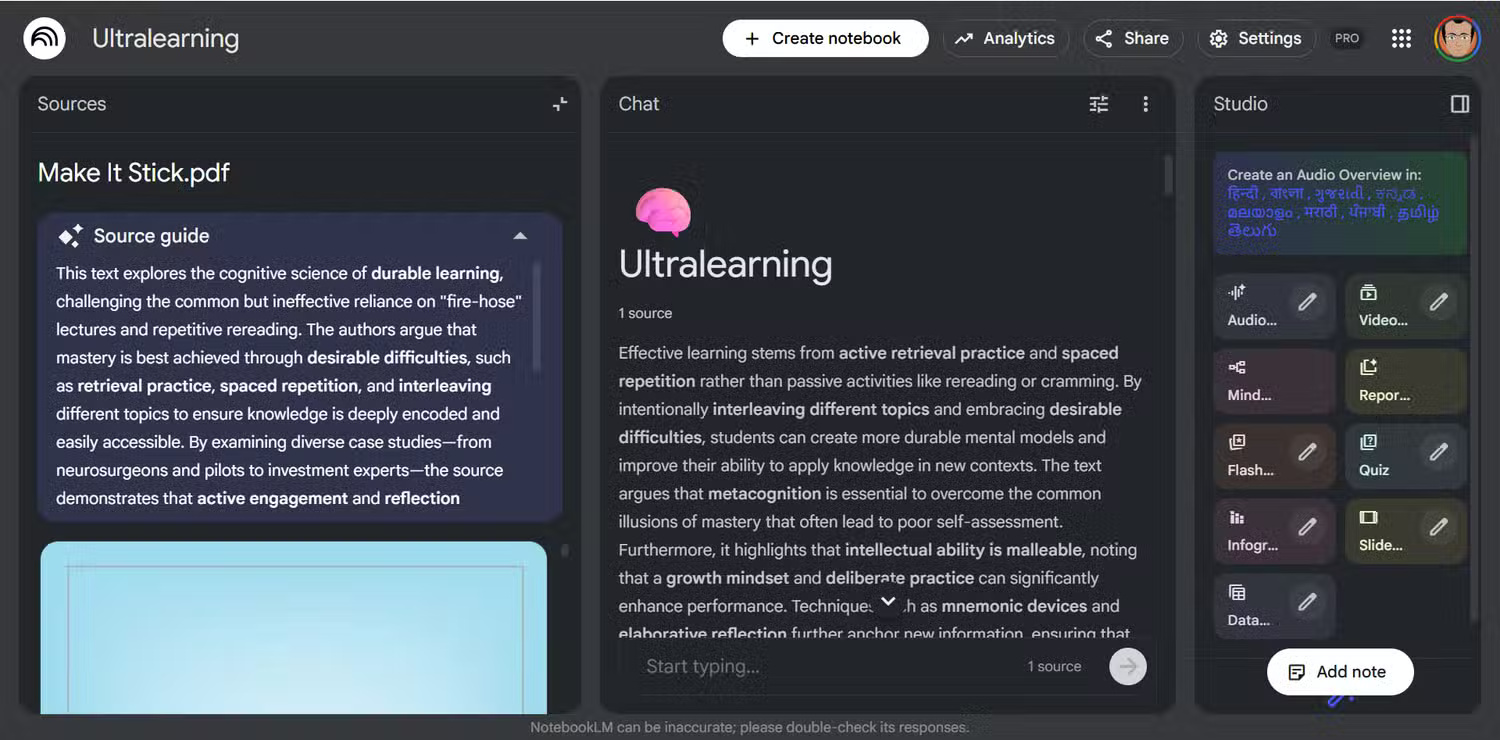
This is not an absolute rule. ChatGPT Projects can also hold reference files, and NotebookLM can create several output formats. Choose the tool according to the evidence boundary and final deliverable, not a slogan such as “one researches and the other writes.”
Workflow 1: Build verified notes before drafting
- Create a NotebookLM notebook and add the papers, reports, web pages, transcripts, or other sources permitted for your project.
- Ask for a source-by-source summary, disagreements, key definitions, and important limitations.
- Open every cited passage and correct any misinterpretation.
- Copy only the verified notes and their source details into ChatGPT.
- Ask ChatGPT to create an outline or draft that stays within those notes.
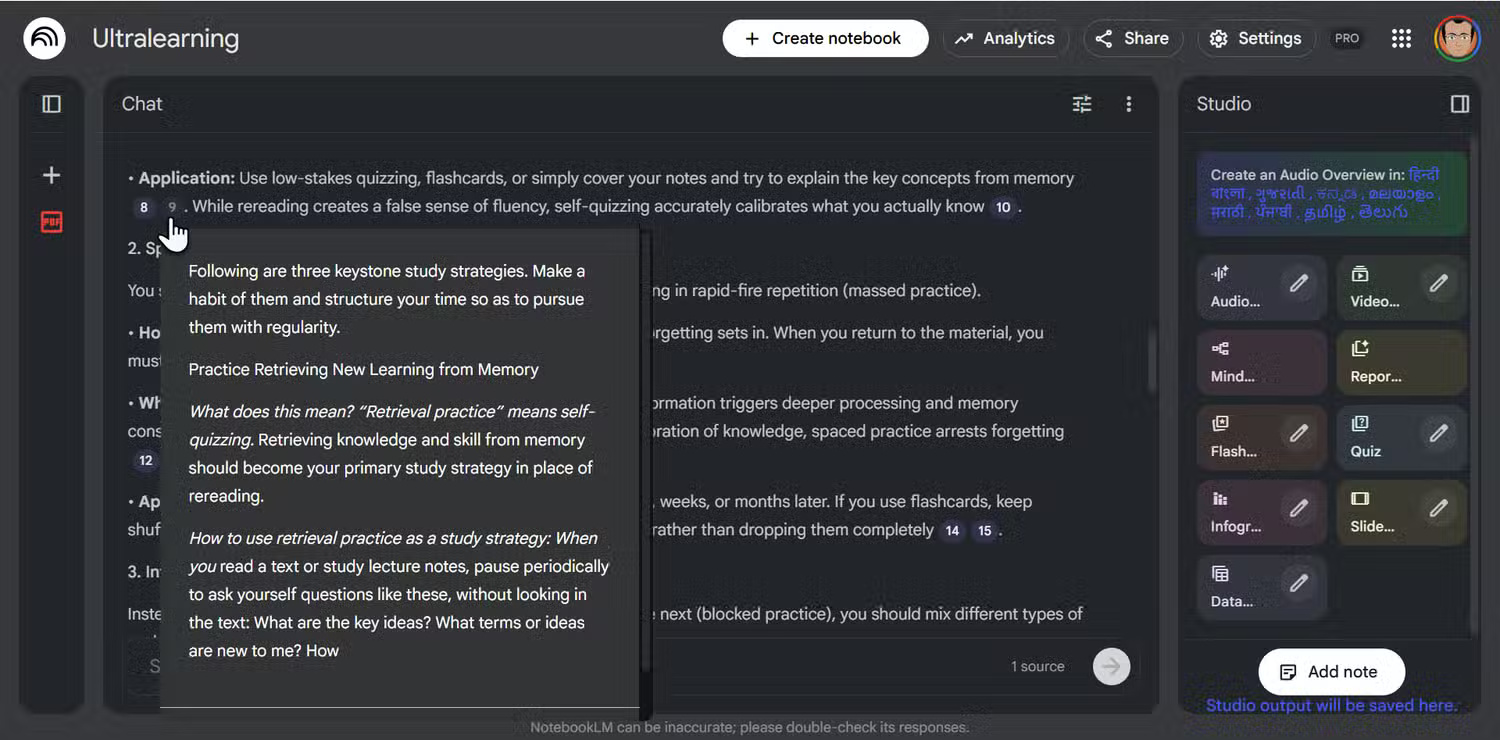
A useful NotebookLM prompt is: “Create a table with each source's research question, method, sample, main result, and stated limitations. Cite every row.” In ChatGPT, follow with: “Build an outline from these notes. Mark any claim that lacks a source instead of filling the gap.”
Workflow 2: Turn reading into active recall
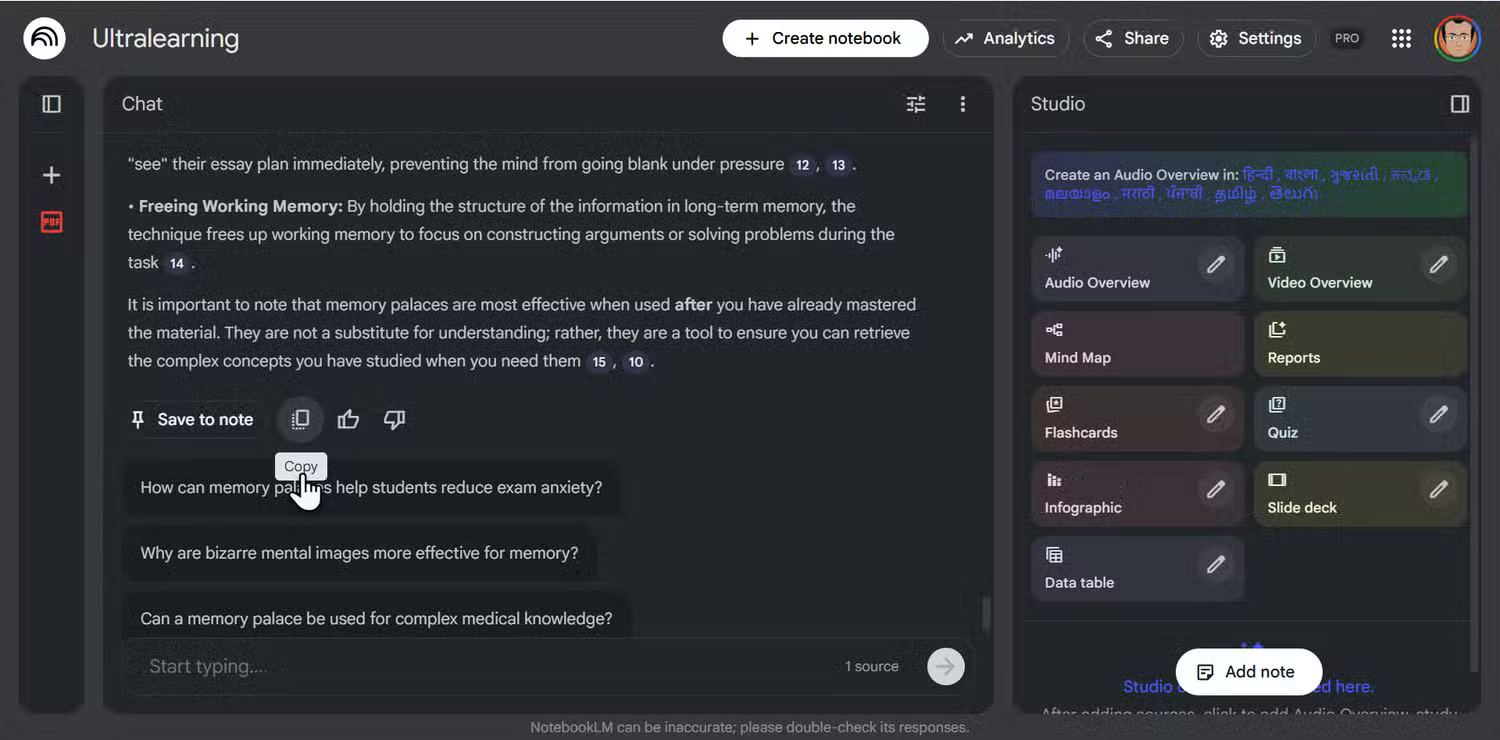
Ask NotebookLM to identify the essential concepts and generate study questions from the source set. Move those questions—not the answers—into ChatGPT and request a tutoring session one question at a time. Have it wait for your answer, point out gaps, and ask for a corrected explanation.
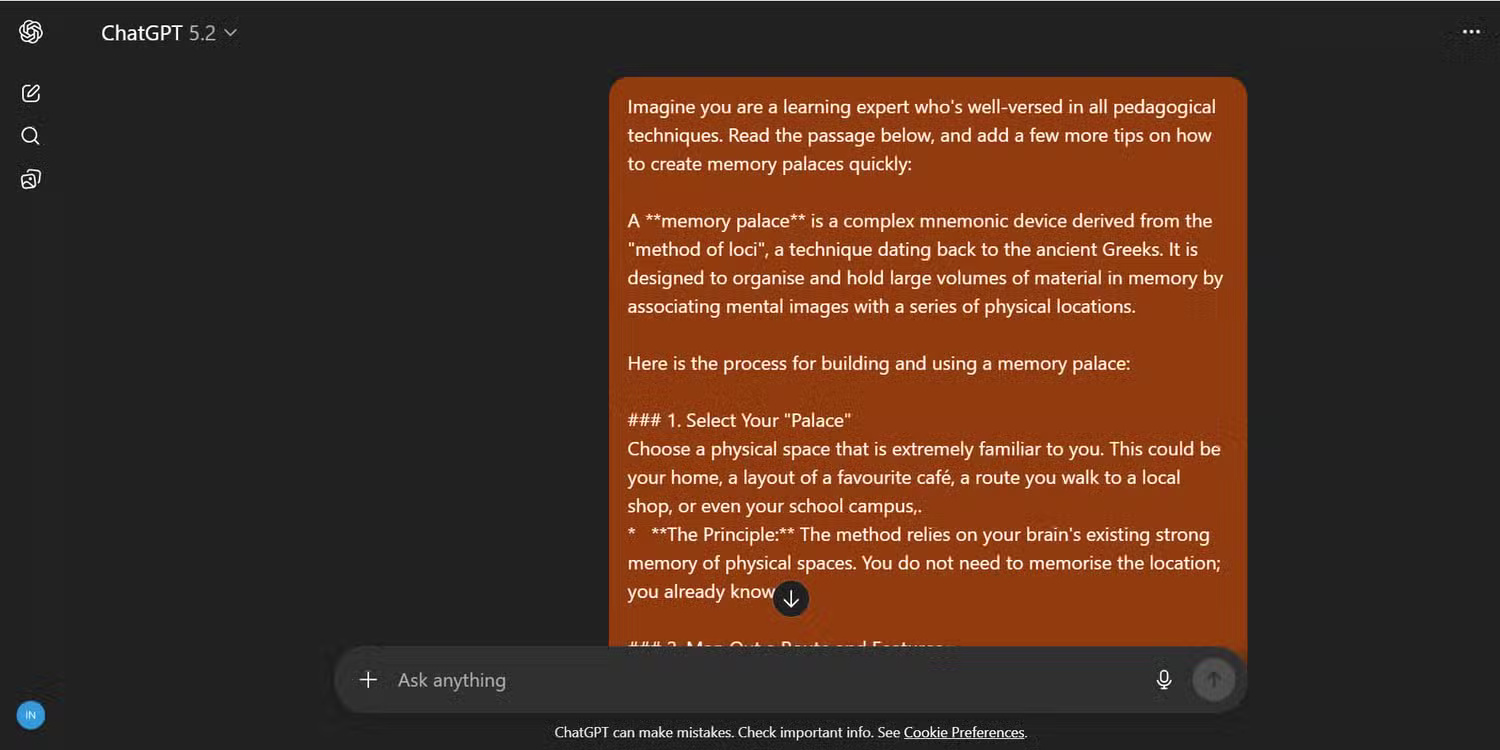
Afterward, return to NotebookLM to verify the explanations against the original material. This prevents a fluent but unsupported tutoring answer from becoming part of your notes.
Workflow 3: Simplify difficult material without losing accuracy
- Use NotebookLM to explain the exact passage and locate related statements in the sources.
- Copy the passage, source citation, and verified interpretation to ChatGPT.
- Ask for a plain-language explanation, analogy, or example for a specified audience.
- Compare the simplified version with the original and restore any important qualification that disappeared.
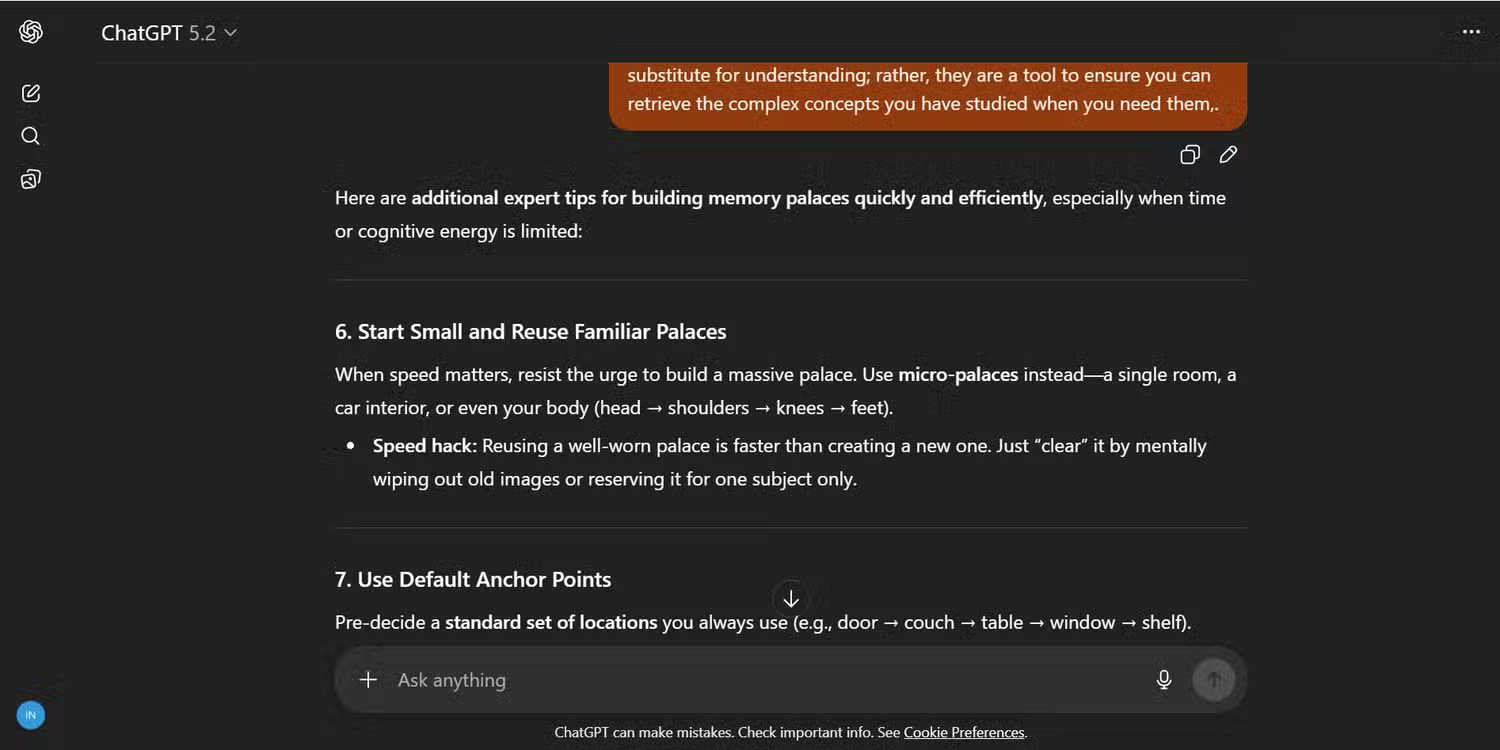
Tell ChatGPT not to add outside facts unless it labels and sources them. Simplification should reduce jargon, not remove uncertainty or change what the evidence says.
Workflow 4: Create an Audio Overview from a prepared brief
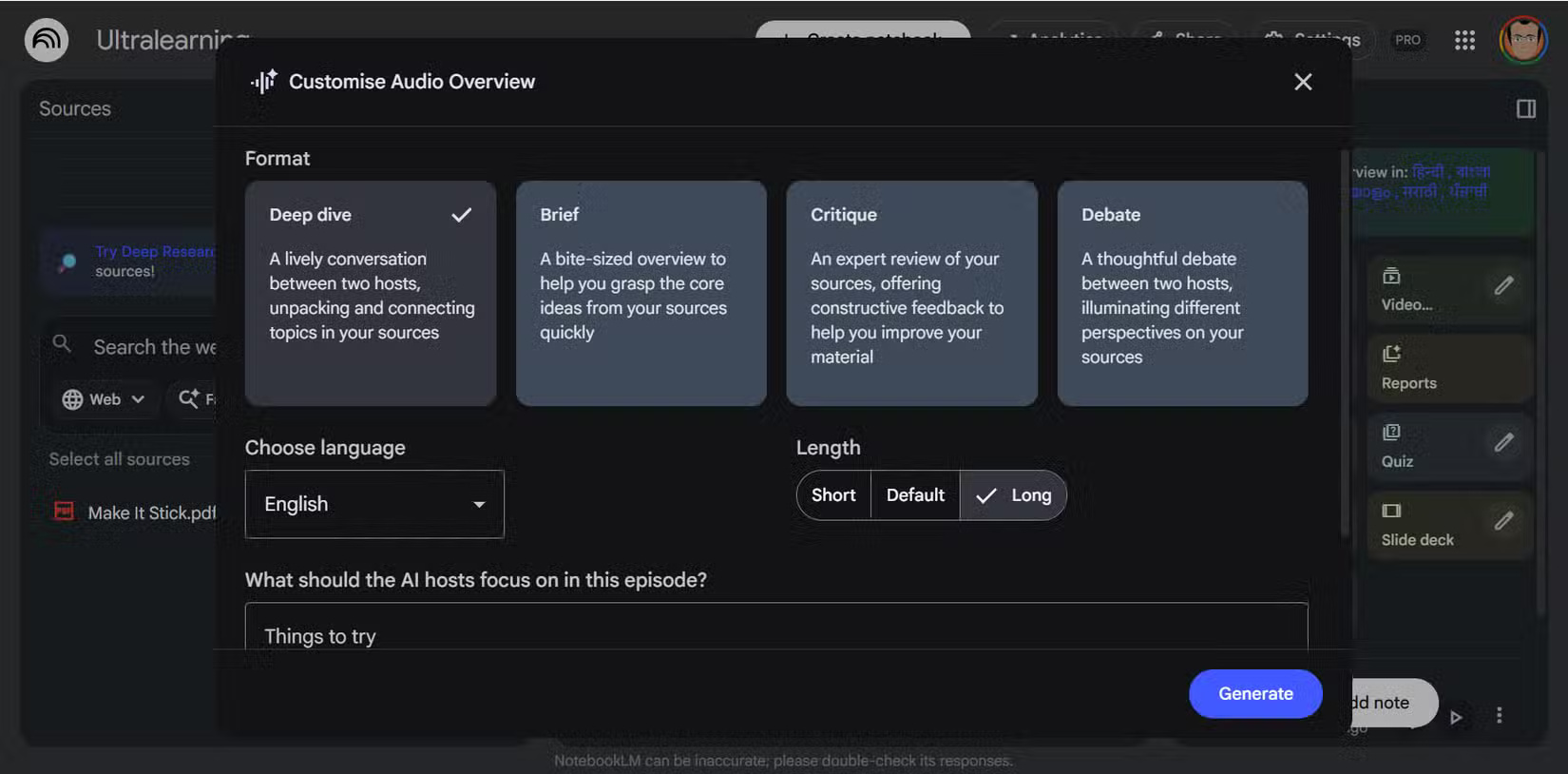
ChatGPT can help turn scattered notes into a coherent brief with a clear audience and sequence. Add the approved brief to NotebookLM as a source, then generate an Audio Overview in the Studio panel. Choose the format and length available to your account and include guidance about the topics to emphasize.
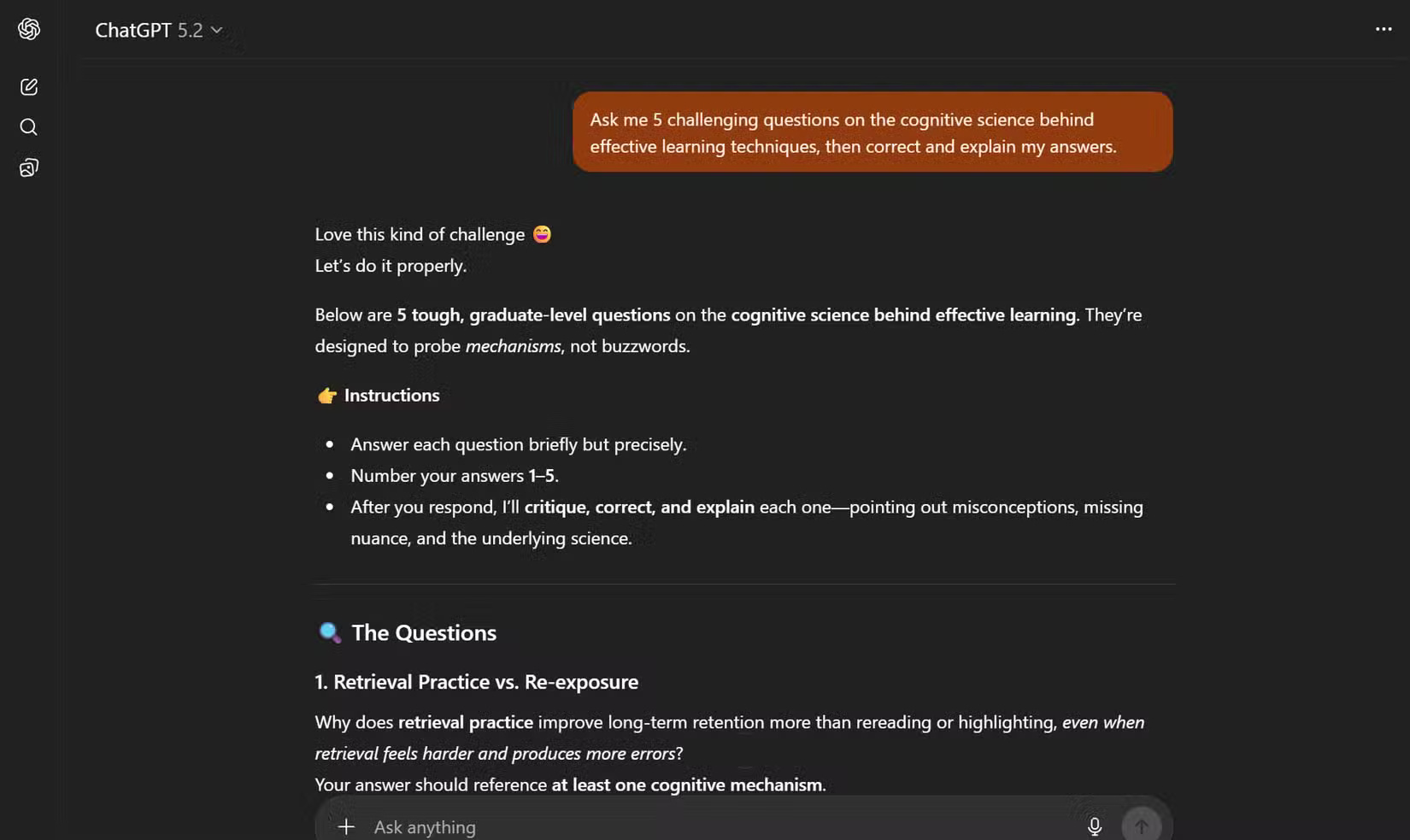
Listen for incorrect pronunciations, misplaced emphasis, or claims that sound more certain than the source. An Audio Overview is AI-generated interpretation, not a substitute for the underlying material or a ready-to-publish podcast.
Workflow 5: Reuse NotebookLM outputs
Mind maps, reports, flashcards, quizzes, infographics, and slide decks can expose useful structure. Export or copy the relevant content into ChatGPT and specify the new format, audience, length, and evidence rules. For example, convert a study guide into a lesson plan, or turn a mind map into a prioritized article outline.
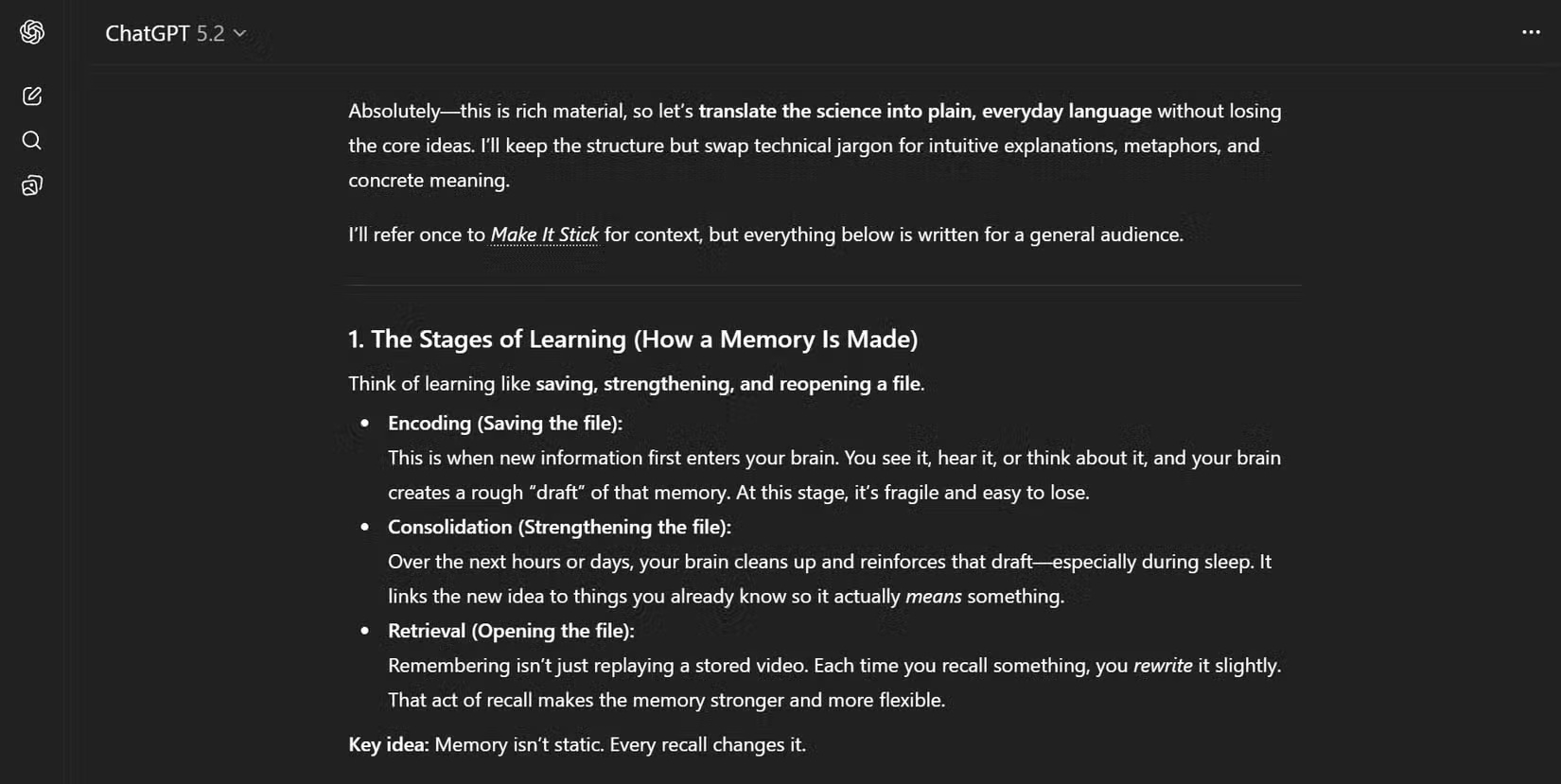
Do not publish the same generated copy across several formats without editing. Each medium needs different pacing, context, and accessibility. Verify licenses before reusing images discovered through either service.
Workflow 6: Use ChatGPT research to extend the source set
When the notebook reveals a gap, ask ChatGPT search or deep research to find newer or opposing sources. Review the linked originals, then add the selected material to NotebookLM so the bounded source collection stays current.
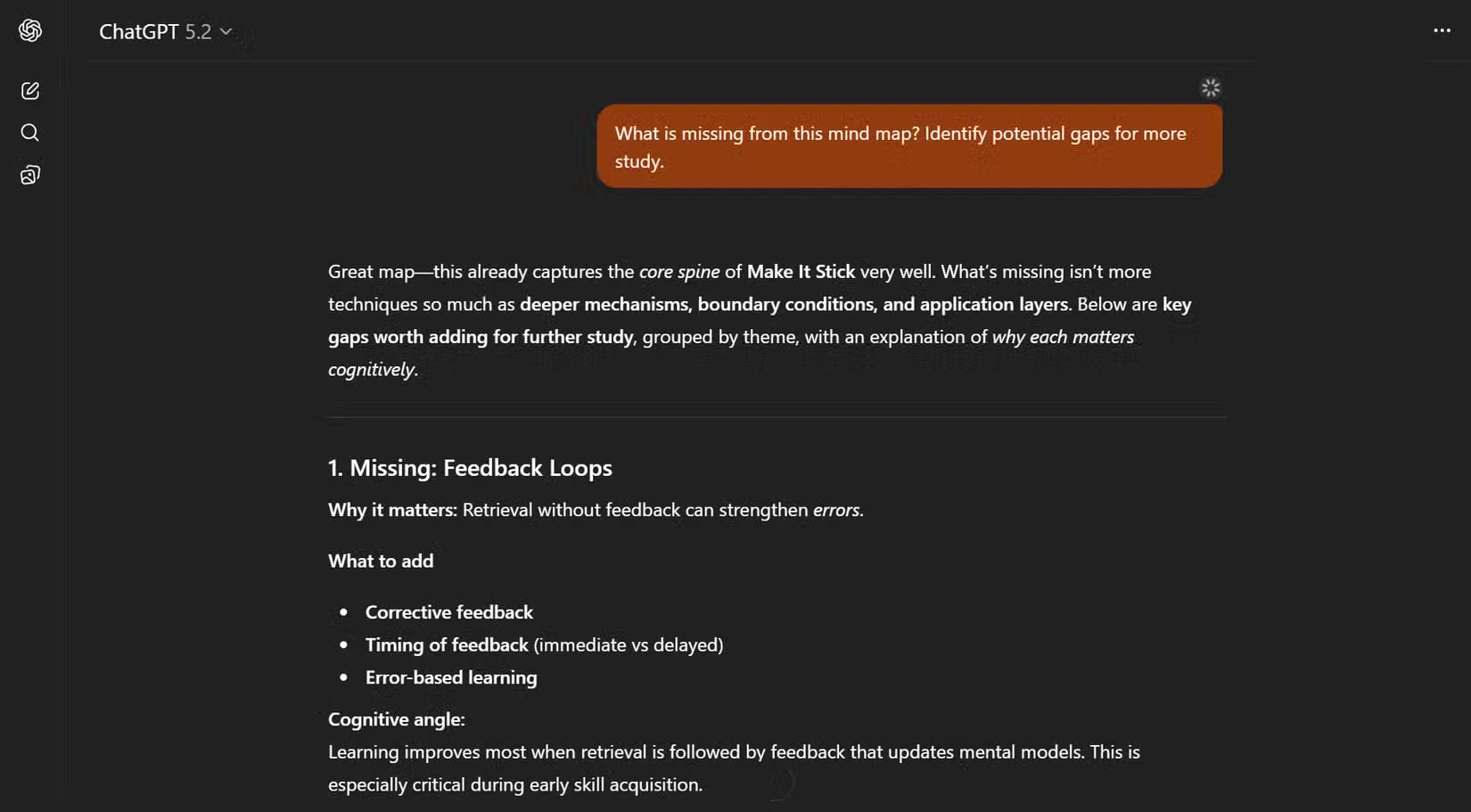
ChatGPT's deep research documentation explains how to restrict or prioritize sites and review cited reports. Google lists NotebookLM's current Studio features in the NotebookLM Help Center.
Privacy and source hygiene
- Do not upload confidential, personal, licensed, or restricted material without permission.
- Use the correct work or personal account and review its data controls.
- Preserve author, title, date, URL, and page number when transferring notes.
- Cite the original source, not an AI summary of it.
- Remove unsupported claims and fabricated quotations before publication.
- Keep a final source-to-claim checklist outside both tools.
For a feature-by-feature choice, see NotebookLM vs. ChatGPT. The combination is most reliable when NotebookLM maintains a traceable evidence base and ChatGPT performs a clearly defined transformation that a human reviews.
Related Articles
 NotebookLM vs ChatGPT: Which AI tool is better?18 minutes read
 3 Best Chrome Extensions for Gemini Notebook (NotebookLM)12 minutes read
 NotebookLM's New Features Will Amaze You8 minutes read
 NotebookLM Alternatives Worth Trying5 minutes read
 NotebookLM App Adds Built-in Camera: Explained3 minutes read
 How to Share NotebookLM Publicly6 minutes read
Reader Comments 0
Sign in with email or Google to join the discussion.