Table of Contents
NotebookLM, also presented in current Google help as Gemini Notebook, is most useful when you give it a specific job and provide relevant sources. Instead of asking for a generic summary, define the audience, output structure, evidence requirements, and what the result will be used for. The six prompts below can be copied and adapted for the Chat or Studio tools available in your account.
Generated answers and Studio artifacts are based on the selected sources, but they can still omit context or make mistakes. Open cited passages and verify important claims before using an output in a presentation, decision, or publication.
1. Build a presentation outline for a specific audience
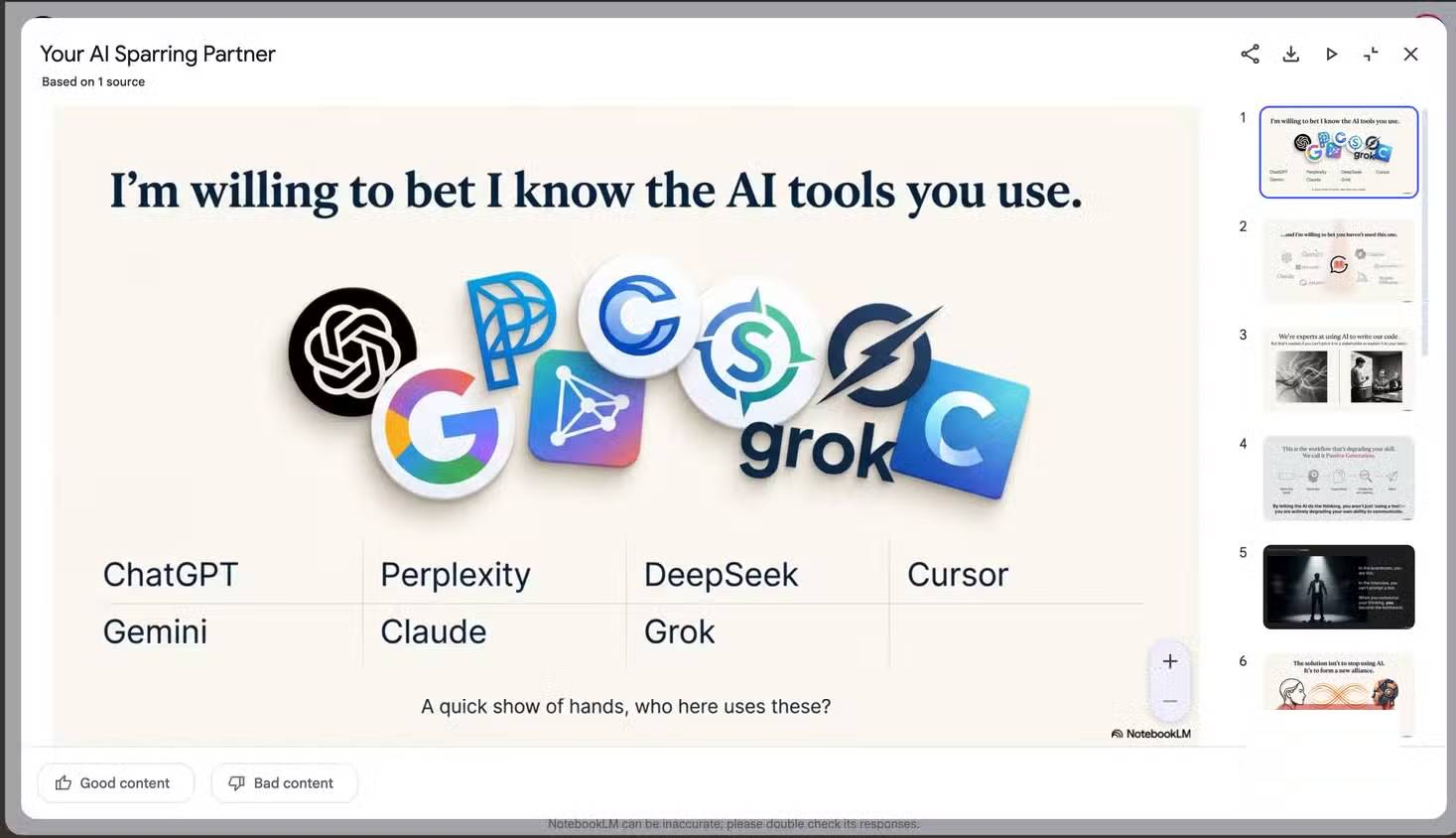
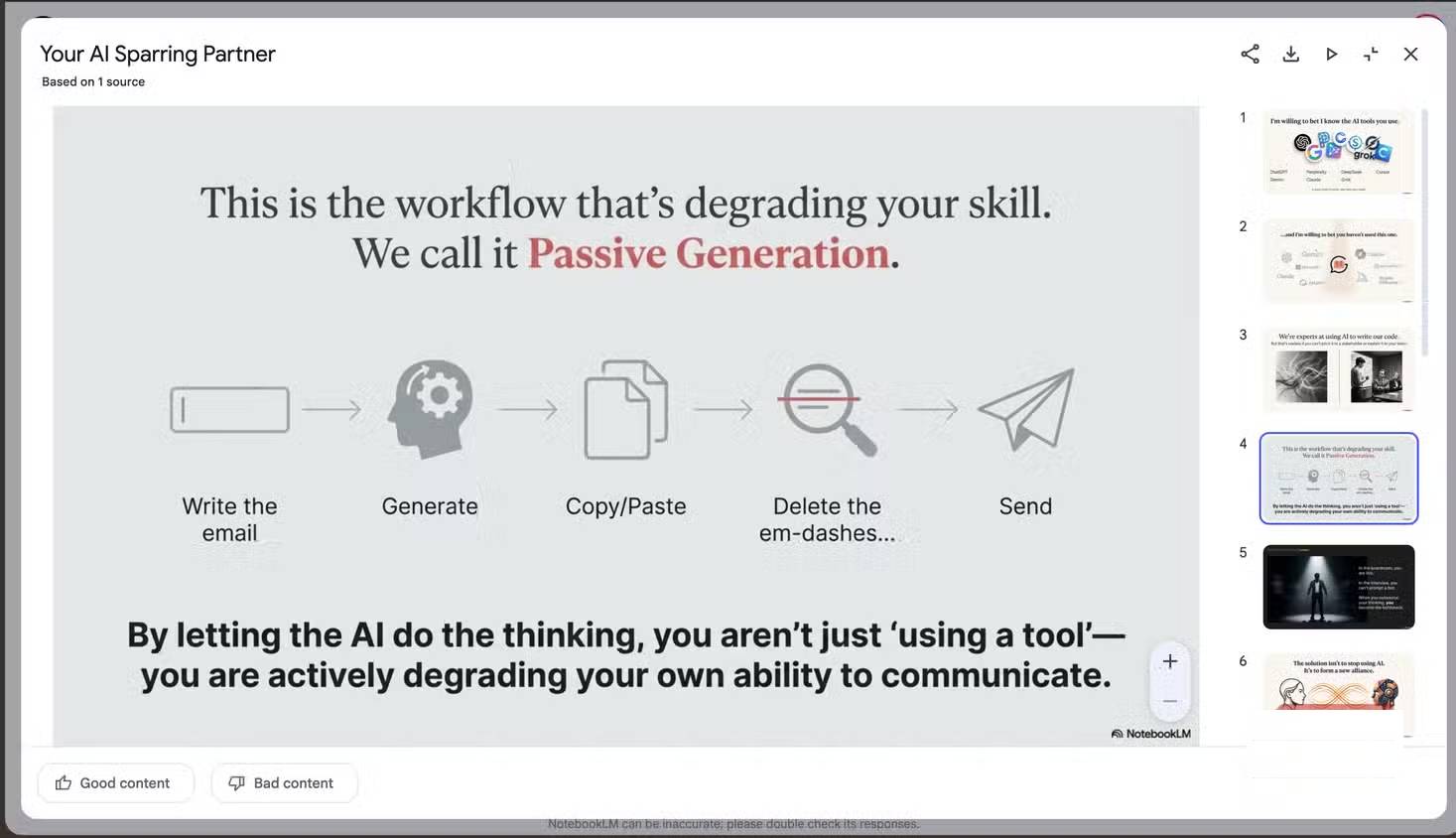
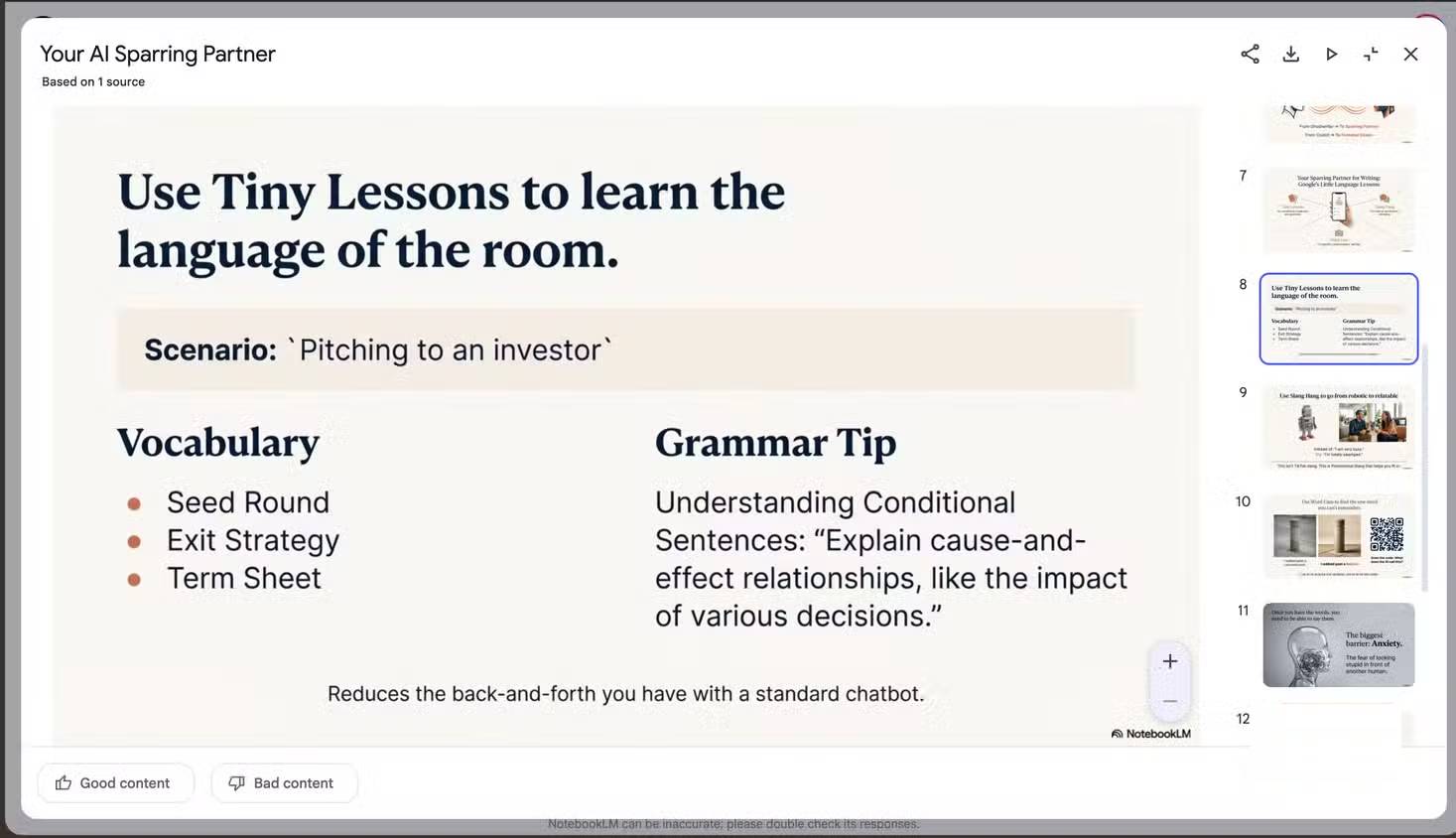
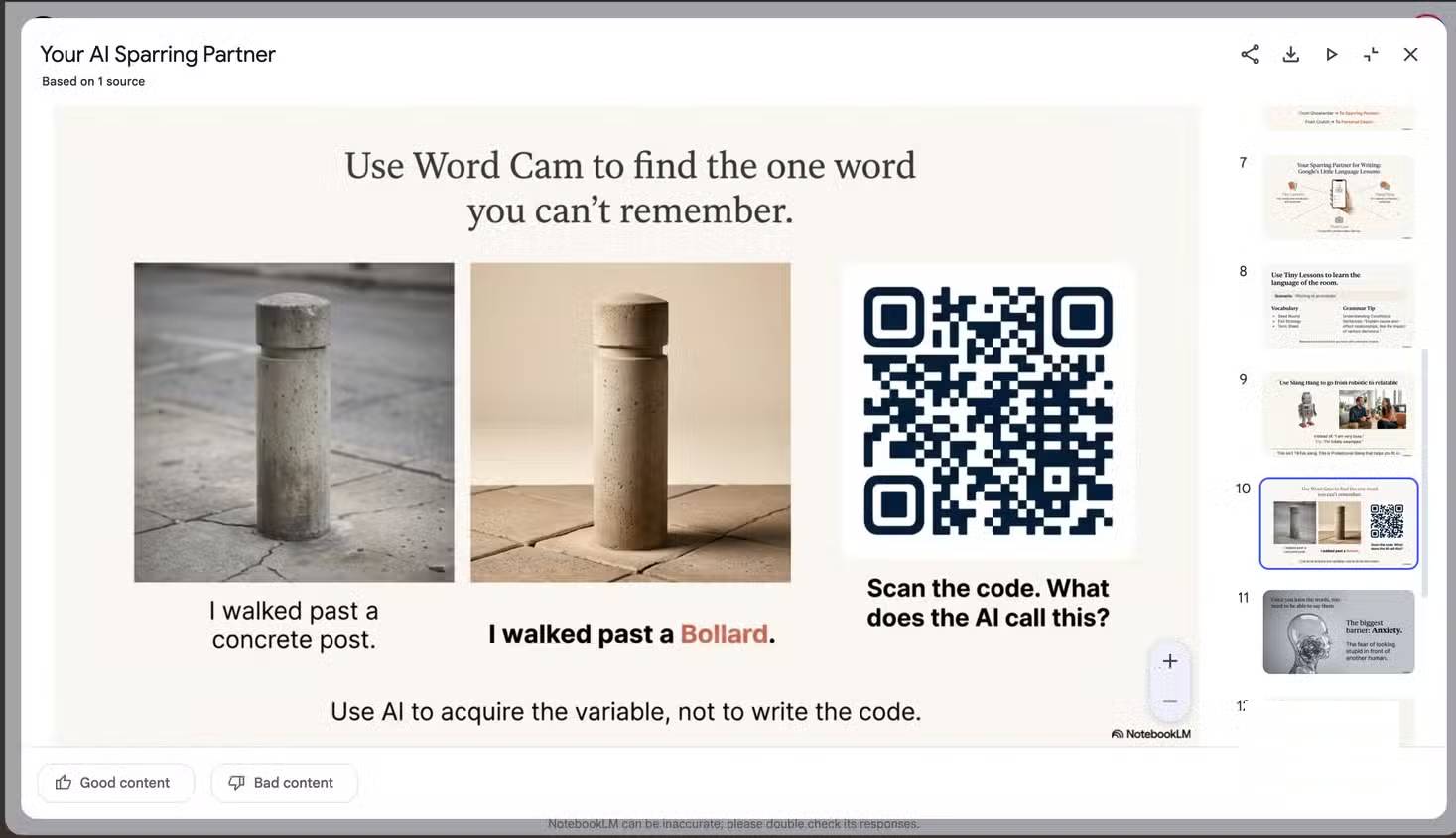
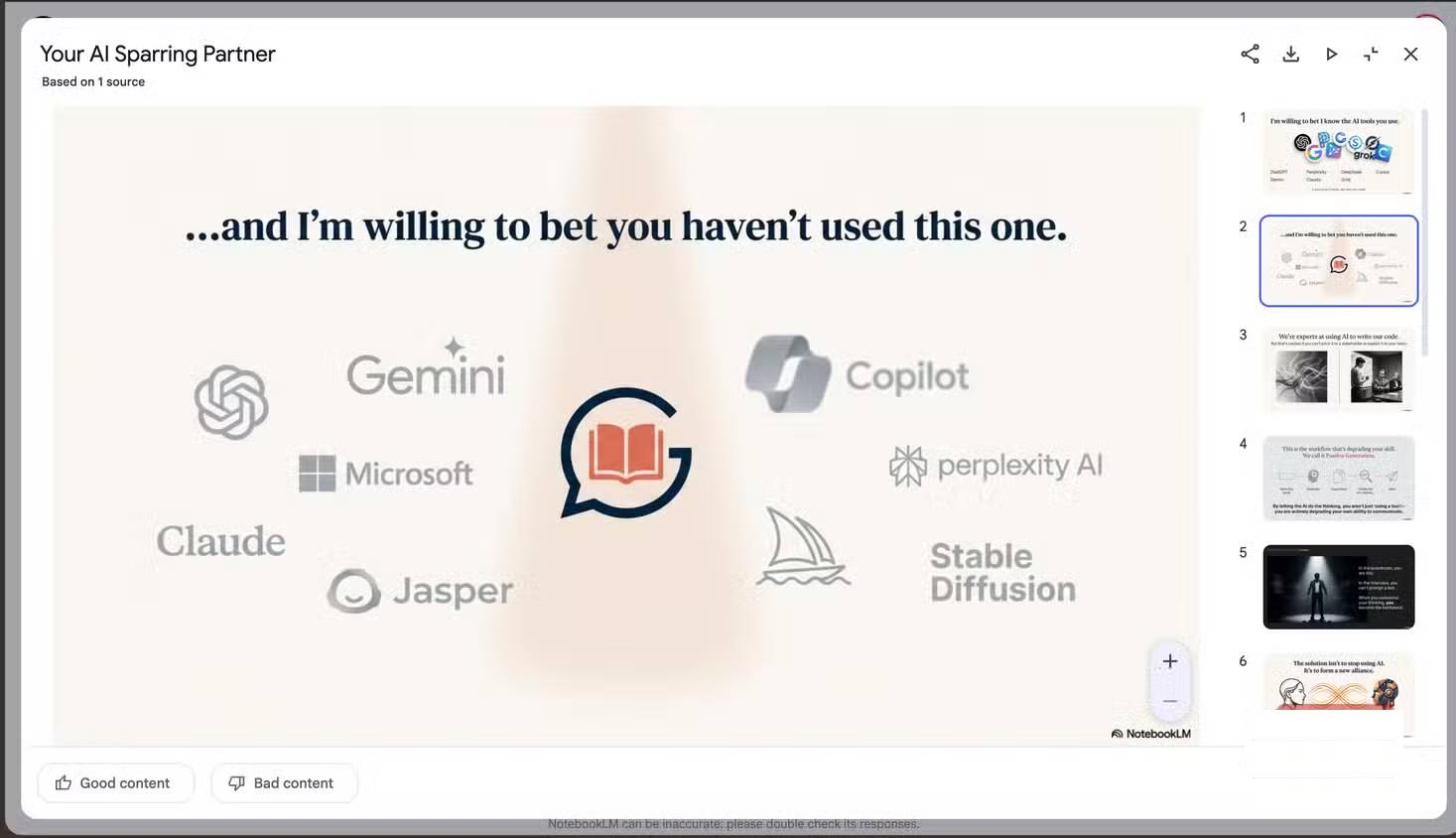
A useful deck prompt specifies the speaking time and audience before discussing visuals. It should also keep slide text short and require the claims to come from your sources.
Create a slide-by-slide outline for a [X-minute] presentation titled "[title]" for [audience].

For each slide, provide:
- A concise slide title
- The single purpose of the slide
- No more than 3–5 short on-screen bullets
- A suggested chart, diagram, screenshot, or other visual
- Speaker notes that explain the evidence
- Citations to the source passages supporting factual claims

Structure the deck around the problem, evidence, options or method, practical example, and conclusion. Do not invent facts or copy the full script onto the slides. Flag any claim that the supplied sources do not support.
Use the result as an outline, then check the order, citations, visual feasibility, and readability. Google’s current help lists Slide Decks among the artifacts available in the Studio panel, although availability and controls can vary by account and device. See the official Gemini Notebook help page for the current set of Studio outputs.
2. Turn the sources into five essential questions
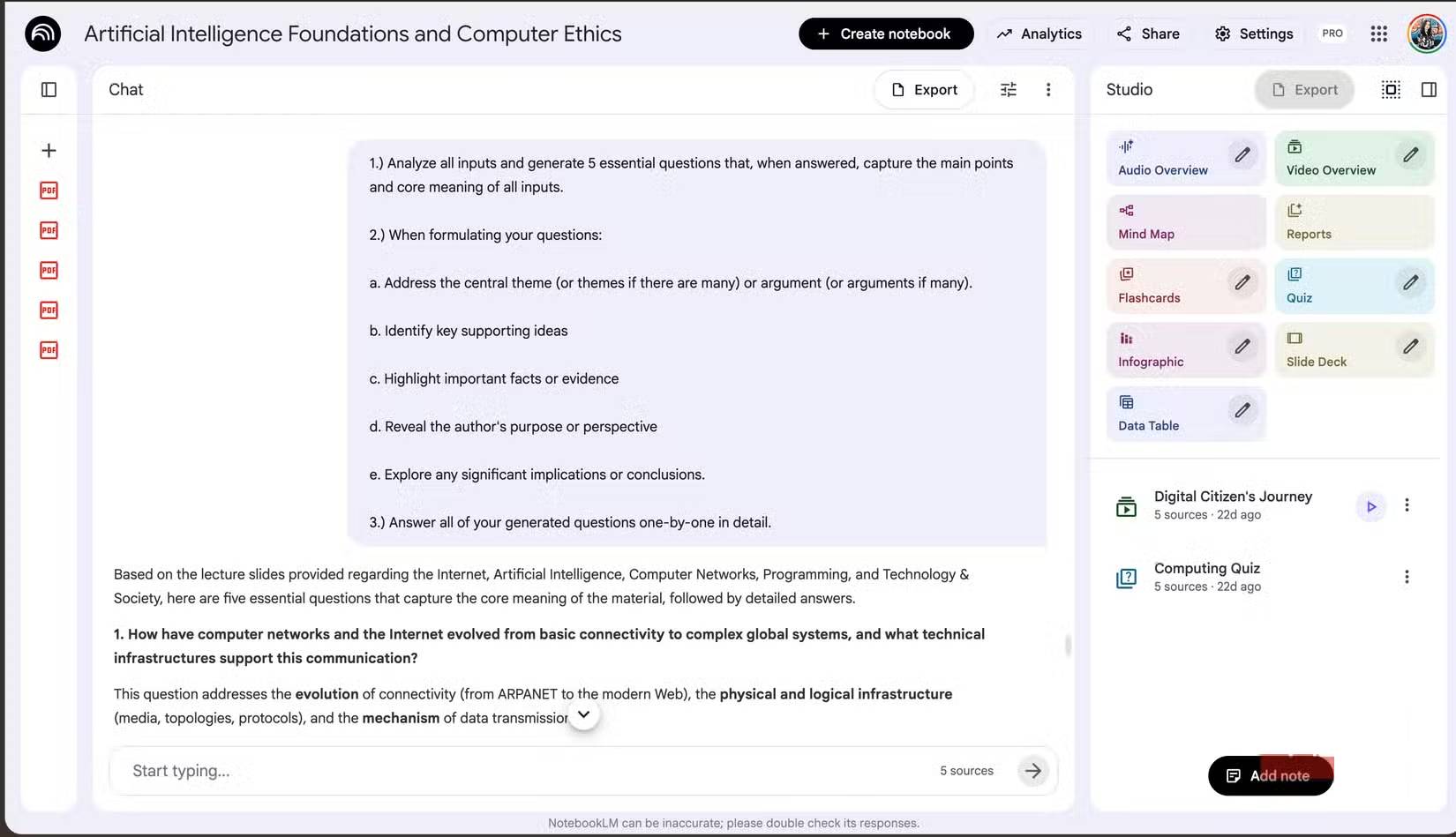
This prompt is useful when you have uploaded several documents but do not yet know how their ideas fit together.
Review all selected sources and identify five questions whose answers would explain the material's central ideas.

The questions should collectively cover:
1. The main claim or topic
2. The strongest supporting evidence
3. Important disagreements, limitations, or uncertainty
4. The authors' purpose or perspective
5. The practical implications

Answer each question separately. Cite the relevant sources and distinguish what the documents state from your interpretation. If the sources conflict, describe the conflict instead of forcing a single conclusion.
The five questions can become a study plan, interview outline, or checklist for further research. If one answer lacks citations, return to the underlying source before trusting it.
3. Explain difficult material to an intelligent beginner
Asking for a simpler explanation works better when “simple” is defined. This version keeps essential terminology while requiring concrete examples.
Explain the core ideas in these sources to an intelligent 12-year-old who has no background in the subject.

For each difficult term:
- Give a one-sentence definition
- Use one accurate everyday analogy
- Provide one concrete example from the sources
- Explain why the idea matters
- State where the analogy stops being accurate

Keep necessary technical terms, but explain them before using them. Cite the source for each factual claim and list any point you could not simplify without losing important meaning.
The instruction about an analogy’s limits helps prevent a memorable comparison from becoming a misleading explanation.
4. Create an executive meeting brief
An Audio Overview can be convenient for listening, but a busy reader or listener often needs decisions and actions more than conversational commentary.
Create a concise executive brief from these meeting notes.

Use this order:
1. Purpose of the meeting
2. Decisions made
3. Unresolved questions
4. Action items in a table with owner and deadline
5. Risks, dependencies, and expected impact

Remove greetings, jokes, repetition, and side discussions. Do not assign an owner or deadline unless it appears in the notes; write "not specified" instead. Cite the source passage for every decision and action item.
Check names, dates, owners, and commitments against the original notes before distributing the brief. Transcripts can misidentify speakers, and a generated summary should not create commitments that nobody made.
5. Compare competing viewpoints fairly
For sources that disagree, ask for a structured comparison instead of a theatrical argument between invented presenters.
Compare the main viewpoints in the selected sources.

For each viewpoint, identify:
- The central claim
- The evidence used
- The assumptions it depends on
- Its strongest limitation or counterargument
- Points of agreement with other sources

Use a neutral tone. Do not invent motives, biographies, quotations, or personal conflict. Cite each claim and finish with a short list of questions the sources leave unresolved.
This format works well for policy papers, product evaluations, research literature, and any notebook that contains multiple perspectives.
6. Find evidence gaps before drafting
A fluent draft can hide weak sourcing. Run this prompt before asking NotebookLM to write a report or presentation.
Audit the selected sources for a report about [topic] intended for [audience].

Create three sections:
A. Claims well supported by multiple sources
B. Claims supported by only one source or by weak evidence
C. Important questions not answered by the current sources

For every item, cite the relevant source passages. Do not fill gaps with general knowledge. Recommend the type of additional source needed for each gap, such as an official specification, primary study, current price page, or expert interview.
After the audit, add authoritative sources for the unanswered questions and rerun it. This is often more valuable than repeatedly polishing a draft built on incomplete evidence.
How to adapt these prompts
- Select only the sources relevant to the current task.
- Replace bracketed placeholders with a real audience, topic, and length.
- Specify the output format that the next person or tool can actually use.
- Require citations and inspect them instead of treating them as decoration.
- State what the system must not infer, especially names, deadlines, numbers, and quotations.
- Regenerate only after changing the instruction or source set; repeated generation without a clear correction may simply produce another variation.
A good NotebookLM prompt does not need to be long. It needs a defined task, trustworthy sources, a usable output shape, and a clear rule for handling missing evidence.
Related Articles
 5 Important Configuration Settings That Most NotebookLM Users Often Overlook6 minutes read
 3 Tools That Make NotebookLM Much More Useful14 minutes read
 5 Simple Tricks to Make NotebookLM Smarter When Taking Notes7 minutes read
 3 Best Chrome Extensions for Gemini Notebook (NotebookLM)12 minutes read
 NotebookLM's New Features Will Amaze You8 minutes read
 NotebookLM: User Guide with Practical Examples16 minutes read
Reader Comments 0
Sign in with email or Google to join the discussion.