Table of Contents
A guide to using NotebookLM to analyze YouTube videos and create viral scenarios in just a few steps.
In this article, you will learn how to use NotebookLM to 'watch videos for you,' and then turn that content into ideas and scripts for your own videos.
Simply paste a YouTube video link, and the tool will analyze the structure behind the content, helping you understand why the video was successful. From there, you can turn these structures into a 'blueprint' to write a better script.
Who should use this method?
This method is particularly useful for those who create video content.
If you're a product manager, you can create clearer and more engaging product introduction videos. If you conduct interviews, the tool will help you build a coherent question flow. And if you're a YouTuber in general, this is a quick way to upgrade the quality of your scripts.
What will you be able to create?
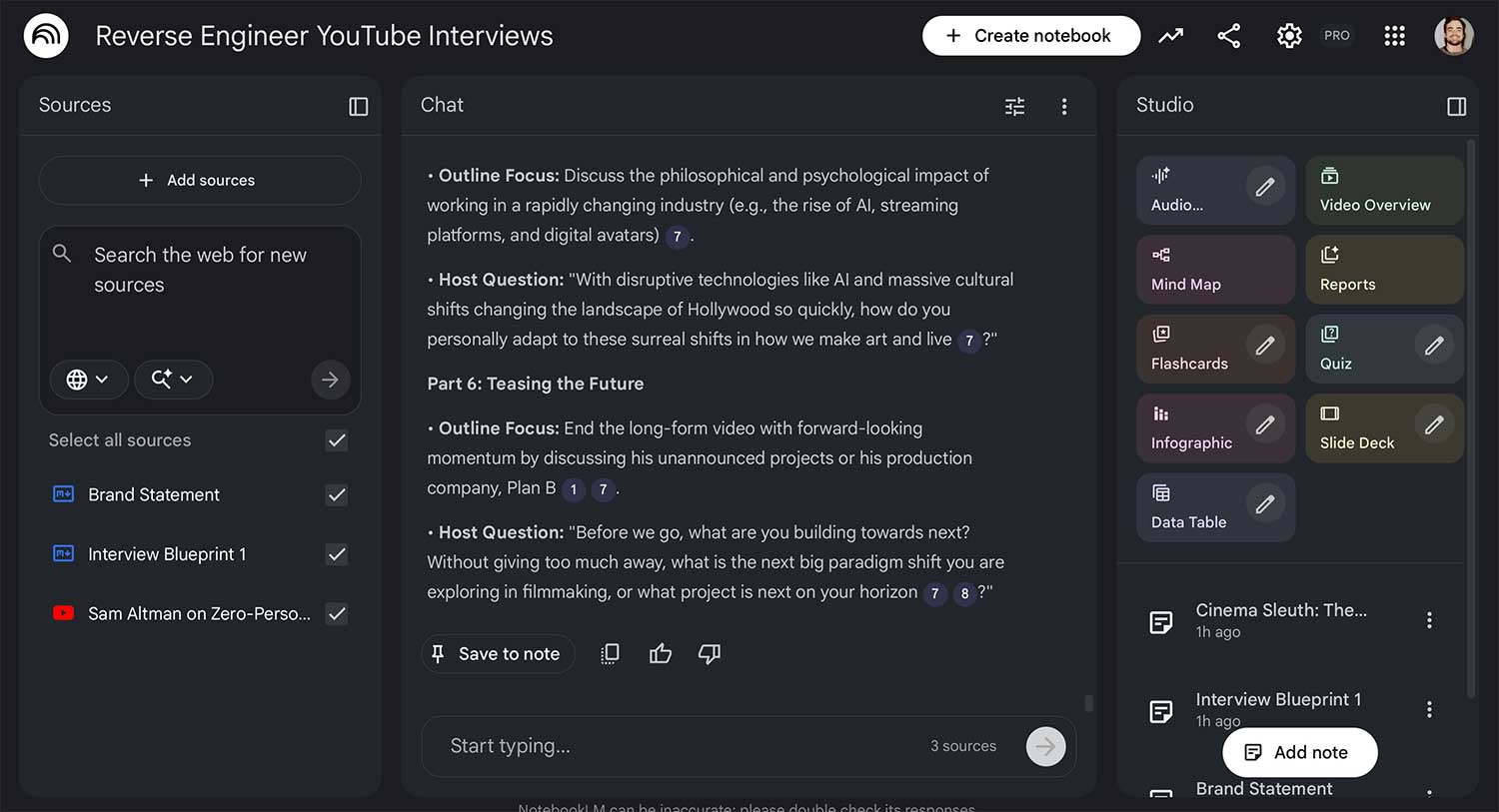
The end result is a 'smart notebook' capable of analyzing video and generating blueprints. From these blueprints, you can easily write scripts for various topics without having to start from scratch.
All you need is a Google account (Gmail or Google Workspace) and a few video ideas to get started.
Step 1: Import the video into NotebookLM
First, choose a long YouTube video whose content creation style you like. Go to NotebookLM, create a new notebook, and then add the source by pasting the video link into the Websites field.
Next, you should create a short note describing your brand, content direction, and target audience. Once you've created it, add this note to your source so the tool can better understand you.
To increase accuracy, you can add your personal website or related PDF files as reference data.
Step 2: Create a blueprint from the video.
Once you have the video and brand information in the source, select both and then enter the prompt:
' Inversely analyze the structure of this video. Turn it into a blueprint that I can apply to [my brand's] content. Also, indicate which shots and camera angles can be used.'
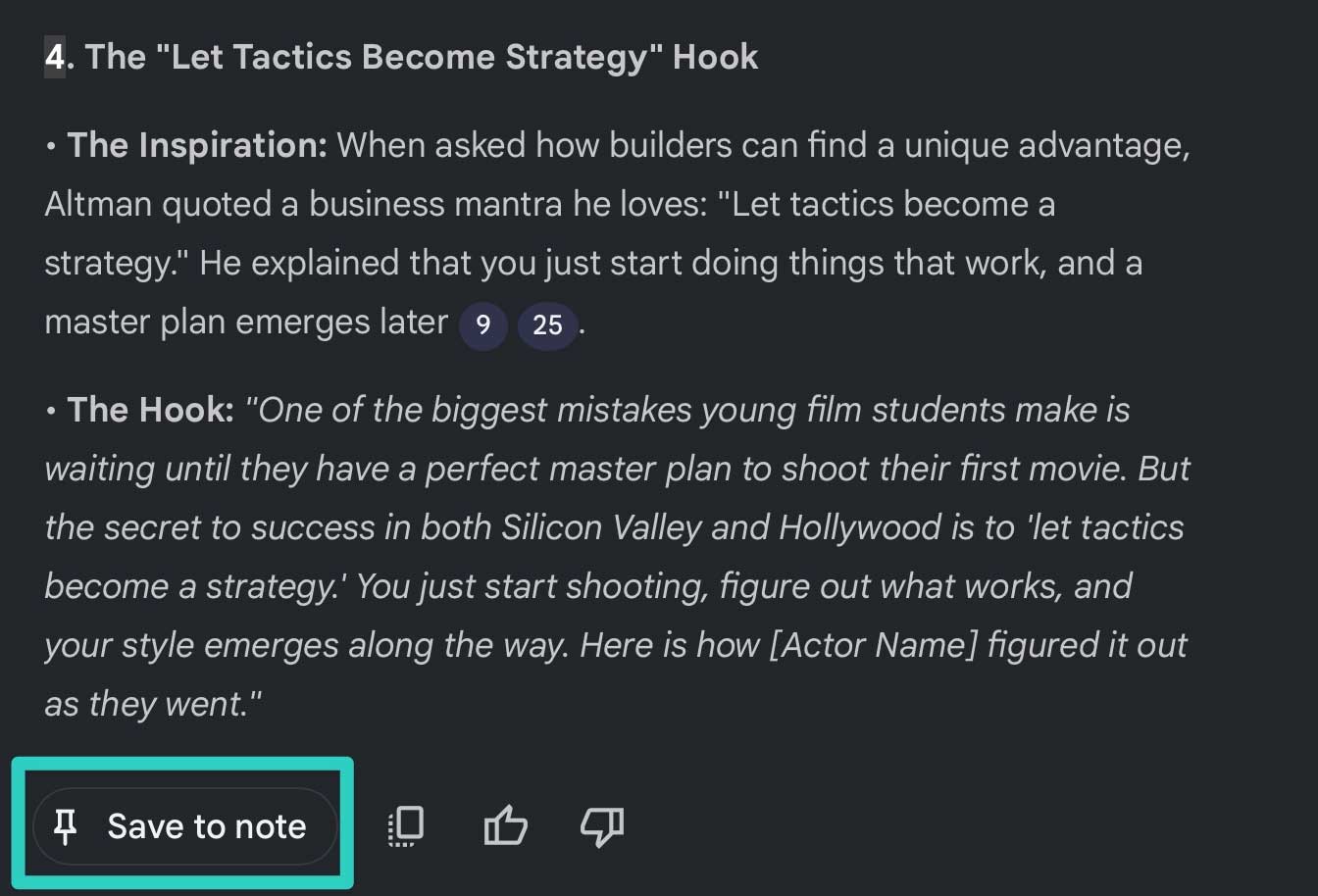
After obtaining the results, save them as notes and name them 'Blueprint 1'. Then, convert this note into a source for use in the following steps.
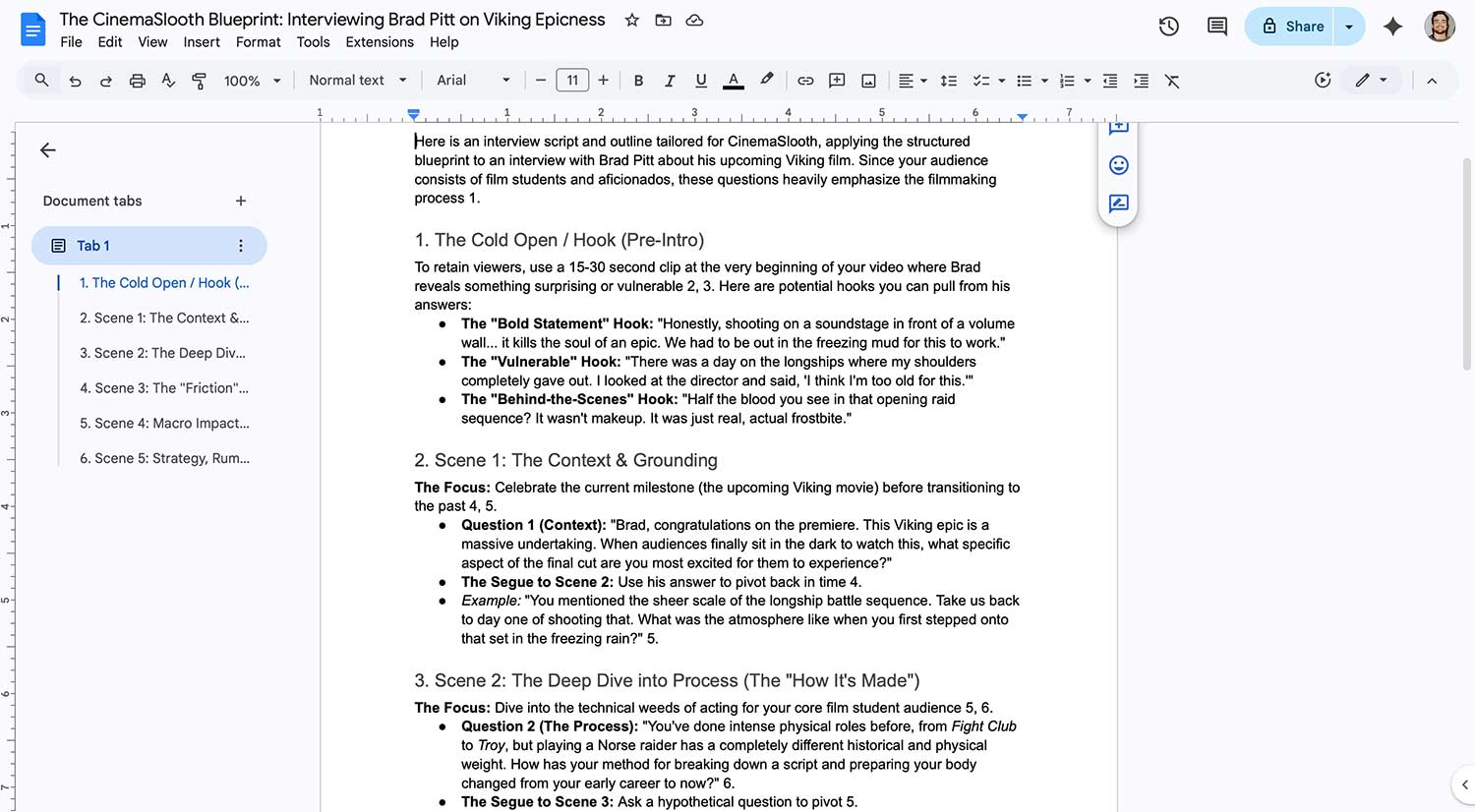
You can also export the blueprint to Google Docs or Google Sheets if you want to make more in-depth edits.
Step 3: Use the blueprint to write the script.
Now you have a reusable 'blueprint'. Deselect the original video, keeping only the brand description and blueprint.
Then enter prompt:
' Based on Blueprint 1, create an outline, script, and four video titles for the topic [your topic].'
NotebookLM will generate content for you to edit. You can export it to Google Docs and customize it to your own style.
This method helps you build a blueprint library, allowing you to experiment with different content directions without having to re-analyze everything from scratch.
Practical application: Product launch video
One very useful application is writing scripts for product launch videos. You can collect many videos of the same type, analyze them into different blueprints, and then apply them flexibly as needed.
Thanks to this, every time you create a new video, you just need to choose the appropriate blueprint instead of 'thinking from scratch'.
Not only can you analyze other people's videos, but you can also use NotebookLM to evaluate your own content.
Simply upload the video and make the request:
Analyze the appeal of this video and identify segments that could be used as hooks for a short video.
Next, you save these hooks to a separate document in Google Docs. As you add this document to your source, NotebookLM will increasingly 'understand you better' and provide more accurate suggestions over time.
Good luck!
Related Articles
 Turning YouTube into a Learning Tool8 minutes read
 How to Sync Your YouTube Channel with NotebookLM5 minutes read
 2 Steps to Help Users View Subtitles on YouTube5 minutes read
 How to Create Subtitles for YouTube Videos Quickly and Simply3 minutes read
 How to Add Subtitles to YouTube Videos: Clear Instructions9 minutes read
 How to Browse Youtube Video Subtitles Quickly4 minutes read
Reader Comments 0
Sign in with email or Google to join the discussion.