Table of Contents
Cancel Claude Pro through the platform that bills you: Anthropic for a web subscription, Apple for an App Store subscription, or Google Play for an Android purchase. Deleting the app or signing out does not cancel recurring billing.
Anthropic advises canceling at least 24 hours before your next billing date to avoid the next charge. Start early enough to complete the confirmation steps and resolve any account mismatch. See the official cancellation instructions.
Find the billing platform first
Look at the subscription receipt and the account that received it. A bank-statement descriptor can help, but an Apple or Google charge may belong to a different purchase; confirm the actual Claude subscription.
| Purchased through | Where to manage it |
|---|---|
| Claude on the web | Claude Settings > Billing |
| Apple App Store | Subscriptions for the Apple Account used to buy it |
| Google Play | Google Play subscriptions for the purchasing Google account |
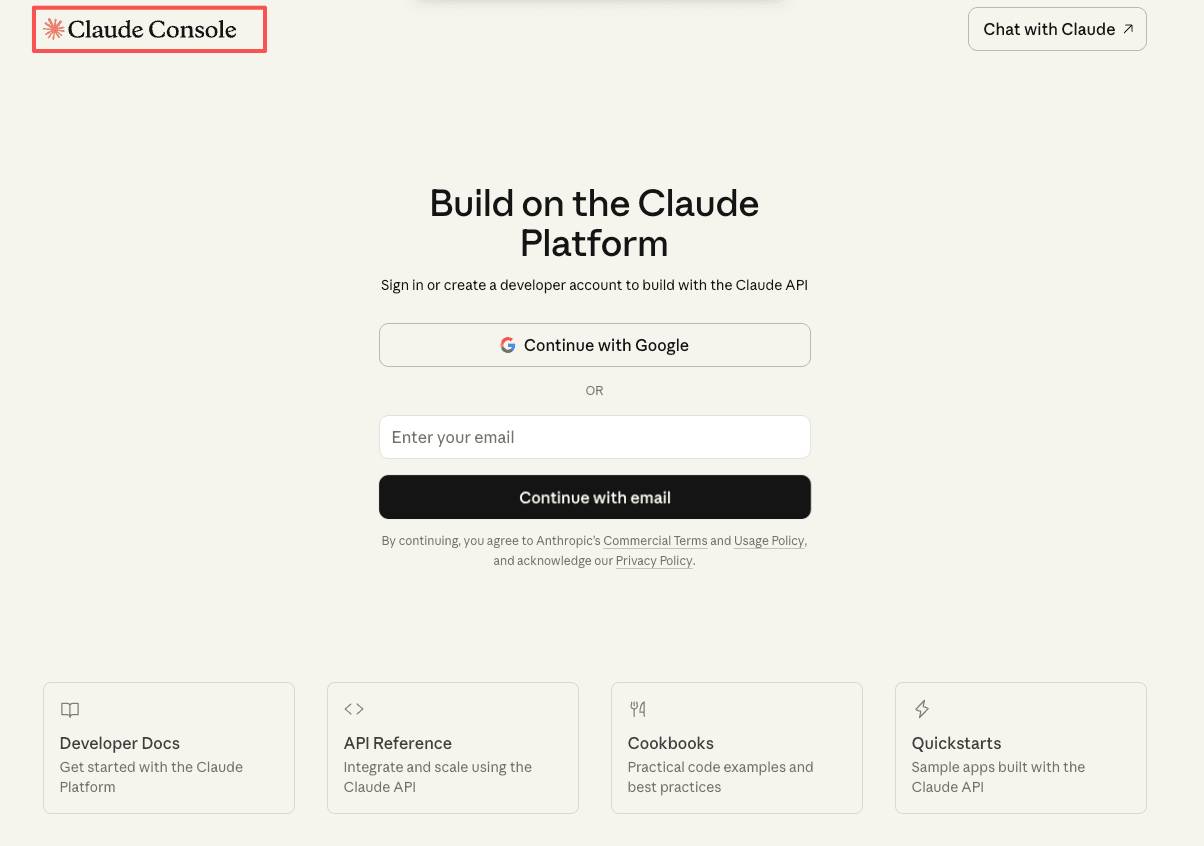
This guide covers an individual Pro subscription. API usage and organizational plans have separate billing arrangements. Canceling Pro does not automatically stop separately billed API activity.
Cancel a subscription purchased on the web
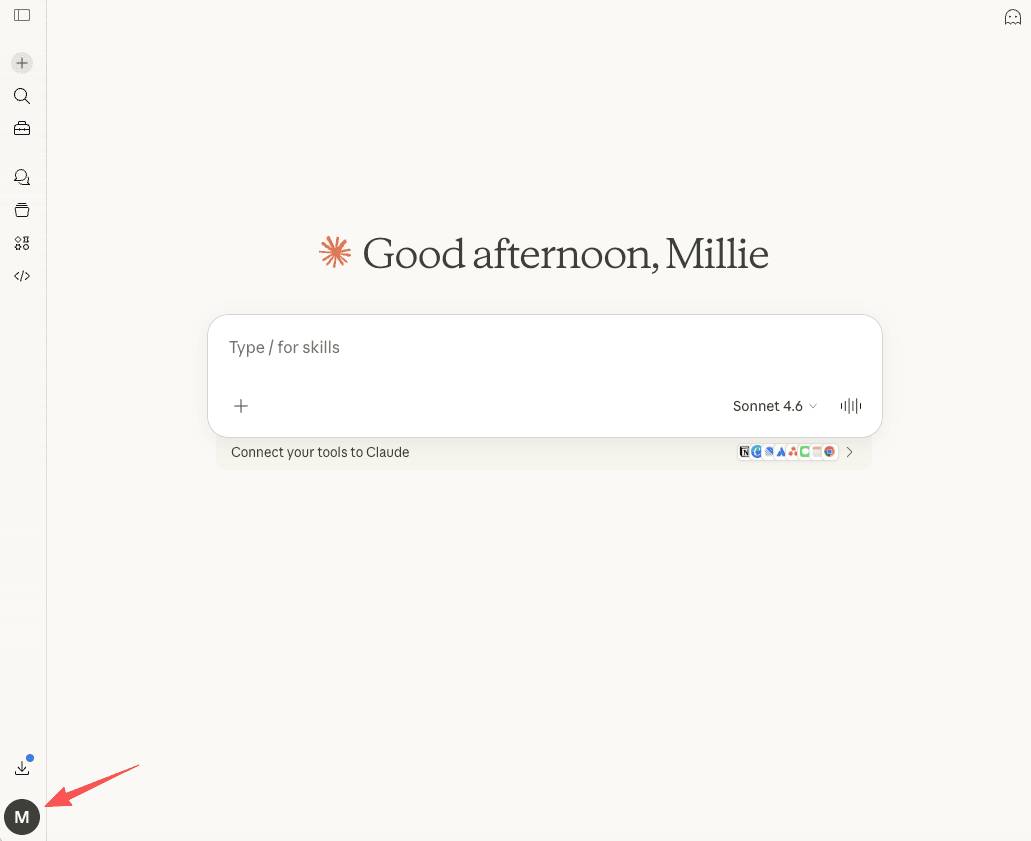
- Sign in to Claude with the account that owns the subscription.
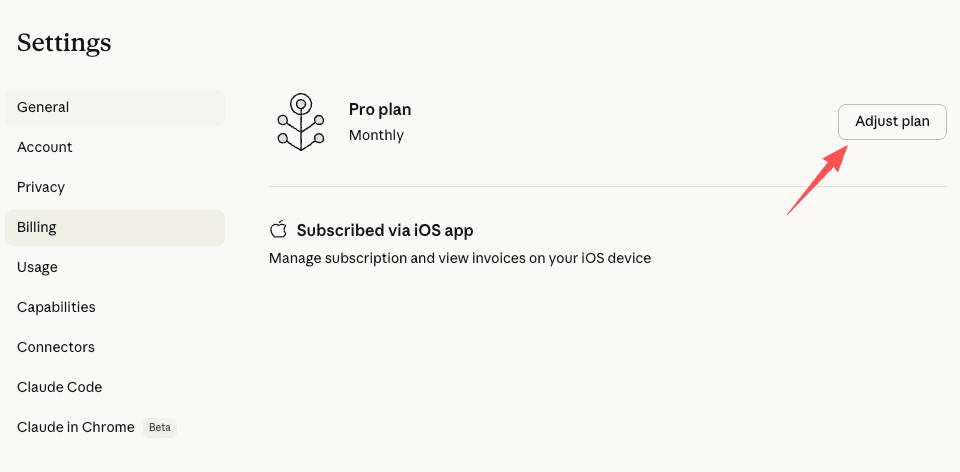
- Open Settings, then Billing.
- Find the cancellation control for the paid plan. Depending on the interface, this may appear as Cancel or within plan management.
- Complete the on-screen steps, including the final confirmation.
- Check that billing now shows cancellation or an end date rather than an upcoming renewal.
Keep the confirmation or a screenshot of the updated billing status. If nothing indicates a completed cancellation, do not assume it worked. Check that you are in the right Claude account or contact support through the official help channel.
Cancel an Apple-billed subscription
- On your iPhone or iPad, open Settings.
- Tap your name, then Subscriptions.
- Select the Claude subscription.
- Choose Cancel Subscription and complete any confirmation.
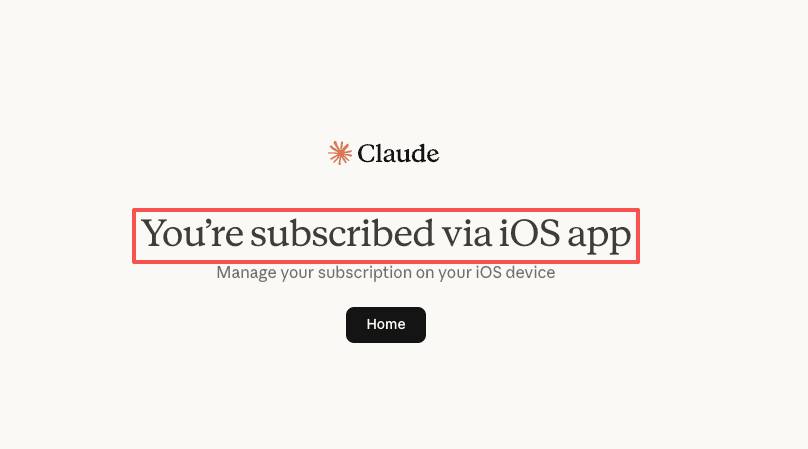
Apple says that if there is no Cancel button or an expiration message is shown, the subscription may already be canceled. Check the status and date. If you cannot find Claude, compare the Apple Account with the one on the receipt. See Apple's subscription cancellation guide for other devices and missing subscriptions.
You can also begin from Claude for iOS by opening your profile or initials, choosing Billing, then Manage subscription. An Apple-billed purchase is still managed through Apple.
Cancel a Google Play subscription
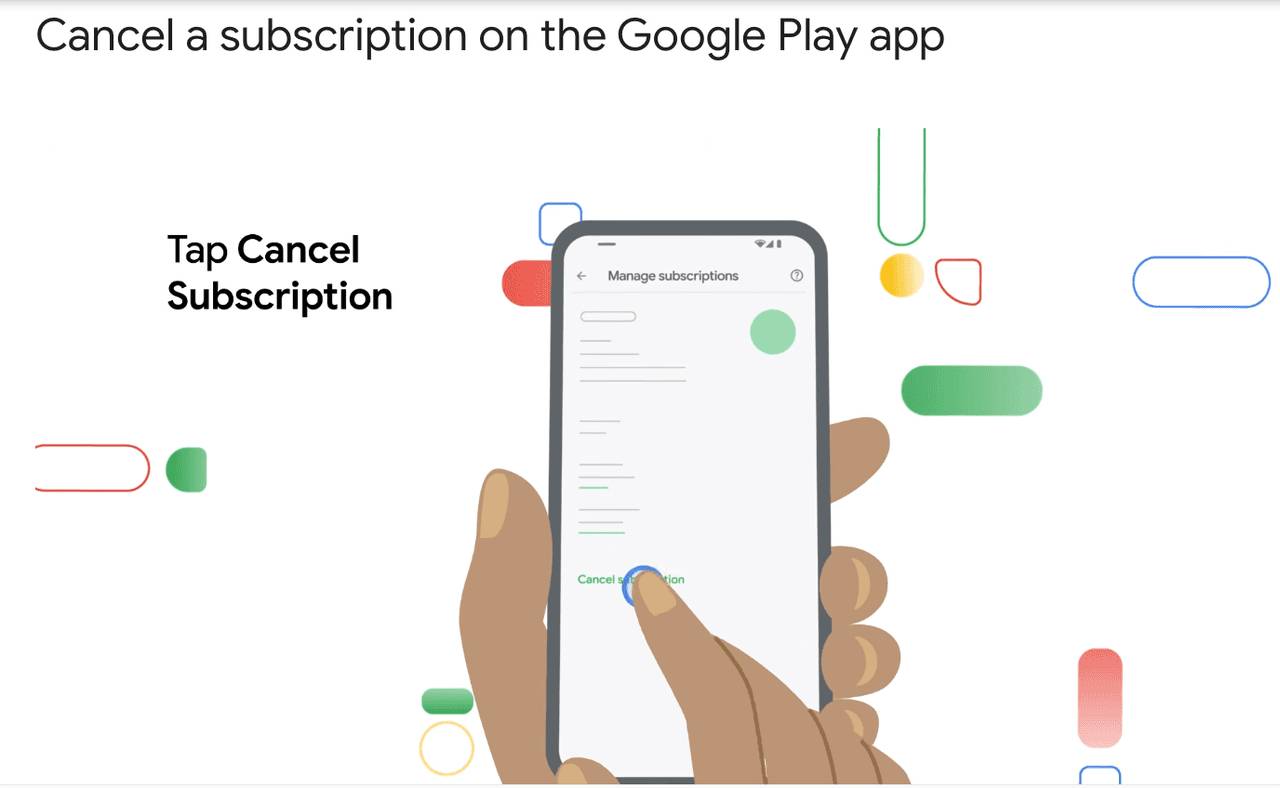
- Open Google Play with the account used for the purchase.
- Open the profile menu and choose Payments & subscriptions > Subscriptions.
- Select Claude, then Cancel subscription.
- Follow the prompts and verify the subscription's updated status.
If Claude is missing, check your other Google accounts and the purchase receipt. Google also provides a browser-based route in its subscription management instructions. You do not need to reinstall Claude just to cancel a Play subscription.
What happens after cancellation?
Normally, paid access continues until the end of the period already paid for, then the account returns to the free plan. Use the end date shown in billing rather than assuming it is the last day of the calendar month.
Canceling a subscription is separate from deleting the account. It does not itself request deletion of your conversations. However, paid features and usage limits change after the downgrade; keep copies of important work through the available export or download options.
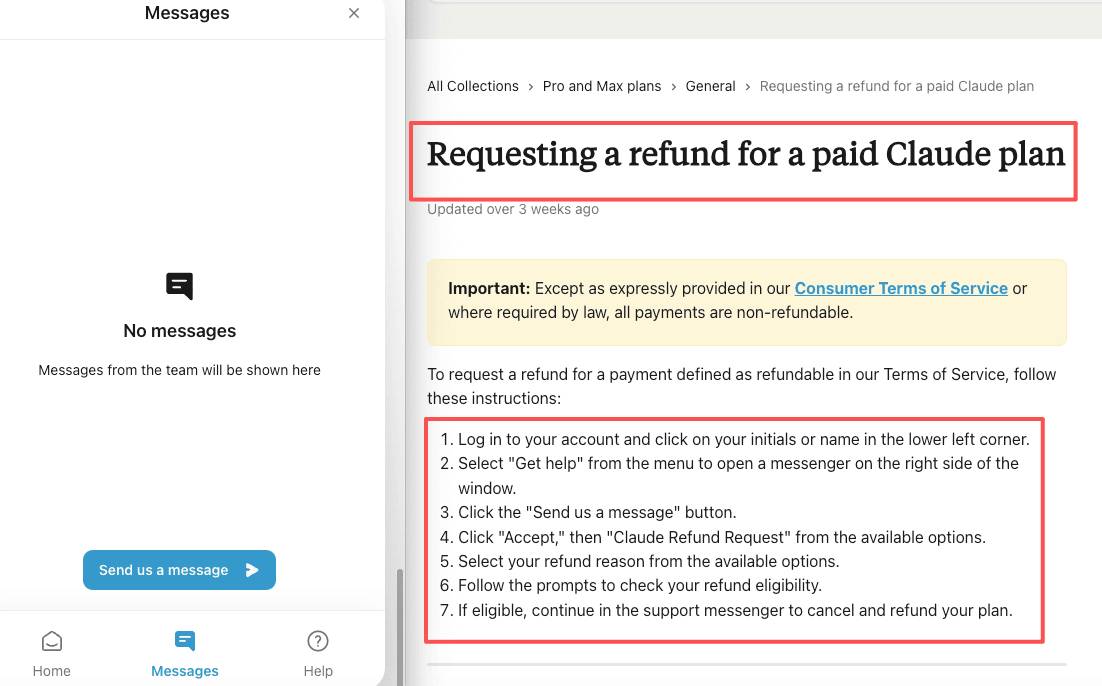
Cancellation is also separate from a refund. If you believe a charge is incorrect or want to check eligibility, follow Anthropic's refund request guidance for your billing platform. Do not assume that stopping renewal automatically returns the current period's payment.
If you are reducing your AI subscription costs
Compare the tasks you actually use with the limits of free plans. The Claude and Gemini free-plan comparison can help frame that choice. If you are switching between paid assistants, also review Claude Pro and ChatGPT Plus by use case, then check current prices and limits before subscribing.
Related Articles
 What Is the Claude Code: Clear Explanation7 minutes read
 Claude API: How to Get the Key and Use the API: Explained19 minutes read
 What Is Claude AI: Clear Explanation9 minutes read
 Why Do Developers Always Choose Claude Over Other AIs?11 minutes read
 What Is Claude Pro? How Does Claude Pro Compare to Chatgpt Plus?6 minutes read
 How to Unsubscribe from Family Sharing on iPhone3 minutes read
Reader Comments 0
Sign in with email or Google to join the discussion.