Table of Contents
Claude is Anthropic’s AI assistant and family of language models. In the Claude app, you can ask questions, draft and revise text, analyze supplied documents, and work through code or ideas in a conversation. Developers can also use the Claude API, while Claude Code is a separate coding workflow in the terminal. The right choice depends on the task and the features available to your account.
What can Claude help with?
- Writing and editing: Draft from a brief, revise tone, compare versions, or ask for a specific structure. Supply the intended audience and check the result.
- Documents and research: Upload or paste relevant material, ask for a summary or comparison, and trace important claims back to the original pages. A summary can omit qualifications.
- Programming: Explain code, suggest changes, and help reason through errors. Run tests and review any code before using it.
- Reusable work: Projects can provide context across related chats, while artifacts let you work with some generated documents, code, and interactive content. Availability and limits vary by account and product.
For a terminal focused coding workflow, see working effectively with Claude Code.
How does Claude work?
Claude uses a large language model to generate an answer from the current conversation and any material or tools made available to it. It predicts useful text based on training and context; it does not independently verify every statement. A long context window can let a model work with substantial input, but limits vary by model and plan, and important details may still be missed.
Anthropic describes its constitution as part of its approach to shaping Claude’s behavior. This is a training and guidance approach, not a guarantee that every reply is accurate, safe, or suitable for a particular decision. Verify facts, citations, calculations, and code against appropriate sources or tests. Be thoughtful about confidential material before uploading it.
Claude and ChatGPT: practical comparison
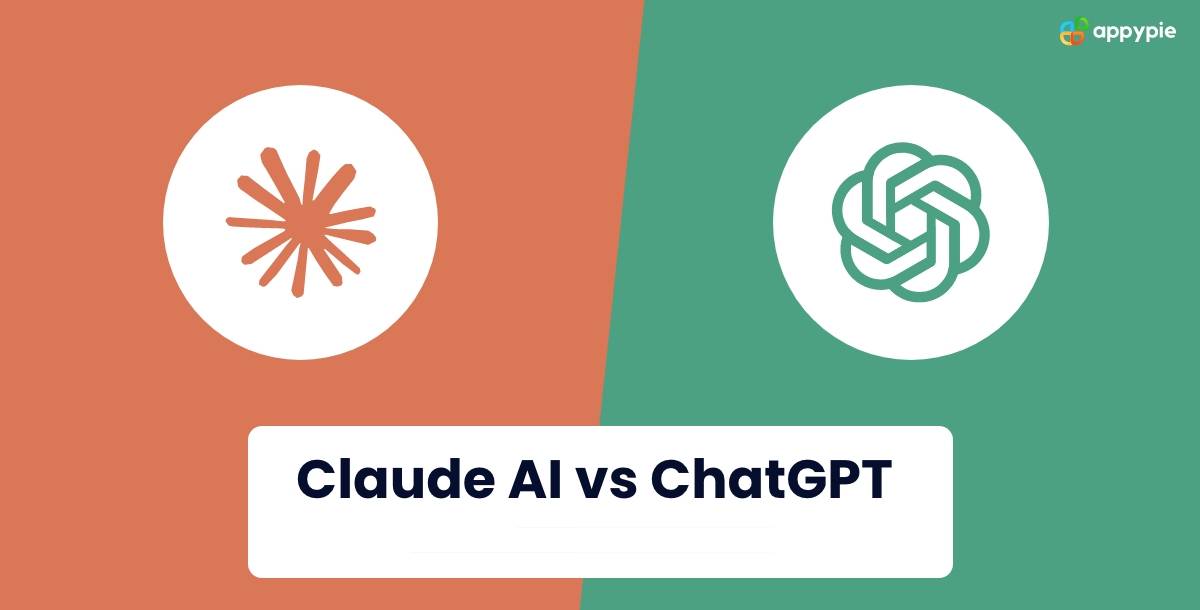
Both services can help with writing, analysis, and coding. The original comparison’s claims that one always has a larger context window or inherently better programming ability are too broad: capabilities and limits change with the model, plan, and enabled tools. Compare the workflow you actually need:
| Question | Claude | ChatGPT |
|---|---|---|
| Where will you use it? | Claude app, API, or Claude Code for terminal work | ChatGPT app and other OpenAI developer tools |
| Working with files | Can use supplied documents and project context, subject to account limits | Can analyze uploaded files and use projects, subject to account limits |
| Drafting and iteration | Conversation and artifacts for supported content | Conversation and Canvas for supported writing or code tasks |
| What should you test? | Accuracy on your own documents, coding workflow, and available tools | The same task, with the same inputs and review criteria |
See TipsMake’s Claude, ChatGPT, and Gemini comparison for a task based decision guide. Consult the products’ current feature pages for plan details: Claude and ChatGPT capabilities.
Start with a useful request
Give Claude a goal, the relevant source or constraints, and the output format. For example: “Summarize the attached policy in five bullets for new staff. Quote the section heading for each bullet and flag anything the document does not specify.” Then check the bullet points against the policy. This makes the response easier to use and easier to verify.
Related Articles
 What Is the Claude Code: Clear Explanation7 minutes read
 Claude API: How to Get the Key and Use the API: Explained19 minutes read
 Why Do Developers Always Choose Claude Over Other AIs?11 minutes read
 What Is Claude Pro? How Does Claude Pro Compare to Chatgpt Plus?6 minutes read
 Which Is More Suitable for You: Claude Pro or API?13 minutes read
 Tips for Using Project in Claude Effectively to Create a Personal AI Space8 minutes read
Reader Comments 0
Sign in with email or Google to join the discussion.