Table of Contents
Google Play Store is not installed on Windows as a normal standalone desktop app. To browse and install Android apps on a PC, you can run the Play Store inside an Android emulator such as BlueStacks. If you only want supported Android games, Google's official Google Play Games on PC app may be a simpler choice.
Before you install BlueStacks
Check that your PC meets the current requirements on the BlueStacks support page. An administrator account is required for installation, and enabling hardware virtualization can improve emulator performance.
Download emulators only from their official sites. If BlueStacks does not suit your computer, compare other Android emulators for PC before choosing an alternative.
Install BlueStacks on Windows
Step 1: Open the official BlueStacks download page and download the Windows installer. Avoid third-party download pages that may bundle an outdated or modified installer.
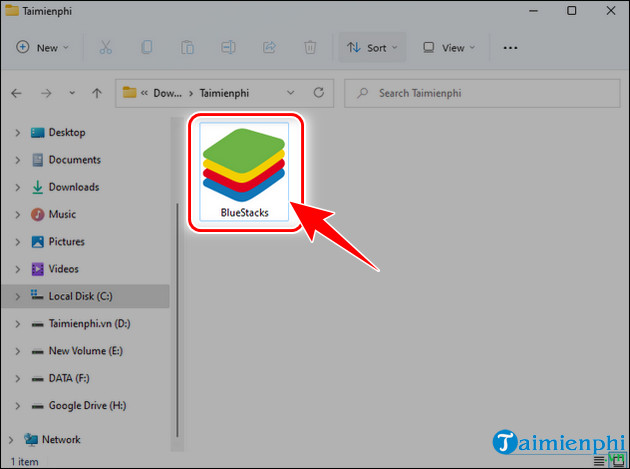
Step 2: Open the downloaded installer.
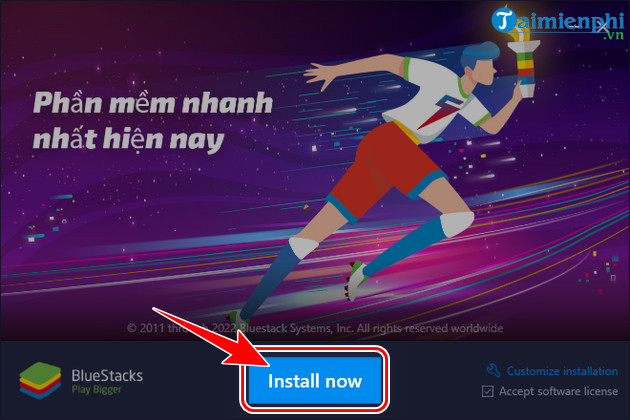
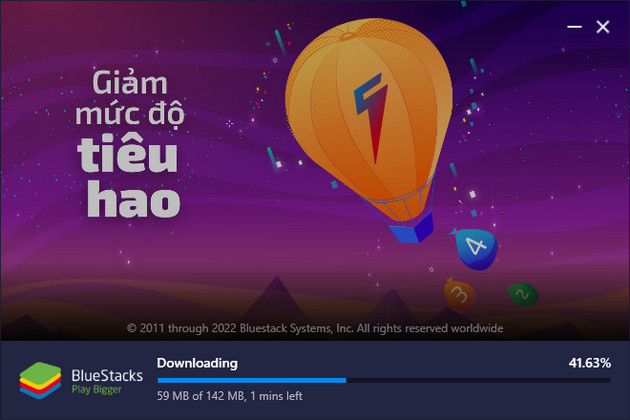
Step 3: Select Install now and allow the installer to complete.
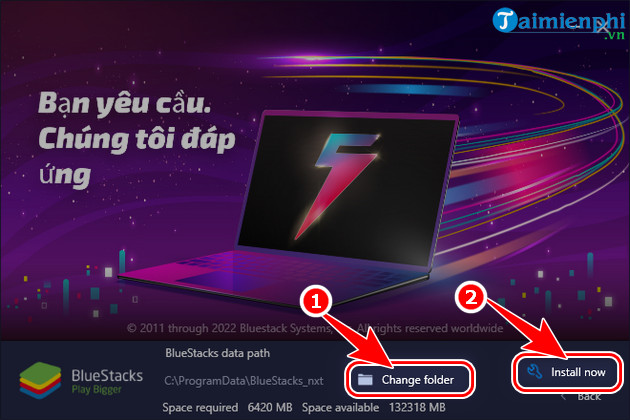
If the installer offers a custom installation option, use it when you need to place BlueStacks on a different drive. Confirm that the selected drive has enough free space for the emulator and the Android apps you plan to install.
The download and first-time setup can take several minutes. Do not close the installer while it is configuring the emulator.
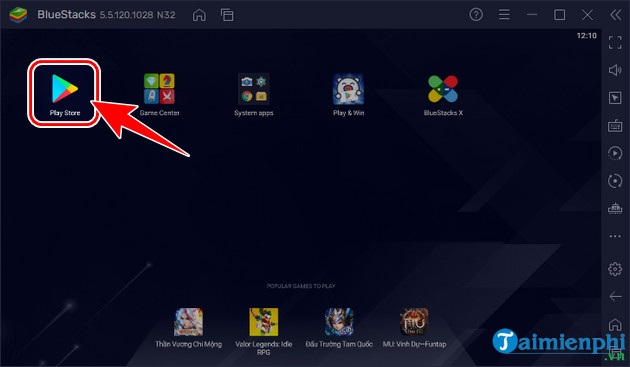
Open Google Play Store in BlueStacks
Step 4: Start BlueStacks and select Play Store on its home screen. The layout may differ from older screenshots if you are using a newer release.
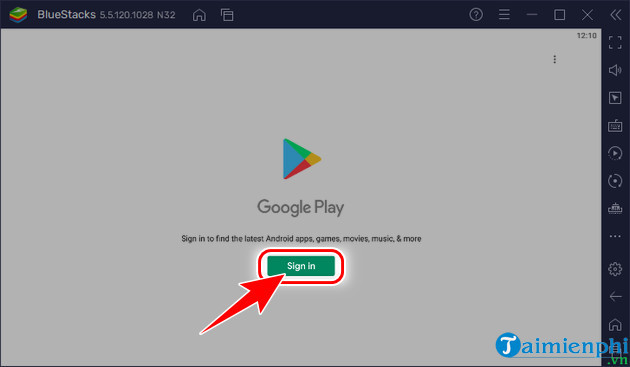
Step 5: Select Sign in and enter your Google Account details. If you do not have an account, use Google's normal account-creation flow; TipsMake also has a guide to creating a Google Account for Gmail.
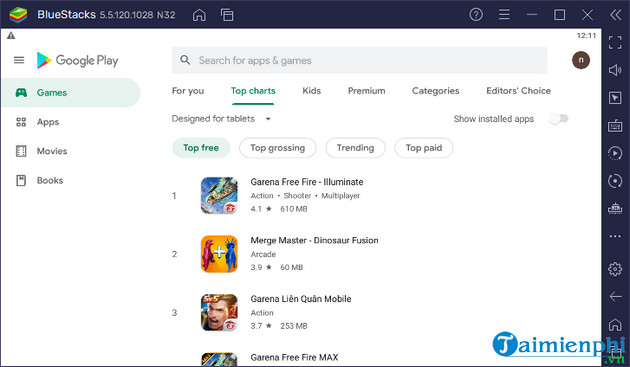
After signing in, search for an app, open its listing, and select Install. Apps run inside BlueStacks rather than directly in Windows. Some apps may be unavailable or may not work correctly in an emulator because they require particular hardware, permissions, or device certification.
Use Google Play Games on PC for supported games
For Android games, first check Google Play Games on PC. It is Google's official Windows application and does not provide the full catalog of general Android apps. Confirm that your computer meets Google's current requirements before downloading it.
Fix common setup problems
- BlueStacks will not start: Restart Windows, update graphics drivers, and check whether virtualization is enabled in the system firmware.
- Play Store sign-in loops: Confirm the PC's date, time, and internet connection, then restart BlueStacks and try again.
- An app is missing: The app may not support the emulator's Android version, architecture, or device profile.
- Performance is poor: Close memory-intensive programs and review the CPU, memory, and graphics settings assigned to the emulator.
Related Articles
 How to Download Apps from Google Play to Your Computer: Complete Guide8 minutes read
 How to Download CH Play and Install Google Play on the Phone7 minutes read
 How to Install Google Play Store on PC Without Using an Emulator9 minutes read
 Download Google Play 24.2.15-166 minutes read
 How to Download Applications on Google Play Store?8 minutes read
 How to Install the Application on Android Without Using Google Play8 minutes read
Reader Comments 0
Sign in with email or Google to join the discussion.