Table of Contents
To use Gmail on another device safely, open a private or guest browser window, go directly to Gmail, sign in, and avoid saving the password or turning on browser sync. When finished, sign out of Google and close every private window. If the device is untrusted, shared without supervision, or appears compromised, do not enter your account credentials at all.
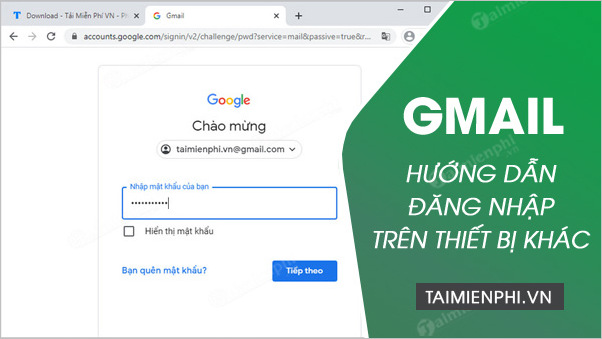
Private browsing helps, but it is not complete protection
A private, incognito, or guest window usually prevents the browser from keeping local history, cookies, and form data after every private window is closed. It does not protect you from malware, keyloggers, screen recording, network monitoring, downloaded files, or an owner who controls the device.
Use a device you trust whenever possible. On a public computer, prefer a short session for low-risk tasks and avoid opening sensitive attachments, changing security settings, or accessing confidential work mail.
Before signing in
- Confirm the browser is current and the address bar shows the real Google or Gmail domain.
- Do not follow a login link from an unexpected email, message, advertisement, or QR code.
- Open a private or guest window before entering the email address.
- Make sure no browser extension or screen-sharing software is visibly active without your approval.
- Have your own two-step-verification method available; never send a verification code to another person.
Google recommends signing out before leaving a computer that is not yours. See its official Gmail sign-in guidance.
How to sign in on another computer
1. Open a guest or private browser window
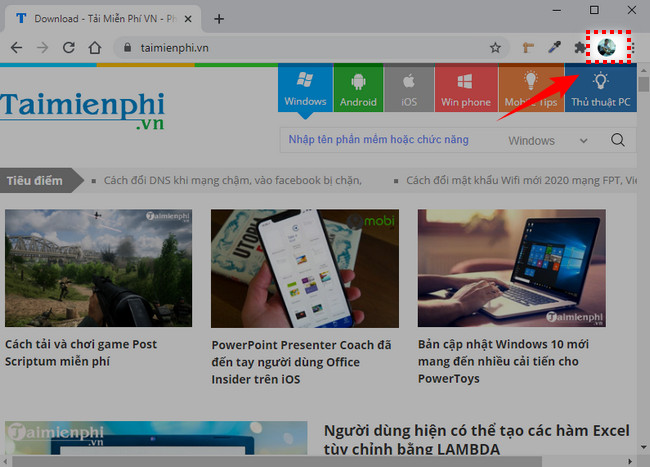
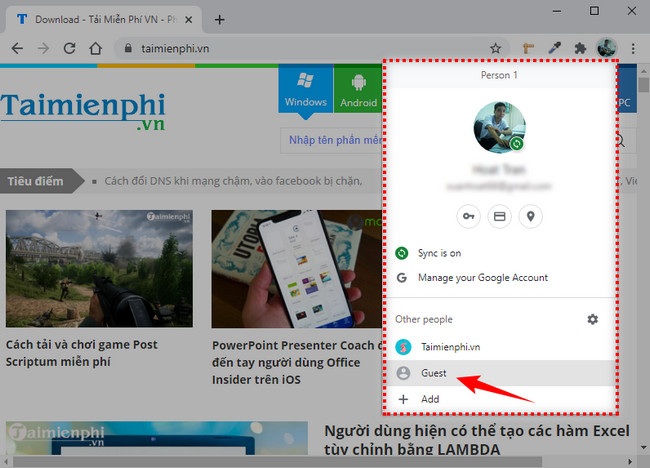
In Chrome, open the browser menu and choose New Incognito window, or select the browser profile control and use Guest mode if it is available. Other browsers use names such as Private Window or InPrivate.
2. Go directly to Gmail
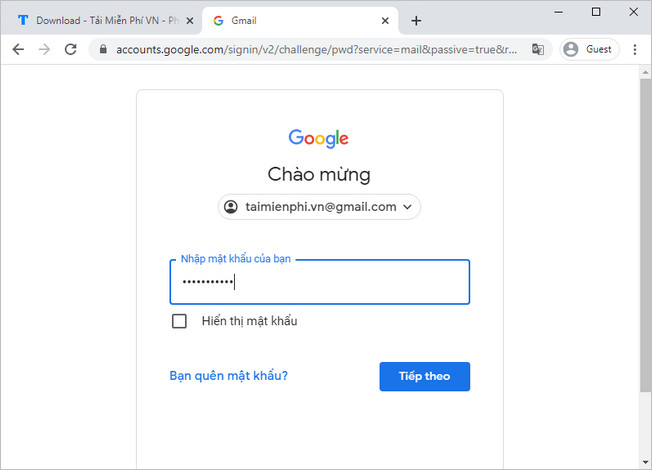
Type the Gmail address into the address bar yourself. Check the domain before entering your email address or password. A convincing page design is not proof that a sign-in page is genuine.
3. Complete Google's sign-in process
Enter the account email address and password only on the verified Google sign-in page. Complete two-step verification using your own phone, authenticator, or security method. Decline any prompt to save the password, remember the device, create a browser profile, or enable synchronization.
4. Use Gmail without leaving local copies
Read and reply to messages as needed, but avoid downloading attachments. If you must download a file, locate and delete the local copy before leaving, then empty the device's trash only if you are authorized to do so. Remember that the file may still be recoverable or recorded by device-management software.
5. Sign out and close the entire private session
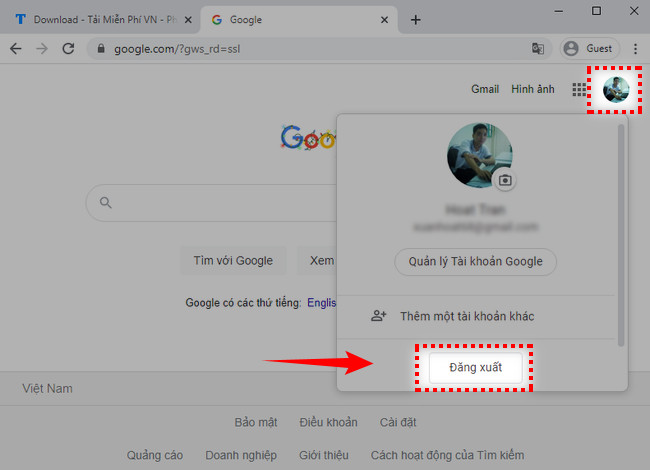
- Select the Google profile picture or initial in the upper-right corner.
- Choose Sign out or Sign out of all accounts.
- Close every private or guest window, not only the Gmail tab.
- Reopen the browser normally and confirm that Gmail does not reopen your mailbox.
How to use Gmail on another phone or tablet
For a short session on a borrowed phone, a private browser window is generally easier to clean up than adding your Google Account to the Gmail app or the device's system accounts.
- Open the phone's browser.
- Open a new private or incognito tab.
- Type the Gmail address directly and sign in.
- Decline saved-password and sync prompts.
- When finished, sign out and close all private tabs.
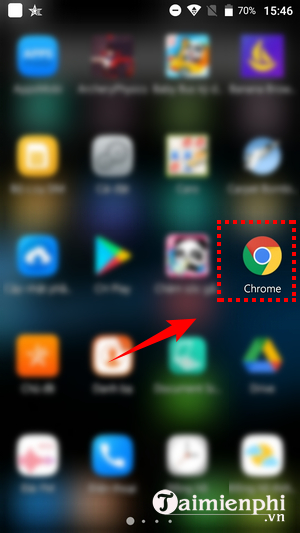
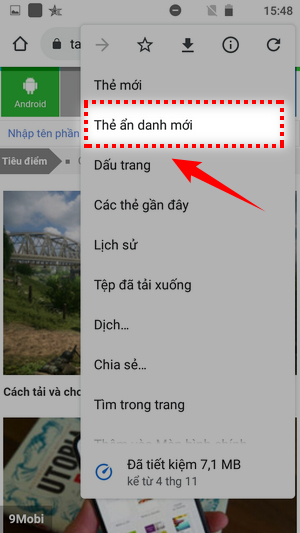
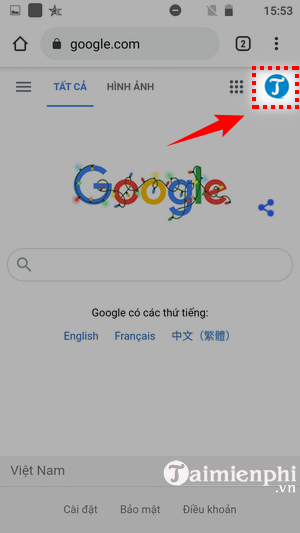
Adding an account to the Gmail app can also connect it to other Google apps or system services on that phone. If you need long-term access on your own new device, adding the account is reasonable; on someone else's phone, use the browser unless you fully understand how to remove the account and synced data afterward.
Do not sign in when the device looks unsafe
Stop before entering any credentials if you notice unexpected remote-control software, browser security warnings, a certificate error, unfamiliar sign-in domains, forced extension installation, or prompts asking you to disable protection. Use your own phone instead, or wait until you have access to a trusted device.
What to do if the browser saved your password
First sign out of Gmail. Then remove the saved Google credential from that browser's password settings if you have permission to manage the device. Because the device owner may already have access to the saved entry, change the Google Account password from your own trusted device if exposure is possible.
A password manager can reduce the temptation to save credentials in an unfamiliar browser. See this comparison of password management software.
What to do if you forgot to sign out
- On your trusted device, open your Google Account.
- Go to Security & sign-in.
- Under Your devices, select Manage all devices.
- Open the borrowed device or its related session and choose Sign out.
- Review recent security activity and connected apps.
For the complete remote-session procedure, follow how to log out of Gmail locally or remotely.
After using a shared device
- Check the Google Account device list for the session you just used.
- Review sent mail, forwarding settings, filters, and recovery information if anything felt unusual.
- Change the password if it was saved, observed, or entered into a suspicious page.
- Keep two-step verification enabled and retain backup access methods.
- Do not assume closing one browser tab ended every Google session.
The safest solution is always to use your own trusted device. When borrowing is unavoidable, a direct Gmail URL, private browser session, careful sign-out, and later device review greatly reduce the amount of account data left behind.
Related Articles
 How to Log Out of Gmail Account5 minutes read
 Exit Gmail, Log Out of Your Gmail Account, Logout Gmail Remotely4 minutes read
 Insert Photos from Your Phone into Gmail Via 'Cloud'2 minutes read
 Become a Player Using Gmail with the Following 5 Tips6 minutes read
 Google Is Fixing Data Synchronization Errors on Gmail3 minutes read
 14 Useful Tools for Gmail Should Not Be Ignored - P1: Gmail Tips8 minutes read
Reader Comments 0
Sign in with email or Google to join the discussion.