Table of Contents
An online typing test measures how quickly and accurately you reproduce text. Most sites report words per minute (WPM), accuracy, and errors. To get a meaningful baseline, use the same language, test length, keyboard, and correction rules for every attempt.

Take a quick typing test
1. Choose a test and language
Open a reputable browser-based test such as Typingtop's typing test. Select the language and keyboard layout you normally use. Typing unfamiliar words can lower the result even when your physical typing skill is unchanged.
2. Start typing
Click the input area and enter each word or character exactly as shown. The timer normally begins with your first keystroke. Keep your eyes on the screen and correct mistakes only as the test allows.
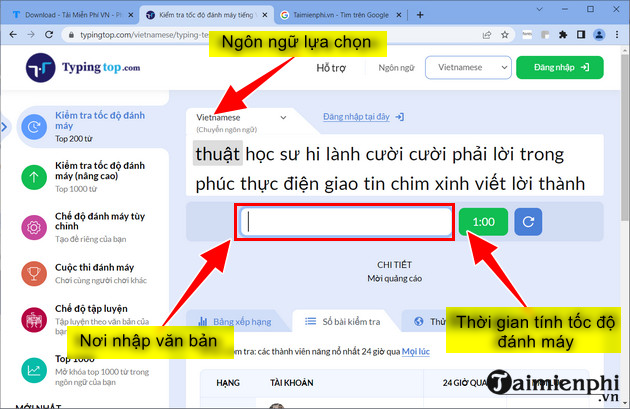
3. Review the result
When the timer ends, record WPM and accuracy. Sharing the score is optional; a private note or spreadsheet is enough for tracking progress.
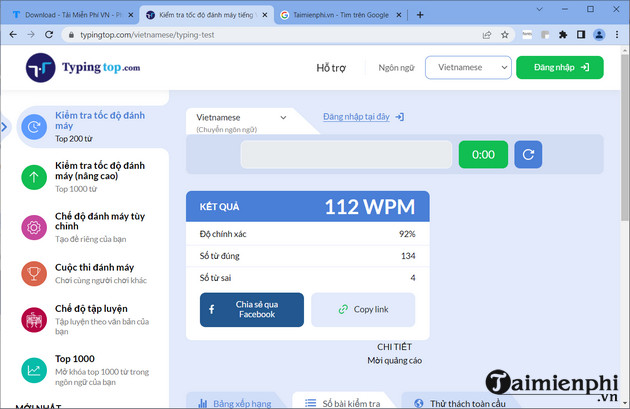
Take two or three attempts after a short warm-up and use the middle score. A single unusually easy or difficult passage should not define your ability.
Use Typingtop's additional modes
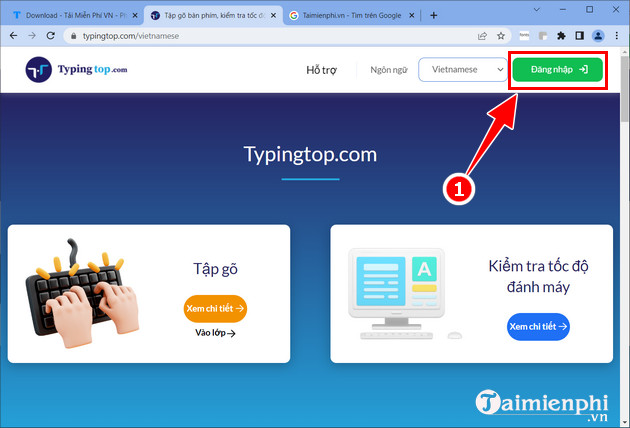
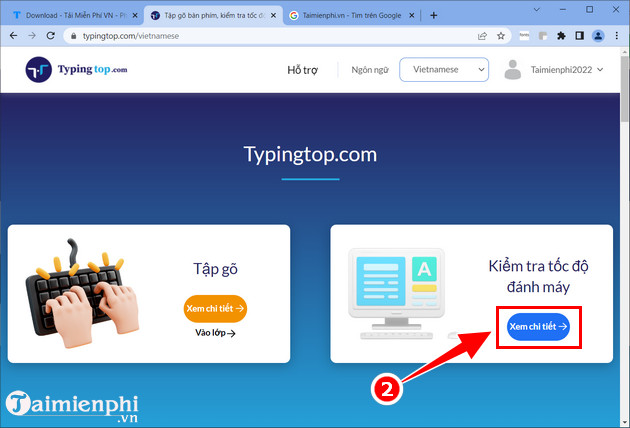
You can take a basic test without an account. Signing in is useful when you want saved history, custom practice, goals, or classroom features. Review the site's current privacy terms before creating a profile.
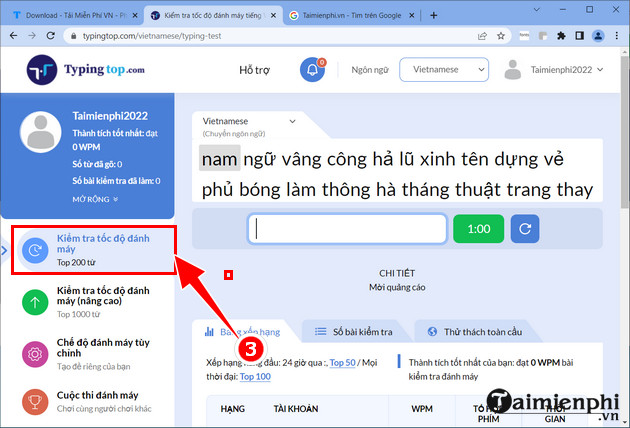
Typing speed test
The standard mode uses a common-word list and a short timer. It is useful for a quick baseline but does not fully represent paragraph typing with punctuation.
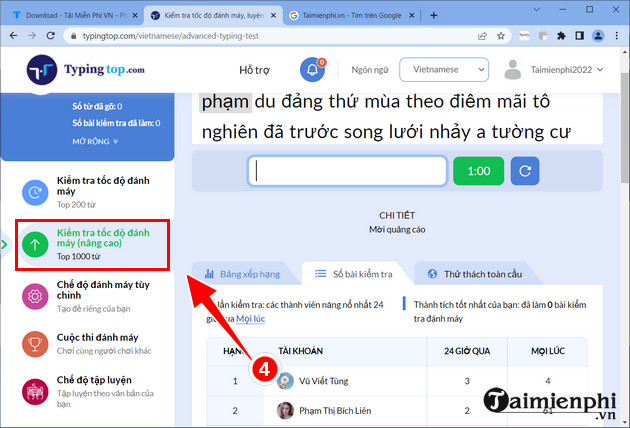
Advanced word test
An advanced mode expands the word pool and is less repetitive. It is useful after you are comfortable with the standard list, although its score should be tracked separately.
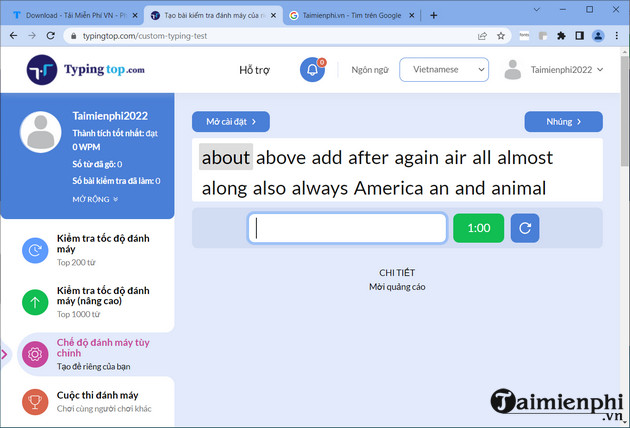
Custom mode
Custom settings let you change the duration or word count. Save the exact configuration if you want to compare results over time.
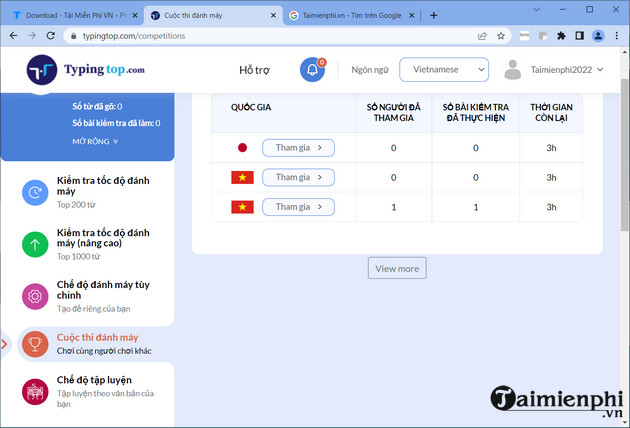
Competition mode
Typing races compare your progress with other players. Use them for motivation, not as a formal assessment: competition can encourage rushed input and lower accuracy.
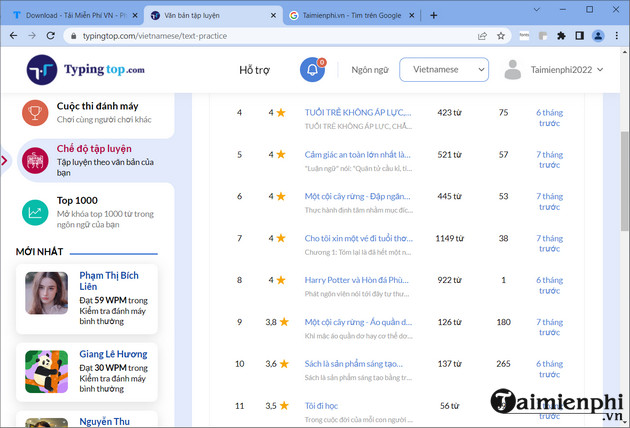
Text practice
Practice mode lets you work with passages and, in some versions, your own text. Use material similar to emails, reports, essays, or code you actually type.
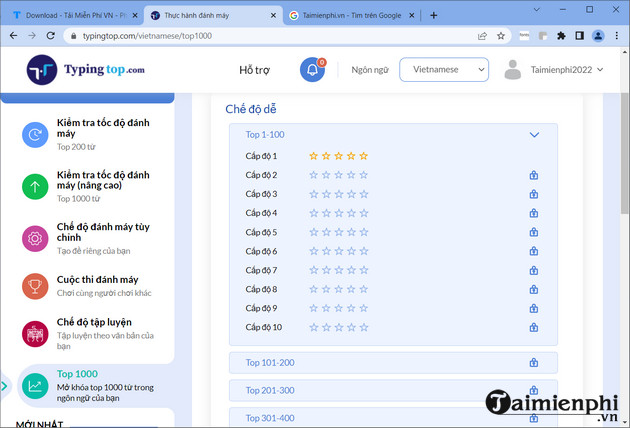
Frequent-word practice
A larger frequent-word list provides more variety than the basic test. Repeat the words you miss rather than racing through the list once.
Understand the result
- WPM: an estimate of words typed per minute. Many tests treat five characters, including spaces, as one standard word.
- Raw WPM: speed before an error penalty.
- Accuracy: the proportion entered correctly; exact formulas vary by site.
- CPM: characters typed per minute.
Because test formulas and word lists vary, do not compare a result from one website directly with a score from another. Punctuation, numbers, capitalization, and passage length also affect difficulty.
How to improve after the test
- Identify the two or three keys or combinations you missed most.
- Practice them slowly for 5–10 minutes using the correct fingers.
- Type a realistic paragraph and check whether the same errors recur.
- Retest after several days under the original settings.
TipsMake's comparison of online typing tests helps you choose an alternative. For technique, use the home-row touch-typing guide and these typing-speed improvement tips. If your keyboard delays or misses input, resolve that with Windows keyboard troubleshooting before relying on a score.
Related Articles
 How to Check Typing Speed, Typing 10 Fingers7 minutes read
 The Most Accurate Way to Check Your Typing Speed20 minutes read
 6 Websites to Help You Check Your Typing Speed Online8 minutes read
 Check the Typing Speed, Typing Speed3 minutes read
 Check Your Typing Speed3 minutes read
 Test Your Typing Speed, Practice 10-Finger Typing Easily6 minutes read
Reader Comments 0
Sign in with email or Google to join the discussion.