Table of Contents
A typing test measures how quickly and accurately you can reproduce text. Most results are shown as words per minute (WPM), often alongside accuracy, error count, and characters per minute (CPM). For a useful baseline, take several tests with the same duration, language, and device rather than relying on a single score.
How to take a reliable typing-speed test
- Choose a test in the language and keyboard layout you normally use.
- Use your usual keyboard and sit in a comfortable, repeatable position.
- Take a short warm-up, then complete a timed test without restarting after mistakes.
- Record WPM and accuracy. Repeat the test two or three times and use the middle result.
- Retest under similar conditions after a week or two of practice.
One-minute tests are convenient, but longer passages reduce the effect of a lucky run and better reflect sustained typing. Different websites may calculate errors differently, so compare scores from the same tool when tracking progress.
Online tools you can use
Typingtop
Typingtop combines timed tests with structured typing lessons. Select the appropriate language, open the speed test, and type the displayed text until the timer ends.
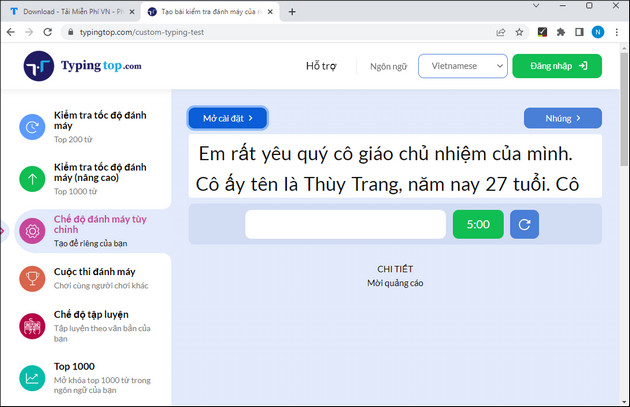
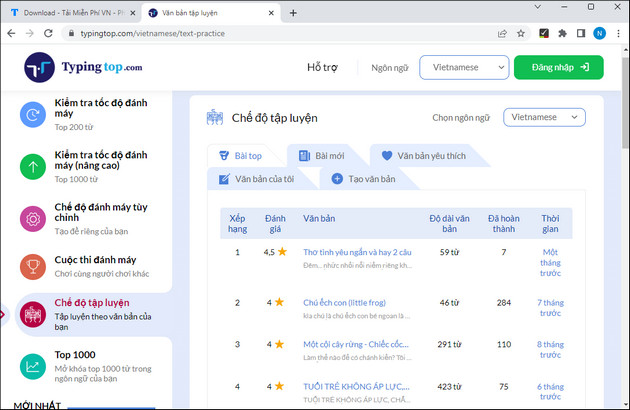
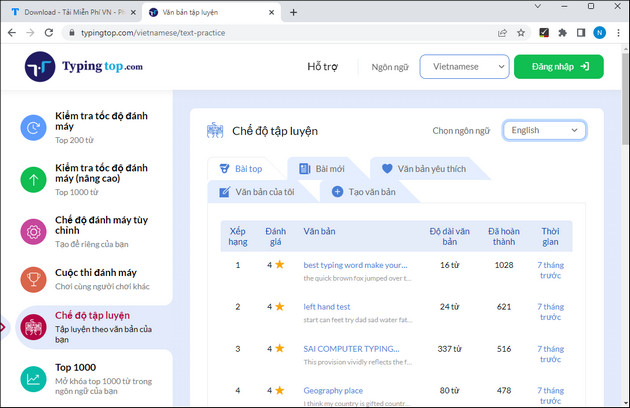
The service includes exercises in several languages. If you switch languages, remember that unfamiliar words and punctuation can lower your score even when your physical typing skill has not changed.
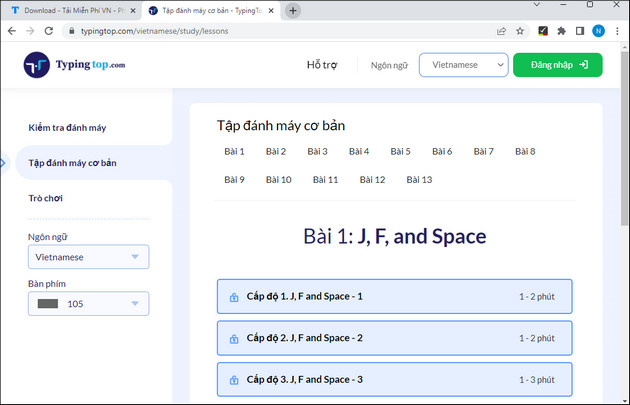
If the result shows weak accuracy, return to the beginner lessons and practice the keys responsible for repeated mistakes.
Tapdanhmay
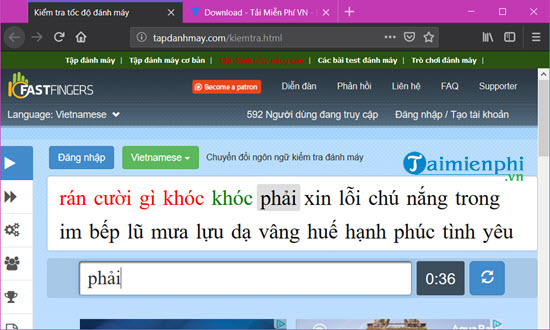
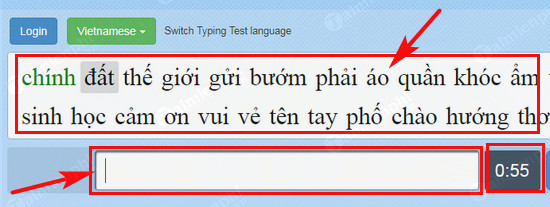
Tapdanhmay presents a timed passage and marks correct and incorrect input with different colors. Start the test, type the text exactly as shown, and avoid watching the live ranking if it distracts you.
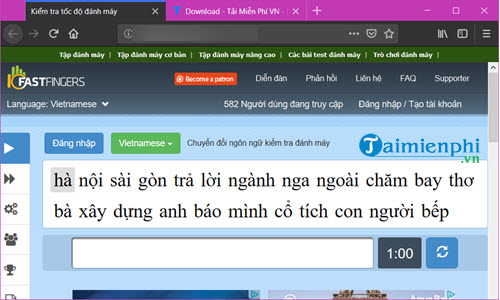
Use the colored feedback to identify errors rather than merely trying to type faster.
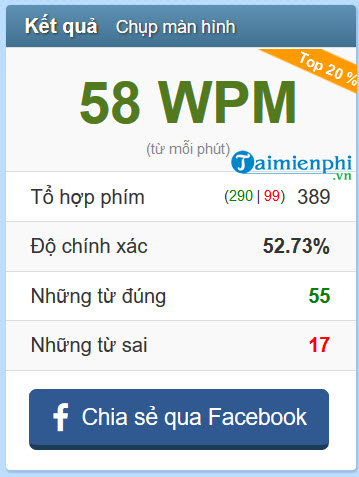
At the end of the timer, review the reported speed and mistakes. Rankings can be entertaining, but your own accuracy trend is a more practical measure of progress.
10FastFingers
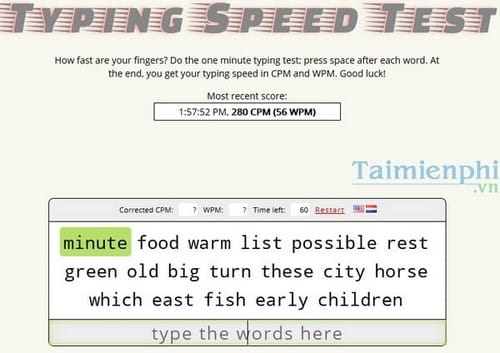
10FastFingers offers a one-minute test and lets you choose from many languages. Select the language you actually type in, then enter each displayed word in order.
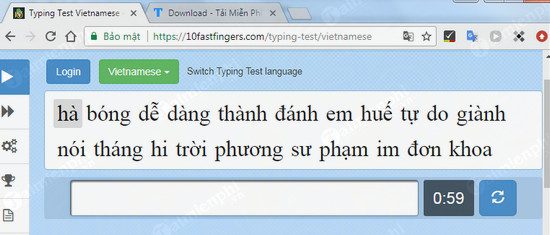
Type in the input area until the timer finishes. The result page reports WPM and related performance data.
Other test interfaces
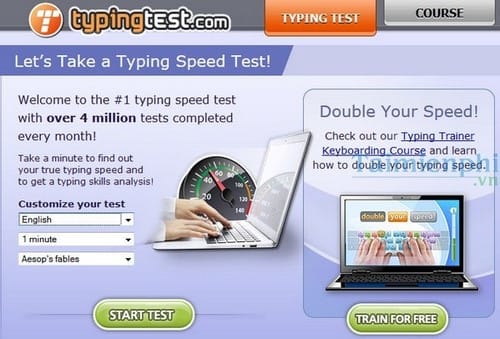
TypingTest and similar services let you choose a passage or duration before starting. Prefer a test that reports both speed and accuracy and clearly explains how errors affect the score.
Some older services, such as Learn 2 Type, emphasize characters per minute and incorrect characters. If a site no longer loads correctly or asks you to install unfamiliar software, choose a browser-based alternative instead.
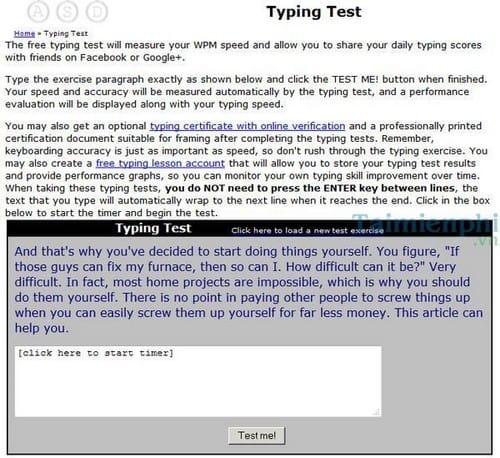
Other simple speed-test pages may provide only a text box, timer, and share button. Sharing is optional; you can record the result privately in a note or spreadsheet.
Understand WPM, CPM, and accuracy
- WPM: an estimate of words typed per minute. Because services may define a “word” differently, scores are not always directly comparable across sites.
- CPM: the number of characters entered per minute.
- Accuracy: the percentage of input entered correctly, although the exact error rules vary by test.
There is no universal WPM band that classifies every person as slow, average, or professional. The speed you need depends on the task, language, text difficulty, and required accuracy. Set a personal baseline and aim for fewer errors before pushing for a higher WPM score.
Turn test results into better typing
Practice for 10–15 minutes at a time, concentrating on correct finger placement and the letter combinations you miss most. Keep your eyes on the screen, return your fingers to the home row, and slow down when accuracy falls. For structured practice, see TipsMake's guides to Mario Teaches Typing and Tux Typing. If keyboard input itself feels delayed, troubleshoot the problem before judging your speed with these keyboard-delay checks for Windows.
Related Articles
 The Most Accurate Way to Check Your Typing Speed20 minutes read
 Tux Typing - Free Typing Practice Tool for Kids: Main Insights6 minutes read
 How to Check Typing Speed, Typing 10 Fingers7 minutes read
 How to Practice 10-Finger Typing Online6 minutes read
 Practice Typing 10 Fingers to Speed up Typing: Office Computing4 minutes read
 Practice Typing with 10 Fingers, Effective 10-Finger Typing Practice Software5 minutes read
Reader Comments 0
Sign in with email or Google to join the discussion.