Table of Contents
Explore the most Accurate Way to check your Typing Speed, including key concepts, practical steps, useful tips, and common questions.
What constitutes a fast typing speed?
The typing test results will be calculated as follows:
- CPM: Characters per minute, which is the number of characters you type in one minute.
- WPM: Words per minute refers to the number of words you type in one minute.
Standard typing speeds are categorized into the following levels:
- Low typing speed: Below 60 WPM
- Average typing speed: 60 to 100 WPM
- High typing speed: From 100 WPM to 140 WPM.
- Professional typing speed: Above 140 WPM.
If after testing you only achieve a speed below 60 WPM, try using browser-based typing speed training services to practice more, and don't forget to practice typing with Mario Teaches Typing to make the typing speed improvement process less boring.
2. Test your typing speed with 10fastfingers
Typing skills, or the ability to type fluently, have become an important criterion for office workers today. In fact, in today's knowledge-based economy, it's not just about knowing how to type, but also about learning how to type quickly.
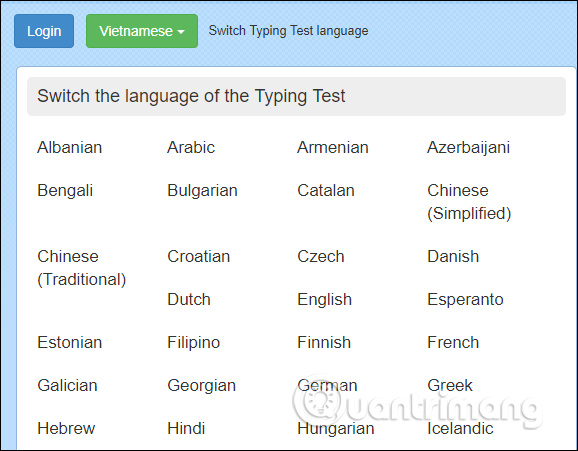
10fastfingers is a typing speed test service that supports many languages, including Vietnamese. The service provides a list of languages for users to choose from. The great thing about 10fastfingers, from an educational perspective, is that when students learn to type quickly, they can practice the most common words in a language and enrich their vocabulary.
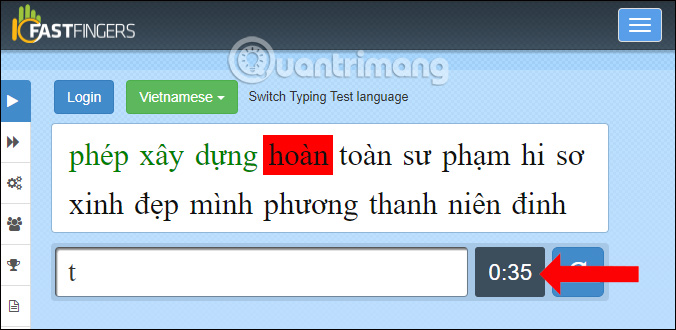
Users will have two typing tests: entering a 200-word or 1000-word paragraph, both within one minute, using randomly arranged words. To see your typing speed, you need to accurately enter all the test words that appear in the box above. Correctly spelled words will be highlighted in green, while incorrect words will be highlighted in red.
After the typing time is up, you will see the results below. You can also share these results on Facebook if you wish.
Additionally, 10fastfingers also offers a multiplayer typing test where you compete against other opponents online and in real time. To begin, click Multiplayer typing test in the left sidebar, provide your username, and press Enter. In the window that appears, you can see the number of people currently on the server, and as you start typing, you will see your progress compared to theirs. You can also change opponents by clicking the Change game button, and you will be playing against a different group of people.
Another interesting feature in 10fastfingers is the ability to create your own typing test. To do so, click Custom Typing test in the left sidebar, then click Open settings. Next, edit the word list: You can delete/add your own words and customize the test duration (choose from 1 minute to 10 minutes) and when you're finished, click Apply Settings. Now you have your own typing test to share with others. Use the embed code to put your newly created test on your blog or website.
3. Test your typing speed with TypingTest. com
TypingTest. com is a website dedicated to improving your typing skills. There are many ways you can use the website to practice and get a fairly accurate picture of your overall typing ability.
You can choose between traditional typing tests or explore the various games that the developer, Typing Master, Inc., has included. The biggest advantage is that you don't need to register an account or log into the system to take the test.
At any level, the website offers a full range of activities and features that can be useful to you. Everything on TypingTest. com is free to use, except for the "Typing for Recruiters" section.
You can take many different tests without creating an account. Just choose what you want to do and start typing. Since the website seems to focus on advertising to generate revenue, this is probably how the developers can keep things free. With enough traffic, advertising revenue could easily cover the costs of developing this typing speed test website.
TypingTest. com has a long list of free courses you can take right now to help develop those skills. Everything from touch typing to a 10-key numeric keypad is available on the site. These lessons come with activities, videos, and reports to show you how you're progressing. And, TypingTest. com does all of this in a pretty pleasant interface.
TypingTest supports typing test languages such as English, French, Dutch, etc., but does not support Vietnamese. Users can choose the time duration for testing their typing speed, unlike 10fastfingers which is fixed at 1 minute.
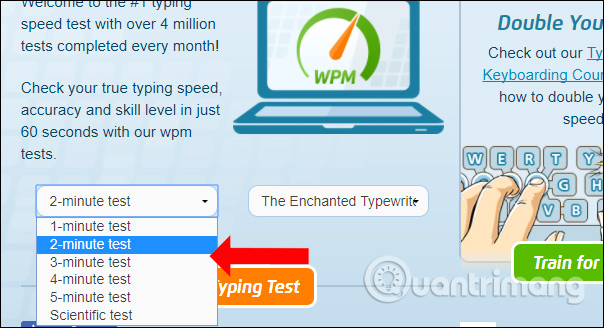
Your task is to accurately enter the words that appear in the test passage. Please note that when entering the test content, you need to disable Vietnamese input mode on any Vietnamese input methods installed on your computer.
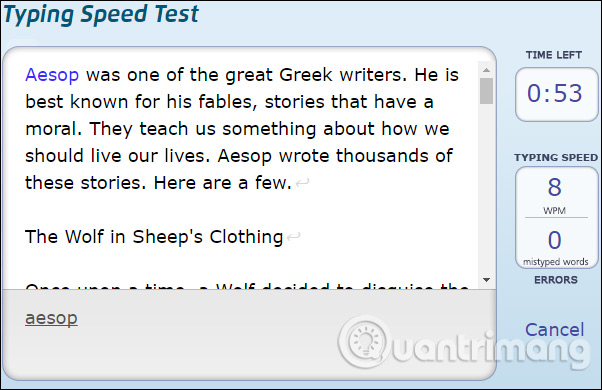
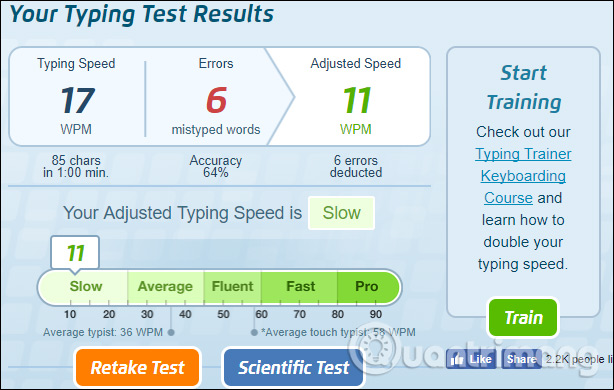
At the end of the test period, users will also receive their typing speed results along with a detailed table.
4. Typing Speed Test Tool
The Typing Speed Test offers a limited number of language options for typing practice, primarily suitable for English or Dutch learners. The Typing Speed Test interface is very simple, with few choices.
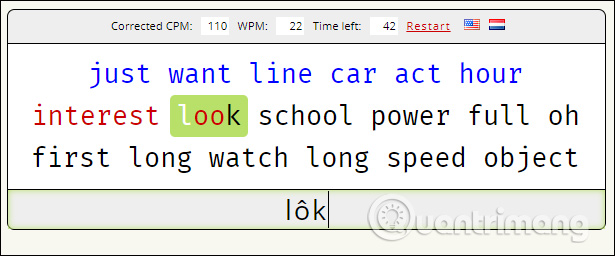
Users will have a maximum of 1 minute to complete their 10-finger typing test. Correctly typed words will be highlighted in green, while incorrectly typed words will be highlighted in red in the sample text.
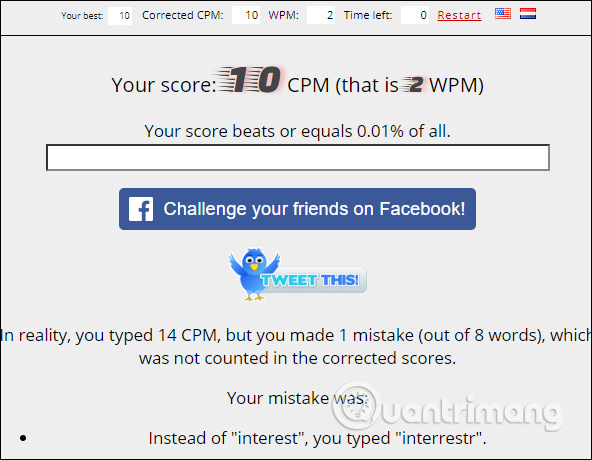
Finally, users will receive the results of their typing speed test. They can share the results on Facebook or Twitter if they wish.
5. Test your typing speed on Learn 2 Type
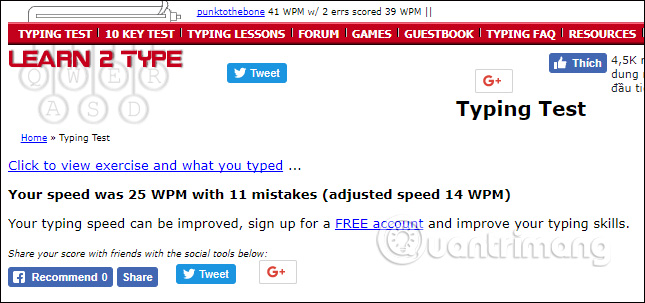
Learn 2 Type is also a typing speed test service, with support for testing in English. The service doesn't have a fixed time limit for users to complete the test, but it will determine how many words you can accurately type per minute based on the total input.
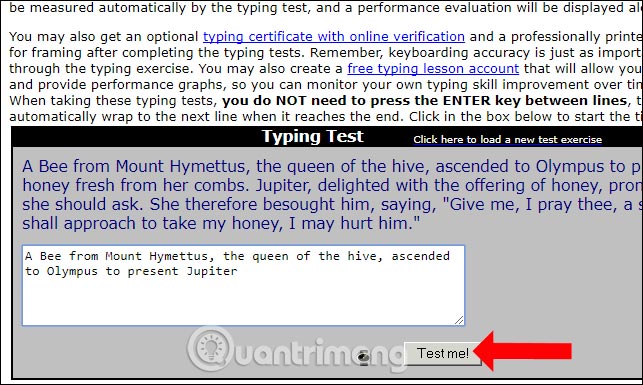
When you click on "Test me," you will see the test results along with the number of words you typed incorrectly. You can share your computer-generated results with your friends on Facebook if you wish.
6. Typeracer tests typing speed
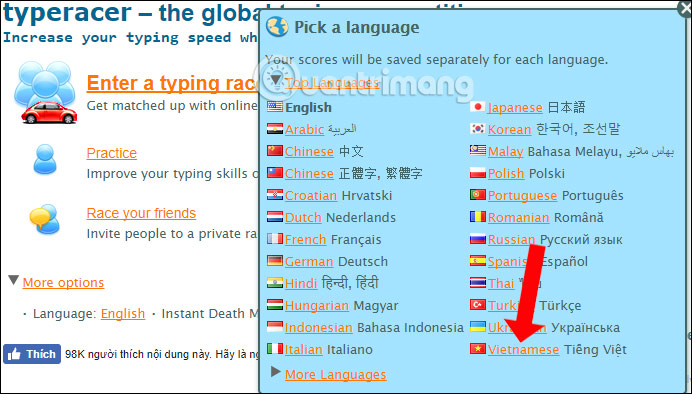
Typeracer is a long-standing service for testing typing speed and using ten fingers, and it now supports the Vietnamese language. The service offers typing speed tests and exercises for practicing ten-finger typing.
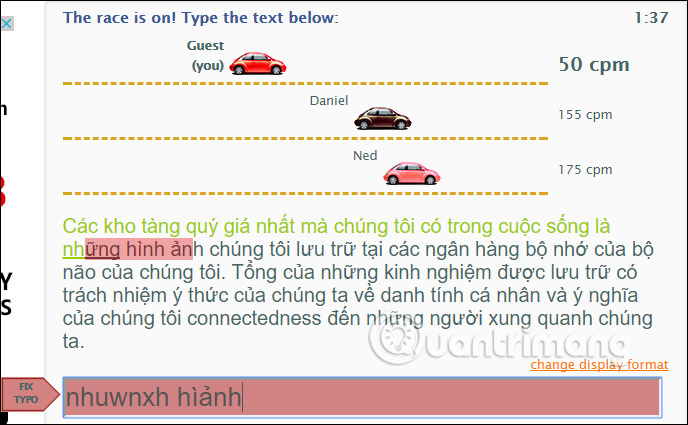
Specifically, Typeracer also includes a typing competition mode where users can compete with others. Incorrectly typed words are marked in red, while correct words are marked in green. Your task is to type the entire test content without a time limit.
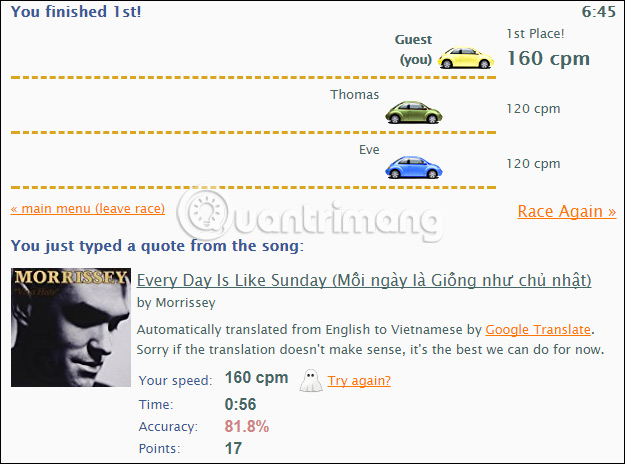
The results table will show your typing speed, the time taken to complete the test, your score, and your average typing speed. Typeracer offers a fun typing speed test through a competition with other players.
7. Test your typing speed with Speed Typing Online
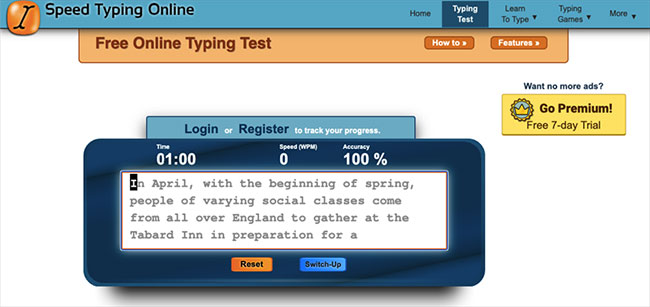
Speed Typing Online is another tool that helps test typing speed. Some typical features of this tool include:
- Check your typing speed and accuracy with metrics that are updated and displayed every second as you type.
- Reports can be personalized with your name, and results can be easily saved and shared using the link generated at the end of each test.
- Current text input options include random common English words, random simple words, books, book summaries, short stories, fables, children's words, random interesting and funny facts, random wise sayings, and even the ability to input anything you want with the text customization option.
- Custom text can be easily saved and shared using a custom URL generated when the new custom text is loaded.
- Supports Dvorak, Colemak, AZERTY, QWERTZ, and Numpad.
- Two different input modes keep the experience fresh and help develop typing skills at different speeds.
- Speed Typing Online offers 6 different test round times: 30-second, 1-minute, 2-minute, 3-minute, 5-minute, and 10-minute typing tests.
Here's how to use Speed Typing Online:
- Start the test: Click the text box with the orange border; the timer starts as soon as you begin typing! Click Reset or press Shift + Return to restart the typing test.
- Customize the text: Click the Text to Type drop-down menu located just below the type check input box.
- Share your results: Click the Link to Results or Email Results link on the test results panel to share your results.
- Change modes: Click the Switch-Up button to toggle between multi-line and scrolling input modes.
8. Test your typing speed with TheTypingCat Typing Speed Test
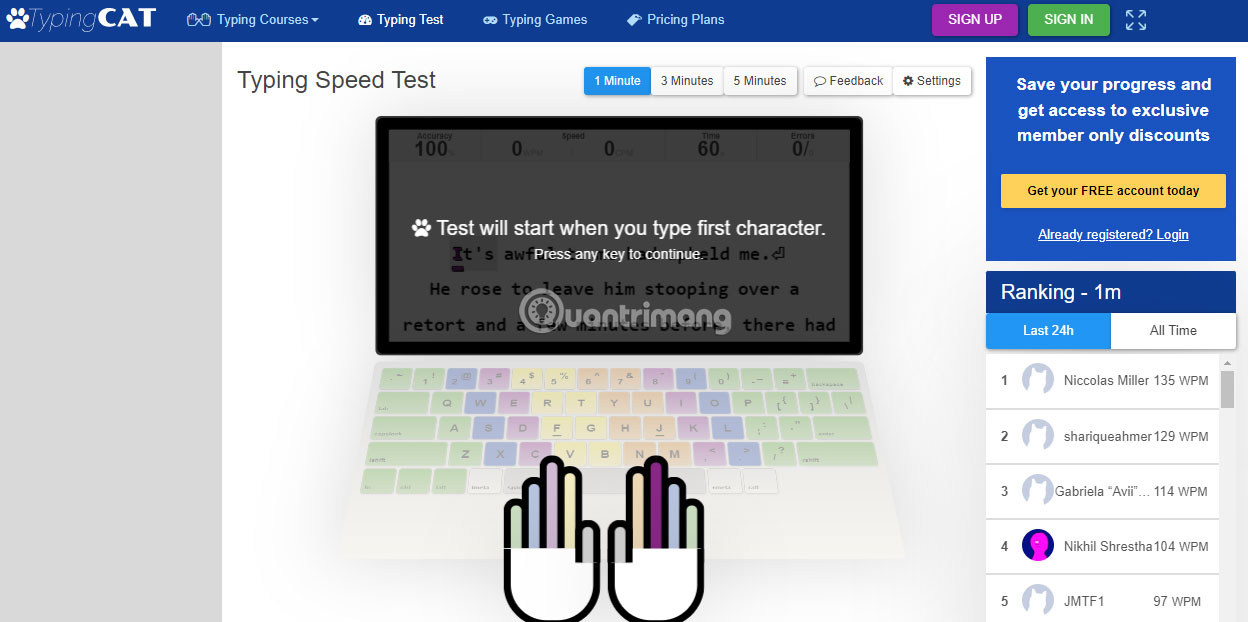
The only way to improve typing speed is through regular practice. TheTypingCat was created to provide you with the most effective tool for learning and practicing typing. Developing fast typing reflexes requires regular finger exercises and patience. First, you should focus on accuracy and ergonomics, and your typing speed will improve over time.
Using AI, TheTypingCat analyzed 1000 of the most popular English books, creating a statistical tree of most connected word sequences. The output text attempts to mimic real sentences with the most frequently used word connections, resulting in more accurate results. However, the content will not be grammatically correct sentences because the tool relies on Machine Learning.
The idea behind TheTypingCat is to provide free software so that people can work towards improving their typing skills while generating revenue through advertising. Nothing beats daily practice. Just 10 minutes of typing practice a day can have a significant impact on your skills. TheTypingCat is designed to reinforce continuous learning of how to type. The tool tracks your progress so you can see how your typing speed and accuracy increase over time.
9. Test your typing speed with RataType
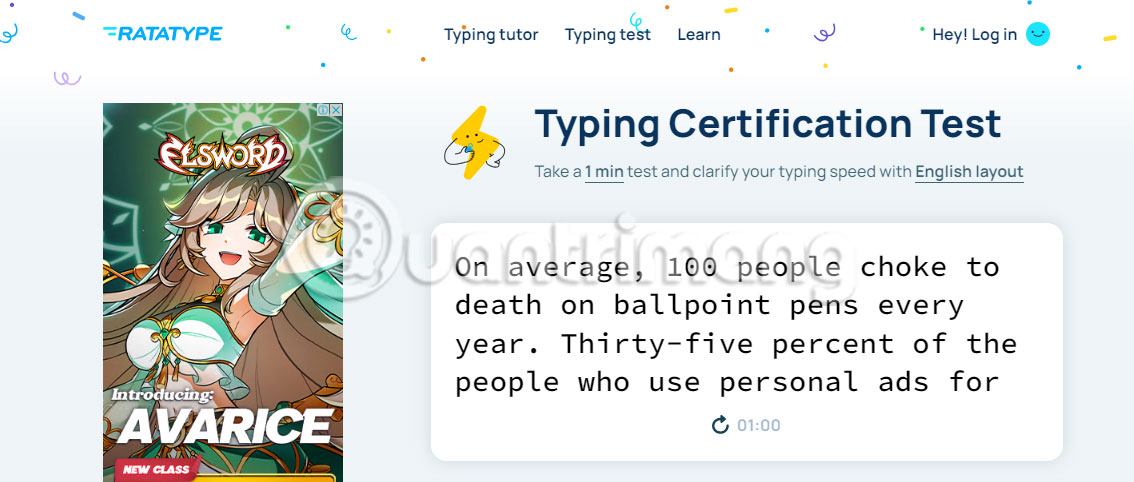
Ratatype is a simple online typing training tool and a free typing speed test. The typing speed test involves typing a short piece of text, and you can test in English, Spanish, or French. Ratatype provides typing certificates that you can show off to your friends. These courses are free for any user in any language.
Ratatype has a simple, user-friendly interface and lets users complete courses independently or compete with friends. In addition to various languages, Ratatype supports different keyboard layouts such as QWERTY, AZERTY, and Dvorak. Each typing course has up to 20 lessons with a maximum of 25 exercises per lesson.
10. Test your typing speed with Typing. com
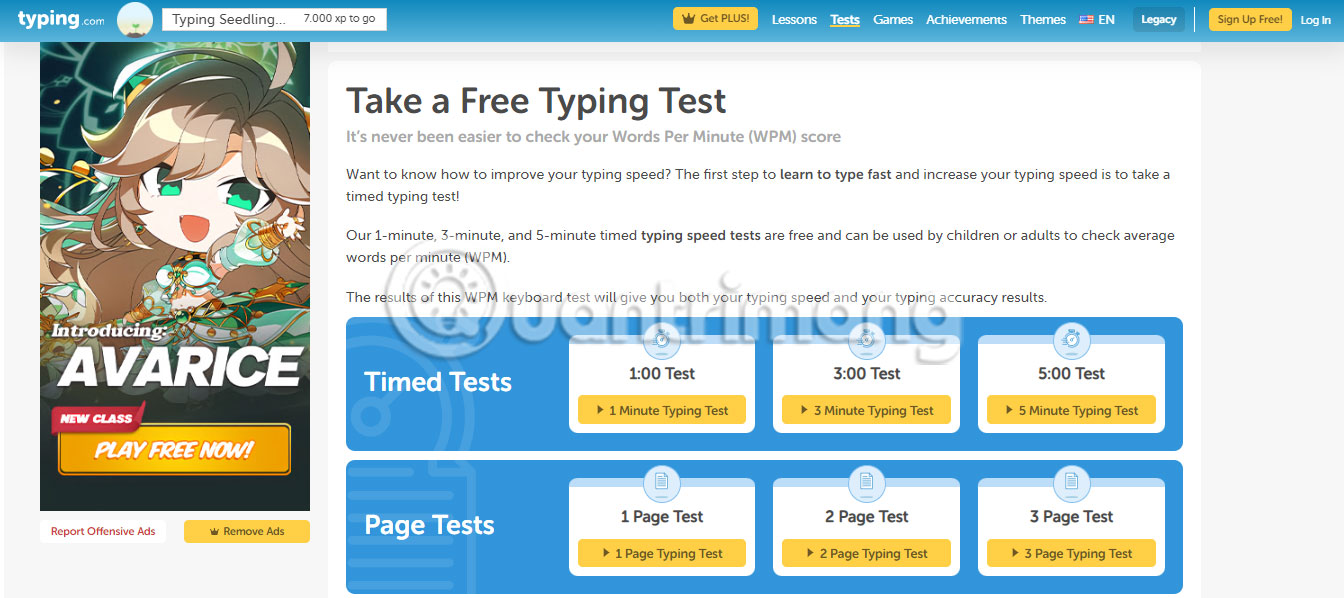
Typing. com is another free online typing tutor and typing speed test tool. Typing tests are offered in two different options. You can take a timed test in 1, 3, or 5 minutes, or a 1, 2, or 3-page test. Typing tutors provide comprehensive typing skills, basic computer and technology knowledge, online behavior and safety, basic coding principles, and more.
11. Test your typing speed with TypingClub. com
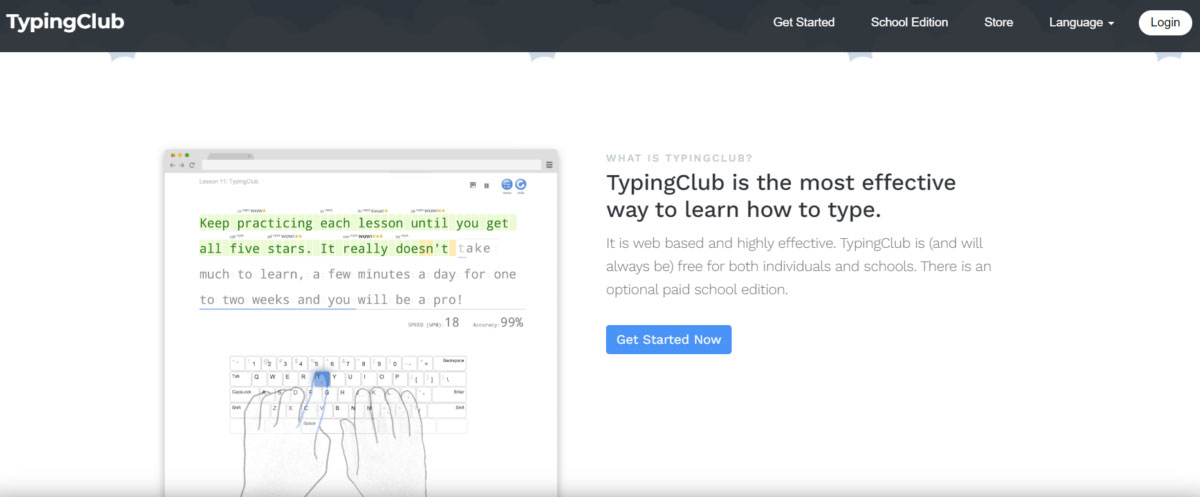
TypingClub is a product of EdClub. It's a beautifully designed typing and keyboarding curriculum with lessons and motivational elements to help children learn to type using touch input.
TypingClub is web-based and free for both individuals and schools. There is also an optional paid version for schools. You don't need to create an account to use TypingClub, but you can create a profile to save your progress as you complete lessons. You can continue practicing each lesson until you achieve a 5-star rating.
TypingClub provides users with concise and easy-to-understand typing lessons, each with corresponding speed and accuracy ratings. Lessons range from fun topics to longer, topical texts. Between lessons are engaging videos focusing on skills, finger exercises, and review exercises.
Although TypingClub doesn't offer a typing speed test that you can use and keep going, there are still tests throughout the lessons. Additionally, you can start with TypingClub's placement test.
TypingClub is the most effective way to learn how to type. It really doesn't take much time to learn, just a few minutes a day for one to two weeks and you'll be an expert!
12. Test your typing speed with TypingMaster. com
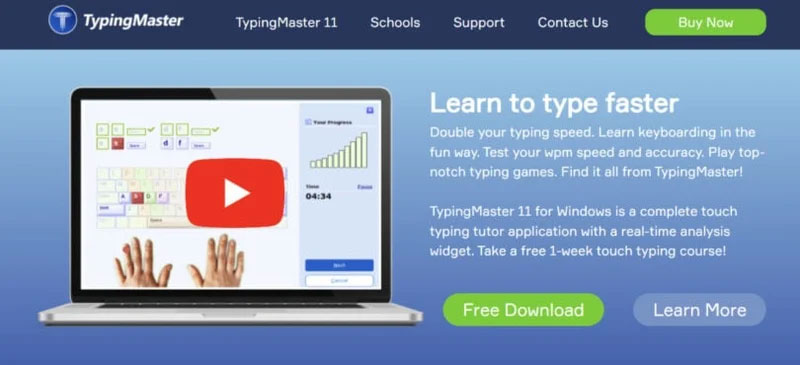
Typing Master is a Windows-based program that uses customized exercises to reduce typing errors and increase WPM. With its Satellite Learning features, you can even improve your speed and accuracy without using the tool. Typing Master uses a progress testing method so you always know how your typing skills are improving. There is a free typing speed test tool available at another Typing Master site, TypingTest. com.
This software has a clear interface and an easy-to-use platform with a unique approach to improving speed and accuracy, offering several engaging lessons and games. Compared to Sonma Typing Expert, RapidTyping, Tux Typing, and other similar tools, it is more fun and interactive.
Typing Master is a learning-based software that also allows for comprehensive performance analysis. While typing tests can be performed in an Explorer-style window, there's a simple utility to track progress. It shares detailed information about keystrokes, errors, etc. TypingMaster provides continuous suggestions and feedback to help improve typing speed and accuracy. With this tool, users can focus on specific strengths and weaknesses.
Typing Master 11 for Windows is a complete touch typing course with real-time analysis features, where TypingMeter analyzes your typing skills and creates relevant exercises. If you're looking for a simple, interactive, and feature-rich typing speed test tool, TypingMaster is a great choice.
13. Test your typing speed with Keybr. com
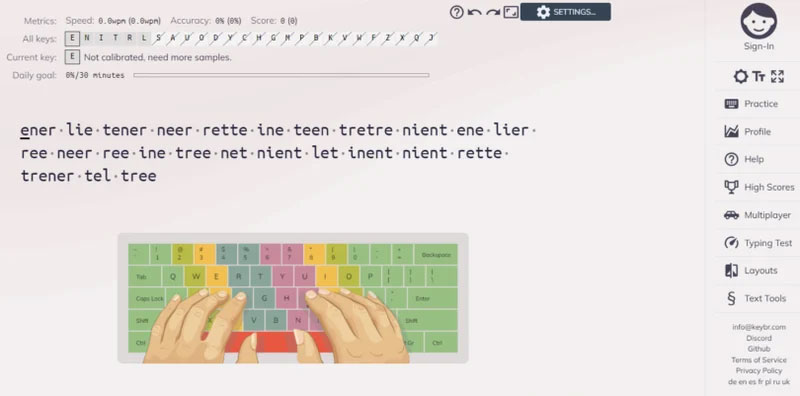
Keybr is a web tool that helps you learn to type using typing exercises designed specifically for your skill level. As you improve your typing practice and increase your typing speed, you'll move to advanced levels where you can train your muscle memory to type based solely on feel.
Keybr is a simple typing tool that includes lessons to help you increase your typing speed and reduce errors. You can choose from 7 different languages and 3 skill levels so you don't waste time on lessons that are too easy or too difficult. Keybr has a great web-based layout, and you can use normal or dark mode if you're looking for something a little easier on the eyes. With the typing speed test, you'll get a set of random words to type regardless of which of the 3 basic lessons you choose.
Keybr uses sophisticated algorithms to determine your skill level and create typing lessons tailored to your proficiency. Skill level is measured by typing speed and accuracy. Keybr generates random words, and as you type them, it collects statistics on your overall typing performance. Each time you complete a set of words, Keybr generates a new random set, and the cycle continues.
The words generated by Keybr don't necessarily have semantic meaning. The goal is to help you type fluently and efficiently with as few errors and as little time as possible. That said, the Keybr algorithm takes into account the phonetic rules of your native language and provides combinations of letters used in your language.
14. Test your typing speed with Keyhero. com
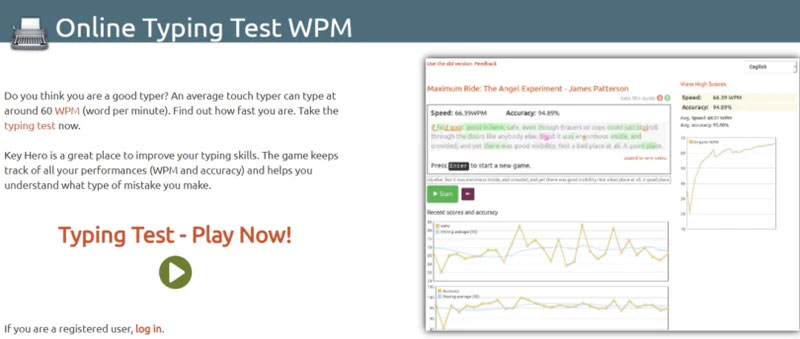
Do you think you're a good typist? An average typist can type at a speed of around 60 words per minute (WPM). Want to know your typing speed? Take a test now with Key Hero.
Key Hero is a great place to improve your typing skills. The tool tracks all your test progress (WPM and accuracy) and helps you understand the types of mistakes you're making. Key Hero is an extremely simple typing speed test that provides you with a random number of questions. You can choose from over a dozen languages and get a graphical presentation of your test results when finished. No account is required to use the typing speed test, but you can save your results and track your progress if you register.
So now you have several tools to test your typing speed. Each service offers users tests with varying difficulty levels, providing feedback on your typing ability. Try checking your typing speed with these 14 tools!
I hope This guide is helpful to you!
FAQ
What should you know about the most accurate way to check your typing speed?
Explore the most Accurate Way to check your Typing Speed, including key concepts, practical steps, useful tips, and common questions.
What constitutes a fast typing speed?
The typing test results will be calculated as follows: CPM: Characters per minute, which is the number of characters you type in one minute.
What should you know about test your typing speed with 10fastfingers?
Typing skills, or the ability to type fluently, have become an important criterion for office workers today.
Related Articles
 Test Your Typing Speed, Practice 10-Finger Typing Easily6 minutes read
 How to Check Typing Speed, Typing 10 Fingers7 minutes read
 Check the Typing Speed, Typing Speed3 minutes read
 How to Check Your Typing Speed Online, Online Typing Test4 minutes read
 Check Your Typing Speed3 minutes read
 6 Websites to Help You Check Your Typing Speed Online8 minutes read
Reader Comments 0
Sign in with email or Google to join the discussion.