Table of Contents
Five beeps during startup can indicate a hardware or firmware diagnostic condition, but beep-code meanings depend on the Dell model and generation. Do not assume five beeps always means a stuck key, faulty RAM, screen cable, or a specific component. Record the exact sequence, including pauses and any flashing power or battery lights.

Identify the model and code
Find the laptop's exact model or service tag from its label, box, or Dell account. On another device, use Dell Support to look up the service manual and diagnostic guidance for that model. Compare the beep pattern with any accompanying LED sequence and on-screen message. A code table for a different Dell generation may not apply.
Try only external, low-risk checks
- Disconnect docks, USB drives, memory cards, and other accessories, then try starting the laptop once.
- Check that the power adapter is connected and that it is the correct type for the model.
- If the laptop starts far enough to run preboot diagnostics, record the exact error and validation codes. The available startup menu and key timing vary by model.
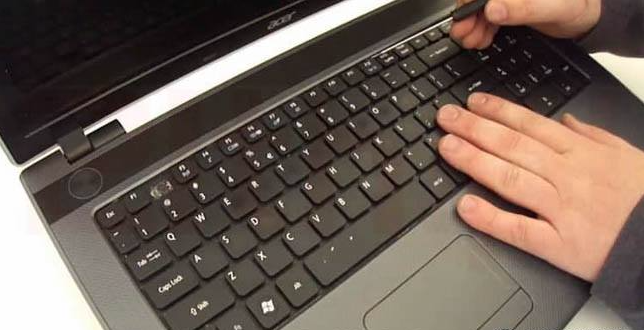
A beep pattern alone does not prove that a keyboard key is stuck.
Avoid speculative repairs
Do not remove the keyboard, reseat memory, disconnect the display cable, or replace a coin-cell battery based only on a five-beep count. Internal procedures differ by model and can damage components. If the service manual identifies a user-serviceable step and you have the required experience, follow that exact manual; otherwise contact Dell support or a qualified technician.

Do not treat a beep count as proof of a RAM fault.

Have internal display or board-level faults checked by a qualified technician.
When to request service
Contact Dell support or a repair technician if the pattern continues, the laptop will not start, the service manual indicates a hardware fault, or diagnostics return an error. Provide the exact model, the number and rhythm of beeps, LED patterns, and any diagnostic code. This information helps avoid replacing parts based on a generic code list.




Reader Comments 0
Sign in with email or Google to join the discussion.