Table of Contents
XDR is not a competing video format that replaces HDR. HDR (high dynamic range) is the broad technology and set of content formats used to reproduce brighter highlights, darker shadows, and a wider range of color. Apple uses XDR, short for Extreme Dynamic Range, as a product and display-performance label for certain screens that can sustain demanding brightness and contrast levels.
In practice, an XDR display still shows HDR content. The useful comparison is therefore not “XDR or HDR?” but whether a particular display has the brightness, black level, local dimming or emissive-pixel control, color gamut, bit depth, accuracy, and HDR-format support required for your work.
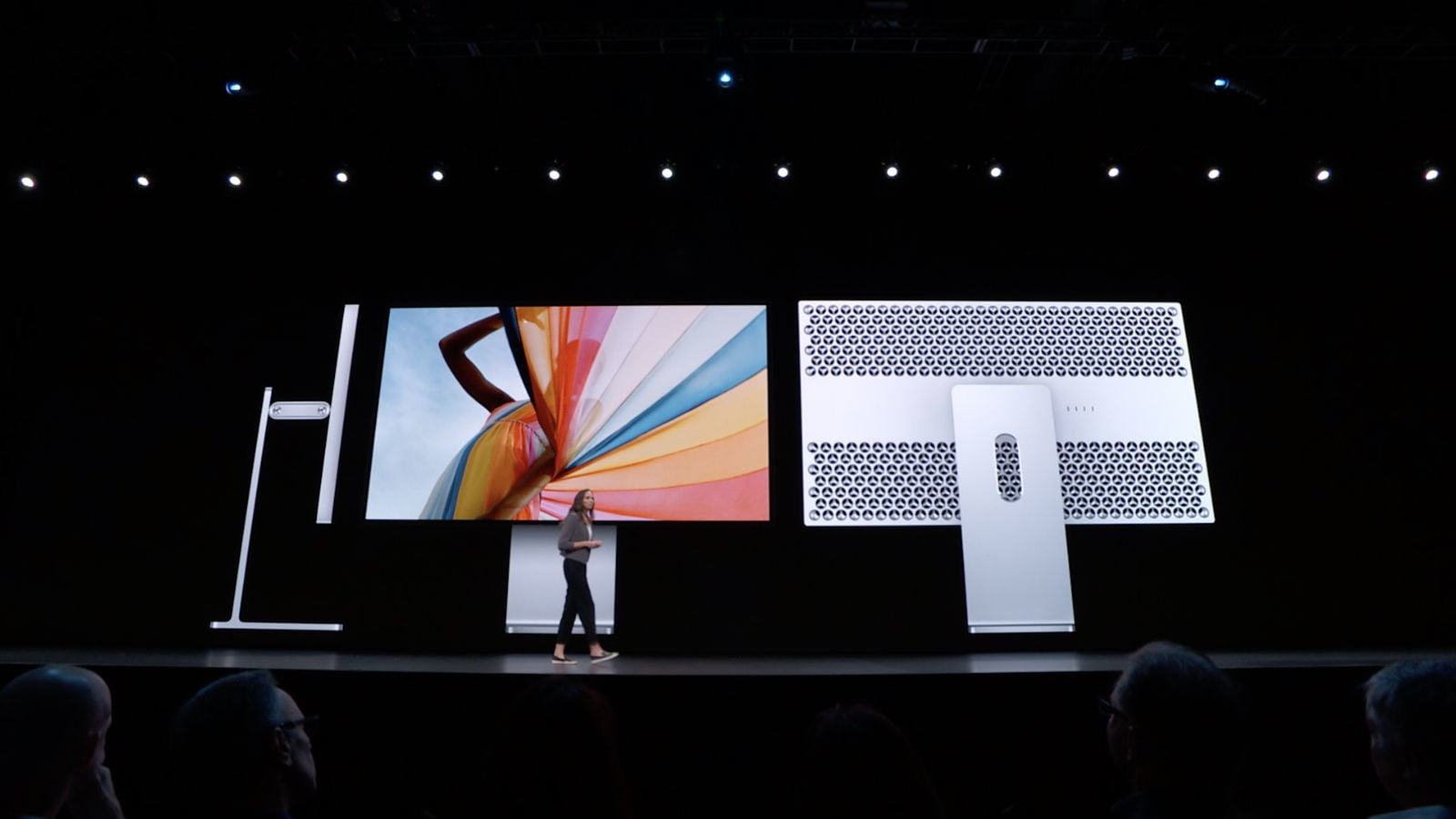
XDR vs HDR at a glance
| Question | HDR | XDR |
|---|---|---|
| What is it? | A broad term for high-dynamic-range content, display capability, and standardized formats | Apple's label for dynamic-range performance on selected displays |
| Is it an industry content format? | Yes. Examples include HDR10, HLG, and Dolby Vision | No. XDR hardware works with supported HDR formats and workflows |
| Does the name guarantee one specification? | No. “HDR compatible” products vary widely; certifications and measured performance matter | No single number applies to every Apple XDR product; check the exact model's specifications |
| Typical purpose | Games, movies, photos, television, phones, and professional creation | Apple devices aimed at premium viewing or professional image and video work |
| What should a buyer compare? | Sustained and peak brightness, black level, local dimming, color gamut, accuracy, bit depth, supported formats, ports, refresh rate, and workflow features | |
What HDR actually describes
Standard-dynamic-range displays compress the darkest and brightest parts of an image into a narrower output range. HDR content can encode brighter highlights and more shadow detail while using a wider color space. The display must then map that signal to what its panel can reproduce.
An “HDR” badge alone says little about the final picture. An inexpensive monitor may accept an HDR10 signal but lack the brightness, black level, color volume, or dimming control needed for a strong HDR image. VESA DisplayHDR certifications provide performance tiers for PC displays, while format labels such as HDR10 or Dolby Vision describe how compatible content is delivered and interpreted. They are related but not interchangeable.
TipsMake's LG 27GP850 review, for example, identifies DisplayHDR 400 alongside the panel's color coverage and gaming specifications; the tier should be considered with those other measurements.
What Apple means by XDR
Apple introduced the Pro Display XDR as a 32-inch, 6016 × 3384 LCD for professional workflows. Its published HDR specifications include 1,000 nits of sustained full-screen brightness, a 1,600-nit peak, P3 wide color, 10-bit depth, and a 1,000,000:1 claimed contrast ratio under specified conditions. These are properties of that model, not a universal definition of every XDR-labeled screen.
Apple has since used XDR naming on other products with different panel technologies, sizes, brightness behavior, and use cases. Always read the specifications for the exact device rather than treating “XDR” as one fixed standard.
How Pro Display XDR produces contrast
Pro Display XDR is an LCD, so its pixels do not create light independently. A 576-zone full-array backlight changes the output behind different parts of the panel. Apple's timing controller coordinates the LCD pixels and those LEDs, while lenses and reflectors shape the light. Local dimming lets bright and dark areas appear together with much greater contrast than an edge-lit LCD can normally provide.
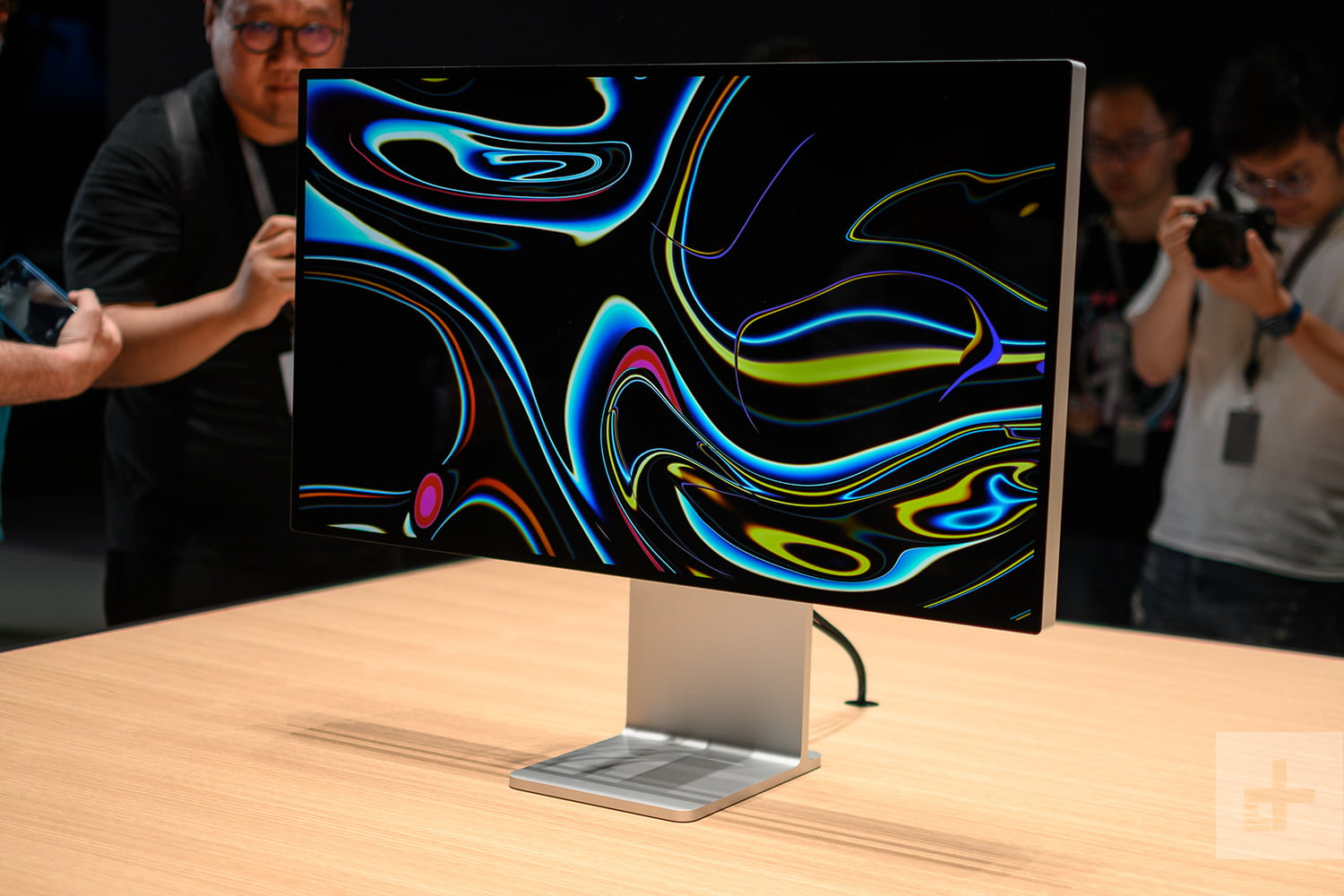
The perforated rear enclosure is part of the thermal design. Sustaining high full-screen brightness creates far more heat than briefly showing a small highlight; cooling and ambient temperature therefore affect professional HDR performance. Apple specifies 1,000-nit full-screen operation under defined environmental conditions, while the 1,600-nit figure is a peak for HDR highlights rather than an all-purpose desktop brightness.
Local-dimming LCD vs OLED
An OLED pixel emits its own light and can switch off for a very low black level. That gives OLED excellent per-pixel contrast and avoids the halo or “blooming” that can appear around bright objects on a locally dimmed LCD. High-end LCD and mini-LED systems can instead offer strong full-screen brightness and avoid OLED's risk of permanent image retention under some usage patterns.
Neither technology automatically wins every comparison. Consider the required highlight brightness, dark-room black level, full-screen sustained output, uniformity, blooming, viewing angle, longevity, and static-interface workload. TipsMake's discussion of OLED display trade-offs provides more context.
Brightness numbers need context
- Peak brightness may apply only to a small bright area and for a limited time.
- Sustained full-screen brightness is more relevant when a large portion of the image must remain bright.
- SDR brightness can be lower than a display's HDR peak and is usually more comfortable for normal desktop use.
- Contrast ratio depends on the measurement method. A manufacturer claim should not be compared with a lab result that uses different conditions.
- Black level and dimming zones matter as much as headline luminance. High brightness without dark blacks does not produce convincing contrast.
The original comparison treated an HDR display as if it normally sustained only about 350 nits. That is not an HDR standard: actual monitors span a wide range, and current DisplayHDR tiers have different peak, black-level, color, and contrast requirements.
Color, accuracy, and reference modes
Dynamic range is only part of display quality. Professional users also need a suitable color gamut, accurate white point, stable output, smooth gradients, calibration support, and reference modes that match the delivery standard. The Pro Display XDR supports P3 wide color and reference presets for multiple video workflows, but it is still necessary to configure the correct mode and maintain a controlled viewing environment.
Nano-texture or other matte treatments reduce distracting reflections, but they are surface options rather than HDR standards. They can affect cleaning requirements and perceived contrast, so choose them based on room lighting rather than assuming the higher-priced finish is universally better.
Which label matters when buying?
For ordinary HDR video or gaming, check that the monitor supports your source's format and connection, then compare verified performance, refresh rate, latency, resolution, and local dimming. A certified tier is more informative than an unqualified “HDR-ready” claim. Windows users interested in dynamic metadata should also confirm the complete hardware and software chain before following a guide such as enabling Dolby Vision HDR in Windows 11.
For color-critical production, start with the required delivery standard and workflow. Evaluate sustained luminance, black level, color accuracy, calibration, reference modes, uniformity, connections, and monitoring tools. An Apple XDR display may meet those needs, but the XDR name alone does not establish compatibility with a studio pipeline.
The practical conclusion
HDR is the larger ecosystem; XDR is Apple's way of identifying selected displays with extended brightness and contrast capabilities. Do not compare the words in isolation. Compare the exact device specifications and independent measurements under the conditions in which you will actually view or master content.
Related Articles
 Comparing Lte and 4g: Comparison of Lte, 4g and 5g Networks12 minutes read
 Claude vs Gemini Free Plans: Real-World Comparison14 minutes read
 Claude vs ChatGPT: Which AI Assistant Should You Use?10 minutes read
 Don't Lower Your Self-worth by Comparing Yourself to Others7 minutes read
 Which is better: Claude, ChatGPT, or Gemini for building an11 minutes read
 Comparing SLOBS vs OBS Studio, Which Software Is Better?6 minutes read
Reader Comments 0
Sign in with email or Google to join the discussion.