Table of Contents
Chrome Is the Reason Why Your iPhone Battery Drains So Quickly is easier to approach with a clear overview and reliable steps. This guide organizes the essential information, highlights practical details, and explains what to check along the way.
Key Takeaways
- Review chrome is the "destroyer" of iPhone batteries.
- Explore battery test.
- Understand how much energy does safari actually use.
Chrome Is the "Destroyer" of iPhone Batteries
You've probably been told to switch to Safari because Chrome drains your battery. But you may have been hesitant if you like your browsing data synced across devices. But the potential for improved battery life is too much to ignore.
You'll see a noticeable difference after a week of using Safari. You'll be amazed at how long your battery lasts throughout the day.
Google owns Android and Chrome, Apple owns iOS and Safari. There's a natural expectation that native apps, written by the same company that makes the operating system, will be tightly integrated and therefore more efficient. This is also why Galaxy phones work better with Samsung's Internet browser than Chrome.
Battery Test
There needs to be a fair way to judge battery usage across both browsers, but it's not easy. You could consider using Chrome for a full day and then Safari for another day, then comparing usage in Apple's battery settings, but there are too many variables to control for.
The sites you visit one day may not be the same every day, or you may browse more on a different day. Using each browser for the same tasks is another idea, but not practical.
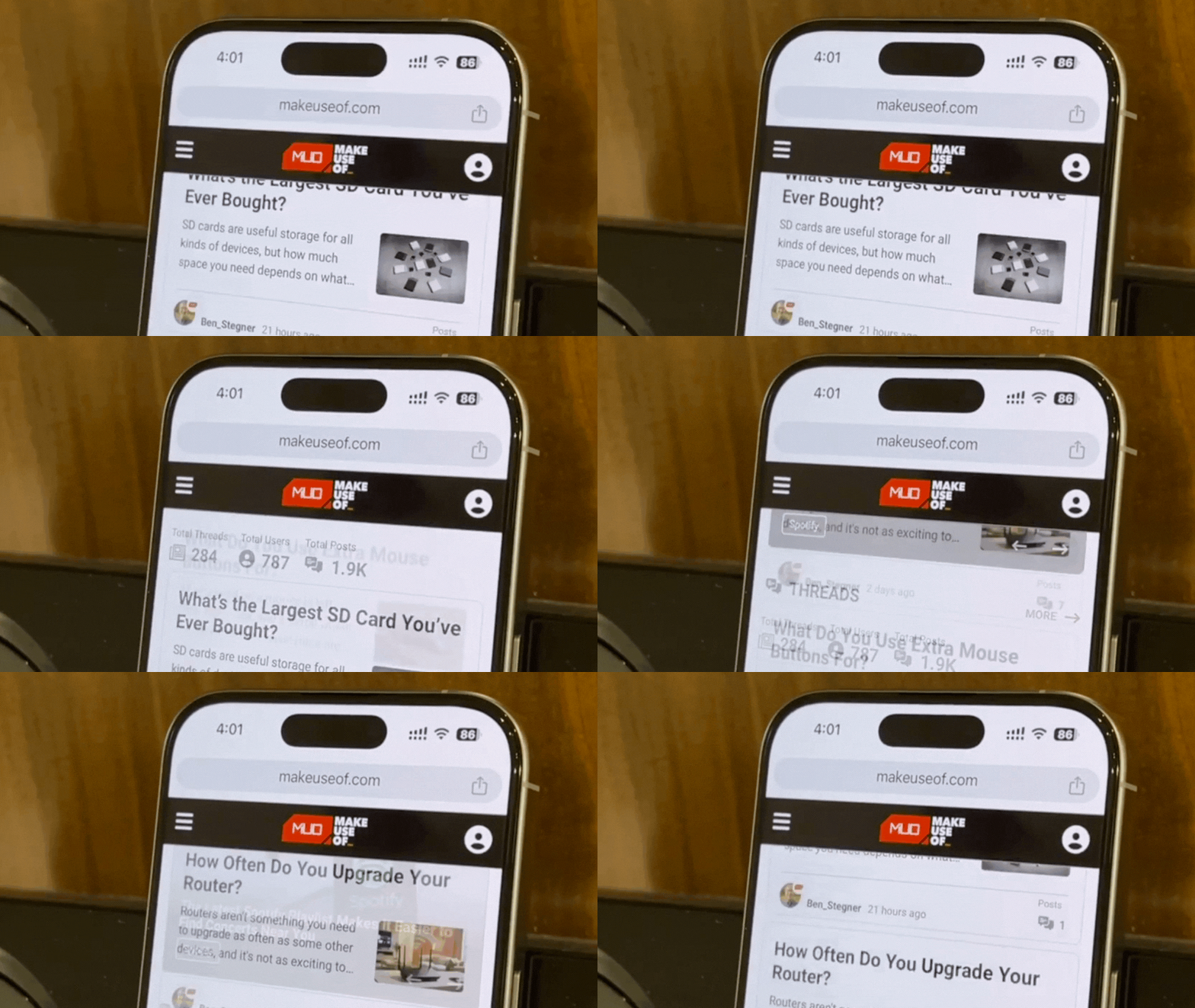
Finally, it's best to run the test over an hour of continuous web browsing. You can see the code for it on Pastebin if you're curious about the technicalities. More specifically, set up a bookmarklet script that continuously scrolls through a web page. It sounds simple, but it's ideal for consistent, repeatable testing.
How Much Energy Does Safari Actually Use?
Start with Safari. Close all running apps (iOS still lacks Android's ability to quickly close all apps), turn off background app refresh, and restart your phone to give Safari a clean slate. Turn up your screen brightness to maximum, turn off auto-lock so your phone doesn't turn off, and open a website's home page. Enable the bookmarklet to keep the page scrolling.
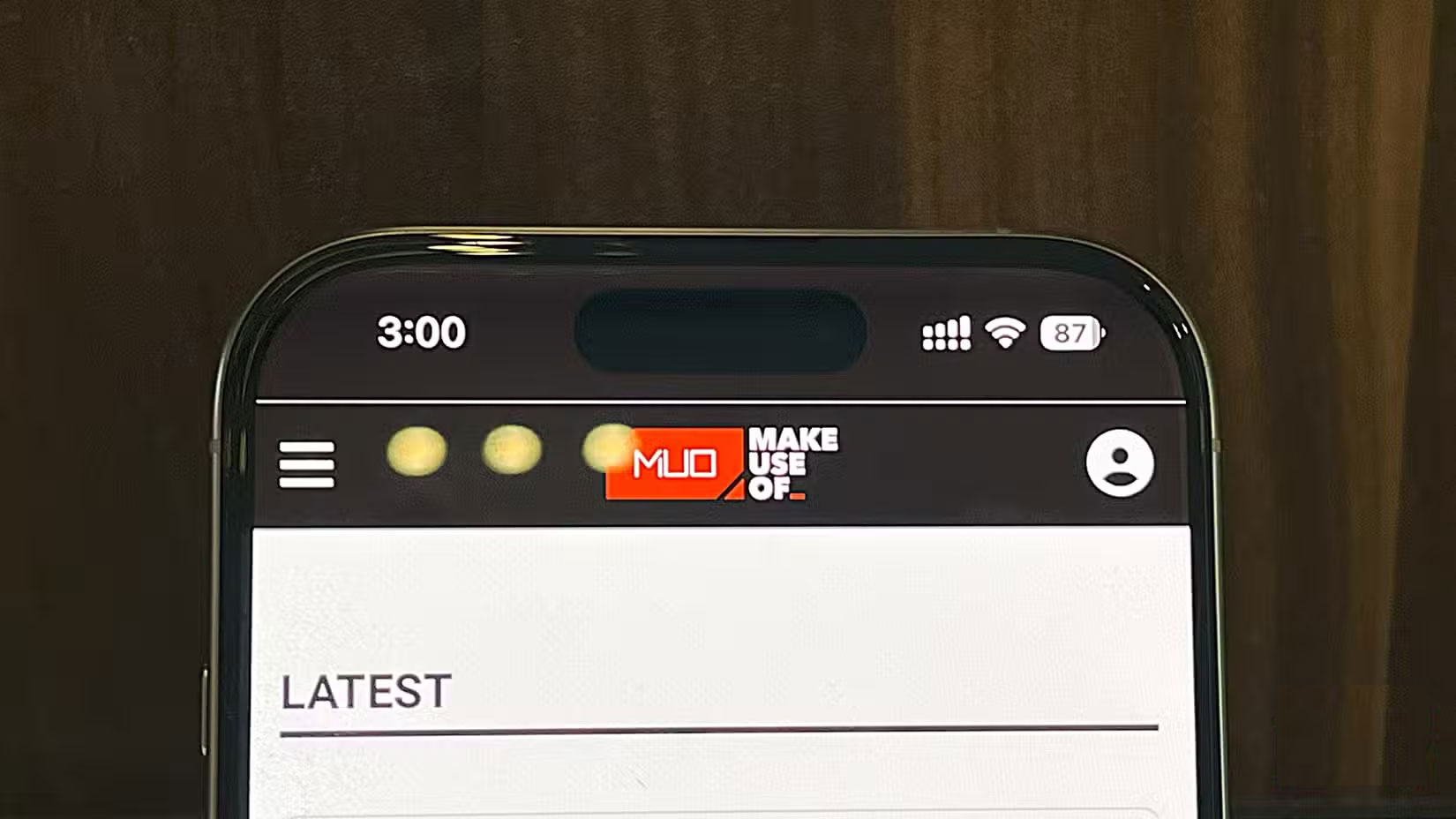
Close the tab after an hour of continuous scrolling in Safari. The battery in the example was at 90% when it started. How much battery do you think Safari used while on maximum brightness scrolling through the home page for an hour? Take a guess!
By the end of the hour, the battery was down to 87%. Safari only used 3% of the battery in an hour under those conditions - which is surprisingly efficient. Keeping the phone unlocked for an hour would have used much more power, even without browsing the web.
The site's home page doesn't constantly bombard the phone with new content. This helps you be fair. For heavier or more graphic-heavy sites, Safari may be more power hungry. It's a fairly static, well-optimized page with a few images and a scrolling carousel at the top. But keep these factors in mind and keep testing.
What About Chrome?
Then it was Chrome. The test started at 88%, and I repeated the exact same process. Closed all apps, restarted the phone, opened the website, and activated my continuous scrolling script.
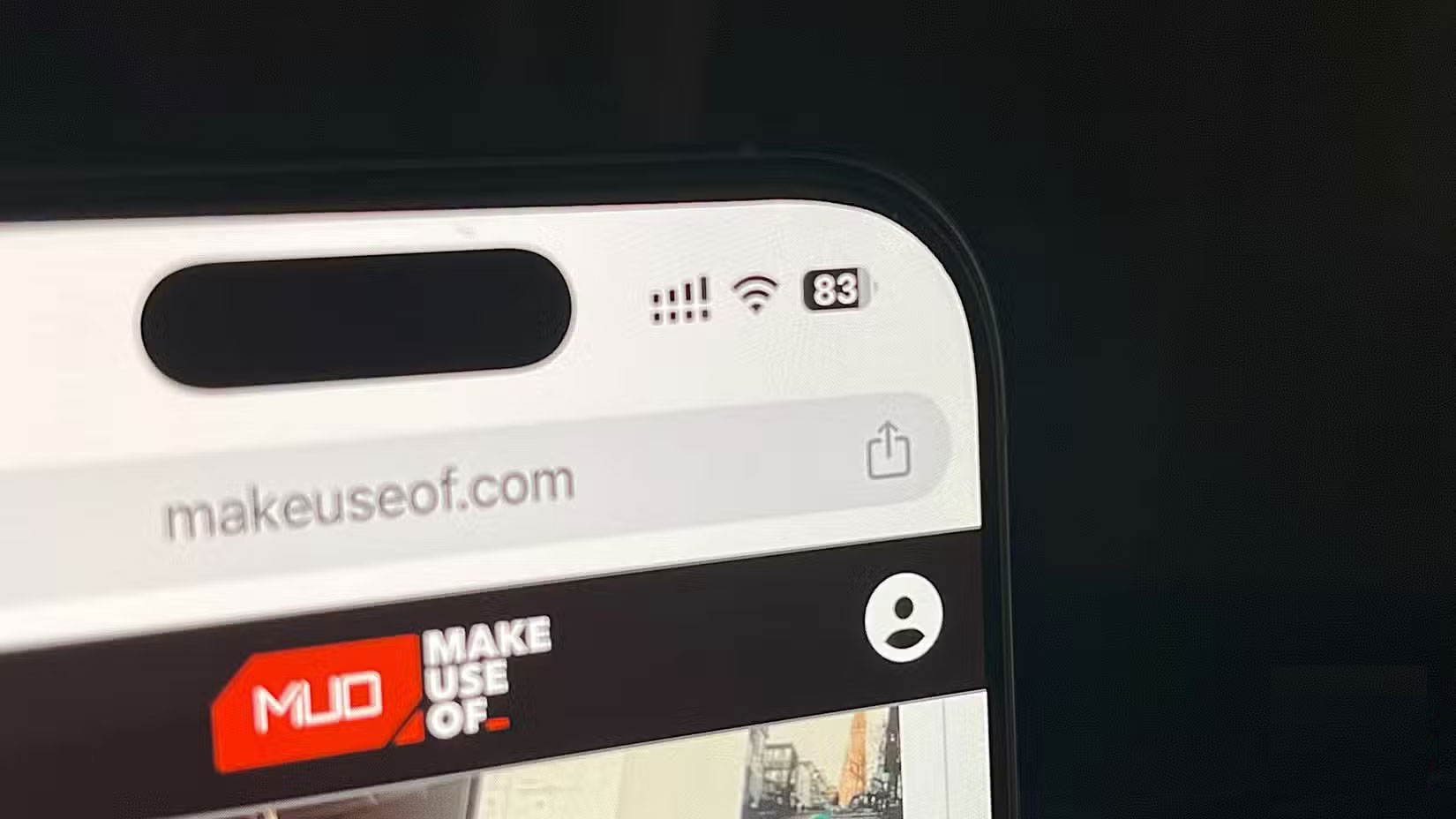
An hour later, the battery was down to 83%, meaning Chrome had consumed 5% of the battery during that hour.
What Does That Little Difference Really Mean?
The difference isn't huge. Chrome uses 5% while Safari uses 3%, a difference of only 2% in this test case. Both results are pretty good considering the screen is set to maximum brightness and actively scrolling the entire time.
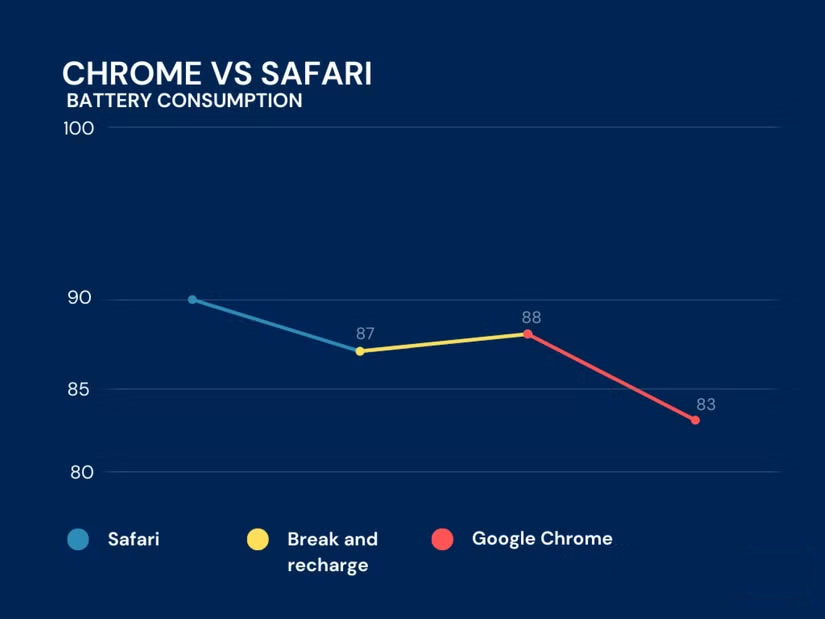
Some people might ignore a mere 2% difference per hour. However, if you break the numbers down proportionally, Chrome uses about 60% more than Safari. That difference can become a big issue when you scale up to heavier usage over longer periods of time. Chrome uses 50% if Safari uses 30% in a hypothetical scenario.
Of course, battery drain doesn't always add up. An hour of light scrolling may not translate directly into your daily mix of streaming, messaging, and gaming.
However, this test provides some concrete numbers that show Chrome is less efficient on the iPhone. Since Safari already handles your needs and importing history from Chrome is easy, there's not much reason to keep Chrome installed.
This isn't meant to be a knock on Chrome; it's still the browser of choice for many people on their computers. But on the iPhone, battery life is everything. Even a few extra percentage points can save you from having to quickly plug in your charger in the middle of the day. That's a trade-off you should be happy to make if you can extend your phone's battery life by switching browsers.
Safari doesn't lack any features you really need on iOS, and the performance boost has made the phone more reliable throughout the day.
Final Thoughts
The most reliable way to handle chrome is the reason why your iPhone battery drains so quickly is to follow the process in order, verify each important setting, and test the result before moving on. Use the guidance above as a practical reference, then adjust the details for your device, software version, or specific goal.
FAQ
What should I know first about Chrome Is the Reason Why Your iPhone Battery Drains So Quickly?
Our phones can do so much these days and have so much hardware built in that it's best to get you through a full day of use.
How do I get the best results with Chrome Is the Reason Why Your iPhone Battery Drains So Quickly?
Use current software or equipment, follow the steps in order, review the recommended settings, and test one change at a time so you can identify what improves the result.
What should I do if Chrome Is the Reason Why Your iPhone Battery Drains So Quickly doesn't work as expected?
Check compatibility, permissions, connectivity, and version-specific settings. Restart the relevant device or app, then repeat the process carefully before trying a more advanced fix.
Related Articles
 5 Reasons Why Your iPhone Battery Drains Quickly7 minutes read
 This Application May Be the Culprit Causing the Rapid3 minutes read
 iOS 26 Tips to Solve the Problem of iPhone Battery Draining: Key Takeaways6 minutes read
 Why iPhone Battery Drains Overnight and How to Fix It6 minutes read
 Why Laptop Battery Drains Quickly and 8 Effective Ways to Fix It!7 minutes read
 Tips to Reduce Laptop Battery Life and CPU Usage When Using Chrome7 minutes read
Reader Comments 0
Sign in with email or Google to join the discussion.