Table of Contents
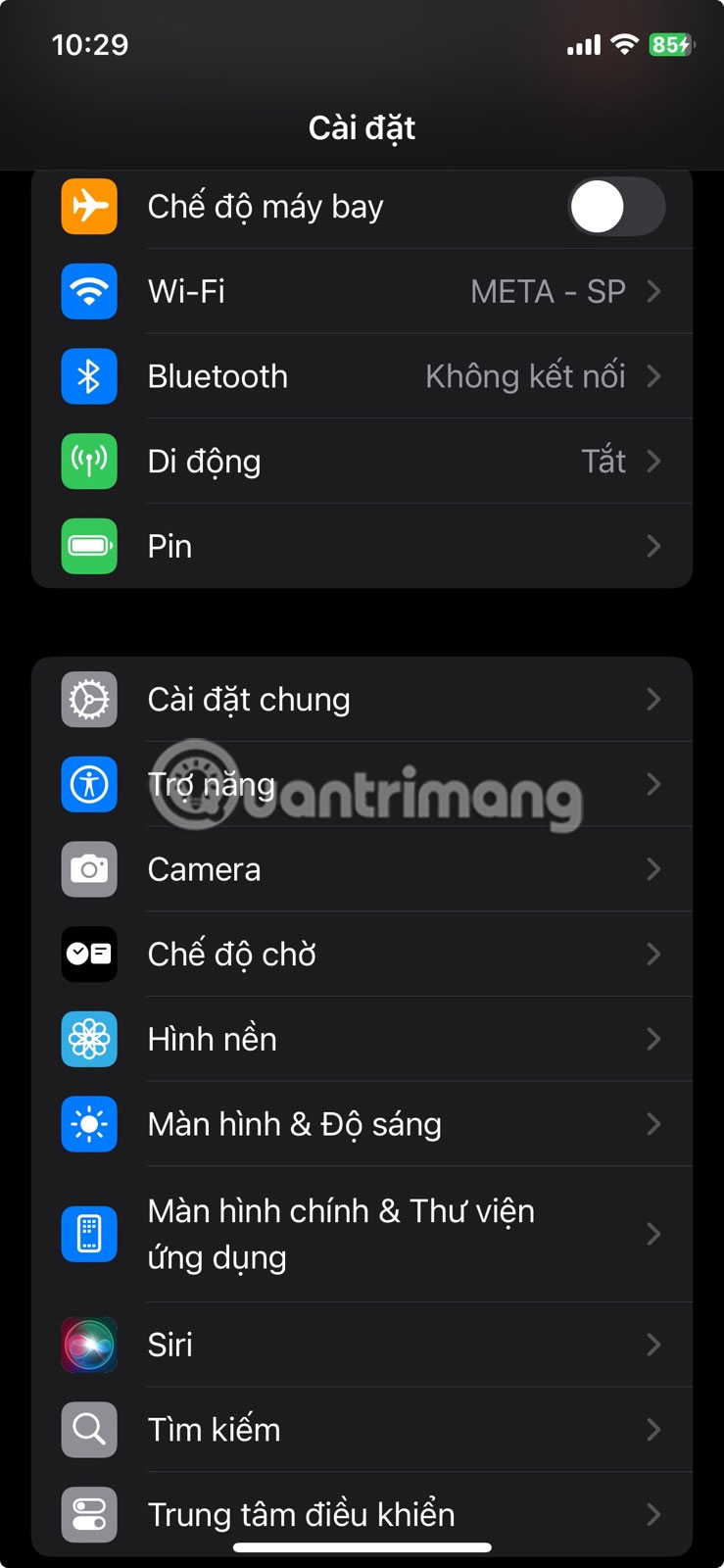
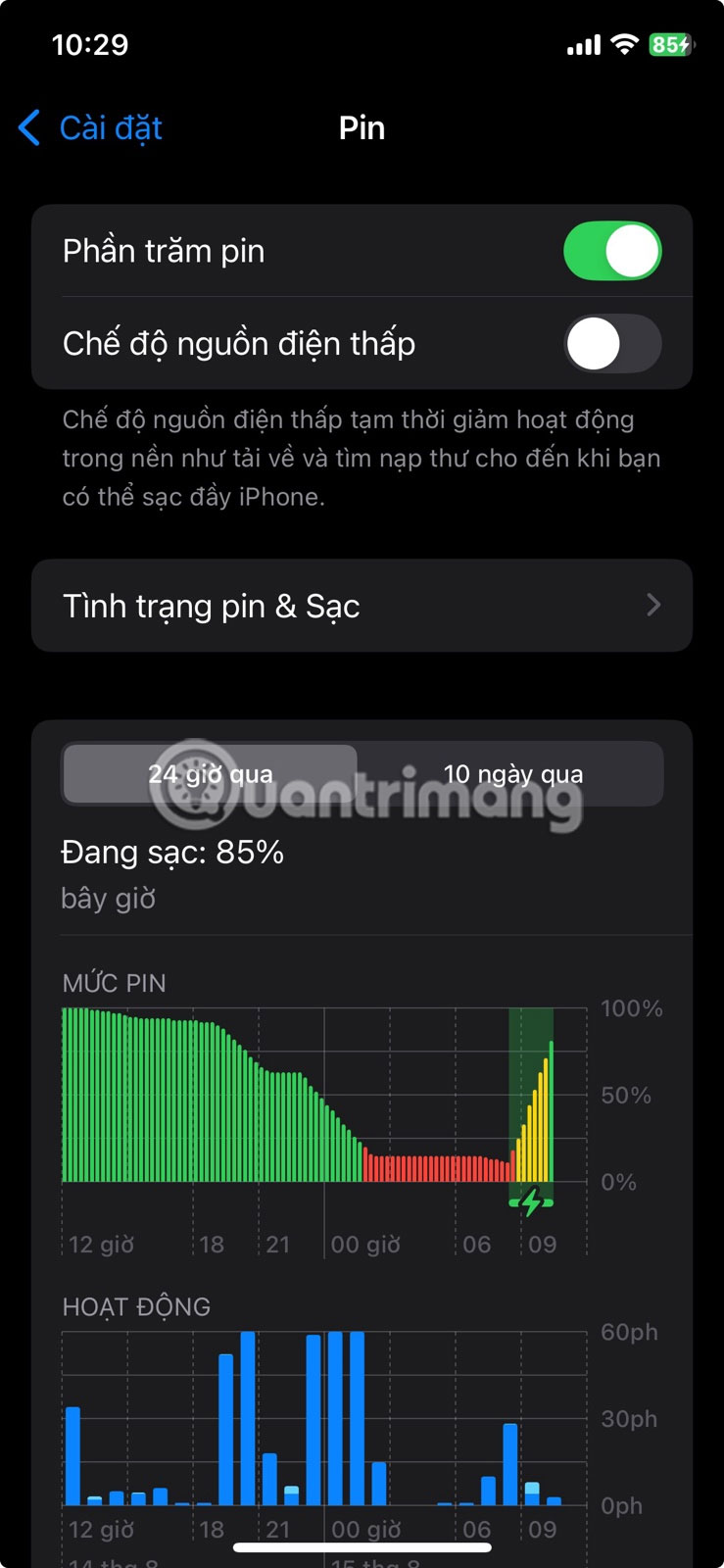
If your iPhone loses an unusual amount of charge overnight, begin with Settings > Battery. Check what was active during the hours you were asleep before turning off features at random. Some standby use is normal; repeated large drops deserve investigation.
Record the bedtime and morning charge levels, whether the phone was plugged in, and any recent update or app installation. Compare similar nights after each change so you can identify what helped.
Check recent updates and system activity
Software updates can leave temporary background tasks running after installation. Apple's battery-drain guidance explains that this can affect battery life and temperature for a while. Look for the Battery page's insights rather than assuming the update permanently damaged the battery.
Install applicable iOS and app updates, and restart once if behavior seems stuck. If drain persists beyond the temporary post-update activity, continue with the evidence below.
Look for an app working in the background
Inspect the overnight period in Battery and compare app activity, not just the name at the top of the list. An app's percentage is its share of the energy used in the selected period; it is not necessarily that many percentage points of the full battery.
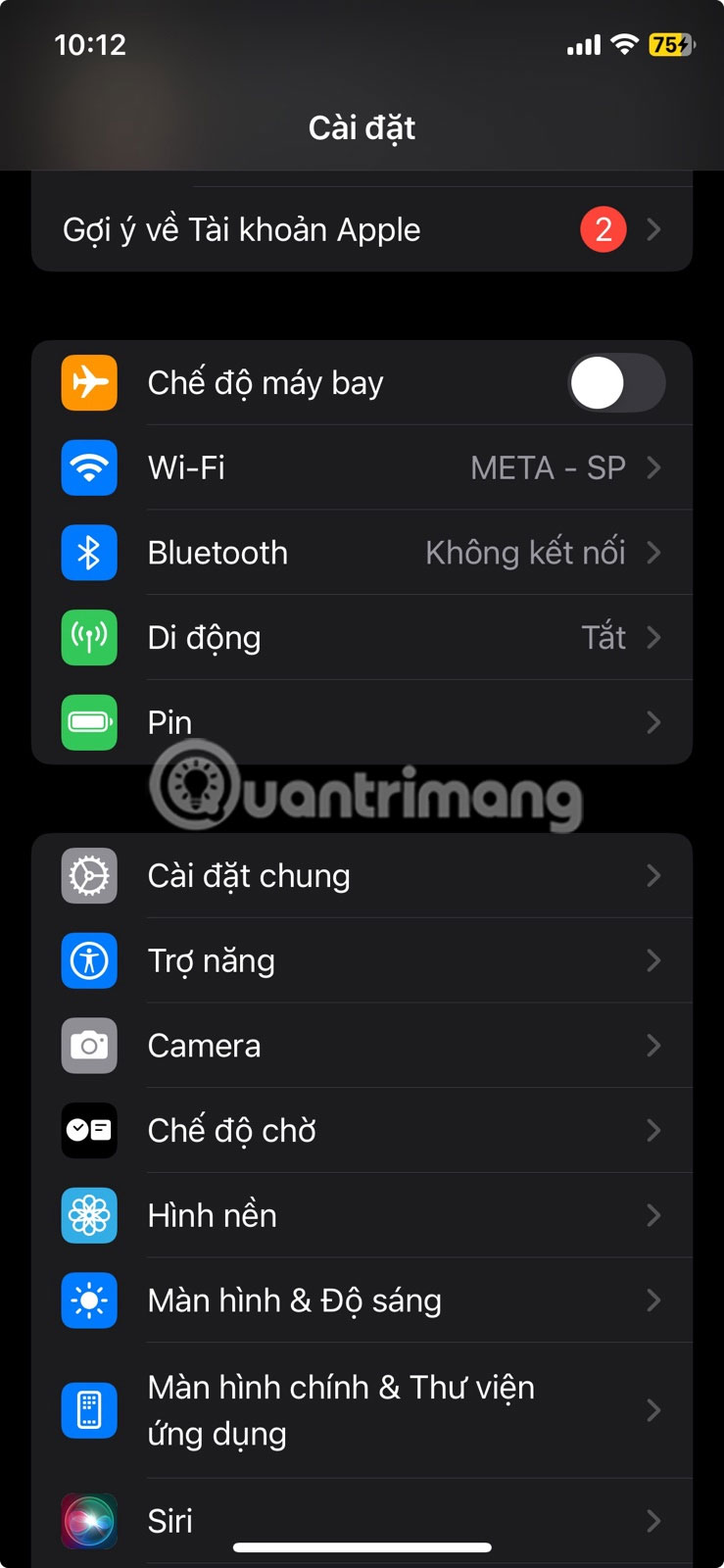
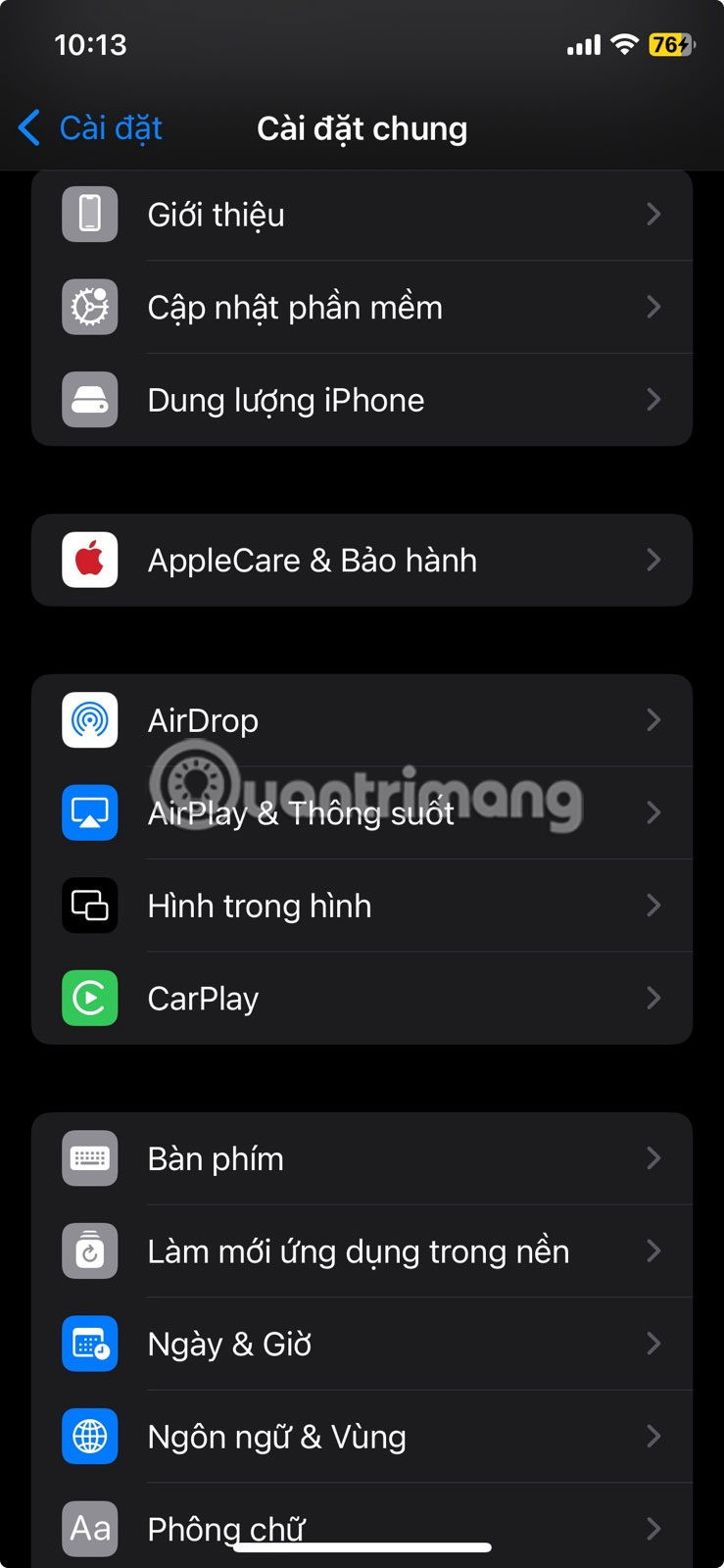
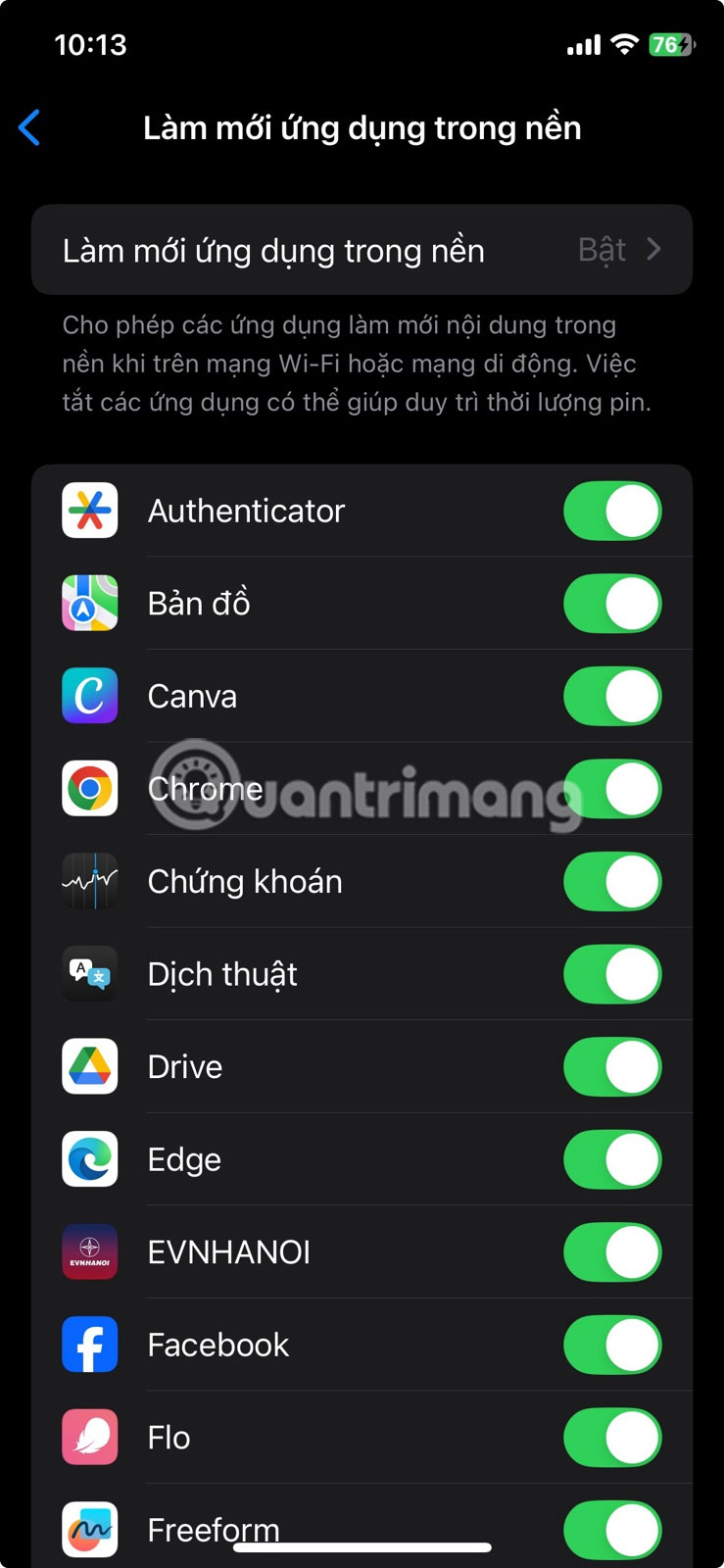
If an app shows unexpected background use, check its own sync, audio, upload, or location settings. Under Settings > General > Background App Refresh, restrict apps that do not need it. That control does not stop every form of background activity.
Reduce unnecessary overnight notifications
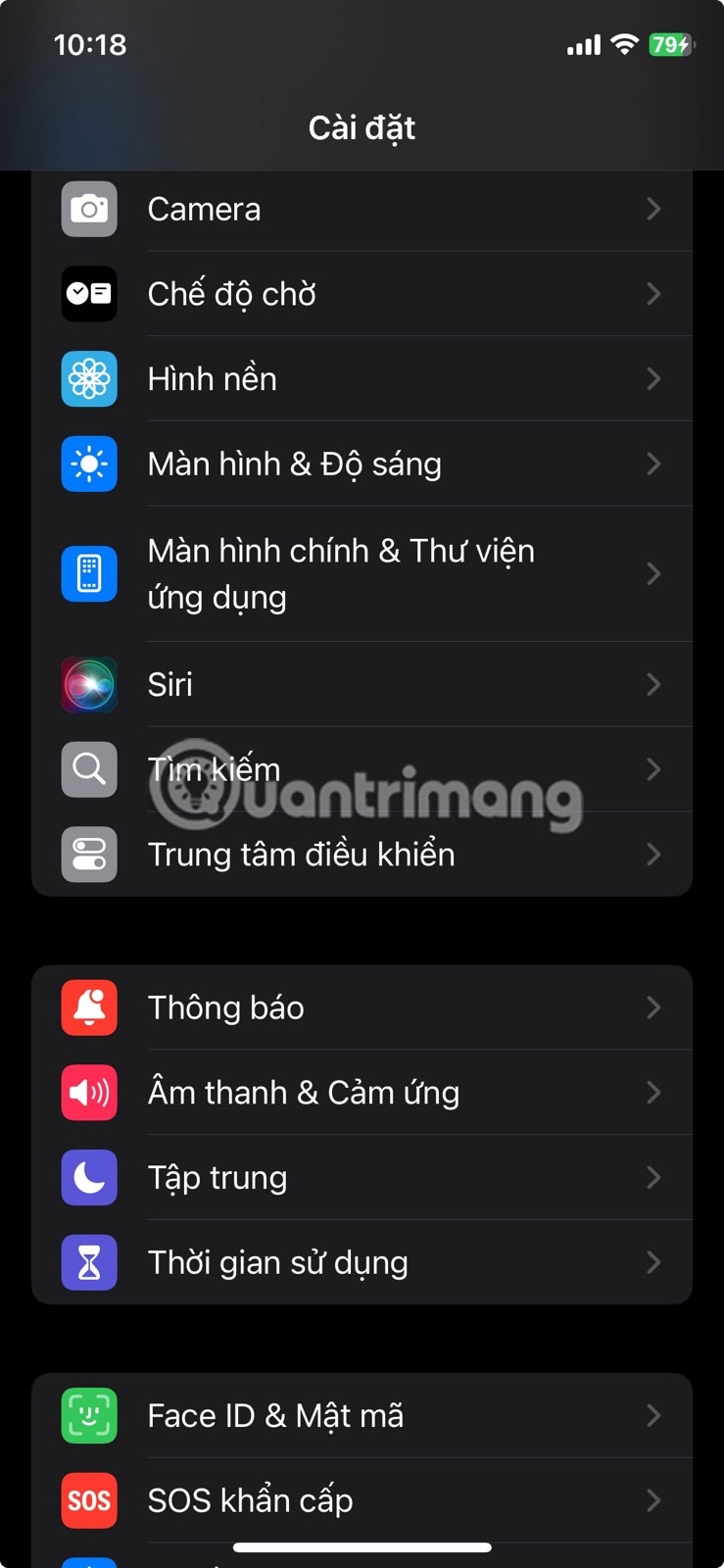
Frequent alerts can wake the screen. Review the apps sending them and consider a scheduled Sleep Focus or Do Not Disturb under Settings > Focus.
Allow important people and necessary alerts through the Focus. Test it before depending on it overnight; saving power should not mean accidentally blocking communication you need.


Separate iCloud syncing from iCloud Backup
Photo syncing and device backup are different processes. Apple's automatic iCloud Backup instructions normally call for a locked device connected to power and Wi-Fi. It is therefore misleading to blame ordinary automatic backup for an unplugged overnight loss without checking the activity.
If photos or files are still syncing after a large import, allow the work to finish on reliable Wi-Fi and power. Do not disable your only backup just to investigate a battery problem.
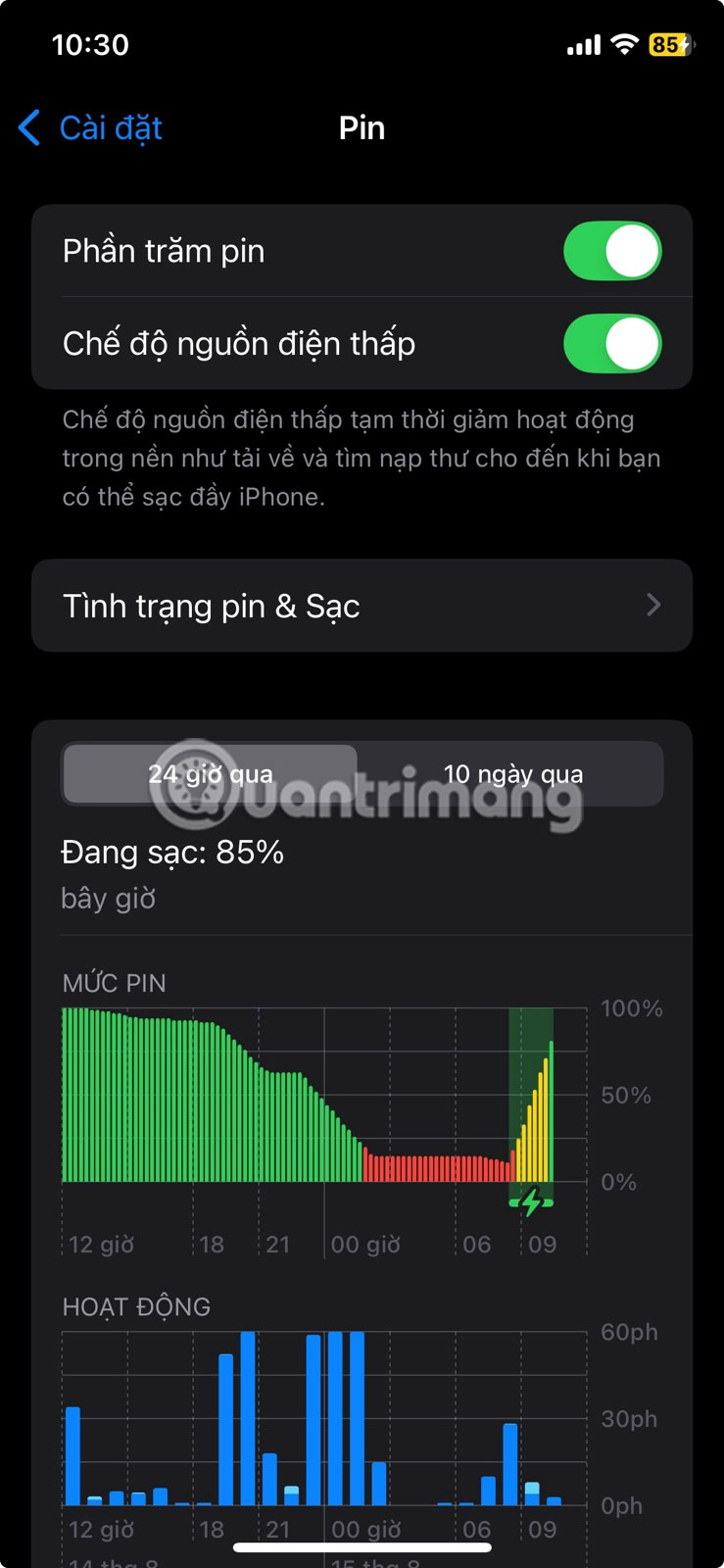
Low Power Mode can temporarily reduce some background work when you need to preserve charge. Find it in Battery settings; some iOS versions place it under Power Mode. See enabling Low Power Mode for context.
Review location and signal conditions
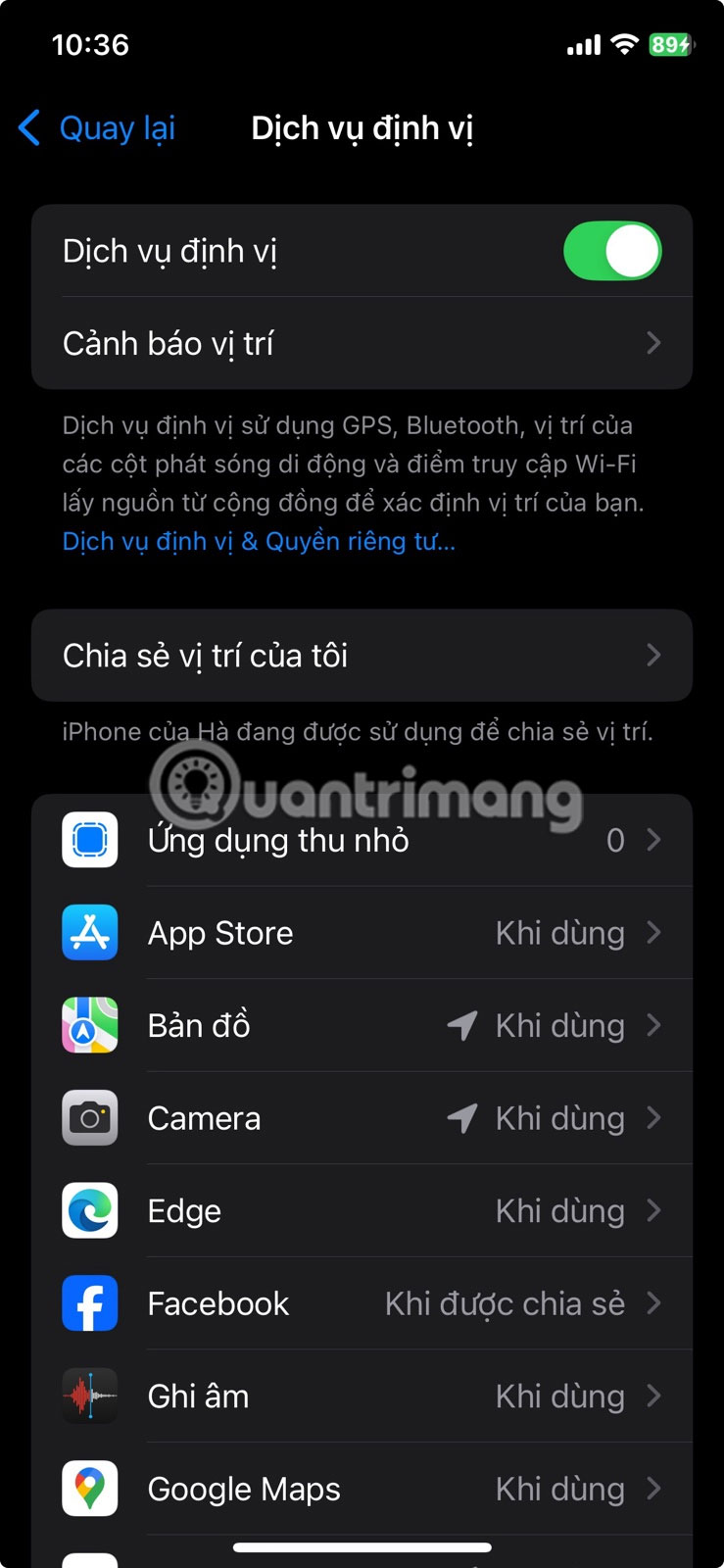
Check Settings > Privacy & Security > Location Services. Grant background access only where the app's purpose requires it, and understand what stops working when you reduce permission.
Poor cellular coverage can also increase energy use. Apple's battery-usage guide identifies low-signal conditions as a possible contributor. Compare reception where you leave the phone overnight; do not assume every loss is caused by an app.


When to check battery condition or get help
Review the available Battery Health information and any service recommendation. If the phone was plugged in, verify the cable, charger, connection, and charging status before treating the issue as standby drain.
Seek Apple or authorized-service help for persistent unexplained drain, unexpected shutdowns, or abnormal heat. Stop using a swollen or visibly damaged device. For broader settings, see improving iPhone battery life.
Related Articles
 This application may be the culprit causing the rapid battery drain of iOS 15
 5 reasons why your iPhone battery drains quickly
 Chrome is the reason why your iPhone battery drains so quickly
 Some ways to use iPhone battery effectively
 Should the phone be charged overnight?
 iOS 26 tips to solve the problem of iPhone battery draining quickly
Reader Comments 0
Sign in with email or Google to join the discussion.