Table of Contents
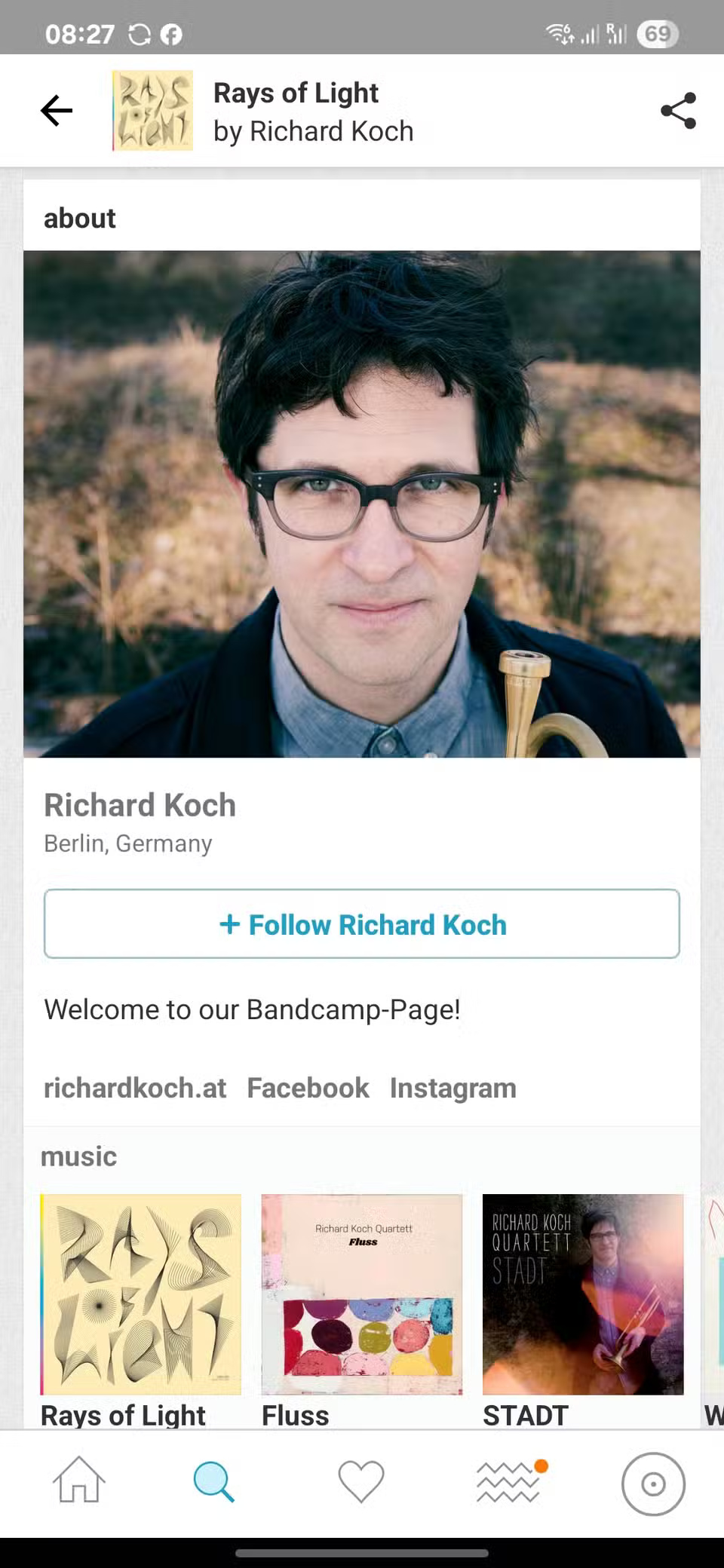
Bandcamp is a marketplace where artists and labels sell releases and merchandise. You can preview many tracks, buy a release, and add it to your collection. It works especially well when you want to explore a specific scene or keep a downloadable copy of an album.
Find music by tag, label, or fan collection
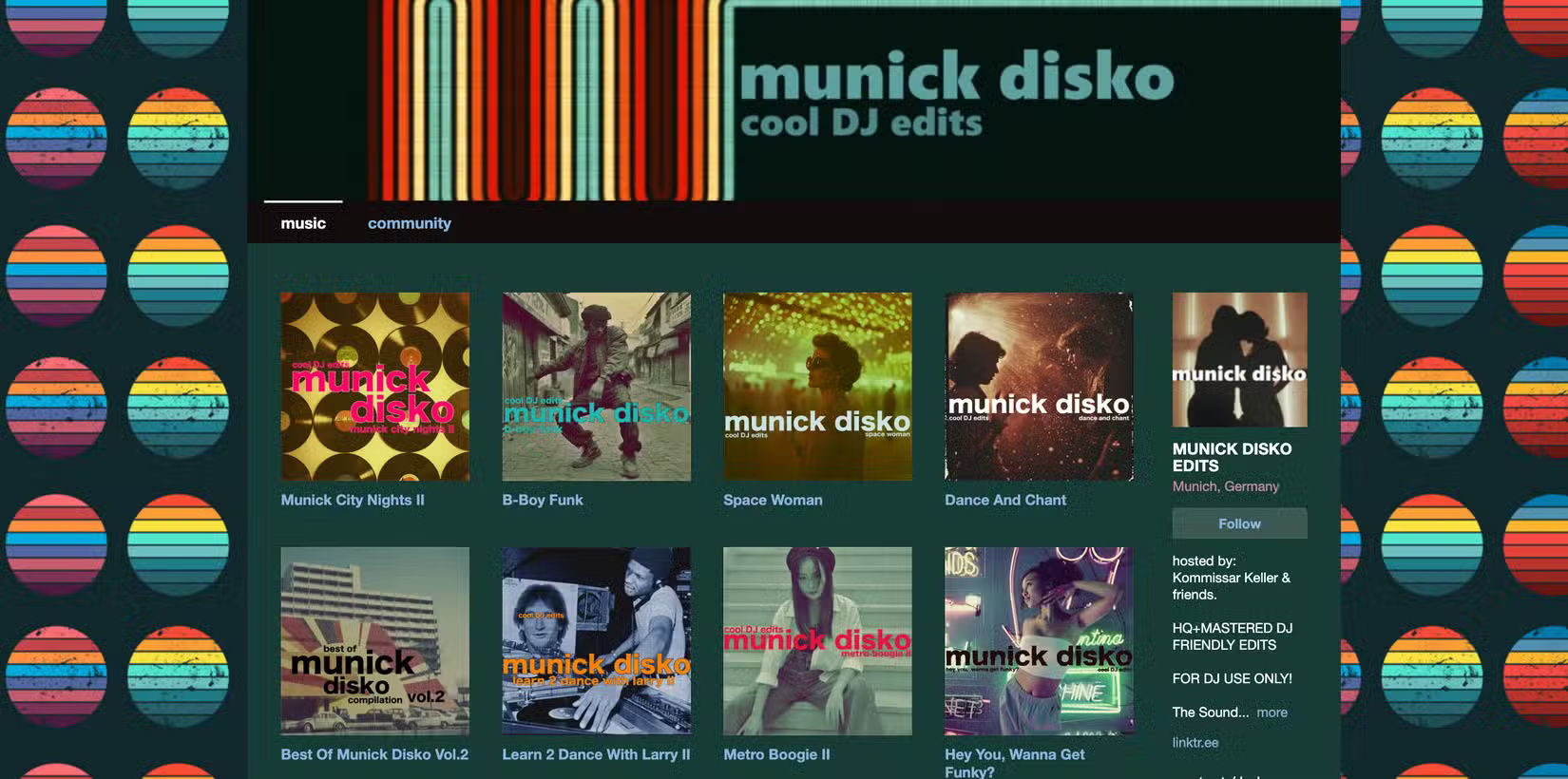
Start with a genre or location tag and preview several releases. If one fits, check the label’s other releases or browse public fan collections to find related artists. Use Bandcamp Daily if you want editorial guides to unfamiliar scenes or genres.
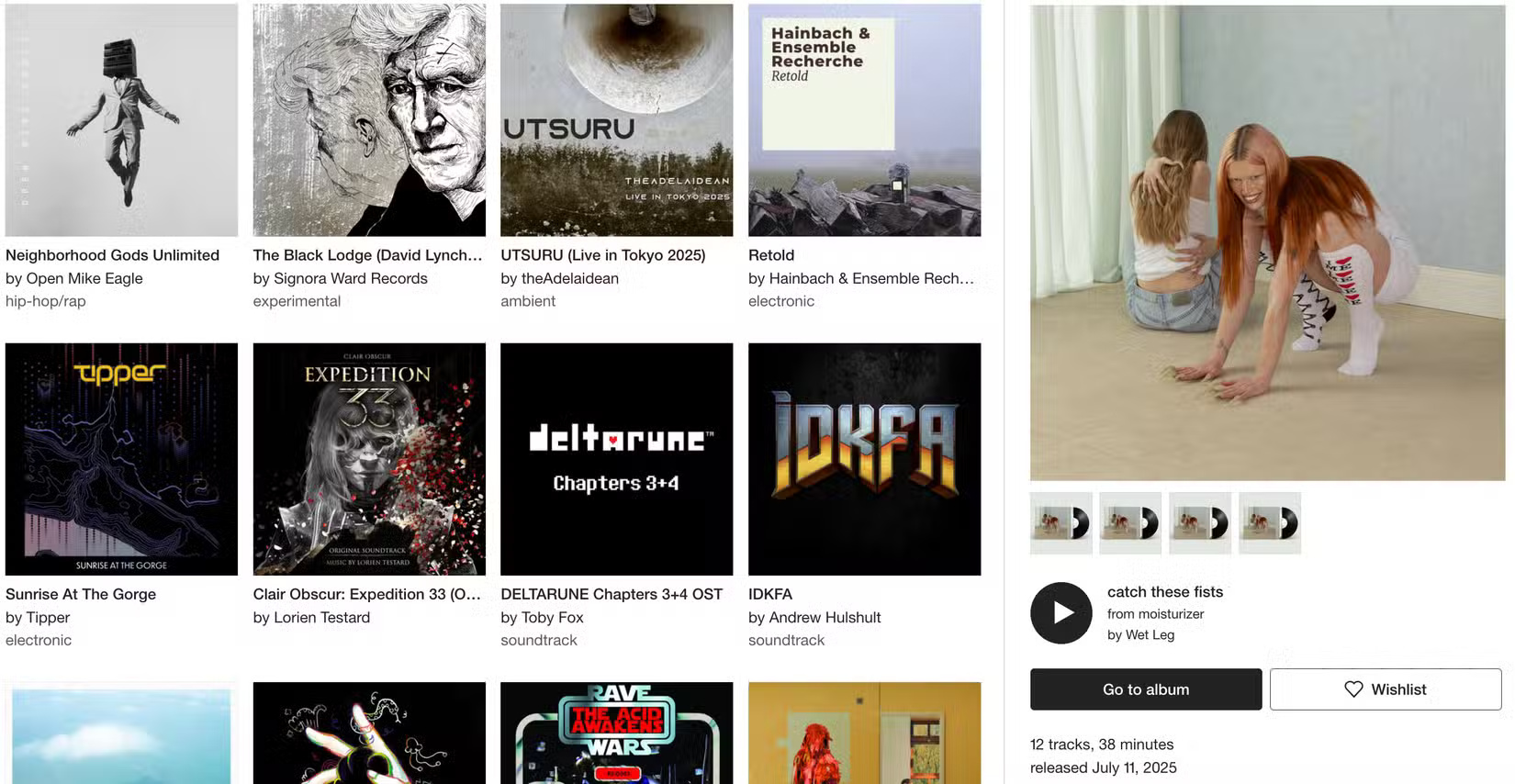

Know what you’re buying before checkout
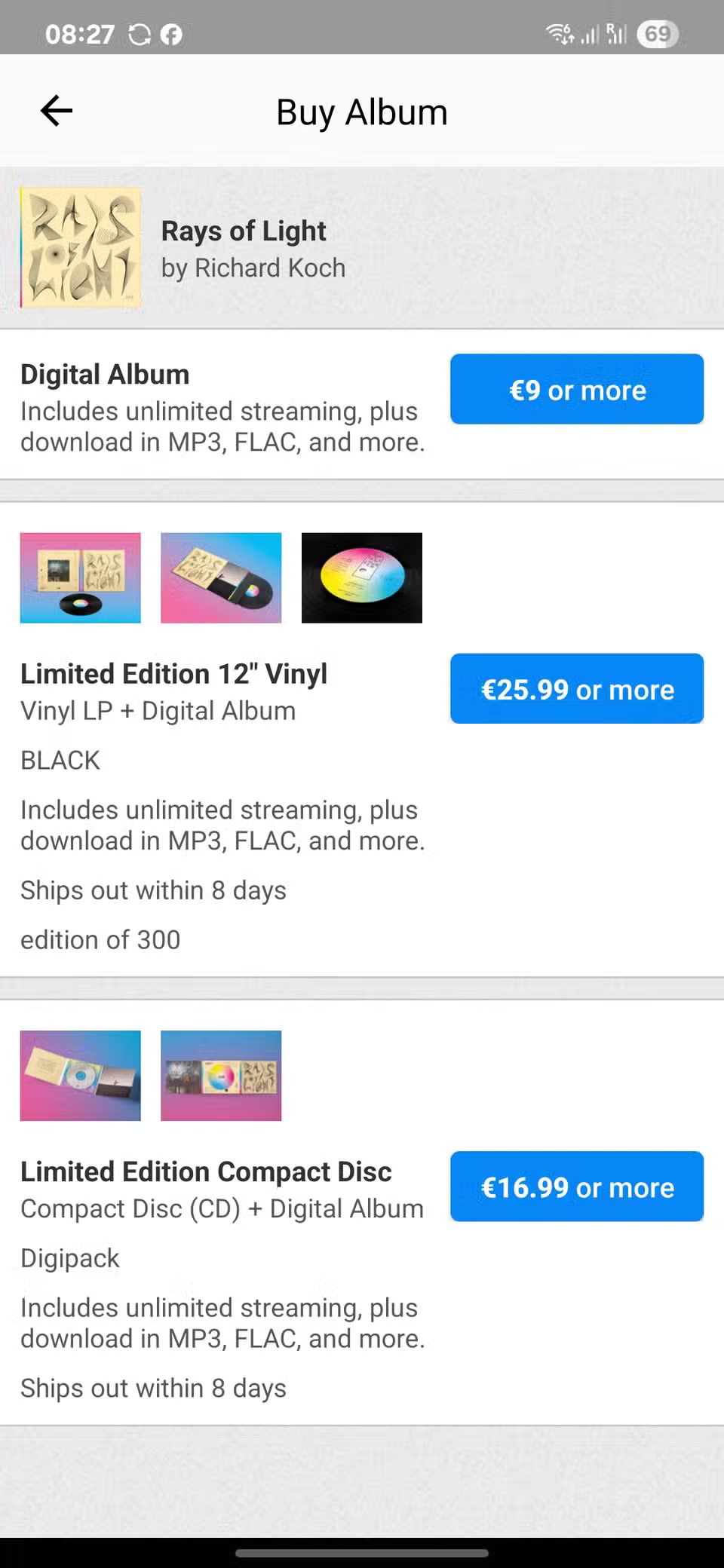
Check whether the listing is a digital download, a physical item, or a bundle. Shipping costs and delivery times matter for records and merchandise. Artists or labels receive proceeds after applicable fees. On designated Bandcamp Fridays, Bandcamp waives its revenue share. Payment processing fees can still apply.
Listen offline or keep a separate download
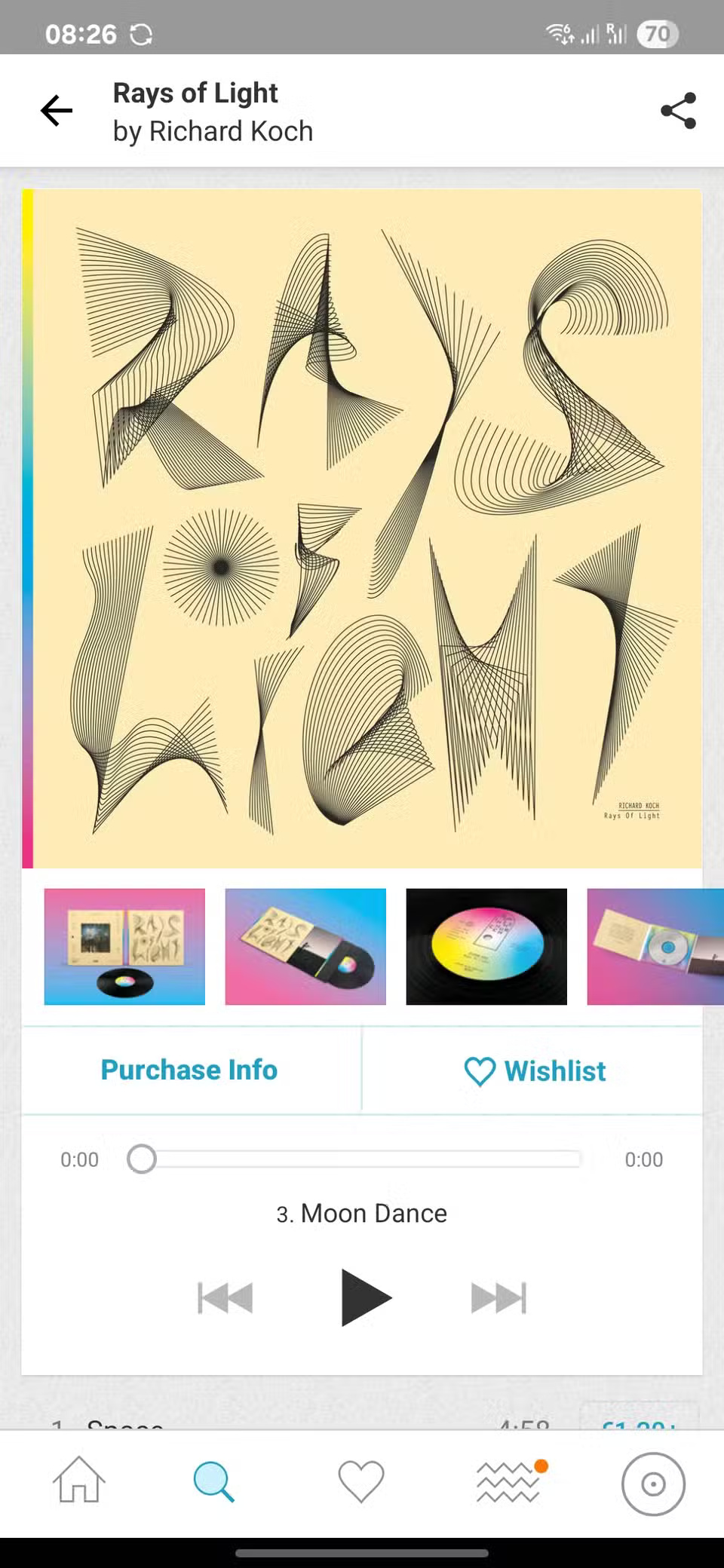
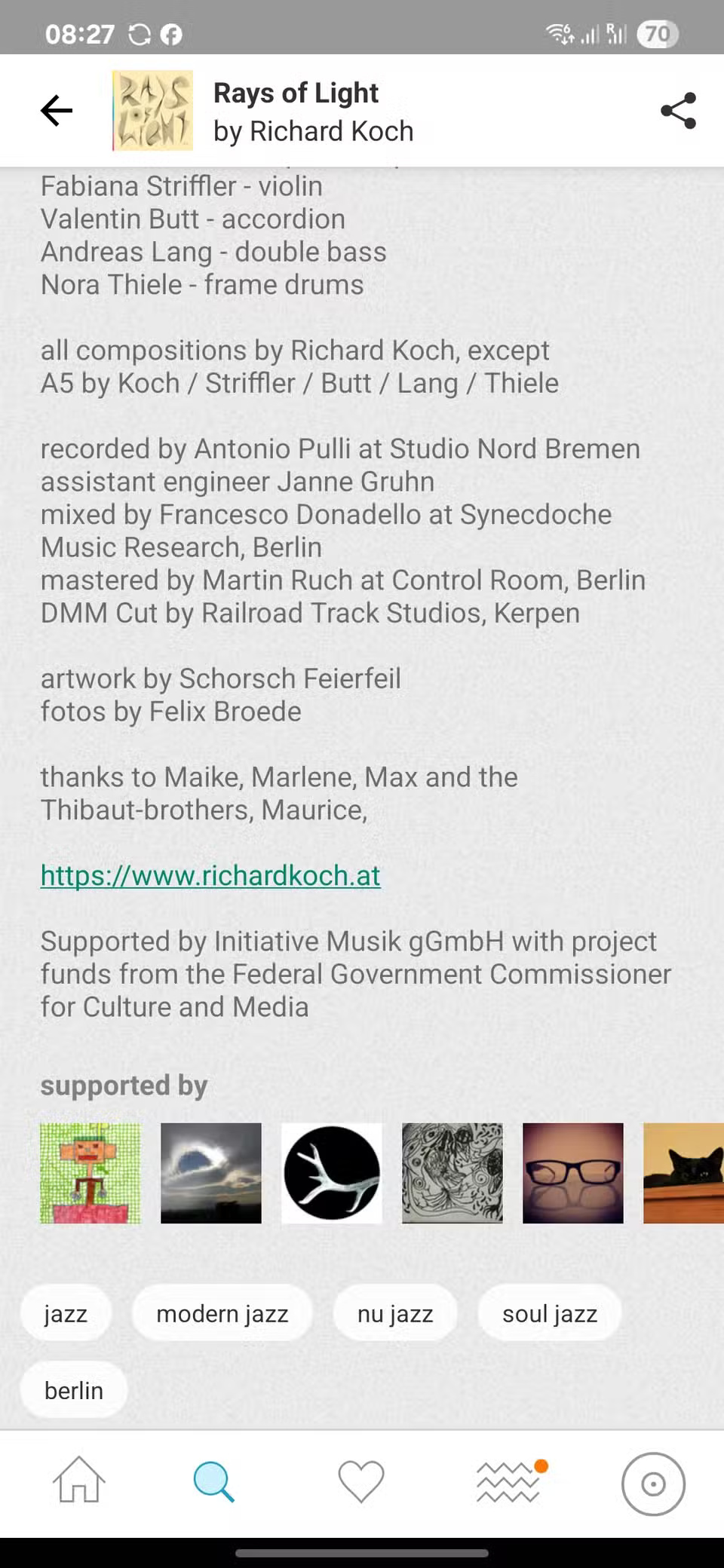
The Bandcamp Fan app can save supported purchases for offline listening inside the app. If you want audio files for another player or a separate backup, download from your purchase page in a browser where available. Choose a format your player supports. See how common audio formats differ if you are choosing between formats for playback or archiving.
Related Articles
 Can Pokemon Go be played on a computer? The answer is yes!
 Summary - How to play Pokemon GO, virtual reality game catch Pokemon on smartphone
 Poké Ball Types Explained: Generations III–V (Part 2)
 How to Earn and Use Stardust in Pokémon GO
 How to Hatch Eggs in Pokémon GO
 Poké Ball Types Explained: Generations I–II (Part 1)
Reader Comments 0
Sign in with email or Google to join the discussion.