Table of Contents
Hexa is a mobile AI design app from Superapp Labs. It can generate logo concepts from prompts and also includes tools for product images, album covers, tattoos, signatures, and interior-design ideas. It is available through Google Play and Apple's App Store with in-app purchases.
Hexa is useful for exploring visual directions quickly, but an AI-generated concept is not automatically a finished brand identity. Expect to compare several outputs, refine typography and colors, check export quality, and review commercial-use terms before publishing a logo.
What Hexa can create
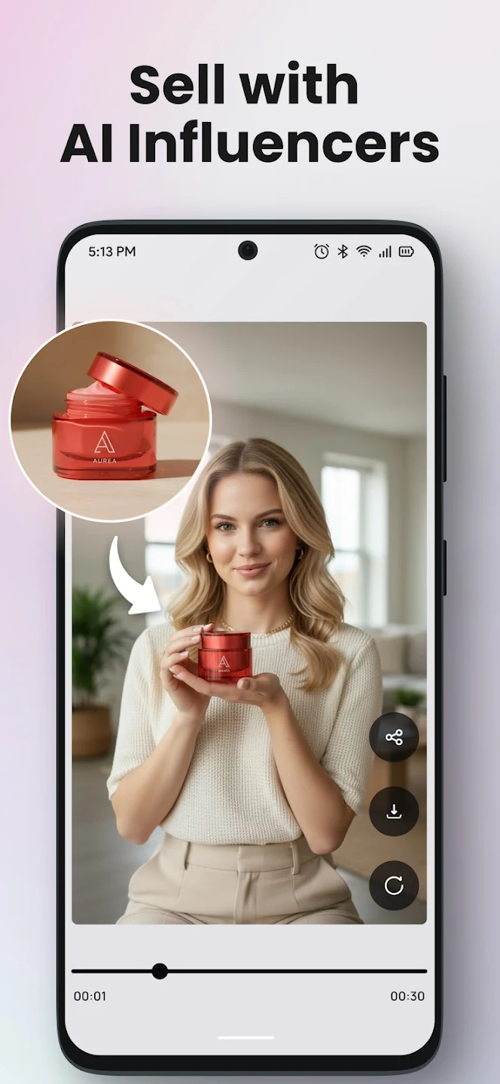
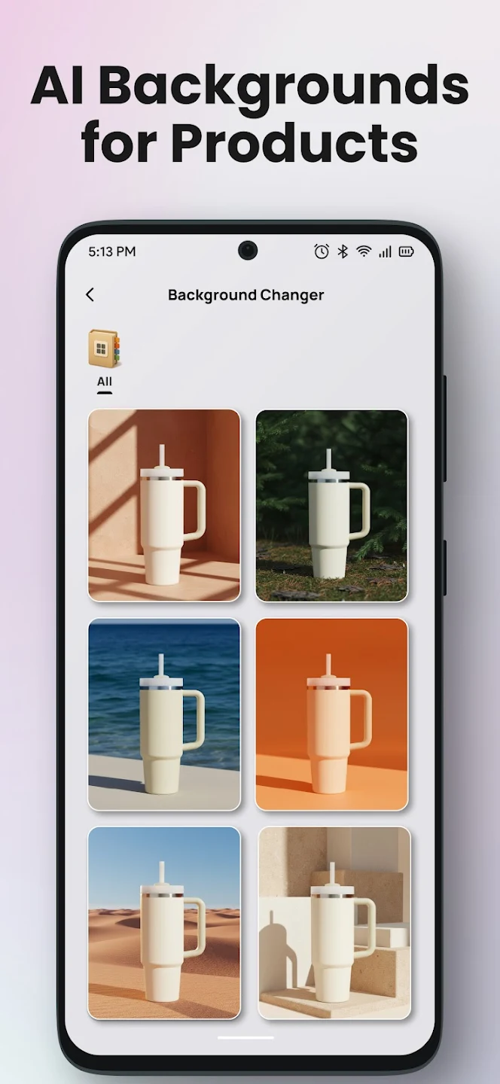
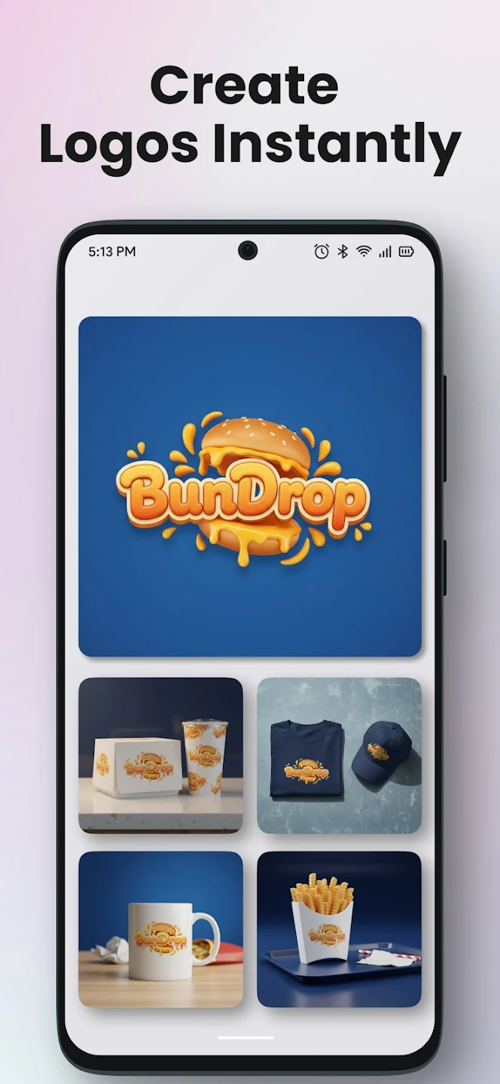
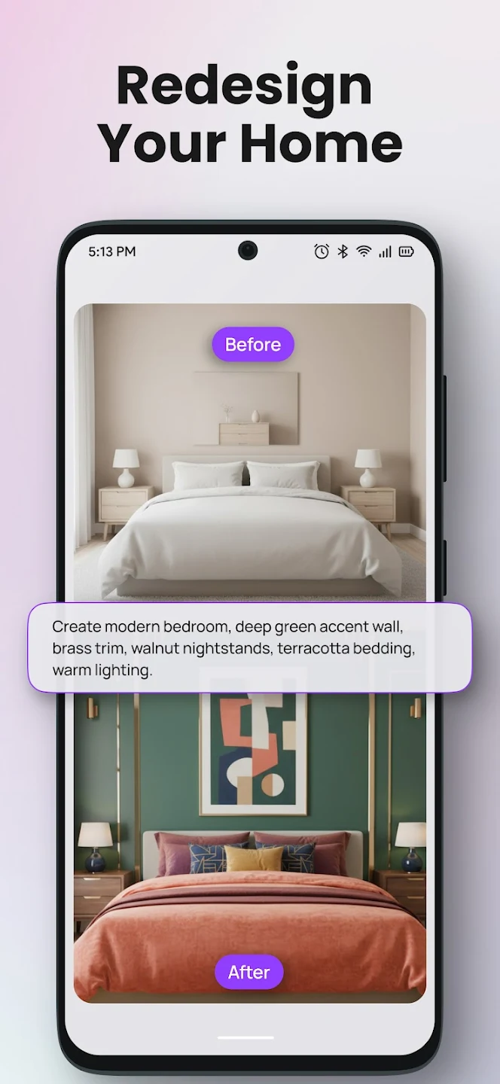
According to the official store listings, Hexa combines several prompt-based design features in one app:
- Logo concepts: enter a brand name, keywords, or a visual idea and generate multiple directions.
- Product photos: create styled product scenes from a description or layout.
- Album covers: upload a photo and use a prompt to create cover artwork.
- Tattoo ideas: generate concepts based on a style, subject, or symbolic theme.
- Signatures: explore stylized signature ideas from a name and preferred look.
- Interior concepts: upload a room image and describe a different style or arrangement.
The app's scope is broader than logo design, so its interface and purchase system may include tools or credits unrelated to branding.
Hexa app details
| Item | Verified information |
| Developer | Superapp Labs |
| Platforms | Android through Google Play; iPhone and iPad through the App Store |
| Access model | Free download with in-app purchases; offers and included usage can vary |
| Primary functions | AI logo generation and other prompt-based image-design tools |
| Android package | com.superapplabs.logolab |
Use the official Google Play listing for Hexa or the Hexa App Store listing. Store pages are safer than third-party APK sites and show the current version, purchases, privacy disclosures, and device requirements.
How to create a better logo prompt
A useful prompt describes the brand and visual constraints instead of asking only for “a professional logo.” Include:
- The brand name and industry.
- The audience or personality: playful, premium, technical, friendly, or traditional.
- A symbol or concept to explore.
- A visual style such as geometric, hand-drawn, minimal, monogram, or emblem.
- Preferred colors and colors to avoid.
- The intended layout, such as square icon, horizontal lockup, or badge.
- Restrictions, including no mockup, no gradients, no small details, or no text.
For example:
Logo concept for “North Bean,” a small specialty coffee shop.
Use a simple coffee-bean and compass symbol, warm brown and muted green,
flat vector-like style, strong silhouette, no mockup, white background,
and enough space for a clean sans-serif wordmark.
Generate several distinct directions rather than many slight variations of one design. Compare the results at small size and in black and white before refining a favorite.
A practical logo workflow in Hexa
- Define the brief. Write down the brand name, audience, values, competitors, and places where the logo will appear.
- Generate broad concepts. Test different symbols and styles before committing to colors or detailed effects.
- Refine one direction. Simplify the icon, remove unnecessary elements, and correct any distorted text.
- Test the design. View it as an app icon, social avatar, website header, business card, and monochrome mark.
- Prepare final files. Confirm the app's current export formats and resolution. Rebuild or clean up the artwork in a vector editor if required.
AI image generators often render letters inconsistently. If the brand name is important, consider generating the symbol without text and adding a properly licensed font in a design editor afterward.
What to check before exporting
- File format: verify whether the current plan exports transparent PNG, high-resolution raster files, or editable vector files. Do not assume SVG support without checking the in-app export screen.
- Resolution: test the actual file dimensions before planning signs, packaging, or large-format printing.
- Typography: confirm that fonts are licensed for the intended commercial use.
- Originality: search for similar marks and avoid recognizable characters, brands, or stock elements.
- Reproducibility: make sure the logo remains readable at small sizes and works on both light and dark backgrounds.
- Purchase terms: check what a subscription or credit pack includes before paying.
For alternatives, see TipsMake's comparison of mobile logo design apps and its list of free logo design software.
Privacy and uploaded images
Creating product photos, album covers, or room designs may require uploading images to the service. Review the privacy and data-safety section on the relevant app store before uploading customer photos, unreleased products, private rooms, or confidential brand assets.
Google Play notes that its data-safety information is supplied by the developer and can vary by use, region, and age. Treat the current store disclosure as a starting point and avoid uploading sensitive material unless the app's terms and your organization's policy allow it.
Commercial use, copyright, and trademarks
Do not assume that entering a prompt gives exclusive ownership of every output or that paying for a higher plan guarantees trademark registration. AI-generated artwork may resemble existing designs, and legal protection depends on the jurisdiction, the amount of human authorship, the app's current terms, and the final mark.
Before using a Hexa concept for a business:
- Read the app's current terms for generated content and commercial use.
- Run a trademark and image-similarity search in relevant markets.
- Replace questionable fonts or third-party elements.
- Keep records of prompts, edits, source files, and licenses.
- Consult a qualified trademark professional when the brand has significant commercial value.
Is Hexa a good choice for logo design?
Hexa is worth considering for brainstorming logo directions on a phone and for people who also want other AI image tools in the same app. Its usefulness depends on the quality of its current generation model, the credits included with a purchase, available export formats, and the amount of manual cleanup each design needs.
Use it as a concept generator rather than a promise of an instant production-ready identity. A strong result still needs a clear brief, careful selection, typography work, technical file checks, and an originality review.
Related Articles
 How to Design a Simple Logo in Photoshop8 minutes read
 5 Steps to Design a Free Logo on Canva3 minutes read
 How to Design Profile Photos on Profile Pic Maker for Free3 minutes read
 Using AAA Logo Professional Logo Design6 minutes read
 Using Designevo to Design Online Logo6 minutes read
 Create a Logo: Top Online Logo Design Websites8 minutes read
Reader Comments 0
Sign in with email or Google to join the discussion.