Table of Contents
This guide organizes the entries in "7 Tips to Lock Your Smartphone to Protect Against Phone Theft" and explains what each option, idea, or example offers. It also highlights practical details that matter when comparing the choices.
1. Turn on anti-theft protection
The first step to protecting your phone from theft is to enable the anti-theft features built into the operating system. Start by enabling Find Hub and Find My tracking on Android and iOS devices.
Android 16 (coming in 2025) has a comprehensive Advanced Protection feature set with multiple layers of security to protect your phone in case of theft. This also includes Theft Detection Lock , which automatically locks if it detects that your phone has been snatched from your hands.
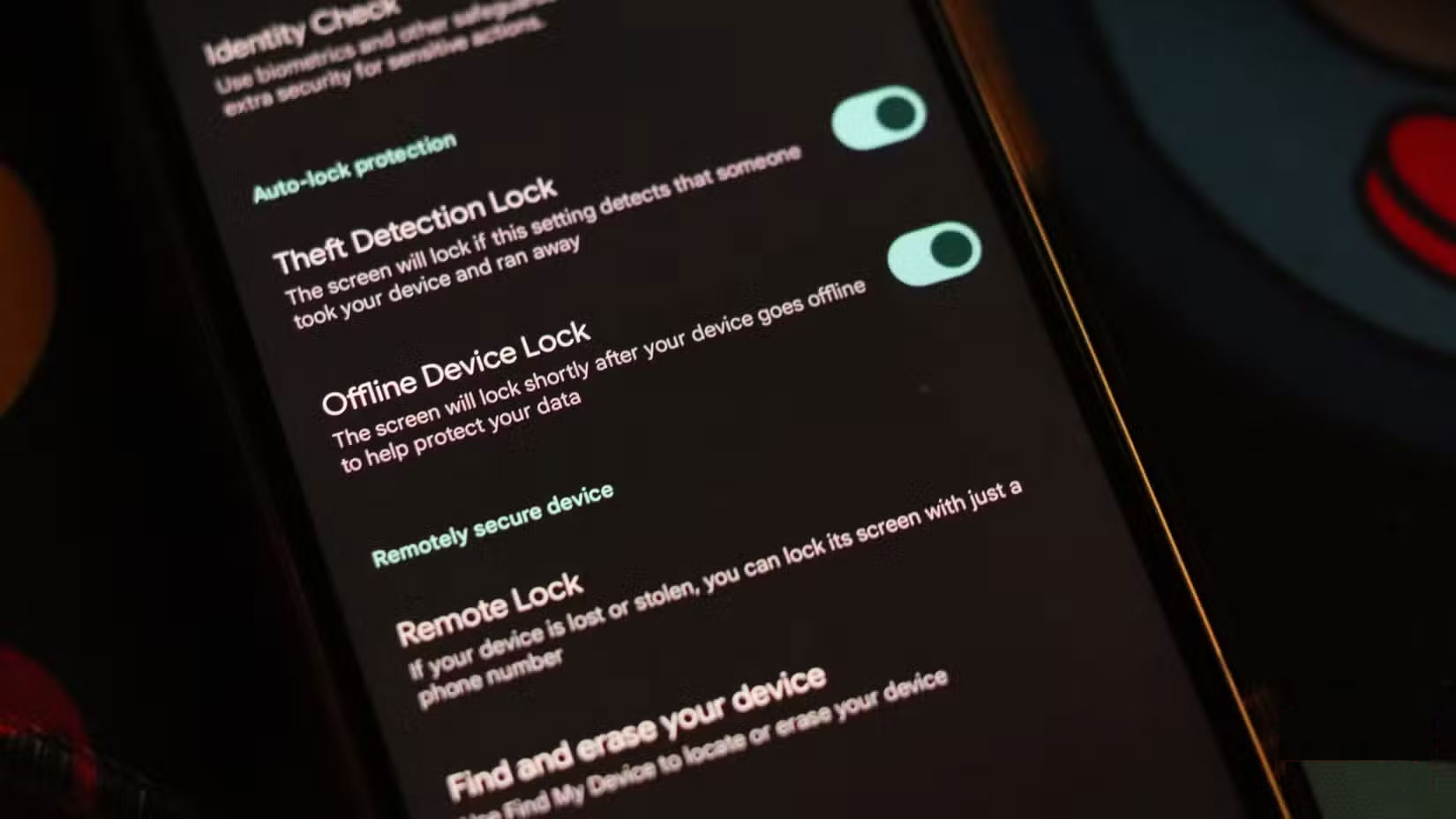
iOS has Stolen Device Protection , which strengthens security measures and adds a one-hour security delay when sensitive system settings are changed. This gives you more time to remotely lock your phone in case of theft.
2. Start using eSIM
While using an eSIM doesn't necessarily protect your device from theft, it does make it harder for thieves to exploit or sell your device. An eSIM can't be swapped out as easily as a traditional SIM card, meaning a thief can't start using your phone on a different network. It also makes your phone easier to track through mobile triangulation.
eSIMs are vulnerable to hacking, but require complex technical knowledge to pull off such an exploit. This greatly reduces the incentive for phone thieves because they can be remotely locked and rendered unusable at any time.
3. Enable biometric lock on sensitive apps
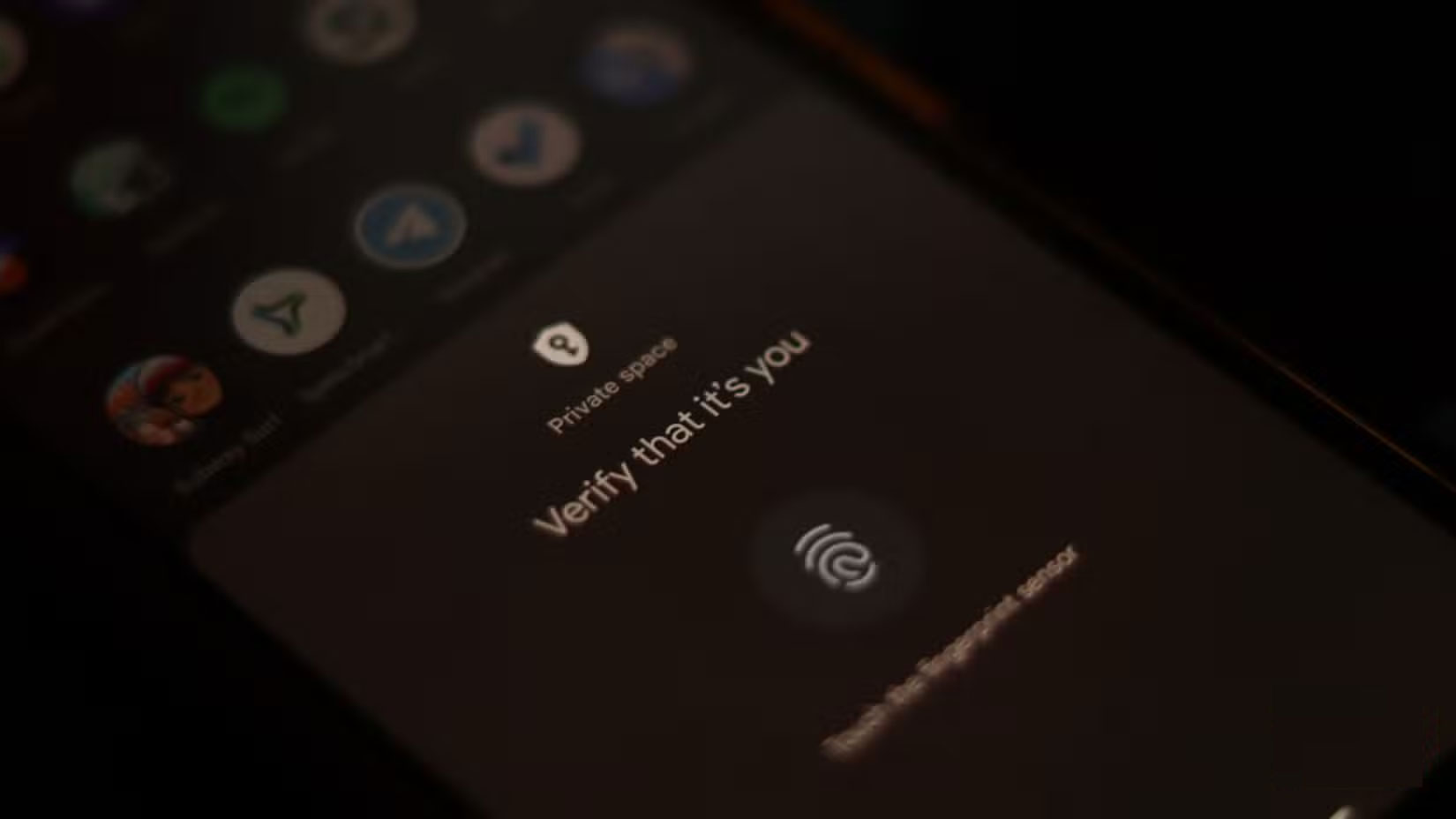
Locking sensitive apps with biometrics will prevent thieves from accessing your data, even if they can bypass the lock screen. iOS provides a built-in way to lock apps with Face ID or Touch ID, and almost all sensitive apps on Android, such as those used by banks, require you to use biometric locks by default.
4. Turn on any tracking features
Apple's Find My network is extensive, with millions of devices around the world pinging each other's locations on a map. You can also mark a lost iPhone in iCloud to help locate it through Apple's Find My network.
These features lock your phone, so even if a thief knows the passcode, they'll still be locked out of your device, as it requires Face ID or Touch ID to work. You can even find your iPhone if it's offline in some cases.
Google is also working on improving its own tracking network, and the Find My app is getting a lot better with upcoming versions of Android. According to How-To Geek, Moto Tag, the Android version of AirTag, will gain ultra-wideband support for more accurate tracking in 2025. This feature is expected to be introduced in more Android trackers in the future.
5. Enable factory reset protection
Android has factory reset protection that makes your phone virtually unusable if it's stolen. When a factory reset is initiated through the recovery menu or through Find Hub, Android automatically activates these protections. This requires you to enter your most recent PIN, password, pattern, or sign in to the last Google account associated with the phone to verify ownership.
Without this data, the phone will fail to get past the initial setup phase, rendering it useless. Google is working to improve this further in Android 16 by forcing the phone to go through another factory reset, and restricting all functionality if a factory reset is performed without permission.
6. Always keep your phone updated
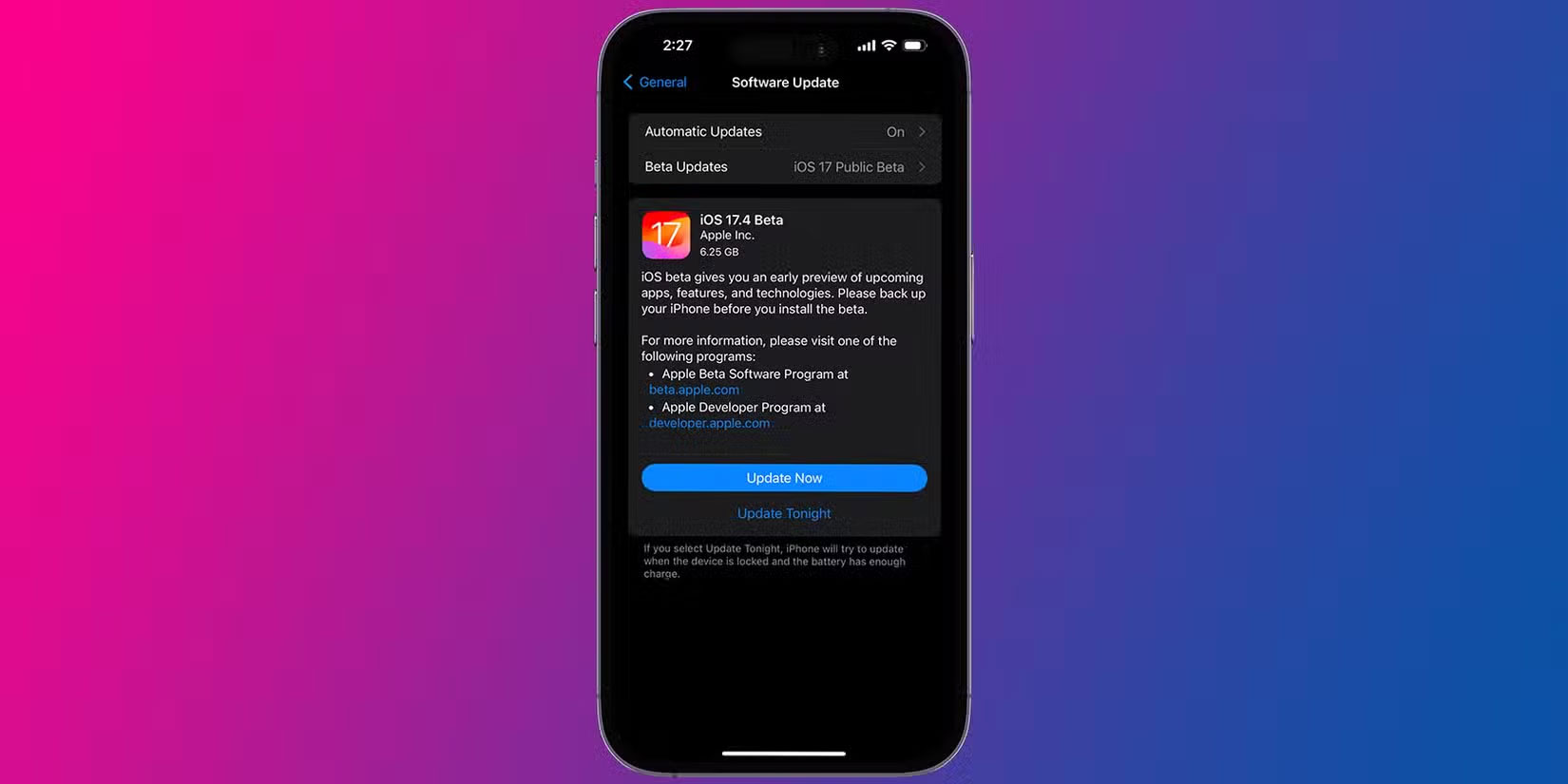
This may seem obvious, but the best way to make sure you have all the latest privacy and security protections is to keep your phone up to date. Both Google and Apple are constantly releasing features to protect your phone from online attacks and theft. Updating your phone as soon as those updates are released will ensure you have the latest features.
7. Use a phone strap
This might be the oldest trick in the book, but if you don't want something stolen, attaching it to your body with a phone strap can be a pretty effective way to prevent phone snatching.
Many people don't like this method. Leaving your phone hanging around while you're out and about may protect it from snatching and theft, but it also means you're more likely to bump it into random objects. Risking a broken screen to protect your phone from theft isn't the protection many people are looking for.
However, this method is the strongest defense you can have against phone theft. If you are in a crowded area, thieves and pickpockets can sneak away with your phone. Having your phone attached to your body gives you a better chance of catching the thief in the act.
FAQ
What should you know about 1. Turn on anti-theft protection?
The first step to protecting your phone from theft is to enable the anti-theft features built into the operating system. Start by enabling Find Hub and Find My tracking on Android and iOS devices.
What should you know about 2. Start using eSIM?
While using an eSIM doesn't necessarily protect your device from theft, it does make it harder for thieves to exploit or sell your device. An eSIM can't be swapped out as easily as a traditional SIM card, meaning a thief can't start using your phone on a different network. It also makes your phone easier to track through mobile.
What should you know about 3. Enable biometric lock on sensitive apps?
Locking sensitive apps with biometrics will prevent thieves from accessing your data, even if they can bypass the lock screen. iOS provides a built-in way to lock apps with Face ID or Touch ID, and almost all sensitive apps on Android, such as those used by banks, require you to use biometric locks by default.
What should you know about 4. Turn on any tracking features?
Apple's Find My network is extensive, with millions of devices around the world pinging each other's locations on a map. You can also mark a lost iPhone in iCloud to help locate it through Apple's Find My network.
Related Articles
 Activation Lock Helps Reduce the Rate of iPhone Theft by 38%3 minutes read
 Samsung Features to Help Protect Your Phone from Theft7 minutes read
 What's New in the Recently Improved Theft Protection Feature on Android6 minutes read
 Top 10 Tips for Using a More Durable Smartphone6 minutes read
 How to Prevent Theft of Personal Data on Windows Phone 87 minutes read
 10 Phone Tips to Help Keep Your Phone Durable over Time5 minutes read
Reader Comments 0
Sign in with email or Google to join the discussion.