Table of Contents
iOS 26 brings the Liquid Glass design, updated Phone and Messages apps, and a new CarPlay layout to supported iPhones. You can run it on an iPhone 11 or later or an iPhone SE (2nd or 3rd generation). Features that use Apple Intelligence have a shorter compatibility list.
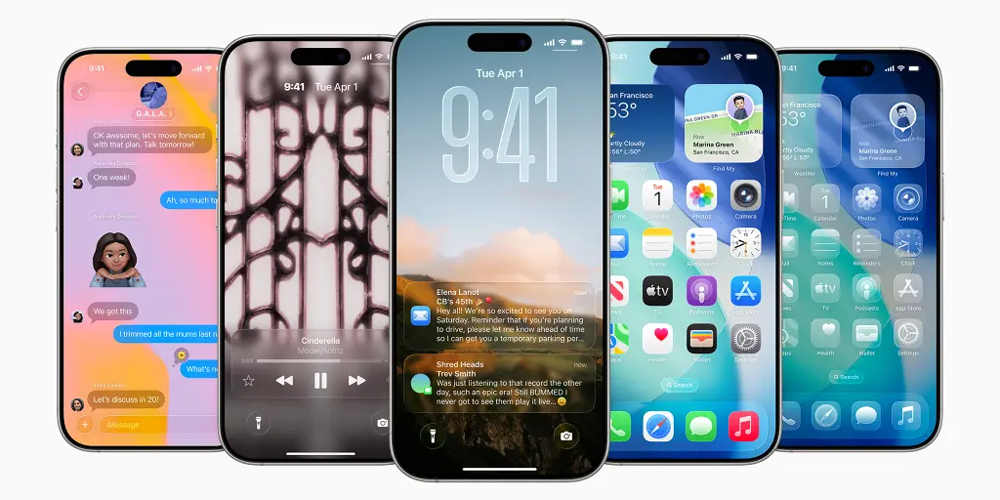
Which iPhones support iOS 26?
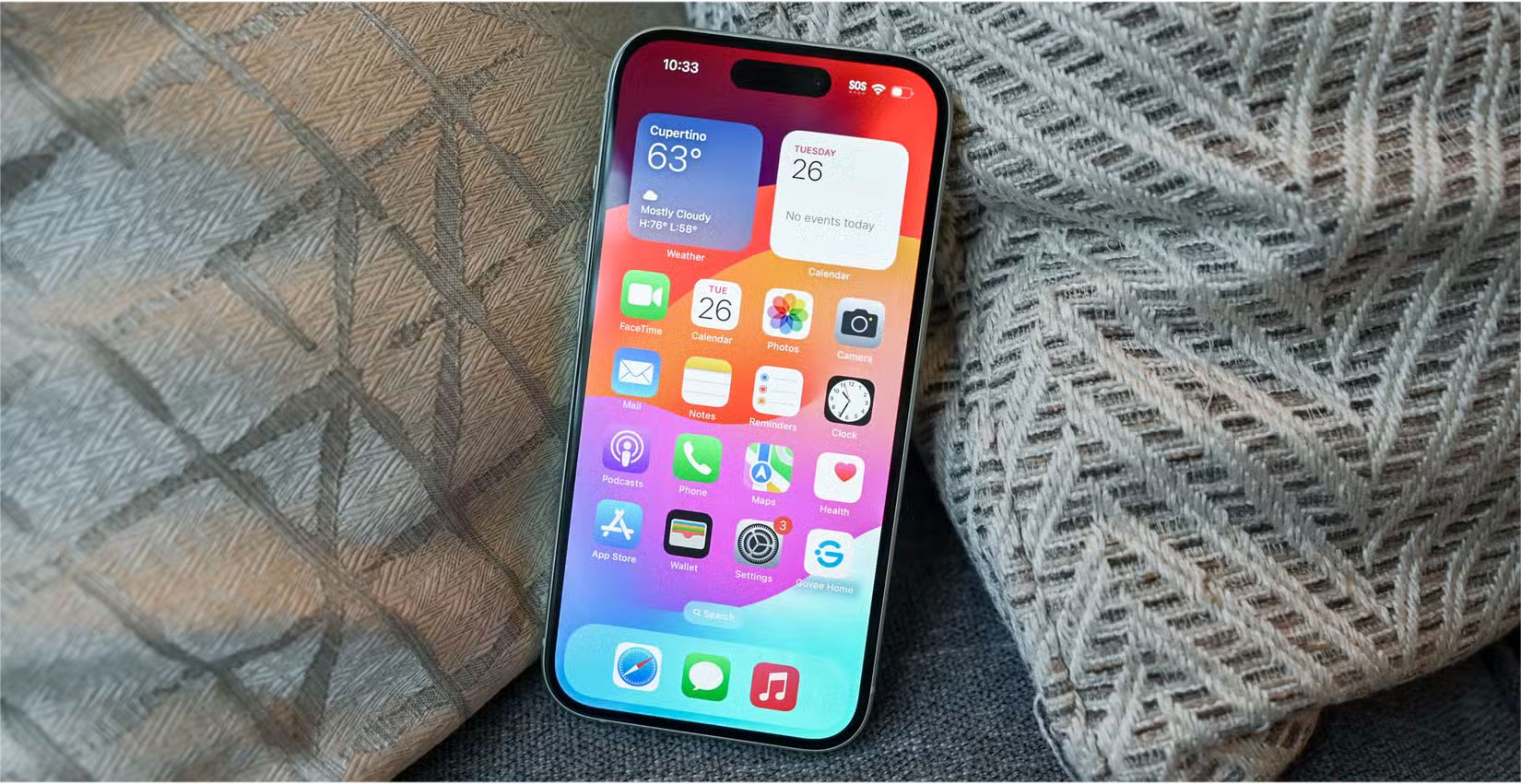
Apple’s iOS 26 compatibility list includes the iPhone 11 through 17 families, the iPhone Air, and the 2nd- and 3rd-generation iPhone SE. The iPhone XR, XS, and XS Max stay on earlier versions of iOS. To check a model name, open Settings > General > About.
How to check for the update
Back up your iPhone. Then connect it to power and Wi-Fi and open Settings > General > Software Update. The screen shows the updates Apple currently offers for your model. If you already run a later major version, Software Update won’t offer iOS 26 as a downgrade.
Liquid Glass and updated app layouts
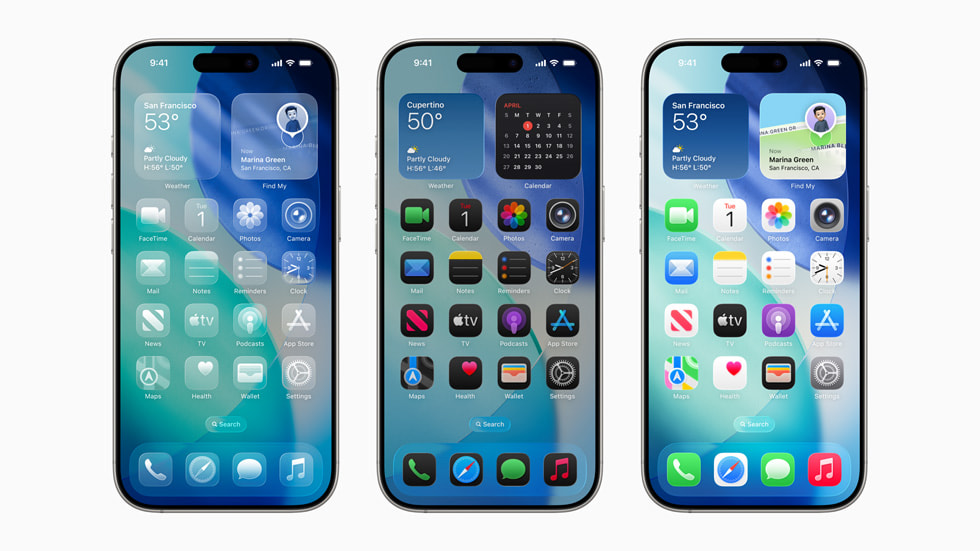
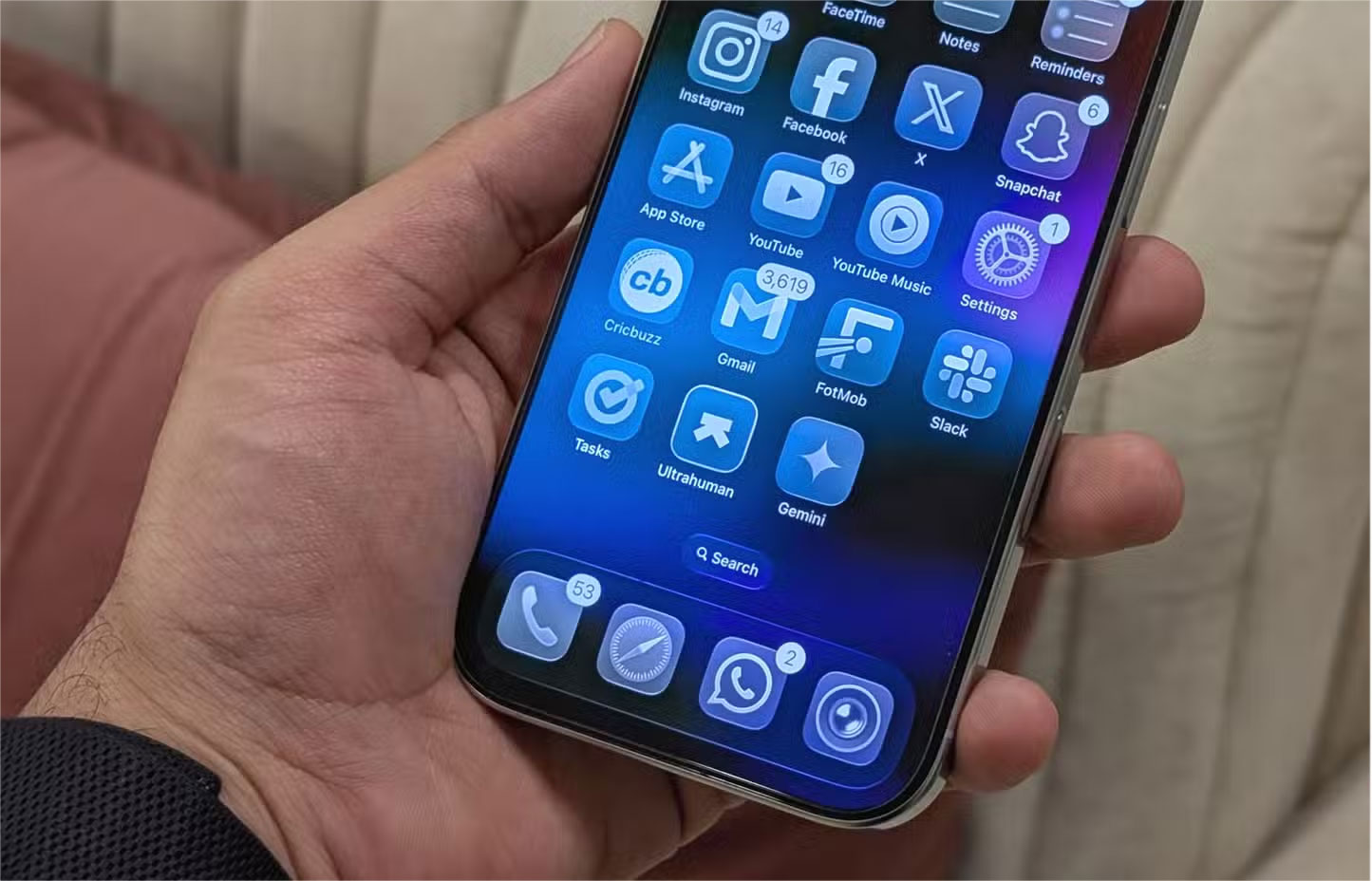
Translucent controls appear across the system, and you can give Home Screen icons and widgets a clear look. On the Lock Screen, the clock can adjust to the wallpaper. Camera emphasizes the main capture controls, Photos separates Library and Collections into tabs, and Safari uses more of the display for the page.
What Apple Intelligence adds
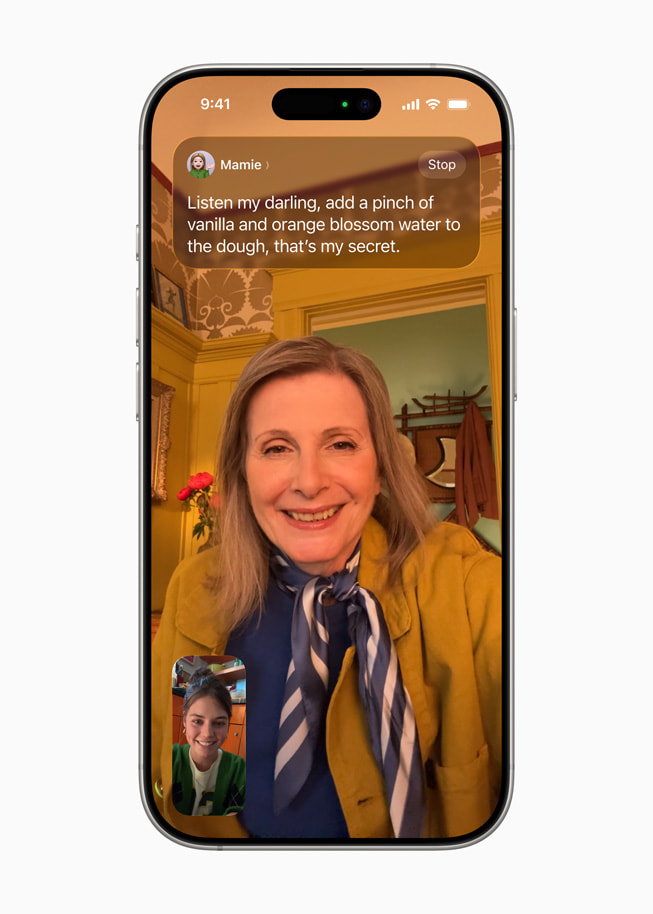
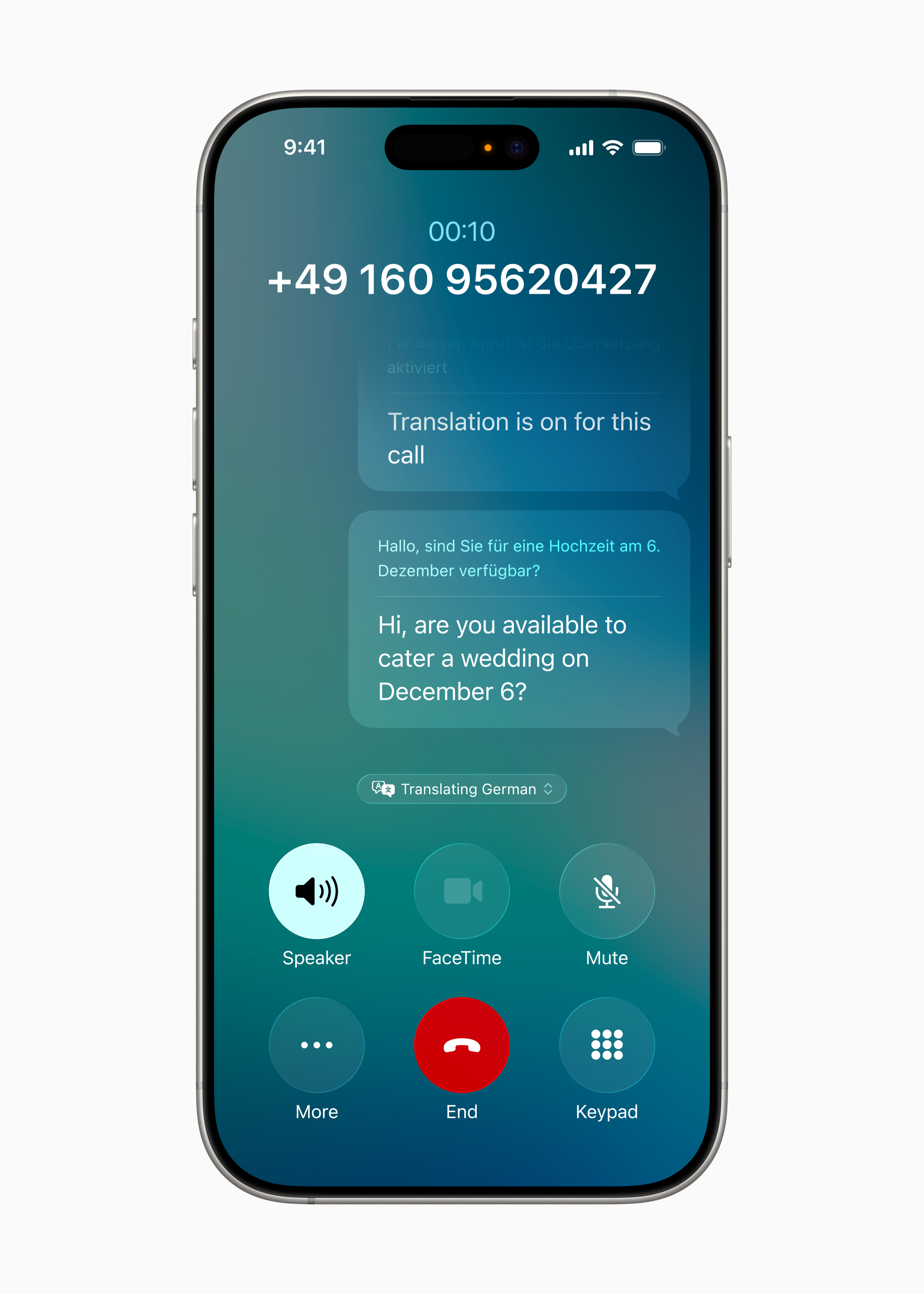
On eligible models and in supported languages, Live Translation can translate conversations in Messages, Phone, and FaceTime. Visual intelligence can work with content on your screen, for example by recognizing an event and offering to add it to Calendar. Shortcuts adds Apple Intelligence actions, and Genmoji can combine emoji and descriptions.
Which iPhones get Apple Intelligence?
Apple Intelligence requires an iPhone 15 Pro or 15 Pro Max, an iPhone 16 model or a compatible later model, and supported device and Siri languages. The standard iPhone 15 and 15 Plus get the iOS 26 interface and compatible app updates. Check Settings > Apple Intelligence & Siri on an eligible model to set up the feature.
Phone and Messages
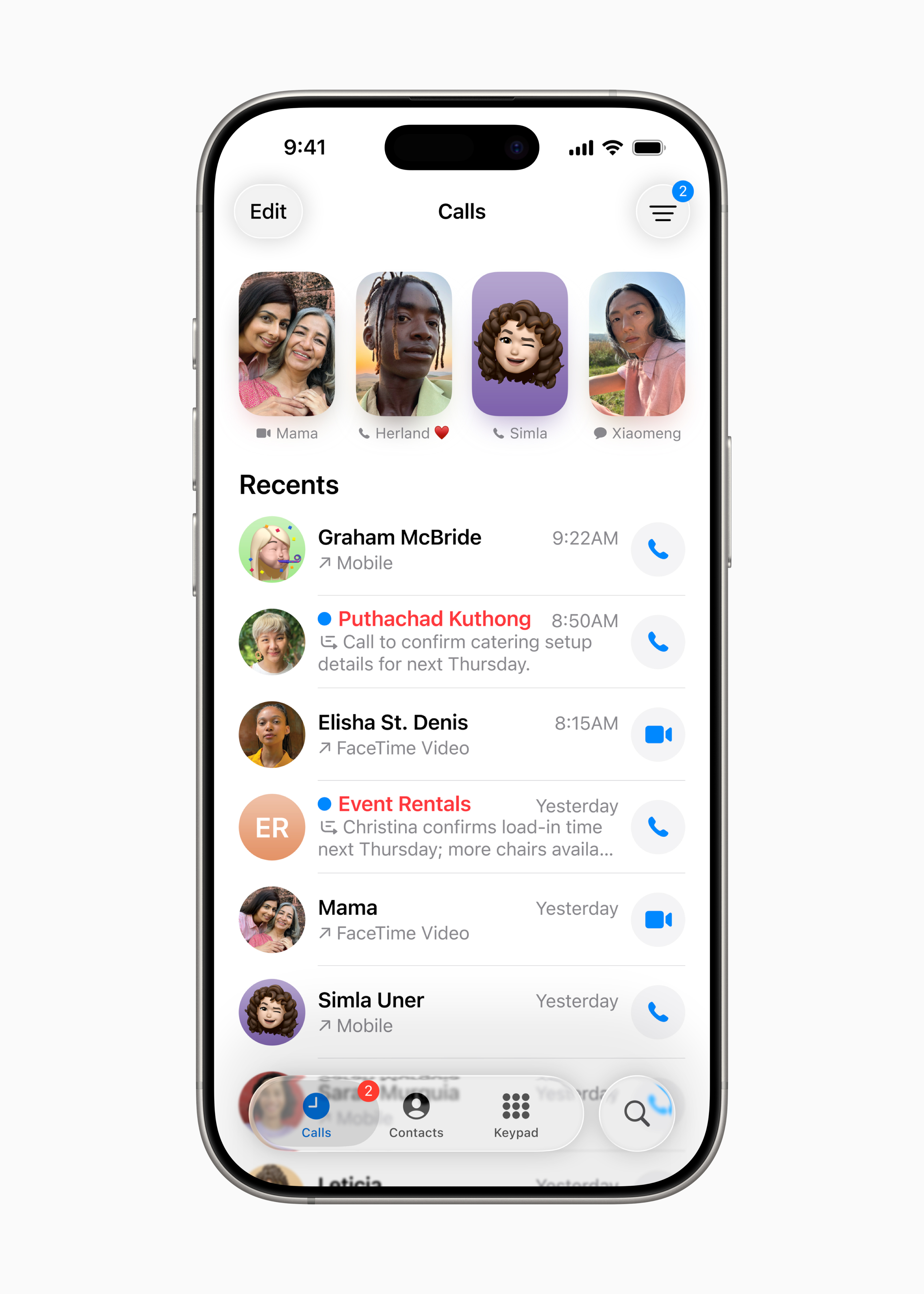
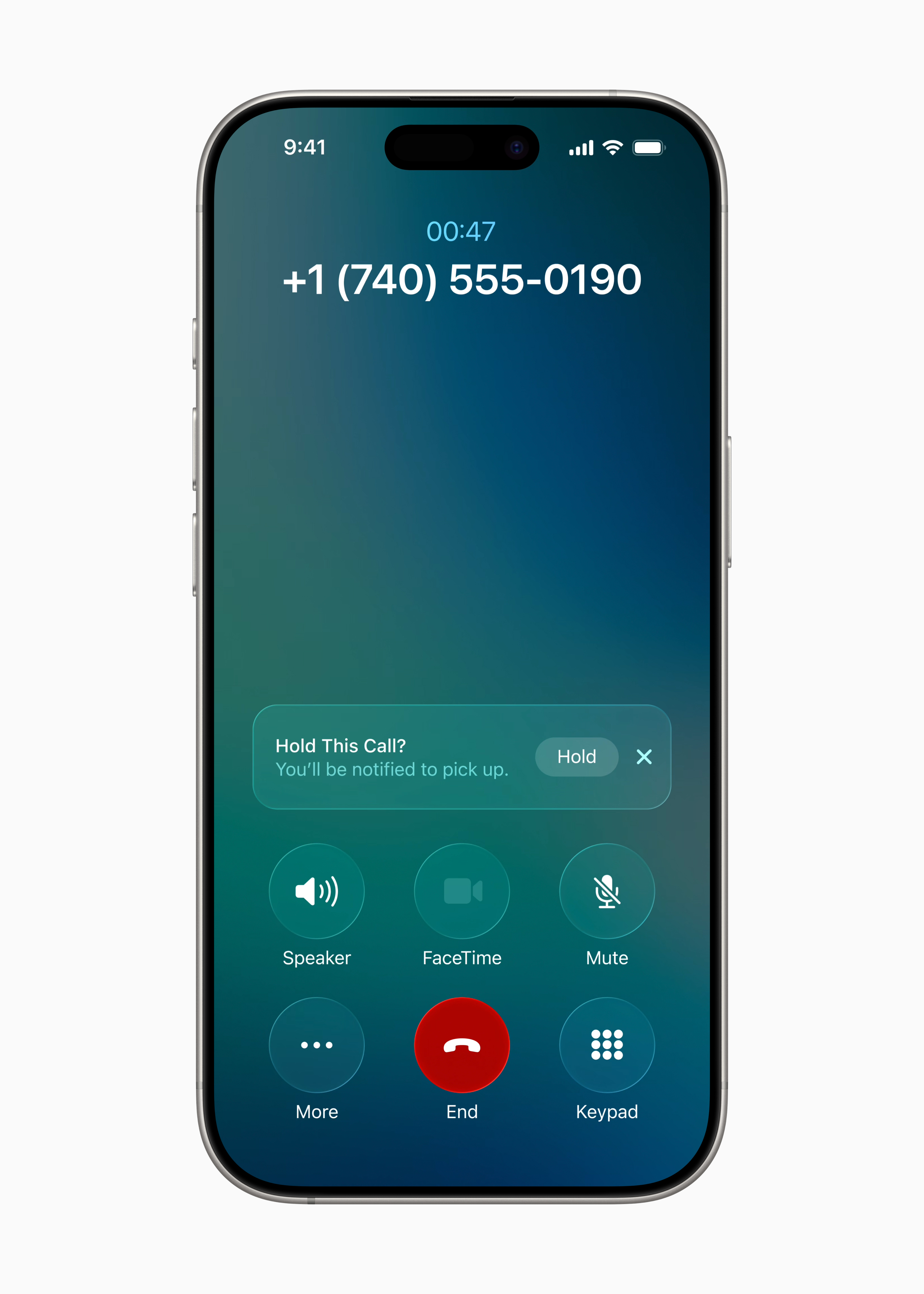
The Phone app offers a unified view for Favorites, Recents, and Voicemail. When available, Call Screening asks an unknown caller for their name and reason for calling. Hold Assist can notify you when someone returns to the line. If a missed call seems to have disappeared, check where the Phone app shows missed calls from unknown numbers.
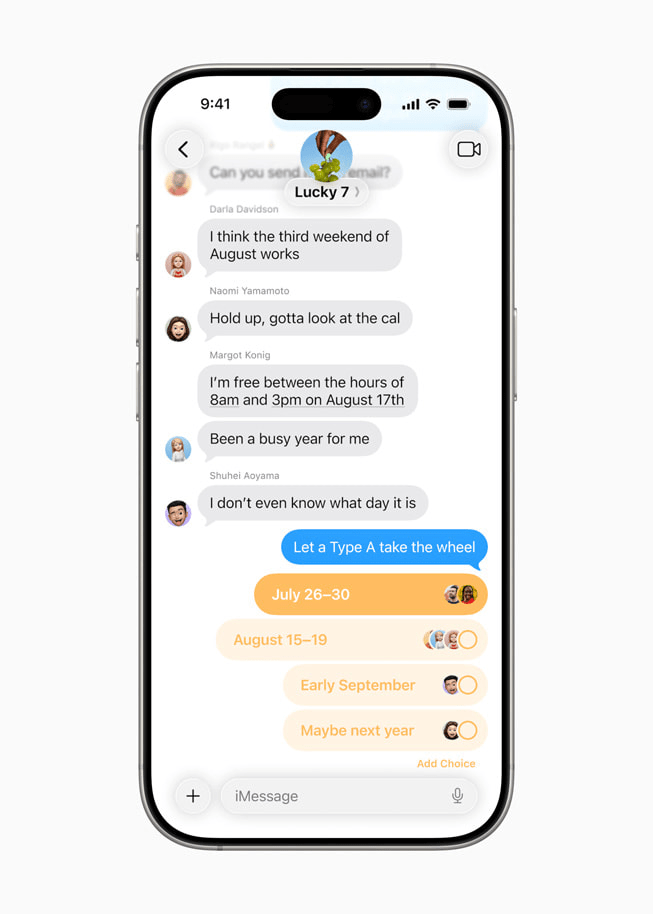
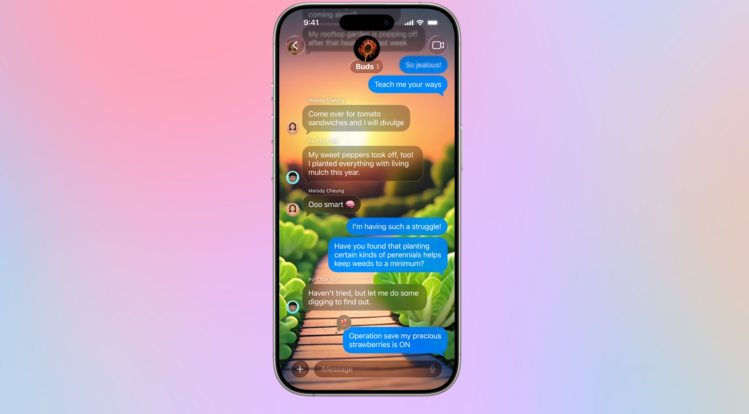
Messages can move texts from unknown senders to a separate list. Supported conversations can also use polls and custom backgrounds, while group chats can show when somebody is typing.
CarPlay
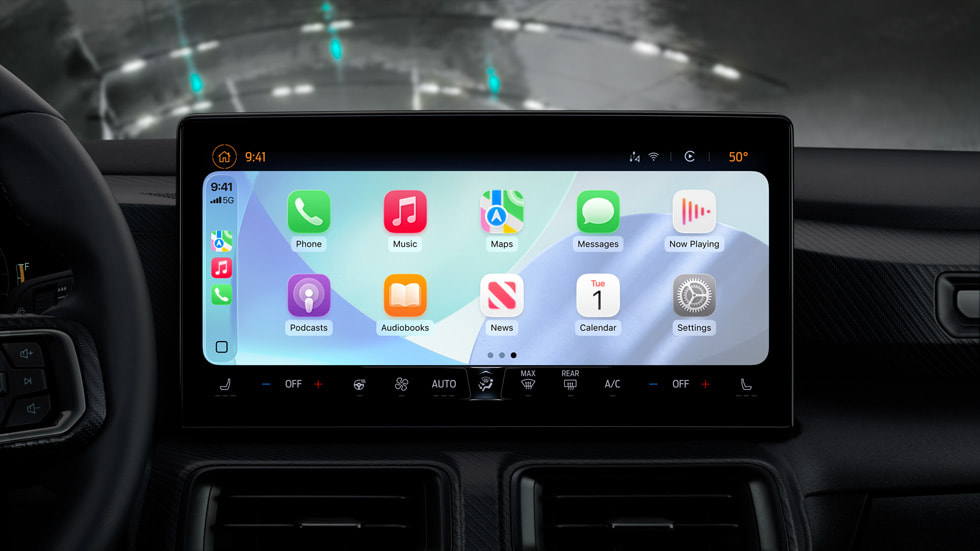
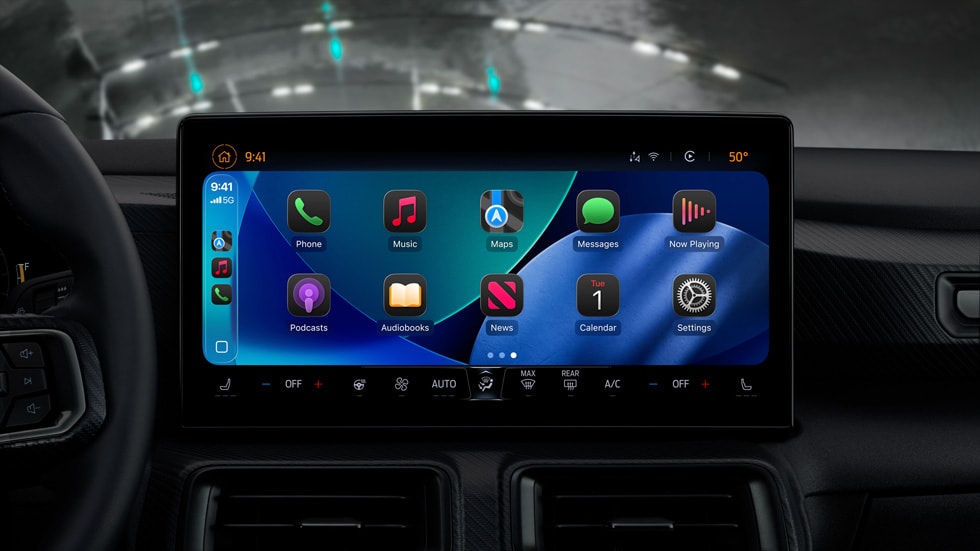
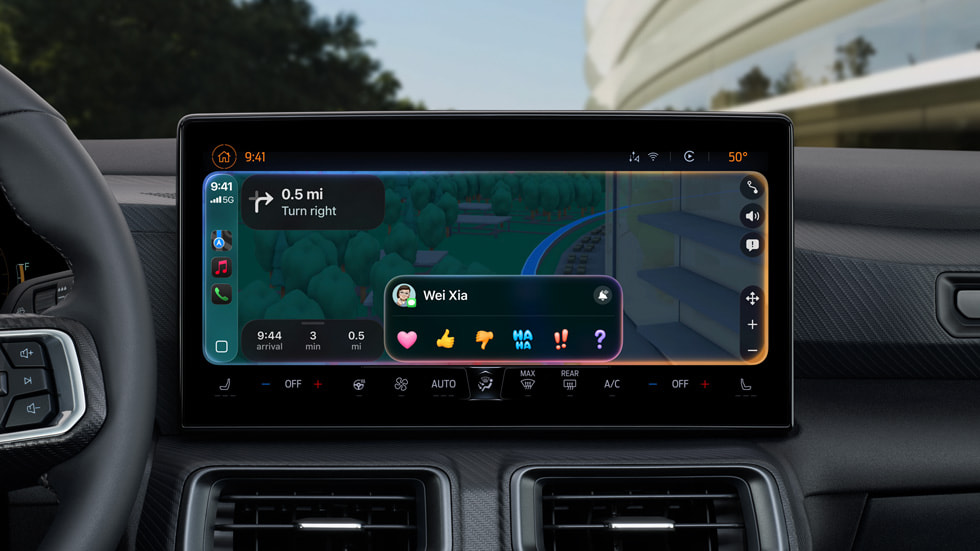
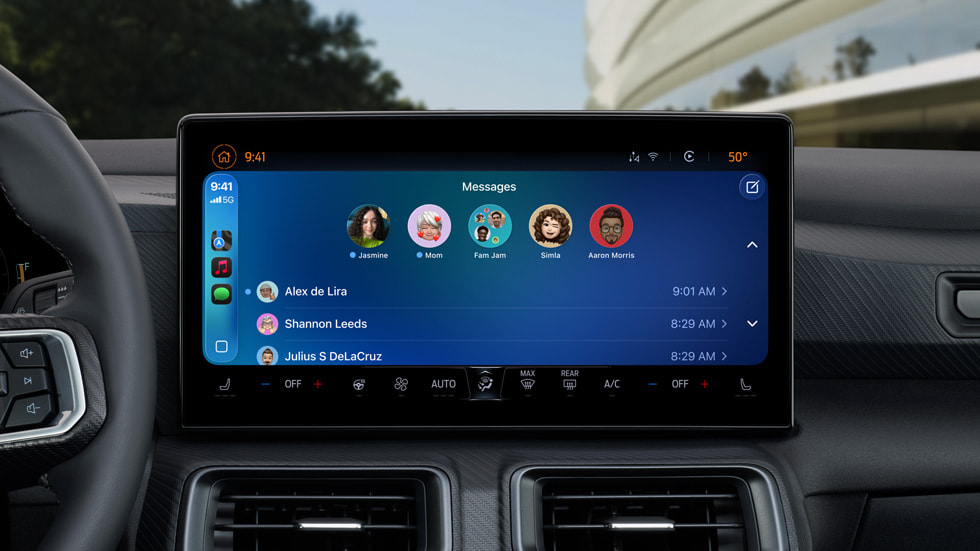
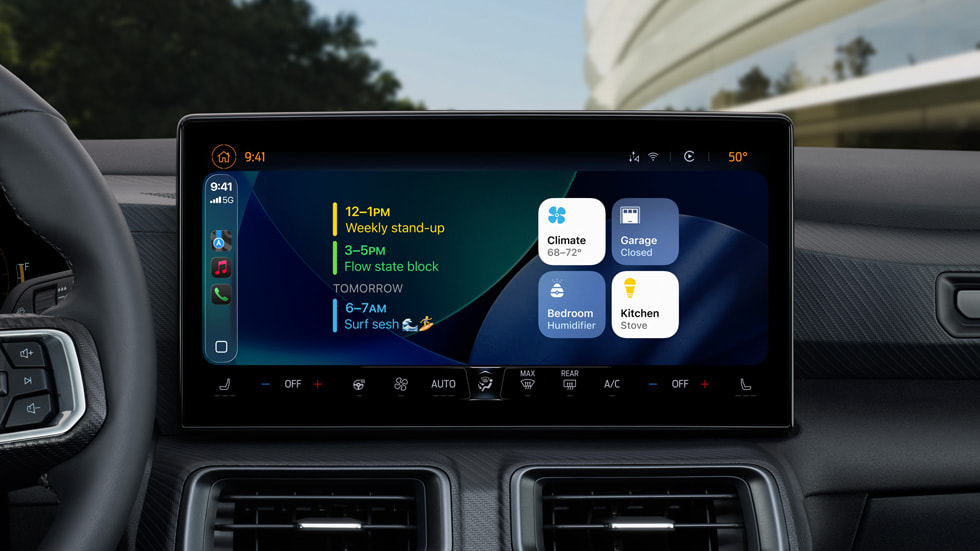
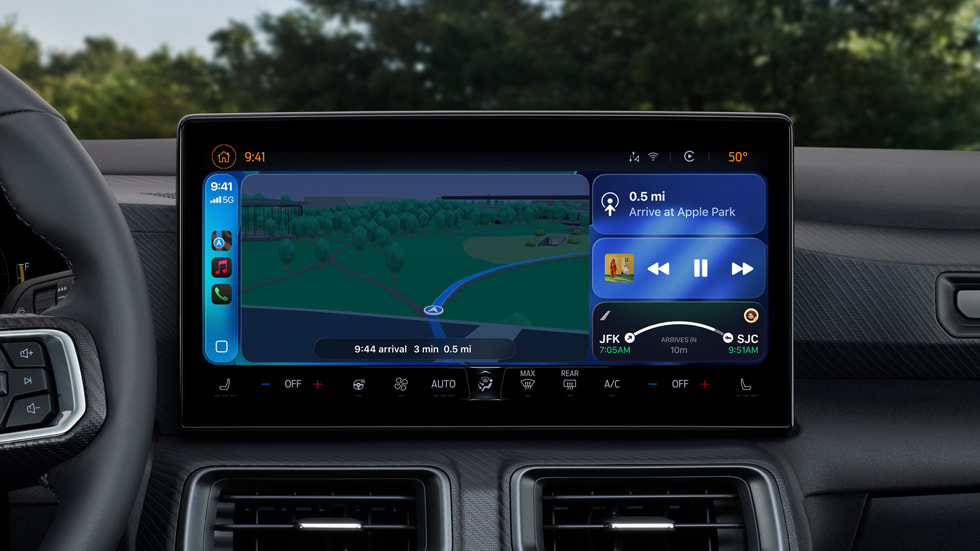
Incoming calls can appear in a compact view that leaves navigation on screen. CarPlay also supports widgets, Live Activities, pinned conversations, and Tapbacks. CarPlay Ultra requires a vehicle that supports it.
Apple Music and Maps
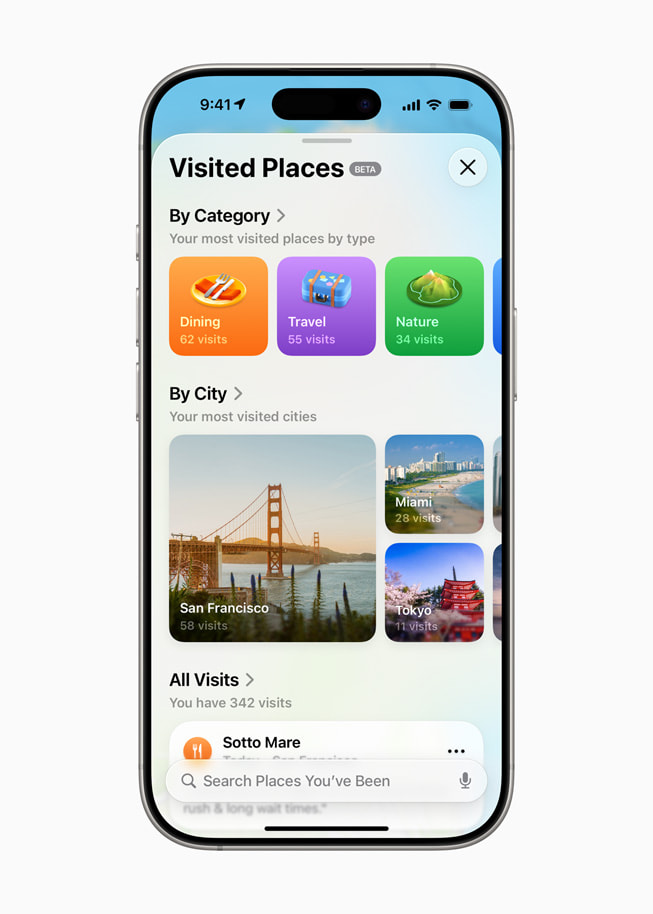
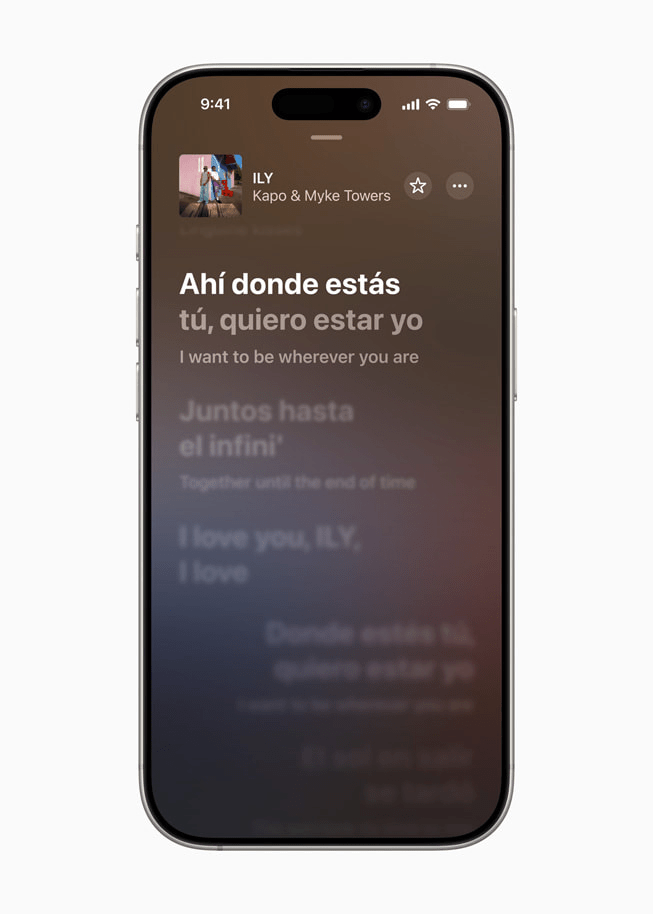
Apple Music adds lyric translations and pronunciation guides for supported songs. AutoMix blends transitions between tracks. In Maps, Visited Places can help you find a restaurant or shop you went to before, and preferred routes can surface commute delays where supported.
Wallet and travel
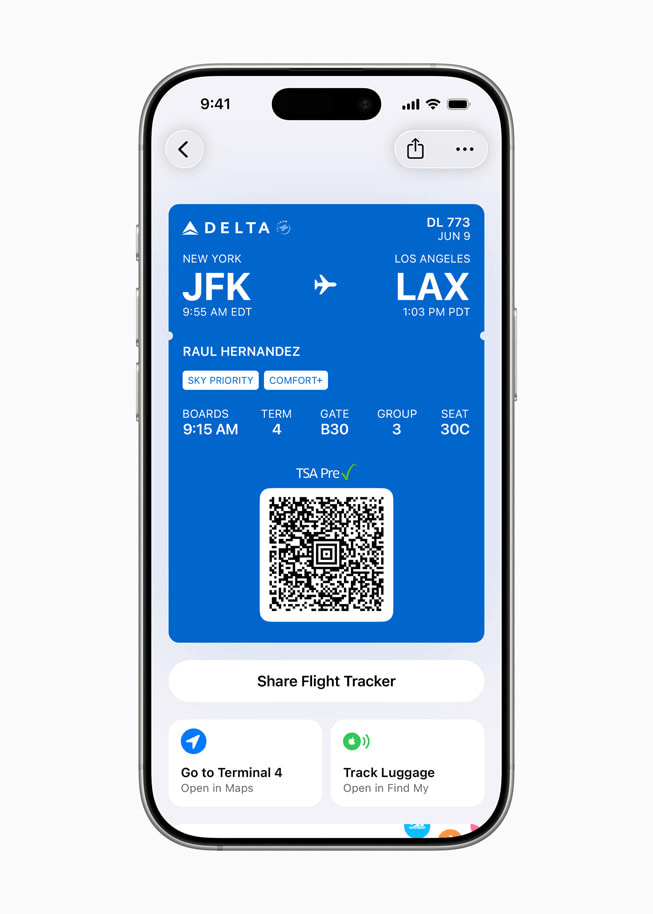
Boarding passes from participating airlines can display flight updates as Live Activities and offer shortcuts to airport maps and Find My. Wallet features depend on your region and the airline, bank, or card involved.
Other changes worth checking
- Apple Games collects games and updates in a single app.
- Compatible AirPods can act as a remote shutter in supported camera apps. Check your AirPods model and firmware before trying it.
- Accessibility Reader offers a customizable reading view. Braille Access helps users work with a connected braille display.
- Family controls add contact and app exception requests that parents can manage.
Reader Comments 0
Sign in with email or Google to join the discussion.