Table of Contents
NotebookLM is most useful when it has a focused set of reliable sources. Three free tools can cover tasks around that core: Perplexity can help discover current web sources, Quizlet can turn reviewed concepts into repeatable study sessions, and Obsidian can store notes outside a single NotebookLM notebook.
The important distinction is that each tool has a separate job. Use discovery tools to find evidence, NotebookLM to question and synthesize the selected sources, and a notes or study app to retain the results.
Perplexity for finding additional sources
NotebookLM answers from the material added to a notebook. That source grounding is valuable, but it also means an incomplete source set can produce an incomplete answer. Perplexity can help at the discovery stage by searching the web and showing pages related to a question.
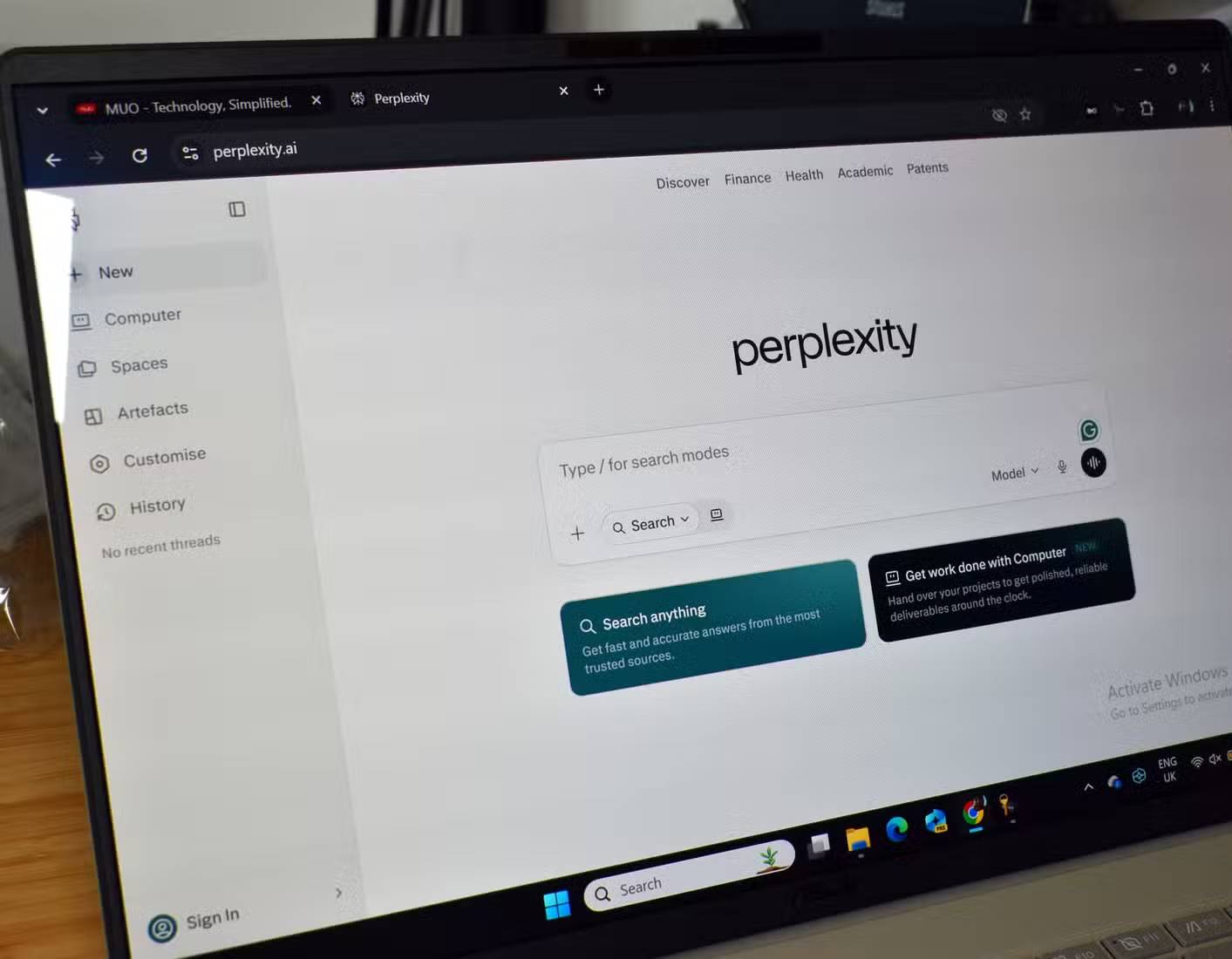
A practical research workflow
- Ask Perplexity a focused question about the gap in your current notebook.
- Open the cited pages instead of relying only on the generated summary.
- Prefer primary sources, official documentation, reputable reporting, and original research where appropriate.
- Add the useful pages or documents to NotebookLM as sources.
- Ask NotebookLM to compare the new material with the sources already in the notebook.
This workflow keeps the final analysis tied to documents you selected and inspected. A citation in a search answer is not proof that the source supports every sentence, so verify the page before adding it.
Quizlet for repeated review
NotebookLM can generate study materials from the sources in a notebook, including flashcards in supported versions. Those cards are useful for identifying terms, dates, definitions, and relationships, but generating them is only the first step in learning.
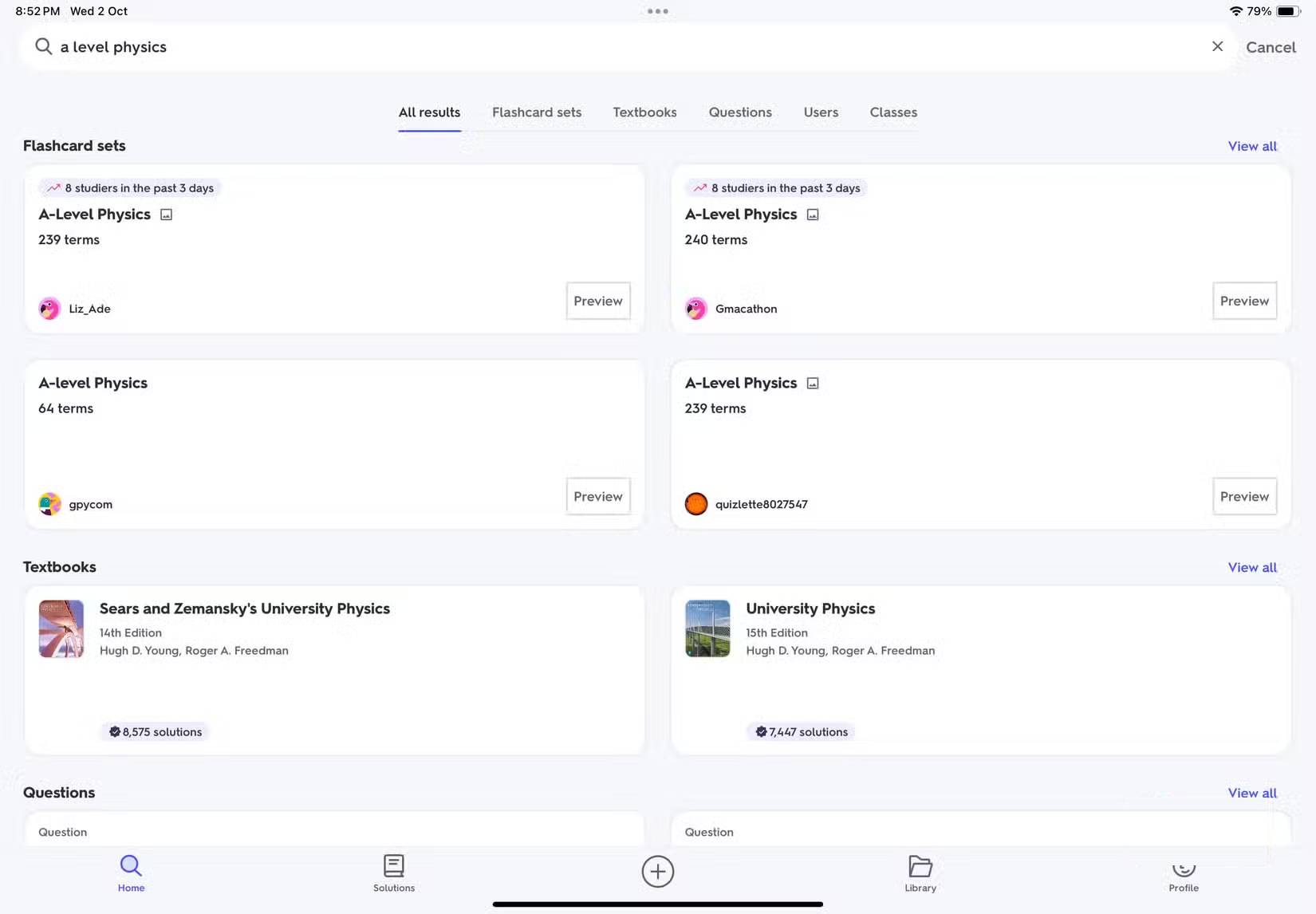
Move the reviewed question-and-answer pairs into Quizlet when you want a dedicated practice environment. Quizlet provides several study modes and mobile access, although specific features and offline options may depend on the current plan.
Improve cards before importing them
- Keep each card focused on one fact or idea.
- Replace vague questions with prompts that have a clear answer.
- Check every answer against the cited source.
- Split long explanations into several cards.
- Add context when a term could have more than one meaning.
Do not import a large AI-generated set without review. A single incorrect date or reversed definition can be repeated throughout later practice.
Obsidian for durable, connected notes
NotebookLM is designed for source-based analysis, while Obsidian is designed for maintaining a personal collection of Markdown notes. Pairing them separates temporary AI-assisted exploration from long-term knowledge management.
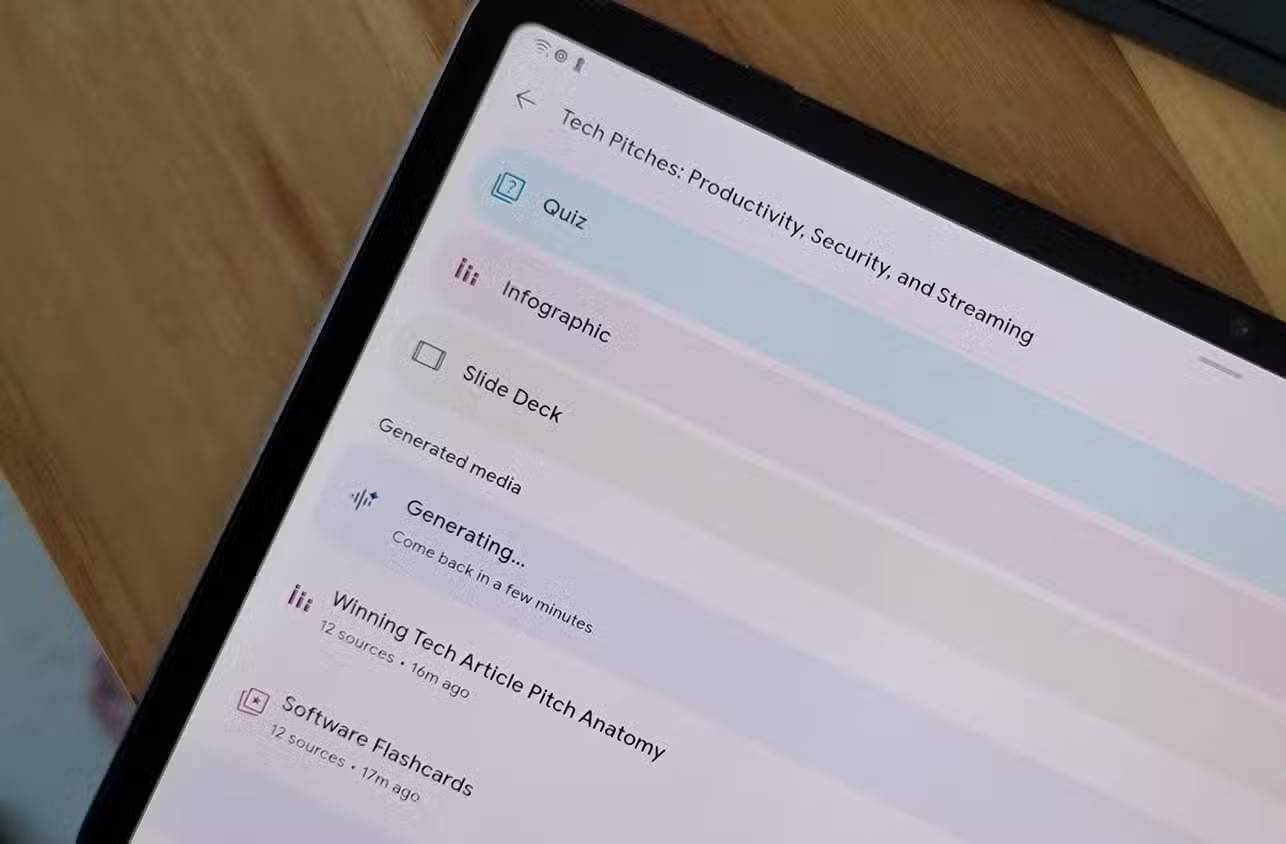
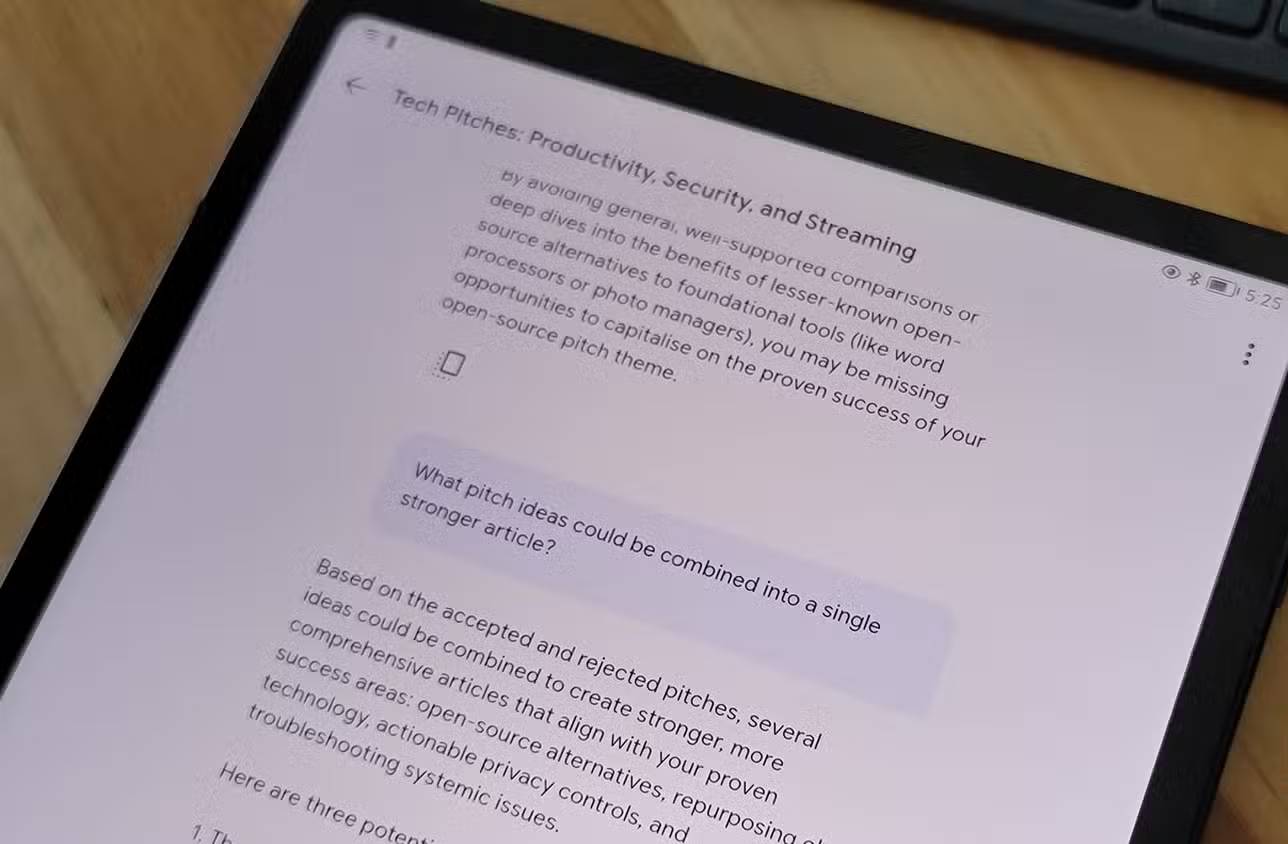
Send selected notes to NotebookLM
Choose notes related to one research question and export or combine them in a supported source format, such as Markdown text or PDF. Add only the relevant set to a notebook; a smaller, coherent source collection is easier to query than an unfiltered archive.
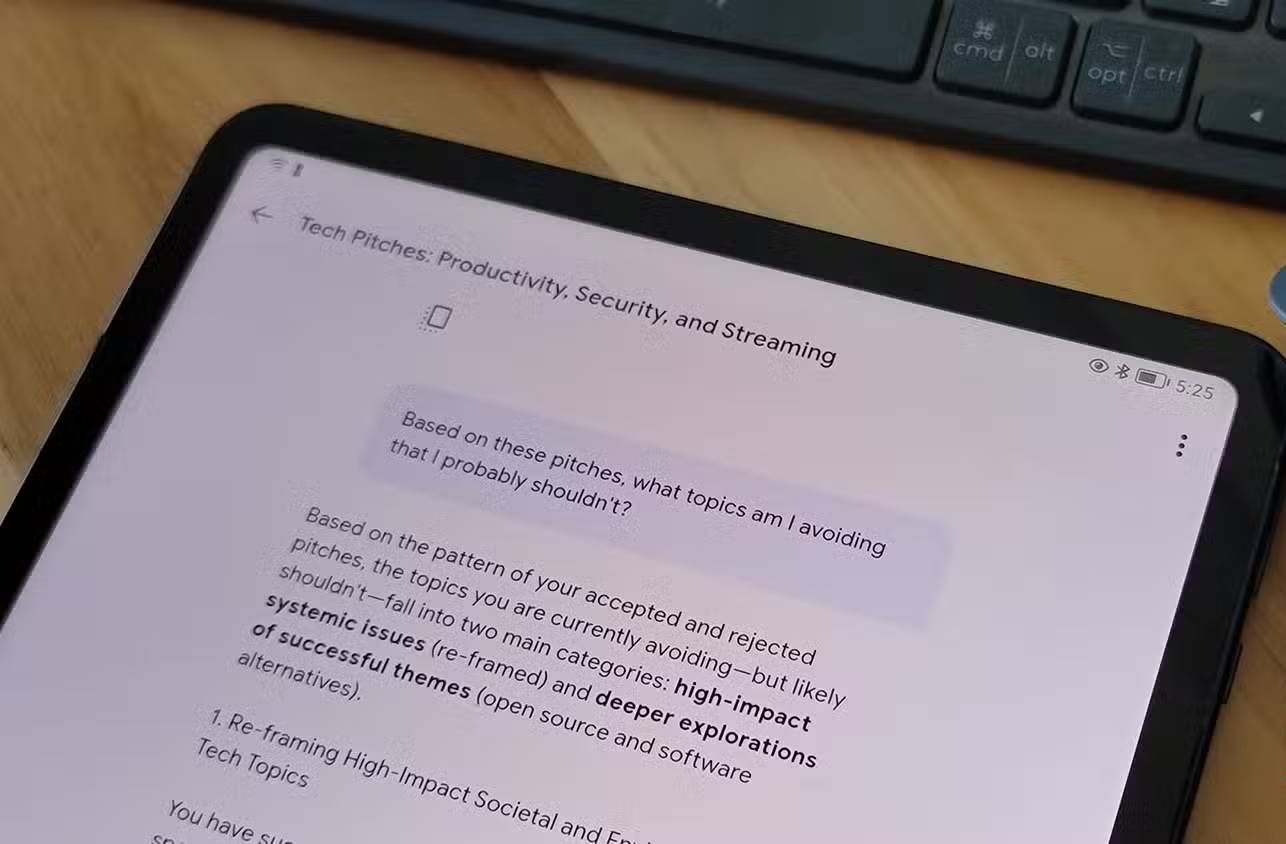
Use NotebookLM to compare the notes, identify repeated themes, find disagreements, and generate questions that expose missing evidence.
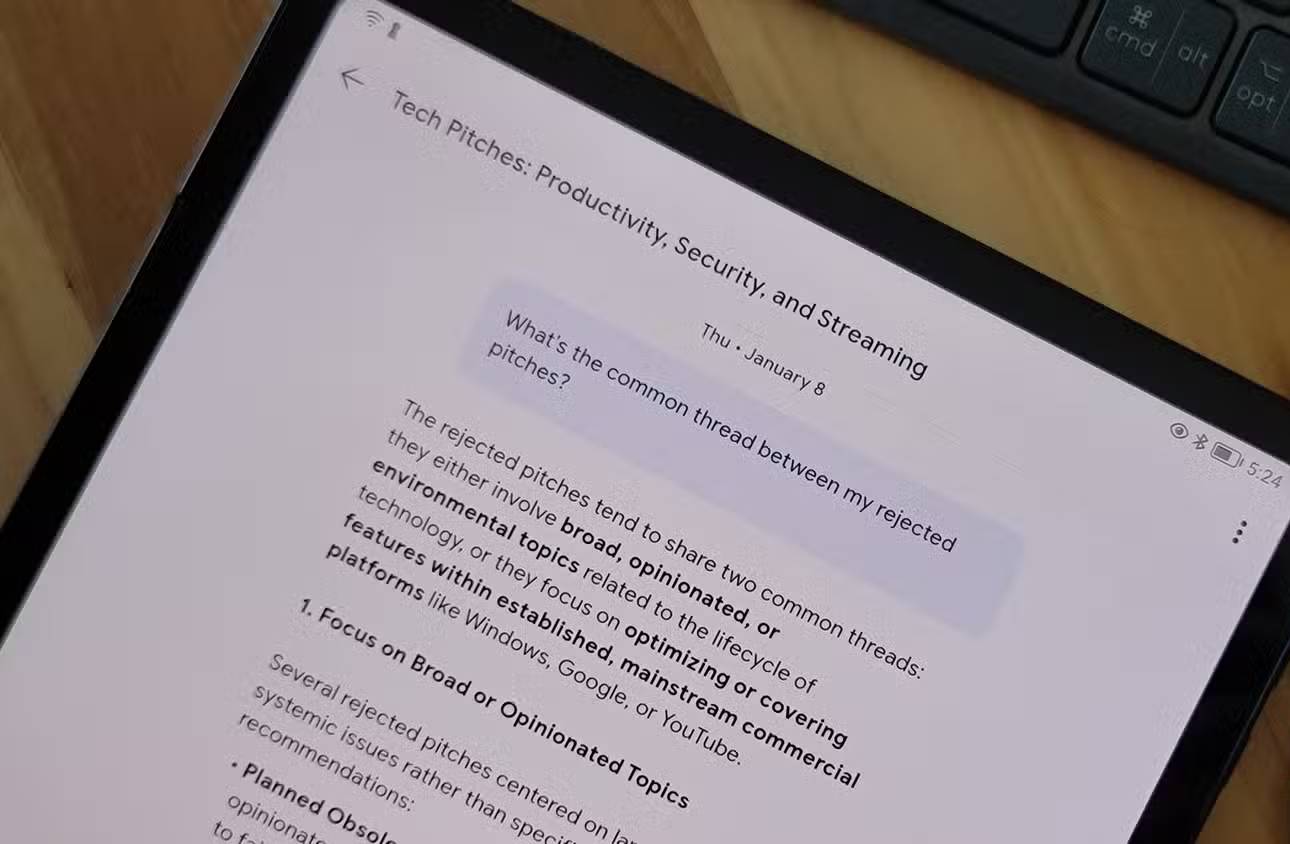
Return verified conclusions to Obsidian
After checking NotebookLM's citations, write the useful conclusion in your own words and link it to the related Obsidian notes. Record the original source, not just the AI answer, so the note remains auditable later.
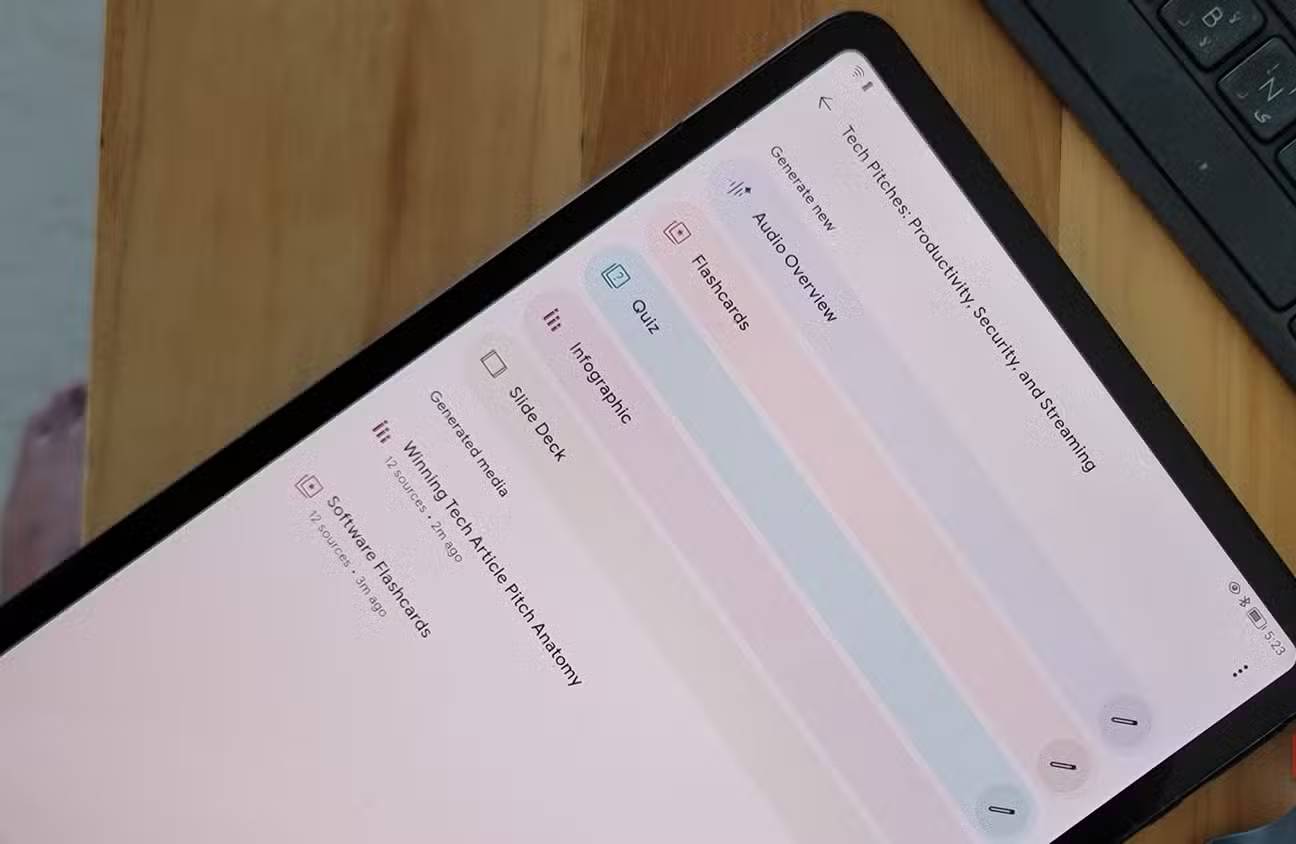
The same pattern works with another notes app if it can export text or PDF files. Review privacy requirements before uploading personal, confidential, or organization-owned notes to any AI service.
A simple end-to-end workflow
- Discover: Find credible, current sources with Perplexity or another search tool.
- Analyze: Add the selected material to NotebookLM and ask source-specific questions.
- Retain: Save verified notes and source links in Obsidian.
- Practice: Put checked facts into Quizlet for repeated review.
NotebookLM does not need every surrounding function built into it. It works well as the analysis layer of a larger workflow—as long as the source set is carefully chosen and every important output is verified.
Related Articles
 3 Best Chrome Extensions for Gemini Notebook (NotebookLM)12 minutes read
 NotebookLM Alternatives Worth Trying5 minutes read
 How Is NotebookLM Becoming a Comprehensive 'Creative Studio'?7 minutes read
 5 Simple Tricks to Make NotebookLM Smarter When Taking Notes7 minutes read
 6 Smart Prompts Make NotebookLM Even More Useful3 minutes read
 5 Important Configuration Settings That Most NotebookLM Users Often Overlook6 minutes read
Reader Comments 0
Sign in with email or Google to join the discussion.