Table of Contents
AI programming tools have become one of the biggest topics in software development. Every week, there's a new demo showing how AI can create features, automate workflows, and significantly increase developer productivity. Cursors are frequently mentioned in those discussions, and rightly so; they are a powerful tool with some truly impressive capabilities.
But after using it extensively, the biggest productivity benefits don't come where people expect. The more you work with Cursor, the more you'll realize its true value lies in helping to solve the complexities of modern development processes rather than in generating code.
It will take some time to realize that, but once you understand it, your entire approach to using Cursor will change.
People have been using Cursor completely incorrectly
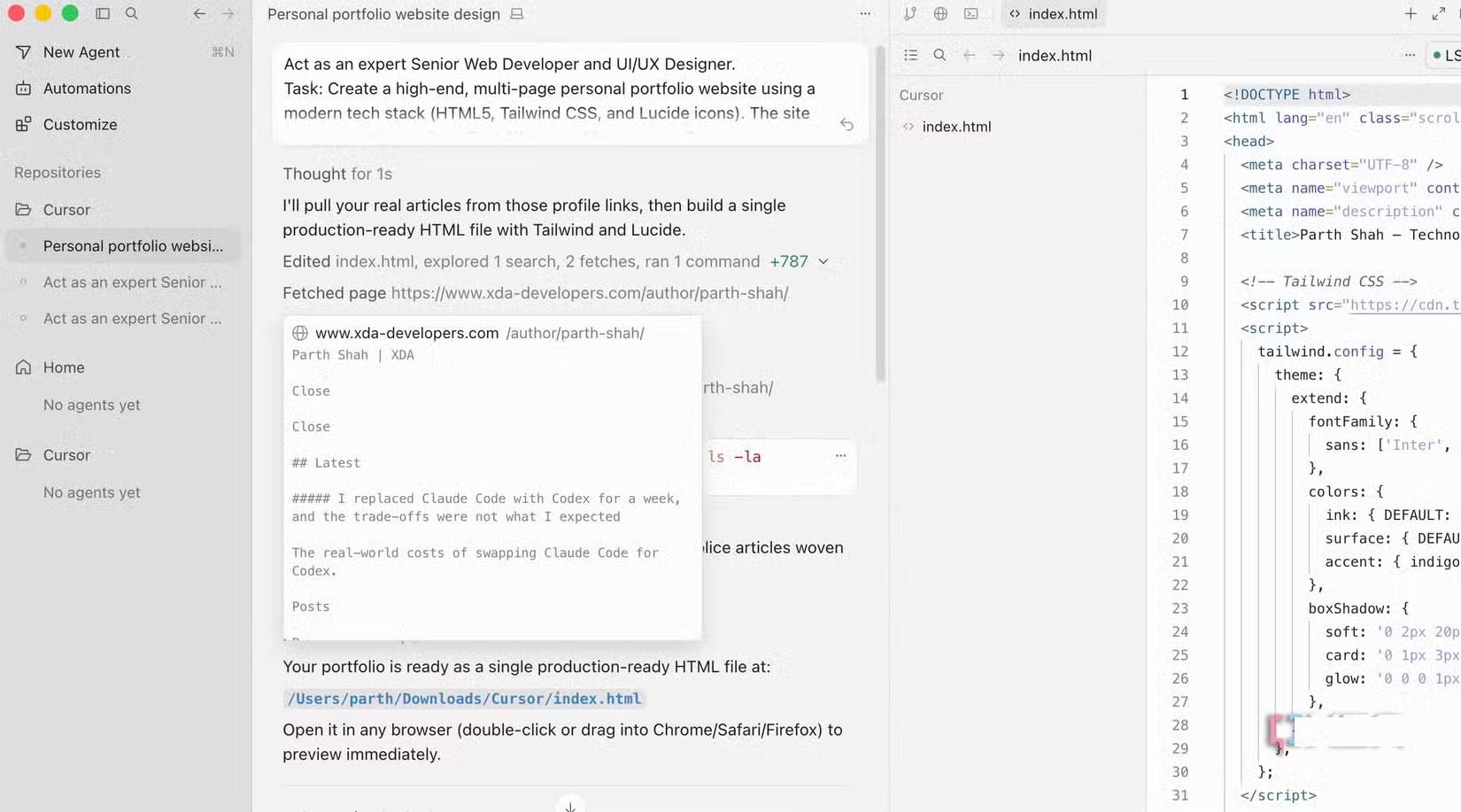
When first starting to use Cursor, most people approach it this way: They think of it as an AI that will write most of the code for them. You typically describe a feature, wait for the code to be generated, review it, fix a few bugs, and continue. At least, that's the expectation.
Sometimes the results are impressive. Cursor can generate sample code, suggest implementations, and speed up repetitive tasks. But the experience isn't as smooth as the demos suggest. The larger the task, the more time you spend reviewing, debugging, and ensuring the generated code is truly suitable for the project.
For a time, many people thought they weren't using the right prompt or providing enough context. In retrospect, the issue was much simpler. They were judging the Cursor based on a role it didn't necessarily perform best.
Many people have stopped asking Cursor to write code
A small shift in mindset unlocks the value of Cursor
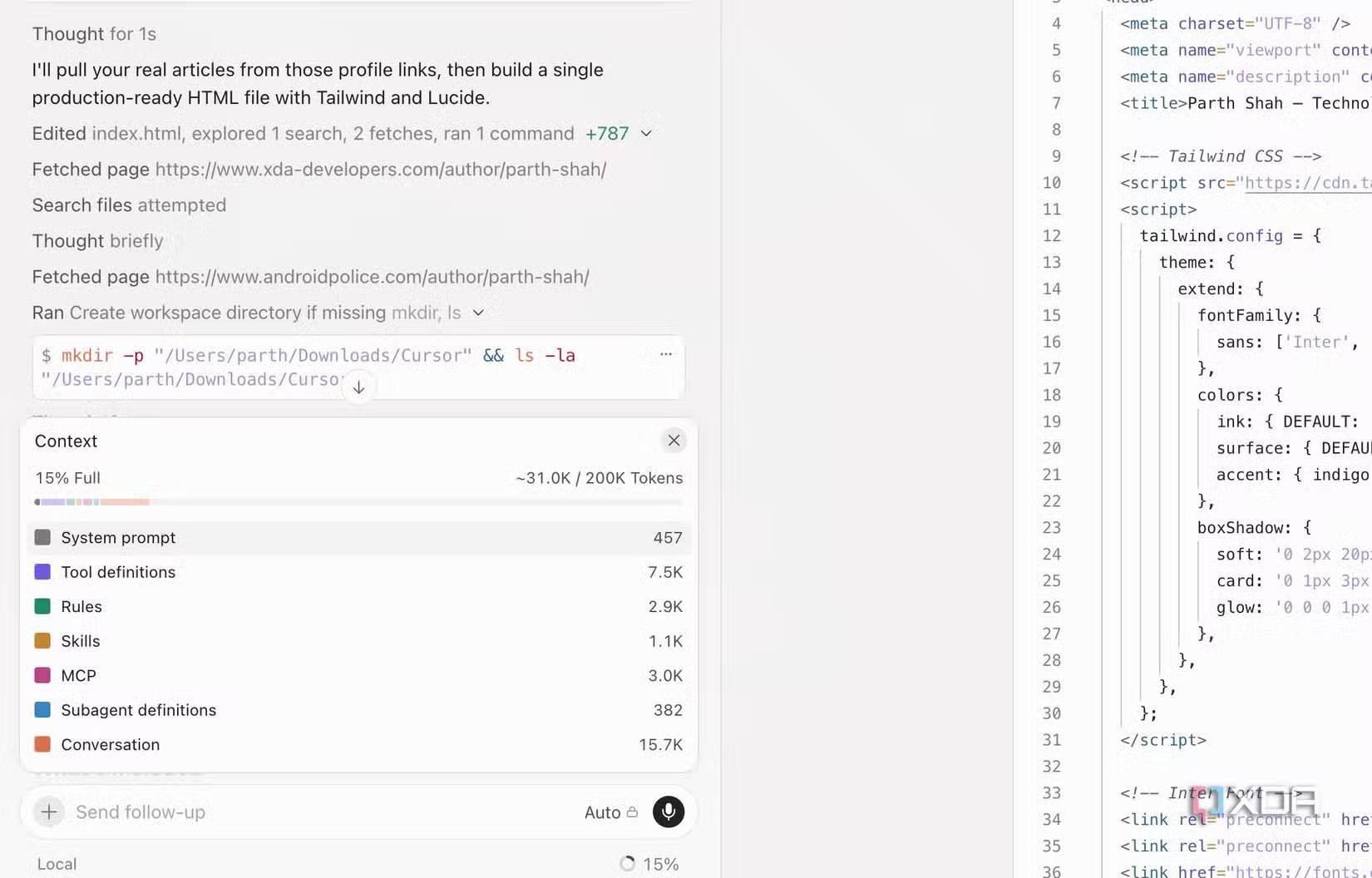
The turning point comes when you stop treating Cursor as a tool that automatically writes complete features for you. Instead of starting every task with "let's build this," start asking questions.
Ask Cursor to explain unfamiliar parts of the codebase, help you trace the source of a piece of logic, or point out files related to errors. Many people also start using it to understand code written by other developers before making changes themselves.
What surprised everyone was that Cursor became much more useful. The answers were often faster and more reliable because they were based on the project's context rather than generating a large amount of code from scratch.
This small change completely transformed the workflow for many people. They no longer relied entirely on Cursor for development work. Instead, they used it to gain a better understanding of the project and make decisions more quickly.
After changing their approach, people spent less time struggling with the tool and more time taking advantage of its benefits. That's when Cursor truly proved its value.
There are times when Cursor really helps you save time
The real time-saving aspect isn't about automated code generation
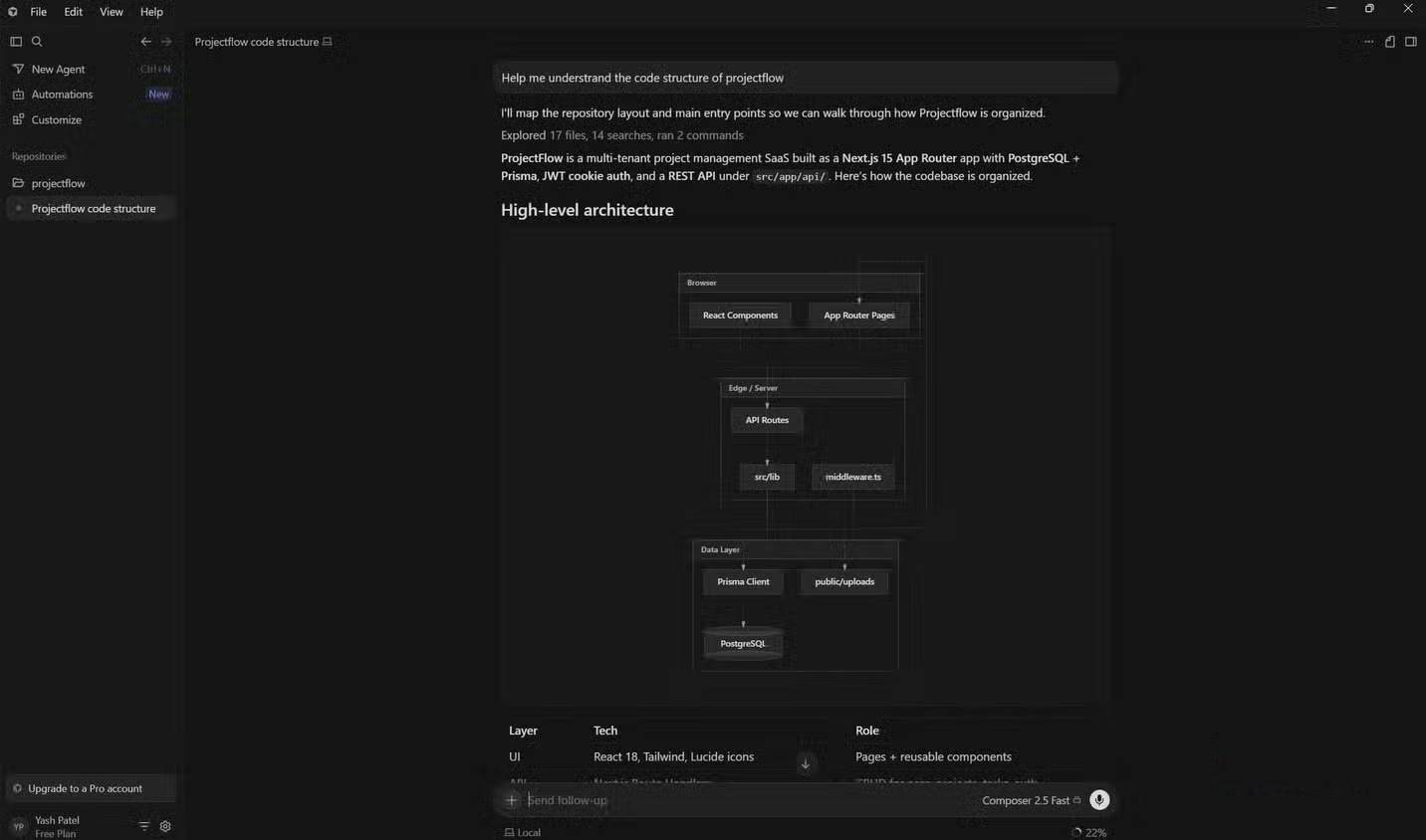
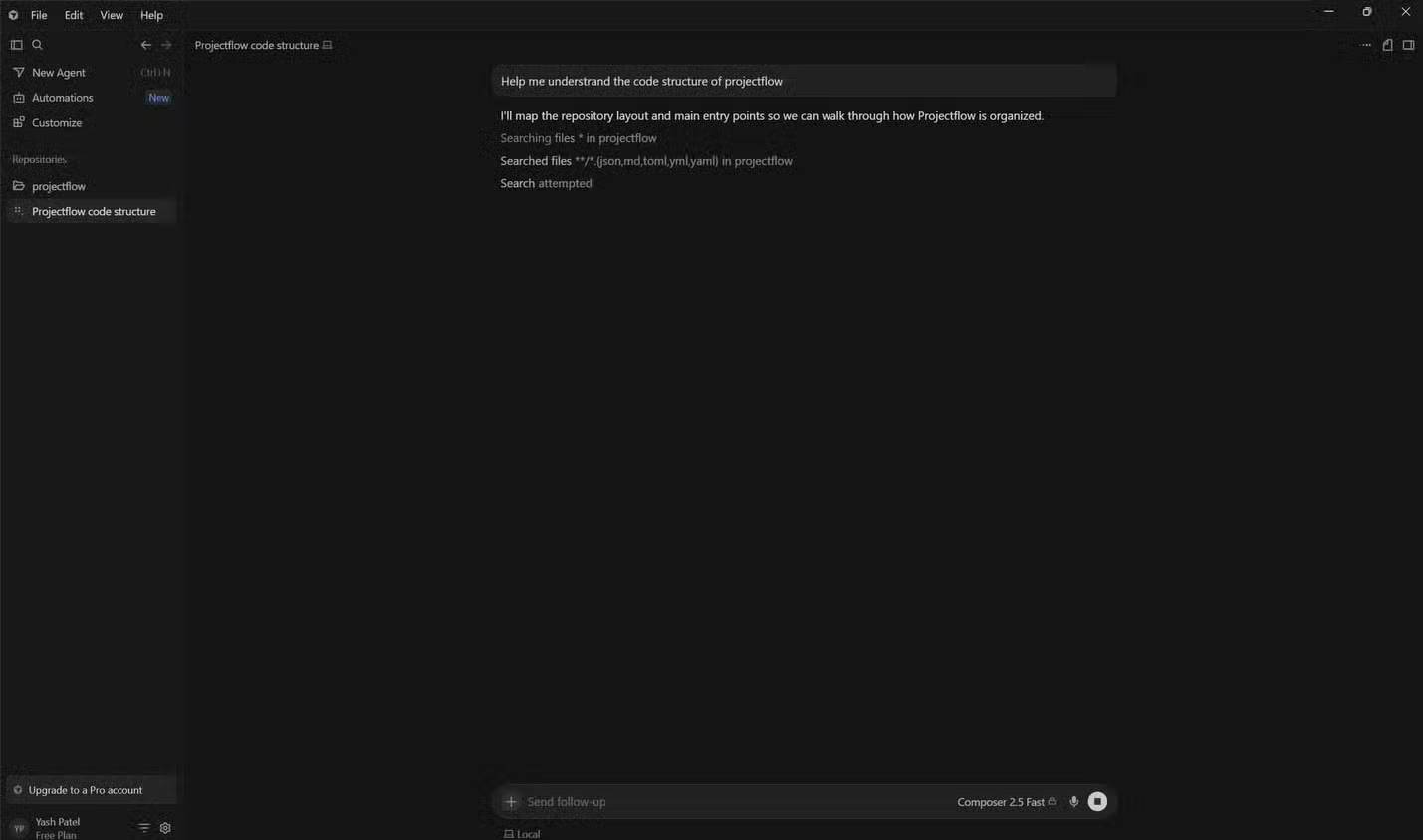
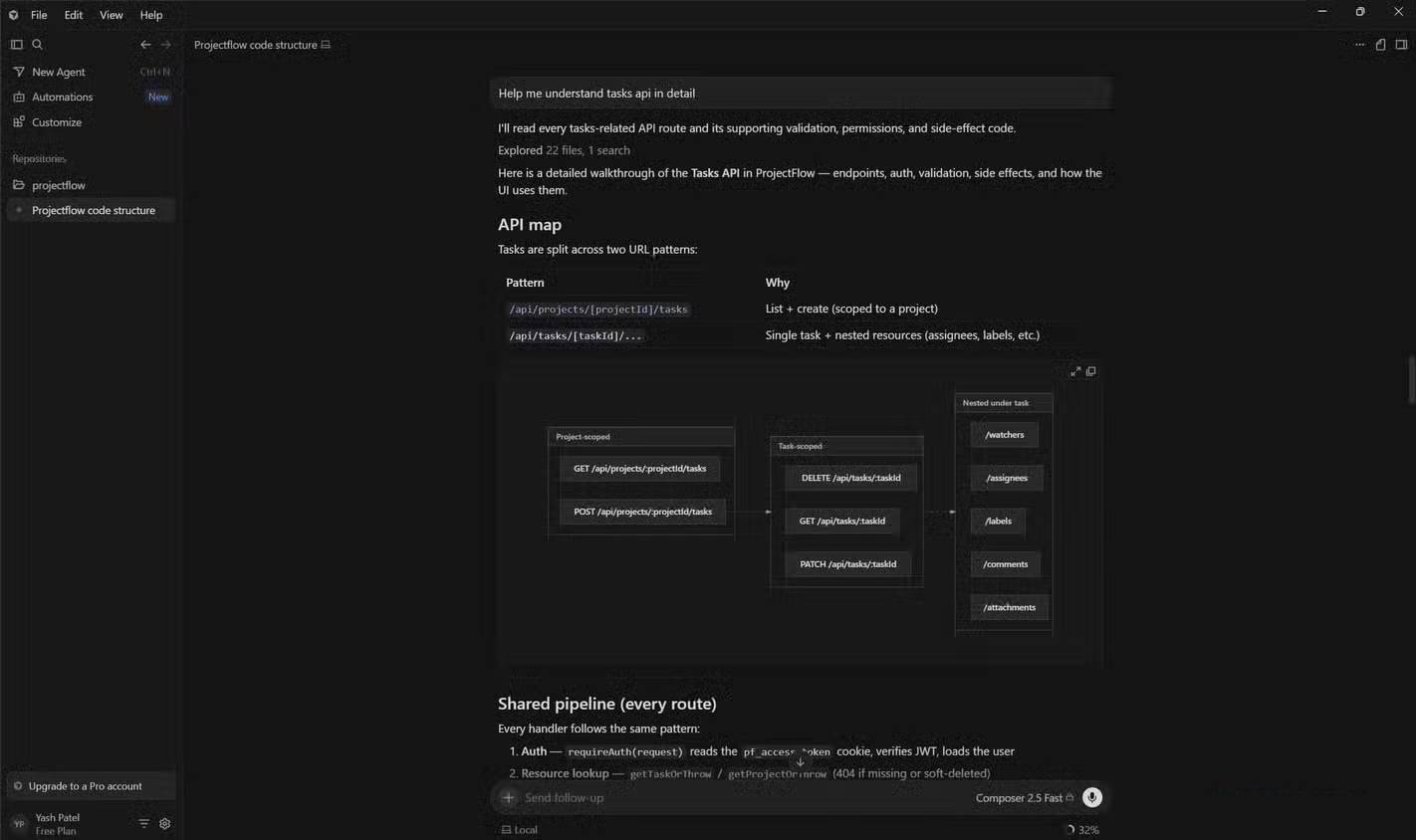
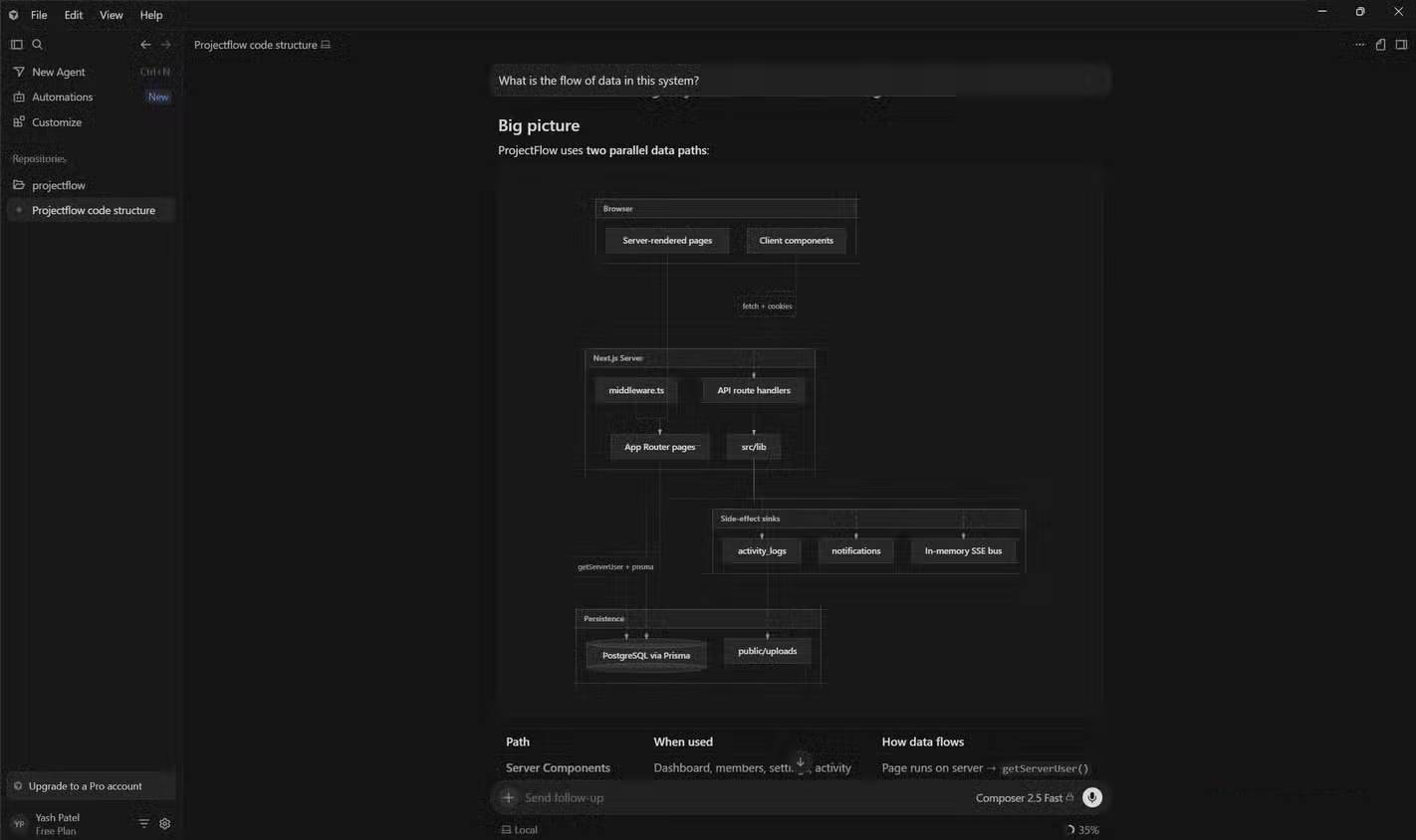

The biggest surprise is that Cursors save the most time in areas where you're not writing code. Much of development work isn't about typing code, but about understanding how a project works, identifying where errors are coming from, or finding the right places to make changes. That's where Cursors become truly valuable in the workflow.
For example, when working in an unfamiliar codebase, you can ask Cursor which specific API is being used, how a feature is connected across multiple files, or what happens when a particular button is clicked. Instead of having to search through dozens of files yourself, you can often find the right direction in just a few seconds.
People also use it a lot for debugging. When errors occur, Cursor helps track the data flow, identify related files, and understand the underlying cause much faster than doing it yourself.
Another area where it's useful is code refactoring. Before making changes, ask Cursor to explain the dependencies, highlight the affected components, or summarize how a function works.
The result isn't Cursor writing all your code. Instead, you spend significantly less time searching, tracking, and trying to understand existing code. That's where you'll see the biggest increase in productivity.
Cursor's greatest strength isn't writing code
After spending more time with Cursor, you'll see it differently than when you first started. Its value doesn't lie in replacing developers or automatically building entire applications with just a few simple steps. Its value lies in helping developers handle complex projects with less effort and mental stress.
Modern software projects are riddled with files, dependencies, and decisions made months or even years ago. Navigating all of that often takes more time than writing new code. Cursors help reduce that complexity by making it easy to access information when you need it.
Related Articles
 How to Use Cursors to Review Code Effectively6 minutes read
 Why Write Neat and Organized HTML?6 minutes read
 Guide the Most Simple and Effective Way to Write Easy-to-read5 minutes read
 Instructions for Fixing Device Usb Error Not Recognized Code 438 minutes read
 What Is Low Code: What Is Low-code? and How Does It Work?8 minutes read
 9 Tips to Help You Write More Delicious Code11 minutes read
Reader Comments 0
Sign in with email or Google to join the discussion.