1. Windows 11 Is Much Slower
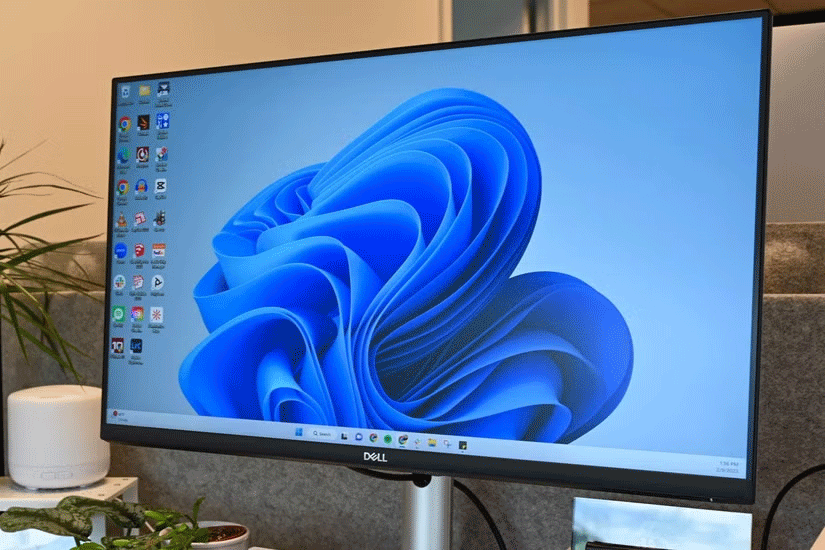
While you won't notice much of a difference in performance when running sustained workloads or using apps, Windows 10 seems noticeably faster overall. On Windows 11, basic actions like opening apps or opening context menus take a little longer, and over time that little delay becomes really annoying.
File Explorer, while still perfectly usable in Windows 11, feels like it has been significantly downgraded in terms of performance. Even with an SSD, navigating through folders takes longer, which is even more frustrating.
Another frustration is the slower animations. They don't lag, but they do feel slower - like switching desktops, which is much faster on Windows 10.
2. Context Menu Is Too Complicated
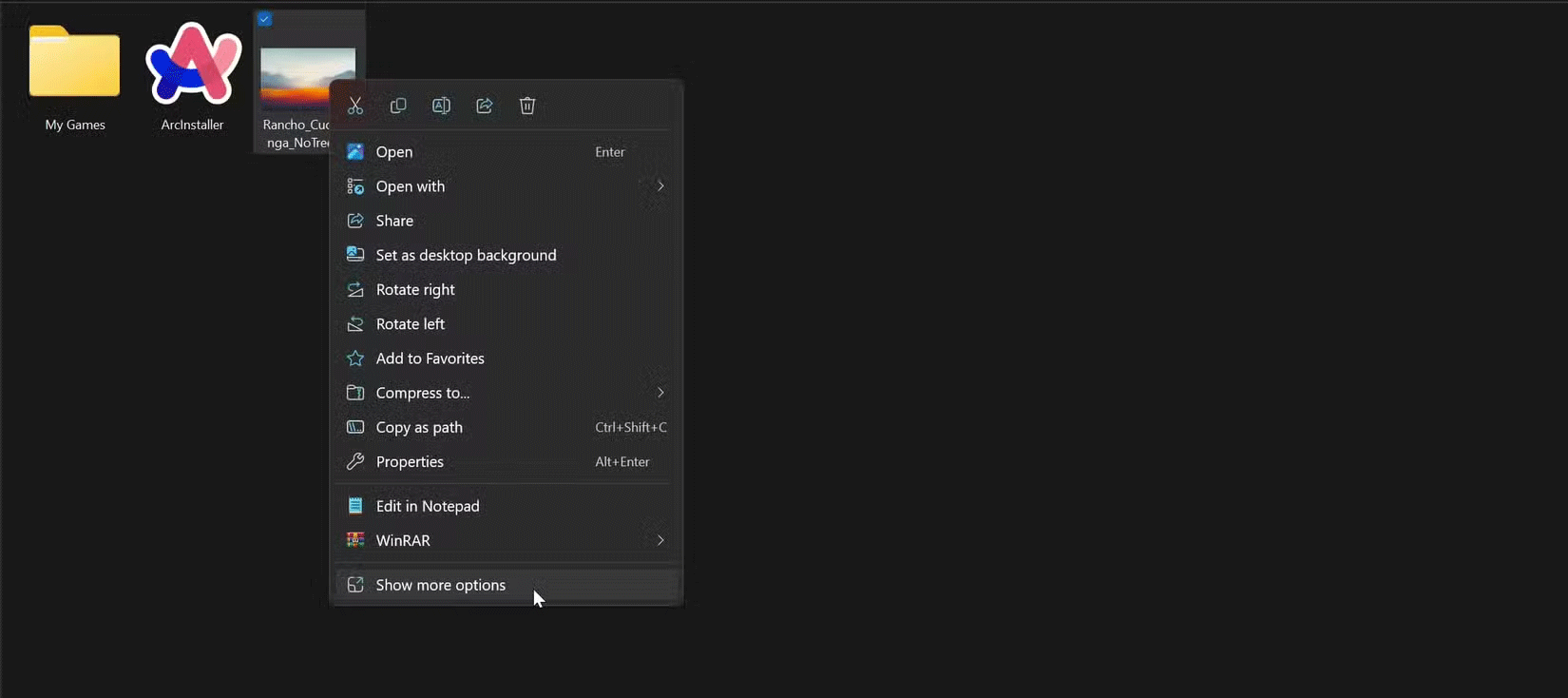
Windows 11 has prioritized form over function, resulting in a much more limited context menu that only displays a handful of options upon initial right-click. Even basic actions like cut, copy, paste, and rename have been replaced with vague icons instead of plain text, which takes time to adjust to.
Because the options are so limited, you have to click Show more options at the bottom to access all the available actions, which feels like an unnecessary extra step just for aesthetic purposes. This extra layer can be annoying, especially when you're used to the simpler and more functional context menus in Windows 10.
3. Taskbar and Start Menu Are Downgrades
One thing that doesn't make sense is why the taskbar prioritizes aesthetics over functionality, like the context menu. For example, you can't move the taskbar anywhere on the screen anymore, since the only option now is to keep it at the bottom.
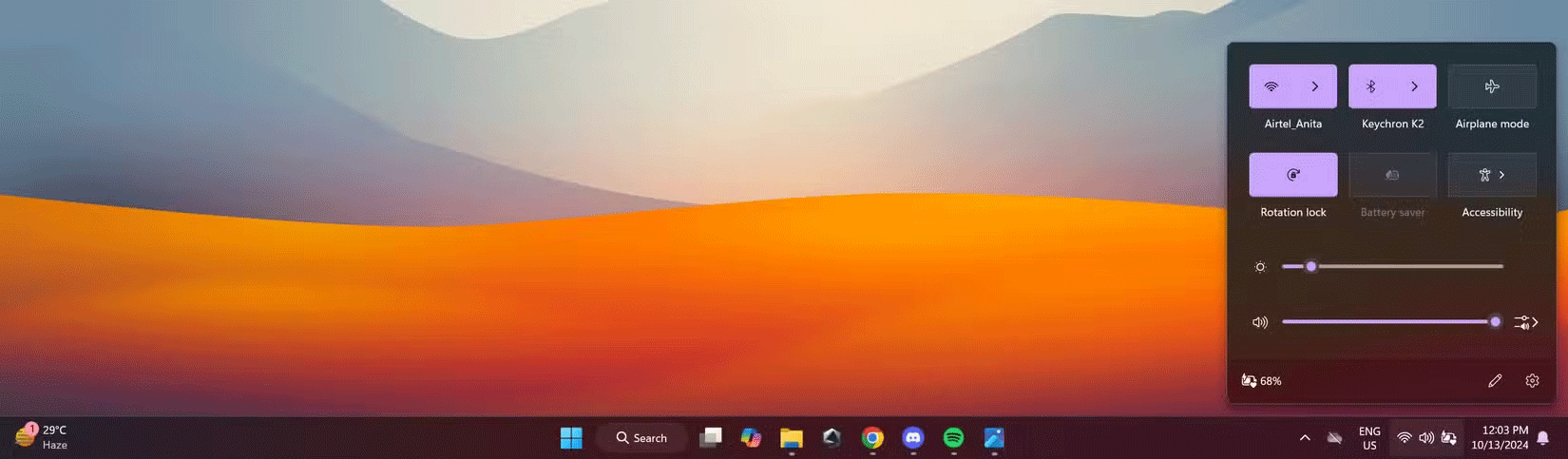
Another issue that really annoys people is how Wi-Fi, sound, and other related settings are merged into a single button. Instead of bringing up the relevant menu when you click an icon, it just opens the Action Center and everything now requires an extra click, which is completely unnecessary.
Why is a user interface designed for touch devices forced onto a desktop-centric operating system?
The Start menu suffers from similar issues. Instead of showing all your apps in a simple list or showing something useful, there's a section dedicated to suggested apps and files. However, sometimes it doesn't show anything you actually want to access quickly.
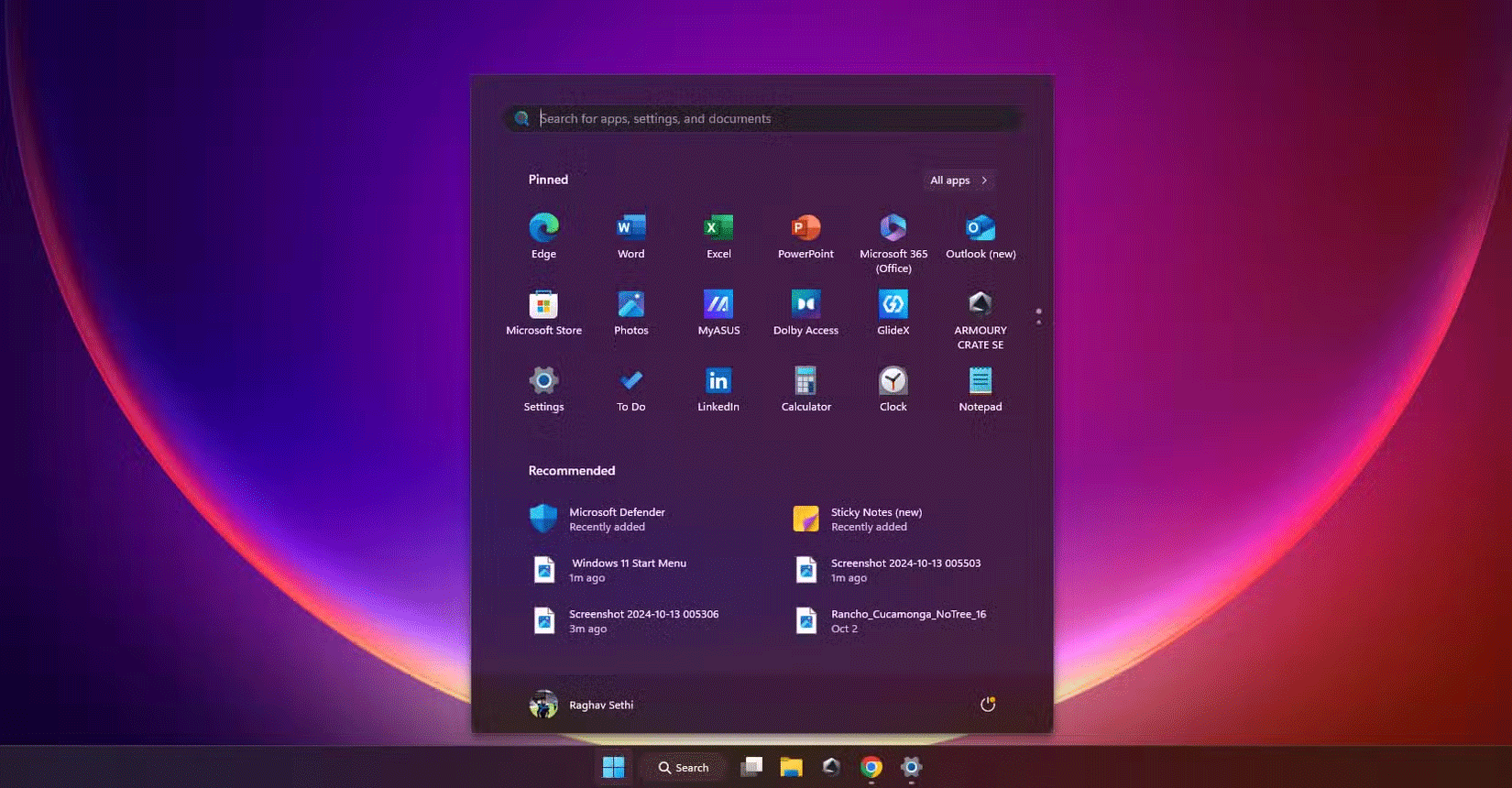
It would be much more useful to be able to use that space to pin additional files or apps of your choice, but unfortunately, there is no such option. This wasted space prevents further customization.
4. Windows 11 Is More Invasive
Windows 11 also forces you to connect to the internet during the initial setup process and requires you to create a Microsoft account to continue. While there are ways to bypass these restrictions, they are more of a temporary workaround and there is always the risk that Microsoft will patch them in the future.
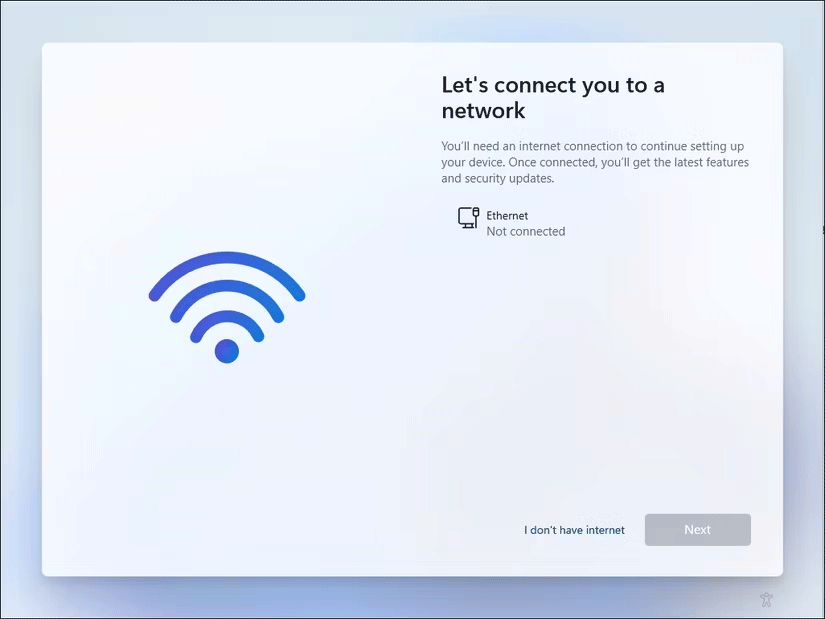
Microsoft also continues to push ads for Edge and other first-party apps and services across the system, which can sometimes feel like malware. Changing your default apps is also more tedious. Instead of letting you set a default app for an entire category, like your web browser, Windows 11 requires you to manually change the default for each individual file extension. This contributes to a growing trend of needing to click unnecessarily for even the simplest tasks.
While Windows 11 offers some superior features to Windows 10, downgrading to Windows 10 right now isn't a bad idea. Obviously, this isn't a long-term solution, as Windows 10 will only receive official support until October 2025, so users will eventually have to upgrade to Windows 11. Hopefully, Microsoft will address some of the issues plaguing Windows 11 before users have to make the inevitable switch.



Reader Comments 0
Sign in with email or Google to join the discussion.